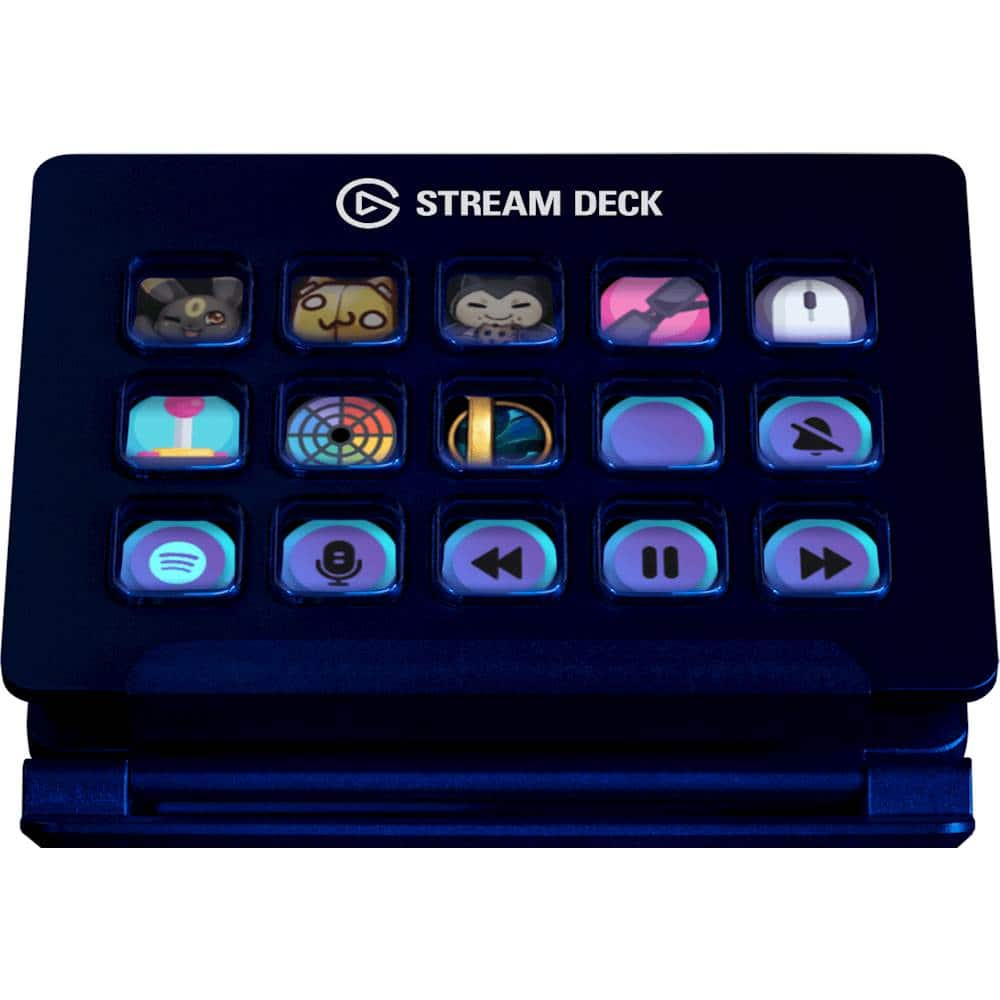
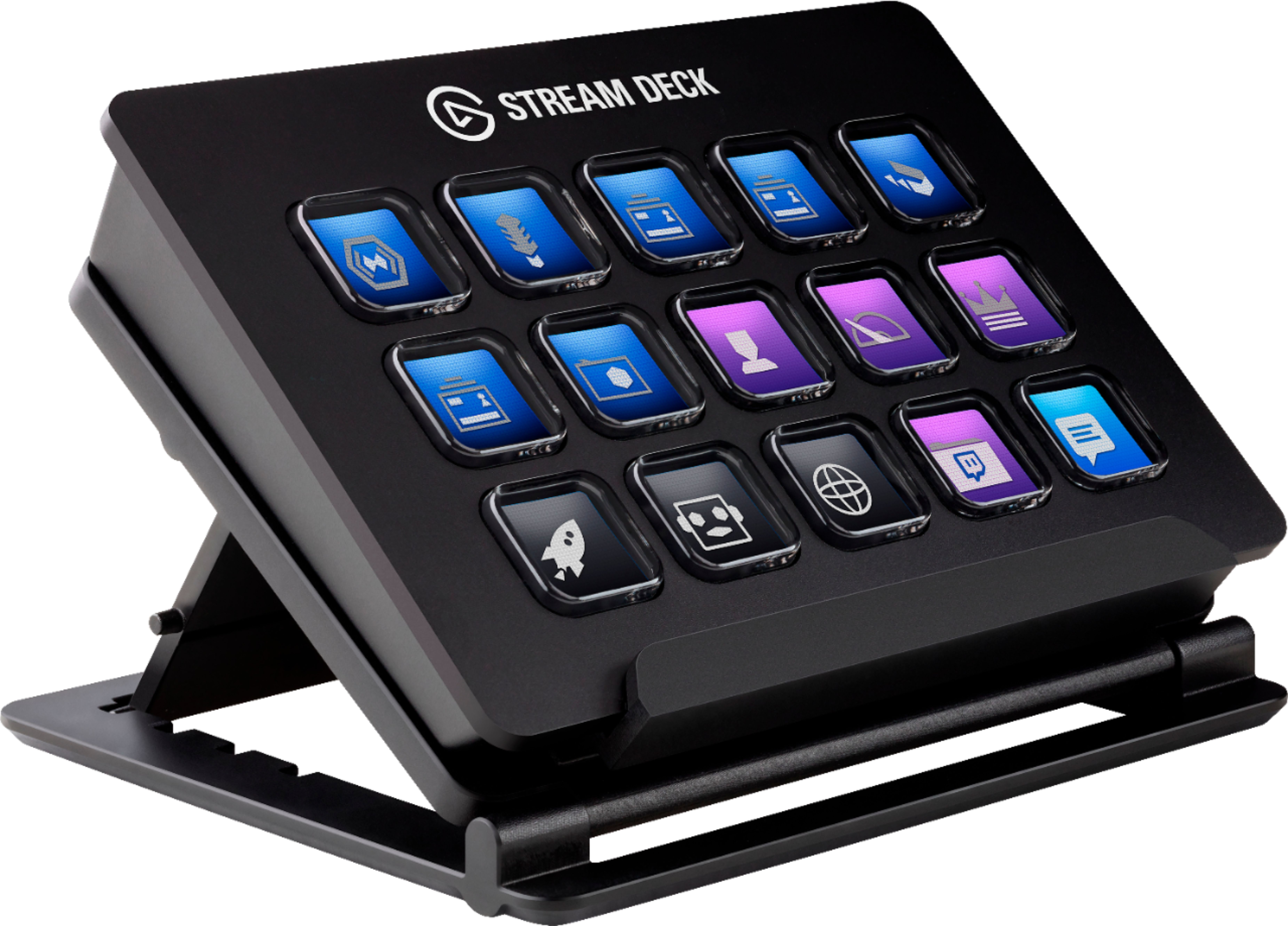
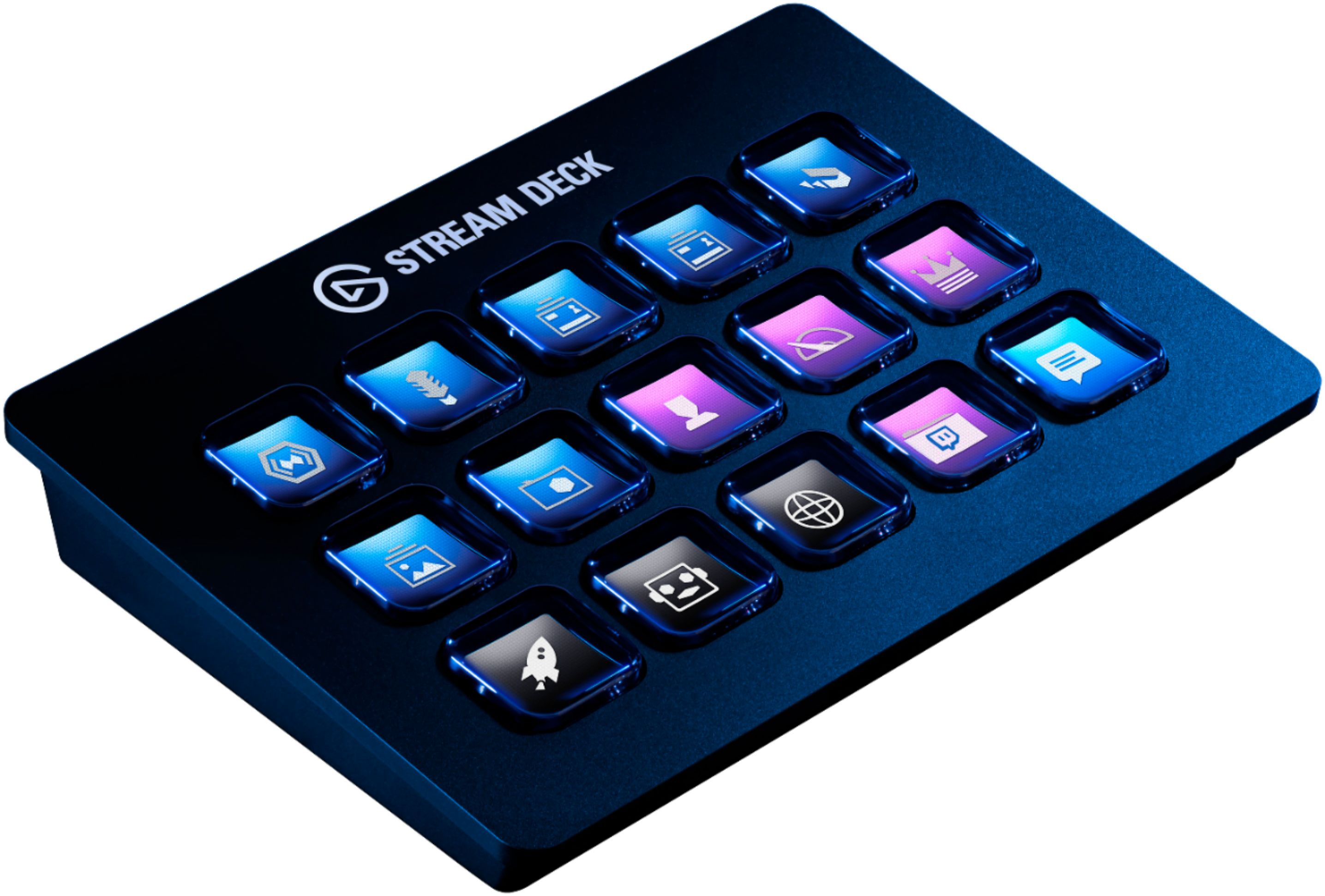
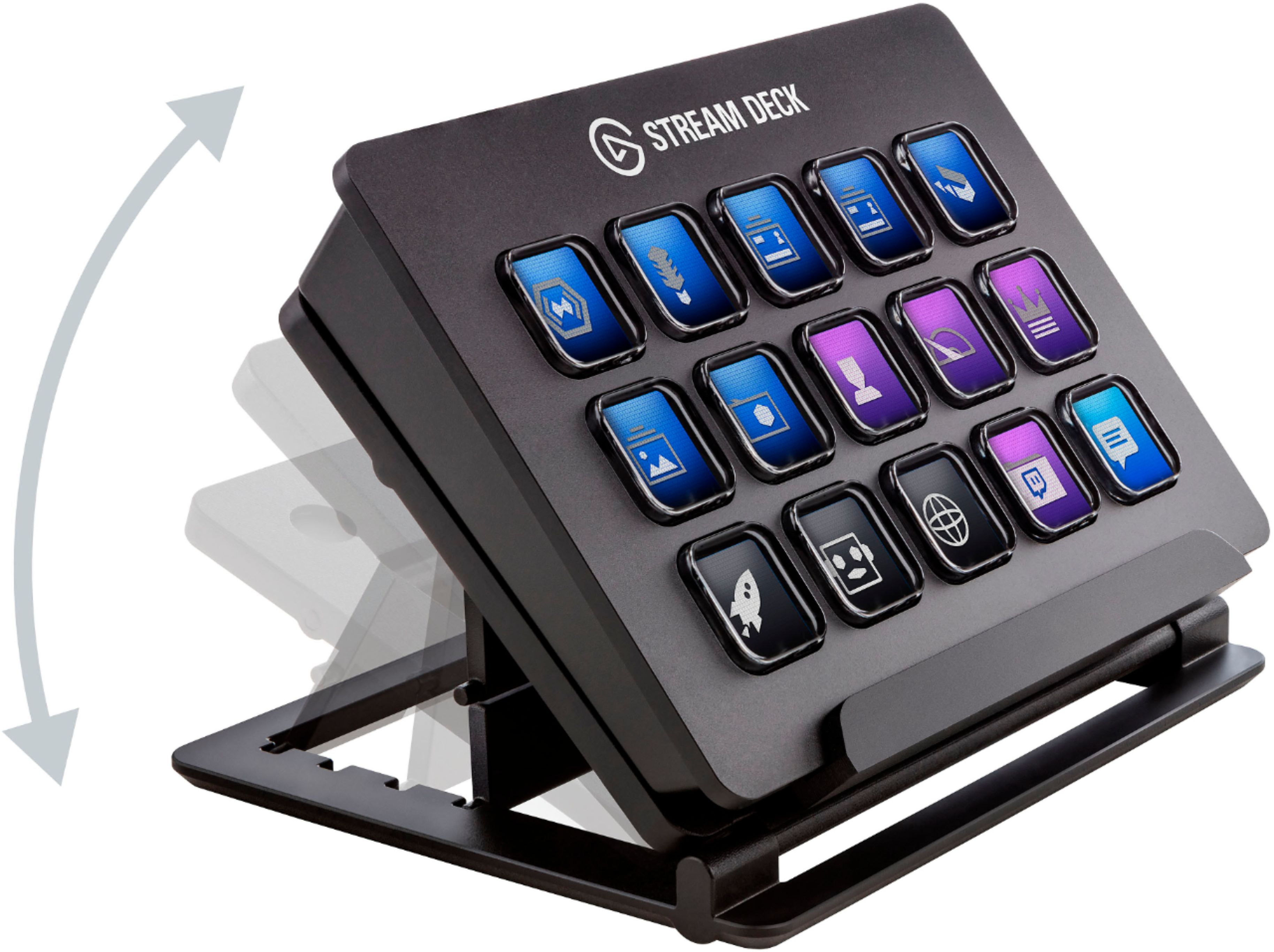
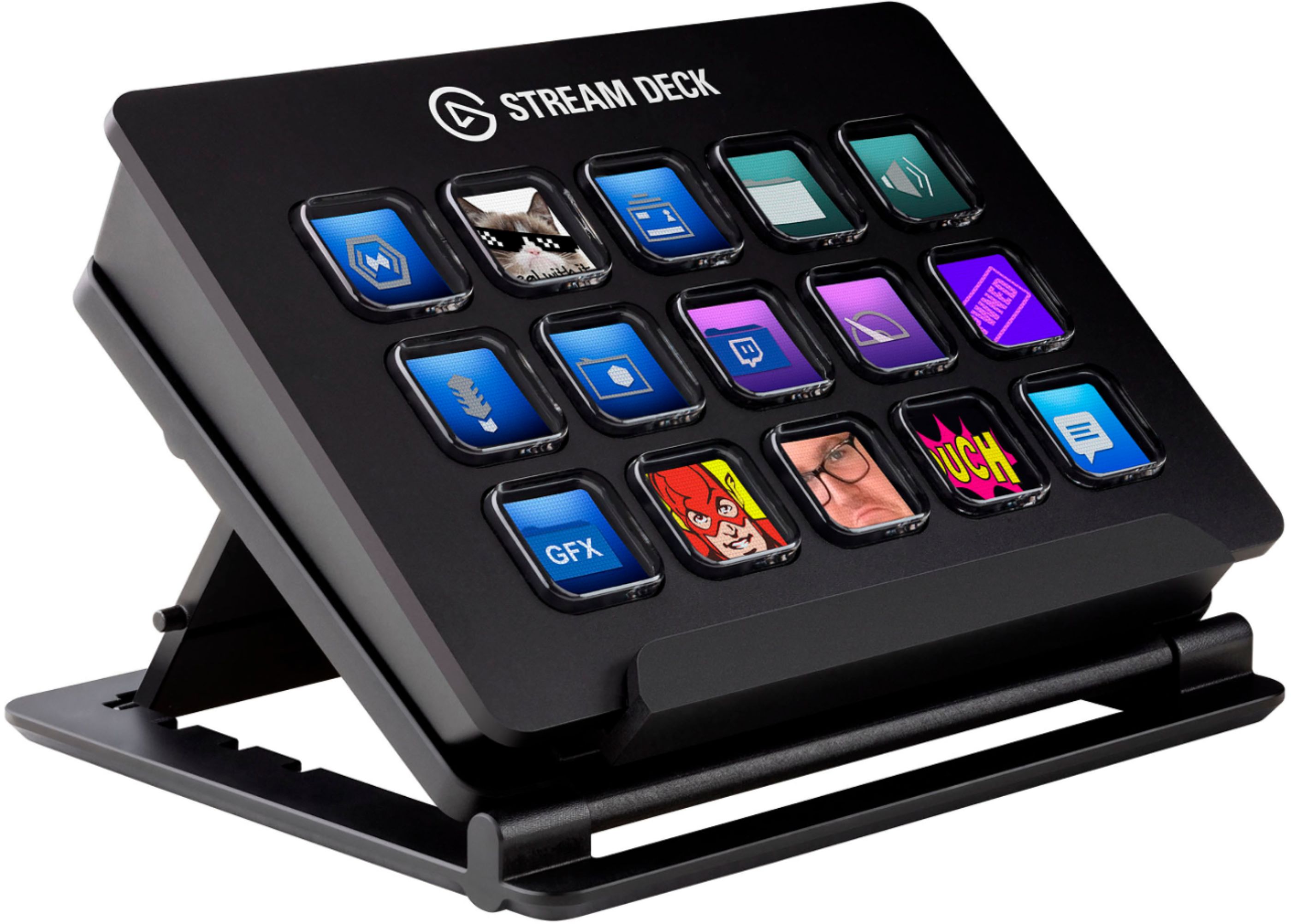
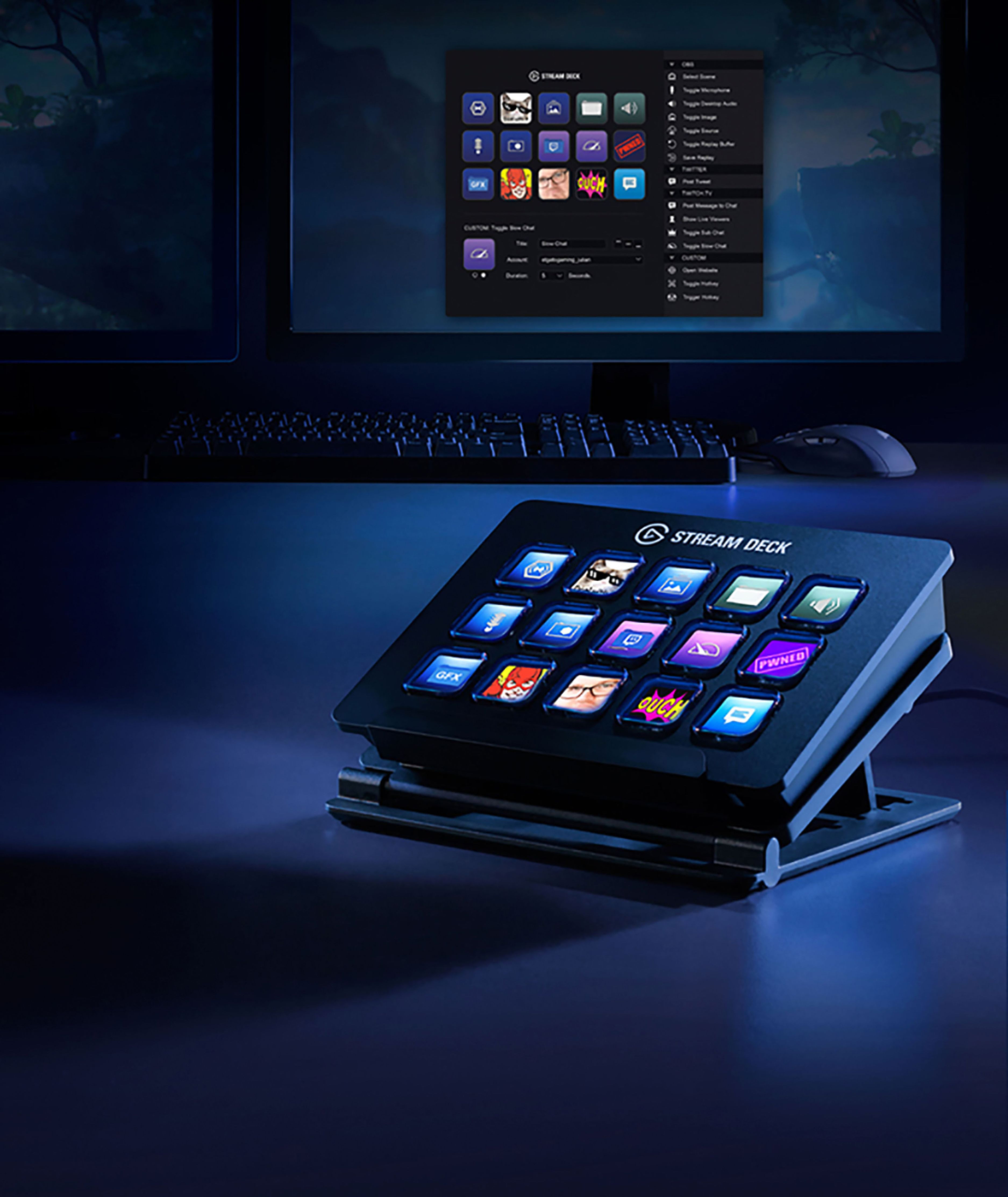
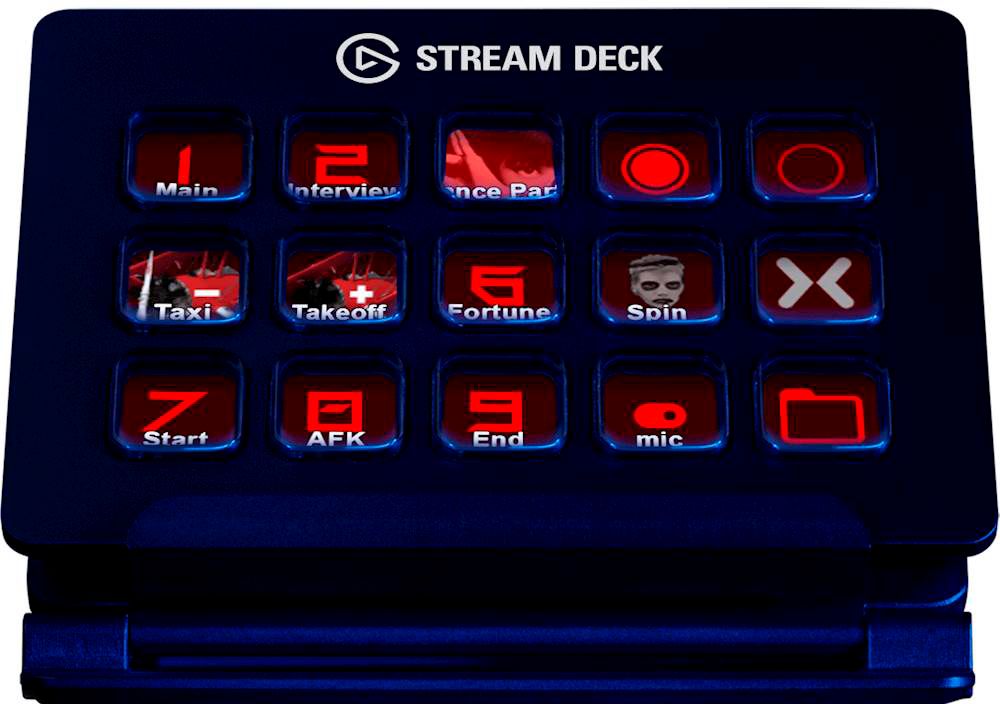
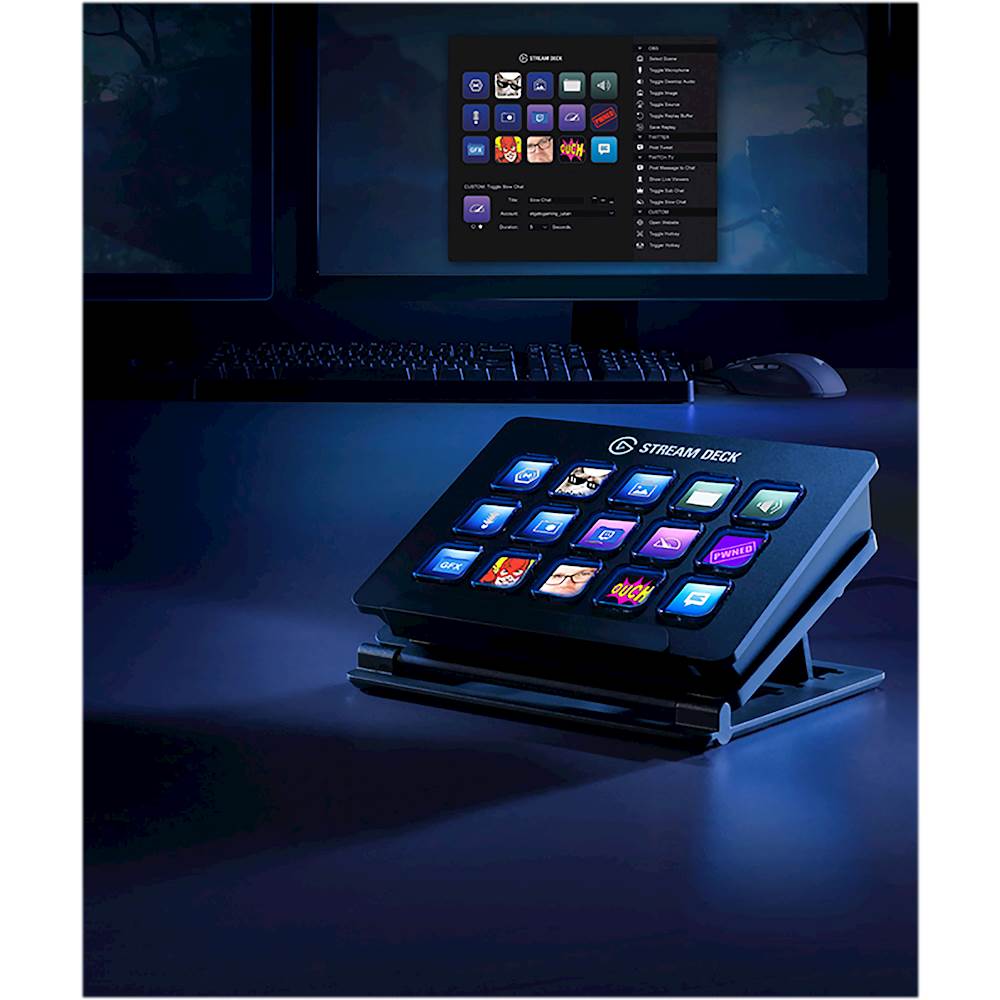
A:Answer It depends upon the software you are using. The StreamDeck does have the ability to automatically switch to a certain layout based upon the application you are using and is active. I have a particular layout that I used with Photoshop, and with Adobe, and when that app is the active window within Windows, the Stream Deck automatically switches to that layout.
You can also use keyboard shortcuts in order to create custom buttons - that is pretty much how I built up all of my Photoshop keys. If the functions you are looking at using have shortcut keys assigned to them - then yes. Very simple and easy to set up, just set the active program in the profile's settings (you can search for it if it doesn't show up in the list), and then under the "System" folder, select "Hotkey" as the button type, set your name or icon, and input the hotkey. That simple and easy. The hardest part is figuring out what the hotkeys are. The ability to use multiple nested folders makes it easy to organize the choices together as well.