Questions & Answers
- Model:
- 60
- |
- SKU:
- 7634008
Highly rated by customers for: Ease of use, Video Quality, Software
Page Showing 1-7 of 7 questions
Q: QuestionDoes it record my voice as well as it is capturing my game? or is the only option to add my voice later?
Asked by cb55.
- A:Answer No, the product does not record your voice but has a built in commentary feature.
Answered by CommunityAnswer
Q: Questionis this only for gamesI saw multi so i wondered if i can use it for more than games
Asked by wesley.
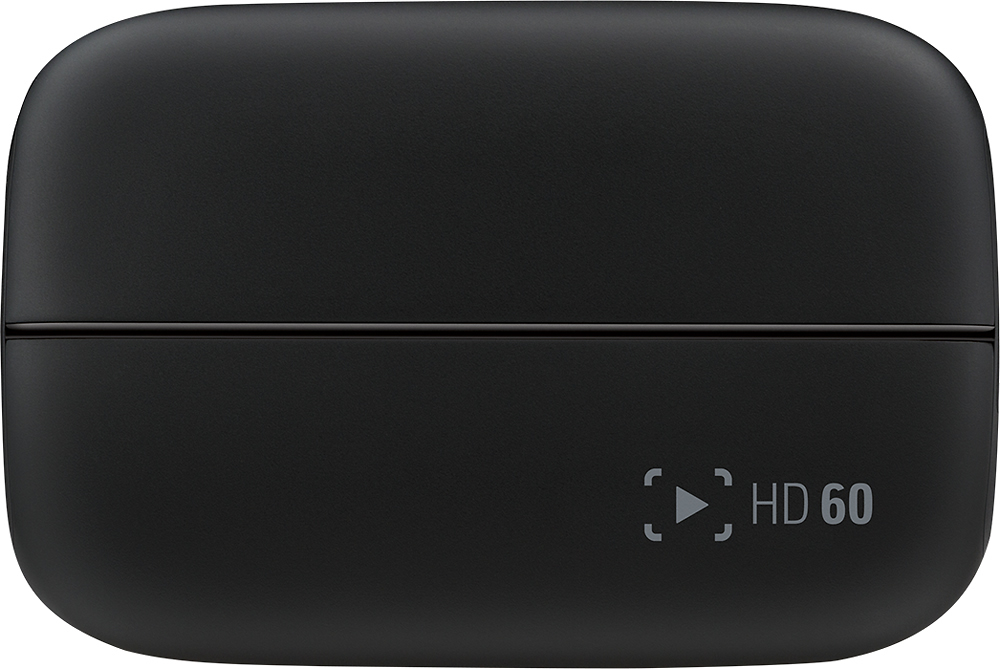
- A:Answer Yeah, you can use it for more than games. It can capture just about anything you want on your PC.
Answered by JFlores2142
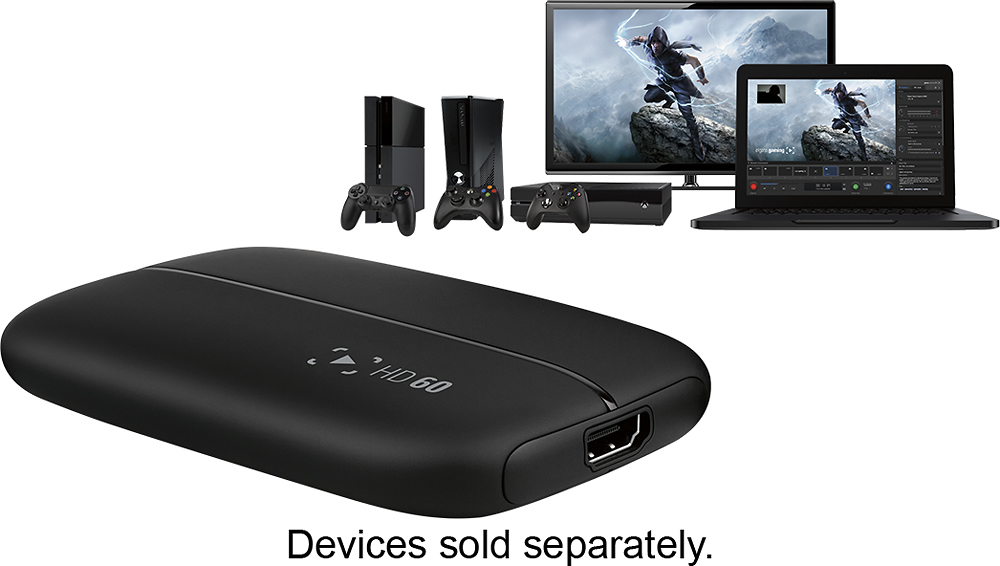
Q: QuestionDoes this capture card work for consoles?
Asked by Anonymous.
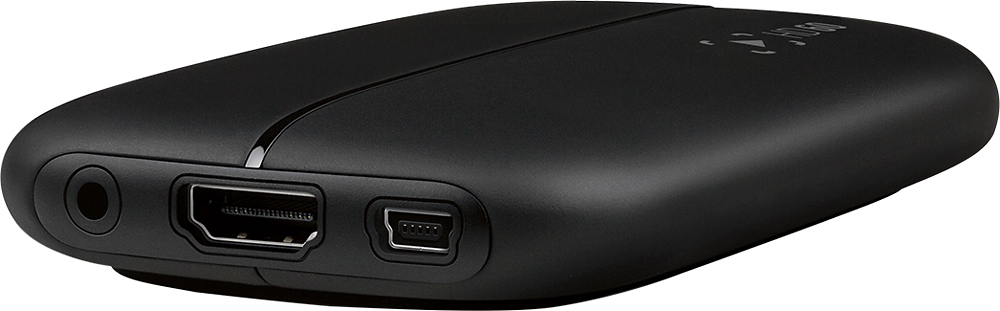
- A:Answer Any console that will ouput to HDMI or get a adapter to HDMI for the older consoles.
Answered by BVTustin
Q: QuestionWill a 1.6GHz Mac desktop support elgato game capture HD60?Or do I need a higher GHz Mac desktop?
Asked by Anonymous.
- A:Answer My son had to call the manufacturer directly and they gave him all of the specifications needed from your laptop or PC to run Elgato effectively ! They were extremely patient and helpful :-)
Answered by GamerMom
Q: QuestionLag in game playMy son says when the device is plugged in that there is a lag time in his game play which frustrates him greatly. He wants to return it. Is this normal? Any advice?
Asked by Anonymous.
- A:Answer Settings may be too high, Depending on his computer specs, he may not be able to run the capture card correctly. Requirements are Intel i7-2XXX or better. 8GB ram minimal. Have him lower his capture card settings and retry. Is he trying to Stream and Capture at the same time? Most people have a dedicated streaming PC for streaming content. He should be able to locally record his gameplay without streaming and not have any effect on screen shuttering or lag.
Answered by mazdaboi
Q: QuestionRequirementsNow I have owned this since this past February and it turns out that my existing computer doesn't agree with it because of the mismatched performance so what is the best and most affordable computer/laptop that I should buy for this?
Asked by The J-Man.
- A:Answer PC or Mac? If it's PC, anything with Windows 8 or 10 made in the past four years or so. For a Mac, I'm using a 2010 iMac with no issues.
Answered by ElectronicsGuy
Q: QuestionWill this work with HDMI camera?Has anyone tried plugging an HDMI camera to this to record a live camera feed? This looks like what I would need to capture the signal from my HDMI camera to USB 2.0 on my Macbook.
Asked by Anonymous.
- A:Answer This will work - but based upon your camera model, you may not receive a full HDMI signal. Check the output signal of your camera model to see what the HDMI out is - I know many of the EOS Canon line do not output a full hdmi signal.
Answered by Wolfymaster
Page 1, Showing 1-7 of 7 questions
Top Rated
- $329.99$329.99The price was $469.99
- $299.99$299.99The price was $349.99
- $139.99$139.99The price was $149.99
- $949.00$949.00The price was $1,099.00
- $449.99$449.99The price was $649.99
- $279.99$279.99The price was $329.99
- $1,499.00$1,499.00The price was $2,799.00