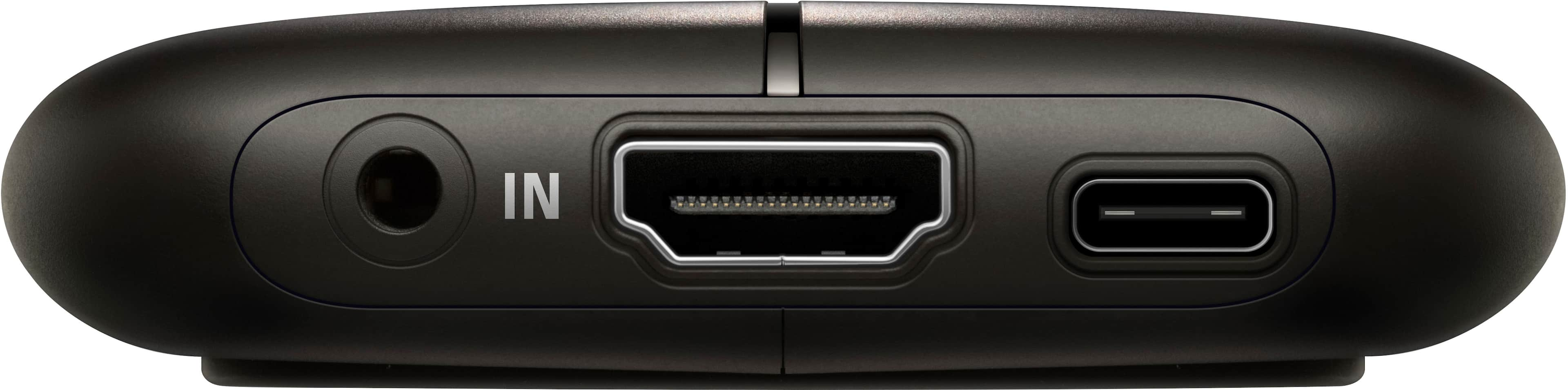
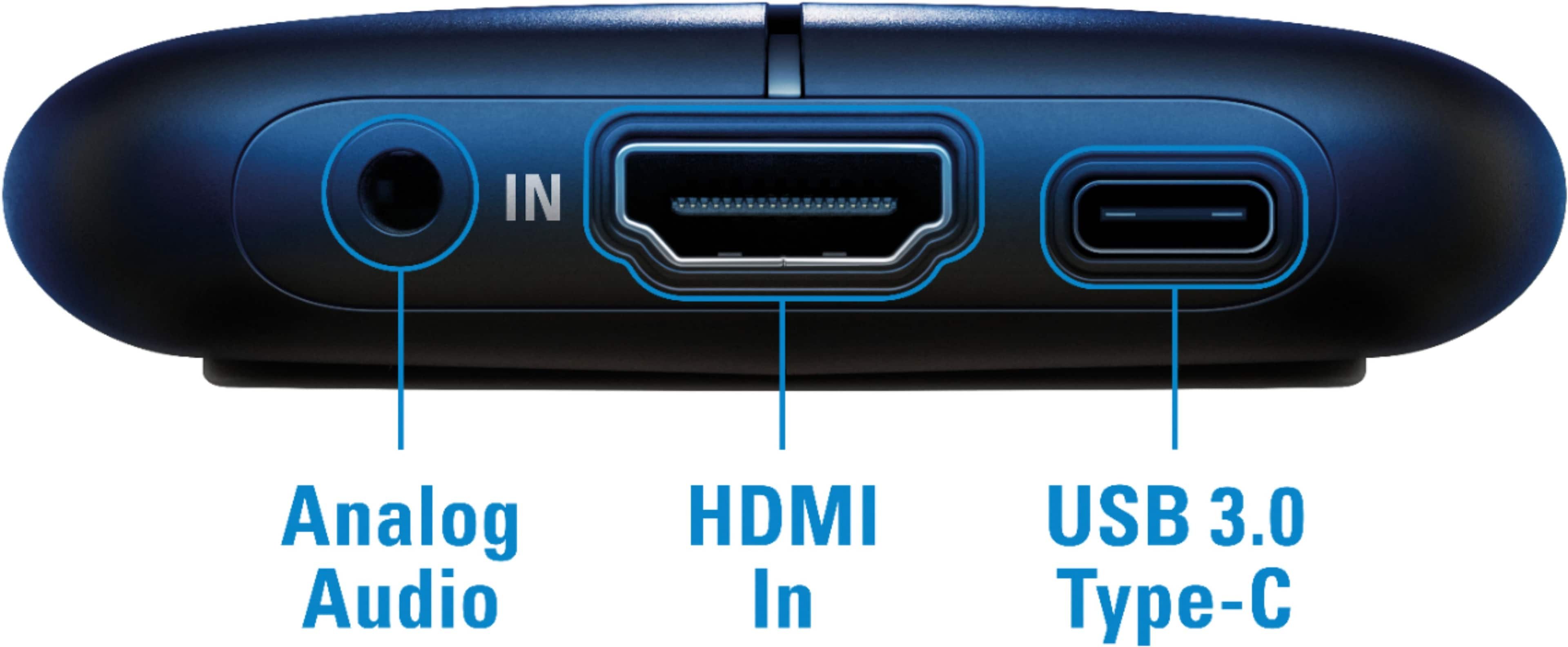
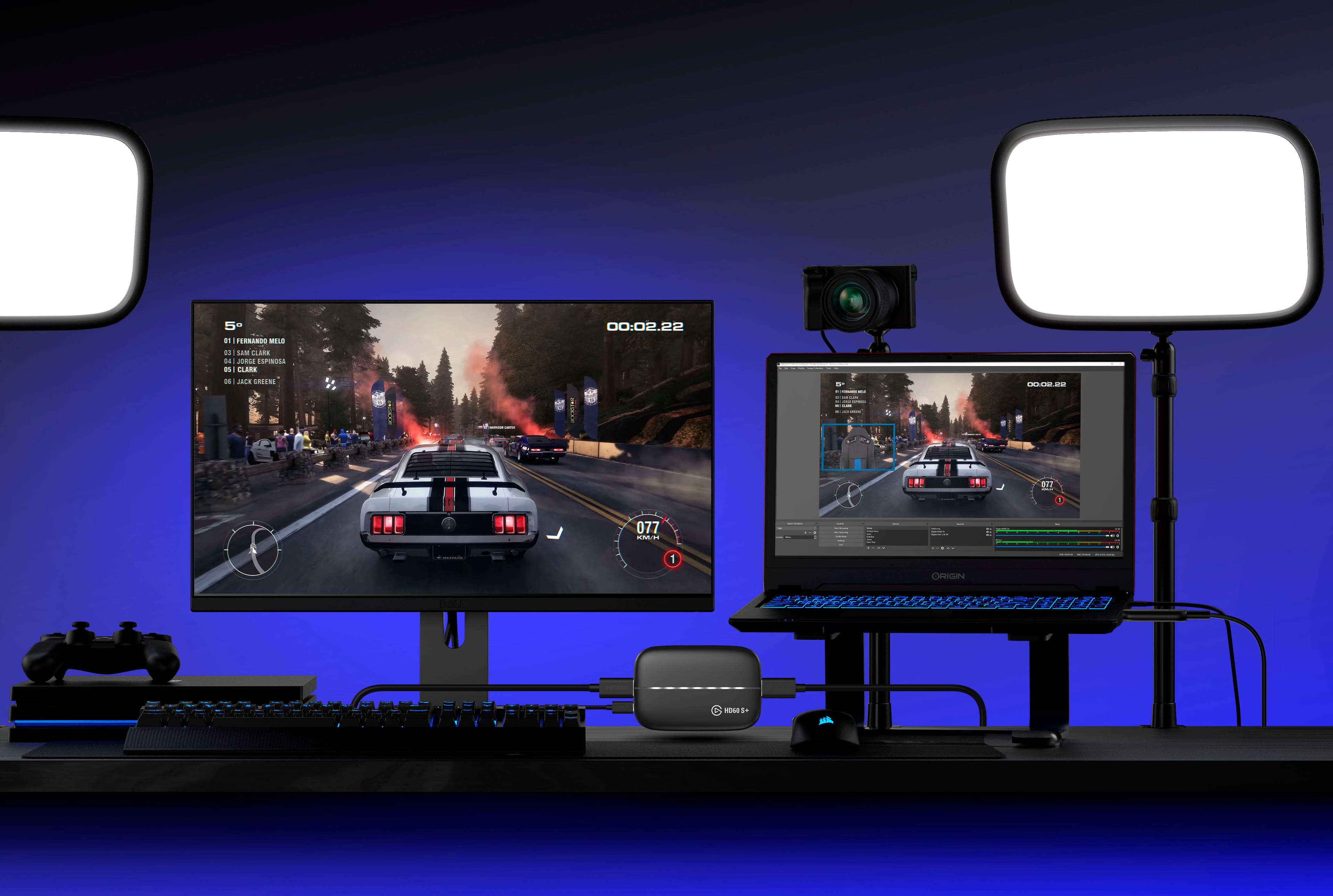
A:AnswerIt records the audio and video from the HDMI feed. Further, it provides a 3.5mm audio input to which you can connect a microphone to add your own live commentary.
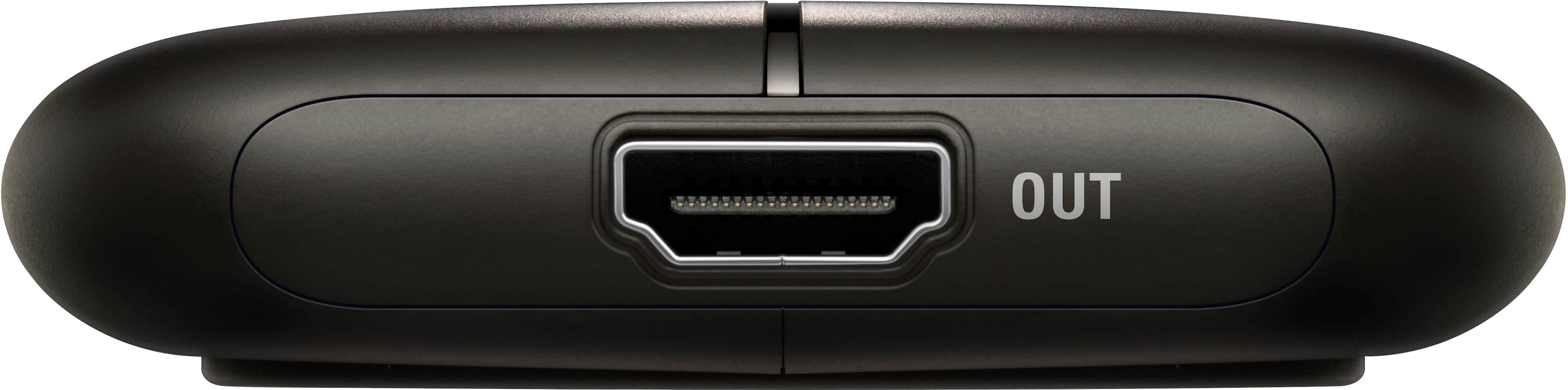
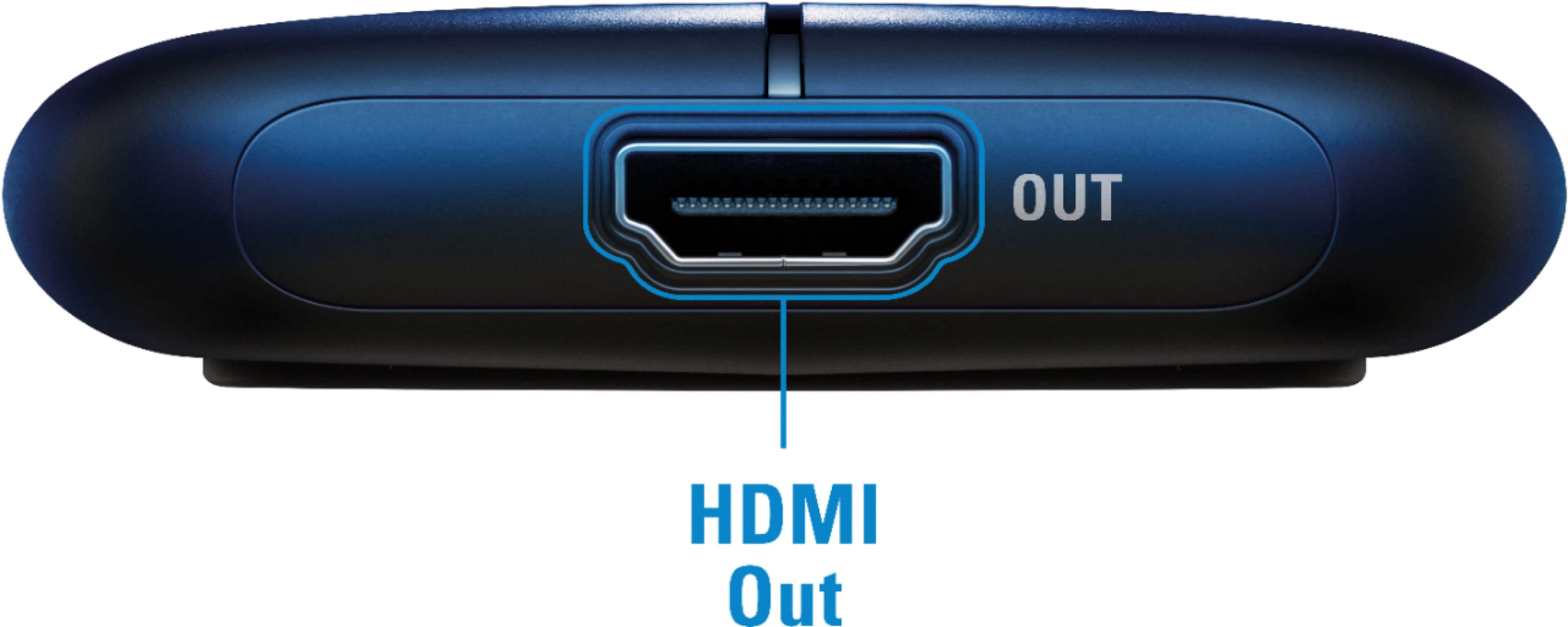
A:AnswerI can't speak to the Mac's or Nikon's functionality, but if you don't need to see the camera's live output while video conferencing, you don't need to connect "HDMI Out" to anything. The capture is sent to your computer via the USB connection.
The "HDMI Out" port is for things like streaming Xbox or PS4 video games where you need to see what you're doing (on a dedicated screen) while capturing gameplay. Leaving it disconnected is basically equivalent to having a Cam Link.
A:AnswerHi,
You can use a laptop if you meet the requirements: https://www.elgato.com/en/gaming/game-capture-hd60-s-plus
If you have any other questions, please reach out: help.elgato.com
A:AnswerBoth the "HD60 S" and the "HD60 S+" can capture/stream content at 1080p. Buy the "HD60 S" if you are also playing games (or whatever) on a 1080p monitor. If you have a 4K monitor, buy the "HD60 S+" -- it can passthrough the full 3840x2160 signal (with HDR if that matters to you).
A:AnswerHi,
You wouldn't do that with this device. You would use the camlink 4k with a compatible camera, more info here: https://www.elgato.com/en/gaming/cam-link-4k
If you have anything else we can help with, please reach out to us directly: help.elgato.com
-Art
A:AnswerI have been using the Elgato HD60S and now the HD60S+ for a while. I have used a simple i5 laptop with integrated graphics card to do all capture, recording, and streaming, whether coming from a gaming PC's HDMI out, PS4, Xbox 1, Nintendo Switch, or even a Camera. No, your machine doing the capture and streaming using the HD60S+ does not need a highend video card to stream your consoles.
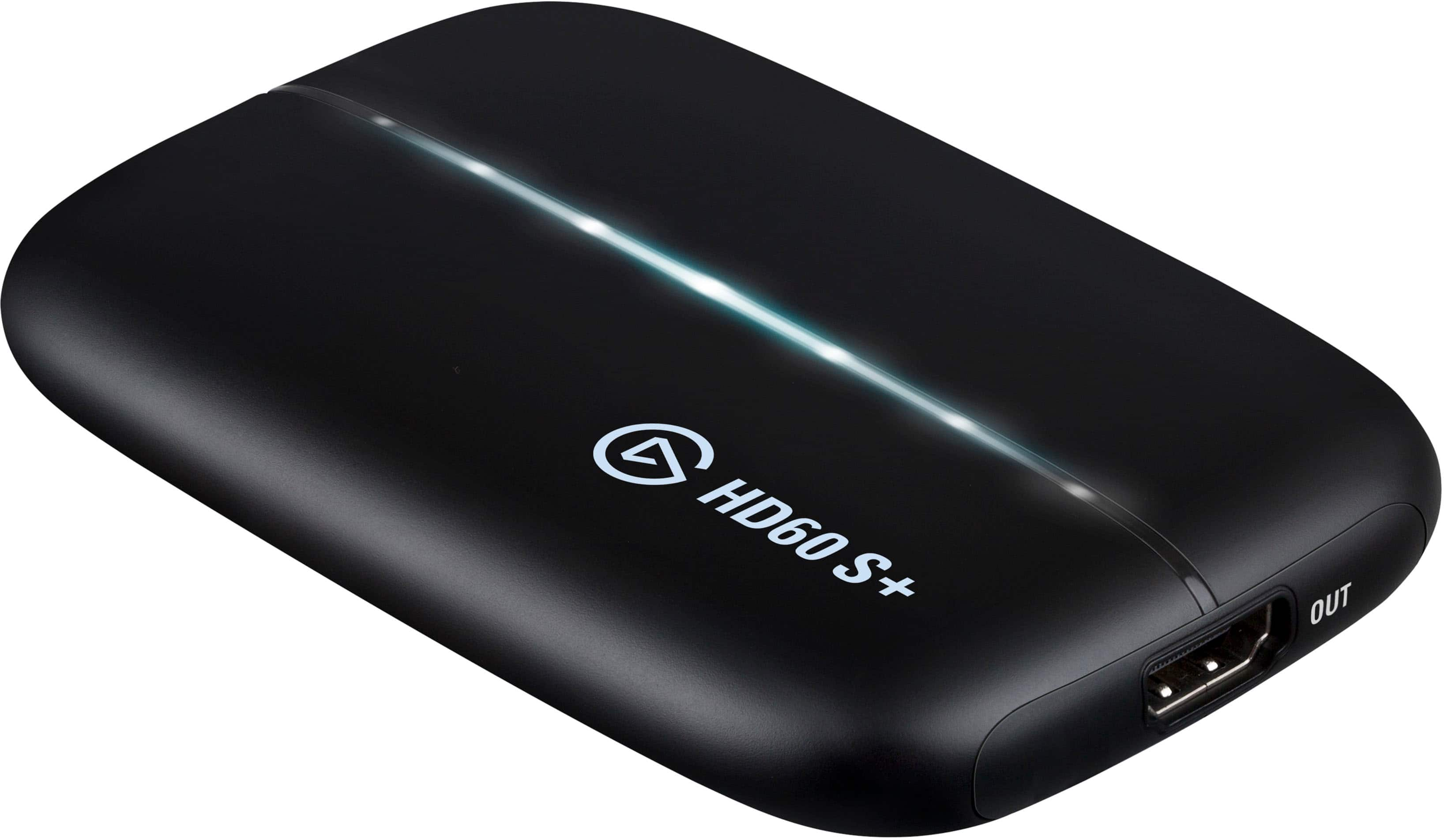
A:AnswerYes, you don't need to connect the "HDMI Out" port to anything. I checked this by disconnecting the HD60 S+ from my monitor and then confirming my capture (a PS4 Pro) was still being picked up by OBS.
A:AnswerHi Scott,
Windows 8 is not compatible: https://www.elgato.com/en/gaming/game-capture-hd60-s-plus
If you have any other questions, please reach out: help.elgato.com
A:AnswerDepends how old your Mac is. If its new you can check the requirements first under https://help.elgato.com/hc/en-us/articles/360028229511-Elgato-Game-Capture-HD60-S-and-OS-X-software.
A:AnswerAs long as you have a converter that will allow it to be inserted through the HDMI ports of the capture card, it should allow you to do so. I have a Wii and have an RCA to HDMI adapter that i use for my capture card and it works!