Early Black Friday DealsNew Doorbusters every Friday.Shop now

Skip to content
Gift Ideas
26 Cypress St
Williston, VT 05495
Opens at 9 am
Find Another Store
Main Content

Questions & Answers

Your price for this item is $5,399.99
Clearance
The comparable value price is $5,999.98
Page Showing 61-73 of 73 questions
  • QuestionDoes the screen require power or any connections?

    Asked by Sam.

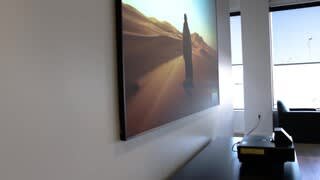
    • Answer Hi Sam, No. The screen requires no power or connections to the projector. It simply hangs on your wall and it is relatively light. The 100" screen weighs 24.3 lbs. and the 120" screen weighs 28.7 lbs. Use a bubble level to make sure the screen is level. Regards, Nancy - The Epson Team.

      Answered by Epson

  • QuestionDoes the screen require power or any connections?

    Asked by Elliott.

    • Answer Hi Elliott, No. The screen requires no power or connections to the projector. It simply hangs on your wall and it is relatively light. The 100" screen weighs 24.3 lbs. and the 120" screen weighs 28.7 lbs. Use a bubble level to make sure the screen is level. Regards, Nancy - The Epson Team.

      Answered by Epson

  • QuestionCan I install this myself?

    Asked by JohnK12.

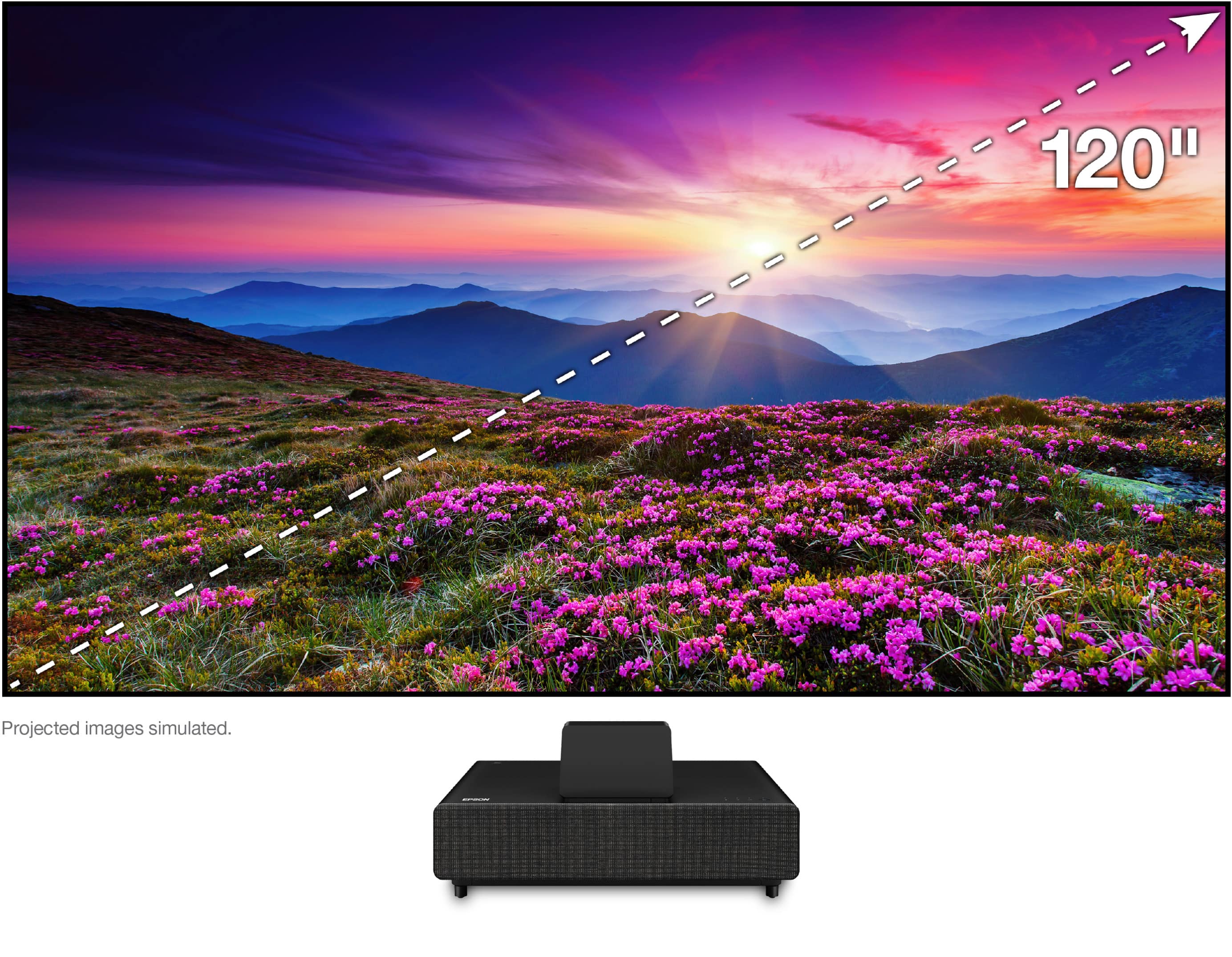
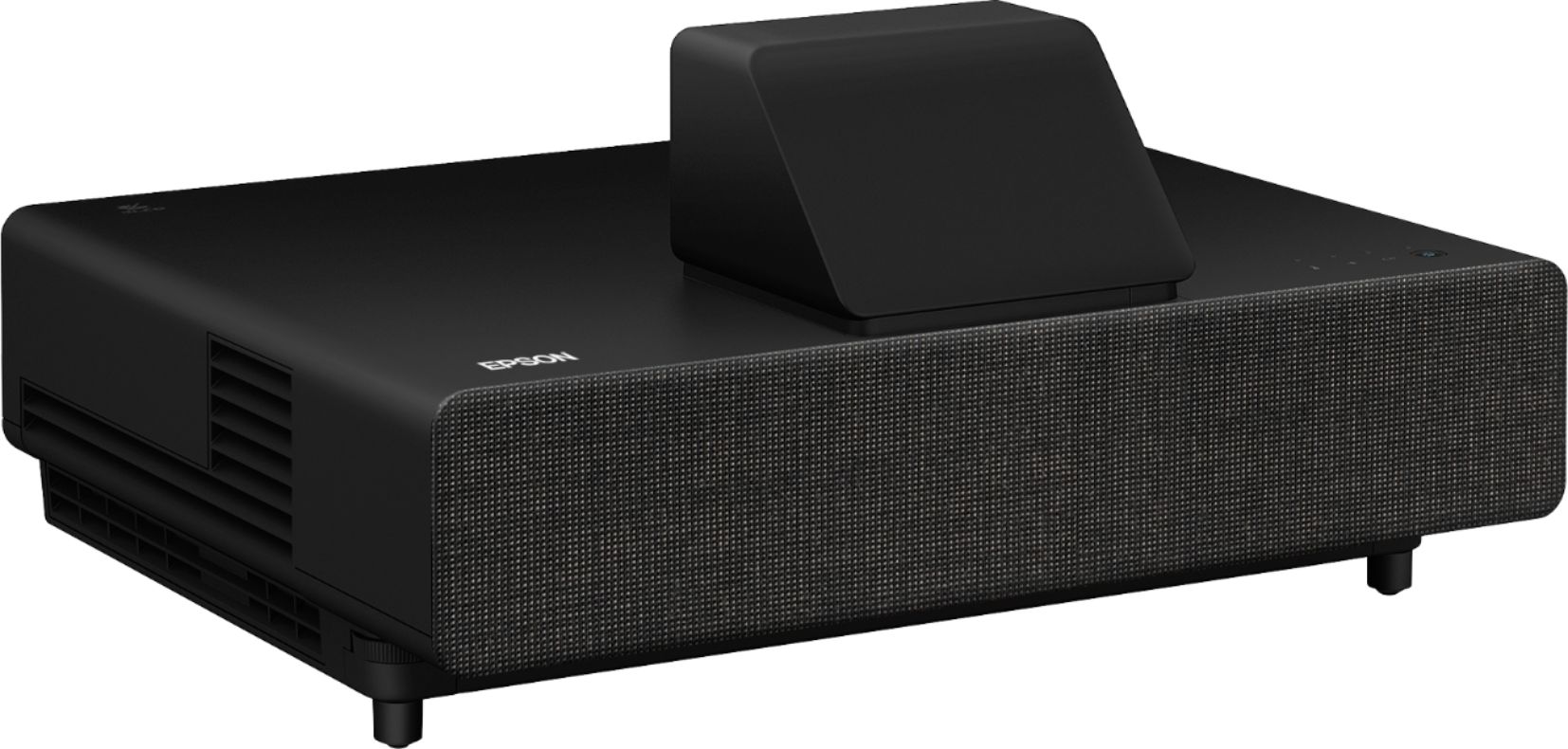
    • Answer Hi Sea12., Yes, with help. Assembly is easier with a second pair of hands. The complete solution is designed for easy customer installation using basic tools, such as a screwdriver, level, hammer, pliers and drill. It takes as little as 2 to 3 hours, but we recommend setting aside a morning or afternoon to complete the setup at a relaxed pace. Search YouTube for installation videos. If you're not very technical, we recommend you ask Magnolia for installation. That way you know it will be done right and it’s hassle free! Just a heads-up, screws to mount the screen are not included. There are so many different wall types, Epson decided to not include the screws. Regards, Nancy - The Epson Team.
      Answered by Epson

  • QuestionCan I install this myself?

    Asked by Sounder20.

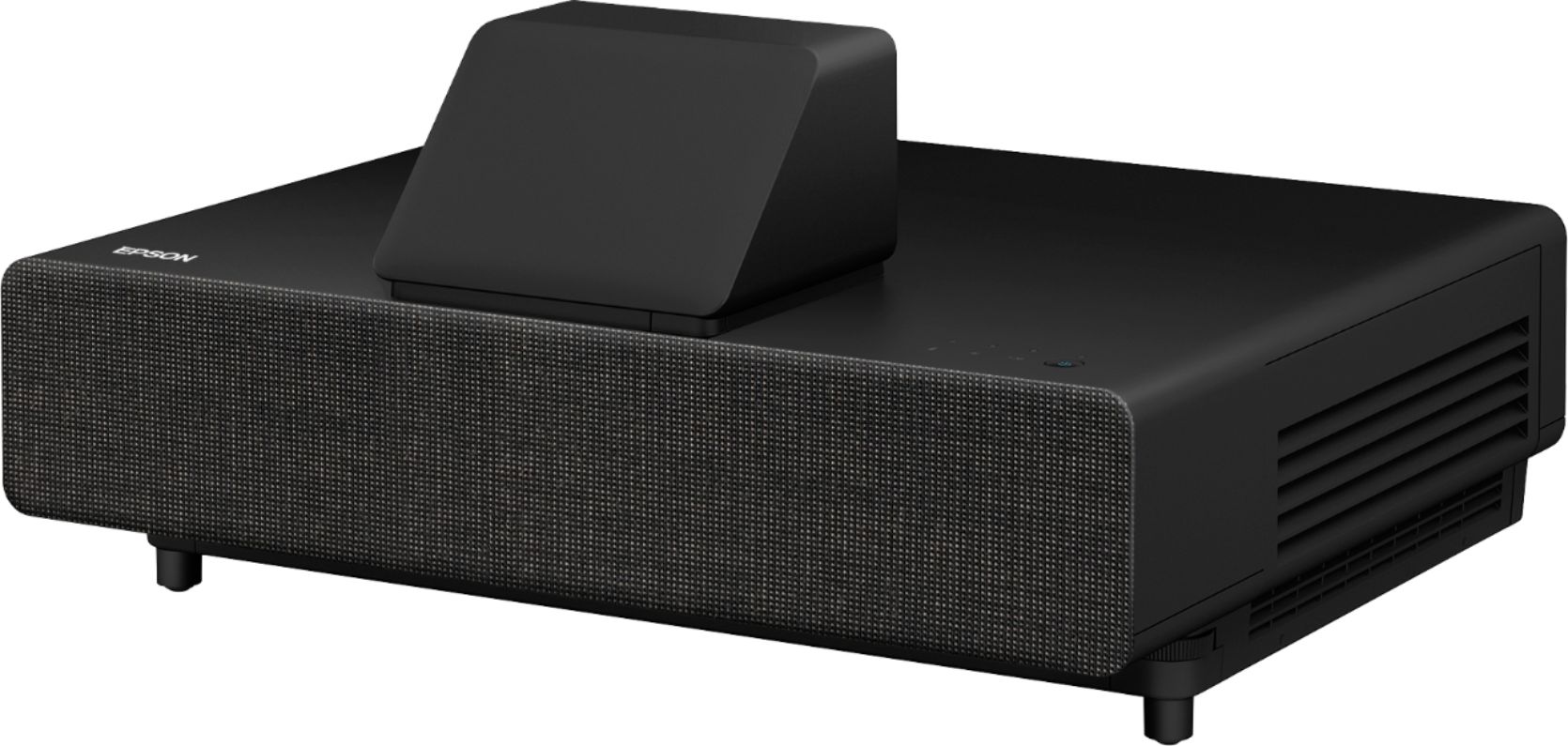
    • Answer Hi Sea12., Yes, with help. Assembly is easier with a second pair of hands. The complete solution is designed for easy customer installation using basic tools, such as a screwdriver, level, hammer, pliers and drill. It takes as little as 2 to 3 hours, but we recommend setting aside a morning or afternoon to complete the setup at a relaxed pace. Search YouTube for installation videos. If you're not very technical, we recommend you ask Magnolia for installation. That way you know it will be done right and it’s hassle free! Just a heads-up, screws to mount the screen are not included. There are so many different wall types, Epson decided to not include the screws. Regards, Nancy - The Epson Team.
      Answered by Epson

  • QuestionHow big is the shipping box?

    Asked by Xman944.

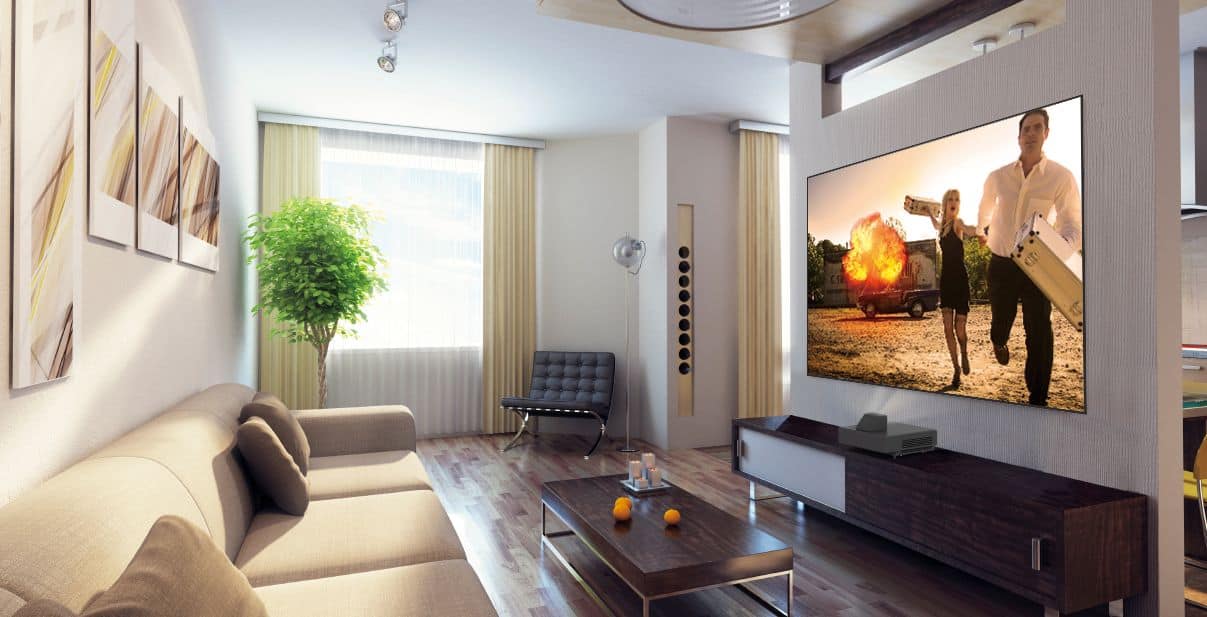
    • Answer Hi Xman944, The 100" screen model’s box dimensions are 92" x 22" x 22" at 86 lbs. The 120" screen model’s dimensions are 120" x 22" x 22" at 103 lbs. The screen and projector are shipped in one box with the screen material in a roll. We recommend two people carry the box. The screen comes rolled up. Regards, Nancy - The Epson Team.
      Answered by Epson

  • QuestionDoes this support WiFi? or Ethernet only?

    Asked by Sathya.

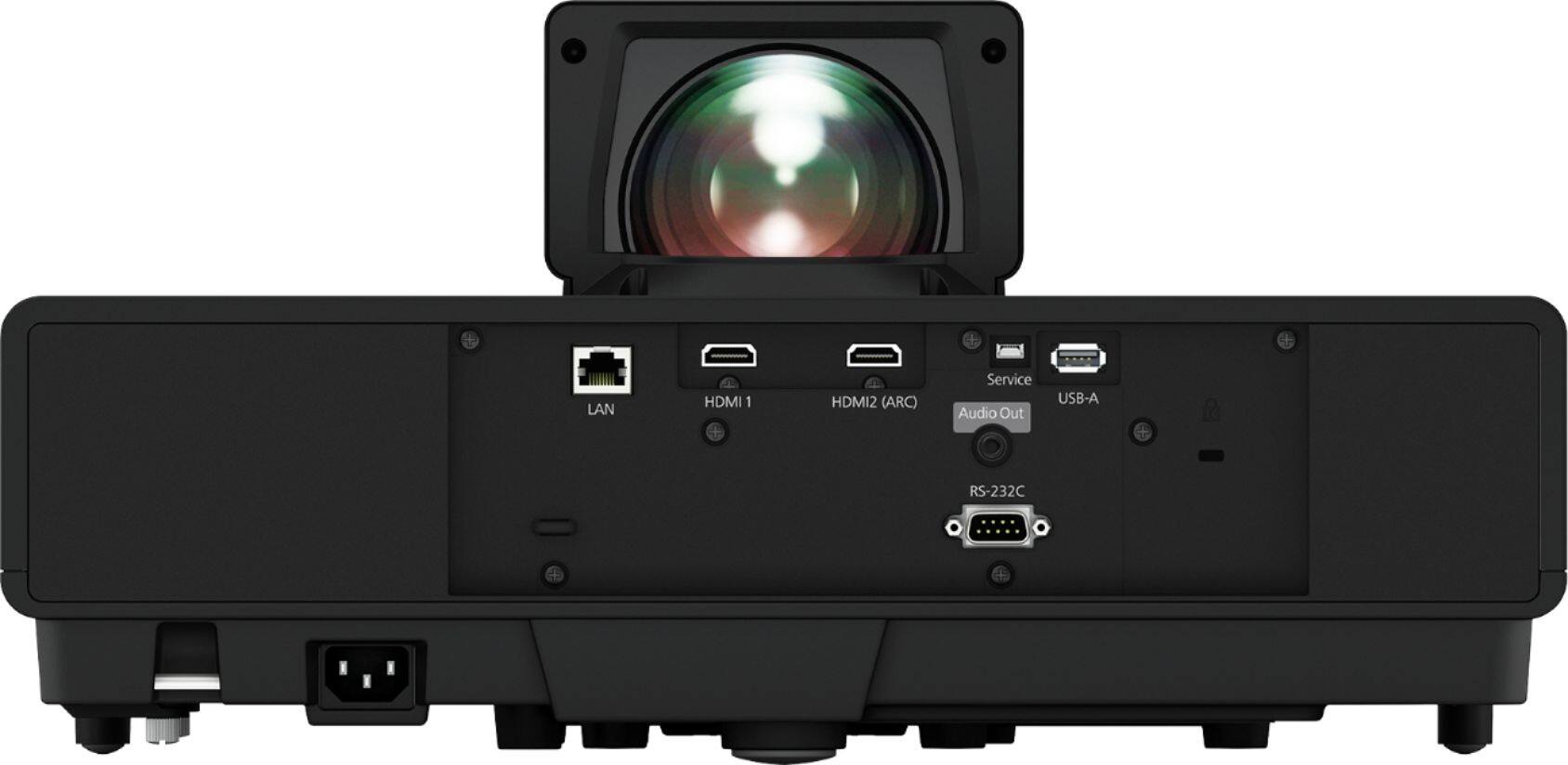
    • Answer Hi Sathya. The Epson EpiqVision Ultra LS500 projector supports both wireless (Wi-Fi 802.11b/g/n) and wired (LAN 10/100) connections. Regards, Bobby - The Epson Team.

      Answered by Epson

  • QuestionIs this suitable for outdoor use?

    Asked by JRey.

    • Answer Hi JRey, Probably not. The EpiqVision Ultra LS500 Short Throw is not weather resistant, so should not be used in hot, dusty or humid conditions. Regards, Mark - The Epson Team.

      Answered by Epson

  • QuestionHi - can I buy the projector without the screen?

    Asked by Limitless.

    • Answer Hi Limitless, Sorry, the LS500 projector is only available as a bundle with the screen. Regards, Mark - The Epson Team.

      Answered by Epson

  • QuestionI’ve seen on YouTube that ’ it come with screen right ? 120’ $6k and 100’ screen for $5K

    Asked by Rainn.

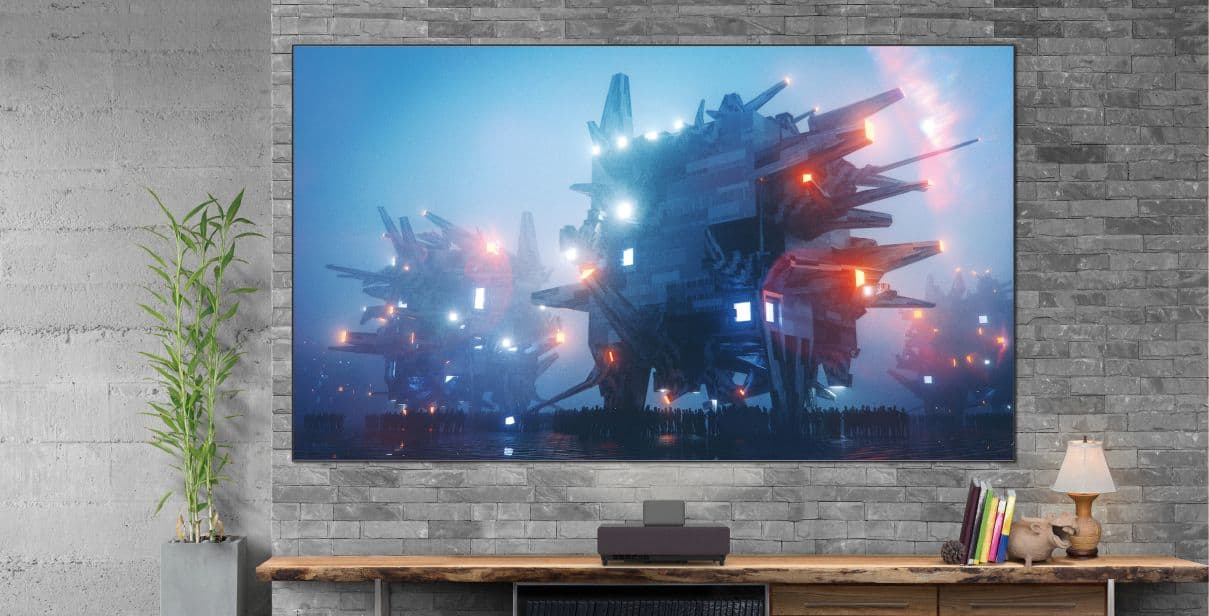
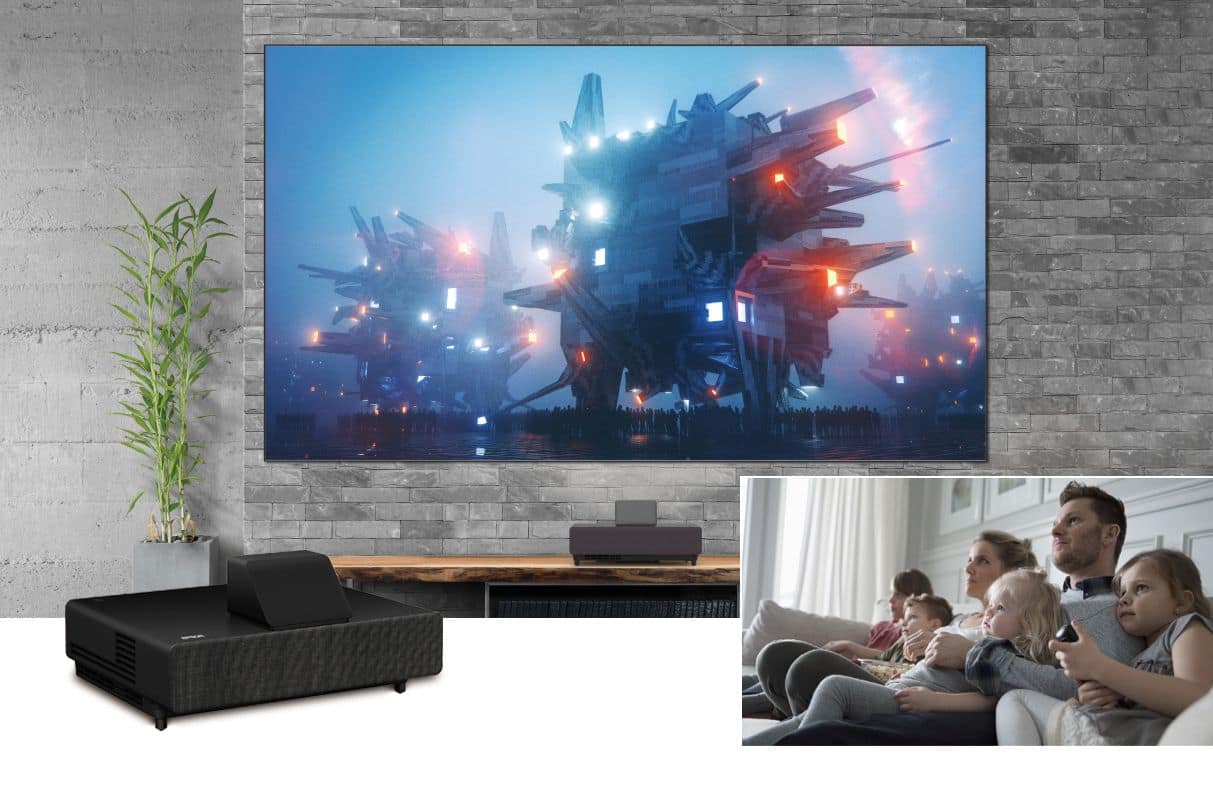
    • Answer Hi Rainn, Yes! The LS500 bundle comes with the Epson SilverFlex™ Ultra ALR Screen in either 100 or 120 inches. It’s an ambient-light-rejecting screen that blocks light from above and enhances the display from the projector. It creates an exceptionally bright, colorful, and sharp picture even when all the room lights are on. Regards, Brett - The Epson Team.

      Answered by Epson

  • QuestionDoes that come with the screen ? I’ve seen on YouTube that you can get it with the screen 120” $6k and 100” for $5K

    Asked by Rainn.

    • Answer Hi Rainn, Yes! The LS500 bundle comes with the Epson SilverFlex™ Ultra ALR Screen in either 100 or 120 inches. It’s an ambient-light-rejecting screen that blocks light from above and enhances the display from the projector. It creates an exceptionally bright, colorful, and sharp picture even when all the room lights are on. Regards, Brett - The Epson Team.

      Answered by Epson

  • QuestionWhat do I need to have in tecuber to get audio I out of epson? Thinking about going with Samsung due to more ports and options Not sure there is much difference in image quality

    Asked by Techie.

    • Answer Hello Techie. The LS500 Projector includes an audio out port for connecting external speakers. Also, if you have an HDMI ARC compatible A/V Receiver, you have that as an additional option for external audio as well. If we can answer any additional questions, please reach out to our Technical Support team for assistance. Regards, Kevin - The Epson Team.
      Answered by Epson

  • QuestionCan the projected be mounted upside down on eh ceiling and still be used with the Epson screen?

    Asked by MAC.

    • Answer Hi MAC. No, the Epson EpiqVision LS500 projector was not designed to be mounted from the ceiling. For more information, please visit the official Epson Support website. Regards, Bobby - The Epson Team.
      Answered by Epson

  • QuestionWhat type of adapter do I need to connect to my sonos playbar that only has optical input? My sonos is discontinued and I do not want to buy another system. THANKS.

    Asked by Pedro.

    • Answer Hi Pedro, Technology changes all the time. We make an effort to stay at the top of it and we understand you want to make use of your existing equipment. The LS500 handles external audio digitally using HDMI-ARC and as an analog signal via a 3.5mm mini plug. HDMI-ARC is preferred as it offers advantages over optical audio, with the ability to pass higher resolution audio formats like Dolby TrueHD and DTS HD Master Audio. In addition, HDMI-ARC can carry video signals as well, simplifying connectivity. Lastly, HDMI-Link (HDMI-CEC), which is available via the same port, allows device interoperability. You can purchase a digital to analog audio converter. As we do not test third-party devices and cannot guarantee the quality. Regards, Nancy - The Epson Team

      Answered by Epson