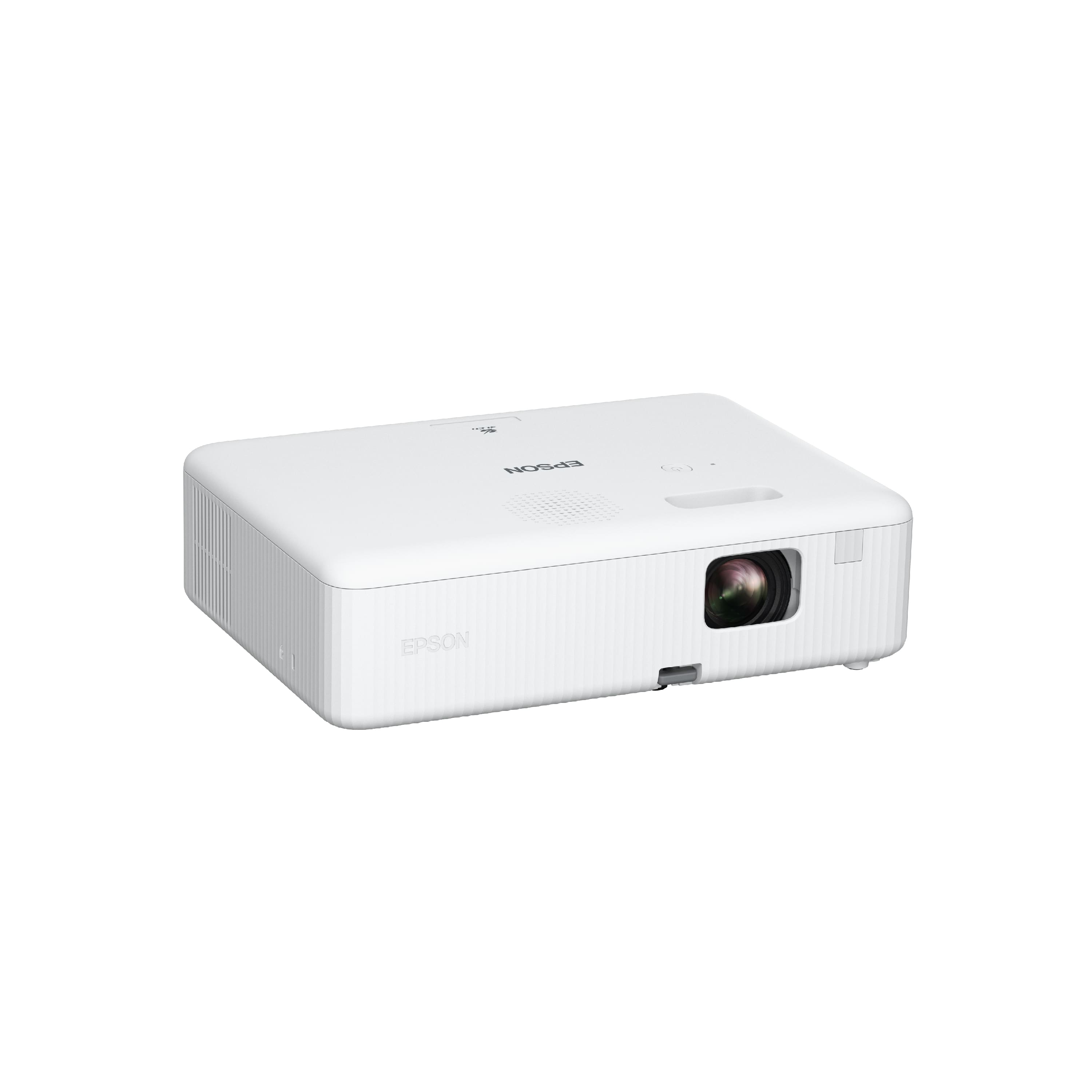
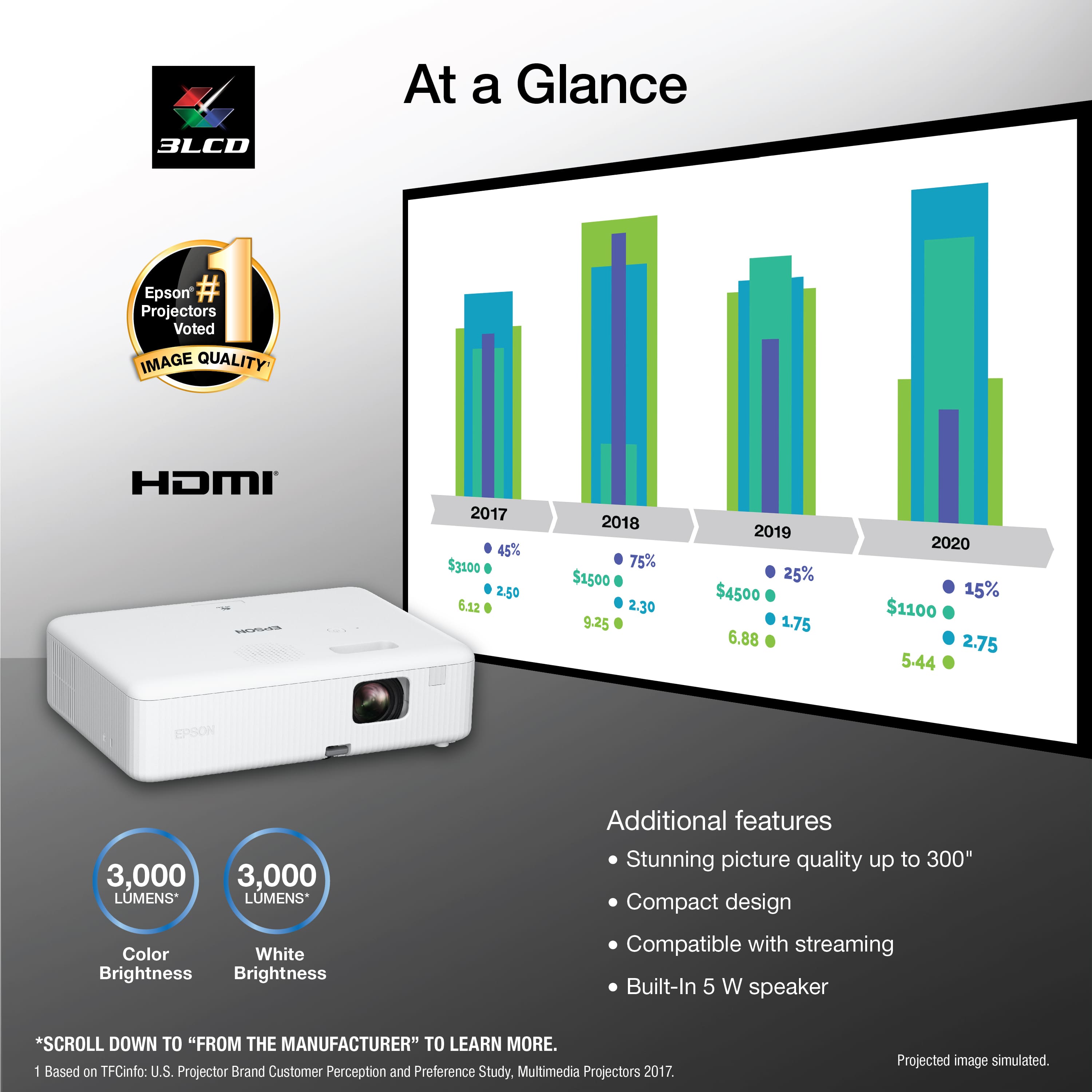
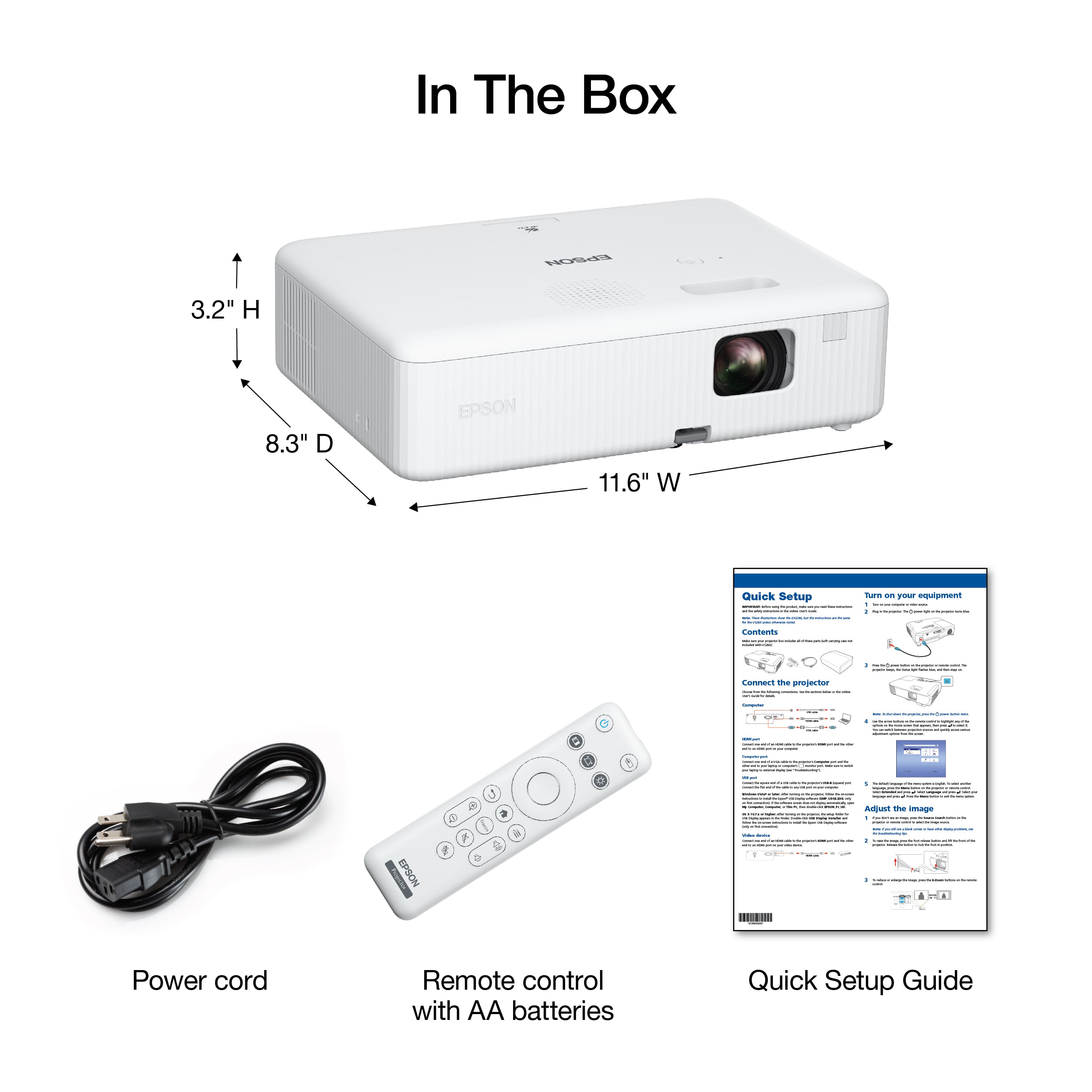
A:AnswerNo on the paper. Yes from the phone if you can find a phone to HDMI cable. The projector has HDMI input. It also has a USB input, but smartphones must be USB-mounted devices (not TWAIN-compliant) and must be USB Mass Storage Class compliant to use the USB input.
A:AnswerYes the projector has different settings for sizing and could also be projected from the back, after changing the size of the screen that’s projected you might notice it a little blurry but you could use the black nob on top of the projector to adjust the sharpness
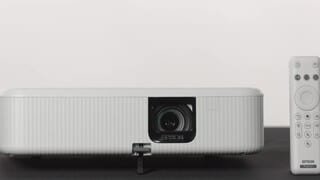
A:AnswerHi RobinL, The EpiqVision Flex CO-01 can display a signal from a connected device via its HDMI port. Please check the specifications of your iPad to make sure it will support an external display device. Regards, Mark - The Epson Team.
A:AnswerHello Al. Yes, you can flip the image on the CO-W01 and use it as a rear projector. The option is available under the "Projection Mode" setting in the menu. Regards, Kevin - The Epson Team.
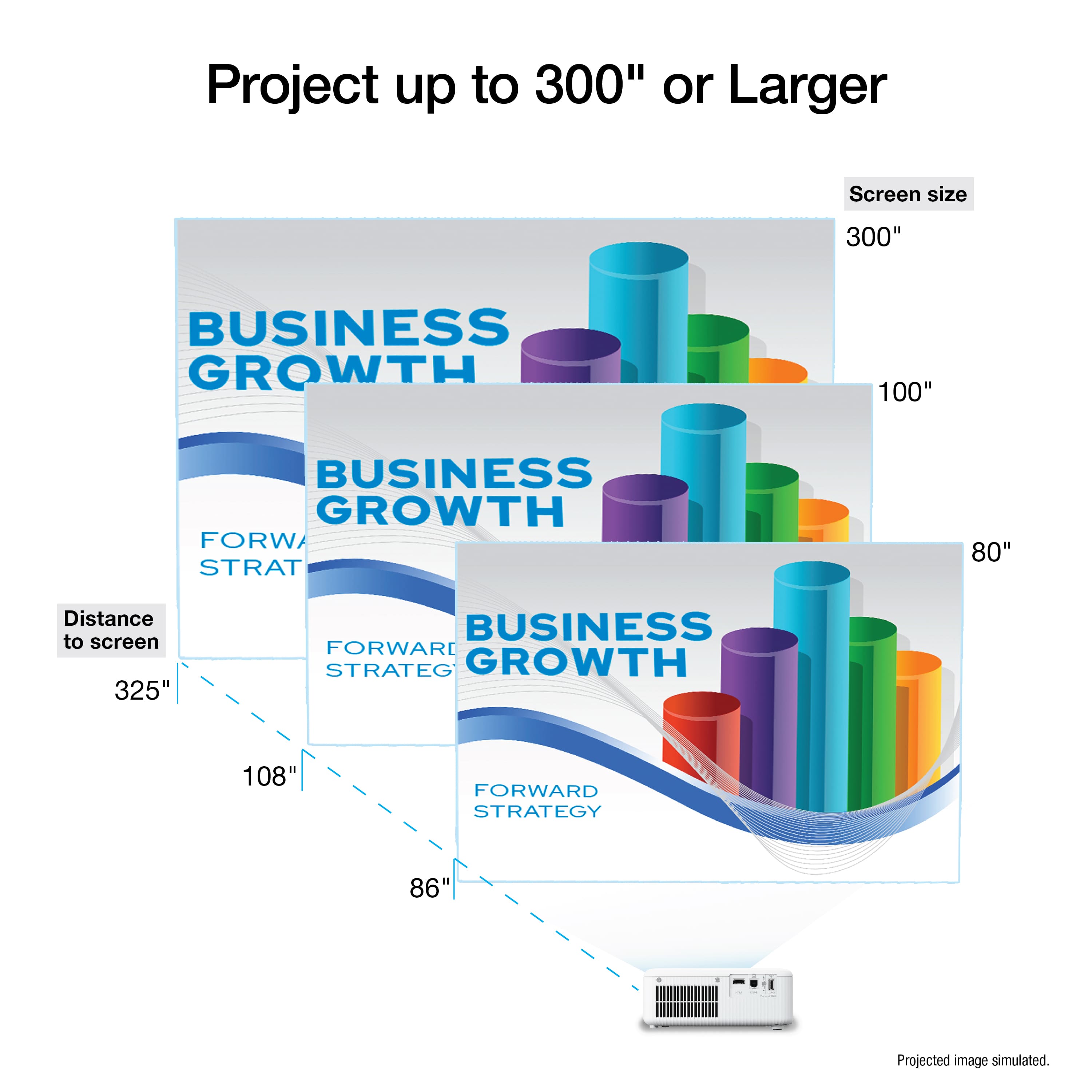
A:AnswerHello Mamam. Projector distance can vary based on the screen size you plan to use. Please visit our official Epson Support page and review the "Projector Placement" section in the User's Guide for more details. Regards, Kevin - The Epson Team.