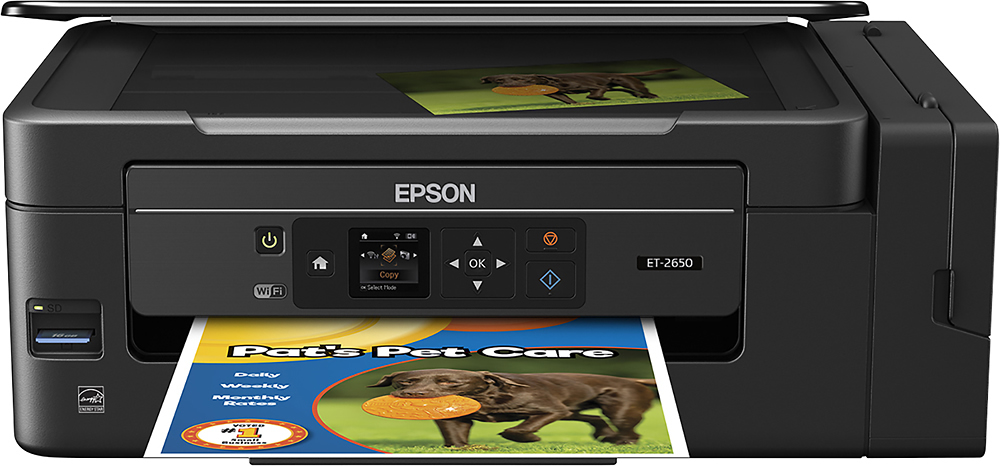
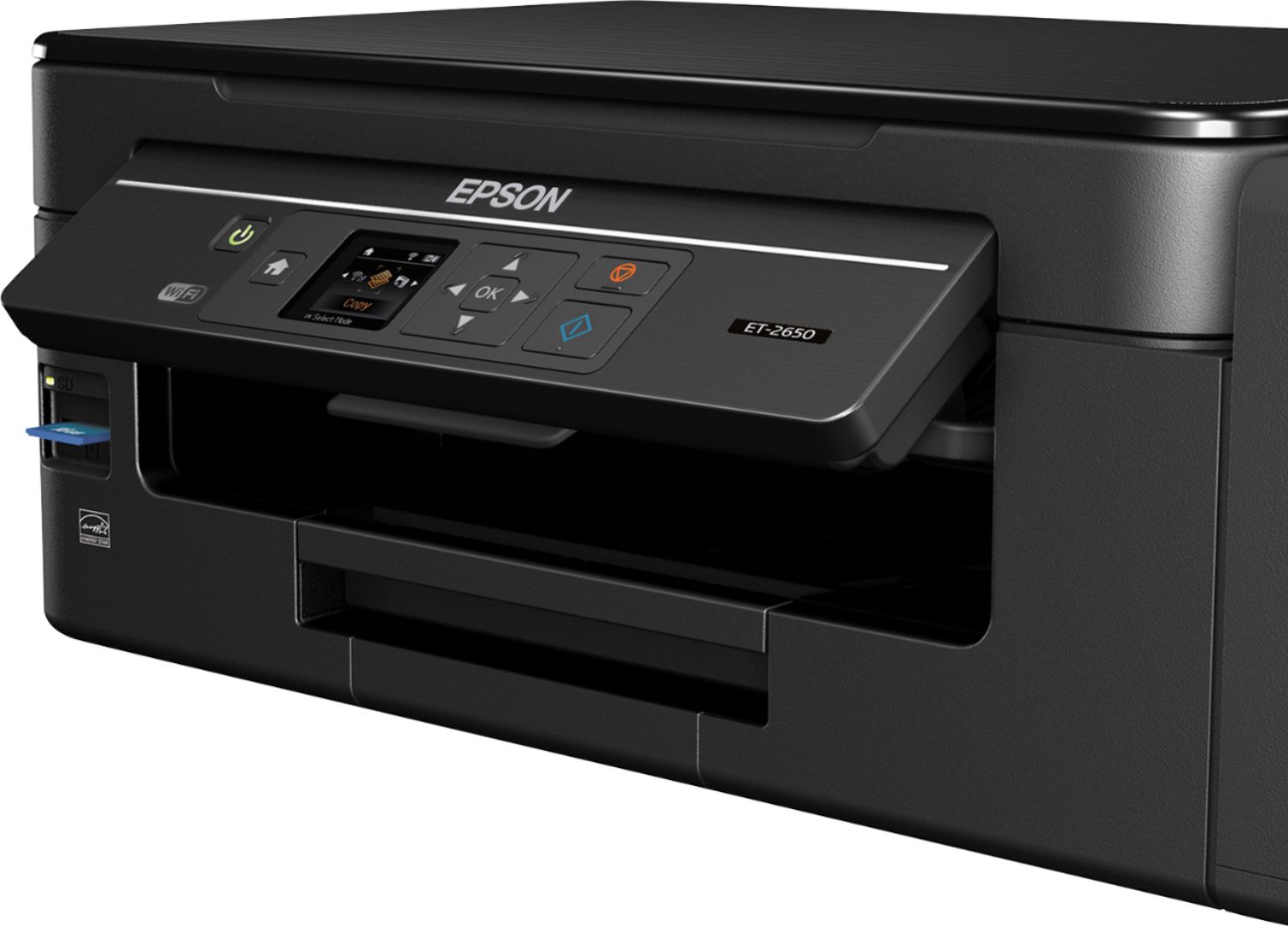
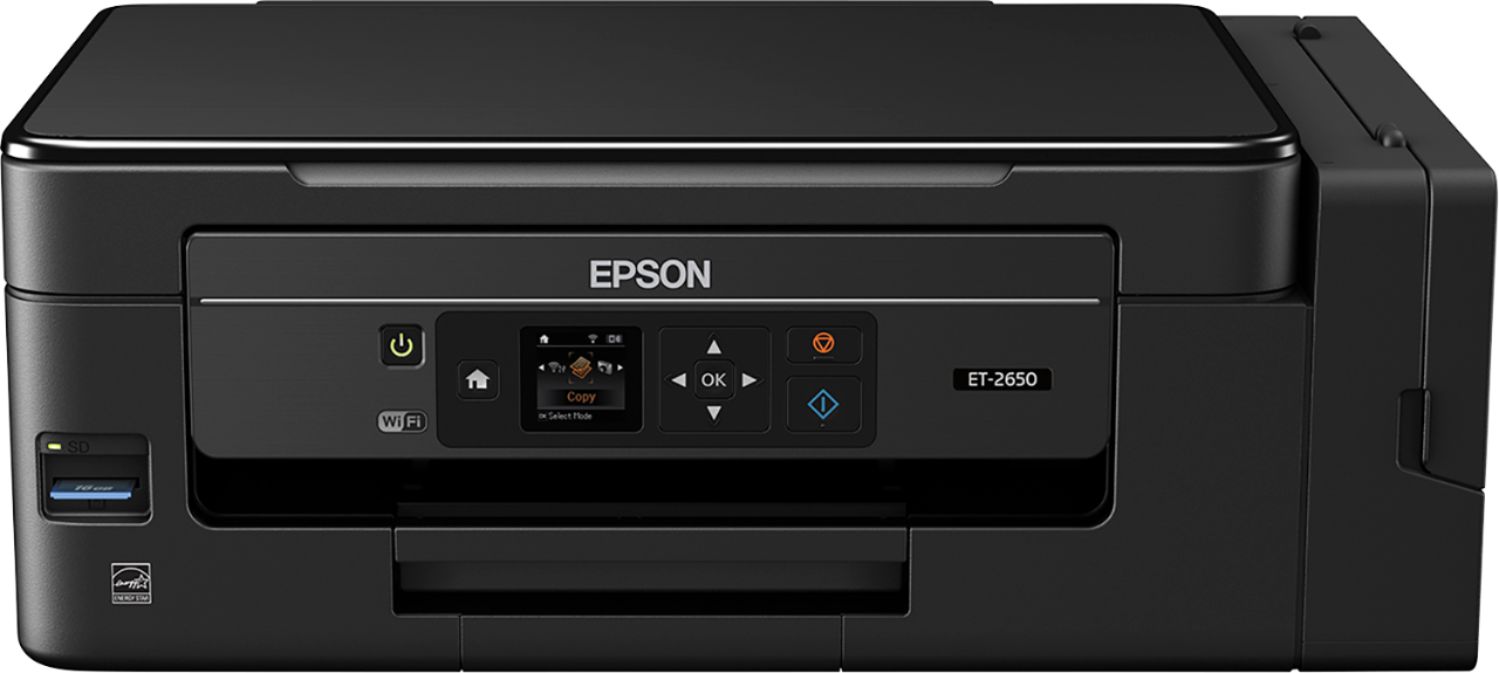
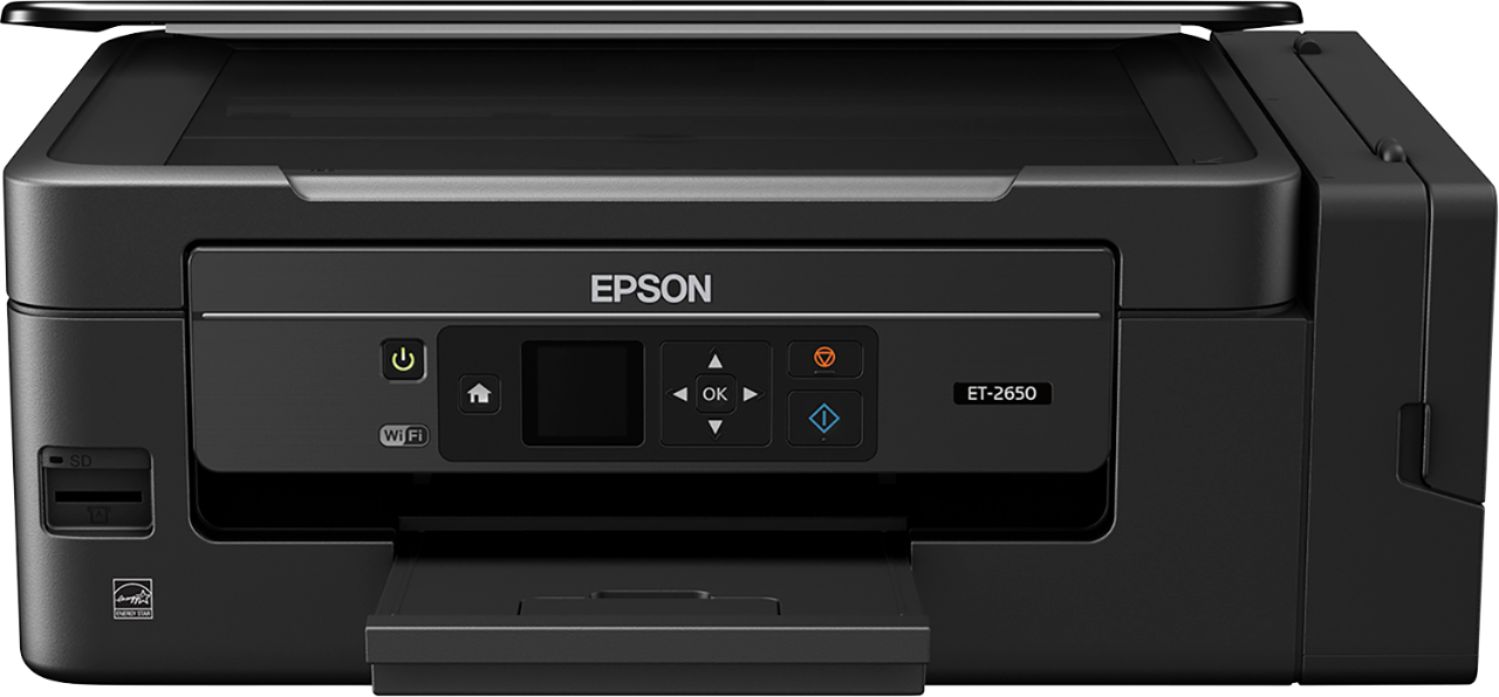
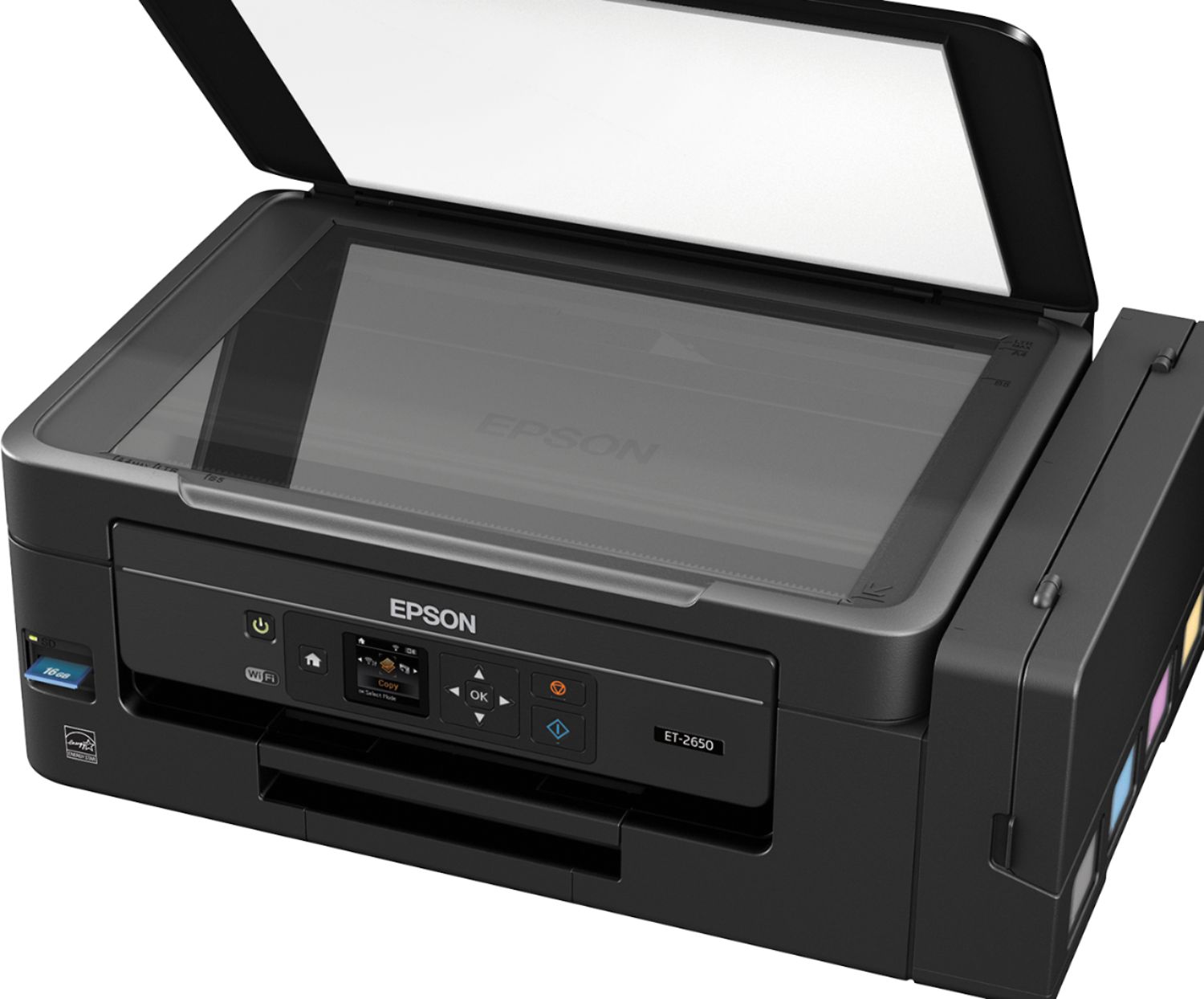
A:Answerthe 2650 has a memory card slot suppoerting Memory Card Type-Secure Digital|Secure Digital Extended Capacity (SDXC)|Secure Digital High Capacity (SDHC) and the 2600 does not have a memory card slot.
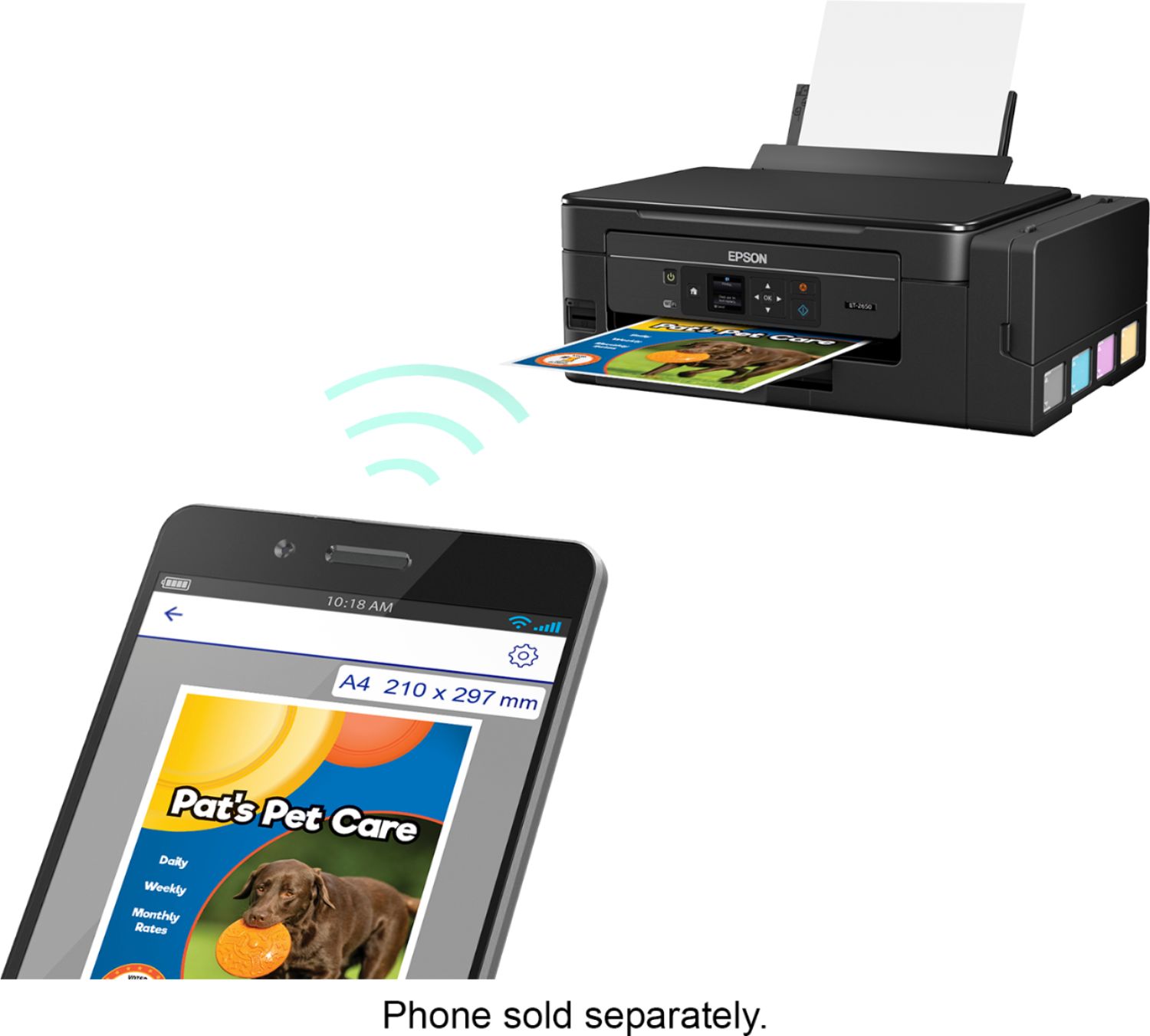
The 2650 has Printer Connectivity-Apple AirPrint|Epson iPrint|Google Cloud Print|Mopria Print Service|Other|Secure Digital|USB|Wi-Fi|Wi-Fi Direct and the 2600 only supports Epson iPrint|Other|USB|Wi-Fi
And yes the 2650 has Display Screen Size 1.44 inches while the 2600 does not
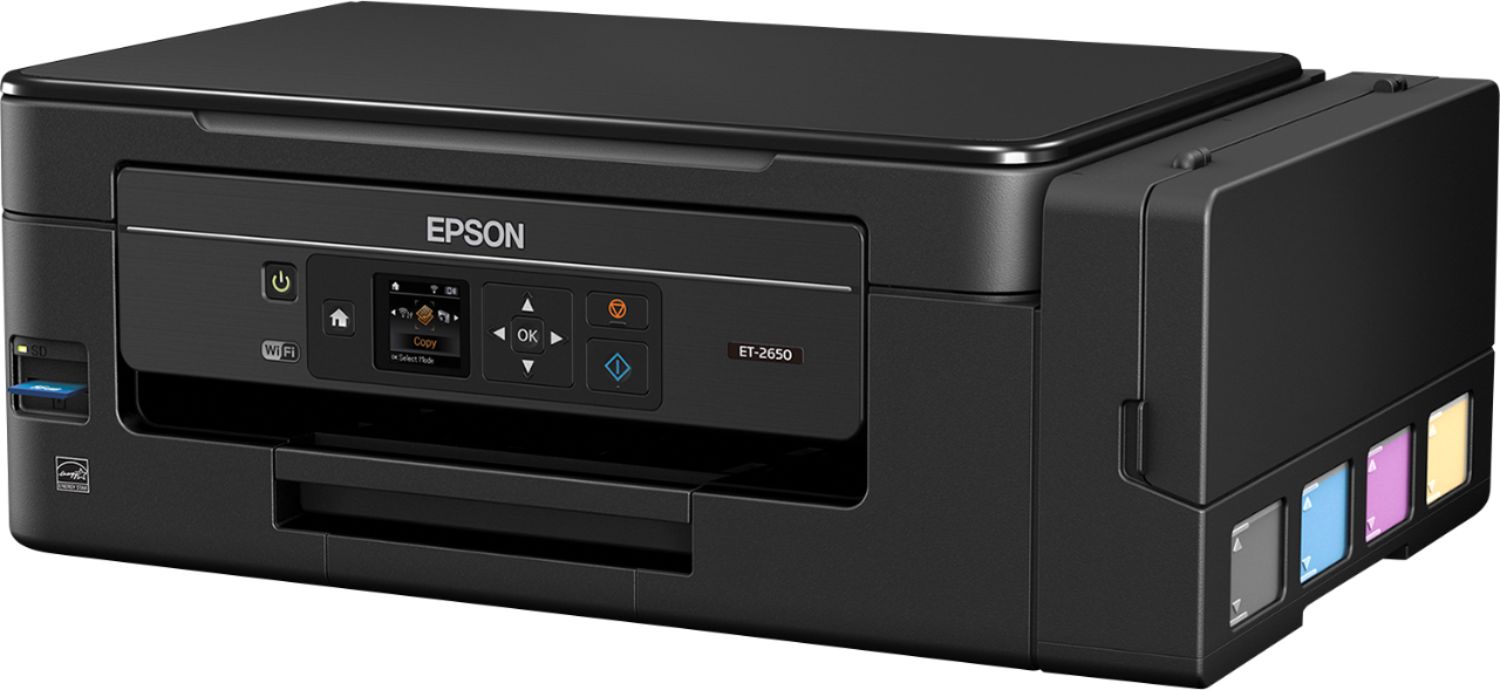
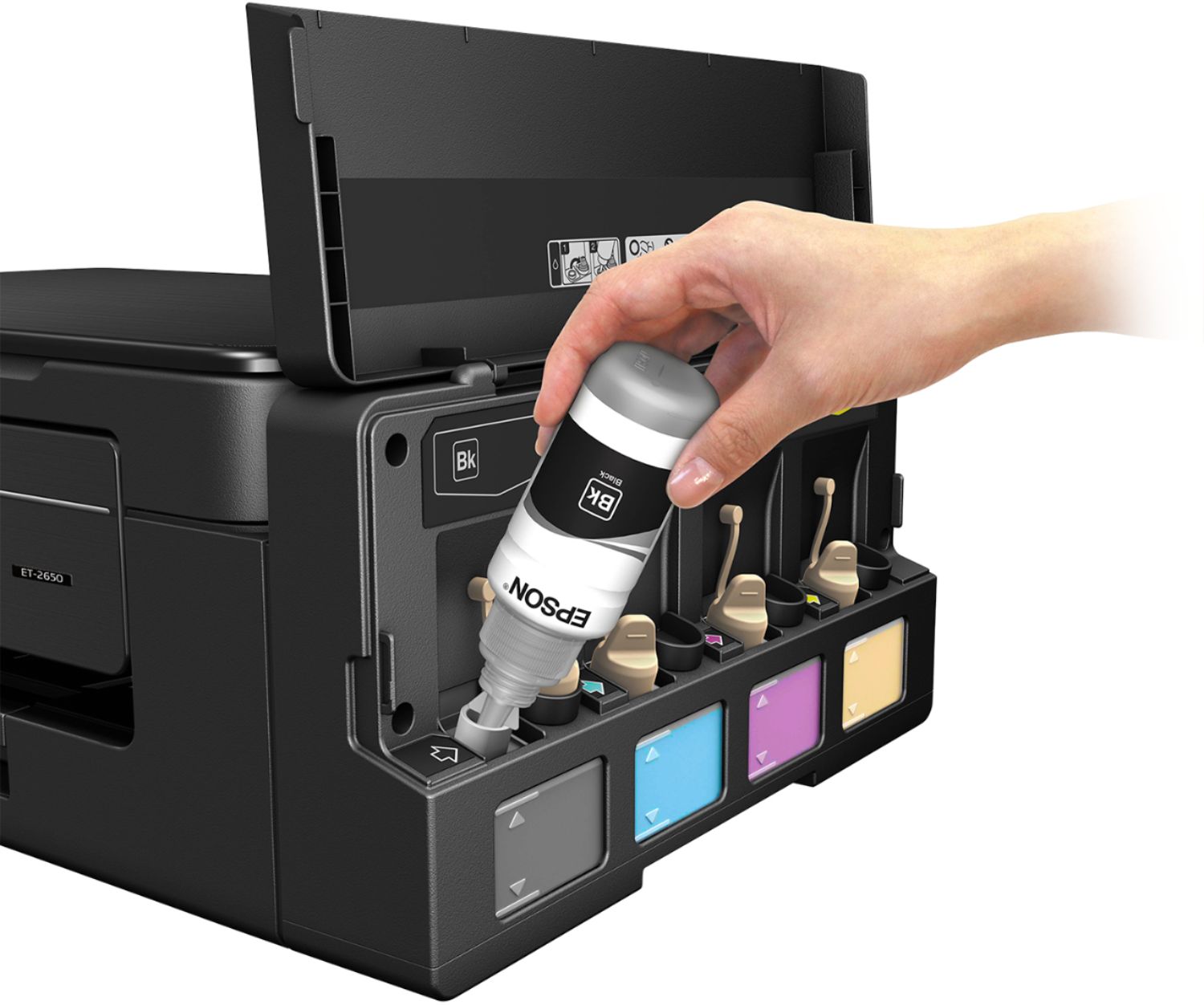
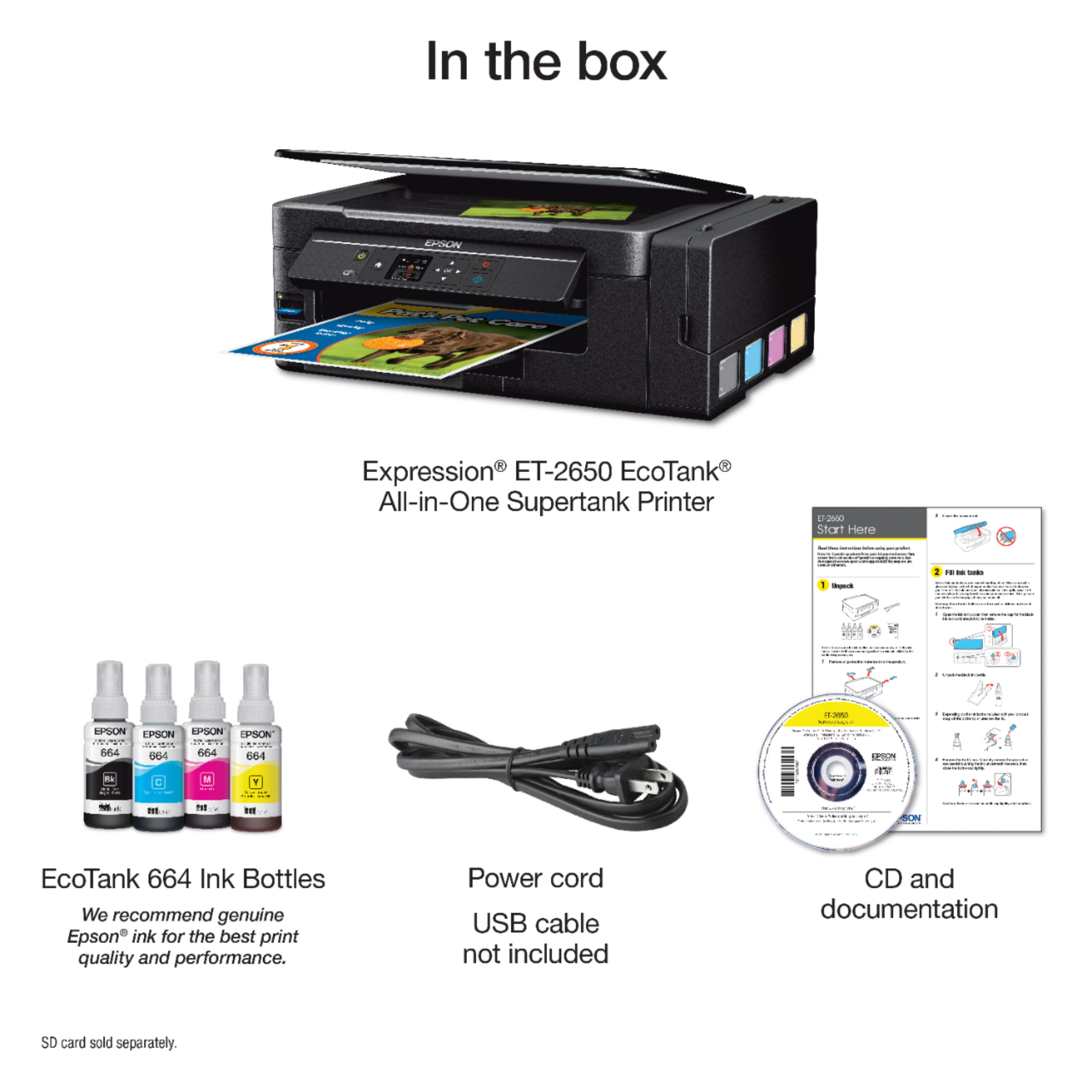
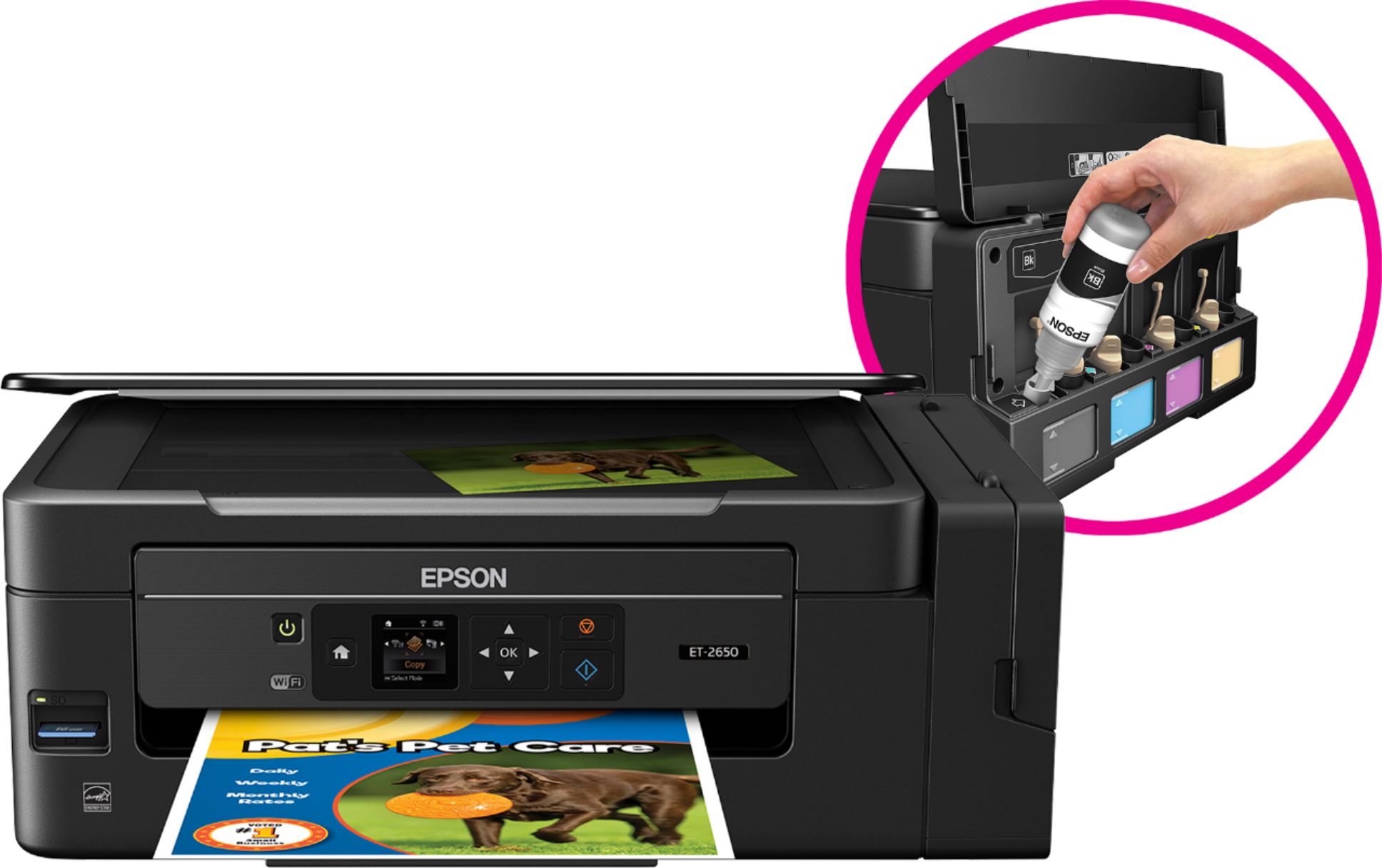
A:AnswerThe bottles in the box are exactly the same as the ones you buy as replacement. I think that is why they call them replacement. In the box you have only four bottles of four different colors to fill each deposit. Not extra replacements.
A:AnswerI believe it uses a lot less. The ink levels have barely moved and i've printed about 50+ pages so far most in color. You can see the ink level go down through the side view of the ink reservoirs, you would probably have to print 2000 pages to watch it go down fast in real time.Epson ET-2650. It comes with
1 664 Black ink bottle (70 mL), 1 replacement 664 Cyan ink bottle (70 mL), 664 Magenta ink bottle (70 mL), 1 replacement 664 Yellow ink bottle (70 mL). The WF-2650 yields about 500 in black and 450 in color. The ET-2650 664 ink yields about 2000-4000 pages. I personally went for the ET-2650. Hope this helps regardless of cost, worth it so far.
A:AnswerI'm in Tucson Arizona. Ive had mine over a year. The dry air and the ink in the tanks isnt a problem. Its less about the dry environment and more about making sure you print a few pages per week at least. This is a great printer for high volume printing. You can get away with only using it a bit each month but dont let it sit for long periods of time. Other wise you will spend a lot of time cleaning nozzles to get it printing correctly again.
A:AnswerI have used matte, semi gloss and gloss paper. All are fine as long as you use the correct printer setting. I recommend you convert your image or artwork to pdf first. Color from jpegs can be off quite a bit for some reason.
A:AnswerNo the tanks are empty when you open the box and you will use all of the provided ink to fill them. However when I bought mine from Best Buy they matched a Sam’s Club deal that was going on that provided an extra bottle of black as a bonus.
A:AnswerNot that I can find. It will scan and attach to a message in your email. Note: This works with MAPI-type email such as Microsoft Outlook, Windows Live Mail, Mac Mail, and Entourage, but not web-based email such as Gmail.
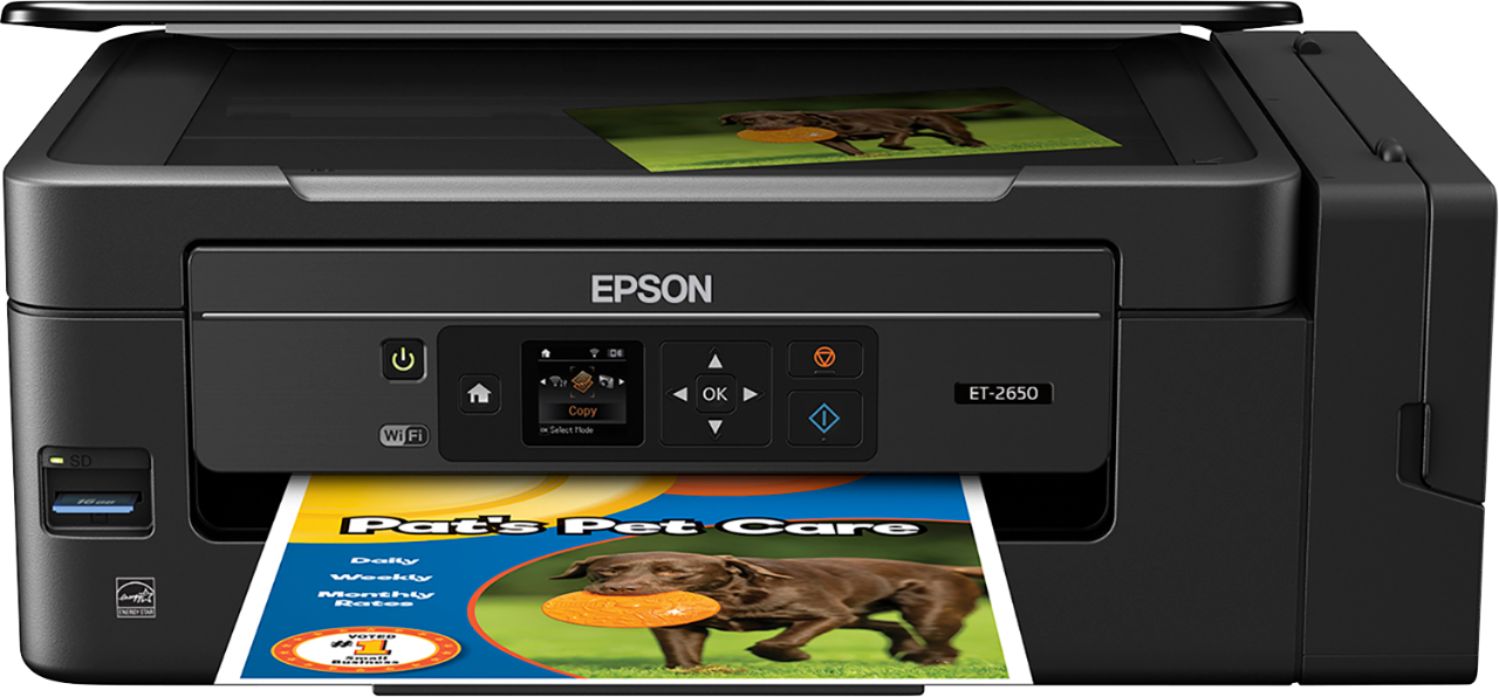
A:AnswerThe quality of photos printed on the ET2650 is terrific! It uses a dye-based ink that provides excellent quality Epson photo printers use a premium quality dye-based ink, so when you hold them up next to each other you'll see the difference. But by itself a phot printed on an ET2650 looks great.
A:AnswerAll Epson printers are shipped with regular inkjet ink. You can buy sublimation inks from dozens of sources. WARNING! it is never a good idea to swap back and forth between inks. Once converted to a sublimation printer it should stay dedicated to just sublimation projects!