A:Answer No, but,
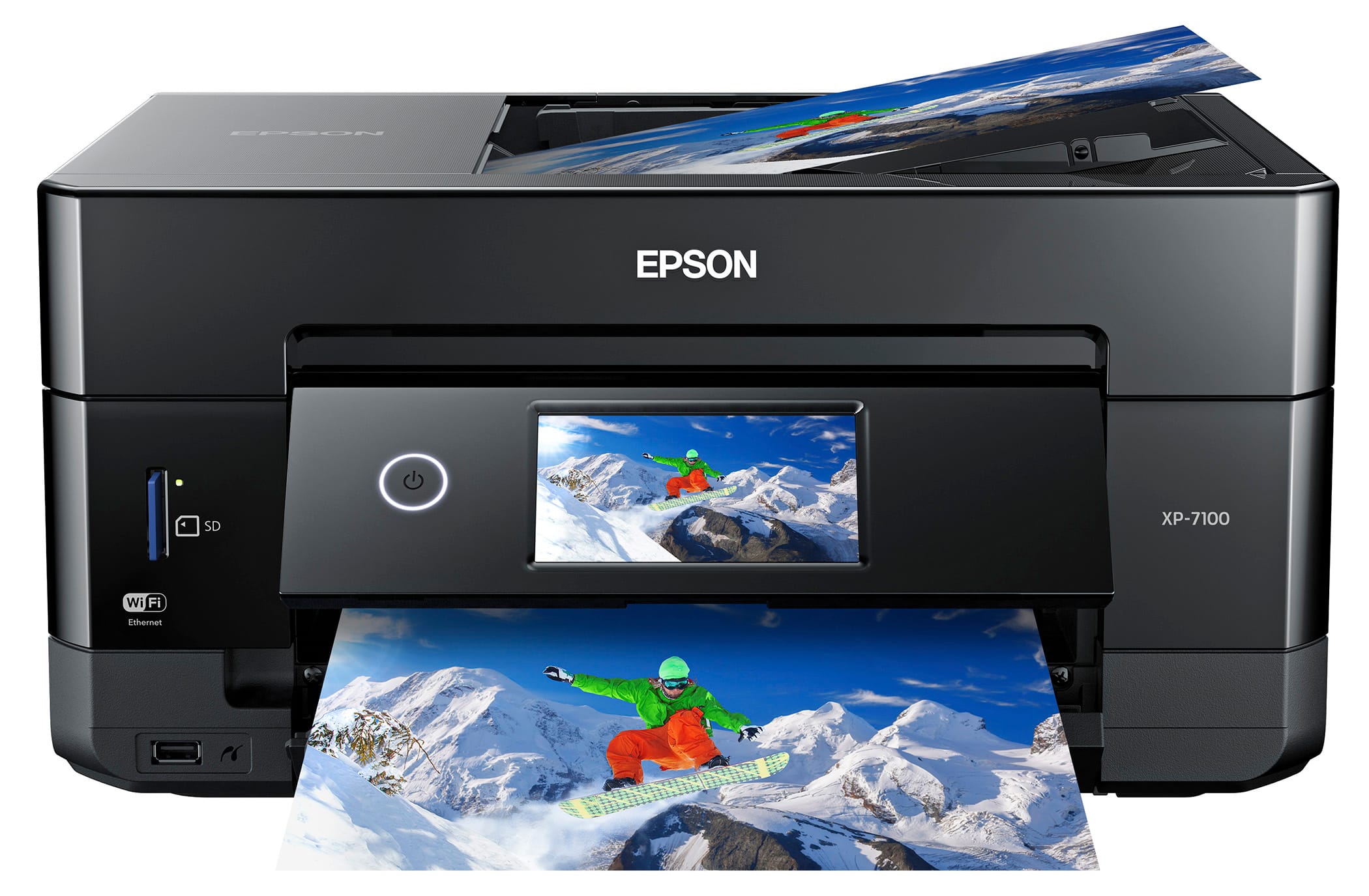
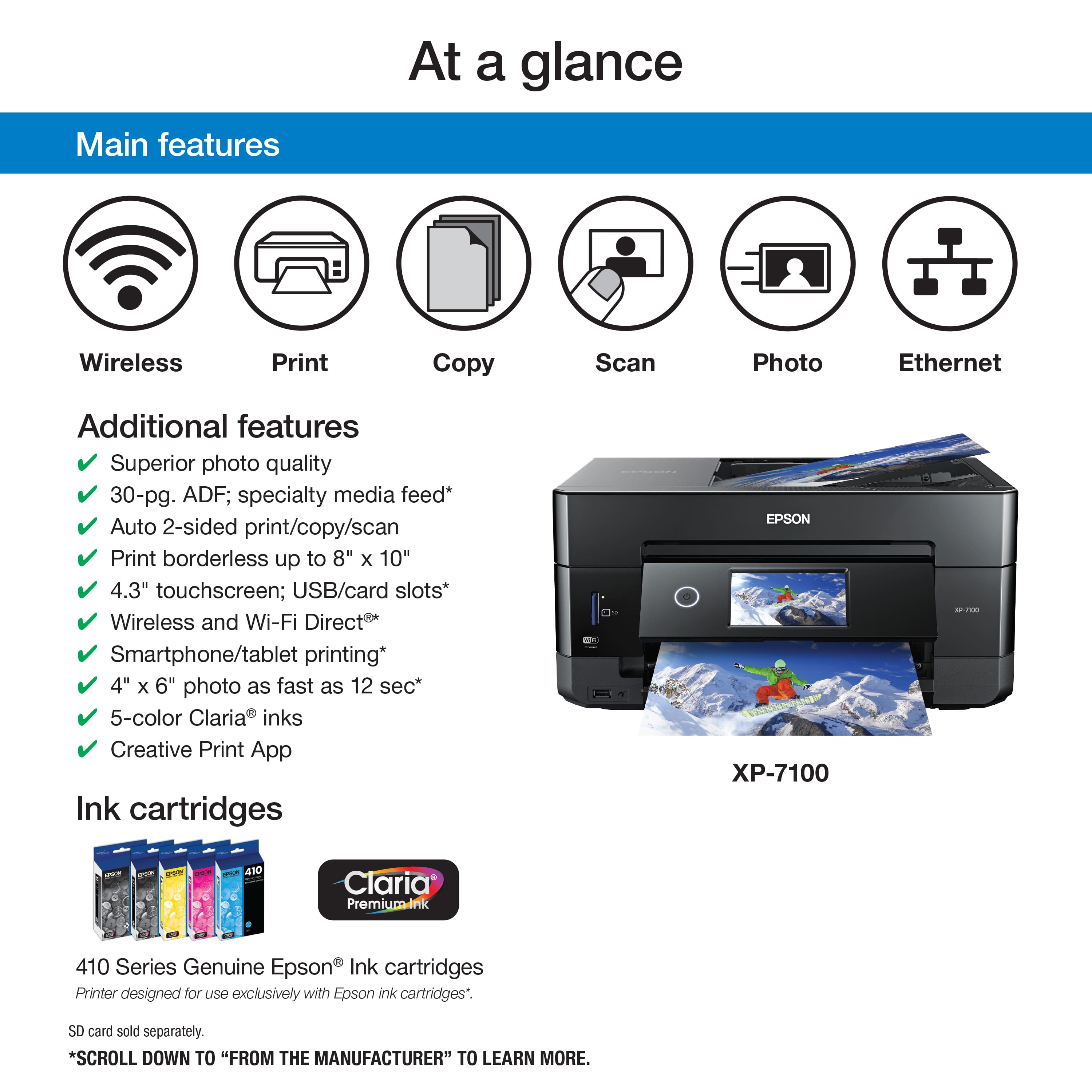
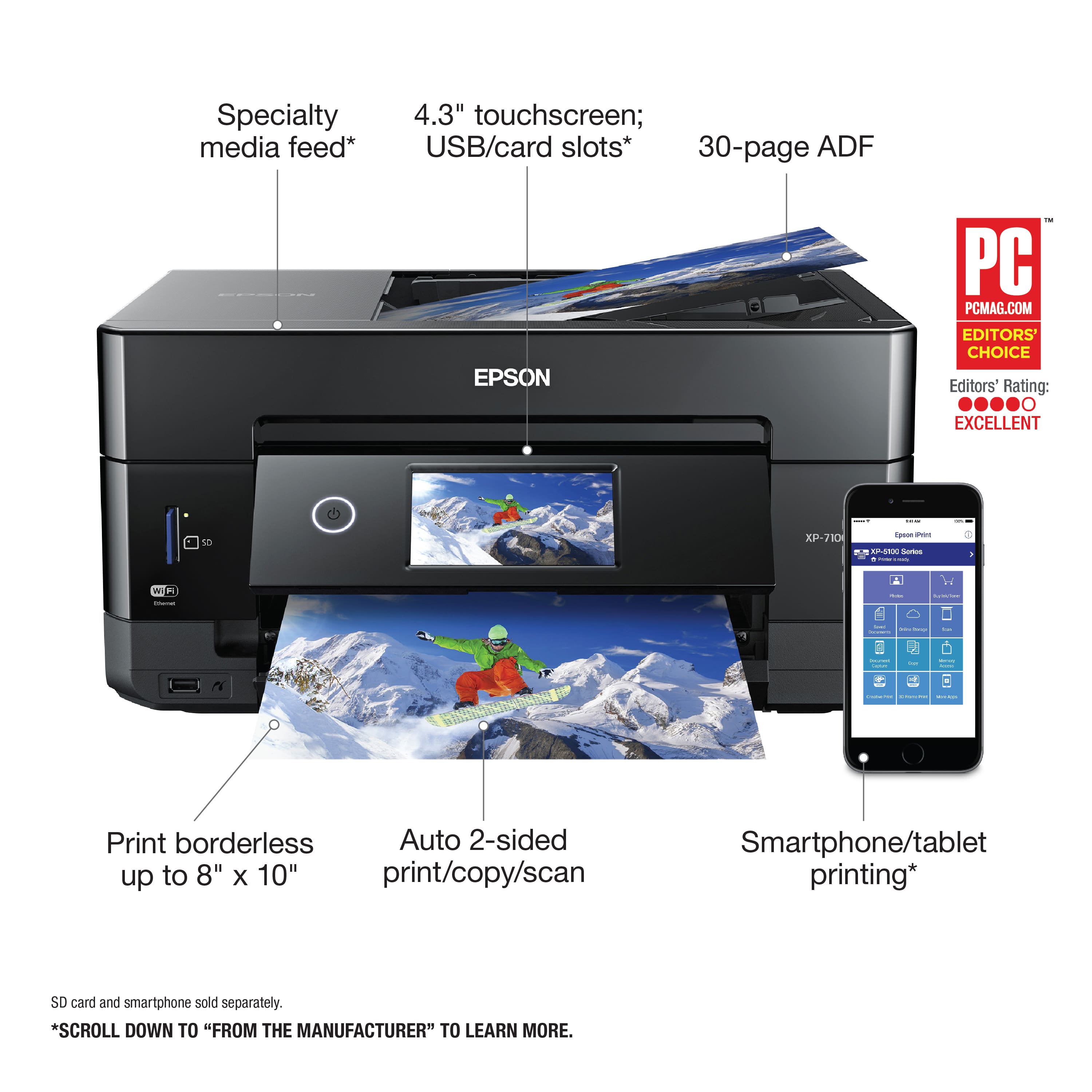
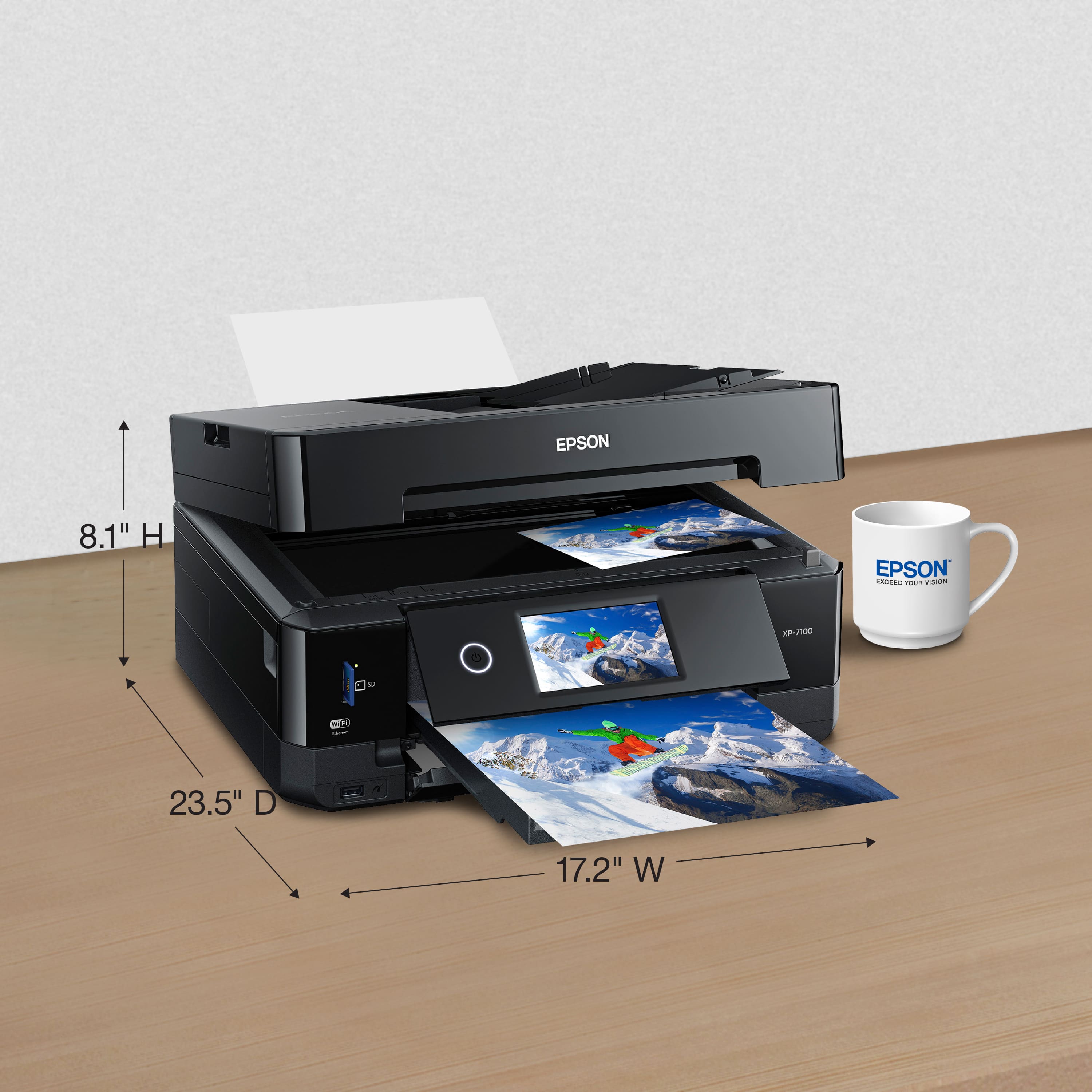
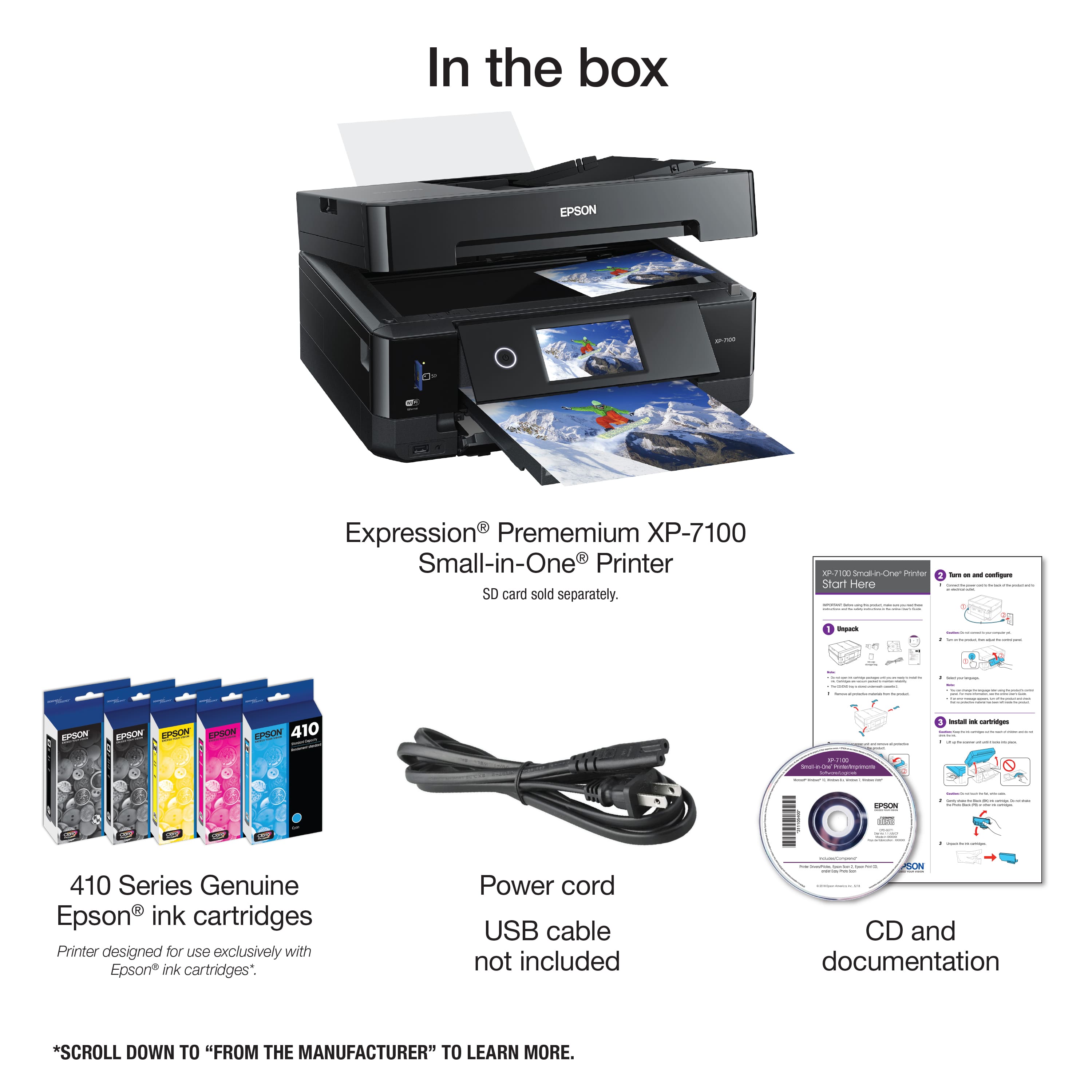
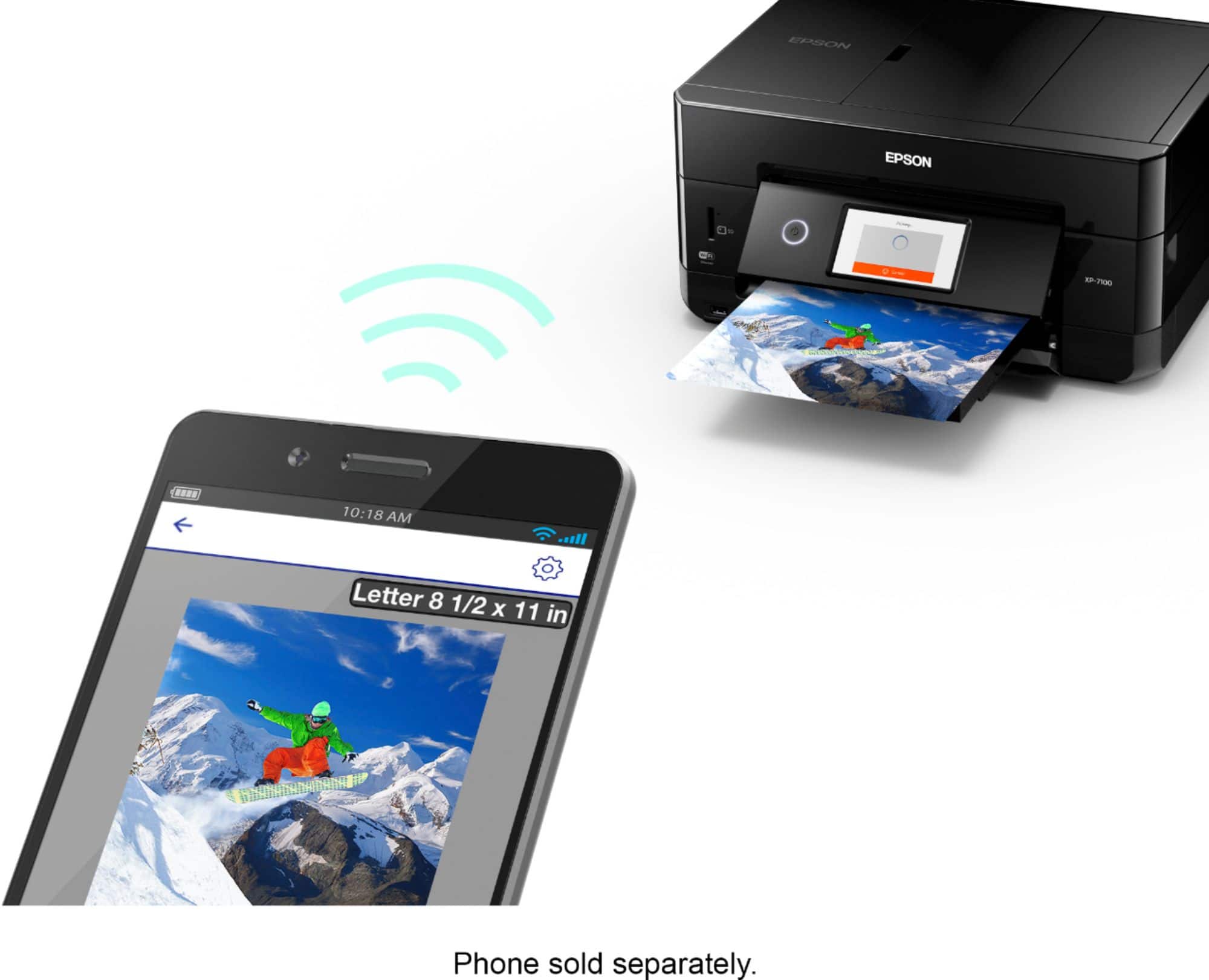
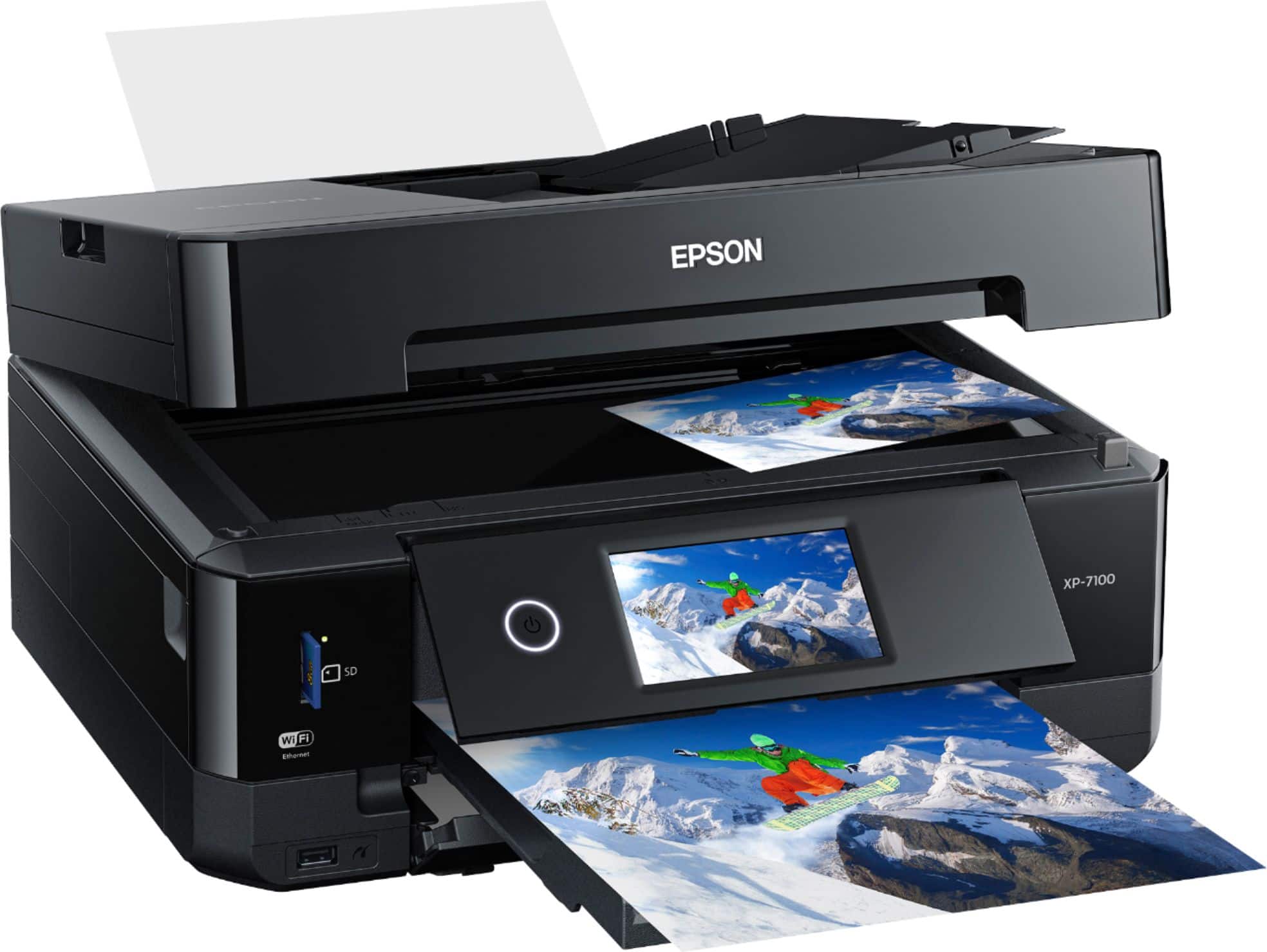
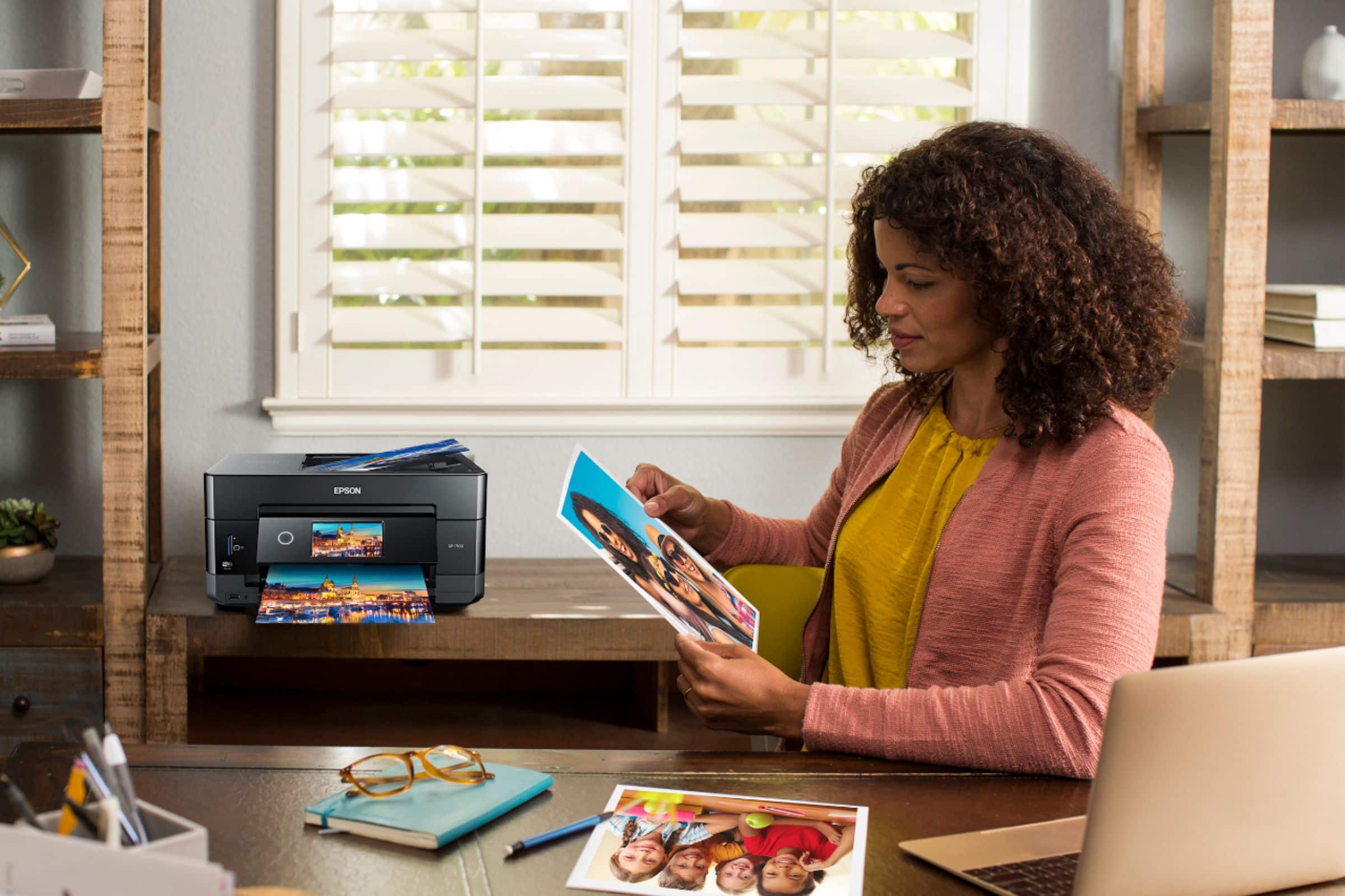
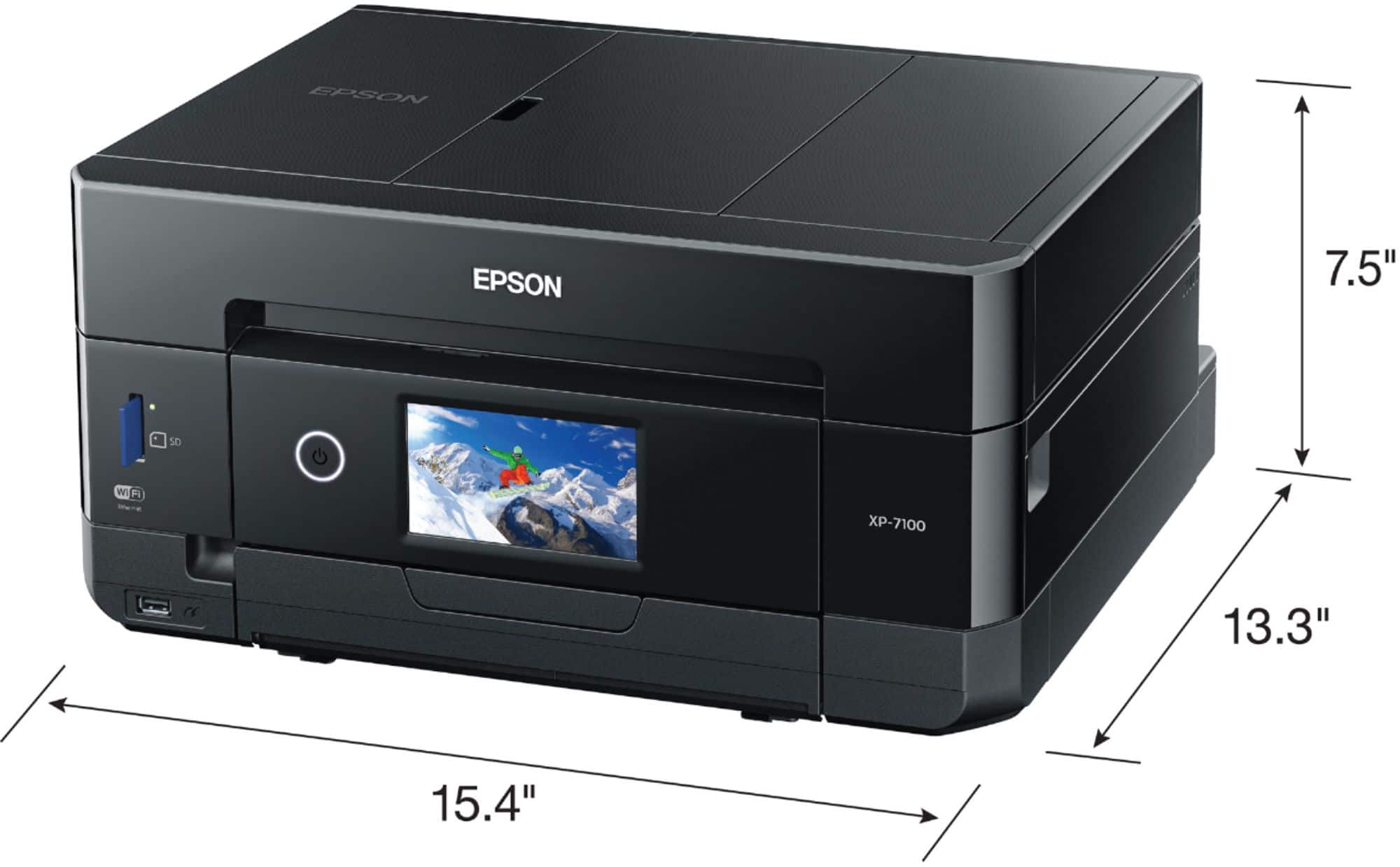
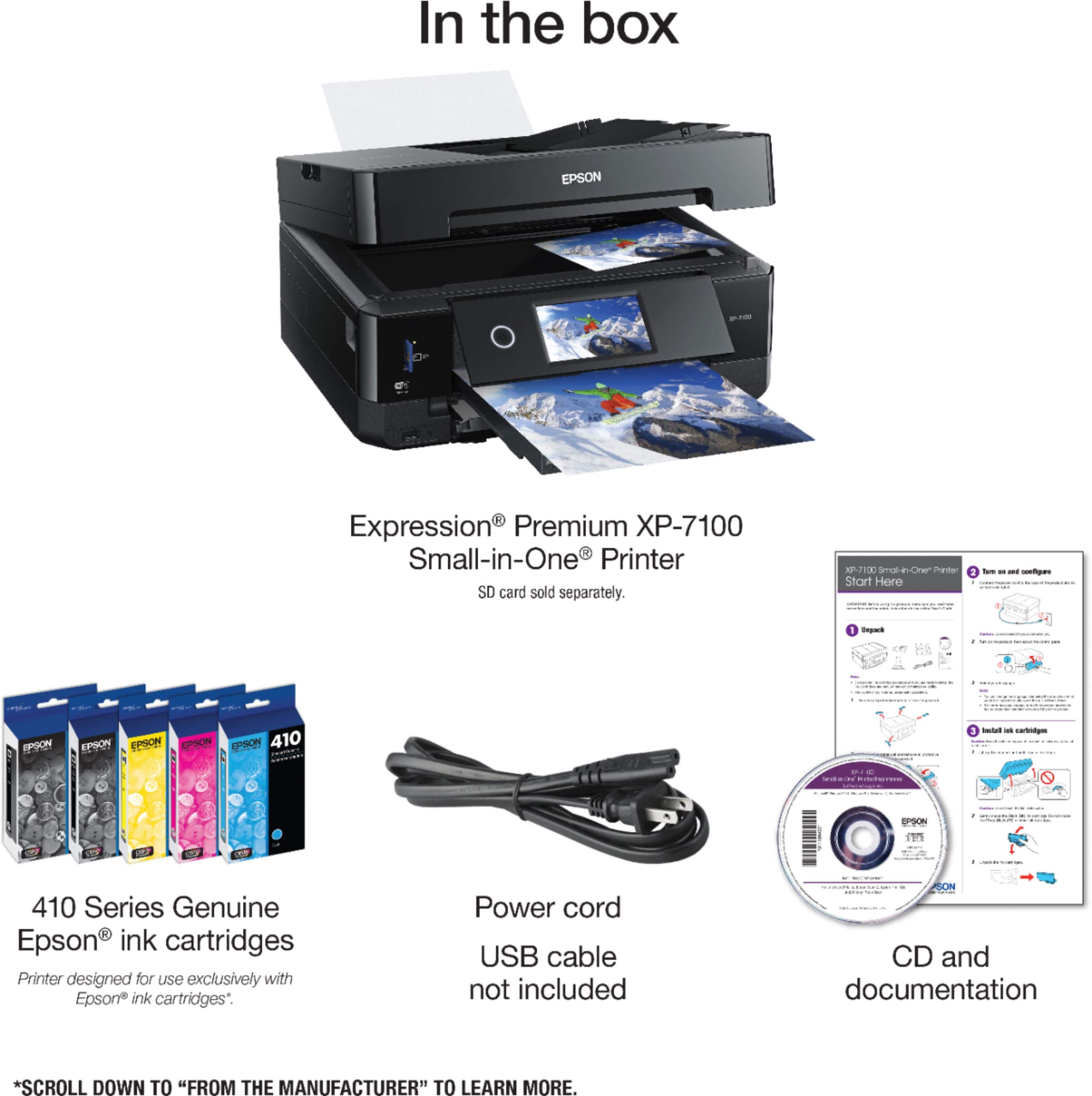
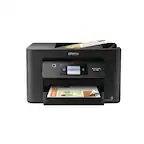
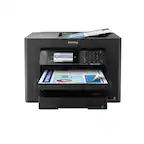
The Printer: Connect your Epson XP-7100 to your computer or phone using Wi-Fi or a standard printer USB cable.
The Cricut: Connect your Cricut machine to that same computer or phone using Bluetooth or its own included USB cable.
Design: Open your project in the Cricut Design Space app.
Print: Click Make It, then choose Send to Printer. The app will send the image through your Wi-Fi or computer cable to the Epson XP-7100. The printer will output your design along with black sensor line markings.
Cut: Place that printed sheet onto your Cricut cutting mat and load it into the Cricut machine.
The Cricut's built-in electric eye will read those printed lines to know exactly where to cut.