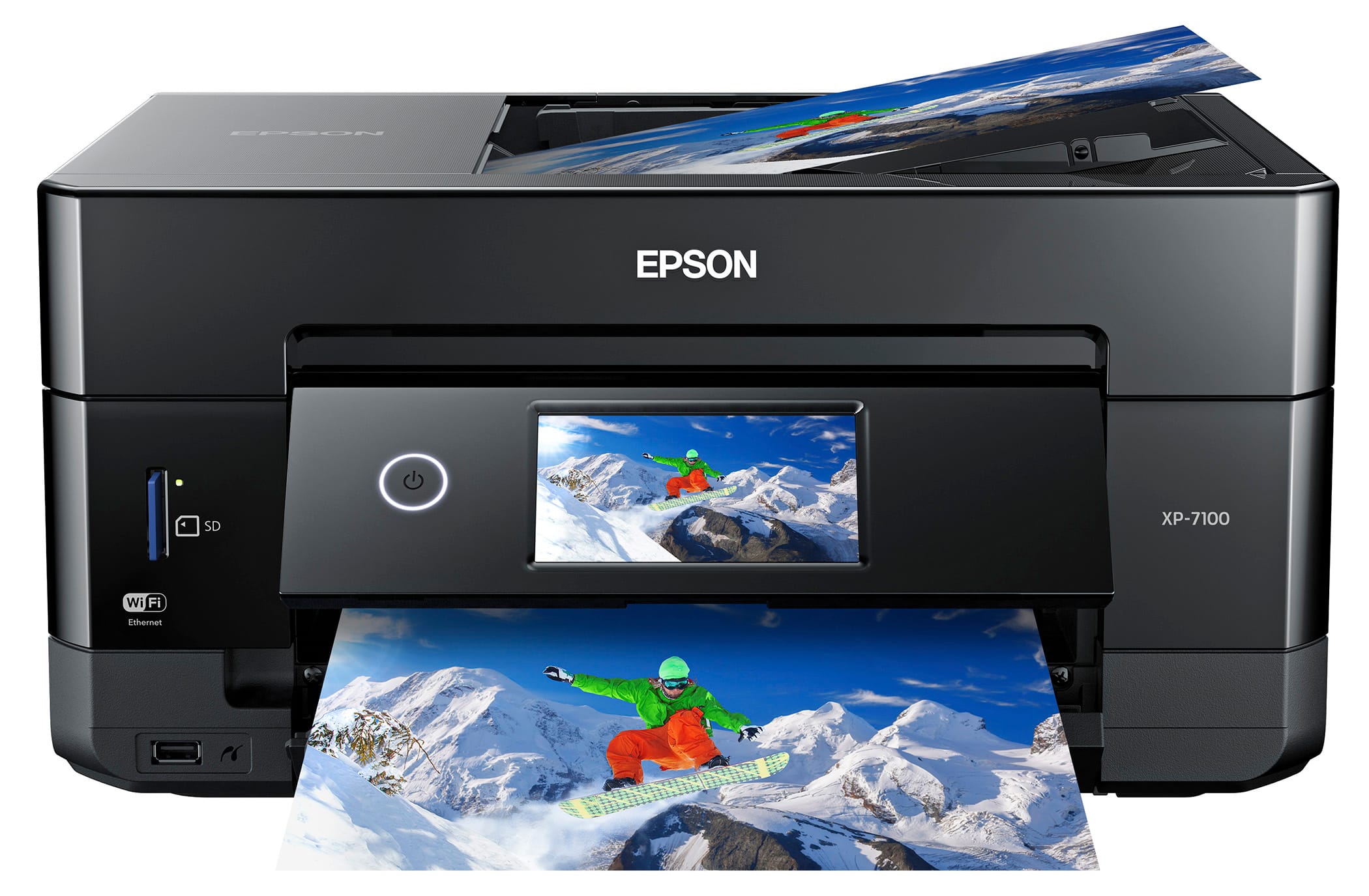
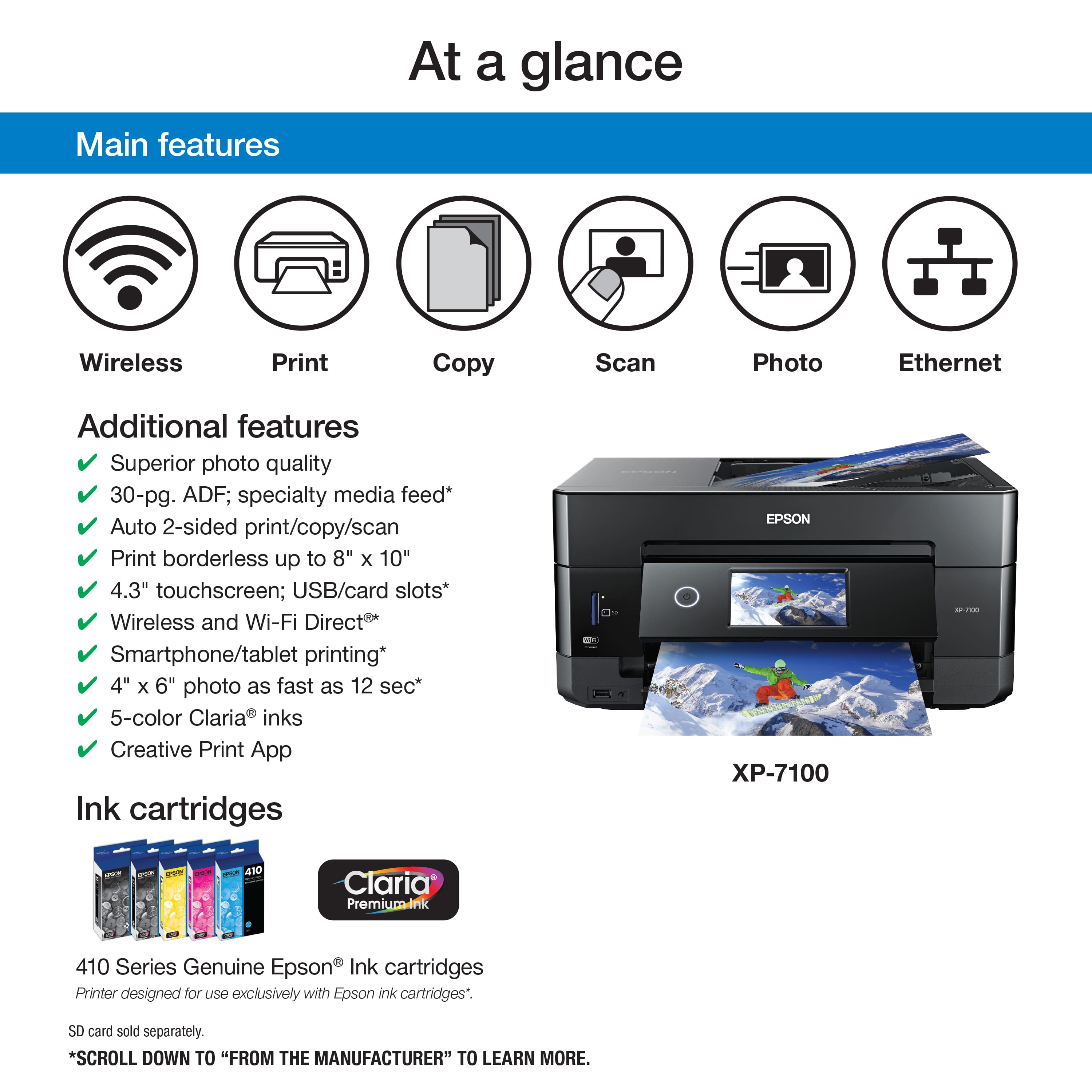
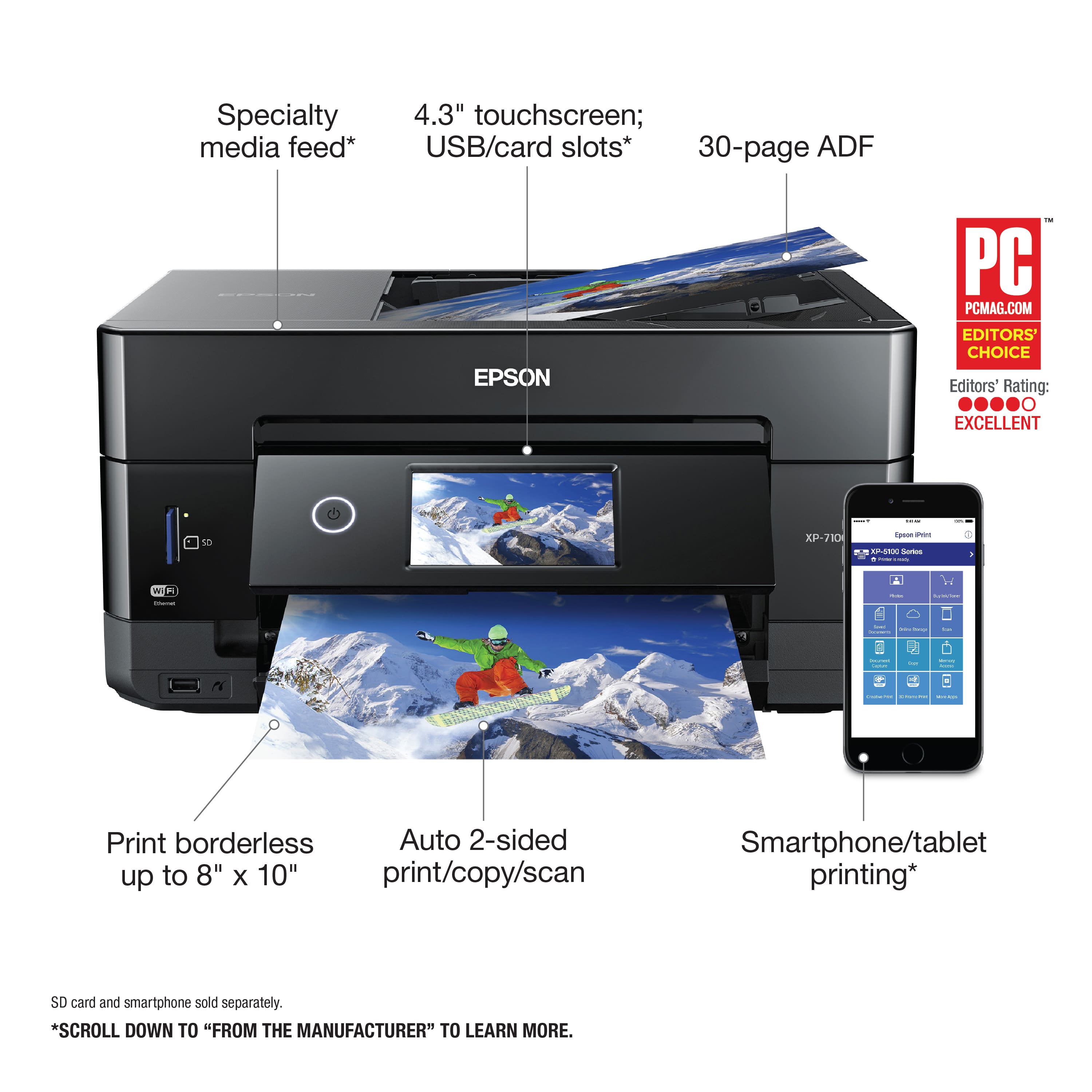
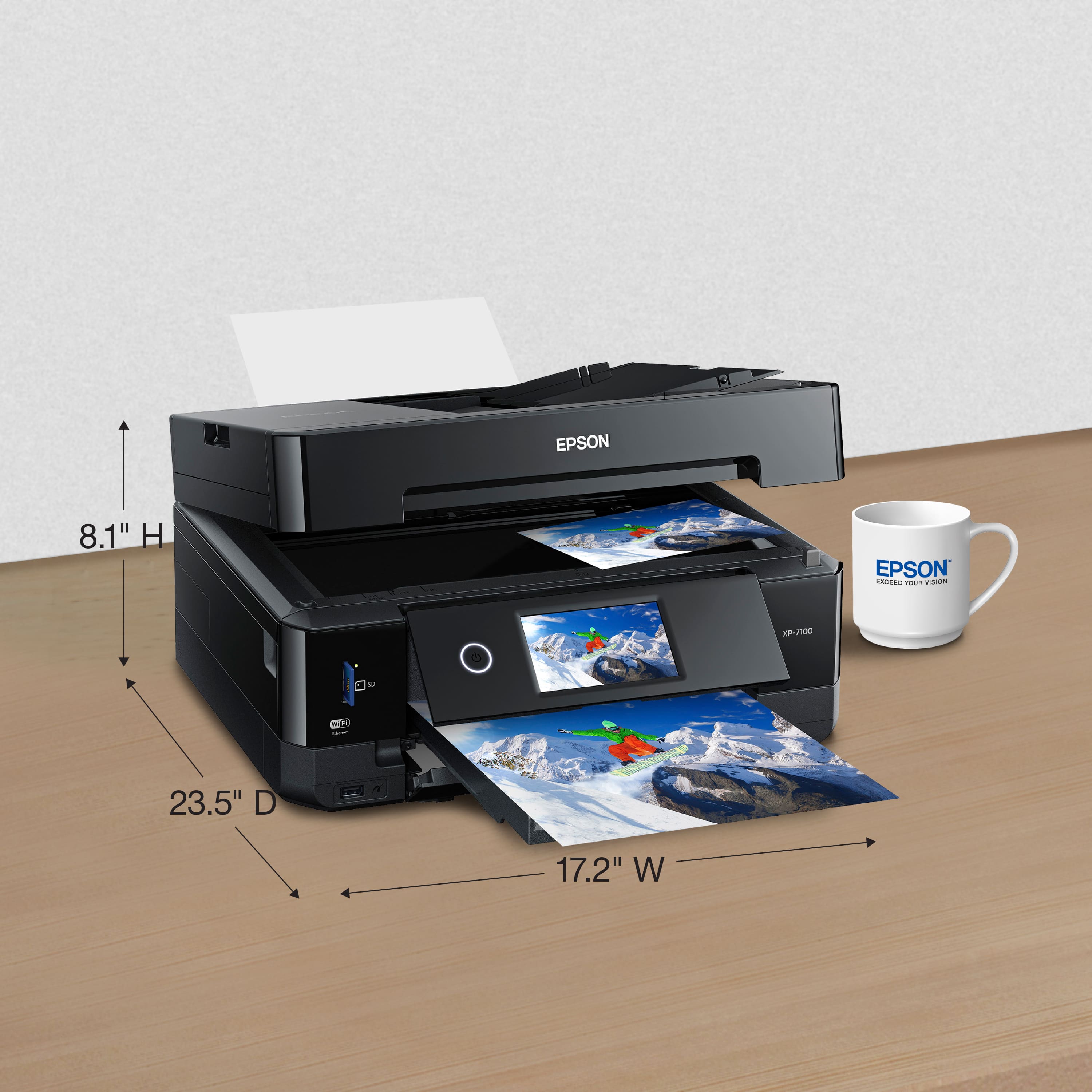
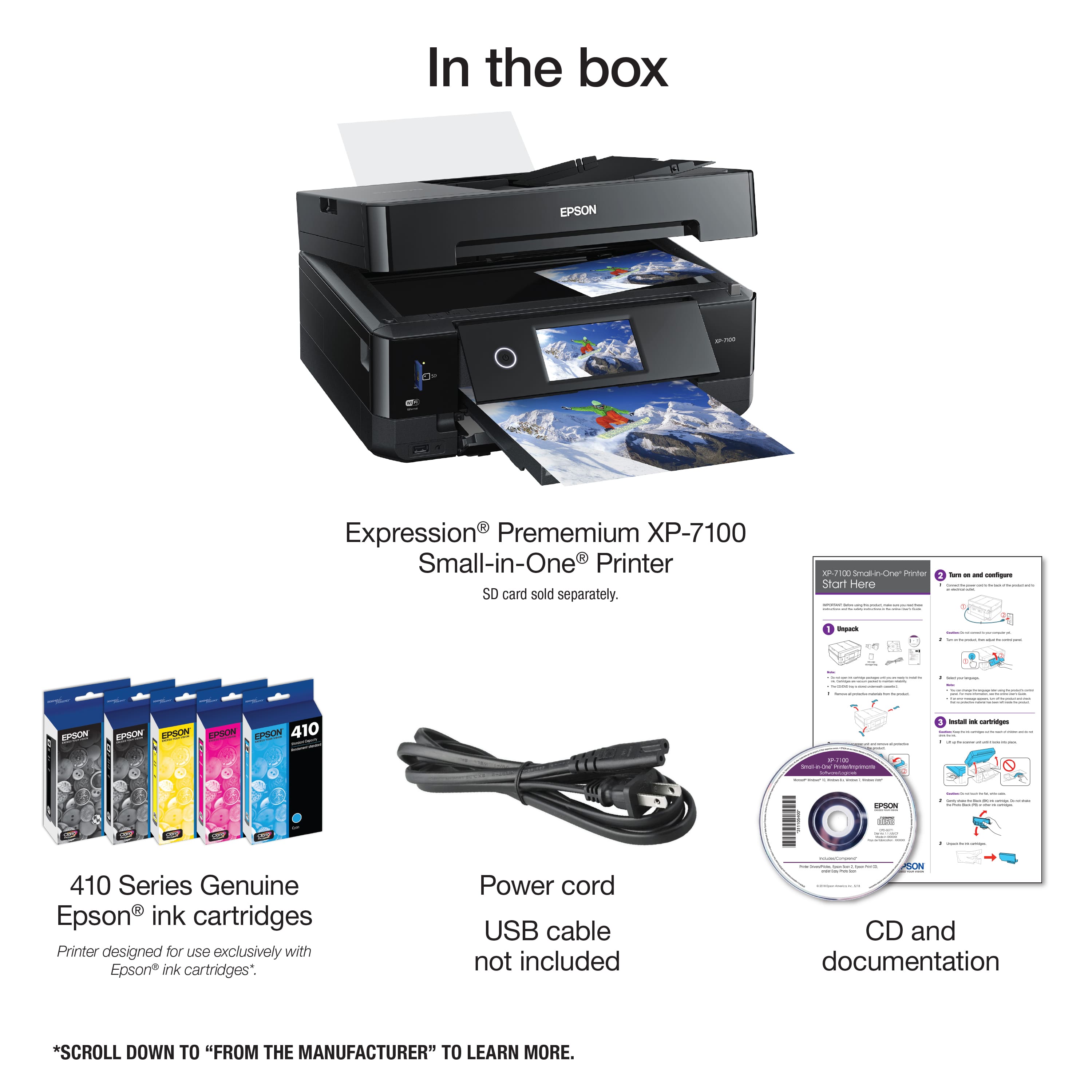
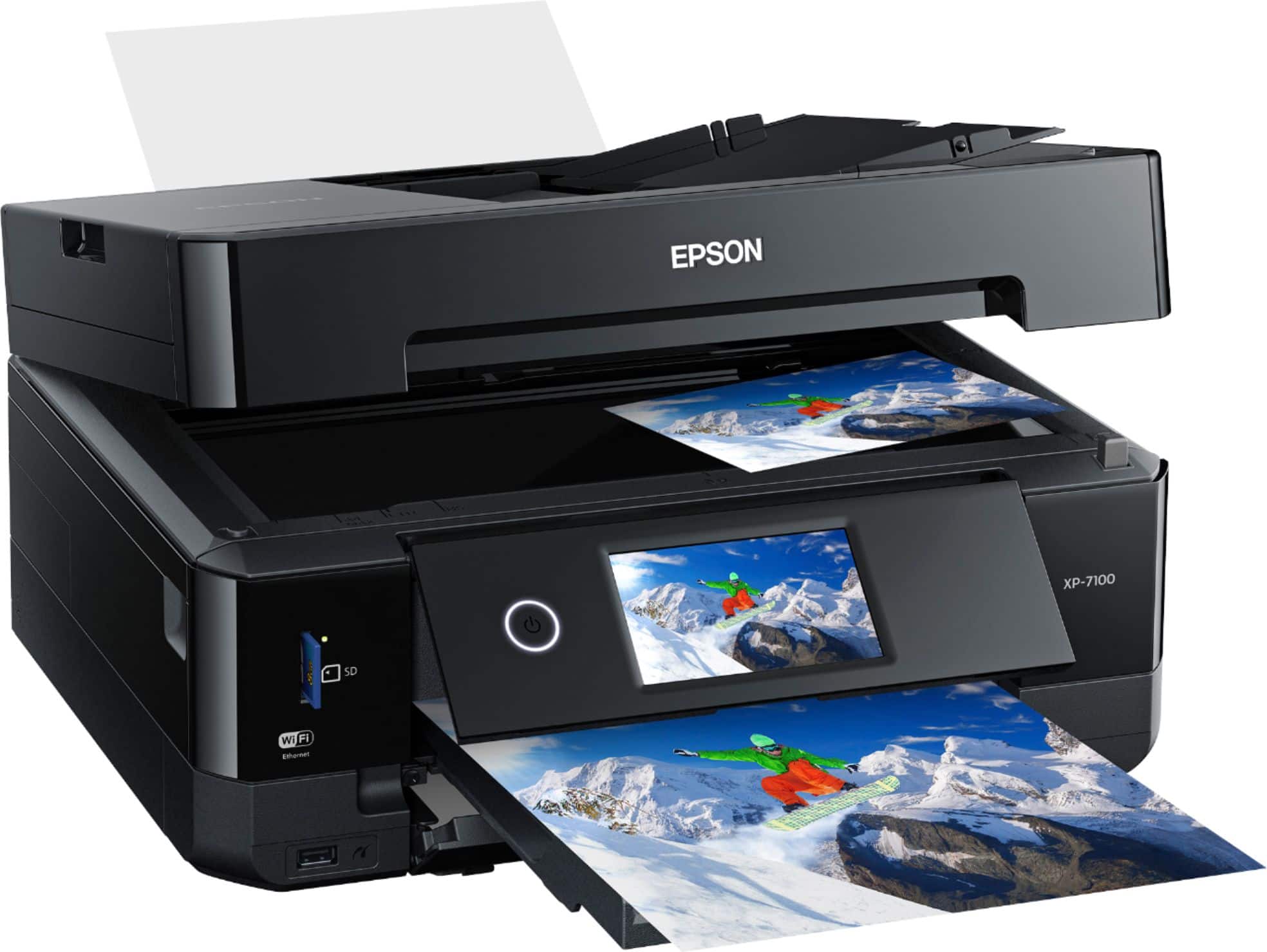
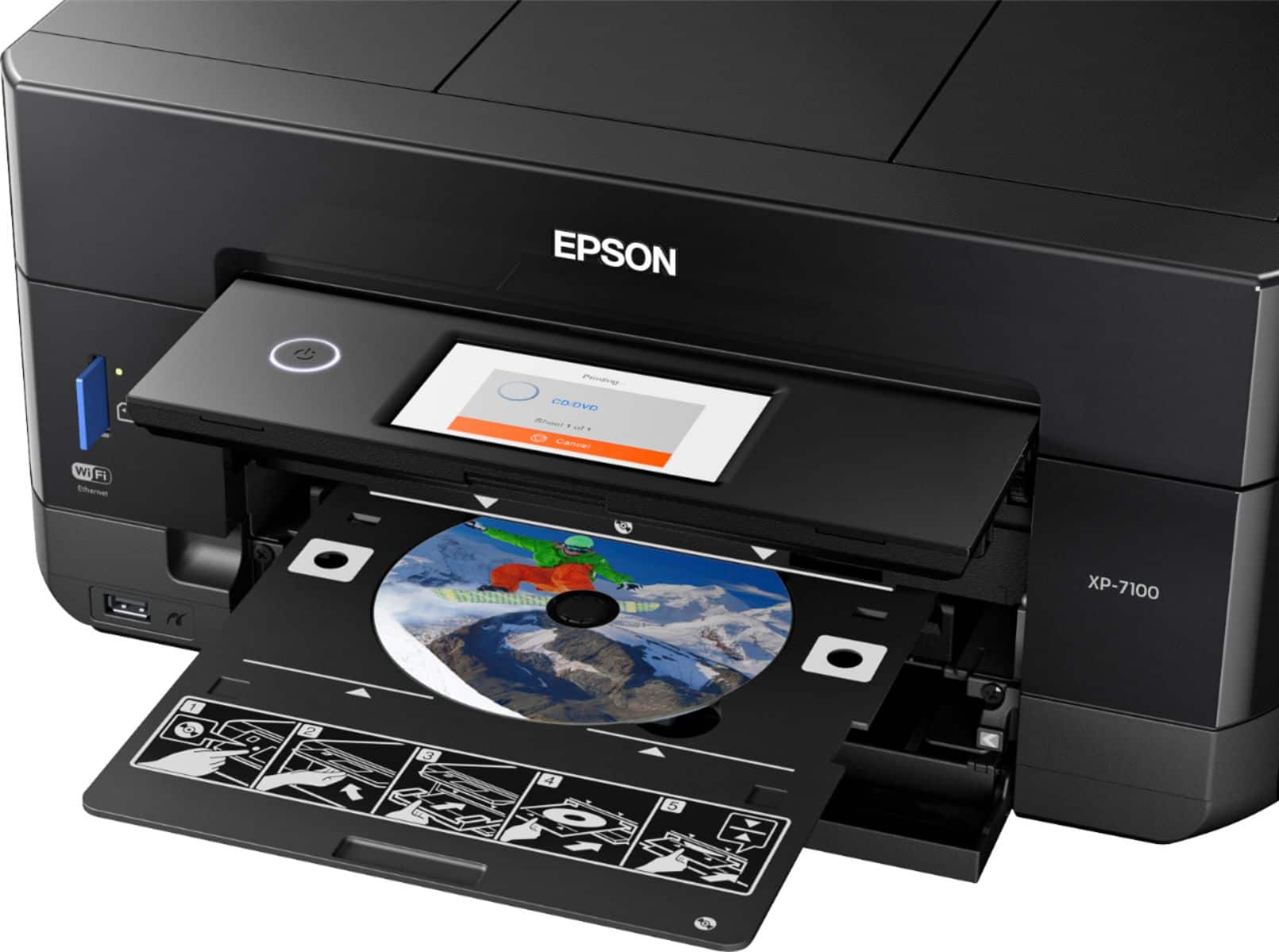
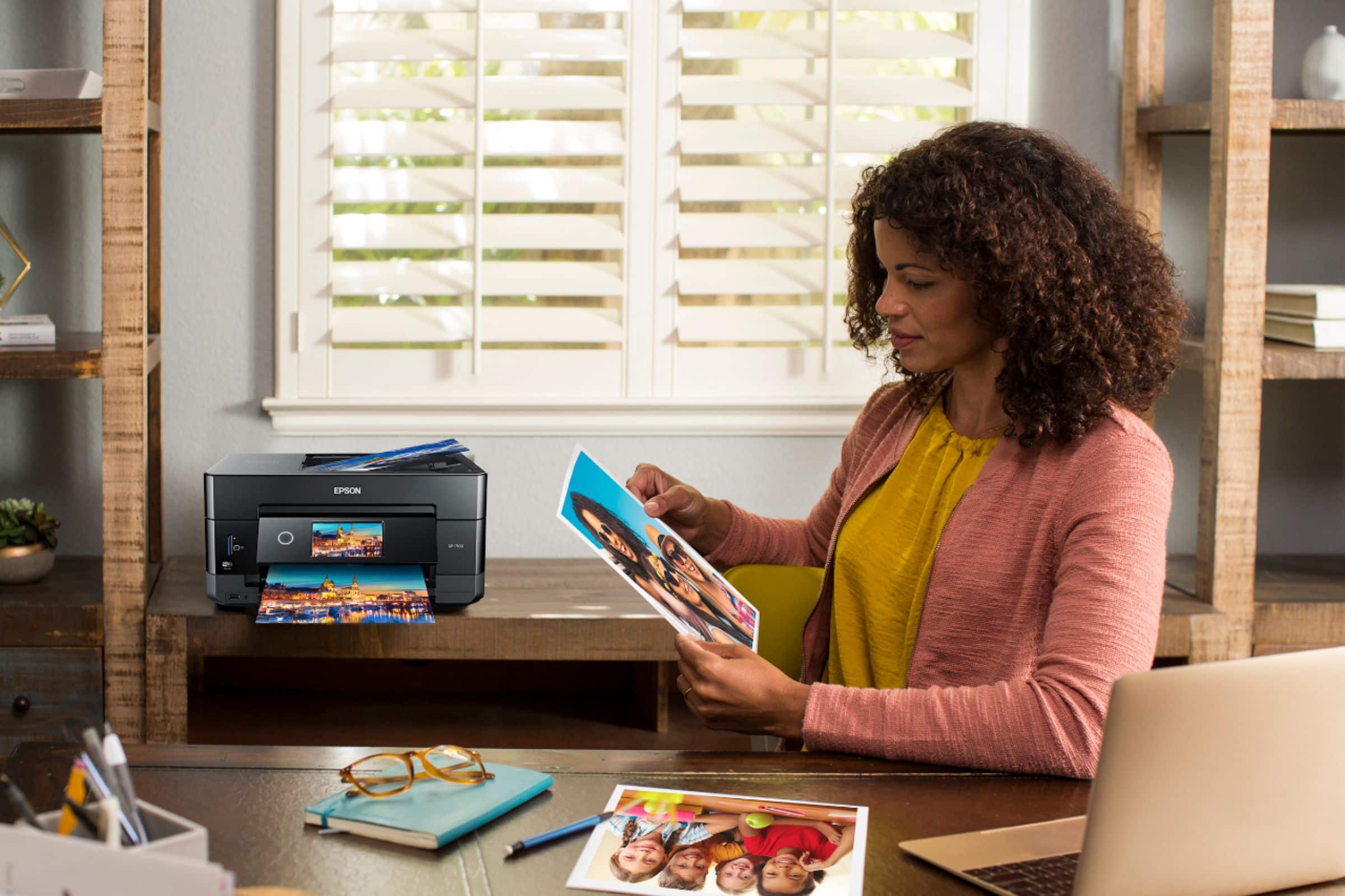
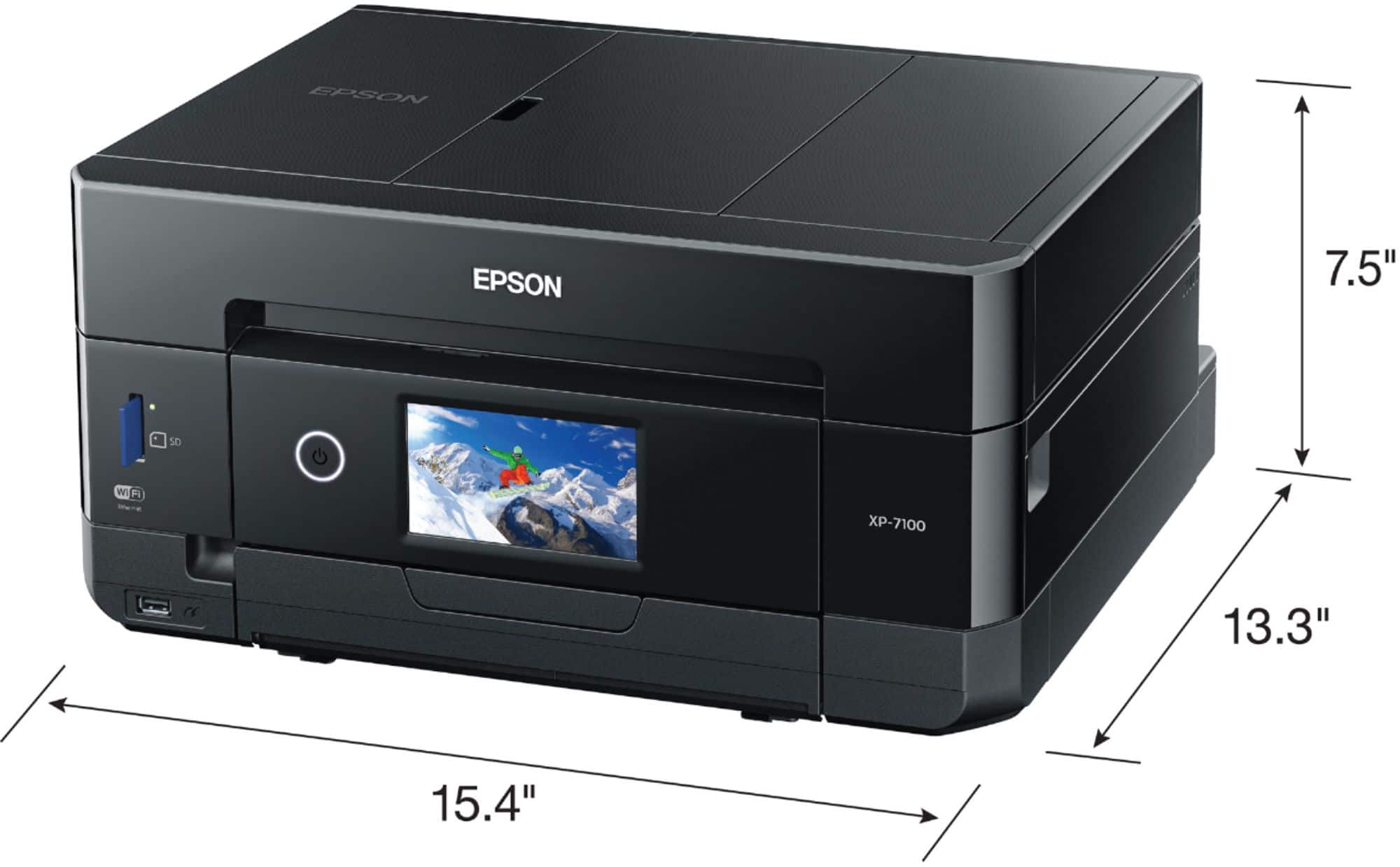
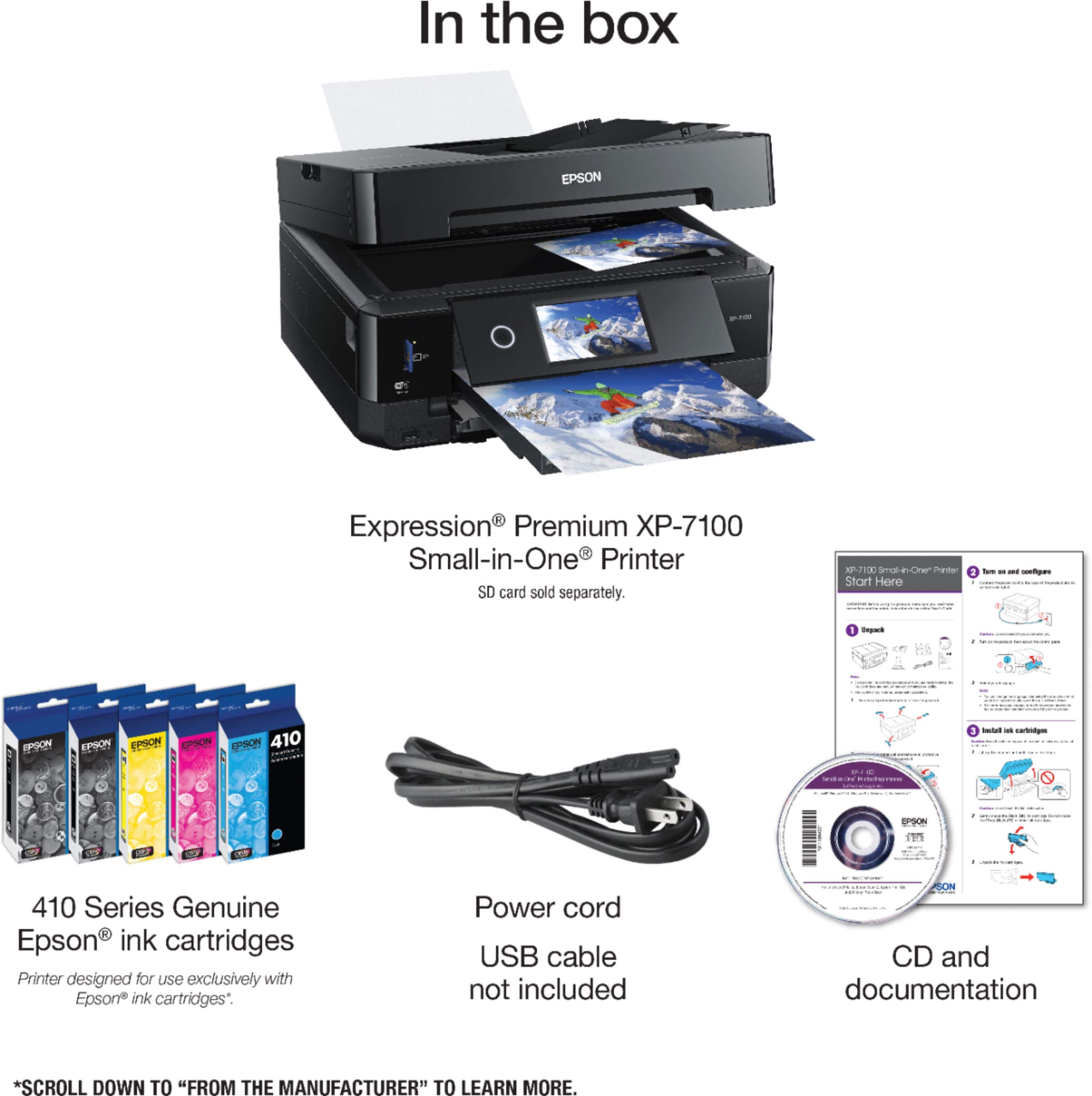
A:AnswerThere's a dedicated tray built-in it's included in the photos right here on the products page that Best Buy provides. Take a close look at all the photos and you'll see the tray with the DVD on it.
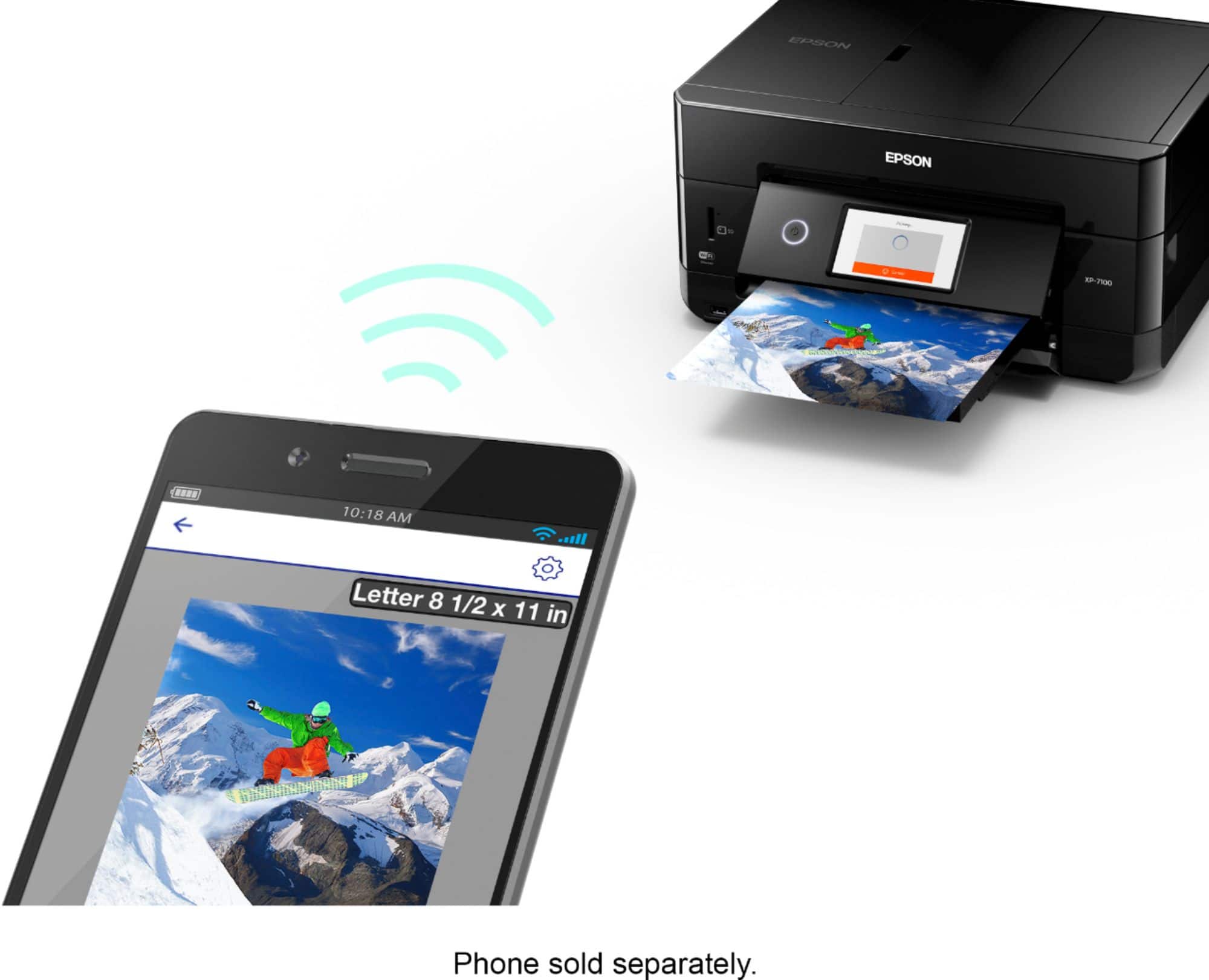
A:AnswerWe need more info. Are you getting an error message? Is both the computer and printer plugged in?Are they properly connected to each other? If on WiFi, are they both connected to the same network?
A:AnswerI had to go online and set it up through the website I believe and once that was complete the printer has been working perfectly. Hope this helps if you haven't already tried.
A:AnswerEasy. I followed the instructions carefully. Driver loaded online fine. Connected to 2 laptops and an iPhone via 4G WiFi. I think it does 5G, but forget (not necessary, eh?).