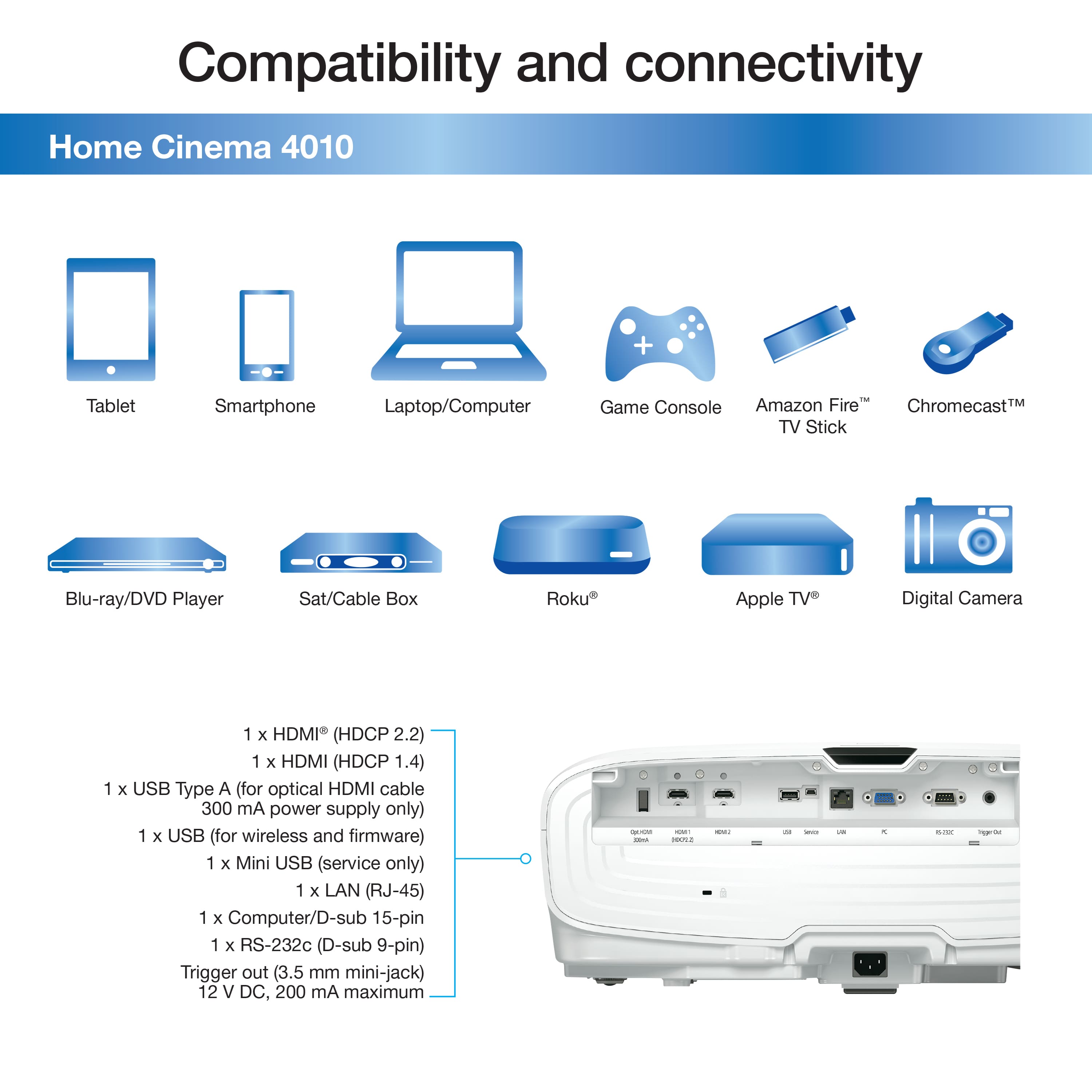
A:AnswerYou would use either HDMI passthrough, or get an audio extractor device. With that you can tap the audio out of the incoming HDMI cable and direct it to the audio system.
A:AnswerI don't think any projector would have the capability to project on a very lighted environment not even the 30k dlls can. Just get a big tv LED and will may suffice your needs or use it at night.
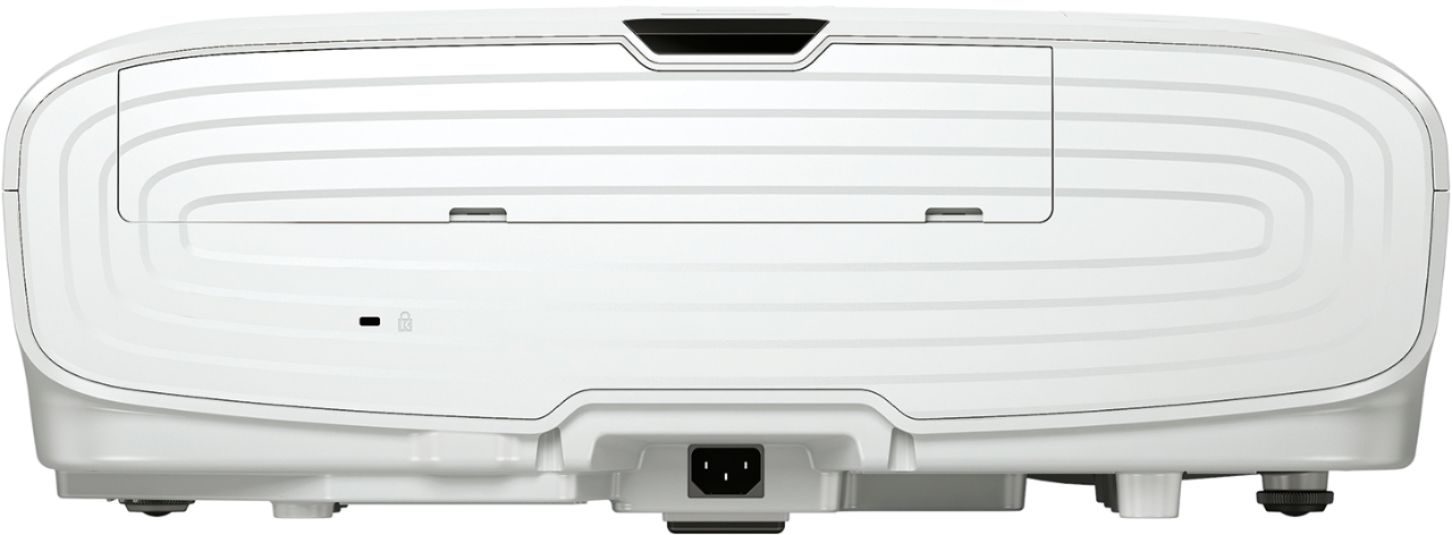
A:AnswerGet yourself an inexpensive Microsoft Wireless Display Adapter (newer model) and use it. As long as your Dell laptop is running Win 10 and supports miracast, you'll be set for life. Just remember you will need a way to get the audio to play. There are no built in speakers and no audio out port on the projector. So it's very silent (other than the fans you'll hear). You could get sound from your laptop however.
A:AnswerSilver Ticket Screens are the best value in projector screens.
They don’t cost too much and they’re renowned for their excellent quality and value.
They’re sold on amazon and/or through their own website.
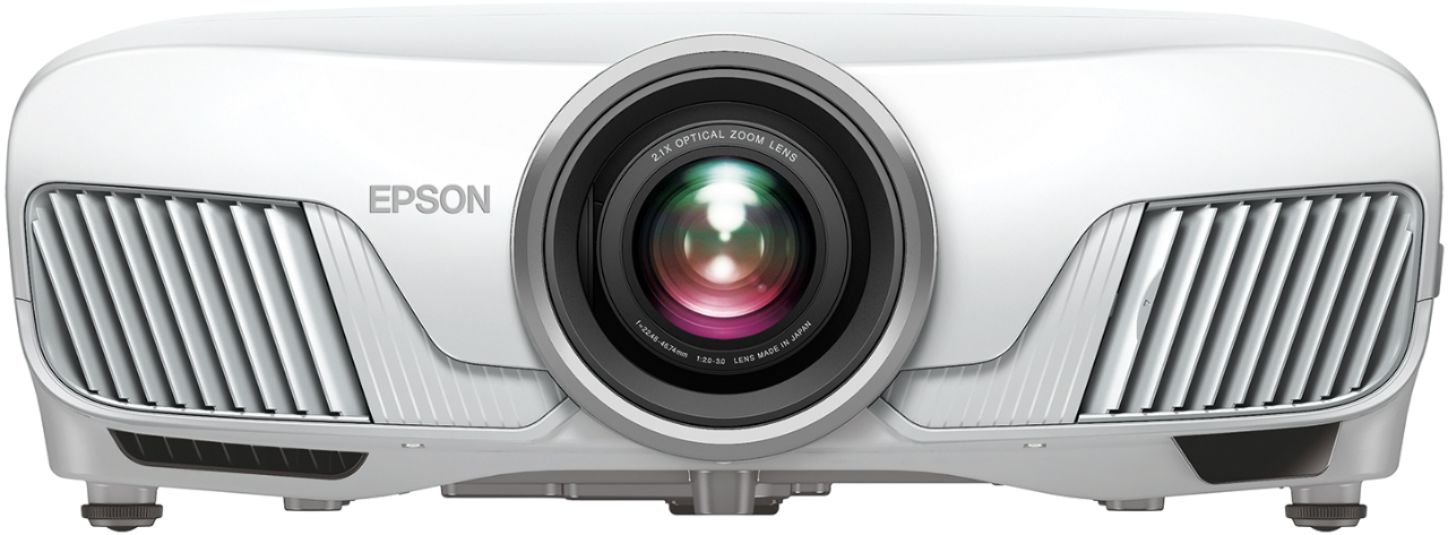
A:AnswerLeya this is a projector. It has 2 HDMI ports in the back to plug in a Blu-ray player or any smart device like an Apple TV or Roku. The front projects the image on a wall or a screen,
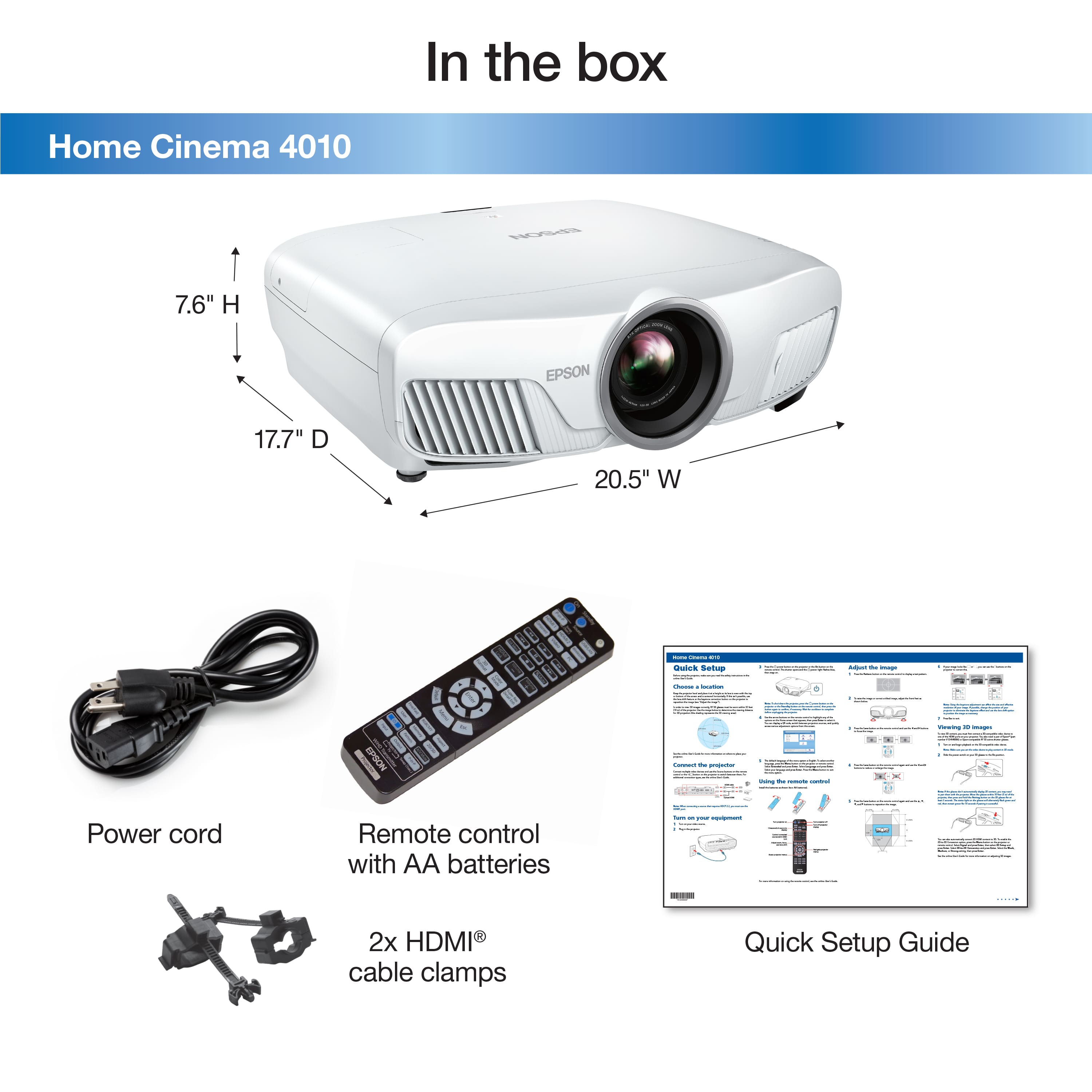
A:AnswerHi Ruben, Your Home Cinema 4010 has lens shift instead of quick corner. The Start Here guide that came with your projector has tips for using lens shift and the vertical keystone adjustment for set up. Regards, Mark - The Epson Team.
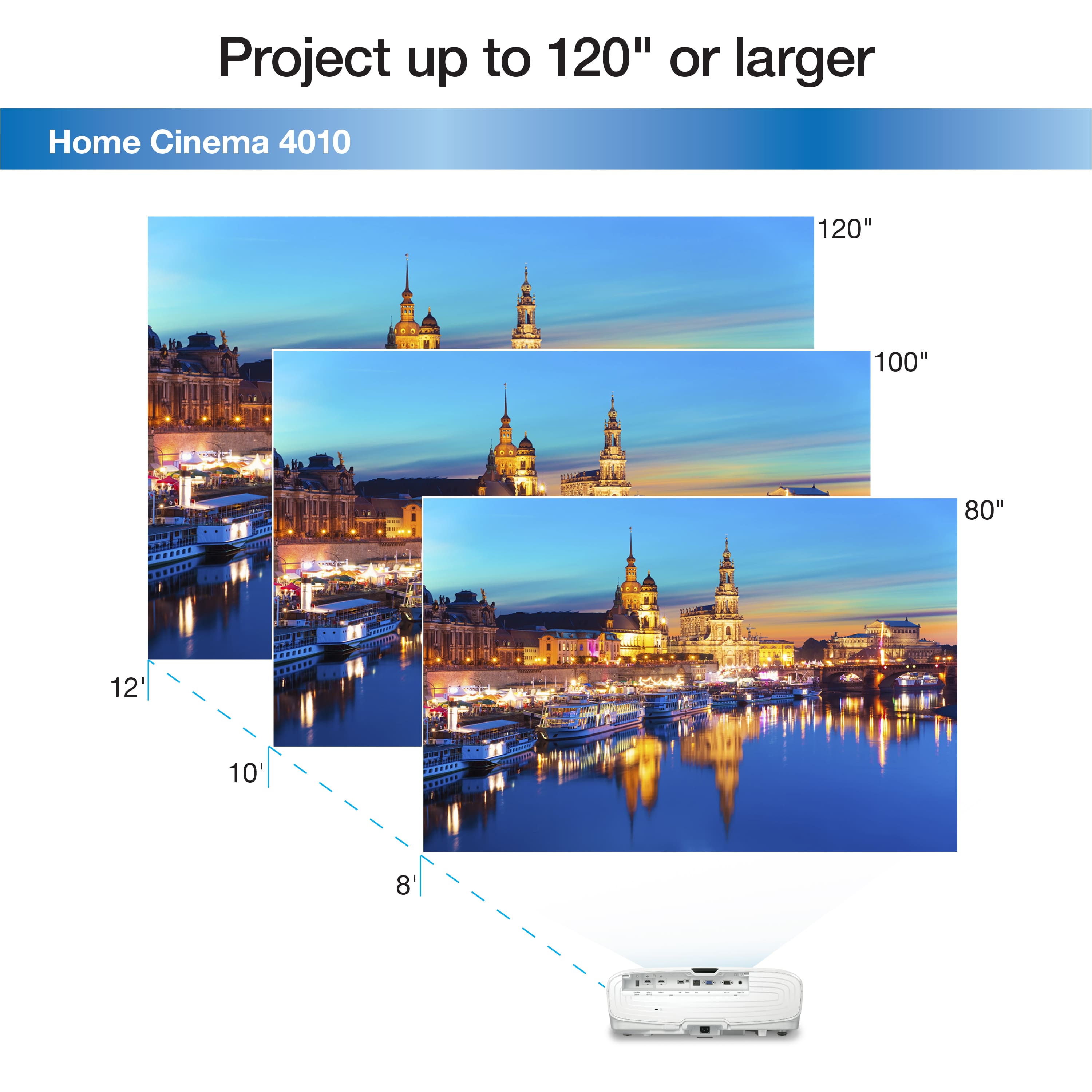
A:AnswerI have my Epson ceiling mounted about 17' from the wall while projecting on a 125" screen. At this distance, you would easily be able to increase the picture to fill a 137" screen. From 17', I can easily fill the entire wall of my theater which is about 16' wide by 9' high.
A:AnswerMine is mounted about 10 feet back right now and the max zoom only fills about 100 inches of my 120 inch screen. Not sure on the exact numbers but I feel I have to move mine back 2 feet more most likely to fit my 120. In short, I'd guess you need 14 feet or so. BTW, I see zero distortion with zoom so zoom away to get to fit your screen.
A:AnswerJust slight difference in contrast with the 4010 having a bit higher levels but both are have 4k enhancement and motorized lens focus, horizontal and vertical correction and zoom all handled by the Backlit remote.
A:AnswerYes, it will support 4k streaming and gaming. However, it does not have an 18gb HDMI port, so you cannot do 4k 60 with HDR. It's either, from my understanding, 4k 60 with no HDR, or 4K 30 with HDR...I think. Either that or you can't do 4k and HDR at all.