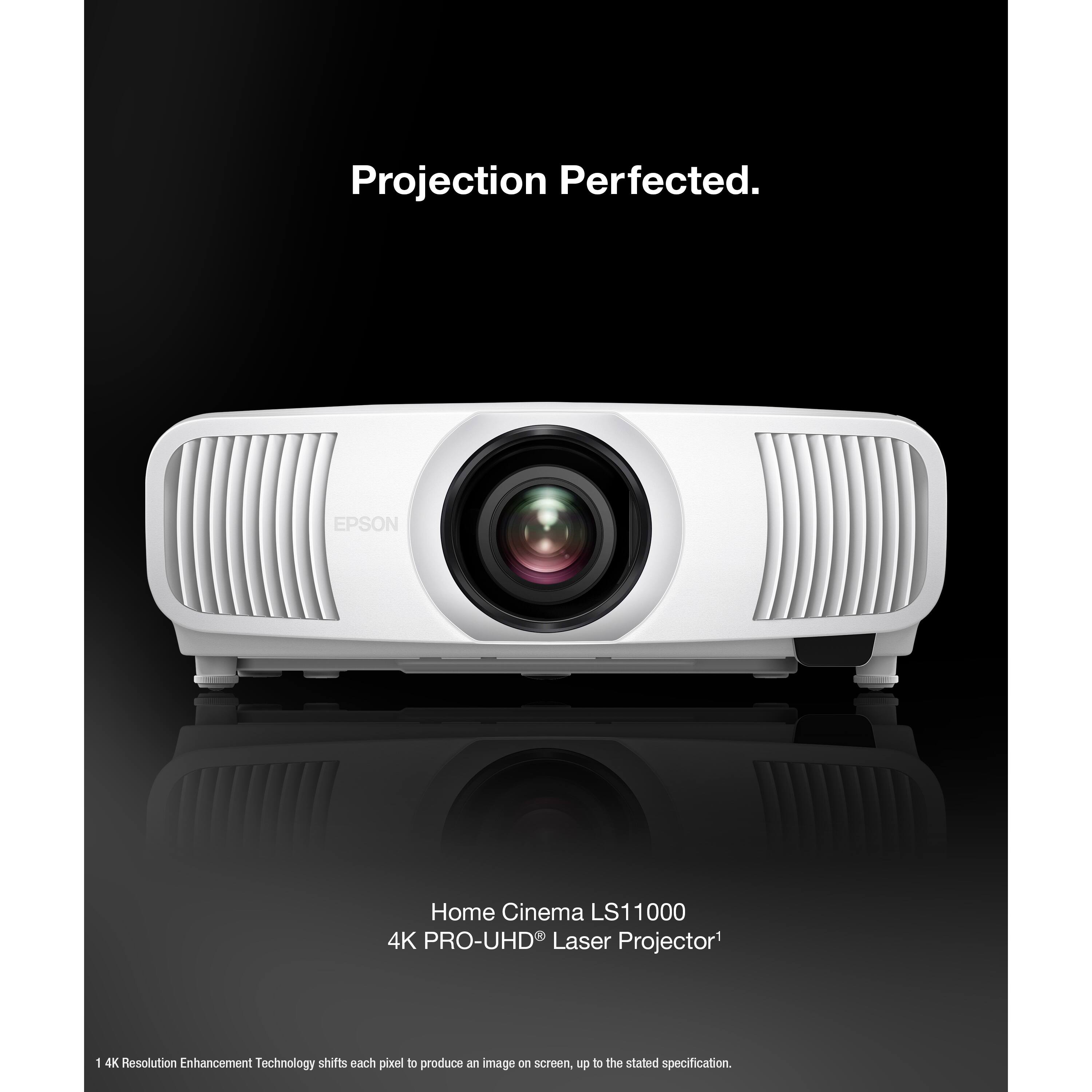
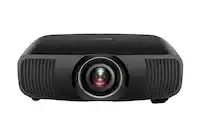
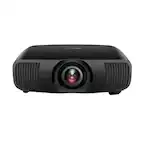
A:AnswerAccording to Epson's Projector Throw Distance Simulator for this model, the shortest throwing distance onto a diagonally 160" screen is 189.77" (15' 9.77") from lens to screen.
https://files.support.epson.com/pdc/en/index.html#/page/basicMode
A:AnswerYes. I used the same ceiling mount that I used on my Epson Pro Cinema 6010 that the LS11000 replaced. The mount that I use has 4 movable arms to line up with the mounting locations on the LS11000.
A:AnswerWhile it may not be recommended by Epson, I think that it would work very well ...AS LONG AS you can make certain it is not in a damp environment! Enclose it in something that has ventilation and an opening for the projection lens.
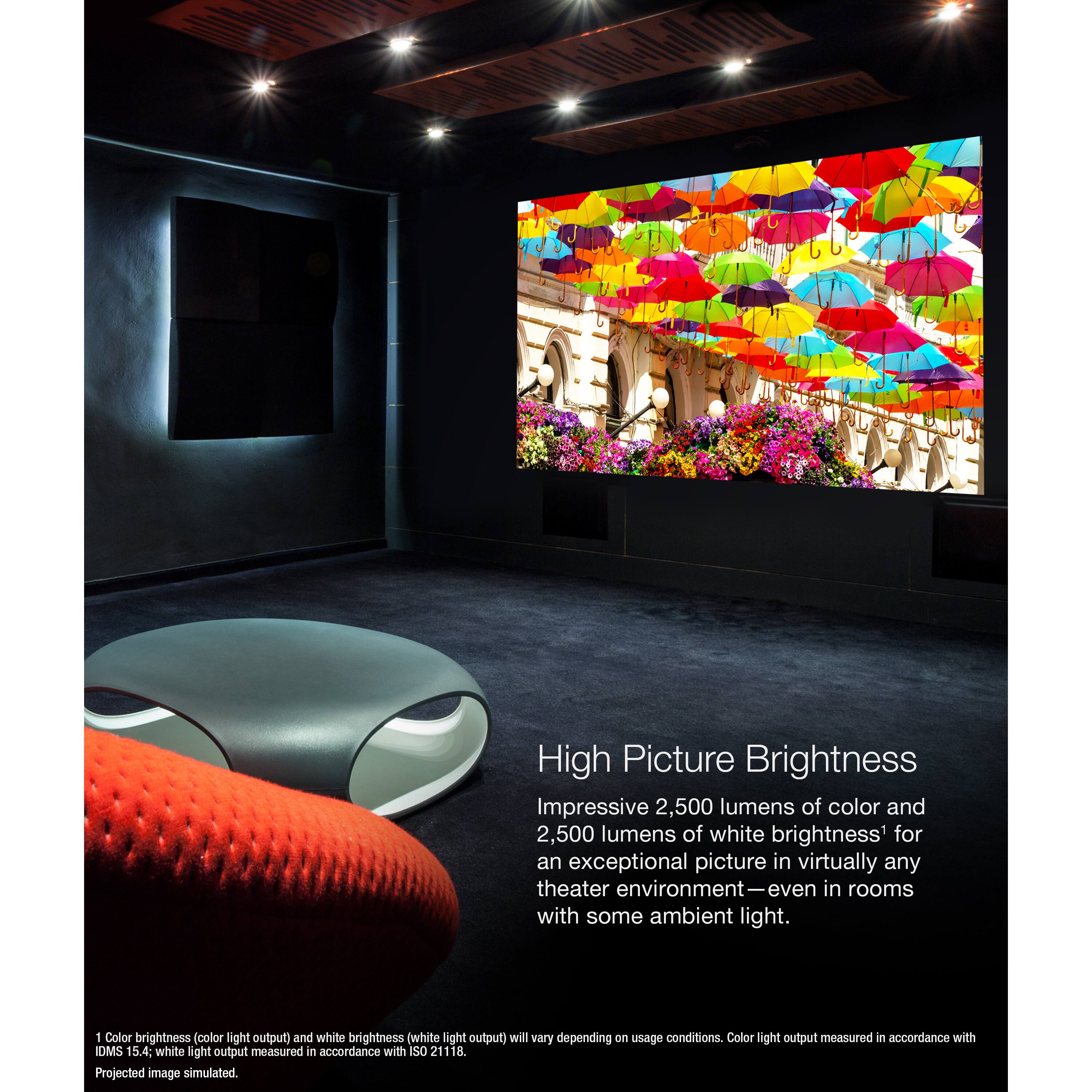
A:AnswerEven with 2500 lumens of actual color brightness, at that size it won't be very bright per square foot comapred to a TV. But with a dark room and cinema contnent, it has a good contrast ratio.
A:AnswerHello Tim. External speaker systems can be connected through the projector's eARC/ARC compatible HDMI port. Unfortunately, Bluetooth features are not available on the LS11000. Regards, Kevin - The Epson Team.
A:AnswerHello Jose. There could be a limitation on video data that's processed by the sound bar. We recommend confirming the specifications with the sound bar manufacturer. Regards, Kevin - The Epson Team.
A:AnswerHello Jose. You can use other HDMI cables with the LS11000, but for best results, it is recommended to use HDMI 2.1. Please note if you are viewing 4K 120Hz video and using other cables aside from HDMI 2.1, your content might not display properly. Regards, Kevin - The Epson Team.
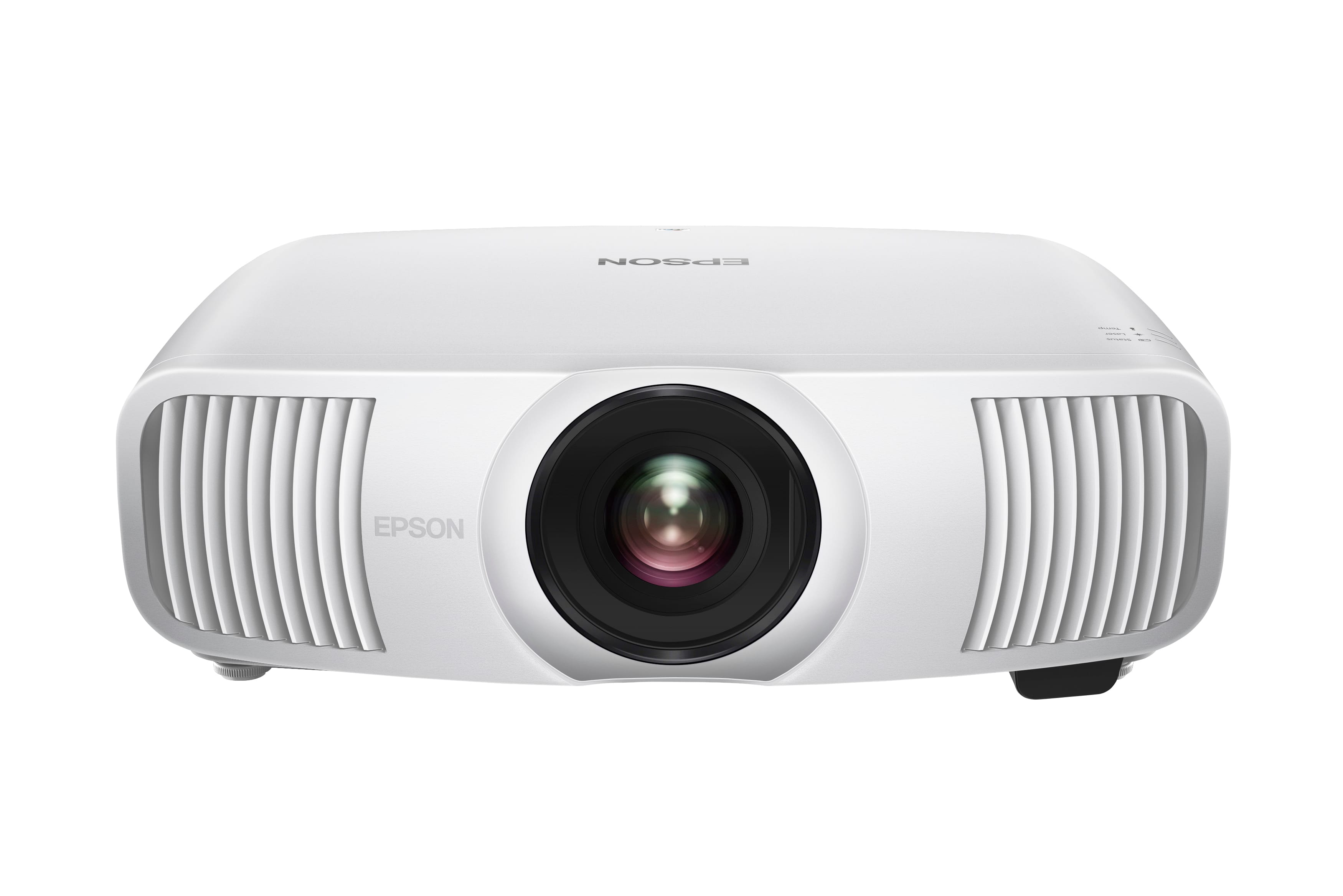
A:AnswerHello Anak. Unfortunately, there is not a wireless transmitter accessory available for the LS11000. The projector supports HDMI, USB, and LAN connections only. Regards, Kevin - The Epson Team.