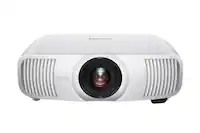
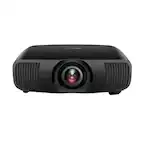
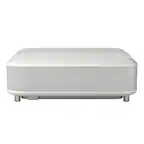
A:Answer Hello FloridaUser. The LS800 can be used outdoors, but it must be operated within the conditions outlined in the online user’s guide on our official Epson Support page. For best performance, use the projector at night. If used during the day, both the projector and the screen or wall you're projecting onto must be in full shade. Using the projector in direct sunlight goes against the recommended usage and may void the warranty if damage results from misuse or neglect. As with any electronic device, avoid exposing the projector to excessive heat, humidity, or high altitudes, as these conditions can affect cooling and may lead to condensation on sensitive optical components. Regards, Kevin - The Epson Team.


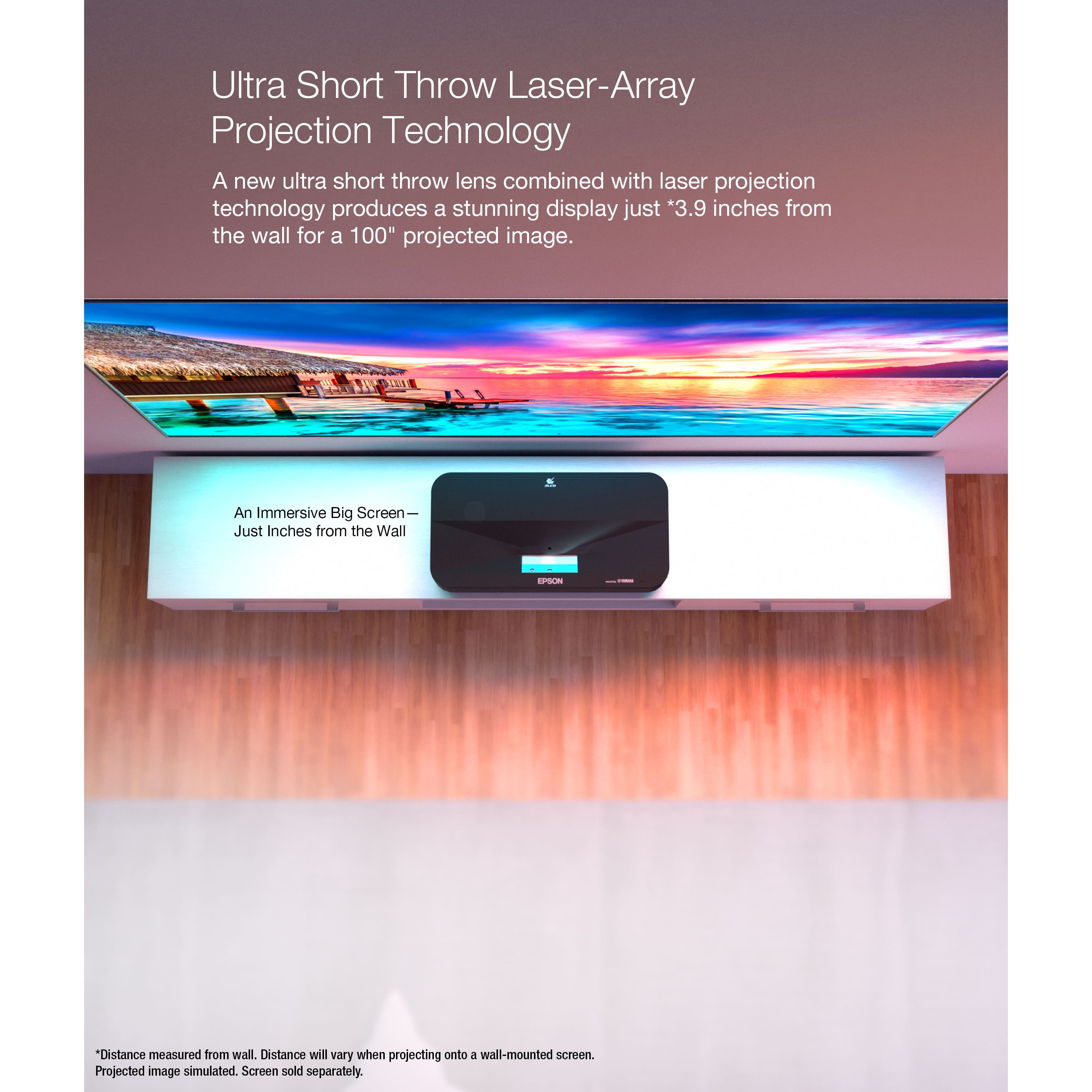

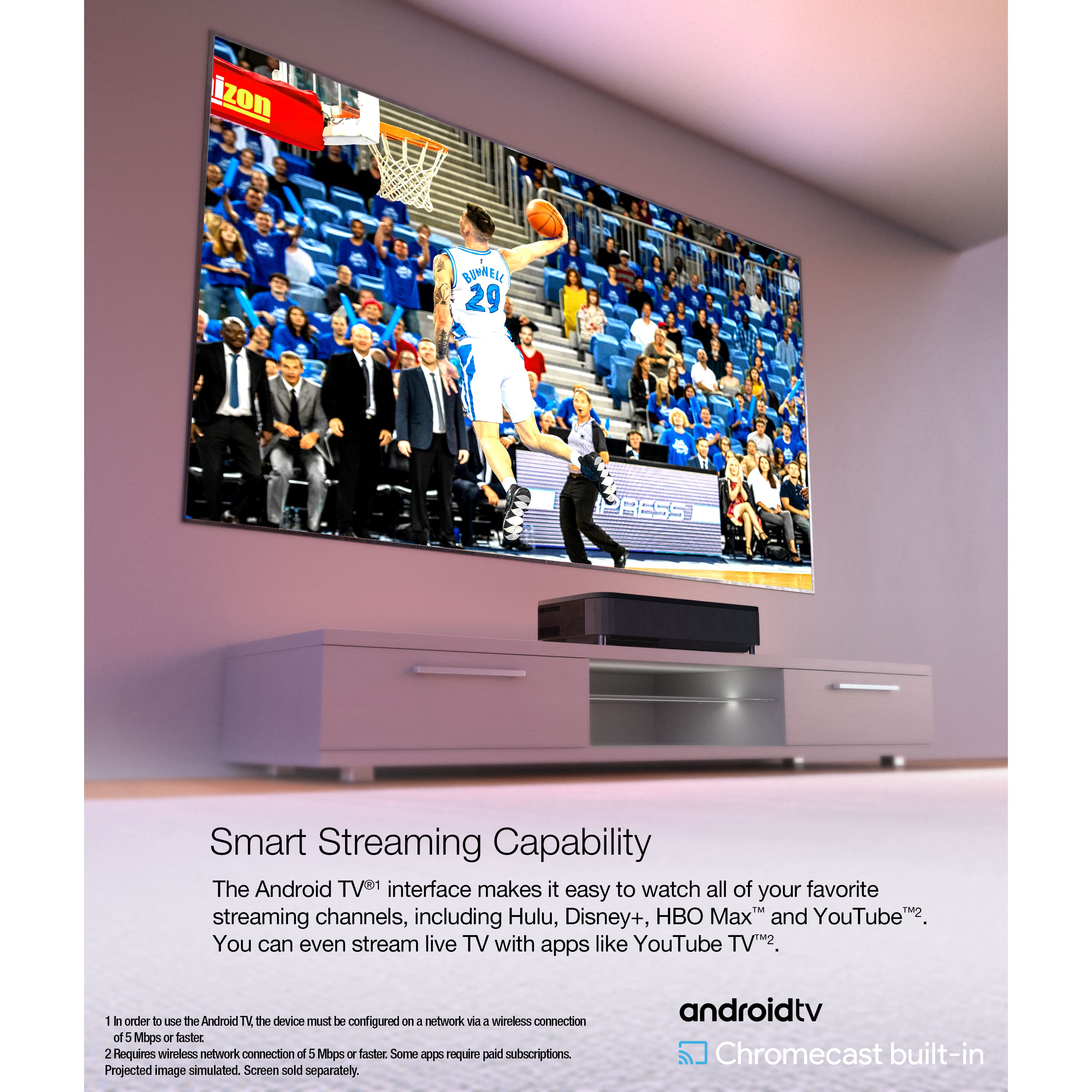
. Projected image simulated. Screen sold separately.](https://pisces.bbystatic.com/image2/BestBuy_US/images/products/0c1badcd-541b-4b43-8589-879c29778510.jpg)