


Questions & Answers
- Model:
- V11HA90020
- |
- SKU:
- 10781555
$3,799.99Your price for this item is $3,799.99
Page Showing 1-9 of 9 questions
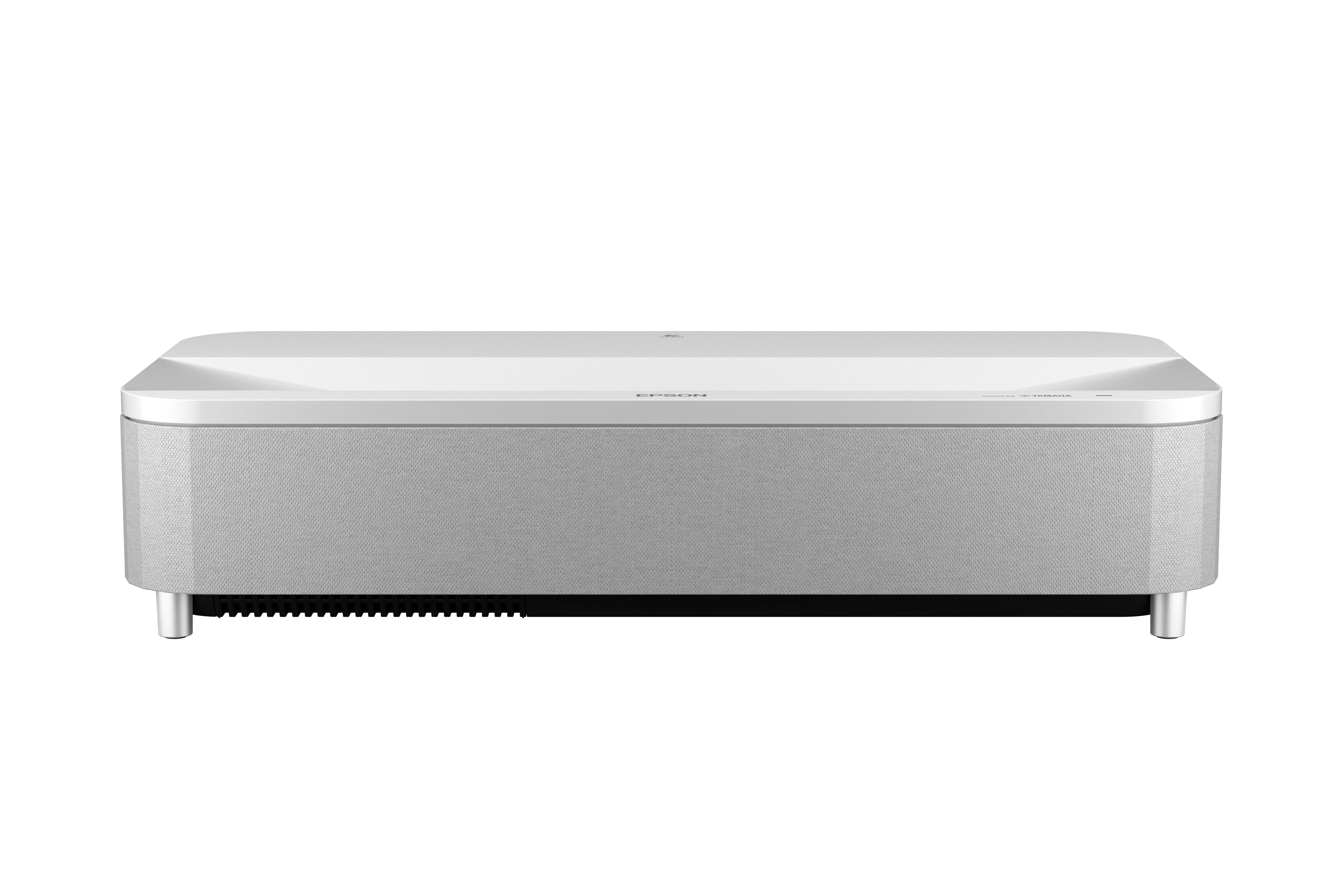
Q: QuestionI noticed on the Epson website it says "Easy Setup App for iOS & Android". Is this app required for setup? Am I required to create an account with the app? Honestly, if I need an app to set something up, that sounds like poor design to me.
Asked by Cal.
- A:Answer Hello Cat. No App is required. You can complete setup and alignments directly from the LS800 Projector menu. Regards, Kevin - The Epson Team.
Answered by Epson

Q: QuestionI have projected this on the wall which is textured. I could see all the texture which is difficult to watch. Is anyone facing this kind of problem.
Asked by Naga.
- A:Answer It's quite bad on the wall. You need a screen
Answered by EpsonFan
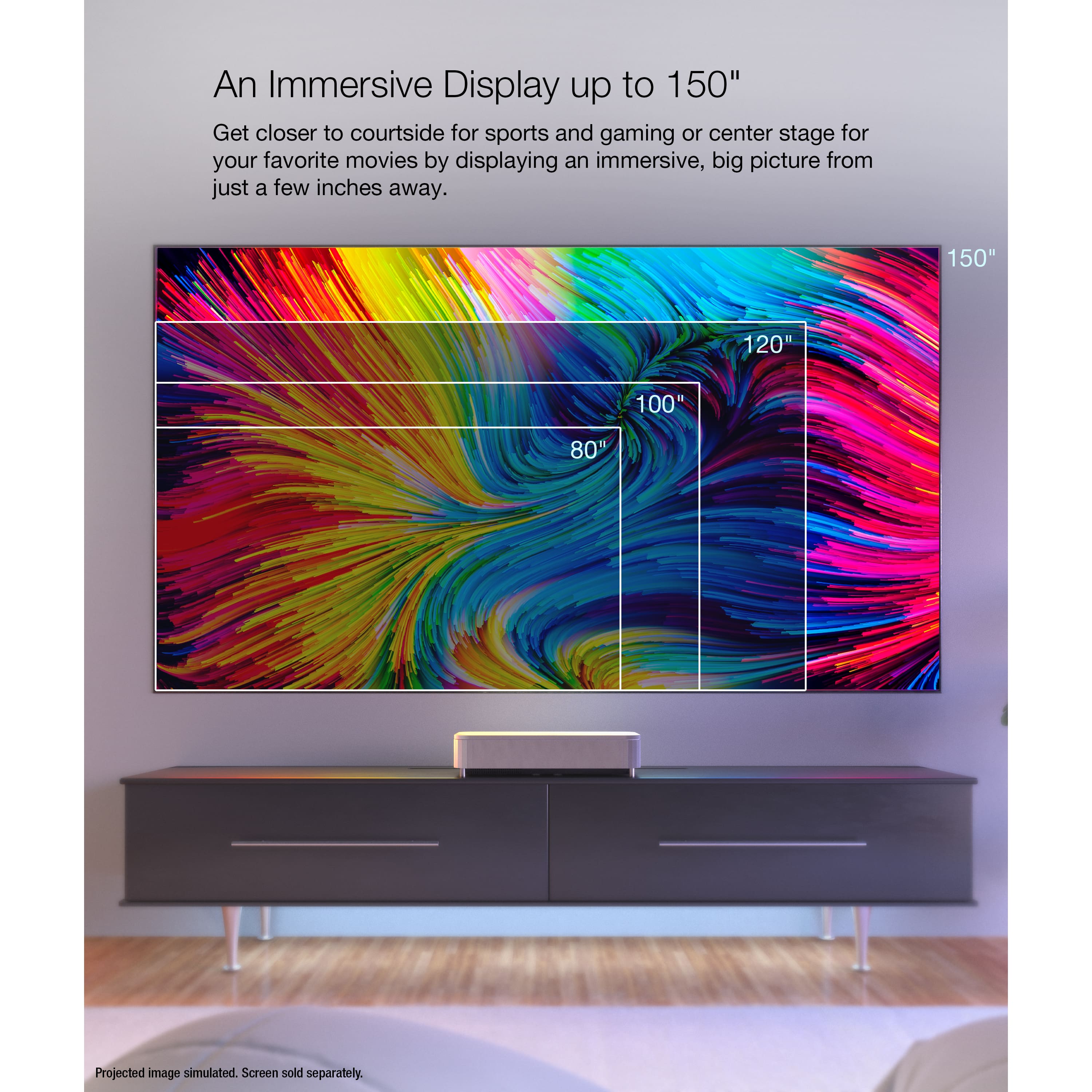
Q: QuestionI would like to use the projector in an office boardroom for presentations and video showing. Do you think this would work well on a 130 inch screen?
Asked by VisitDallas.
- A:Answer Hello VisitDallas. Yes, the LS800 will work with a 130-inch screen. However, keep in mind the projector is best used for watching movies, sports, or gaming. For an office boardroom setting, where you will be watching presentations and videos, we recommend looking at projectors like the EX7280 and EX11000. If you have any additional questions or want to go over the recommendations, please feel free to contact our support team by phone. Regards, Kevin - The Epson Team.
Answered by Epson

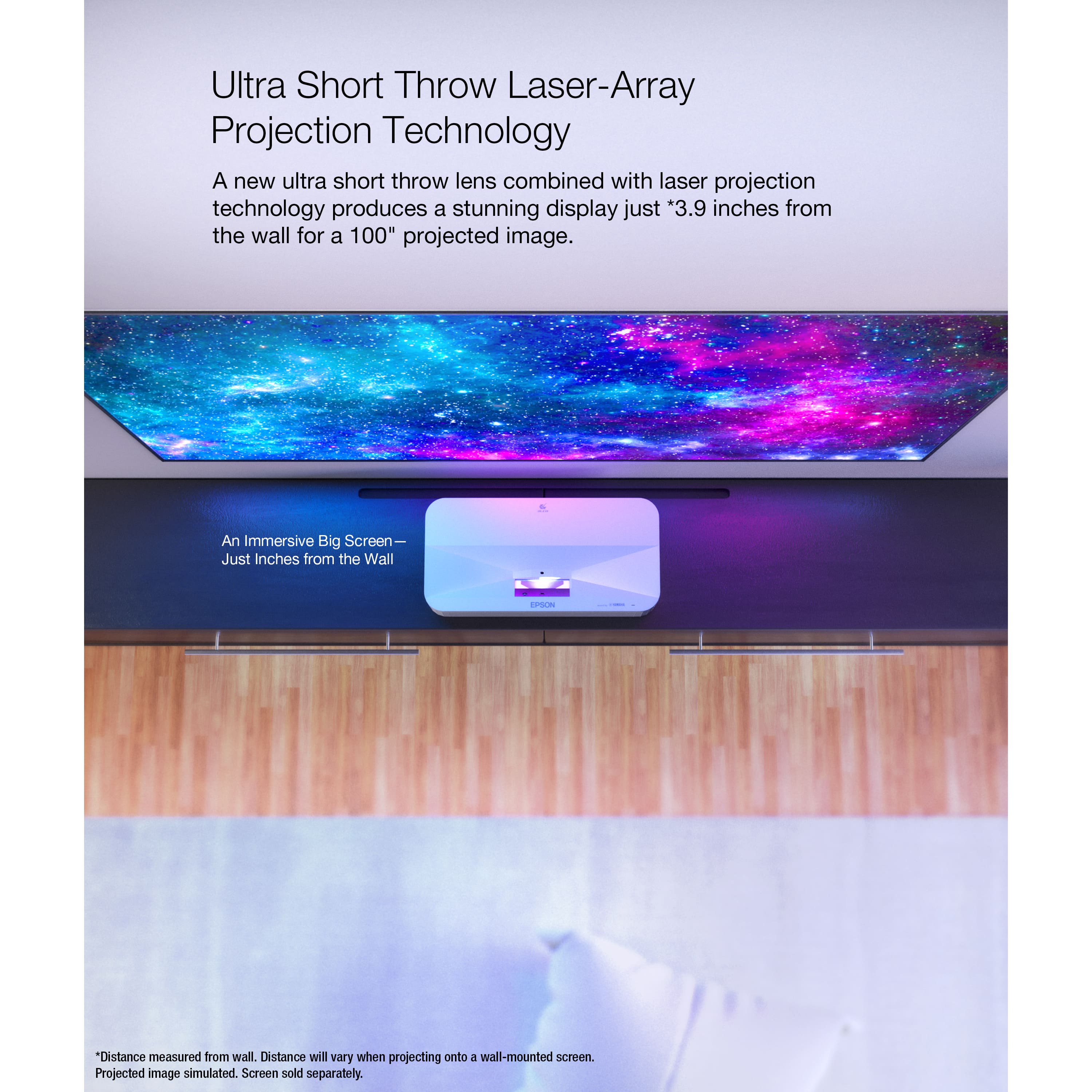
Q: Questionhow far should the Epson LS800 be away from the wall?
Asked by ed.
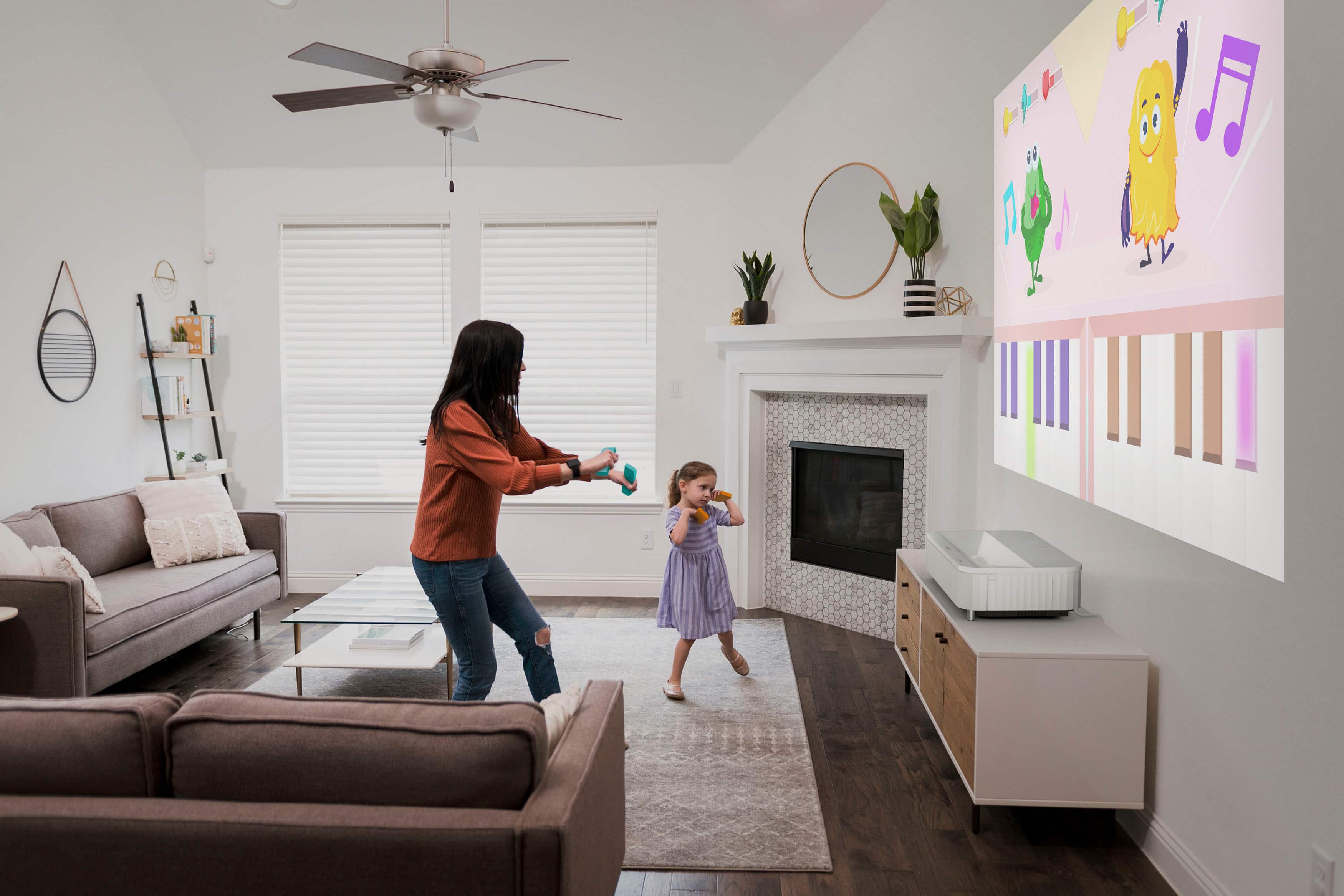
- A:Answer Hello ed. Projection distance can vary based on the screen size used with the projector. Depending on the size, the projector can be placed anywhere from 1 inch to 11 inches away from the display. For more details, please see the projector placement section in the User Guide. Regards, Kevin - The Epson Team.
Answered by Epson

Q: QuestionI'm deciding between a short throw projector or a panel TV for the outdoor area of my bar. Are you able to see this with it being 4000 lumens during the day ?
Asked by Brian.
- A:Answer Hi Brian. The LS800 Projector does not have to be used in a totally dark room, but it is designed for indoor lighting. Using the projector outdoors during the day would possibly result in a dim image and exposure to dust and/or moisture. Regards, Kevin - The Epson Team.
Answered by Epson

Q: QuestionCan you please recommend what screen to use with this projector. I have seen comments about picture not showing well on wall so maybe I'll order the projector and screen all together. Thanks
Asked by Jctnmd.
- A:Answer Make sure the screen is rated for ultra short throw. Best way is go to the actual mfg. Best Buy has packages but for what ever reason screens are not always correct.
Answered by Rustula
Q: QuestionWhen I turn off my projector it turns itself back on in about 30 seconds and won’t stay turned off. How do I keep it turned off?
Asked by Anonymous.
- A:Answer Make sure to place your remote in an area where it can’t be touched with your feet or hands by accident, remote is very sensitive and will turn on the screen with any minimal inputs.
Answered by Mike
Q: QuestionEpson responded earlier to plug in Atmos soundbar HDMI in into HDMI 2 and disable ARC in setting, I did that and the sound bar is muted. how to get Atmos to work and still be able to plug in XBOX and Apple TV in the other 2 HDMI on the projector?
Asked by WeeWee.
- A:Answer They have a you tube channels for your specific application.
Answered by ReginaldH
Q: QuestionMy sound bar has Atmos feature, will I still get atmos by connecting the HDMI from soundbar to the project ARC?
Asked by AudioGeek.
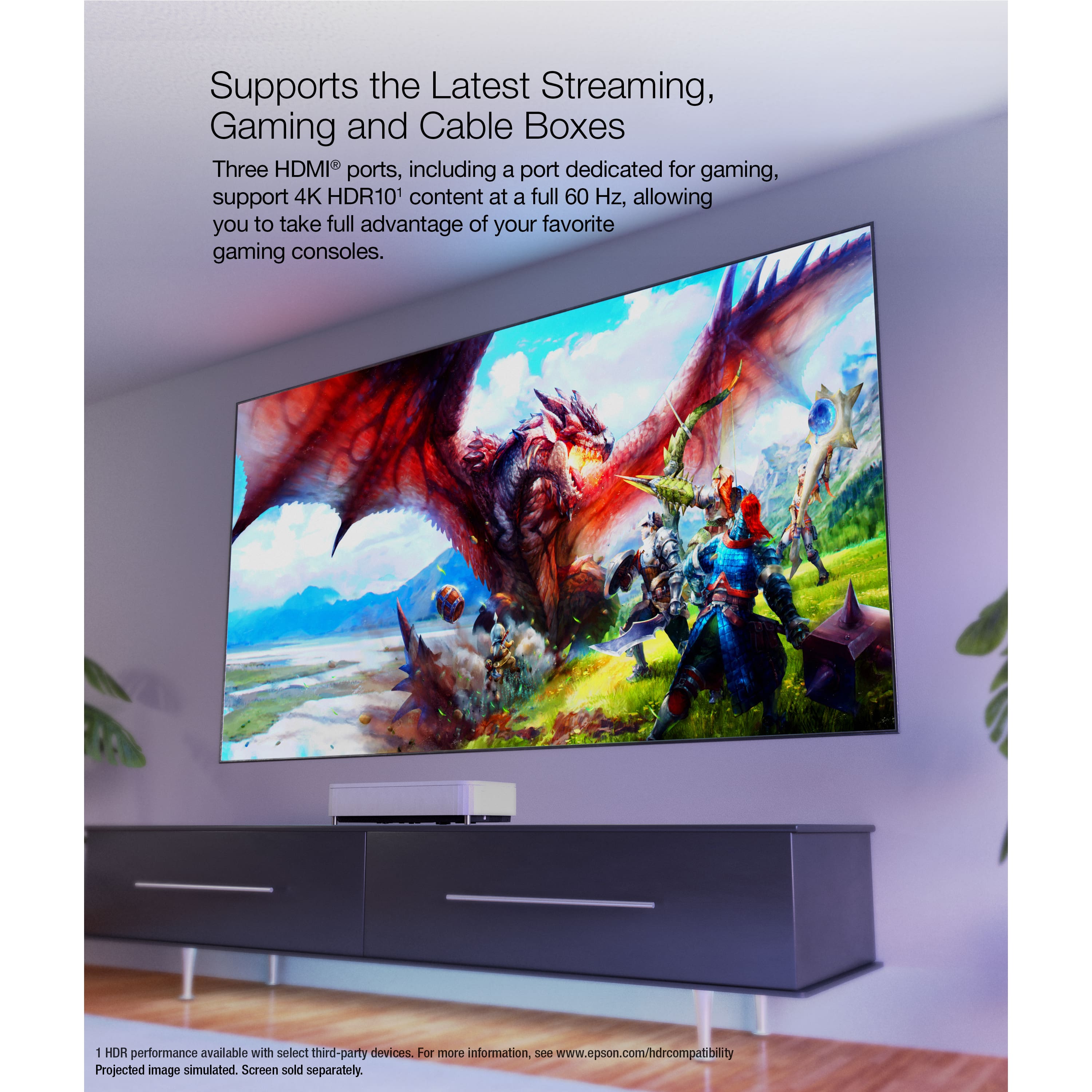
- A:Answer Hello. Dolby Atmos will work by connecting your media device to the HDMI-in ports of your sound bar and HDMI-out to the projector's HDMI 1 or 2 without using ARC. You will want to disable ARC in the projector Settings→ HDMI CEC→ HDMI 2 ARC. Regards, Kevin - The Epson Team.
Answered by Epson

Page 1, Showing 1-9 of 9 questions
Top Rated
- $549.99Your price for this item is $549.99$799.99The comparable value for this item is $799.99
- $329.99Your price for this item is $329.99$399.99The comparable value for this item is $399.99
- $699.99Your price for this item is $699.99$799.99The comparable value for this item is $799.99
- $949.99Your price for this item is $949.99$999.99The comparable value for this item is $999.99
- $249.99Your price for this item is $249.99$449.99The comparable value for this item is $449.99
- $499.99Your price for this item is $499.99$599.99The comparable value for this item is $599.99
- $2,999.99Your price for this item is $2,999.99$3,499.99The comparable value for this item is $3,499.99
- $1,999.99Your price for this item is $1,999.99$2,499.99The comparable value for this item is $2,499.99
- $1,399.99Your price for this item is $1,399.99
- $199.99Your price for this item is $199.99$229.99The comparable value for this item is $229.99
- $749.99Your price for this item is $749.99$799.99The comparable value for this item is $799.99
- $1,799.99Your price for this item is $1,799.99
- $2,799.99Your price for this item is $2,799.99$3,799.99The comparable value for this item is $3,799.99
- $2,999.99Your price for this item is $2,999.99$3,799.99The comparable value for this item is $3,799.99
- $2,499.99Your price for this item is $2,499.99$2,999.99The comparable value for this item is $2,999.99
- $1,399.99Your price for this item is $1,399.99
- $4,999.99Your price for this item is $4,999.99$5,999.99The comparable value for this item is $5,999.99
- $199.99Your price for this item is $199.99$299.99The comparable value for this item is $299.99
- $5,999.99Your price for this item is $5,999.99
- $1,999.99Your price for this item is $1,999.99$2,699.99The comparable value for this item is $2,699.99