Questions & Answers
- Model:
- B11B267201
- |
- SKU:
- 6546588
Highly rated by customers for: Scanning Speed, Ease of use, Resolution
Page Showing 21-36 of 36 questions
Q: QuestionCan the scanner operate if placed upside down on a very large book?
Asked by Rick.
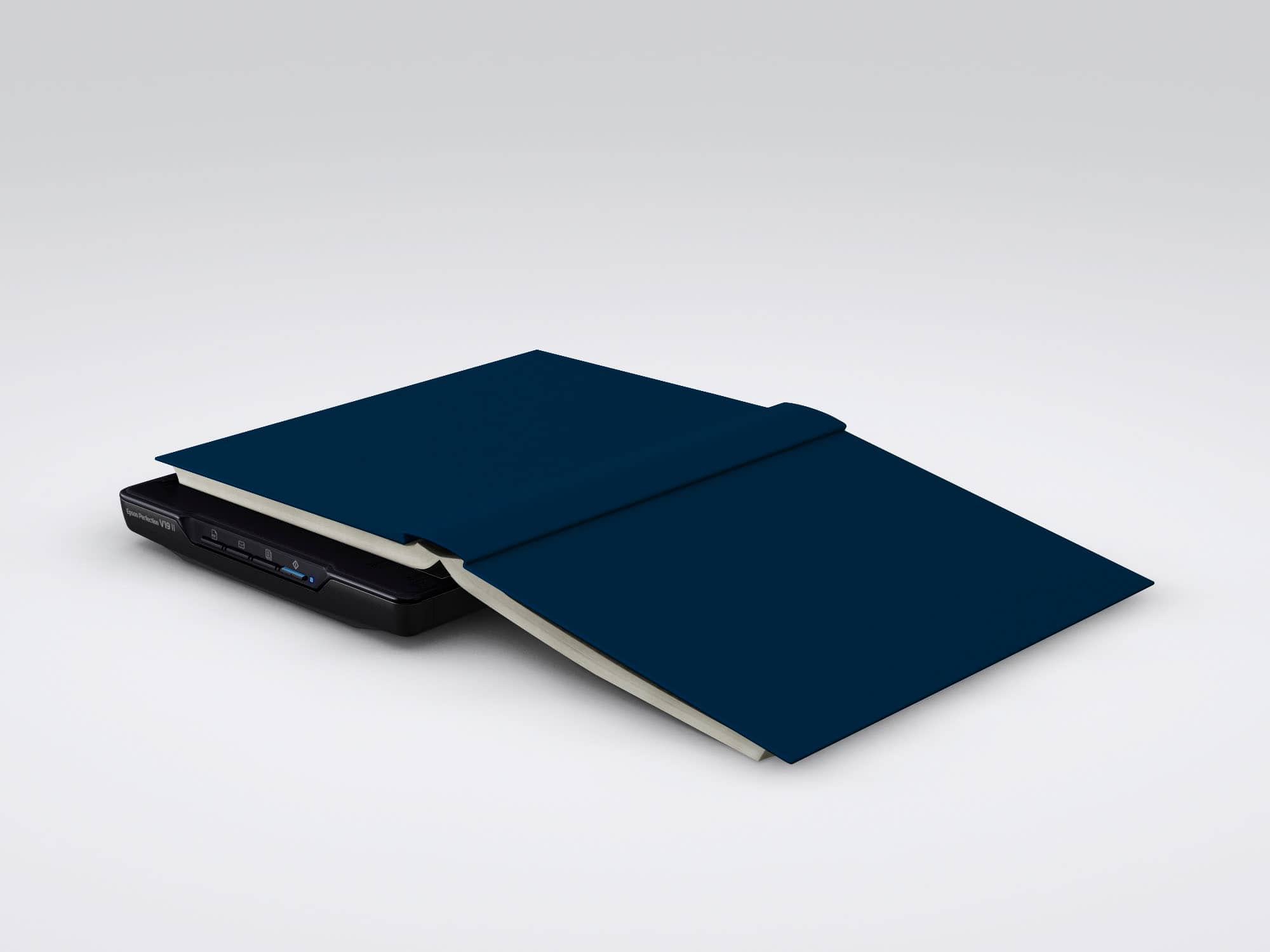
- A:Answer Hello Rick. We don't recommend placing the scanner upside down. However, if you are scanning a book or other thick documents, you can remove the scanner cover. Regards, Kevin - The Epson Team.
Answered by Epson
Q: QuestionCan I scan slides?
Asked by Anonymous.
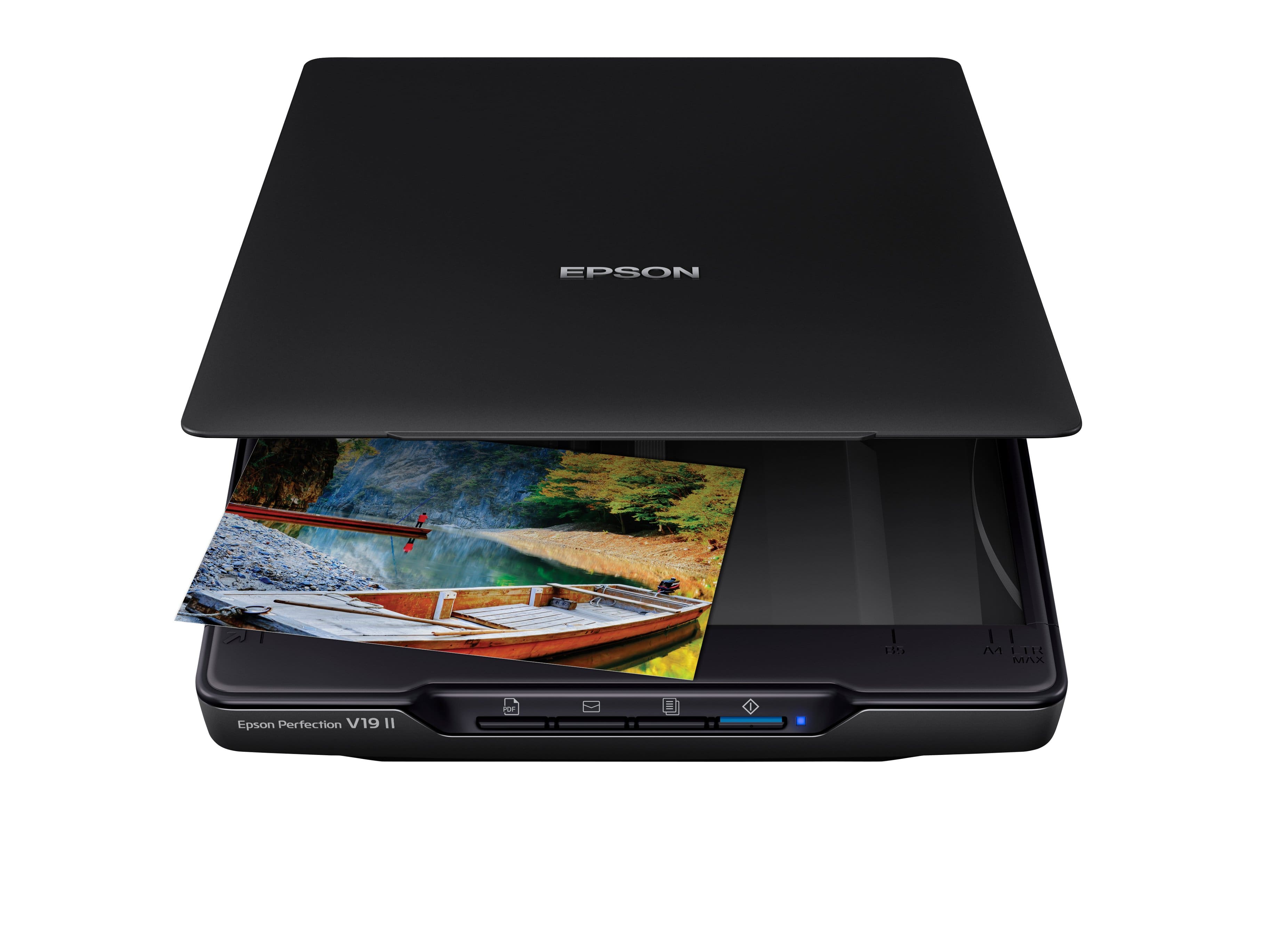
- A:Answer Hello. Unfortunately, the V19 II is not ideal for scanning slides. We recommend looking at the V600, which includes a built-in transparency unit that scans slides, negatives, and film in both 35mm and 120mm formats. It is currently in stock on BestBuy's website, but please be aware that inventory can change. Regards, Kevin - The Epson Team.
Answered by Epson
Q: QuestionDoes this scanner have ccd software. I need a scanner to scan my sports card collection
Asked by Anonymous.
- A:Answer Epson provides drivers and support software directly from their website--no CD necessary.
Answered by Danv
Q: QuestionCan I scan a photo and save as a tiff
Asked by Anonymous.
- A:Answer Yes, you can
Answered by Dawn
Q: QuestionWill this work with Chromebook?
Asked by Captain.
- A:Answer Hello Captain. The V19 II Scanner will only work with Windows or Mac OS based computers. Unfortunately, it is not designed to work with Chromebooks at this time. Regards, Kevin - The Epson Team.
Answered by Epson

Q: QuestionHello Can you reduce and enlarge images? I need to be able to reduce up 75%
Asked by Rae.
- A:Answer Hello Rae. Yes, you can reduce/enlarge your image or select a specific scan size while scanning using the Epson Scan Software. Regards, Kevin - The Epson Team.
Answered by Epson

Q: QuestionWill the scanned document appear in my email inbox (yahoo or Outlook) in a pdf?
Asked by Sara.
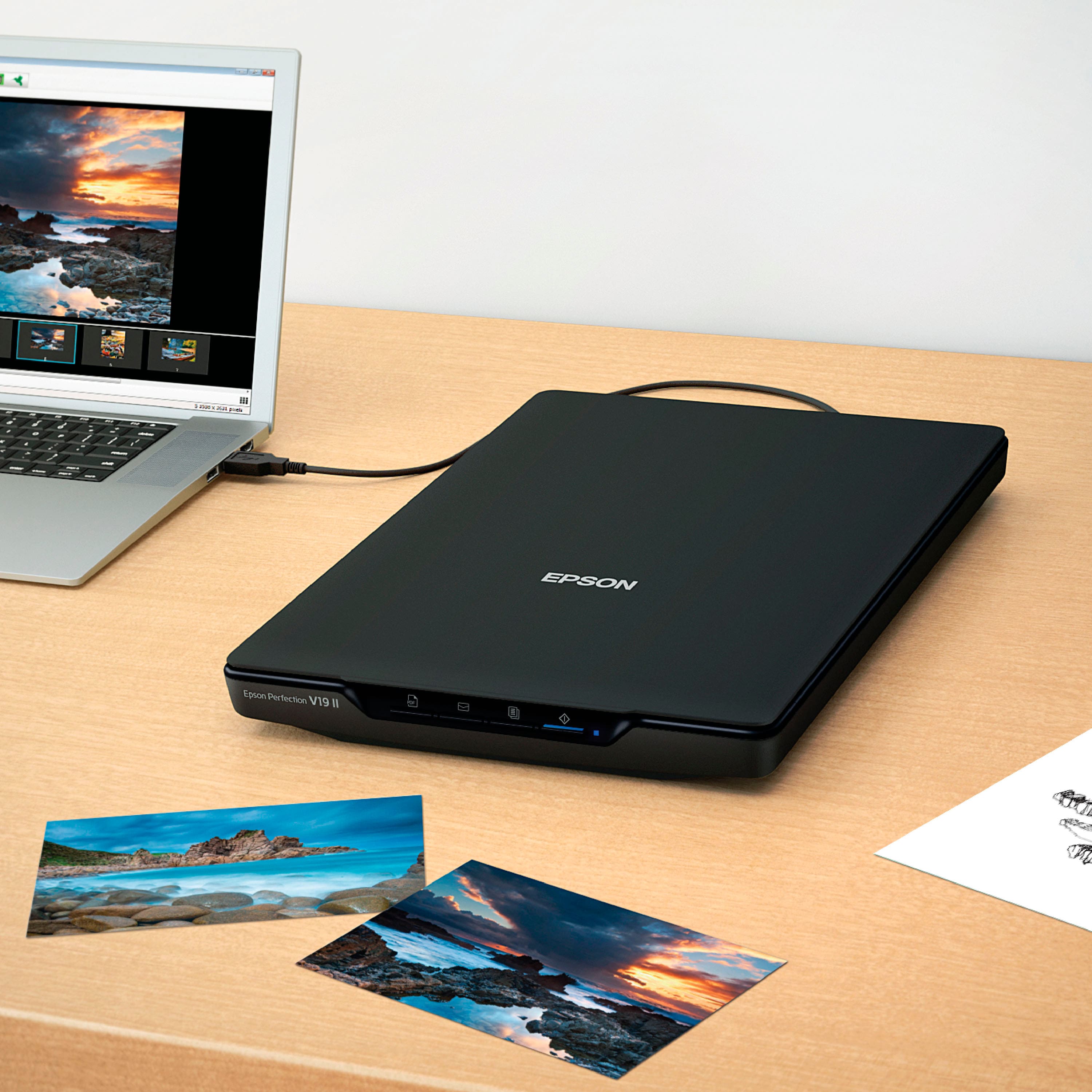
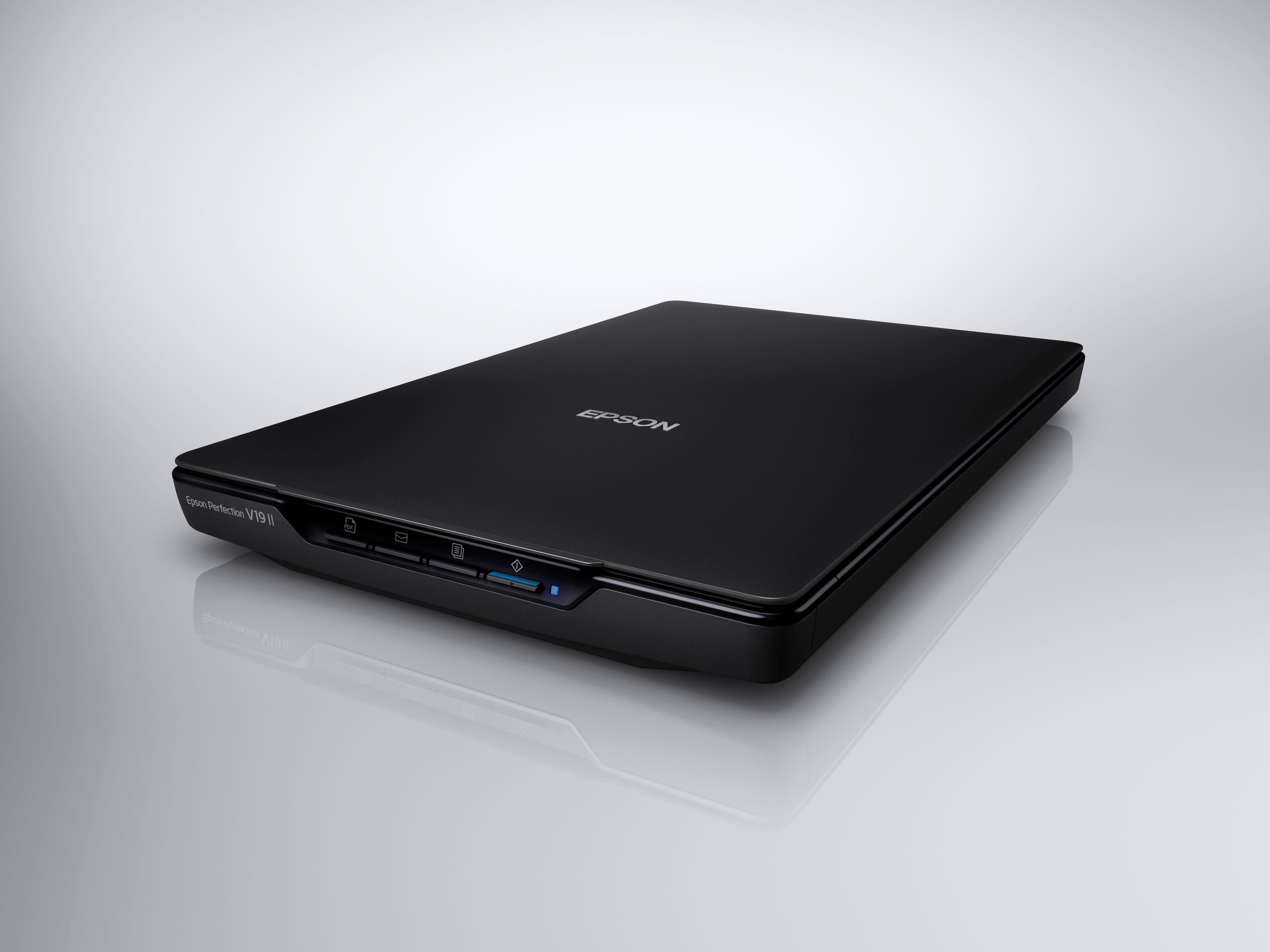
- A:Answer Hello Sara. The V19 II Scanner has a front physical button that can send scanned documents via email using Easy Photo Scan. Regards, Kevin - The Epson Team.
Answered by Epson

Q: QuestionWill this work with a Lenovo laptop?
Asked by JM.
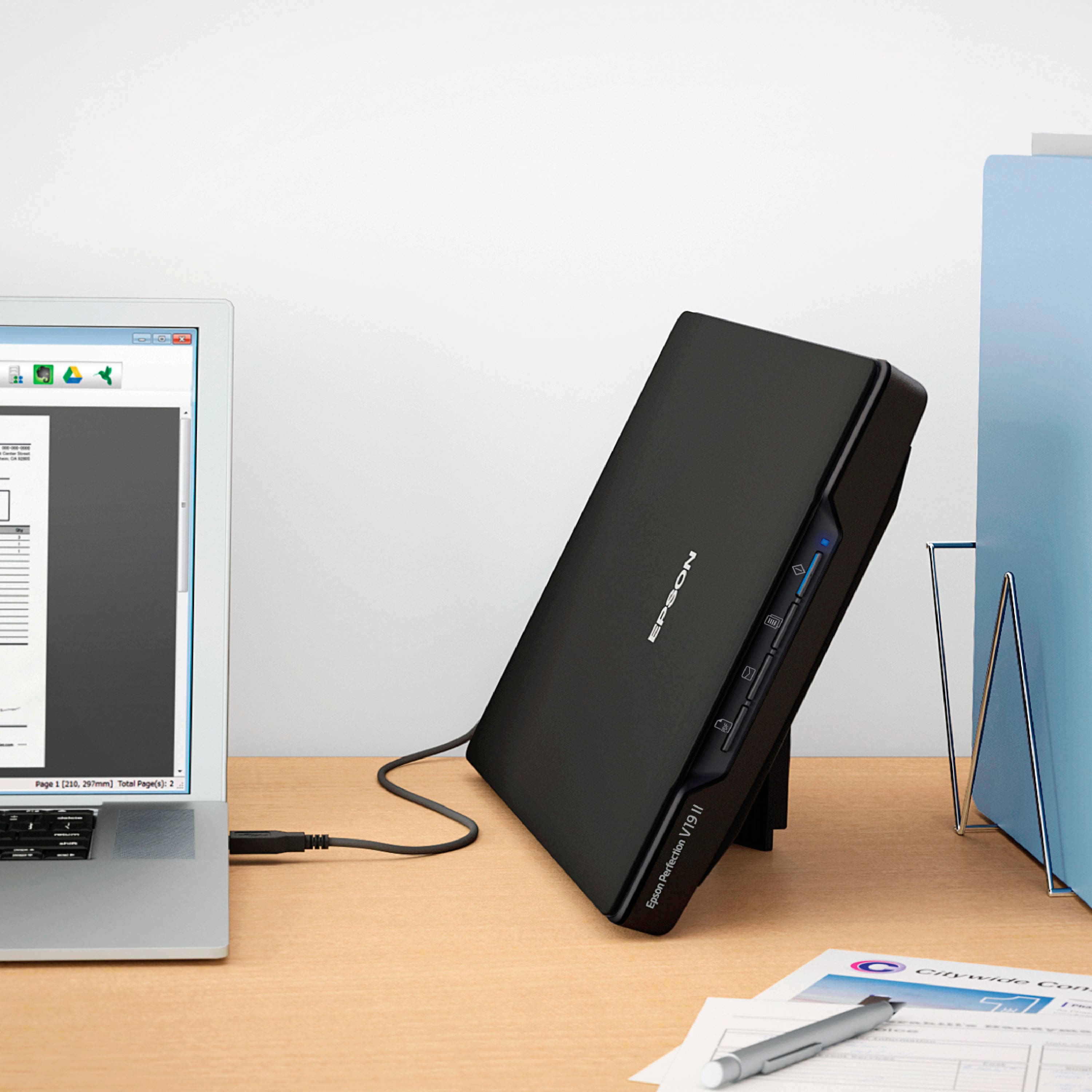
- A:Answer Hello JM. Yes, as long as your laptop is running Microsoft Windows 7 - 11, the V19 will work. You can also find the latest driver and software on our official Epson Support page. Regards, Kevin - The Epson Team.
Answered by Epson

Q: QuestionWill this scanner work with a Aser Chromebook 516GE?
Asked by Michael.
- A:Answer Hello Michael. The V19 will only work with PCs and Apple computers. Unfortunately, the V19 Scanner currently does not work with Chromebook computers. Regards, Kevin - The Epson Team.
Answered by Epson

Q: QuestionWhat difficulties are there in scanning pages from hardbound books?
Asked by Anonymous.
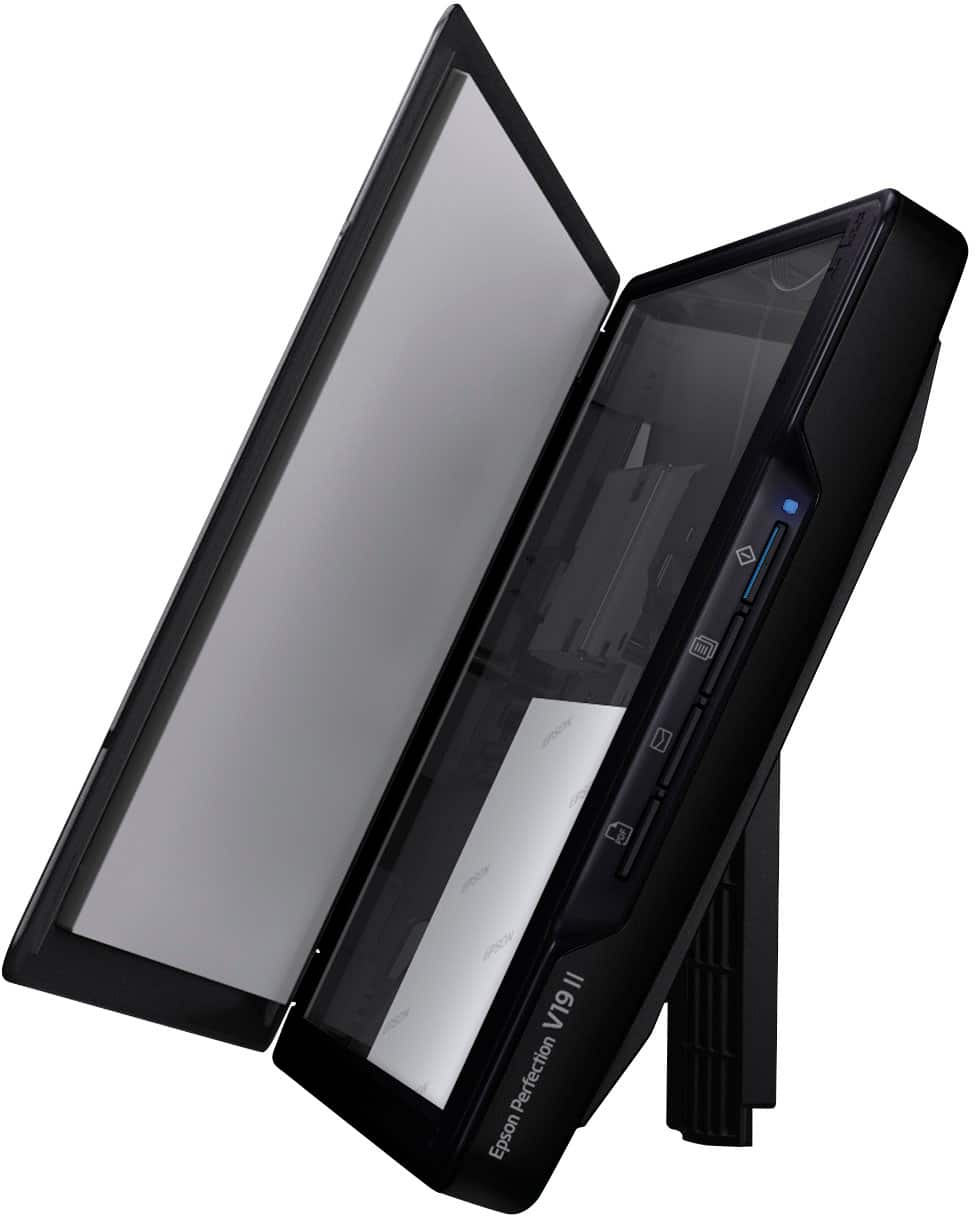
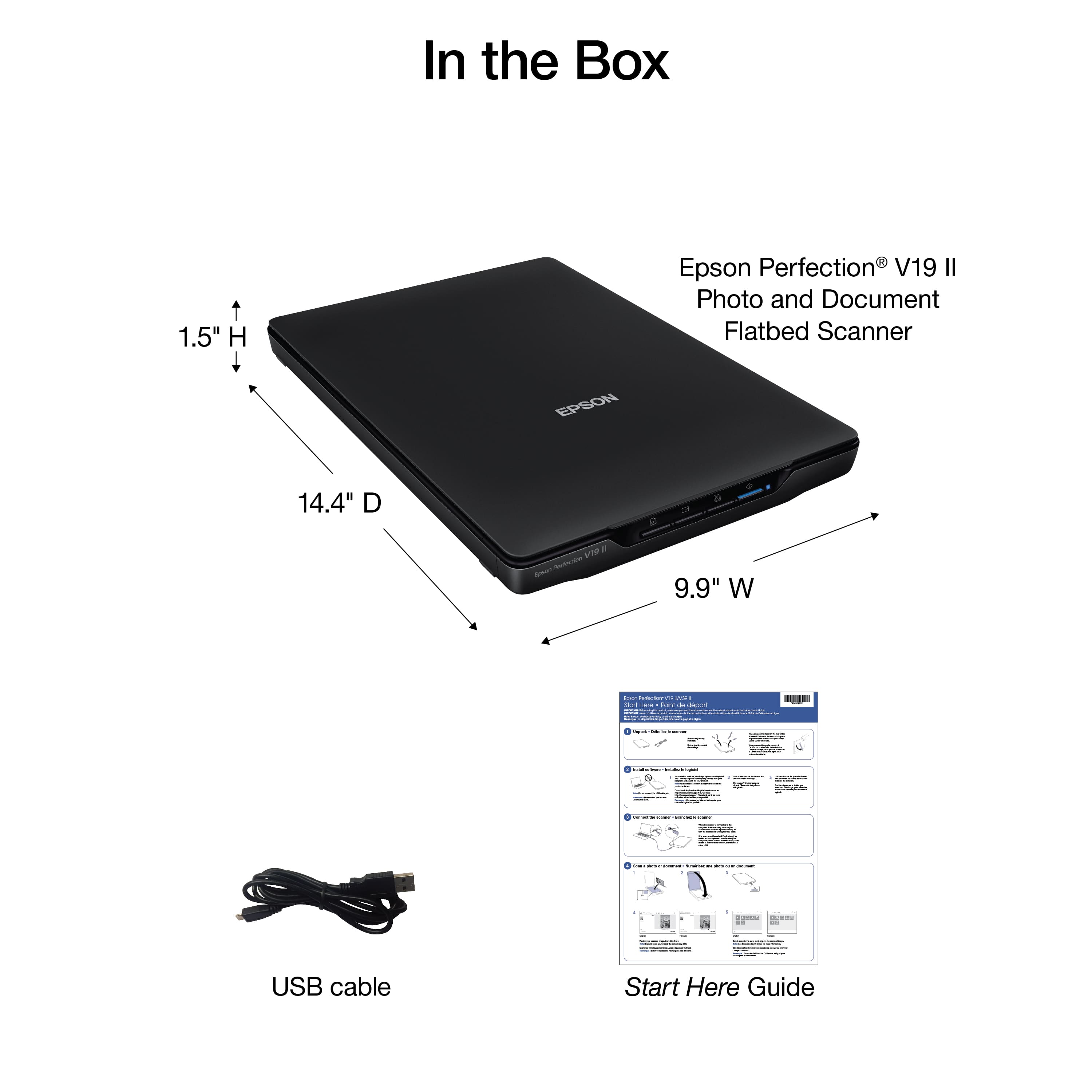
- A:Answer Hello. The V19 II has a removable cover, which makes scanning book pages easy. Make sure to place your document facedown on the scanner glass and press down on your book gently to flatten it as you scan. Regards, Kevin - The Epson Team.
Answered by Epson

Q: Questionwill it work with Mac Book Air 2012 using Mac OS Catalina?
Asked by Rao.
- A:Answer Hello Rao. Yes, the V19 Scanner is compatible with macOS 10.15 Catalina. You can download the latest driver from our official Epson Support page. Regards, Kevin - The Epson Team.
Answered by Epson

Q: QuestionWill this work with Windows 7?
Asked by sunsetmagick.
- A:Answer Hello sunsetmagick. Yes, the V19 Photo Scanner works with Microsoft Windows 7. You can find the latest driver and software on our official Epson Support page. Regards, Kevin - The Epson Team.
Answered by Epson

Q: QuestionCan you scan multiple pages to create one file?
Asked by Techless.
- A:Answer Hello Techless. Yes, you can scan multiple pages and save them as a single file. Please ensure that you choose PDF or TIFF as your file format. Regards, Kevin - The Epson Team.
Answered by Epson

Q: QuestionDoes this work with Windows 11?
Asked by beagle.
- A:Answer Yes, but, it is not plug-n-play, you will have to go to the Epson website and download the software and driver. The instructions that came with the scanner were not very helpful with this. Once I finally found the software, then it worked fine.
Answered by thefotoguy
Q: QuestionDoes this Epson V19 work with Windows 11?
Asked by Patricia.
- A:Answer Hello Patricia. Yes, the V19 will work with Microsoft Windows 11. You can download the latest driver and software from our official Epson Support page. Regards, Kevin - The Epson Team.

Answered by Epson
Page 2, Showing 21-36 of 36 questions