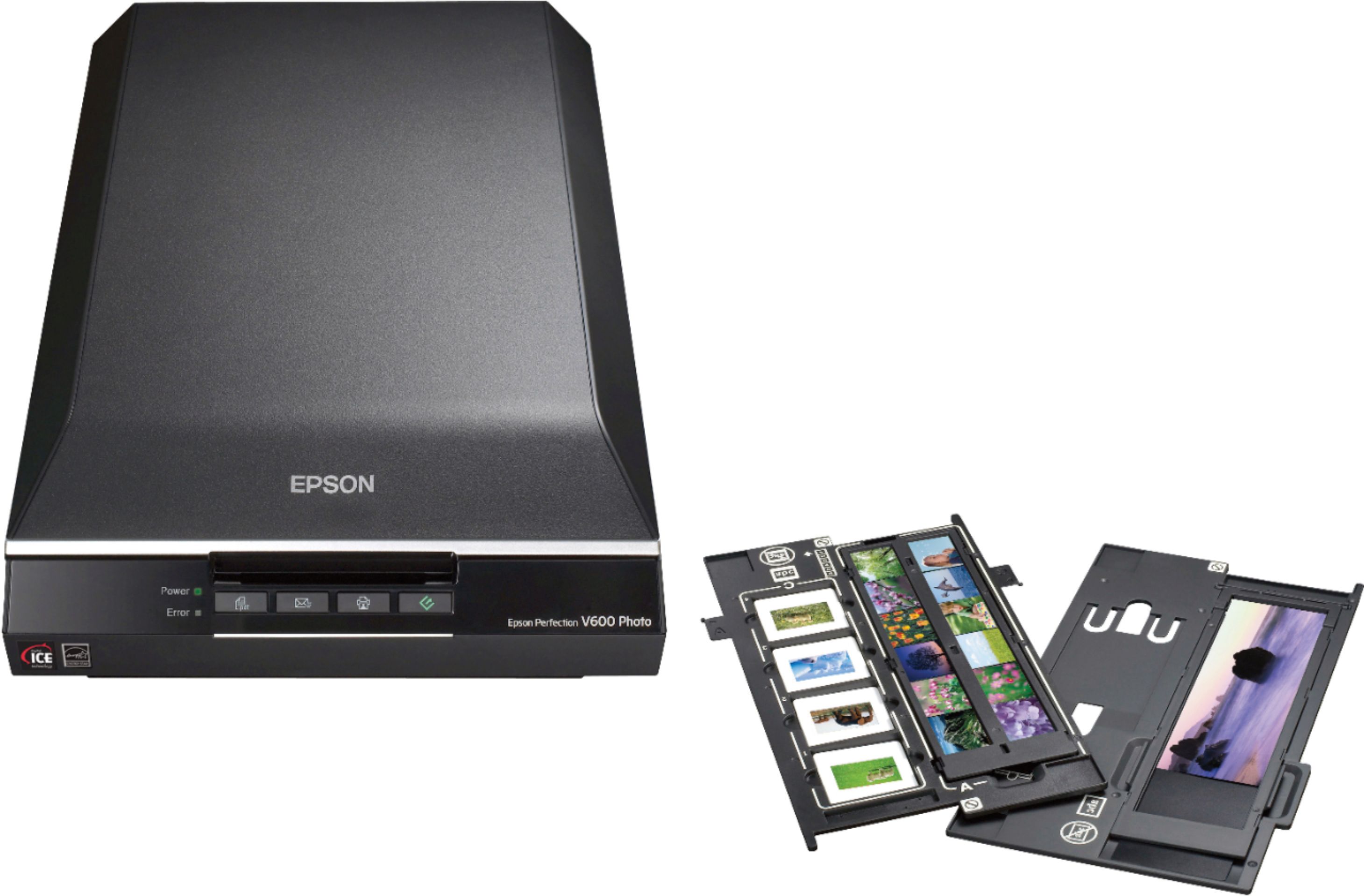
A:AnswerHi Irislady, The Epson Perfection V600 Photo Scanner requires a USB connection to a PC or Macintosh. Unfortunately, it is not compatible with iPads. Regards, Kevin - The Epson Team.
A:AnswerI am using it with an Apple laptop and a Canon printer that has scanning capability. The Epson is working fine and I didn’t do anything special.
A:AnswerHi JerseyjimL, The Perfection V600 Photo Scanner works with Windows 11. The necessary drivers are available on the Epson support site. Regards, Mark - The Epson Team.
A:AnswerSupport? What is that? Seriously, you will not get support from any of these companies these days. I would buy another one Though, because there is not much else out there without breaking the bank.
A:AnswerHi Maaynard, Yes, you can use the Perfection V600 with a computer running Windows 11. You will have to download the Windows 11 driver from the Epson support site. Regards, Mark - The Epson Team.
A:AnswerHello. The V600 can only be used with an A to B USB cable. Unfortunately, wireless functionality is usually unavailable due to the size of the data scanned on most of our flatbed photo scanners. Regards, Kevin - The Epson Team.
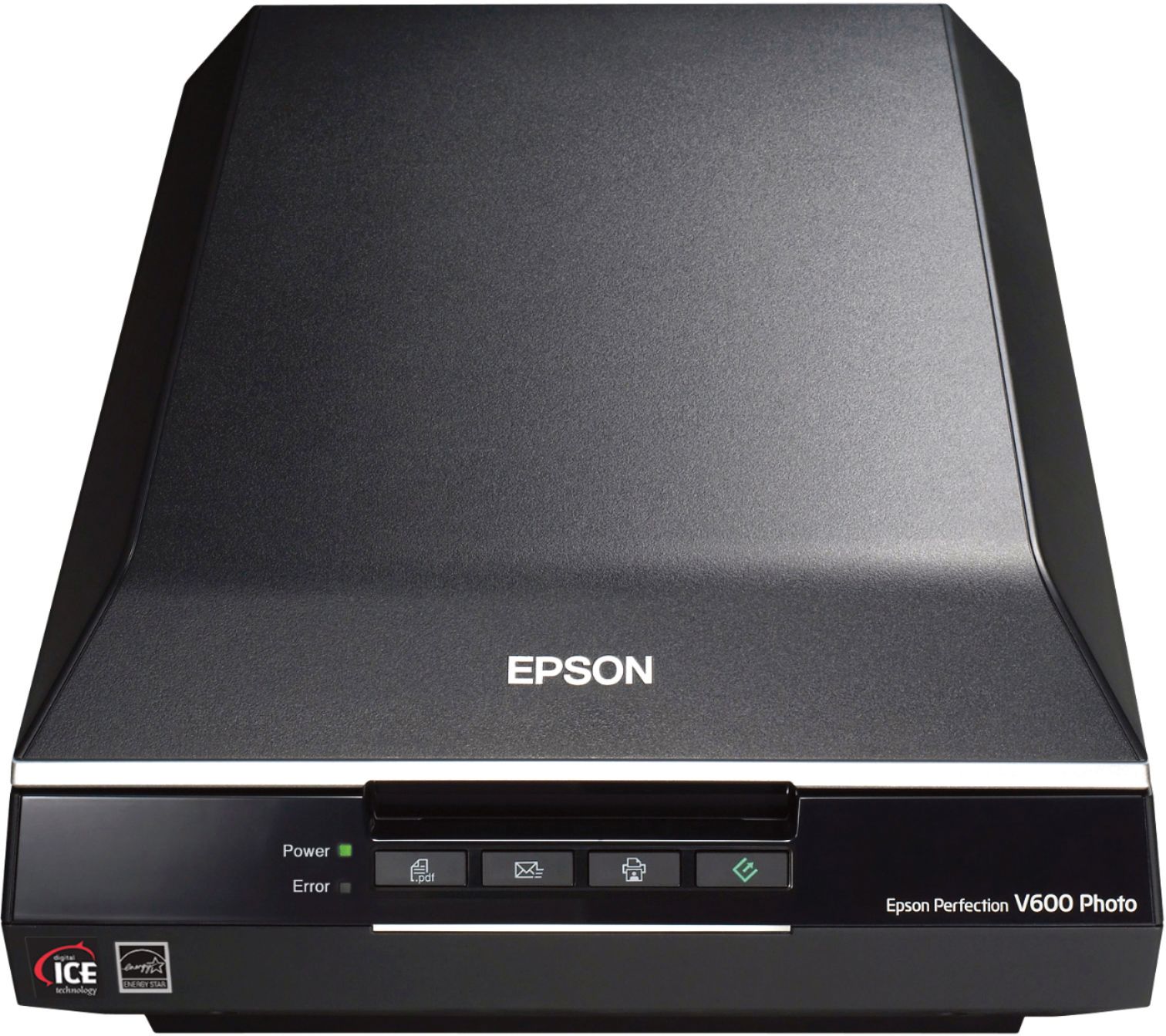
A:AnswerHello museum. The V600 has a scan resolution of 6400 x 9600 dpi making it an excellent choice for scanning older photos. When using the digital ice technology in the included software, you can also remove the appearance of tears, creases, scratches, and dust in your scanned images. Regards, Kevin - The Epson Team.
A:AnswerYes. You'll need an adapter. There are several brands and models available. Here's one https://www.bestbuy.com/site/belkin-usb-c-4-in-1-multiport-adapter-gray/6452574.p?skuId=6452574
A:AnswerYou can buy an adapter that lets you plug in old-style USB cables, HDMI and USB mini. There are various sizes and brands. Here's one: https://www.bestbuy.com/site/belkin-usb-c-4-in-1-multiport-adapter-gray/6452574.p?skuId=6452574
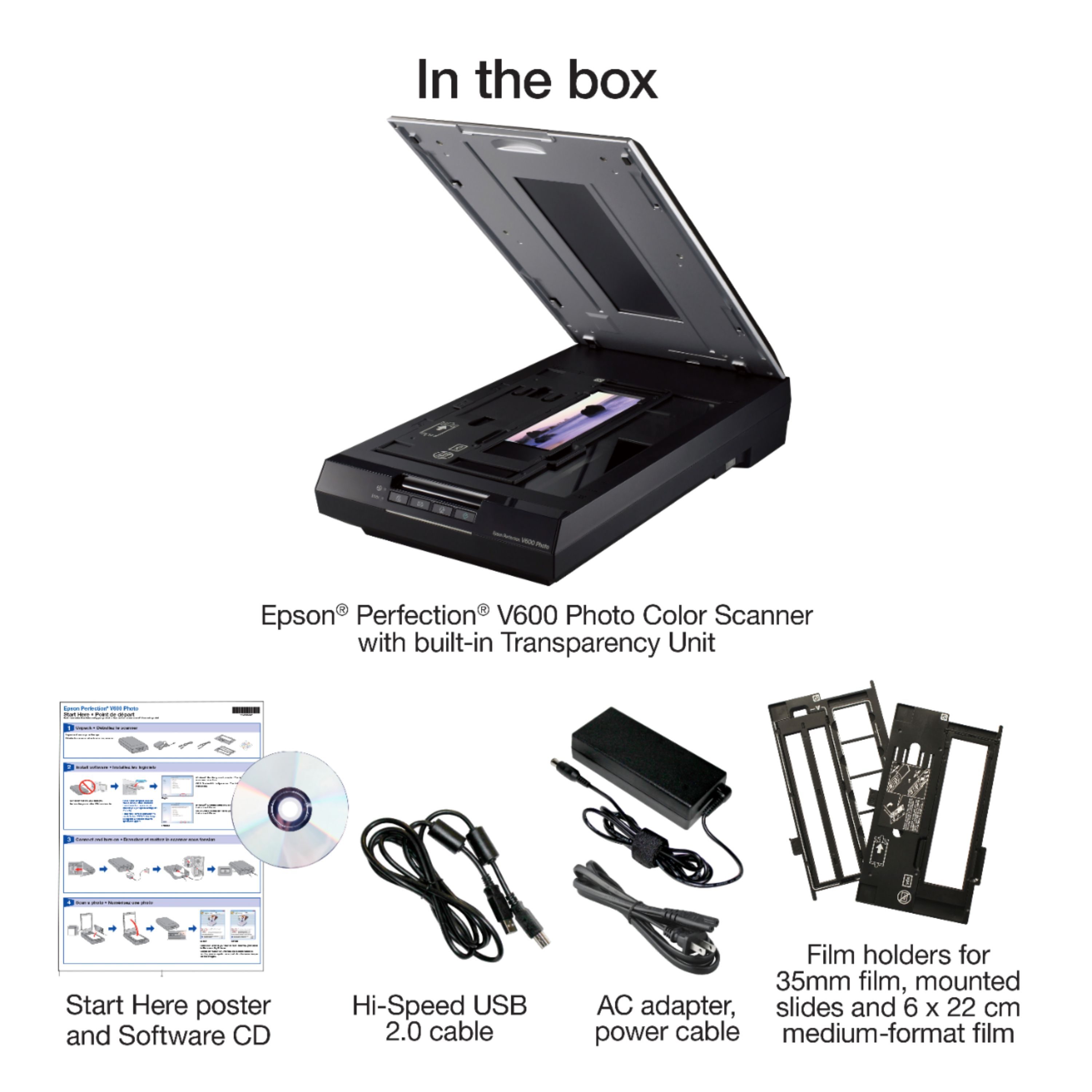
A:AnswerI’m currently using with a MacBook Pro (if that helps). And there are tools with the included software that help you adjust for yellowing and other color issues. Some of those tools aren’t from Epson, but there are details on included packages in the box. (Silverfast being one)