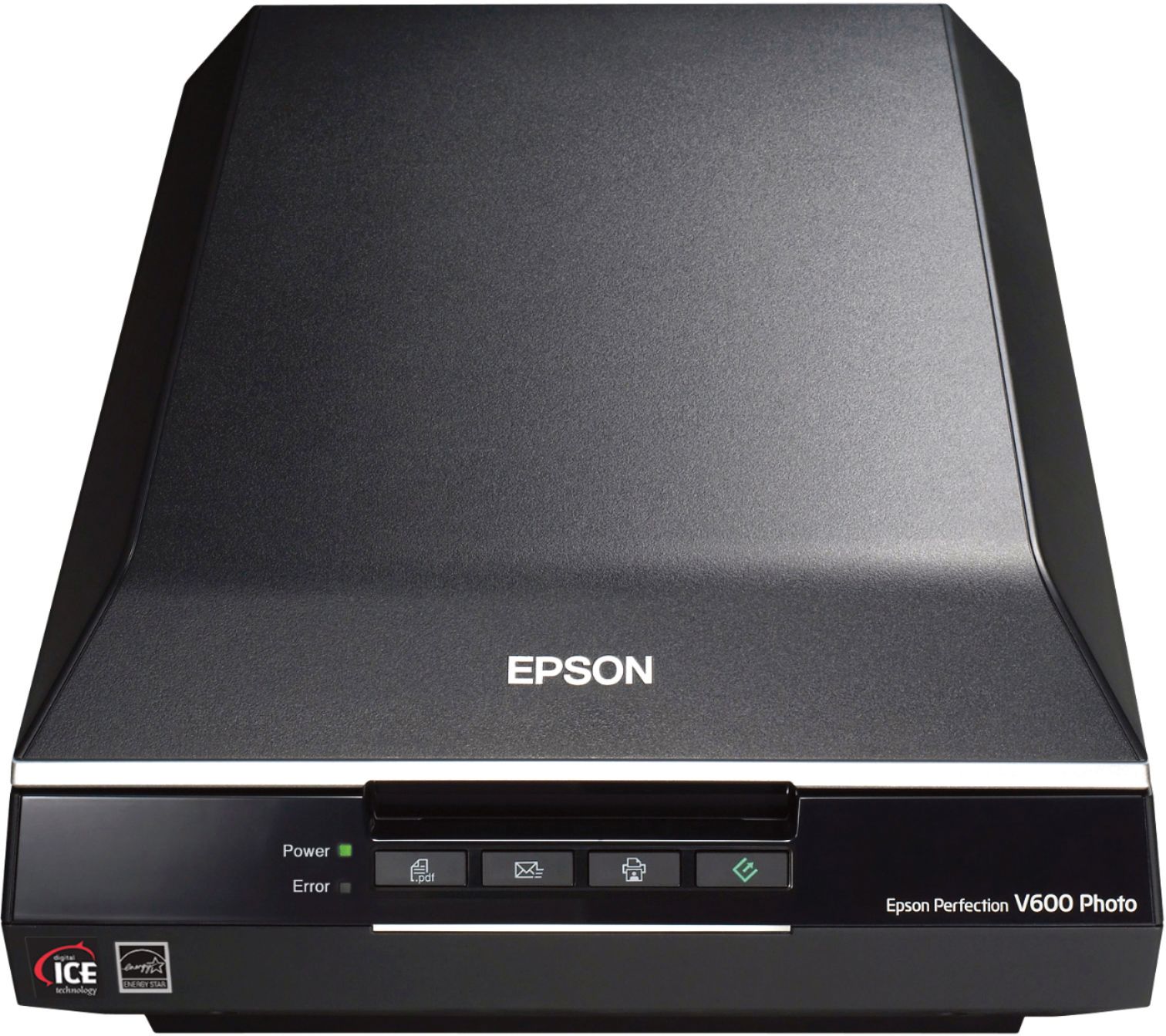
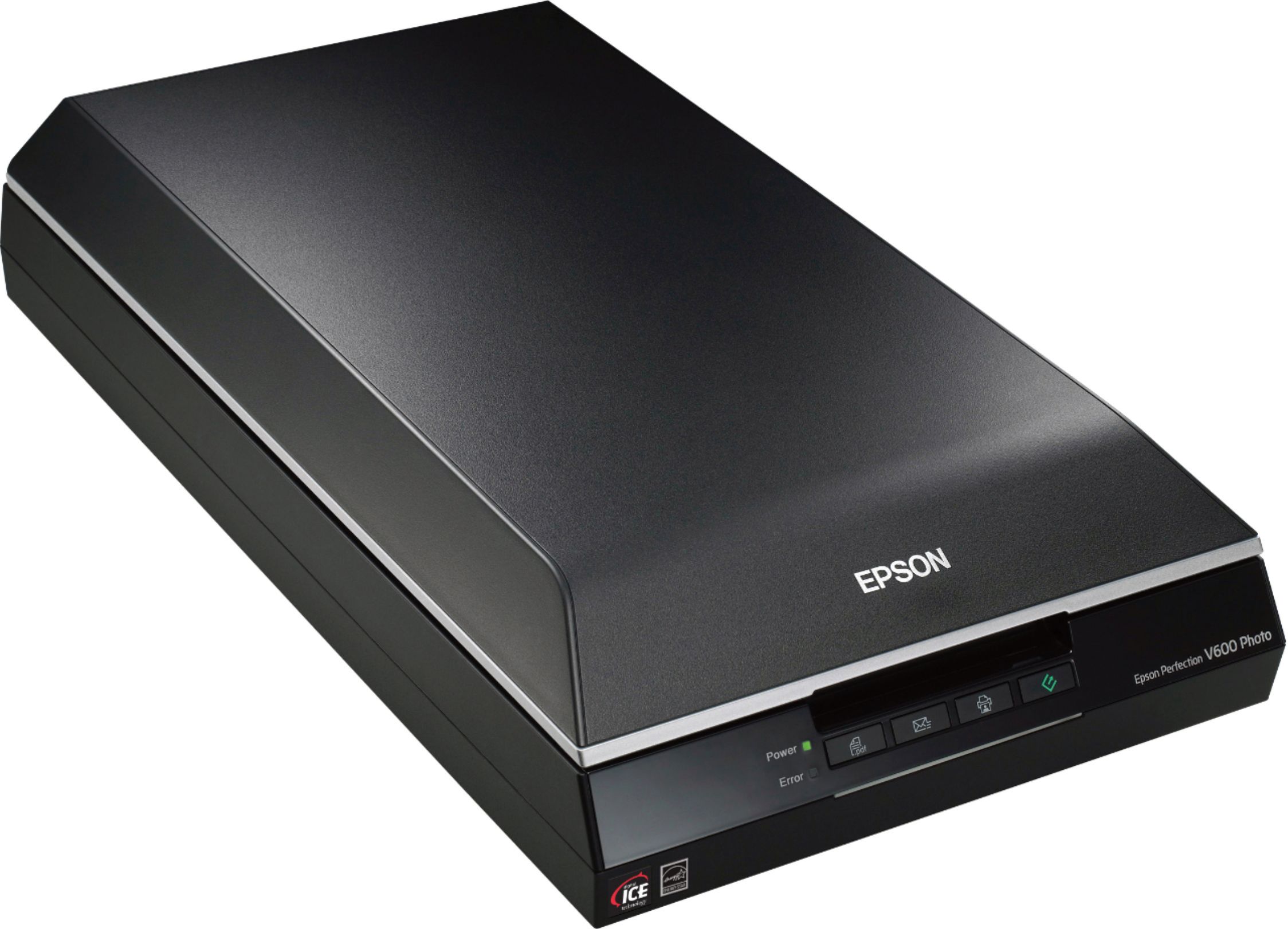
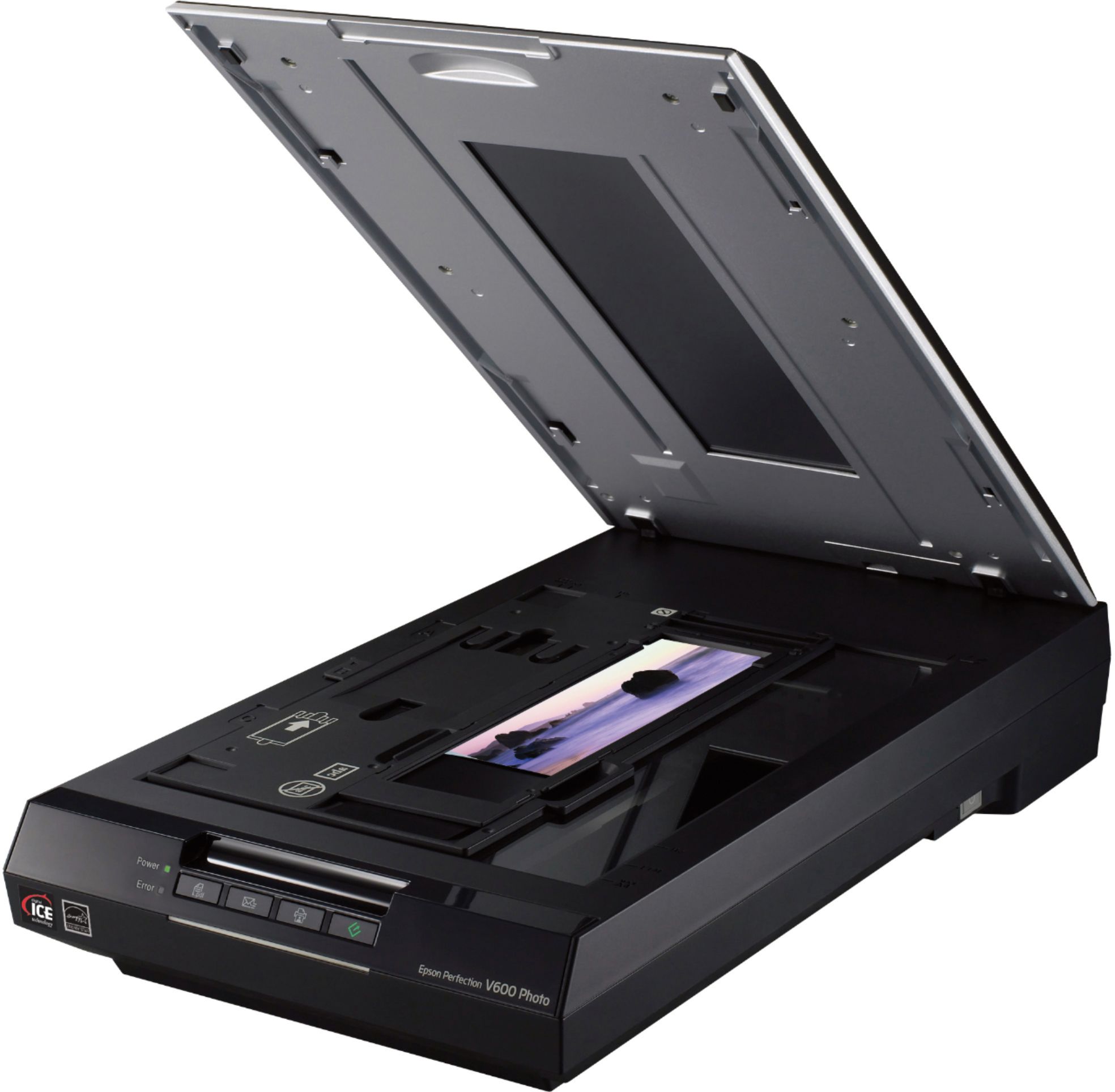
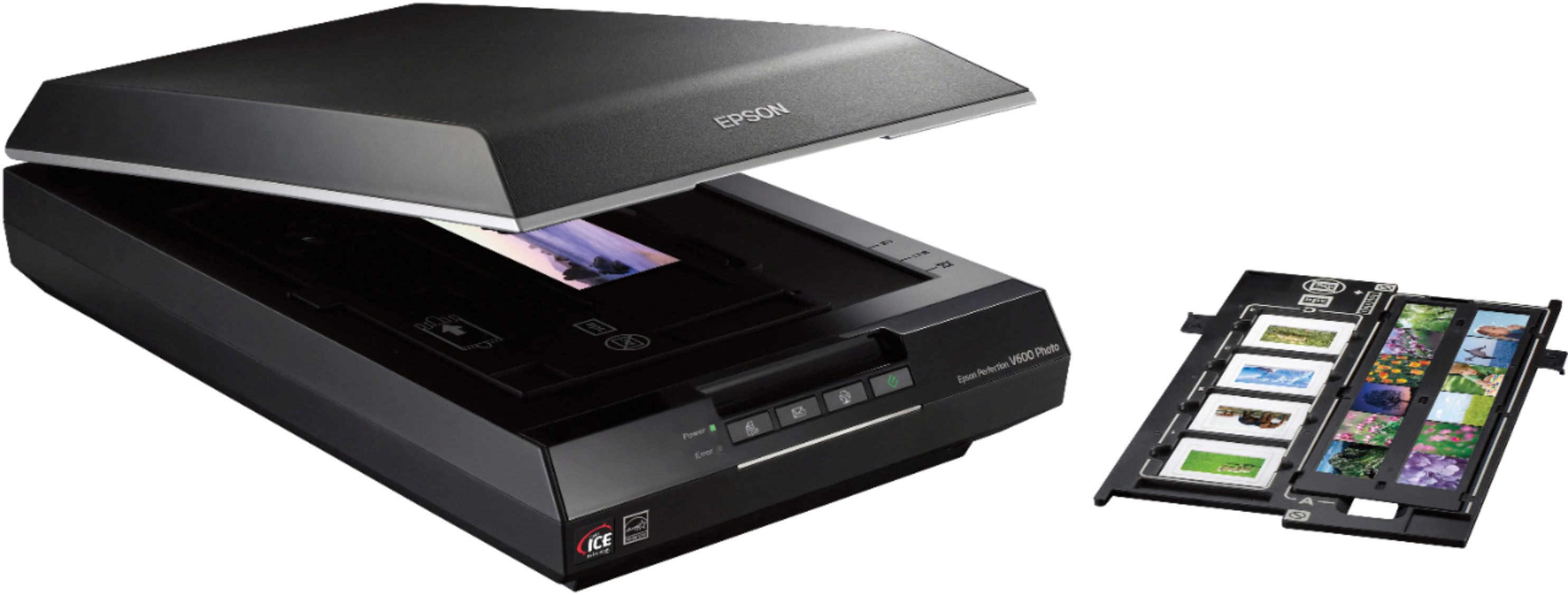
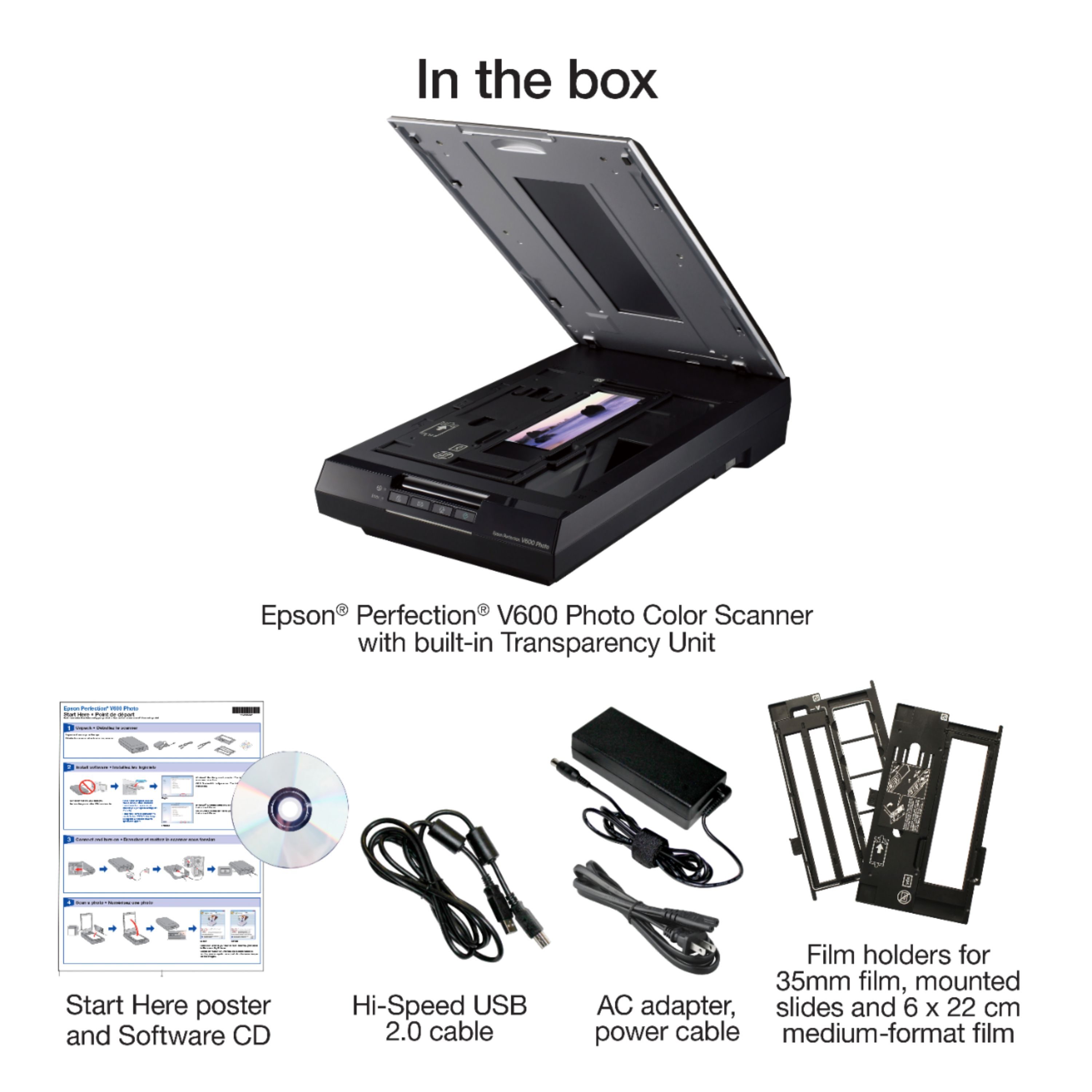
A:AnswerI looked and I do not see a USB port. But I do sing the praises of this scanner. I have tried other scanner that dissatisfied. I scanned some extremely faded, almost forty-five year old photos and this restored them to their original look. I have scanned almost twelve thousand photos and it continue to do an excellent job.
A:Answerall scanned files go to your computer. If you're able to download files from your computer to a DVD you can do the same with the scanned images.
A:AnswerYes depending on size.
For 4 x 6 photos I can fit 3 on the bed.
For 3 1/2 x 5 1/2 I can fit 3 horizontal and 2 vertical.
Software is able to distinguish the different photos, as long as there is a small space between them, and scans each to an individual file.
A:AnswerI also have a 2020 MacBook M1. (mine is a pro). You can download the software from the Epson webpage but when configuring you will need to connect this scanner to a USB port. If you connect the computer to the scanner and go through settings to add a scanner it will work that way as well and connect to the Epson website to download the software. Just make sure you use the correct version for your Mac OS. It will not work wirelessly. (I'm sure you already knew that) I have an Anker USB C hub that plugs into my USB C ports but virtually anyone will work. I then connected my scanner to my laptop. I also have a Windows 10 desktop and this scanner works fine with that as well. Espon's website software downloads are based on what version of MacOS you are running. I'm running 12.1 and downloaded the software with no issues. Epson even gives you additional editing software free (it's called Silver Fast) that works with the new Macs with the M1 processor.
A:AnswerYes
You can set a prefix name for the photos to be scanned then the software adds a numerical 3-digit number to the name.
You can also set the number to start with in case you want to add additional photos to a batch previously scanned.
A:AnswerHello ANN. The V600 Photo Scanner can only be connected to computers running Microsoft Windows and macOS Operating Systems. Unfortunately, the V600 Photo Scanner would not work with an iPad. Regards, Kevin - The Epson Team.
A:AnswerJust bought it as a Christmas present for someone else, so the box hasn't been opened yet. However, per the manufacturer specifications, the maximum scan area is 8.5" x 11.7". So, no, it doesn't fit legal sized paper that is typically 8.5" x 14".