Black Friday is hereShop new DoorbustersShop now

Main Content

Questions & Answers

Your price for this item is $499.99
Page Showing 101-107 of 107 questions
  • QuestionDouble-sided printing: When I enable double-sided printing via the printer menu (a lengthy procedure that I have to repeat each time), it prints that way, BUT the obverse pages are upside-down. How do I fix this?

    Asked by mshmith.

    • Answer Usually, if you're having problems printing double-sided, it has to do with which edge the document is flipped on. In most cases, you'll want it to flip on the long edge, not the short edge. If you don't do this, your pages will have one side correct and the other side upside down relative to the other side. Setting the printer to flip on the long or short edge is something adjusted in the print settings on the computer before you send it to print. I hope this helps.

      Answered by GracefulWarrior

  • QuestionCan this printer use 11x17 paper?

    Asked by Sonja.

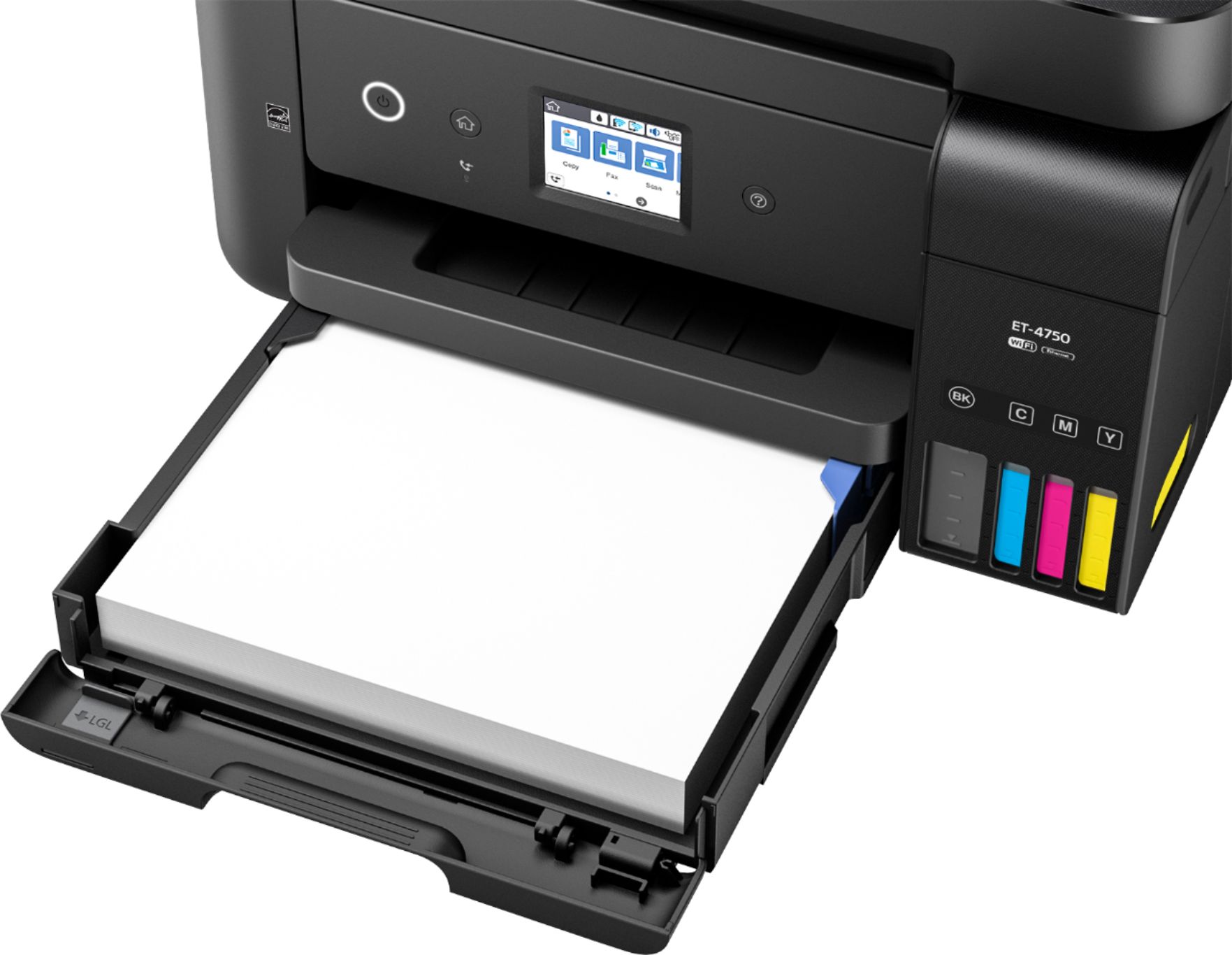
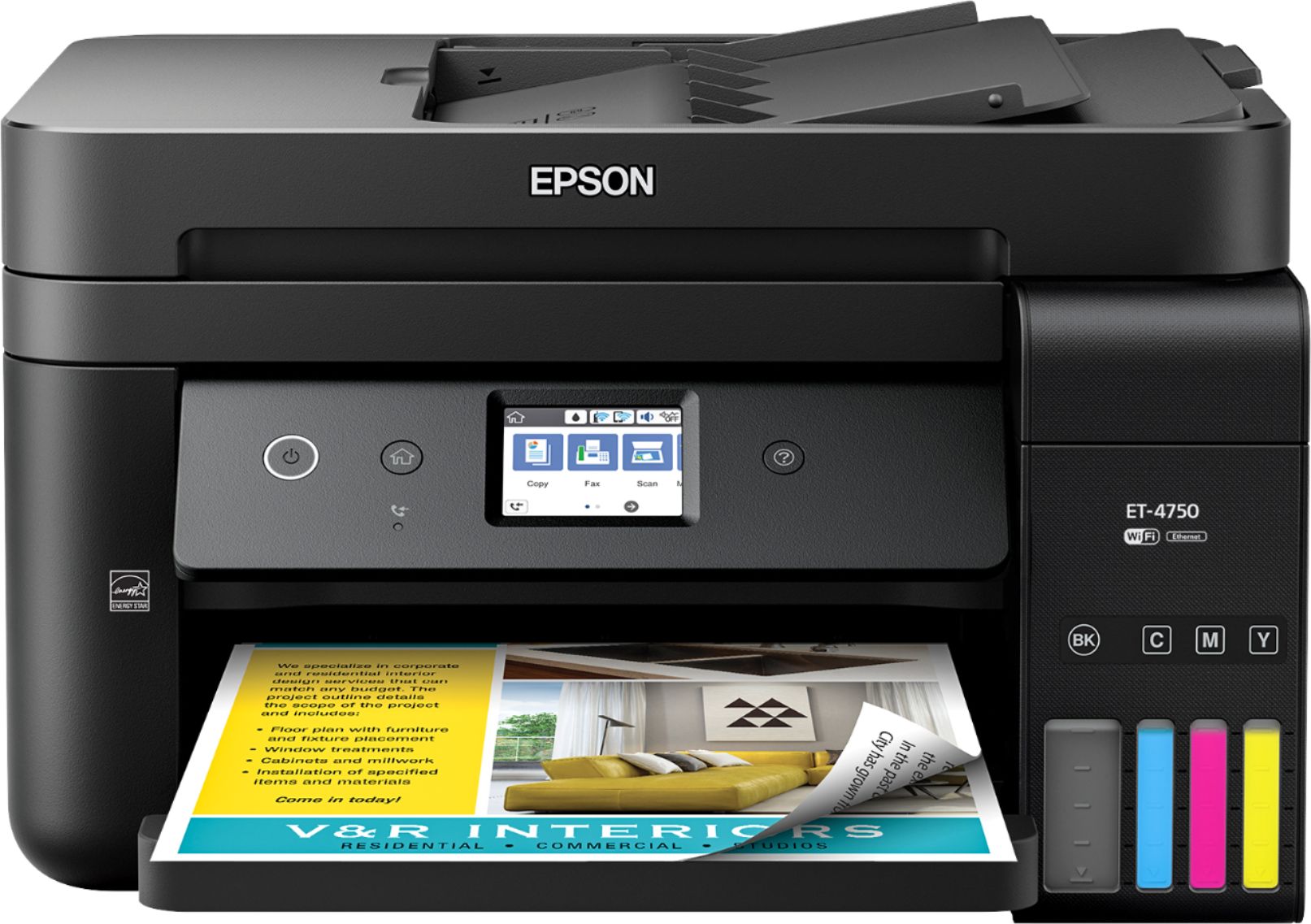
    • Answer Paper Handling: PC-Free Paper Support: Plain (letter, half letter, executive, 8.5" x 11", A4) Photo (4" x 6", 5" x 7", 8" x 10", letter, A4) Paper Sizes: 3.5" x 5", 4" x 6", 5" x 7", 8" x 10", 8.5" x 11", 8.5" x 14", A4, A6, half letter, executive, user definable (3.5" x 5" – 8.5" x 47") Maximum Paper Size: 8.5 x 47.2 inch Paper Types: Plain paper Epson Bright White Paper Epson Presentation Paper Matte Epson Premium Presentation Paper Matte Epson Premium Presentation Paper Matte Double-sided Epson Premium Photo Paper Glossy Envelope Types: No. 10 Input Paper Capacity: 250 sheets plain paper
      Answered by ET4750PAPER

  • QuestionCan you scan "from" your computer using your computer settings?

    Asked by bearzer.

    • Answer Absolutely!

      Answered by Markeson

  • QuestionIf this printer is wireless, why does it have a power cord? Is the power cord not a wire?

    Asked by Alligator.

    • Answer Wireless refers to the method of data transmission from the source to the printer. I keep a direct line because I have high volume print jobs, but other people network the printer to keep it out of the way. The power cord is a wire, but it is necessary until they can create either a high capacity battery that can fit into the printer, an induction power system desk or a magnetic field tapper. Aside from that the printer has been great. Costly up front, but will more than make up for it in ink cartridges that are no longer needed.

      Answered by Orpheus

  • QuestionThe description states that you can send faxes. Can you also receive them?

    Asked by VJC1945.

    • Answer Yes. You can send and receive faxes directly from the printer. You can also send faxes from your Mac or PC. I have not tried receiving faxes to my desktop yet. I hope this helps.

      Answered by HappyCamper

  • QuestionCan this printer be used for printing on Vinyl?

    Asked by Sat.

    • Answer It is an inkjet, so I don't know how ink will print on vinyl.

      Answered by SageRider

  • QuestionDoes the ET-4750 Epson printer have a usb slot?

    Asked by BarbfmGA.

    • Answer No it does not which I hate. I LOVE this printer otherwise but having to hard wire up your computer to the printer is a pain in the butt. I"m thinking of buying a separate scanner due to the lack of a USB port. I mean who designs a printer/scanner/fax without a USB port. Stupid.

      Answered by Beachedsiren