A:Answer Per Epson website for this model:
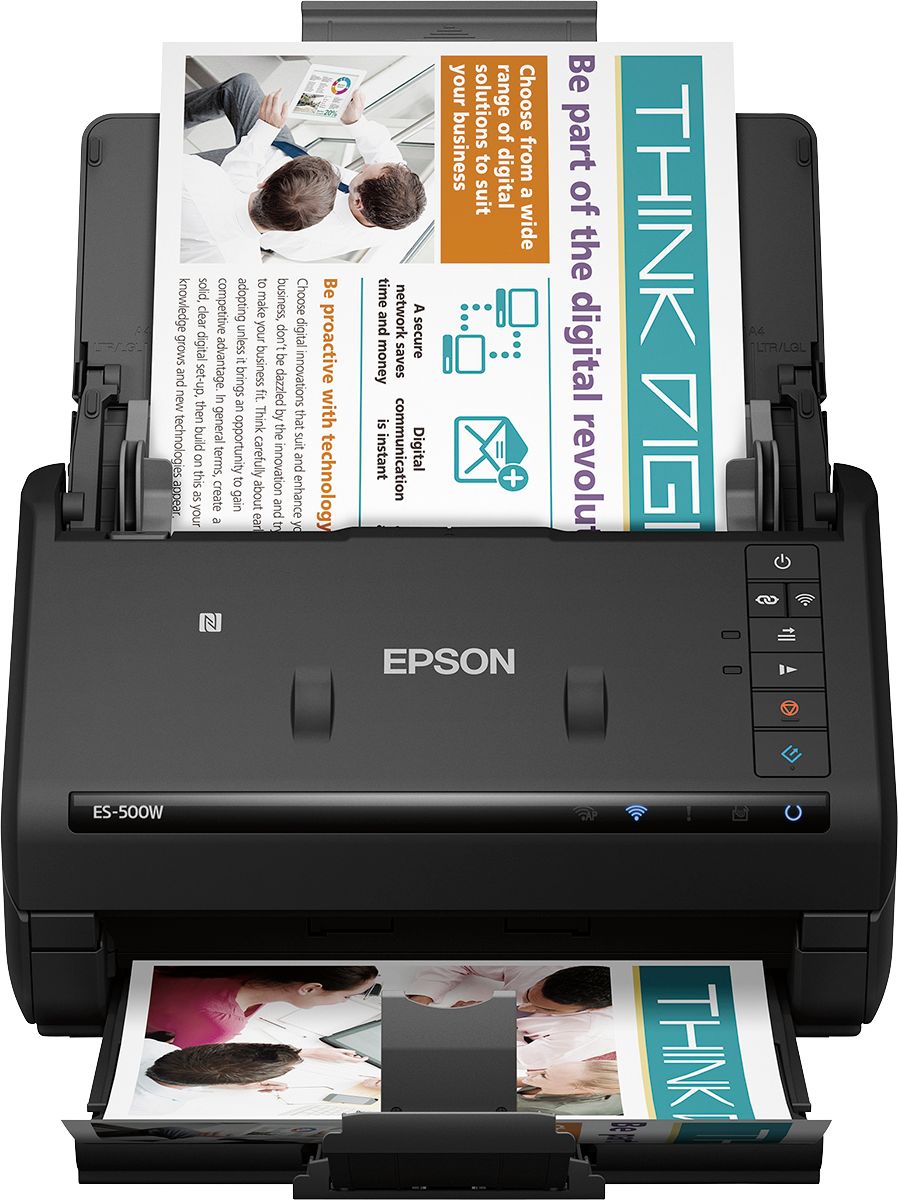
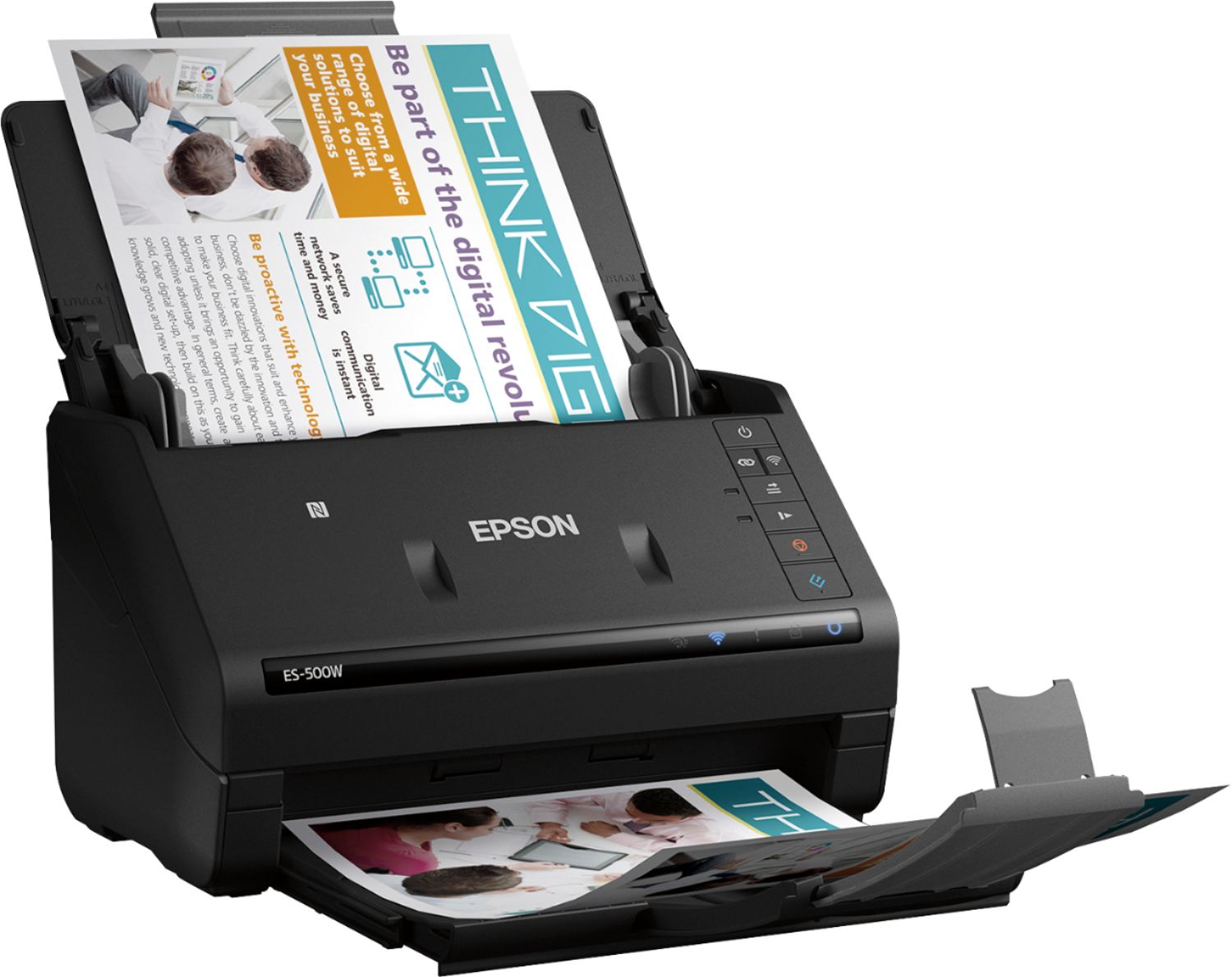
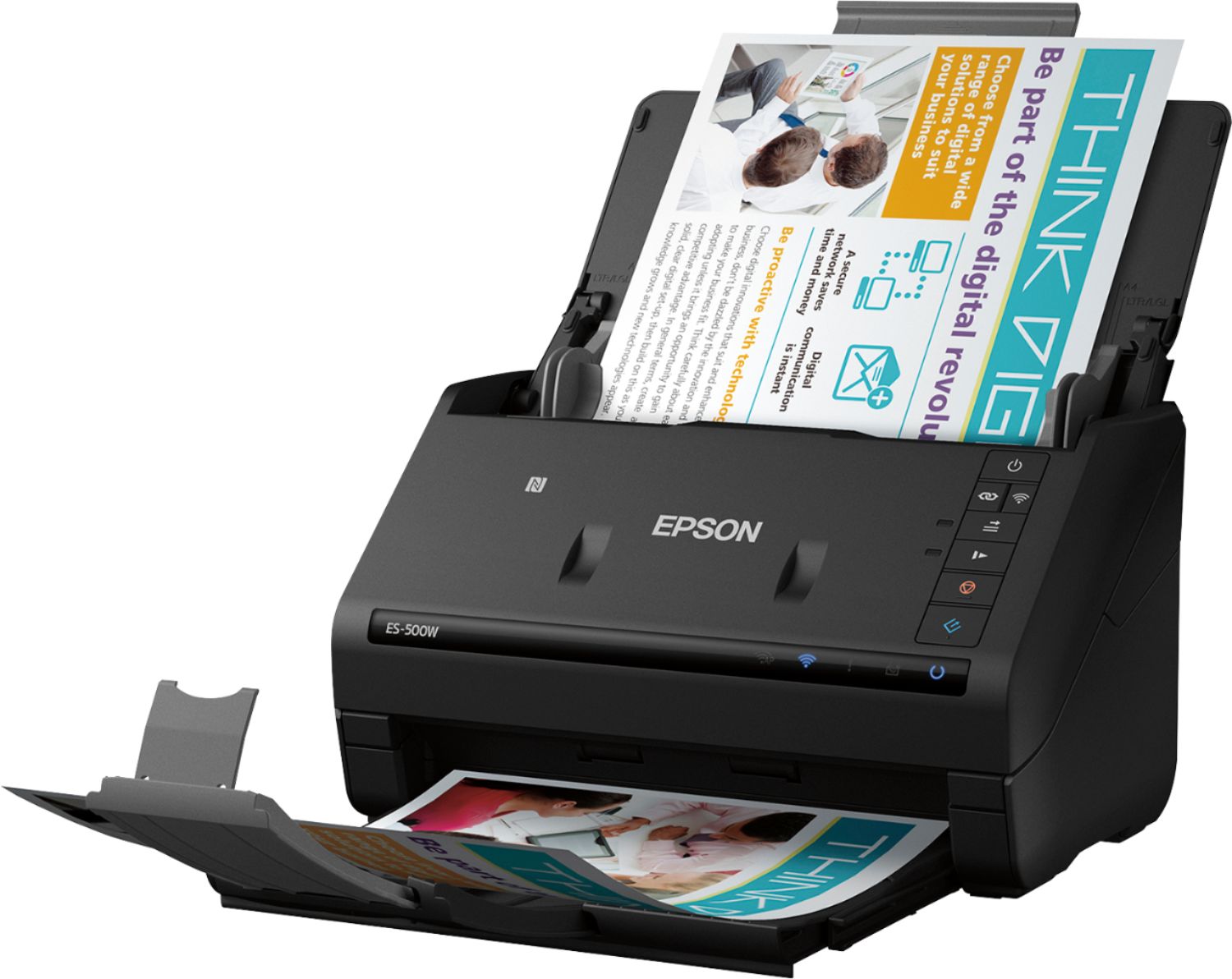
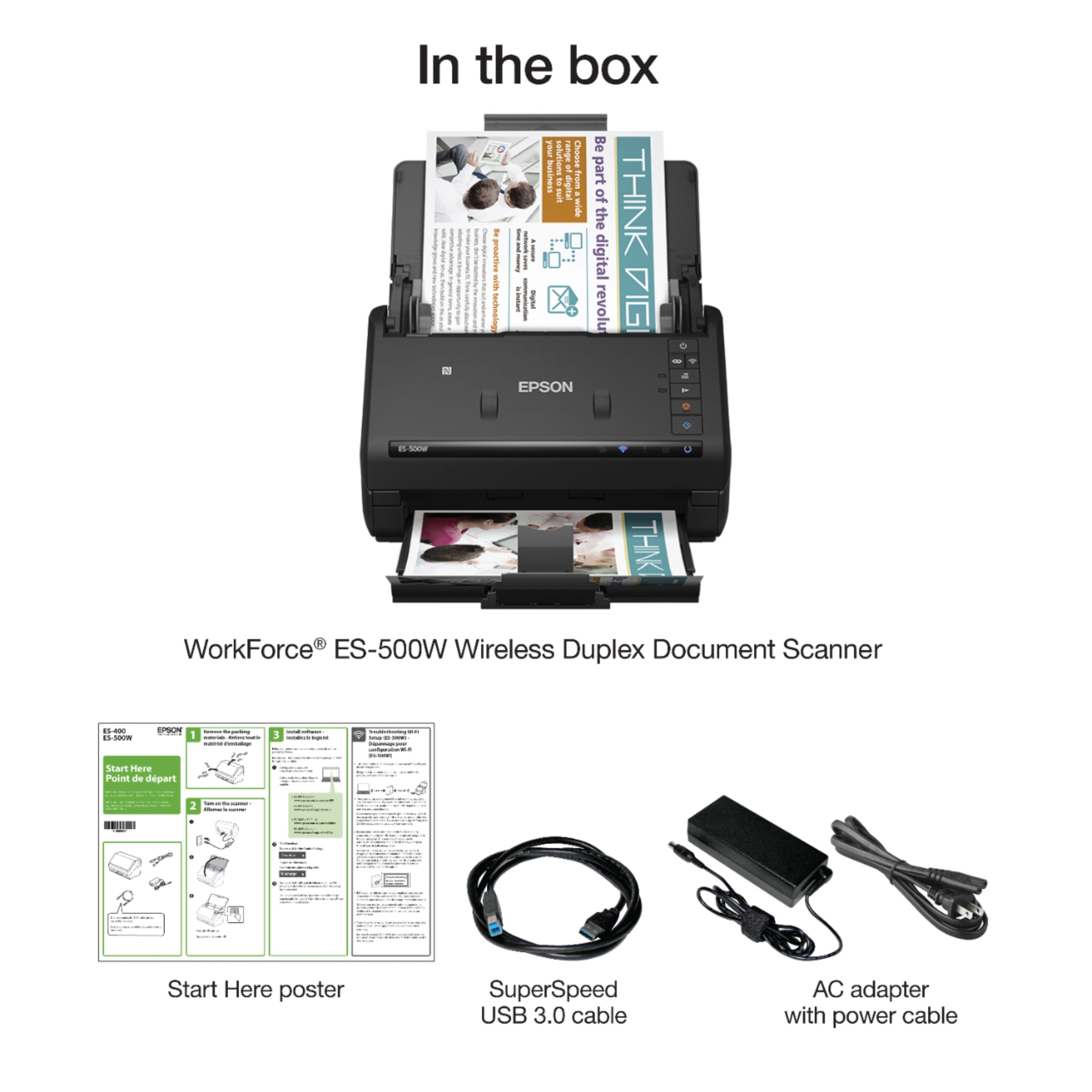
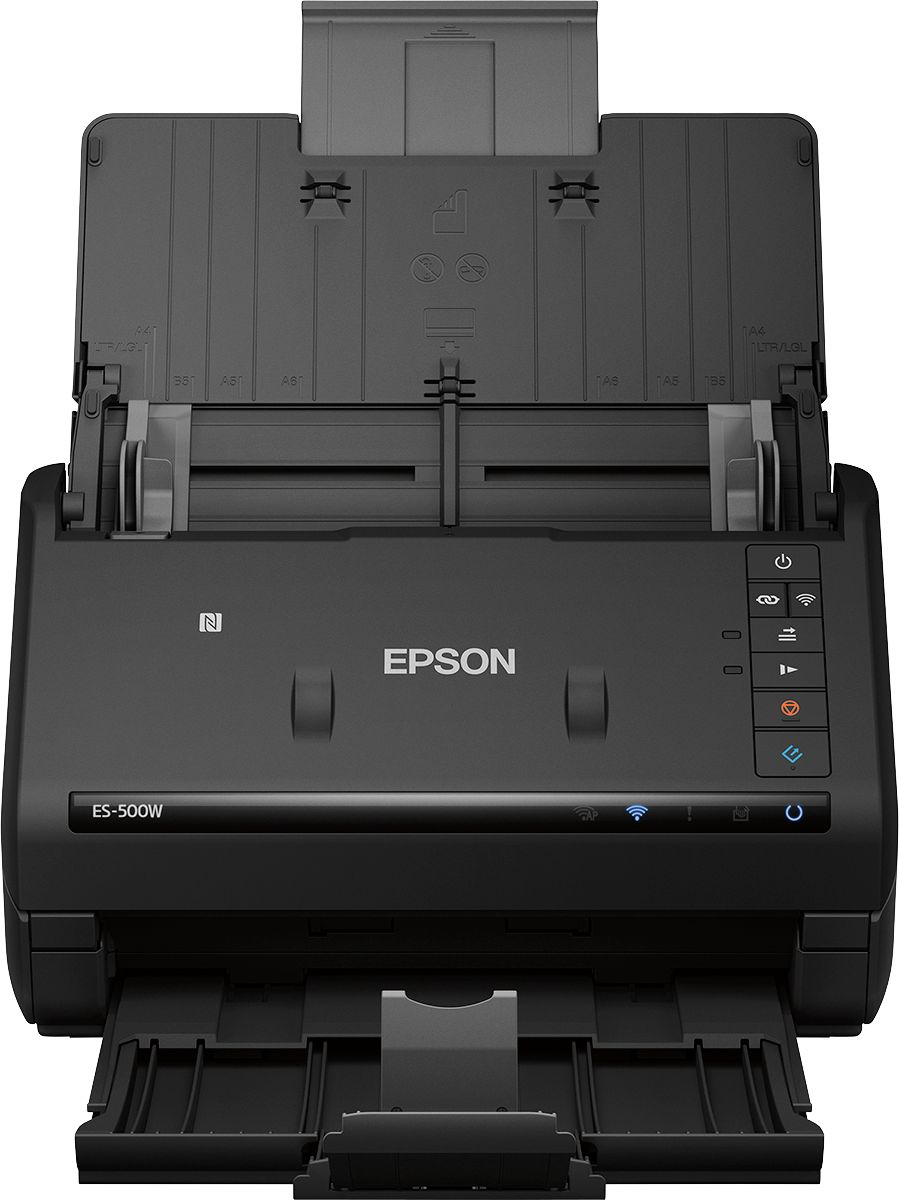
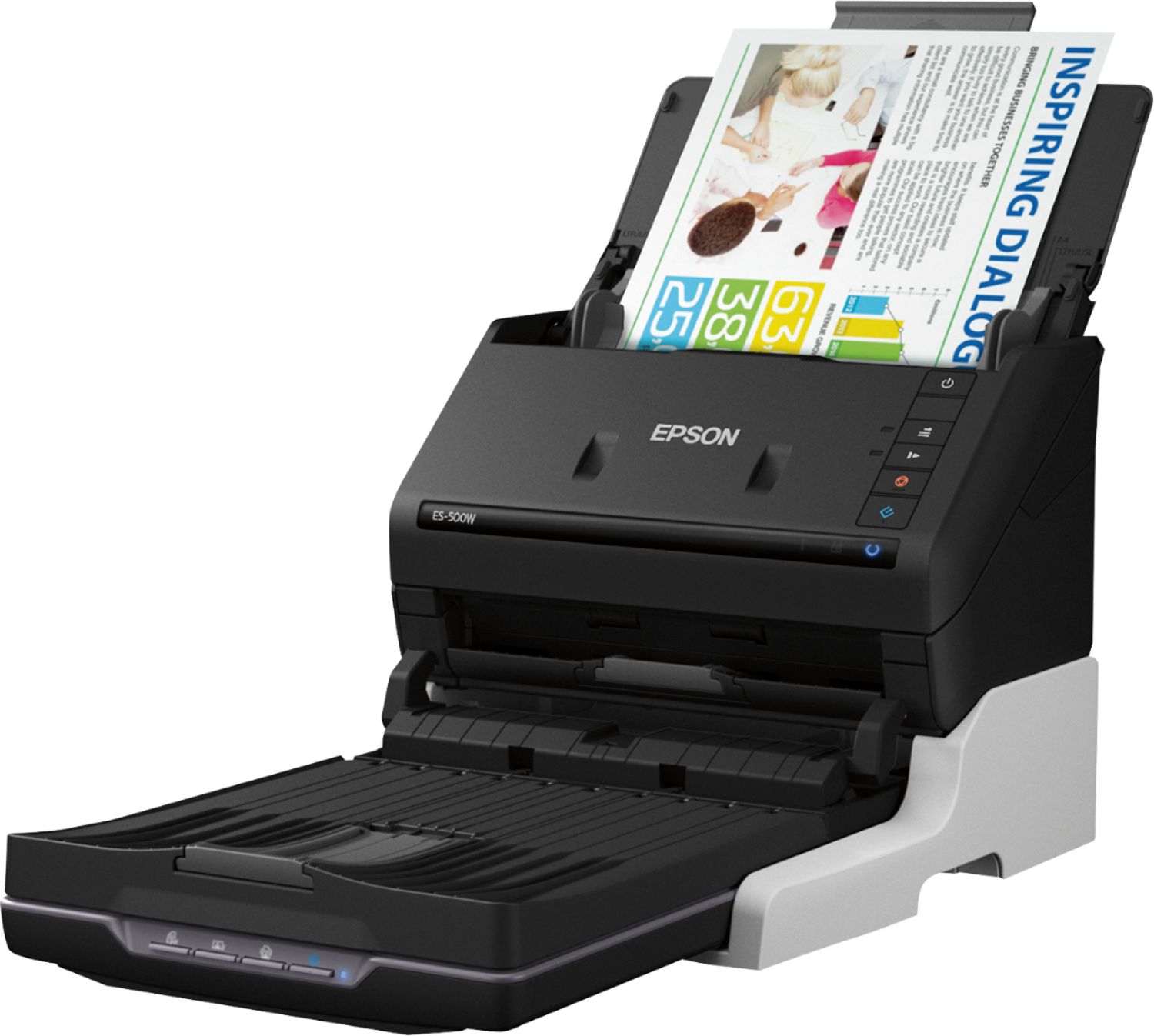
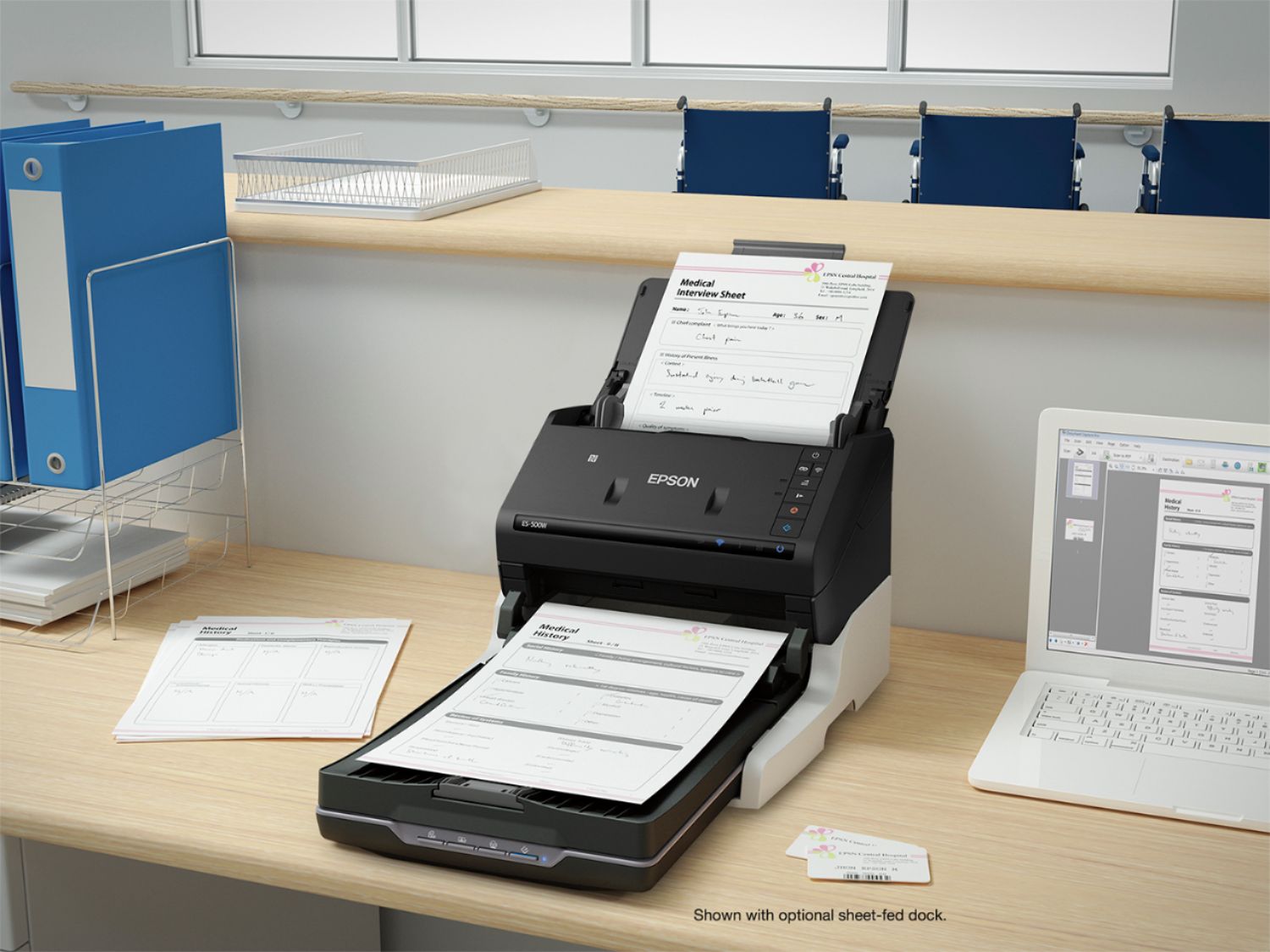
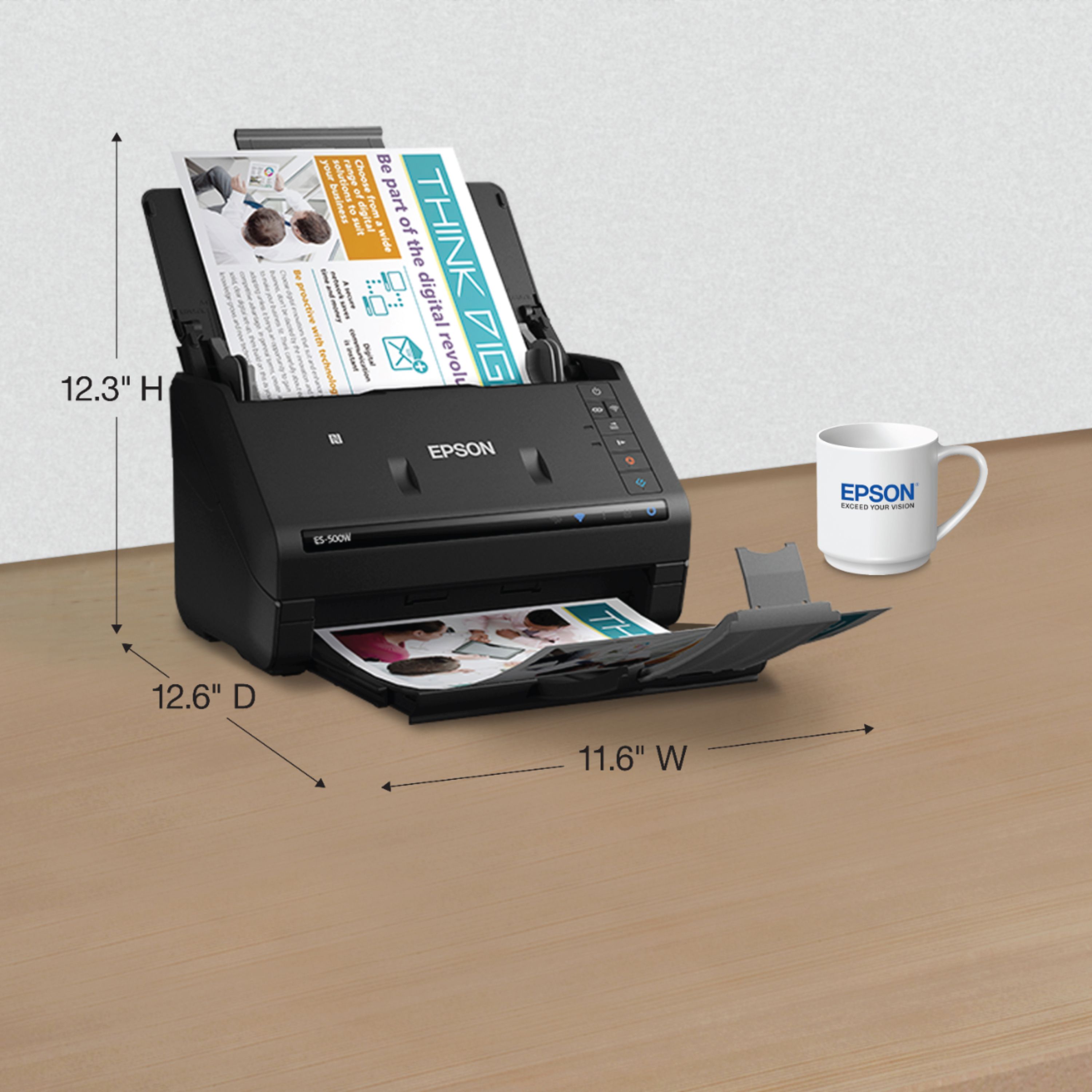
Wireless, fast and easy to use, the WorkForce ES-500W duplex document scanner cuts down on clutter. Wirelessly scan documents to a PC, Mac®, smartphone, tablet or cloud storage account1. The powerful ES-500W makes it all simple. Featuring speeds up to 35 ppm/70 ipm2 and a 50-page Auto Document Feeder, this compact, reliable performer breezes through stacks of documents — from business and ID cards to receipts, extra-long pages, and more. Easily scan to searchable PDFs and editable Word and Excel® files with included Epson® ScanSmart Software1. For added value, the scanner includes a TWAIN driver for compatibility with virtually all document management software.
Wirelessly scan to smartphone, tablet, PC or Mac1
Fast, easy 2-sided scanning up to 35 ppm/70 ipm2
Scan stacks of docs — 50-page Auto Document Feeder
Epson ScanSmart Software1; built-in Nuance OCR
Compatible — TWAIN driver included