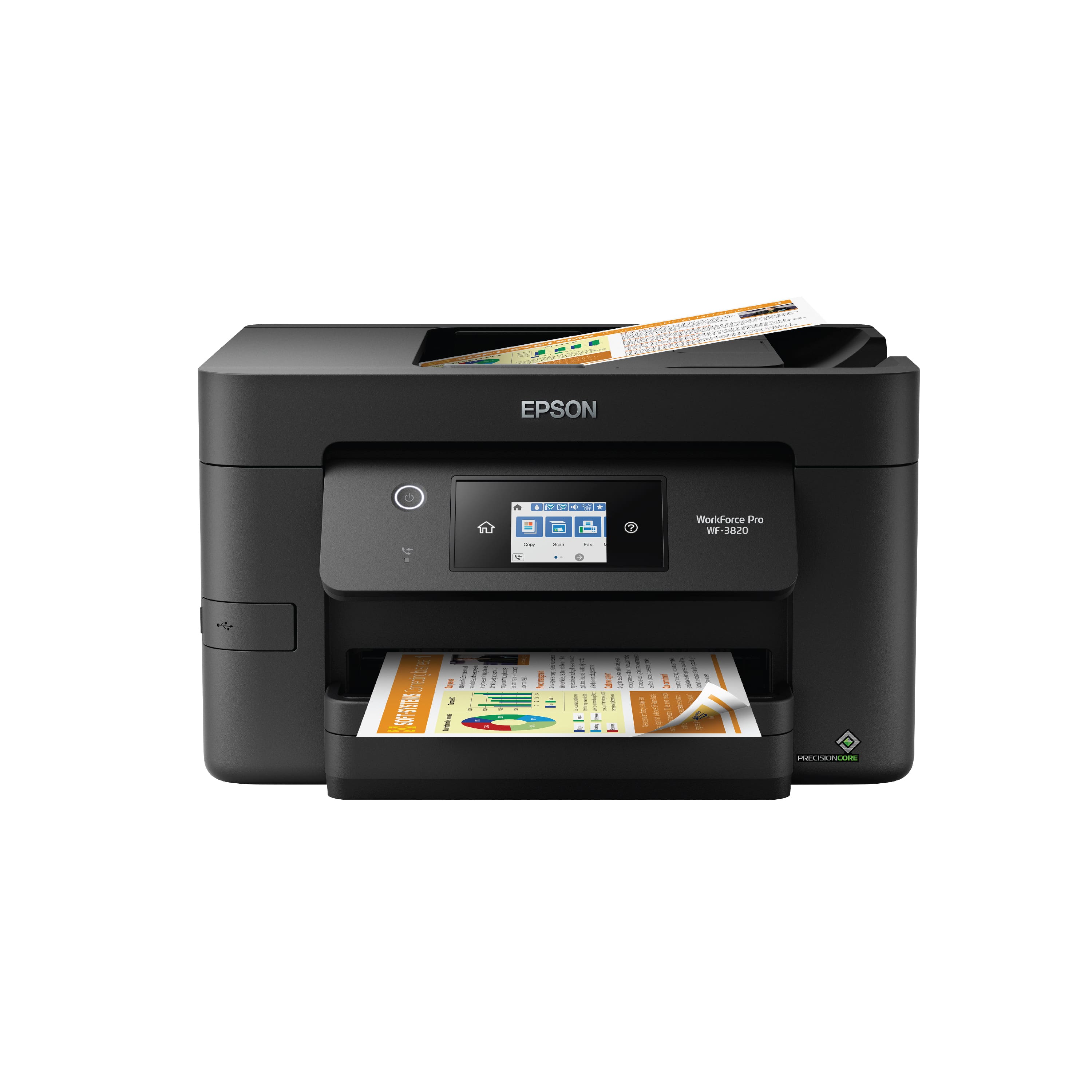
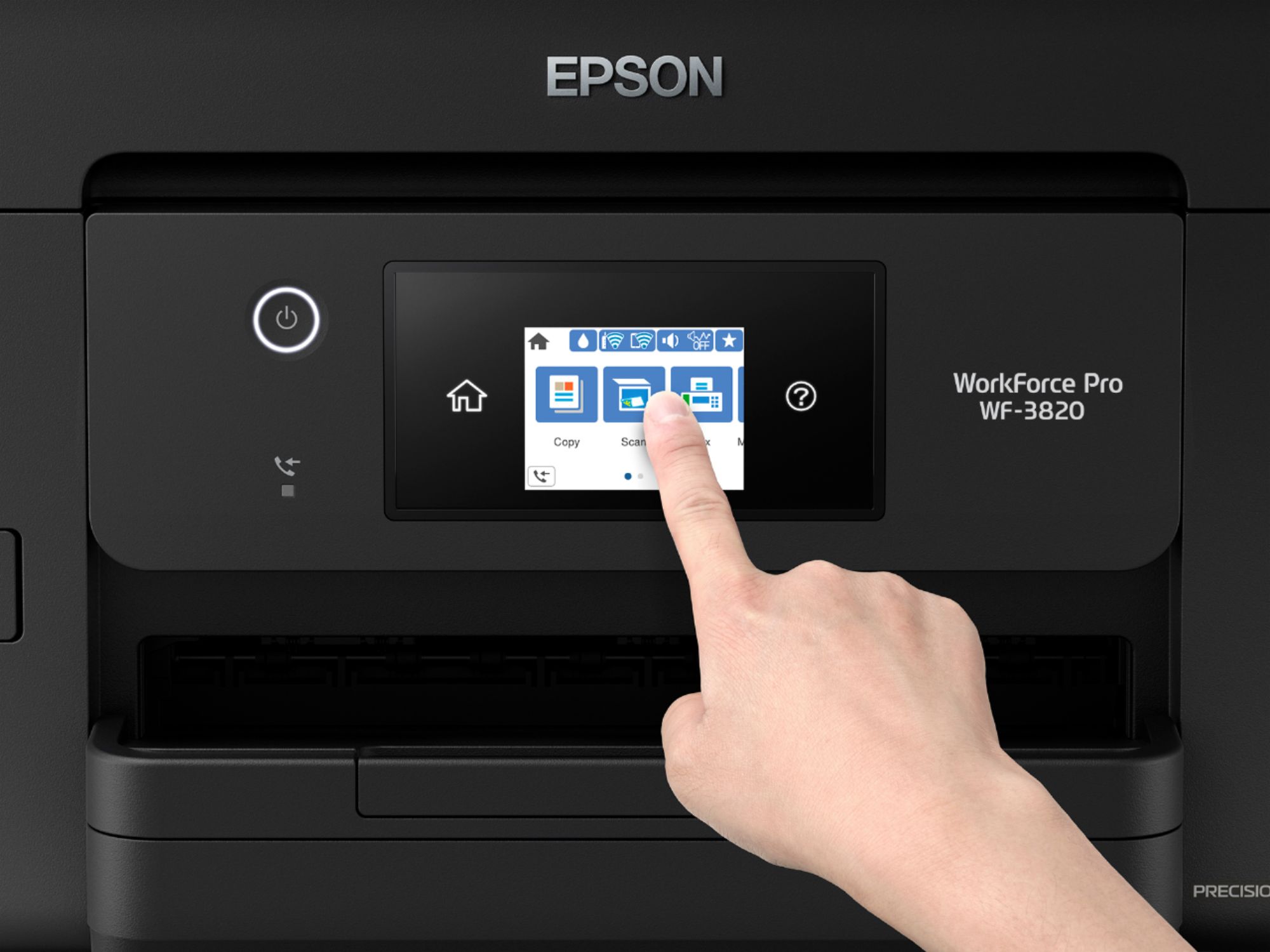
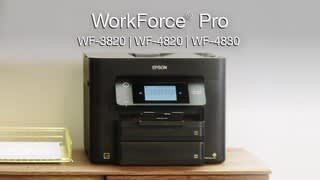
A:AnswerHi Leslie, Without a computer or smart phone, he can use the WF-3820 as a stand-alone copier, fax machine, or as a scanner to scan to a USB flash drive. In order to use the fax capabilities, he has to connect it to a landline phone jack. Regards, Mark - The Epson Team.
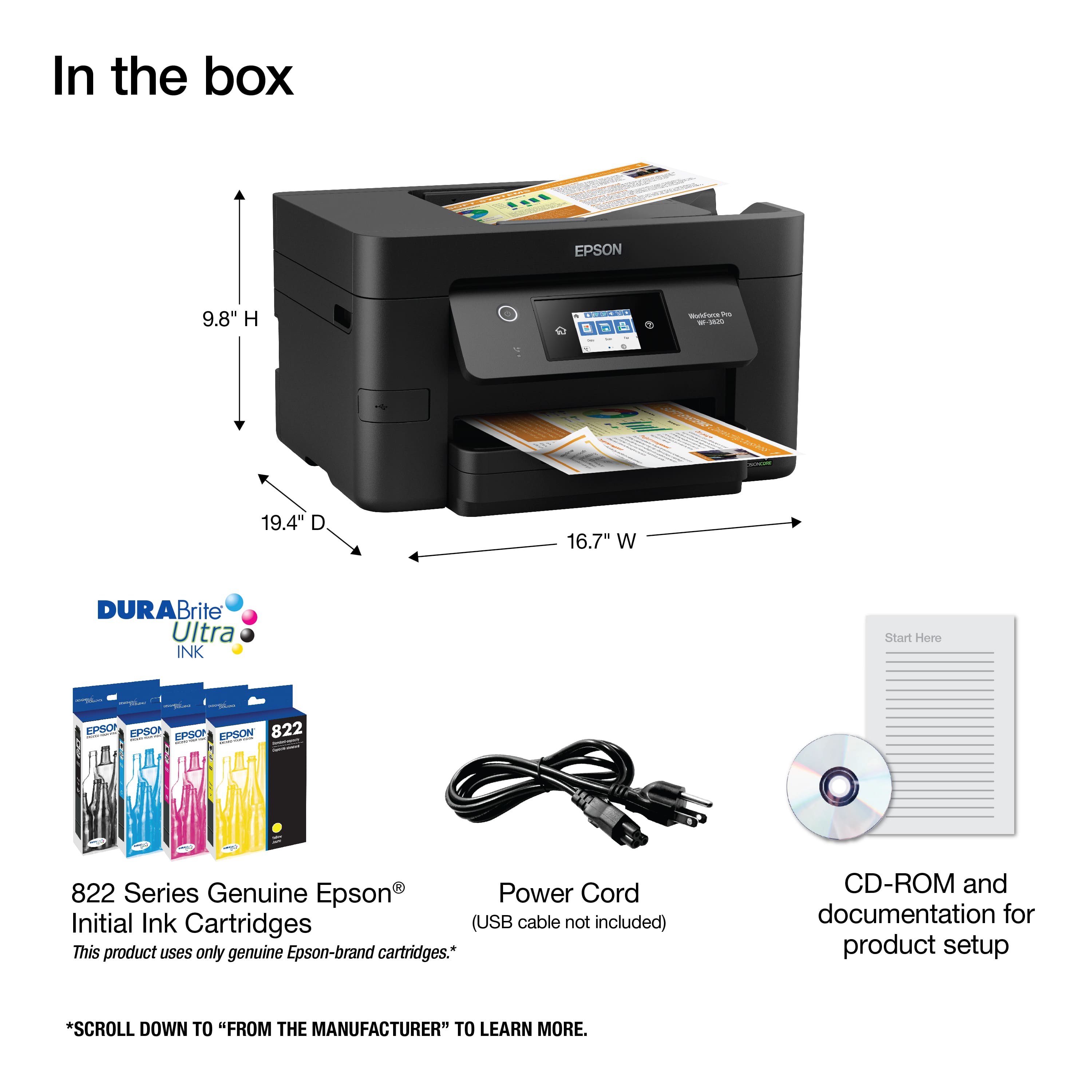
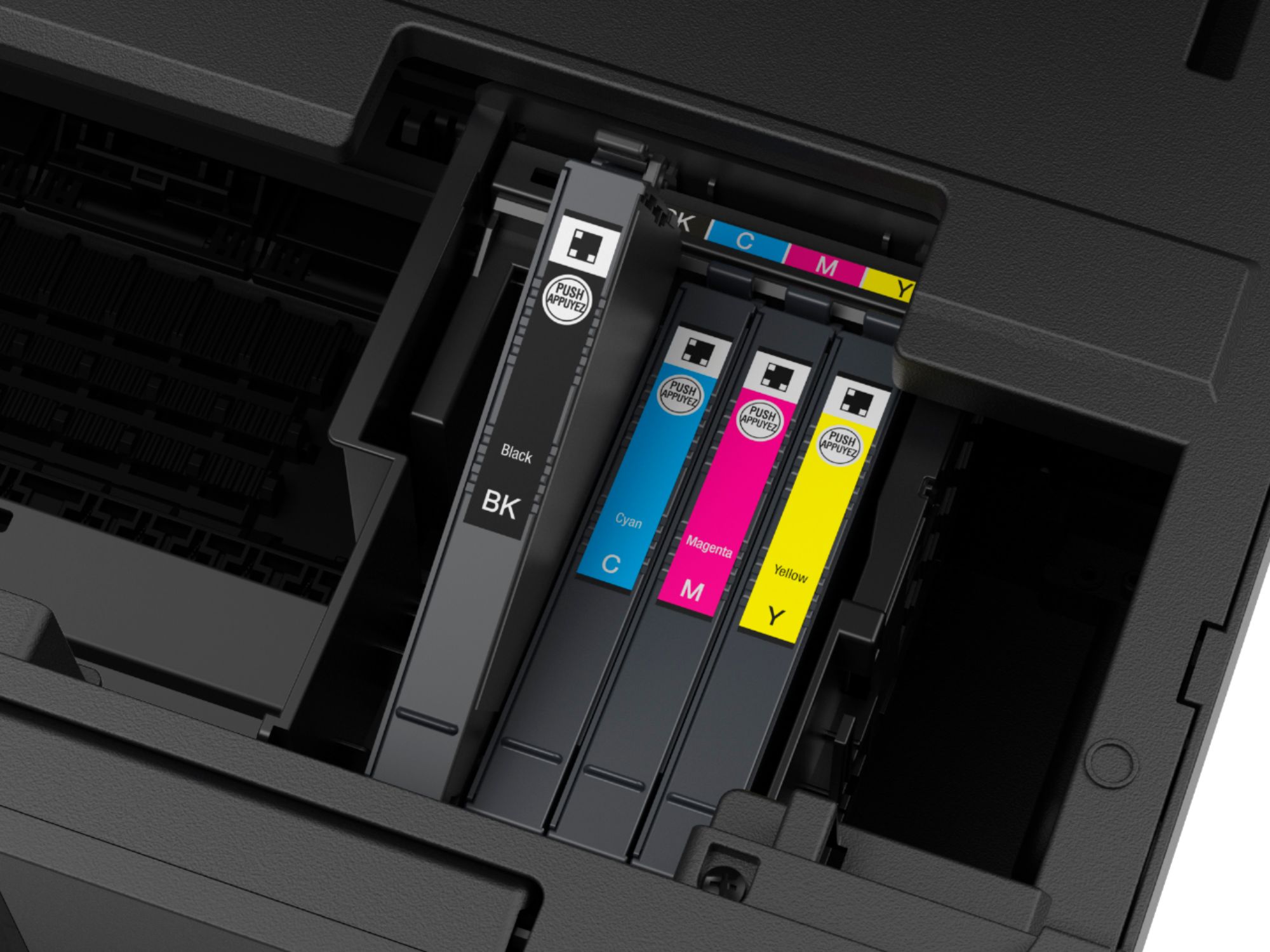
A:AnswerHi Authorlaurance, No, the WorkForce Pro WF-3820 does not use the same cartridges as the C88+. The WF-3820 uses Epson T822 or high-capacity T822XL cartridges. Regards, Mark - The Epson Team.
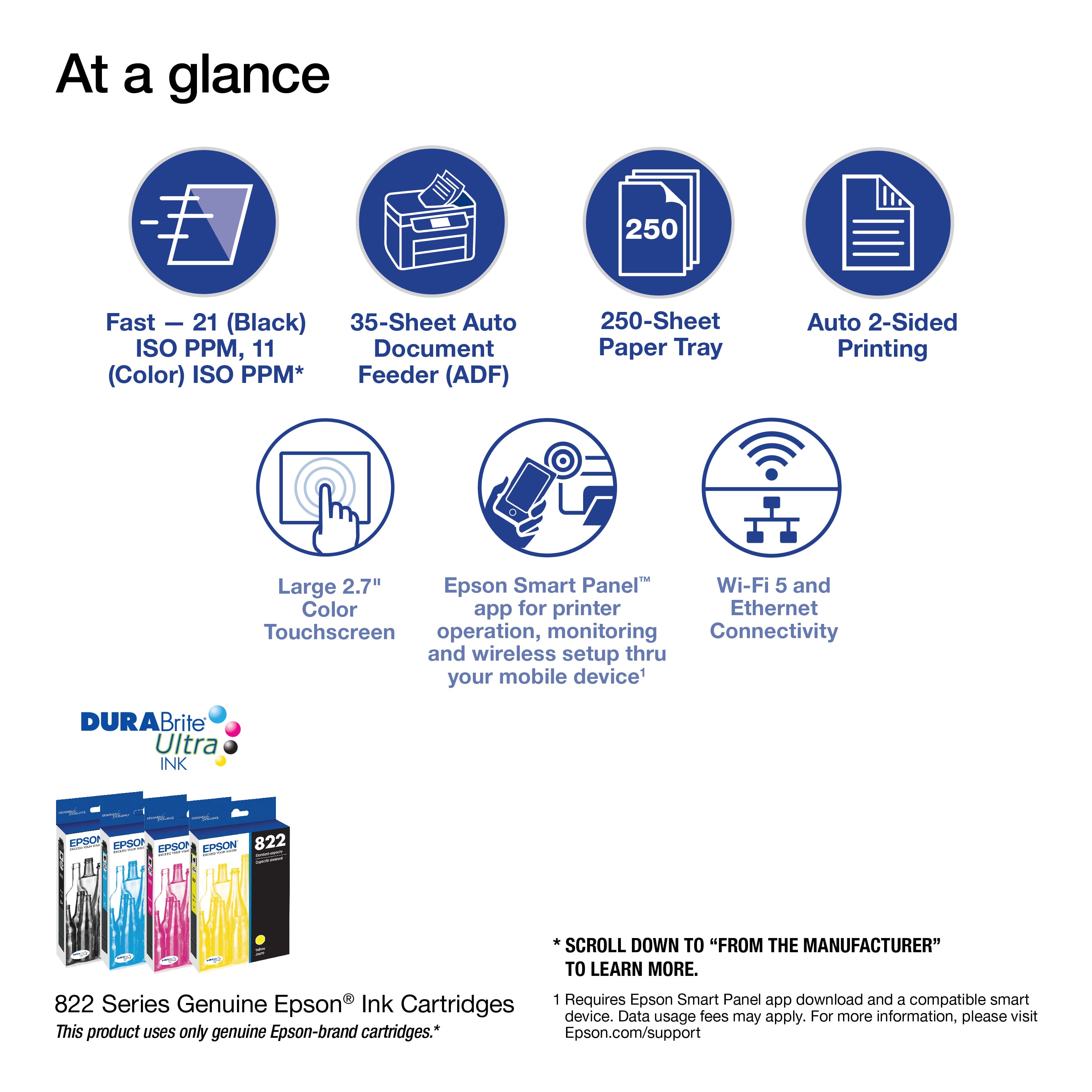
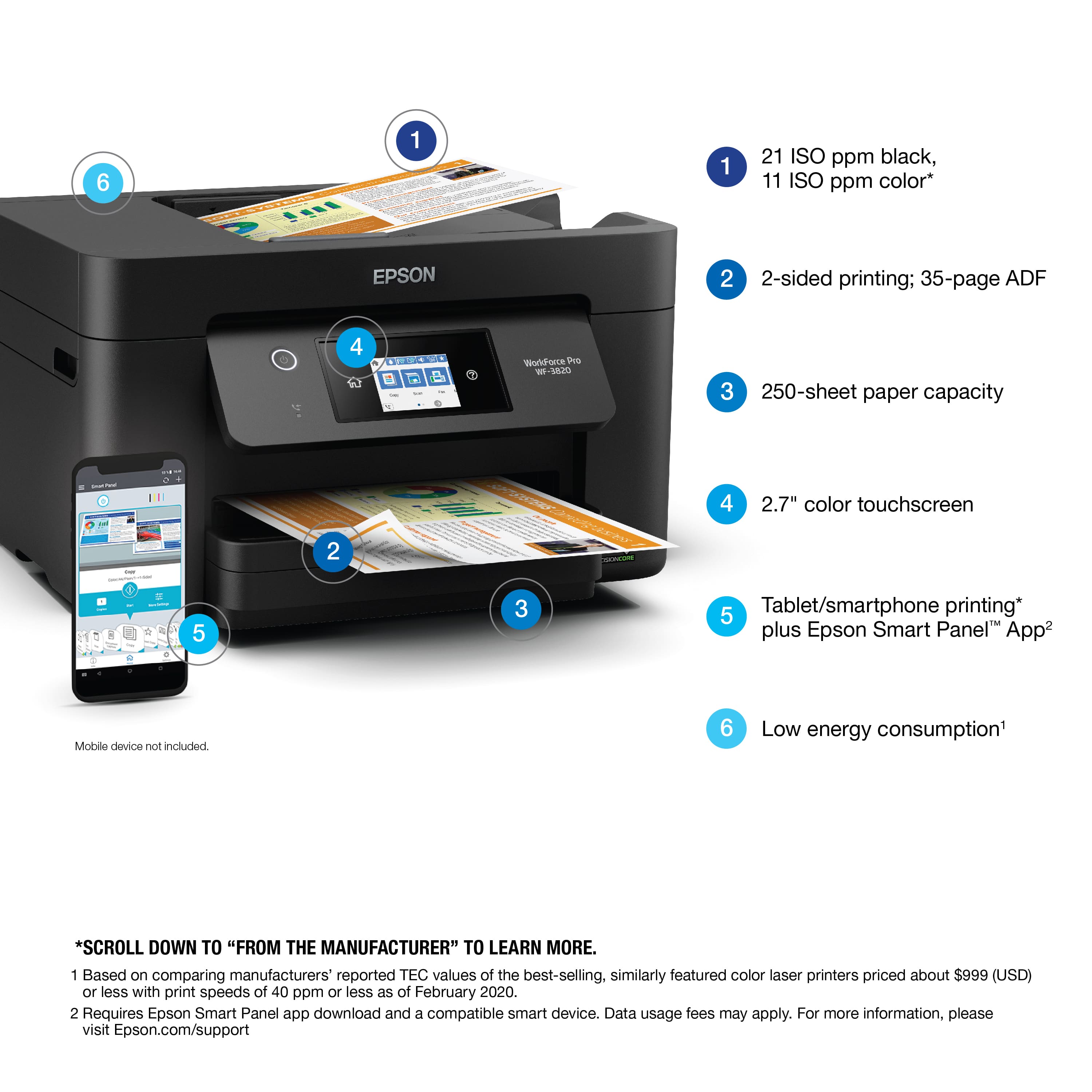
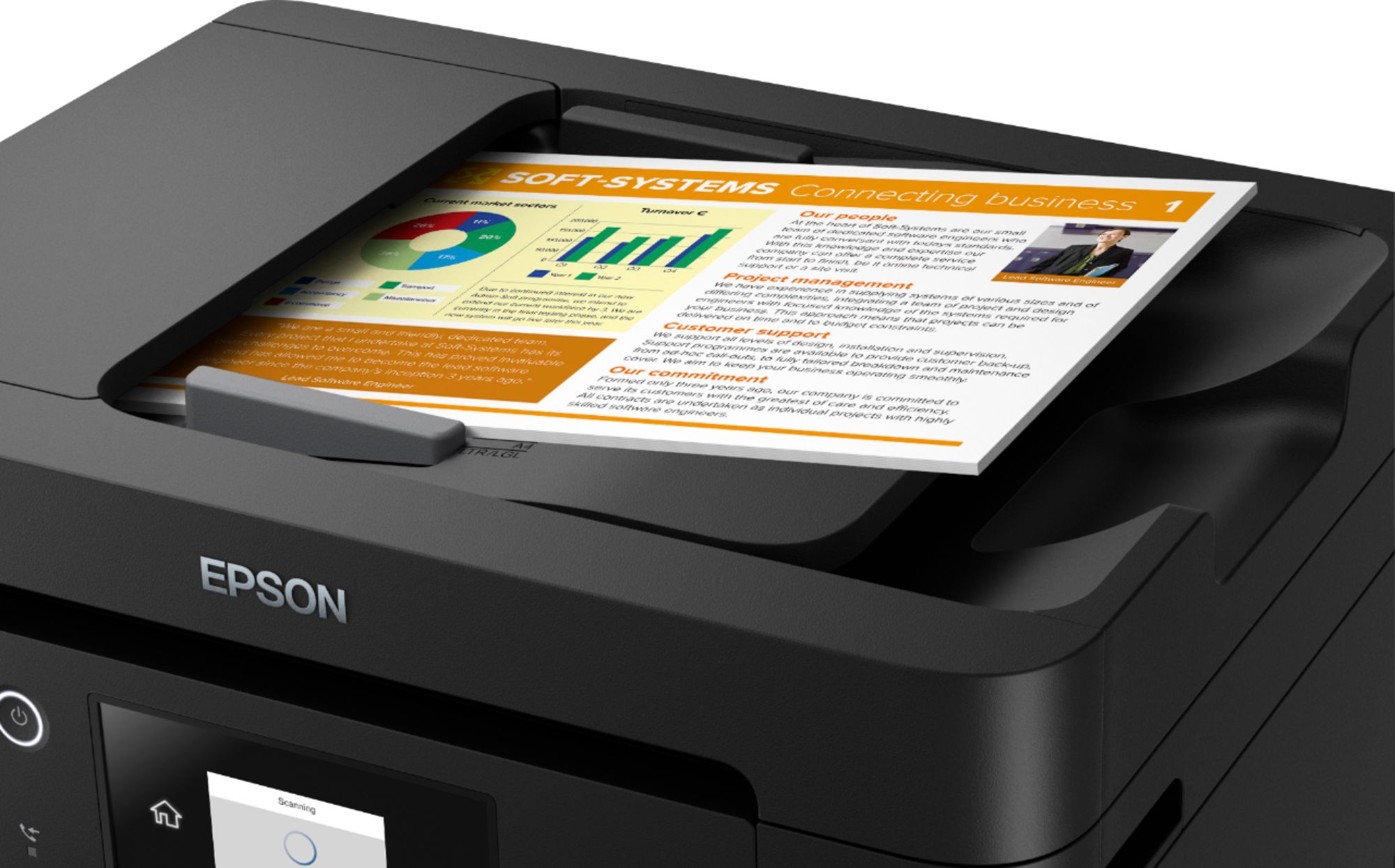
A:AnswerHi Yao, The WF-3820's auto document feeder holds 35 sheets (Letter) or 10 sheets (Legal). So, not quite 50 sheets in one scan. Regards, Mark - The Epson Team.
A:AnswerHi Caz, Yes, the WF-3820 will work with the 64-bit Catalina. The latest drivers are available on the Epson support site. Regards, Mark - The Epson Team.
A:AnswerHi Chris, You can scan single sheets directly on the scan glass, or load 35 Letter-size, or 10 Legal-size sheets at a time in the auto document feeder. Regards, Mark - The Epson Team.
A:AnswerHi JH, Yes, You can use your Mac running OS X 10.15 with the WorkForce Pro WF-3820. Please download the latest drivers from the Epson support site. Regards, Mark - The Epson Support Team.
A:AnswerHi Dee, The WF-3820 works like a regular fax machine. It has to be connected to a standard land line phone jack. Then you can send a fax to one or more numbers at the same time. Regards, Mark - The Epson Team.
A:AnswerI just got the printer, it takes individual cartridges for Black and Color (Cyan, Yellow, Magenta). Cartridges when I priced them are about $20 each.
A:AnswerHi llilizita, Yes, you can scan and print photos with the WF-3820. For best results, consider using Epson photo paper. Regards, Mark - The Epson Team.
A:AnswerHi, the WF-3820's auto document feeder capacity is 35 sheets of Letter-size paper or 10 sheets of Legal-size paper. Regards, Mark - The Epson Team.
A:AnswerHi Roland, The WF-3820 is a printer/scanner/copier/fax device. You must connect it to a land line to use the fax features. Regards, Mark - The Epson Team.