Deals Worth GiftingShop now

Skip to content
Gift Ideas
Main Content

Questions & Answers

Your price for this item is $69.99
The comparable value price is $119.99
Page Showing 141-160 of 171 questions
  • Questionis this printer 5g

    Asked by pat.

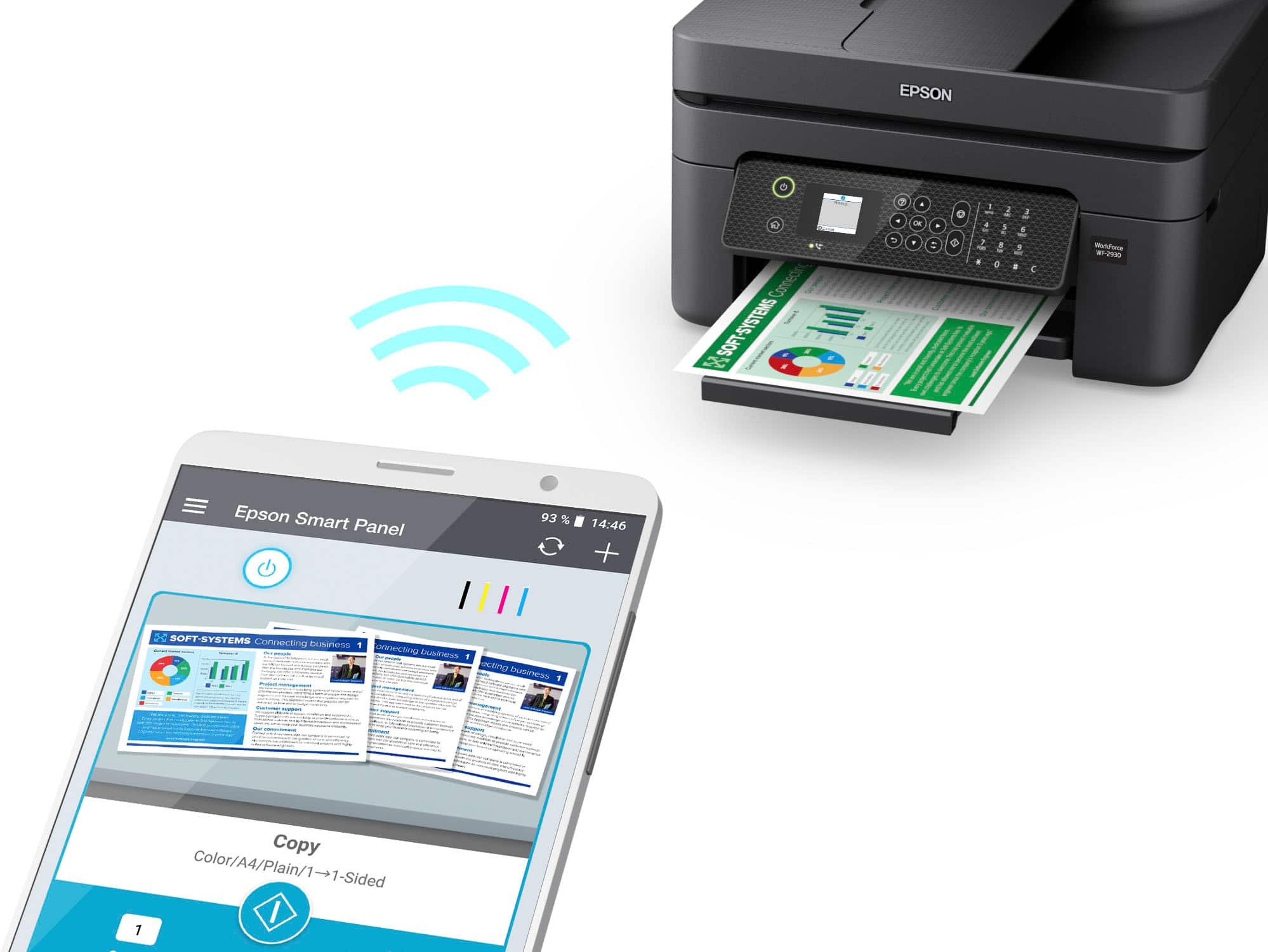
    • Answer Hi pat, The WorkForce WF-2830 operates on the 2.4 GHz band. If you have a 5 GHz Wi-Fi router and it is dual-band capable, you can set it to dual band 2.4 GHz/5 GHz and connect to the WF-2930. Regards, Mark - The Epson Team.

      Answered by Epson

  • Questionis this printer 5g

    Asked by Anonymous.

    • Answer Hi, No, it is not. The WorkForce WF-2830 uses 2.4 GHz Wi-Fi, not 5 GHz. It requires a 2.4 GHz or dual-band 2.4 GHZ/5GHz router to connect wirelessly. Regards, Mark - The Epson Team.

      Answered by Epson

  • QuestionCan this printer enlarge and reduce ty

    Asked by Louise.

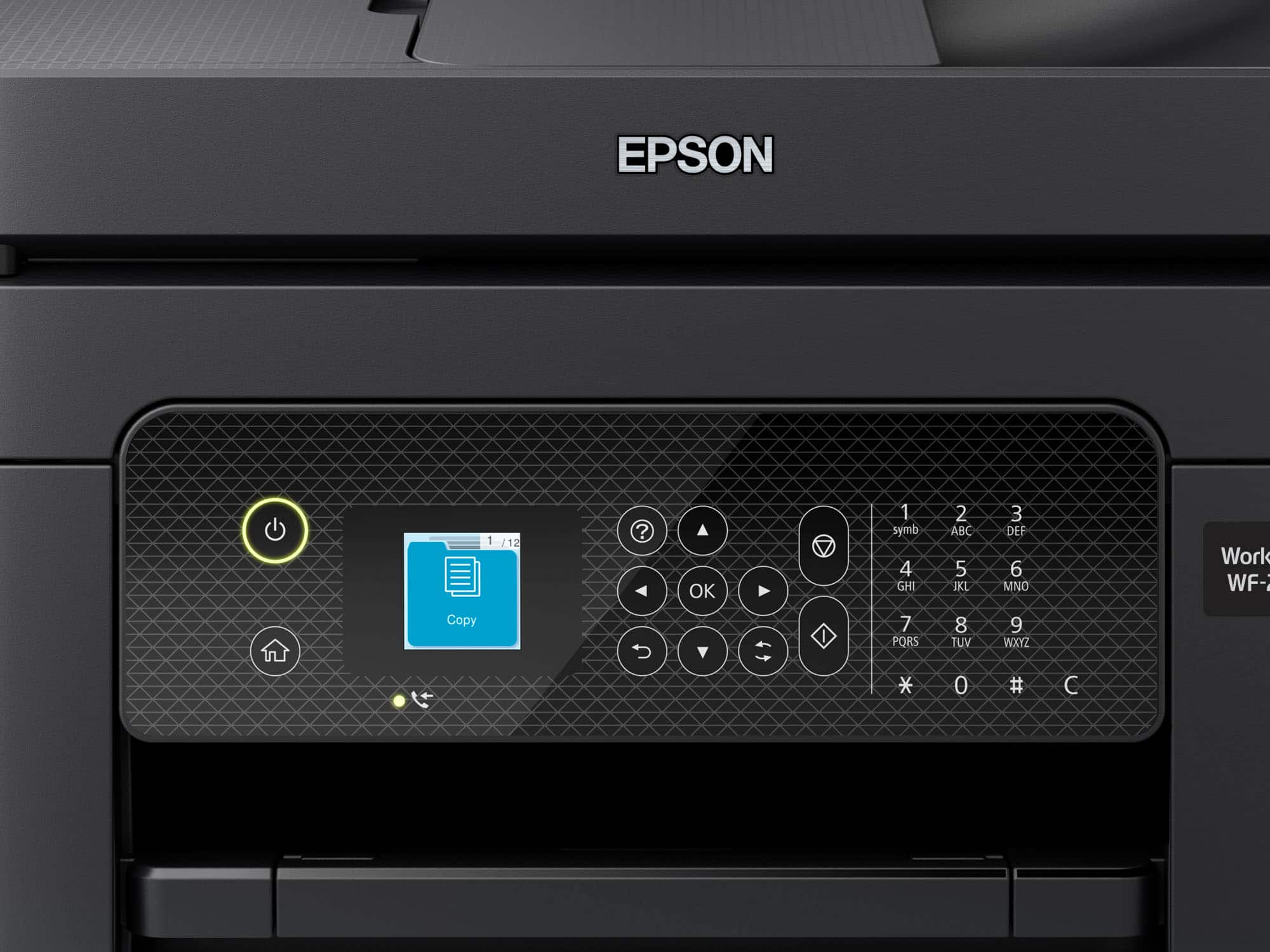
    • Answer Hello Louise. The Epson WF-2930 can enlarge or reduce images when you copy or print them. You can change the copy size from 25% to 400% or the original using the front panel controls. The printer driver has settings to reduce or enlarge a printout from 10% to 400%. Regards, Kevin - The Epson Team.

      Answered by Epson

  • QuestionDoes it print 11 x 17 if not, can recommend one that does?

    Asked by TheAmazingPA.

    • Answer Hello TheAmazingPA. The WF-2930 can print on paper sizes ranging from 3.5" x 5" to 8.5" x 47.2". For printers that support 11" x 17" paper, we recommend looking at the WF-7820 or the WF-7840. They are currently in stock on BestBuy's website, but please note inventory can change. Regards, Kevin - The Epson Team.

      Answered by Epson

  • Questionvan you Scan to a USB drive?

    Asked by ljw.

    • Answer Hi ljw, The WorkForce WF-2930 cannot scan to a USB drive, but the WorkForce Pro WF-3820 can! The WF-3820 is currently available at Bestbuy.com (inventory levels can vary). Regards, Mark - The Epson Team.

      Answered by Epson

  • Questionis this printer compatible with a Linux system device ID 135408?

    Asked by Digger31.

    • Answer Hi Digger31, The WorkForce WF-2930 is compatible with Linux. Visit the Epson download site for Linux drivers for more details. Regards, Mark - The Epson Team.

      Answered by Epson

  • QuestionCan the wireless feature be turned off?

    Asked by Anonymous.

    • Answer Hello. Yes, you can disable Wi-Fi features on the WF-2930. From the menu, follow these steps "Wi-Fi (Recommended) > Others > Disable Wi-Fi." Regards, Kevin - The Epson Team.

      Answered by Epson

  • QuestionDoes it need all 4 ink colors in order for the printer to work? I mainly will print black and white. If not, would you recommend an Epson printer that could work with only black ink?

    Asked by Jen.

    • Answer No. It will still print if you are out of one of the colors besides black.

      Answered by Ryan

  • Questioncan printer be wired to p.c.

    Asked by don.

    • Answer Yes.

      Answered by Ryan

  • Questioncan the printer be set up without using a computer or phone?

    Asked by Anonymous.

    • Answer Hello. Yes, the WF-2930 can be initialized and set up without using a phone or computer. For additional details on getting started, please visit our official Epson Support page. Regards, Kevin - The Epson Team.

      Answered by Epson

  • QuestionHow many pages can I load into the scanner?

    Asked by KathyP.

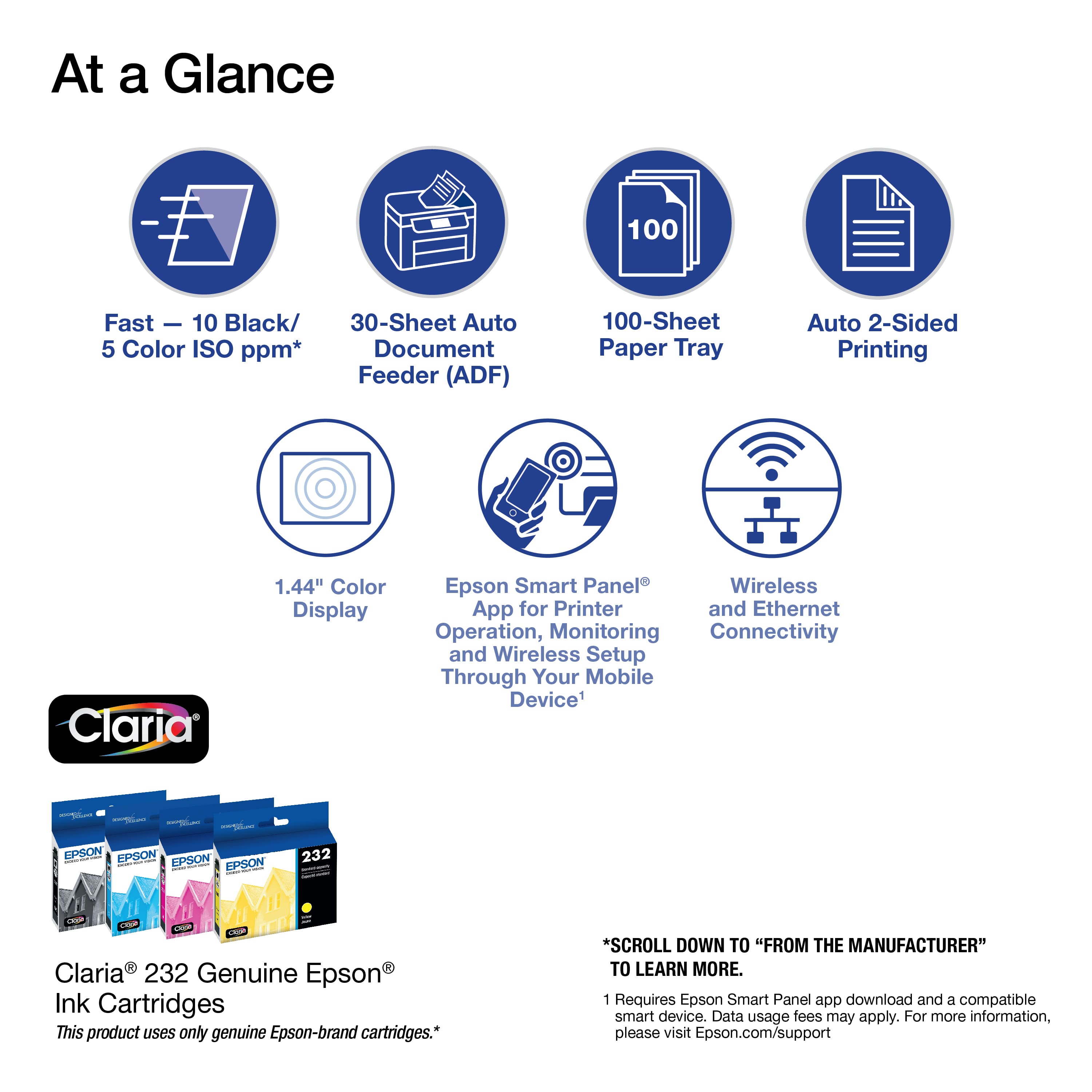
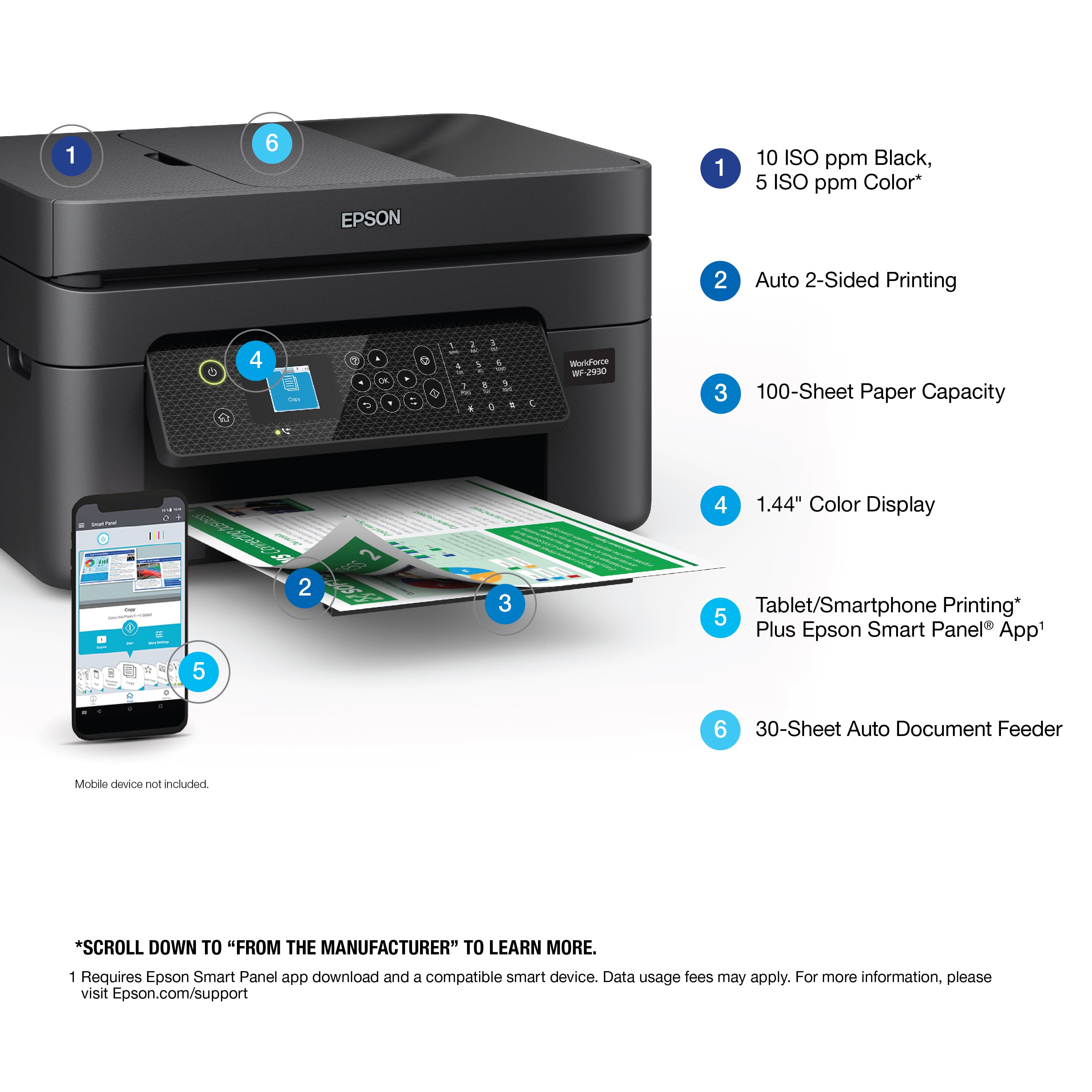
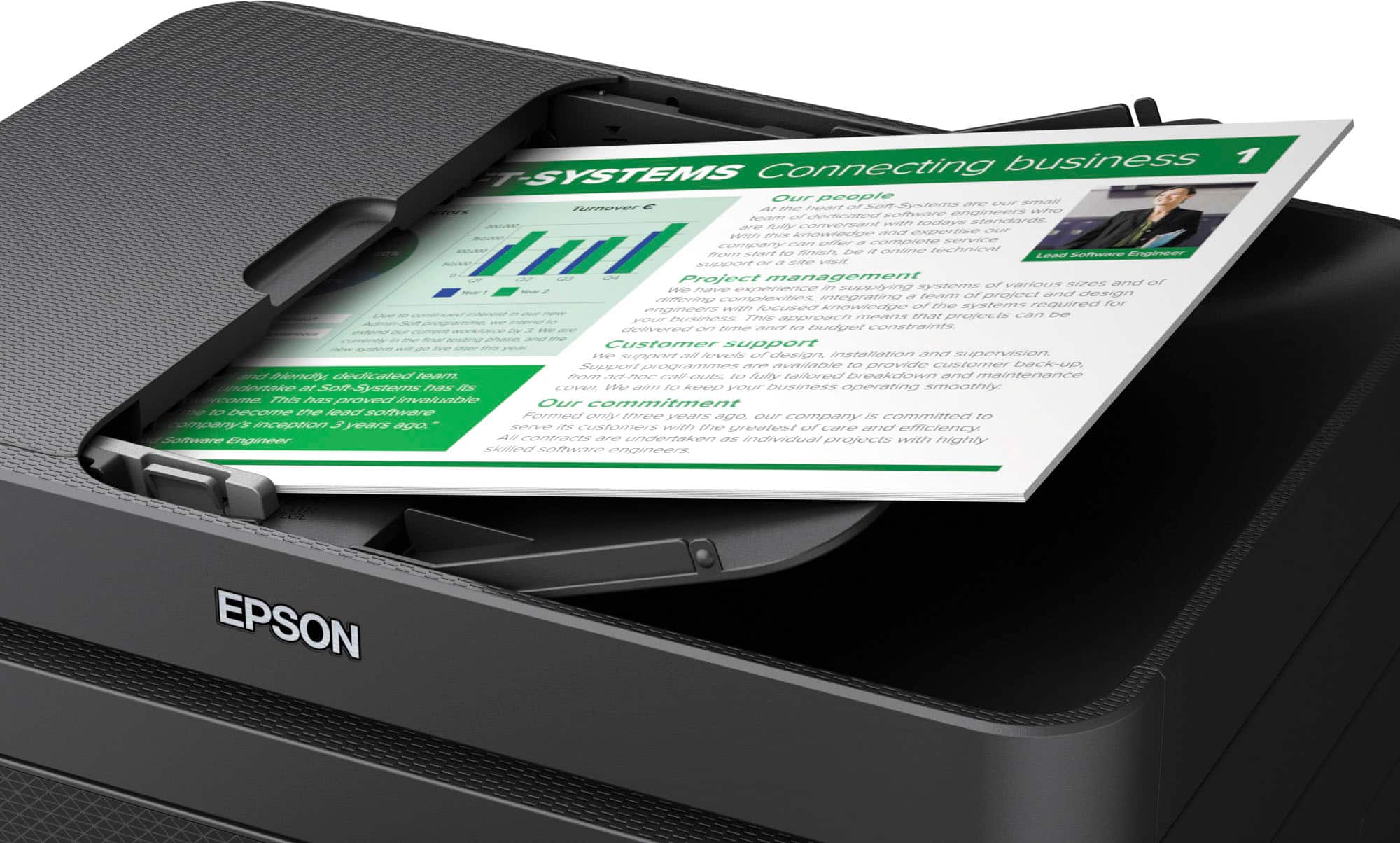
    • Answer Hello KathyP. If you are using 8.5" x 11" paper, you can load approximately 30 pages. For larger sizes like 8.5" x 14", you can expect to load approximately ten pages. Regards, Kevin - The Epson Team.

      Answered by Epson

  • QuestionWill the scanner work if connected using the USB cord?

    Asked by steve.

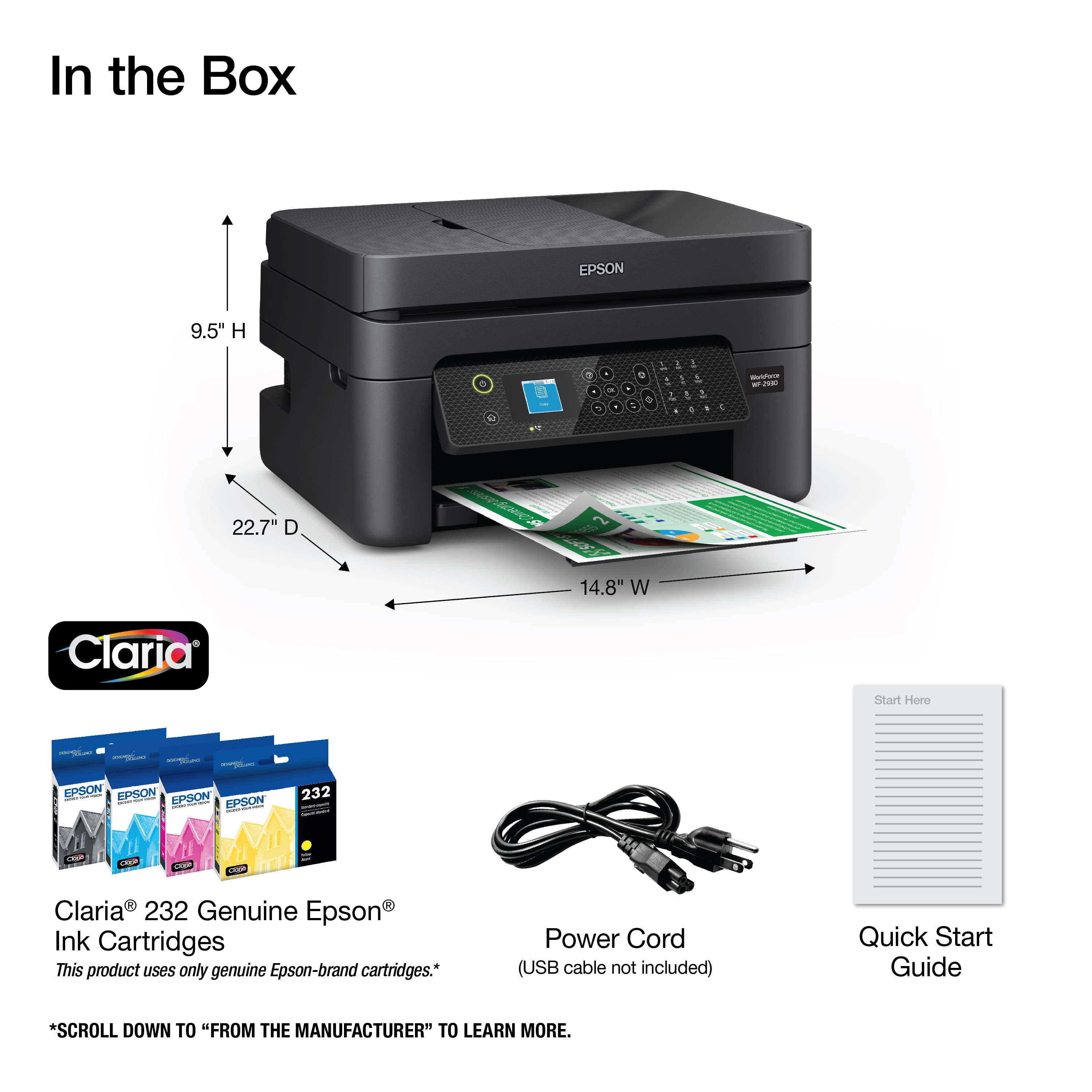
    • Answer Hi steve, Yes. You can print or scan using a USB cable connected to the WorkForce WF-2930. It takes a standard Type-A to Type-B USB 2 cable which is not included in the box. Regards, Mark - The Epson Team.

      Answered by Epson

  • QuestionDoes the printer c9me with ink ?

    Asked by charlietae.

    • Answer Yes.

      Answered by Ryan

  • Questioncan this pinter be turned into a sublimation printer?

    Asked by josie.

    • Answer Hi josie. The Epson WF-2930 was not designed for dye-sublimation printing nor the use of non-genuine Epson ink cartridges. Using sublimation ink in this printer could damage the print head and impact warranty coverage. Regards, Kevin - The Epson Team.

      Answered by Epson

  • QuestionCan I print on A5 or A4 paper

    Asked by A5sizepaper.

    • Answer Hello. Yes, the WF-2930 can print on paper sizes ranging from 3.5" x 5" to 8.5" x 47.2". Both A4 and A5 paper sizes are supported. Regards, Kevin - The Epson Team.

      Answered by Epson

  • QuestionCan you email directly to the printer? I currently have an HP Printer with an HP email address so I can print things to it from anywhere simply by emailing it. Does this have the same capability?

    Asked by JCRVFL.

    • Answer Hello JCRVFL. Yes, the WF-2930 is Epson Connect compatible. With Epson Connect you can send your files to the printer’s unique email address and automatically print from any email-enabled device. Regards, Kevin - The Epson Team.

      Answered by Epson

  • Questionis the printer compatible to apple macbook air 2020

    Asked by lida.

    • Answer Hello lida. The WF-2930 is compatible with Apple computers running macOS 10.6 - 12. You can download the latest driver from our official Epson Support page. Regards, Kevin - The Epson Team.

      Answered by Epson

  • QuestionCan I insert a card reader to save scanned documents to it?

    Asked by chrischristy.

    • Answer Hello chrischristy. Unfortunately, the WF-2930 does not include a memory card reader. However, you can save scanned documents to a computer, smartphone, or tablet. You can find more details on our official Epson Support page. Regards, Kevin - The Epson Team.
      Answered by Epson

  • QuestionIs this printer compatible to a Samsung chrome laptop?

    Asked by Wondering7.

    • Answer Hi Wondering, The WorkForce WF-2930 works with the printer driver built into your laptop's Chrome OS. However, Chrome OS does not have a suitable scan driver so you would not be able to scan documents to your laptop. Regards, Mark - The Epson Team.

      Answered by Epson

  • Questioncan this printer be. installed and used without the internett

    Asked by Gram.

    • Answer Hello Gram. You just need to download the printer driver software from our official Epson Support page. After the installation the WF-2930 can be used via USB connection and the internet is not required. Regards, Kevin - The Epson Team.
      Answered by Epson