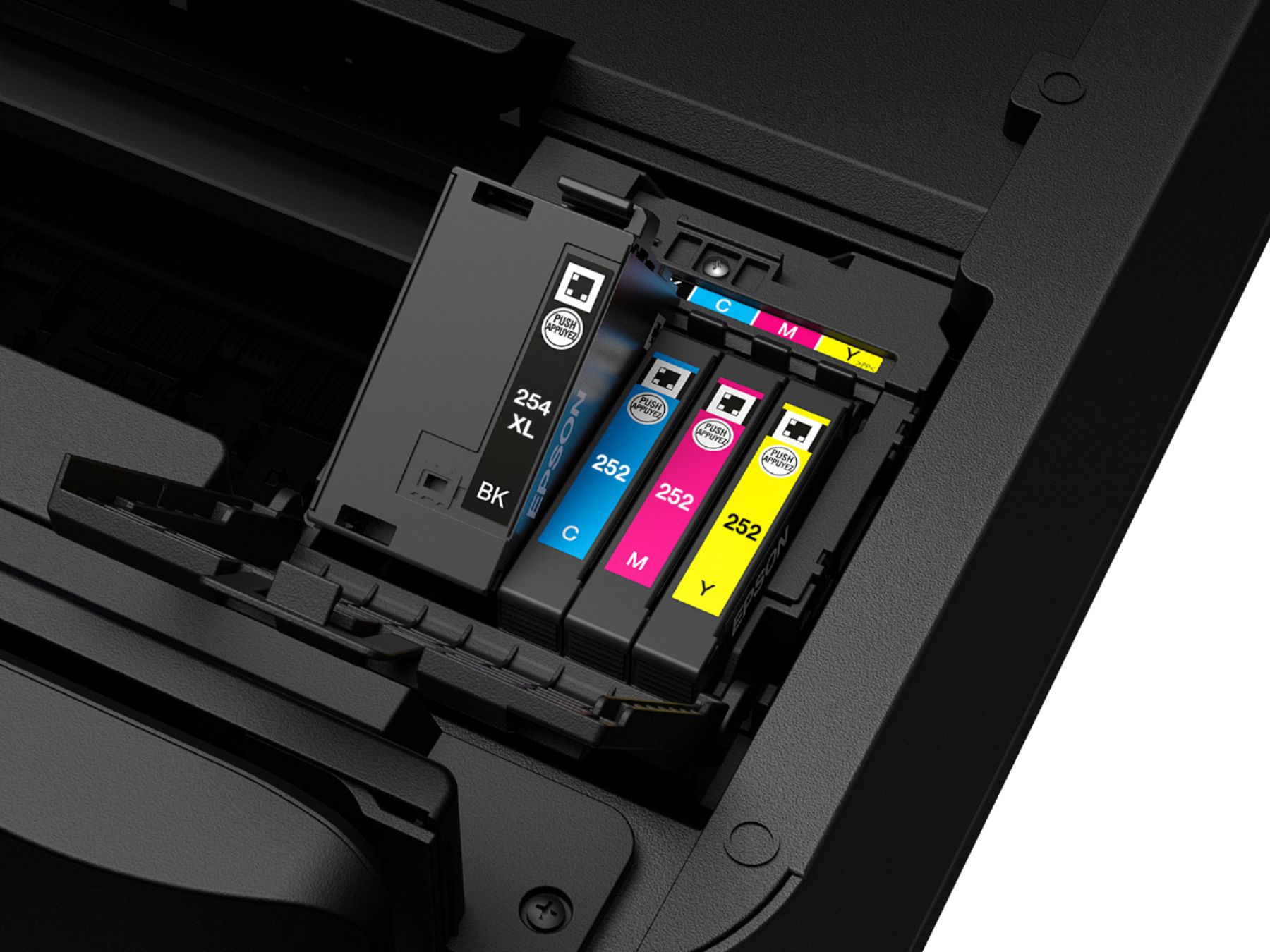
A:AnswerPhysically check the cartridges. They may not be reporting properly. The cartridges that come with the printer don't last that long. Replacement cartridges are far cheaper than other brands. Always get the XL size, or if you print a lot, look into a continuous ink system They can be found all over eBay.
A:AnswerThe 2-year plan at Best Buy isn't a warranty - it is a replacement plan. It supersedes the manufacturer's warranty. I always wait until month 23 and then bring it in for full credit towards a new printer. They're always making improvements and it is totally worth the added cost!
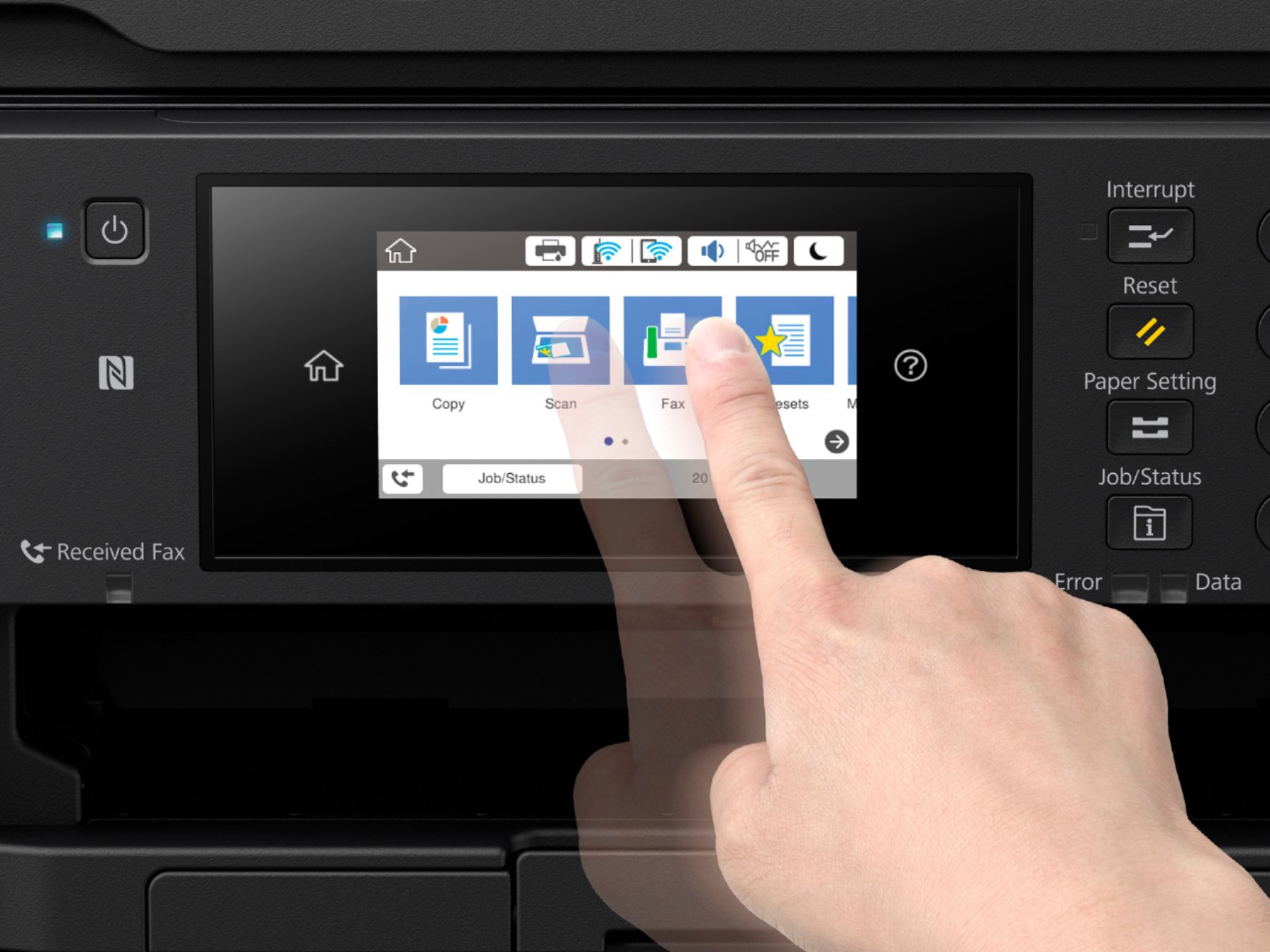
A:AnswerYes -simply hit copy button. Next hit reduce - enlarge. Then tap where you see the "100" number, then hit the number you want to reduce or enlarge, then hit ok and hit copy. Sounds harder than it is. Good luck!
A:AnswerI may be wrong but I always assumed that to send a fax you need a landline. I don't know how you would send a "wireless" fax. I do not have a landline anymore. I scan my documents then attach them to an email.
I found an article on faxing using the internet that may help. I think that you still need a landline though.
https://www.faxburner.com/blog/are-fax-machines-wireless-is-faxing-wireless/
A:AnswerNo. 2.4GHz only. That offers the largest signal range. 5GHz is better for HUGE file transfers, like video streaming. Printing doesn't require that.
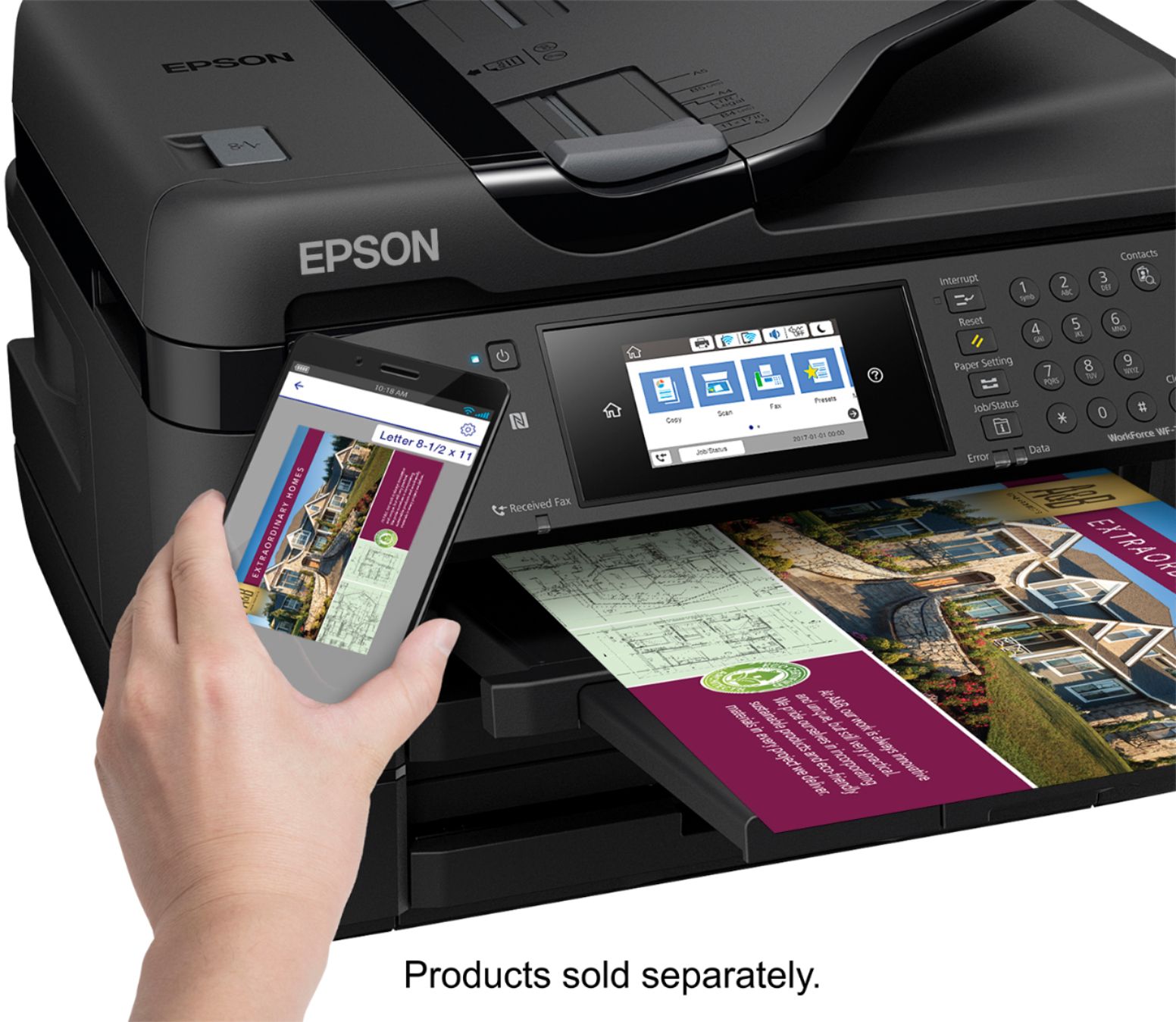
A:AnswerThis is a small business class ink jet that is near laser quality for documents. It is NOT designed to be a photo printer, but it does a pretty good job. But nowhere near as good as a printer designed for photos.
A:AnswerI've had two WorkForce printers (the 7720 and 4734 models) hooked up to various Mac computers, and am currently running Mac OS High Sierra, verson 10.13.6.
Both of these all-in-one printers have performed beautifully with my iMac.