Questions & Answers
- Model:
- T81601W1
- |
- SKU:
- 6516463
Q: QuestionDo these cameras allow you to speak through the cameras on the app?
Asked by Microphone.
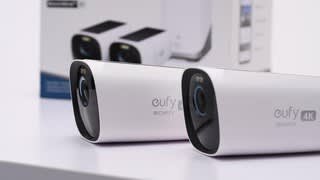
- A:Answer Yes, the eufyCam 3 allows two-way audio communication via the eufy Security app. This means you can speak through the camera from the app, enabling convenient interaction or communication through the security camera system.
Answered by Eufy Team
Q: QuestionCan these cameras be used in an environment without direct solar (sun) accessibly? If so how do the batteries stay charged?
Asked by KB.
- A:Answer For the most part I guess, but sometimes you got to plug in a charger for a little bit
Answered by BrandonS
Q: QuestionIf the Wi-Fi is disconnected, will the cameras continue recording & save the footage to the local storage? Once the Wi-Fi is reconnected, will the footage recorded while offline be available to view, or will nothing be saved during that time.
Asked by Mike.
- A:Answer Yes, if the Wi-Fi is disconnected, the EufyCam 3 will continue recording, and footage will be saved to the local storage, such as the HomeBase 3. Once the Wi-Fi is reconnected, the footage recorded while offline will still be available to view. The system is designed to store recordings locally and securely, ensuring no footage is lost during offline periods.
Answered by Eufy Team
Q: QuestionAre these the s3pro cameras?
Asked by Deee.
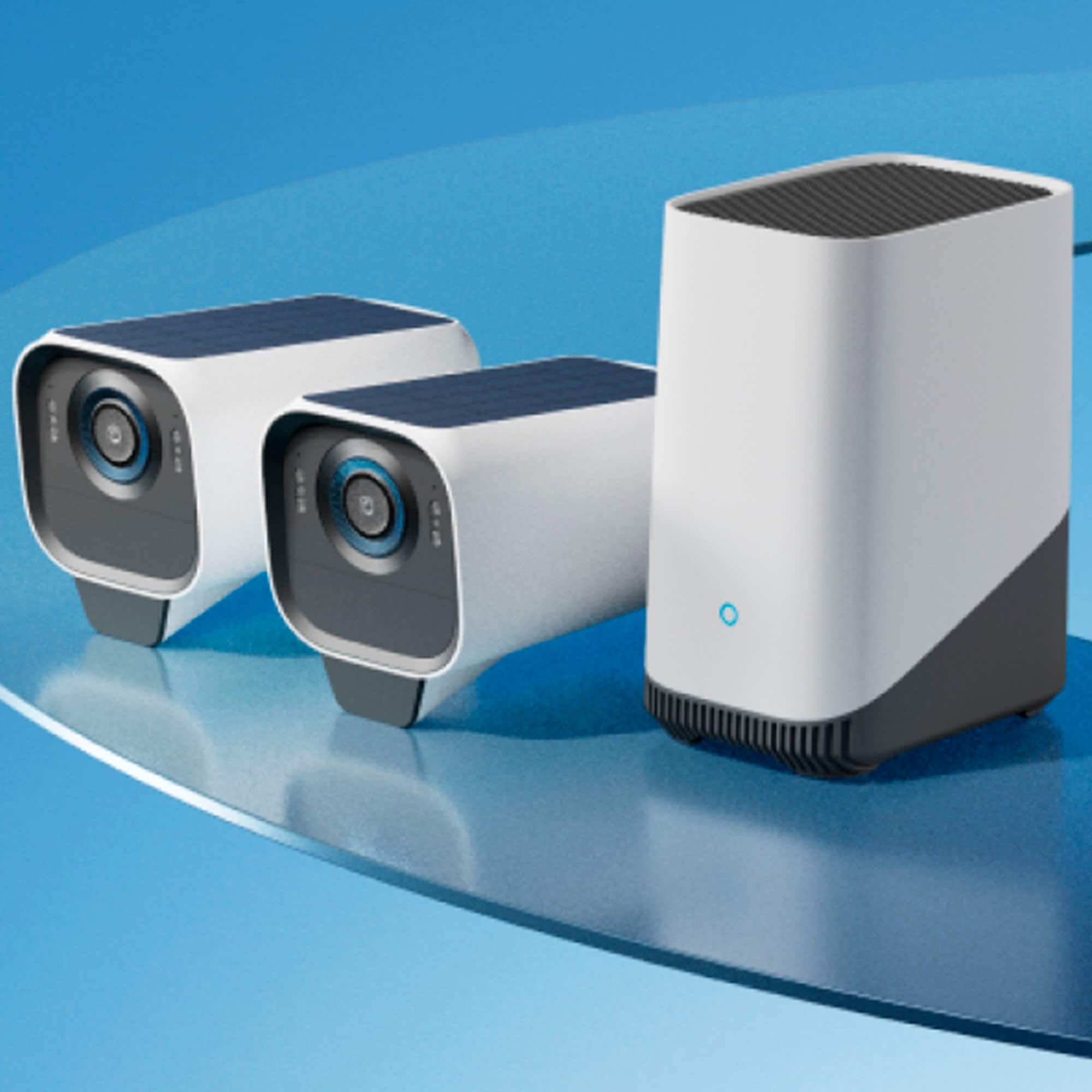
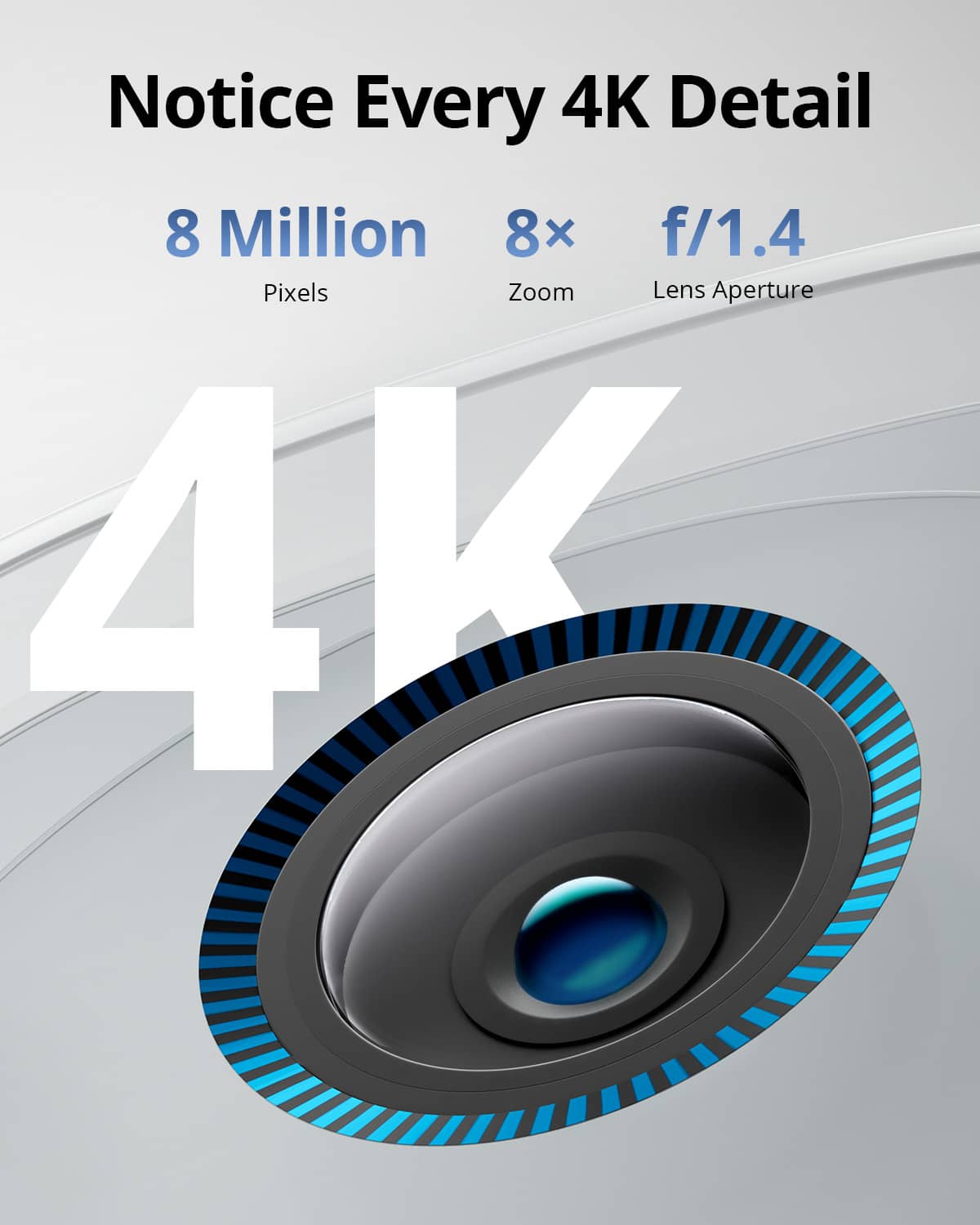
- A:Answer The eufyCam 3 cameras, also known as the S330 eufyCam, are not the same as the eufyCam S3 Pro cameras (T8162). The eufyCam 3 is part of a different product line with features like 4K resolution, 365-day battery life with integrated solar charging, IP67 weatherproof rating, and AI abilities for detection. The S3 Pro is another product within the eufyCam family based on a flagship series.
Answered by Eufy Team
Q: QuestionDoes the camera records continuously or only after detecting a motion?
Asked by Recording.
This question was asked about the related product: eufy - eufyCam 3, 3-Outdoor Wireless 4K Solar Powered Security Cameras with HomeBase 3 - White
- A:Answer It detects motion only , so you have to select what you want it to detect . Humans , cars or pets or all.
Answered by Melanie1990
Q: QuestionWill the Eufy home base connect to 5G wifi
Asked by Billy.
This question was asked about the related product: eufy - eufyCam 3, 3-Outdoor Wireless 4K Solar Powered Security Cameras with HomeBase 3 - White
- A:Answer Yes
Answered by Vibroidmusic
Q: QuestionWhat is the warranty on home-base and cameras?, what is the warranty procedure?
Asked by Anonymous.
This question was asked about the related product: eufy - eufyCam 3, 2-Outdoor Wireless 4K Solar Powered Security Cameras with HomeBase 3 - White/Black
- A:Answer There couldn't find any specific information on the warranty for the eufyCam 3 and its HomeBase or the warranty procedure documents. If you have specific issues or questions about exchanging or repairing your product under warranty, let me know the exact details, and I may be able to guide you further based on existing support guides.
Answered by Eufy Team

Q: QuestionWhat type of batteries are used in these cameras
Asked by Ronlt.
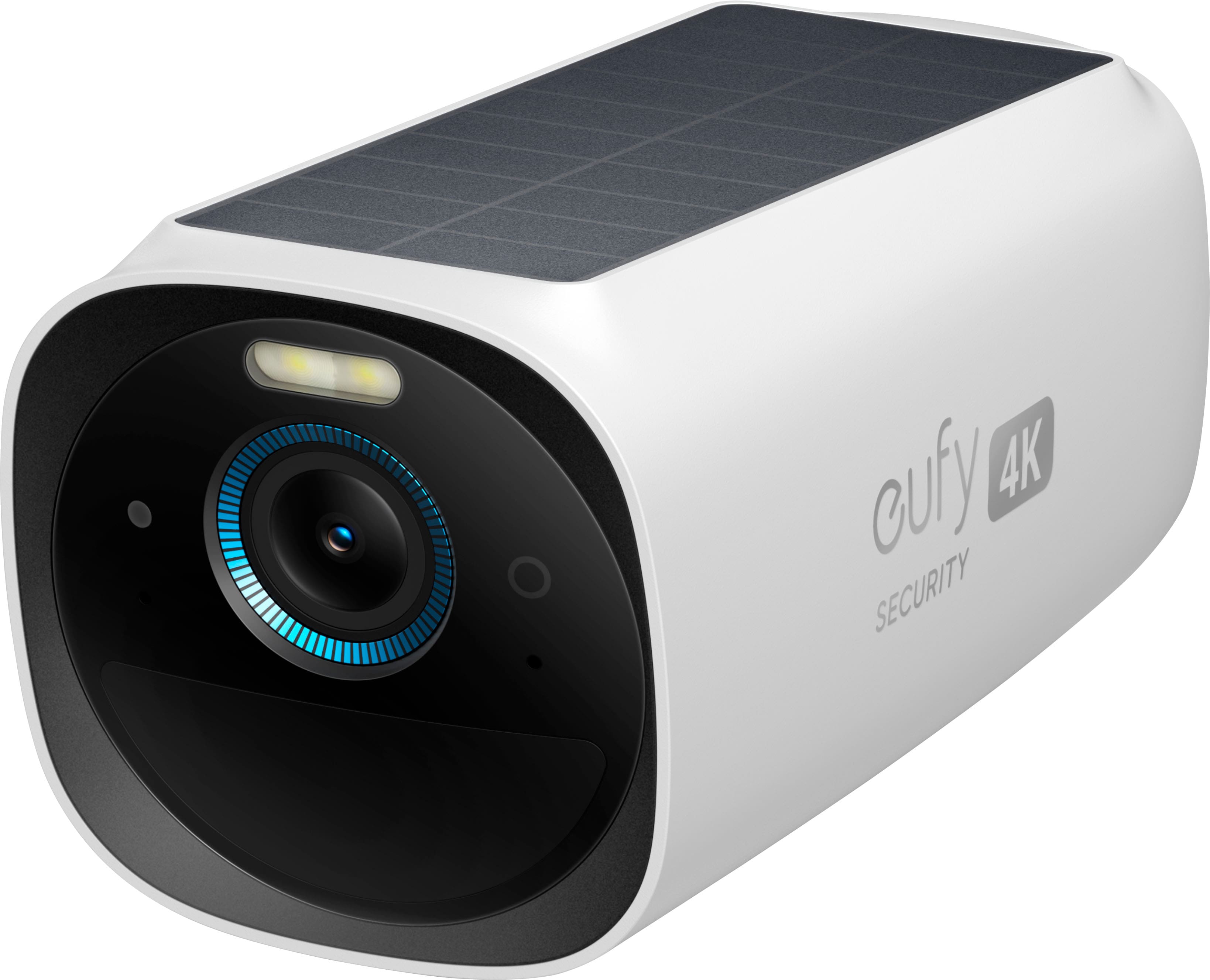
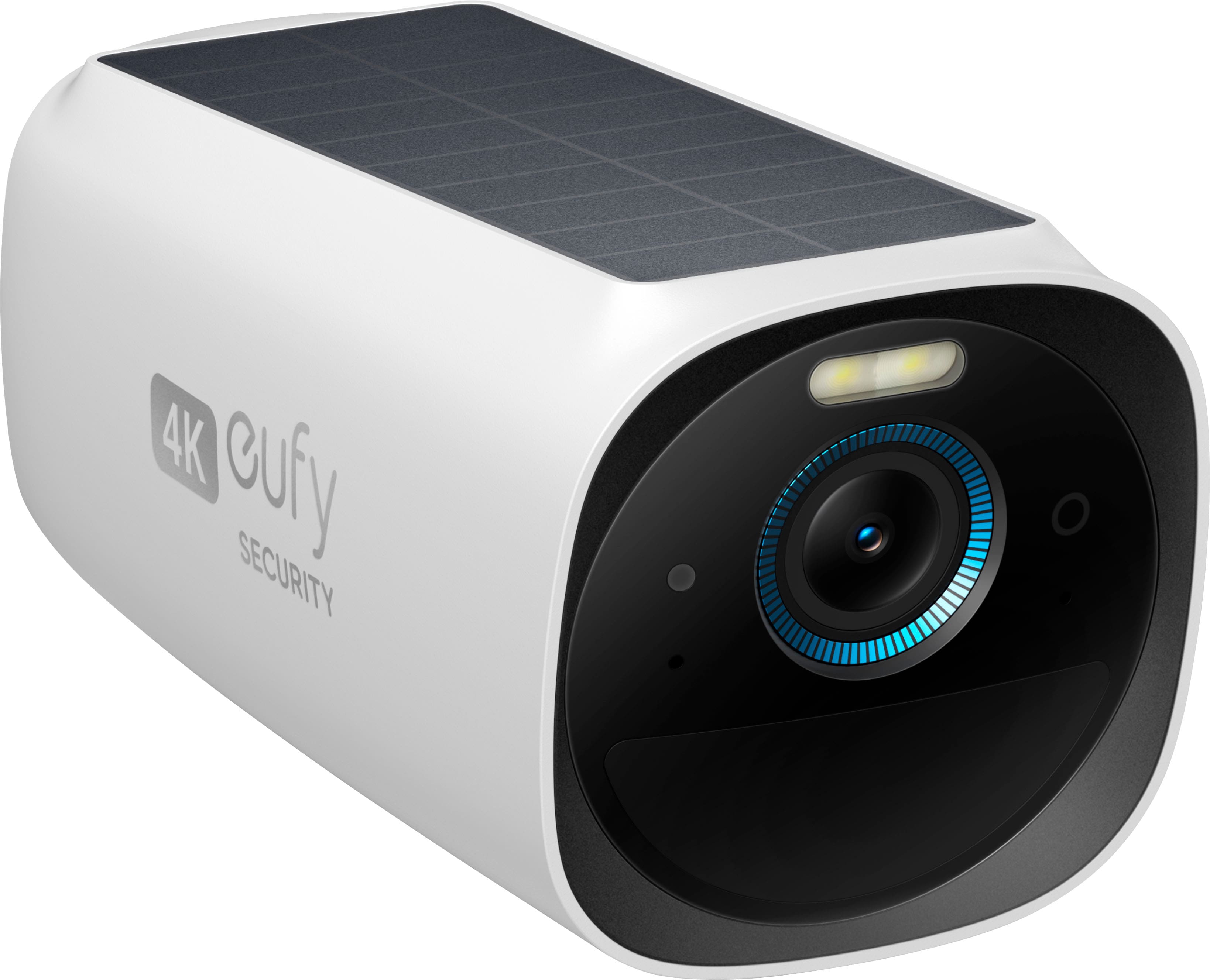
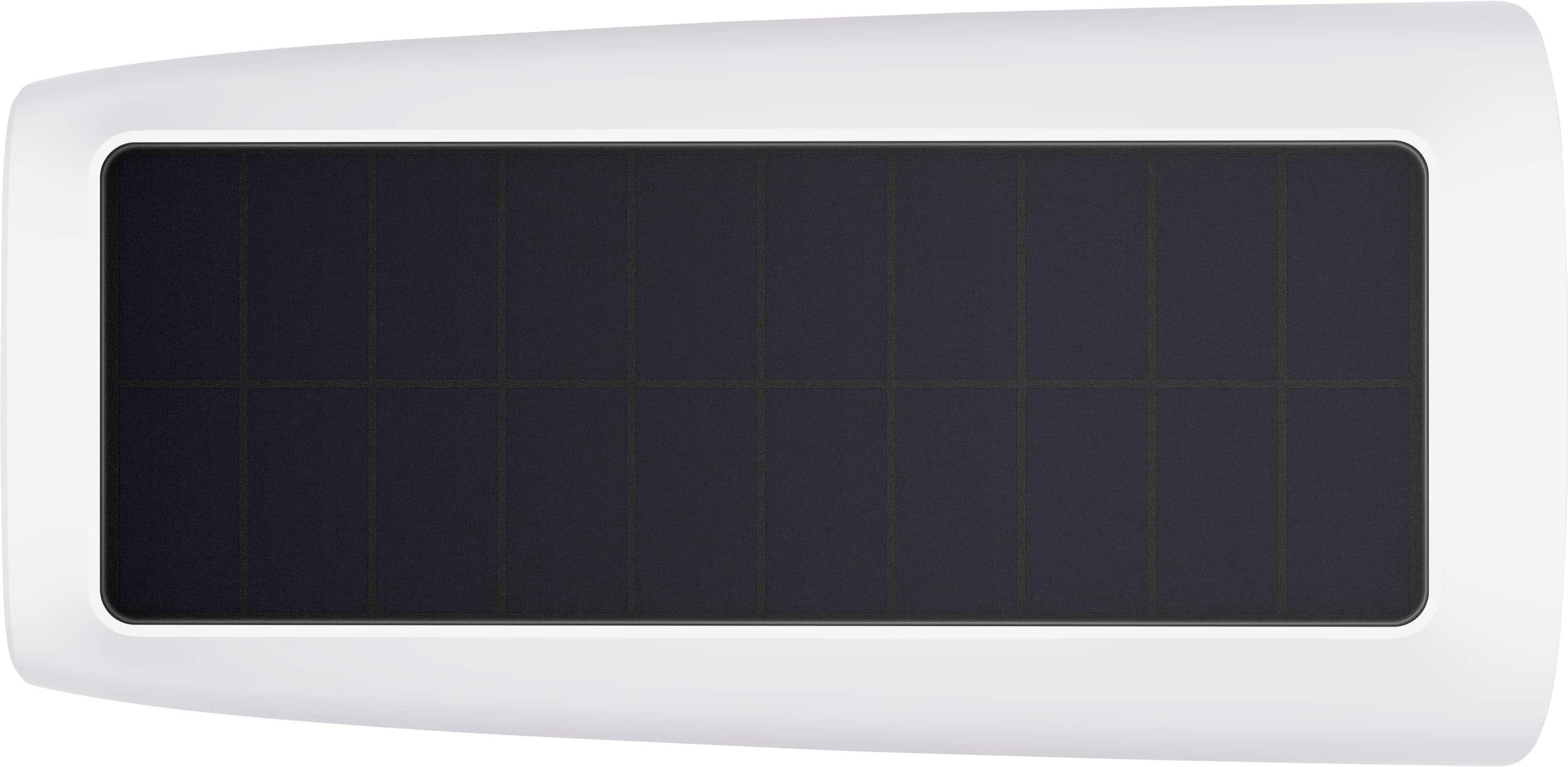
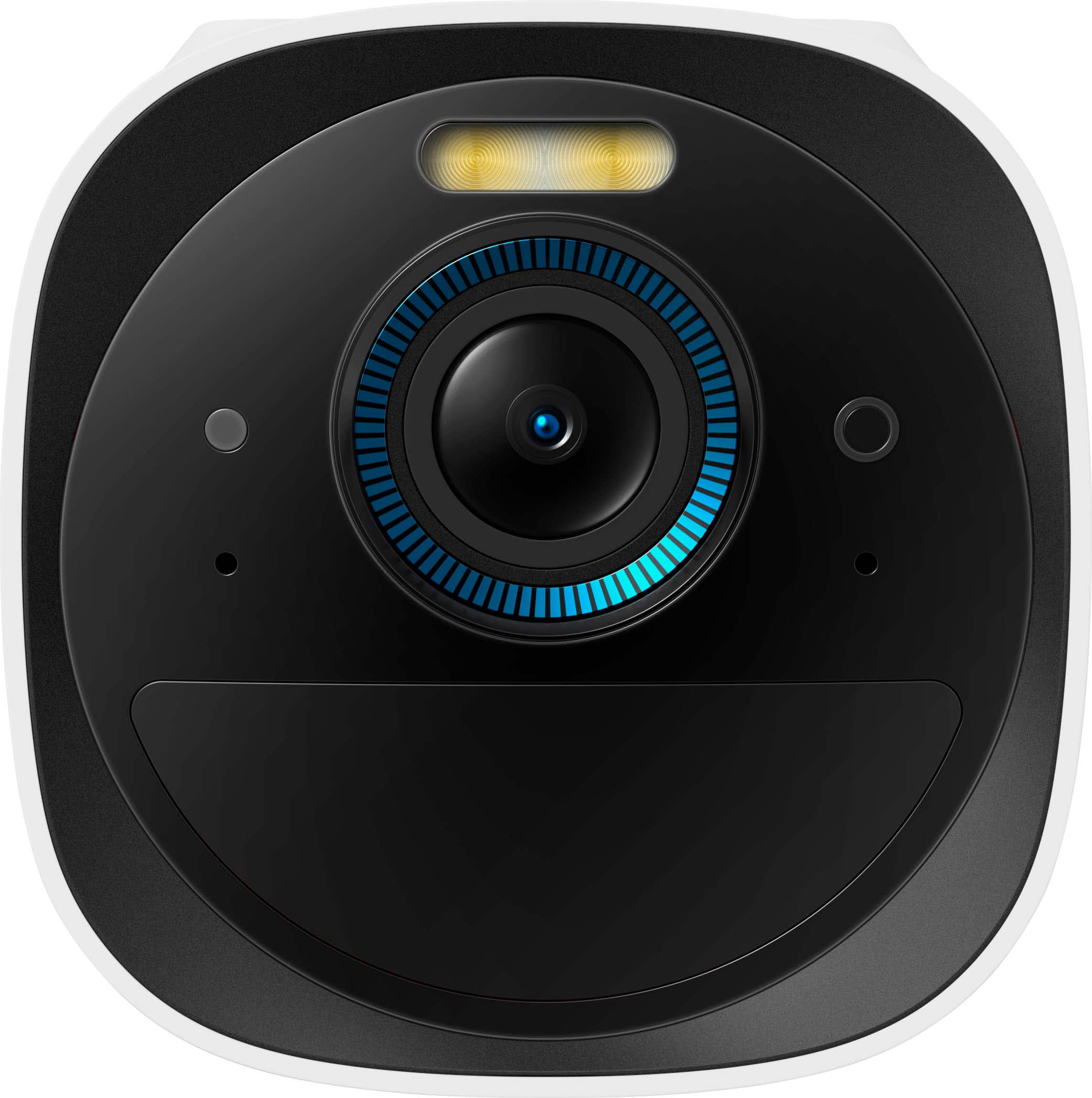
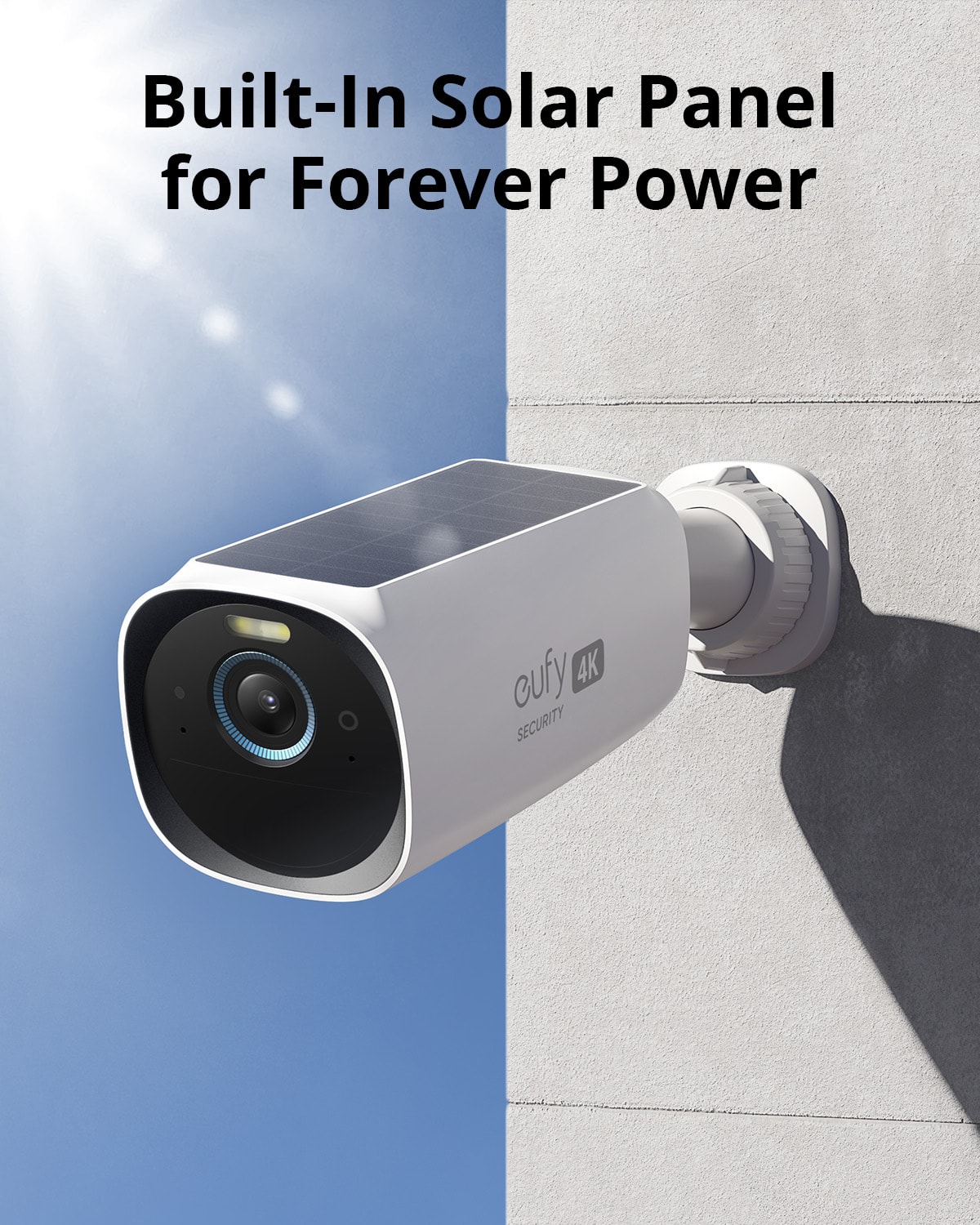
- A:Answer The eufyCam 3 (S330) cameras use built-in rechargeable batteries that feature an integrated solar panel. With a fully charged battery, the device can last up to one year. The solar panel can automatically recharge the battery if the camera receives at least two hours of direct sunlight per day.
Answered by Eufy Team

Q: QuestionDoes the solar panel come with the https://us.eufy.com/products/t88931w1?
Asked by Linda.
This question was asked about the related product: eufy - eufyCam 3, 3-Outdoor Wireless 4K Solar Powered Security Cameras with HomeBase 3 - White
- A:Answer The eufyCam 3 cameras are already solar-powered and designed to recharge via sunlight directly without the need for an additional solar panel.
Answered by Eufy Team

Q: QuestionIs there anyway to connect these cameras to watch them over a tv monitor?
Asked by LiftedRam.
- A:Answer The eufyCam 3 is not specifically designed to connect directly to a TV monitor. The cameras typically stream video via the eufy Security app on compatible devices like smartphones, tablets, or computers. However, if you'd like to watch the feed on a TV, you can consider these options: Using a Streaming Device: If your TV supports streaming devices (like Chromecast, Amazon Fire Stick, or an Android-based system with the eufy Security app available), you may be able to cast or mirror the feed from your phone or tablet to your TV. HDMI Connection: You can use an HDMI cable to connect a laptop or computer that is accessing the eufy Security app directly to your TV. Make sure to check the capabilities of your TV and any additional devices you are using to enable streaming on a larger screen.
Answered by Eufy Team

Q: QuestionI am looking at a EufyCam 3, add-on security camera. The description states "Base that not included" does that mean the mounting base or Home Base? I already have a Eufy System and just want to add an additional camera.
Asked by securitysam.
- A:Answer It's just talking about the homebase. The mounting equipment is included.
Answered by CLMcAnallen
Q: QuestionWill this homebase 3 work with eufy doorbell cam model T8214111? Does the homebase act as a chime or does a chime have to be purchased also. If so, what model?
Asked by Jose.
This question was asked about the related product: eufy - eufyCam 3, 3-Outdoor Wireless 4K Solar Powered Security Cameras with HomeBase 3 - White
- A:Answer Does HomeBase Act as a Chime?: Yes, HomeBase can act as a chime for certain doorbell models. By enabling the HomeBase alert, the HomeBase speaker will chime when the doorbell is pressed, and its volume and ringtone can be adjusted using the companion app. The HomeBase chime emits a sound of 90 dB at a distance of 1 meter (around 3.28 feet). If additional chimes are needed in other locations of the house, a separate add-on chime can be purchased. For HomeBase 2, an add-on chime with a USB dongle is available in US and UK markets. This add-on chime is specifically designed for compatibility with the 2K battery doorbell paired with HomeBase 2.
Answered by Eufy Team

Q: QuestionCan the cameras be set to continuous video recording or are they motion activated only?
Asked by Zach.
- A:Answer The eufyCam 3 cameras (S330/S300) are primarily motion-activated and do not support continuous video recording. The recording begins automatically when motion is detected based on your settings in the eufySecurity App. However, the eufyCam 3 supports 24/7 continuous recording only when paired with a hard drive in HomeBase 3. Battery-operated cameras like the eufyCam series typically do not support continuous recording due to power limitations.
Answered by Eufy Team

Q: QuestionCan you plug this directly into your TV, or do you have to use a smart phone?
Asked by Olias.
This question was asked about the related product: eufy - eufyCam 3, 3-Outdoor Wireless 4K Solar Powered Security Cameras with HomeBase 3 - White
- A:Answer No it will not plug into a tv no matter what app used.
Answered by LarryC
Q: QuestionCan these cameras be hooked up to a tv to watch live viewing at all times
Asked by Frahcs.
- A:Answer No
Answered by AngelC
Q: Questionwhy does this product say solar powered cameras in the title when the description shows battery powered.
Asked by futurecustomer.
This question was asked about the related product: eufy - eufyCam 3, 3-Outdoor Wireless 4K Solar Powered Security Cameras with HomeBase 3 - White
- A:Answer They are solar powered, but they have the option to be wired if needed. I had one of my three wired, because where I had originally placed it, there was not enough sun hitting the solar panel. They work great wired or solar. Hope this helps!
Answered by DonnaT
Q: QuestionIs there a monthly fee that is charged?
Asked by Dave.
This question was asked about the related product: eufy - eufyCam 3, 3-Outdoor Wireless 4K Solar Powered Security Cameras with HomeBase 3 - White
- A:Answer There are no fees! Simply connect to your home wi-fi and you are as good as rain. Hope this helps!
Answered by DonnaT
Q: Questioncan you hook this unit directly to a monitor?
Asked by bu.
This question was asked about the related product: eufy - eufyCam 3, 3-Outdoor Wireless 4K Solar Powered Security Cameras with HomeBase 3 - White
- A:Answer No, the eufyCam 3 cannot be connected directly to a monitor. It requires the eufy HomeBase 3 (S380) to function. Videos and live feeds from the cameras are accessible through the eufy Security App, not directly to a monitor.
Answered by Eufy Team

Best-selling security camera systems
- Winter Sale Deal$319.99Your price for this item is $319.99
- $159.95Your price for this item is $159.95$189.99The comparable value for this item is $189.99
- Winter Sale Deal$209.99Your price for this item is $209.99
- $279.95Your price for this item is $279.95$299.99The comparable value for this item is $299.99
- $379.99Your price for this item is $379.99
- Winter Sale Deal$539.99Your price for this item is $539.99
- $529.99Your price for this item is $529.99
- $269.99Your price for this item is $269.99$299.99The comparable value for this item is $299.99
- $599.99Your price for this item is $599.99$799.99The comparable value for this item is $799.99
- $549.99Your price for this item is $549.99
- Winter Sale Deal$39.99Your price for this item is $39.99
- Winter Sale Deal$89.99Your price for this item is $89.99
- $359.99Your price for this item is $359.99
- Winter Sale Deal$34.99Your price for this item is $34.99
- $629.99Your price for this item is $629.99