A:Answer1. Do you still have the old video cars plugged in?
2. Do you have on board video?
For #1 take it out. For #2, plug into your onboard, go into your bios, set the new card as primary video, then power off, plug into graphics card, and try again.
good luck!
A:AnswerI spoke with Best Buy support via the Elite Member Concierge callback on 3-8-19. They took about 8 minutes or so and looked in to the issue and let me know it was a vendor supply issue and they did not have an ETA. I then tried to speak with EVGA via their chat support but they did not know when that model number would be made available. So, basically, it's 'coming soon'.
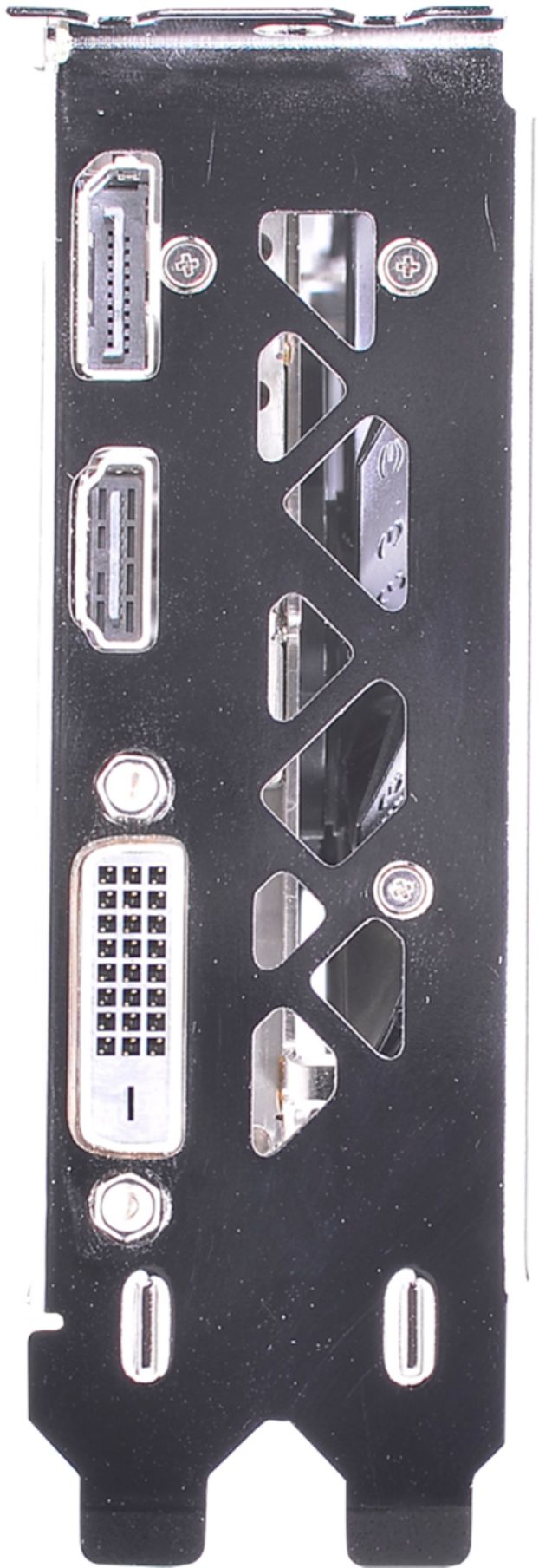
A:AnswerBoot display selection is usually something you change in your system bios. Not through any NVIDIA utility or OS setting. If your motherboard bios doesn't support choosing which display port to use, you might need to research other options.