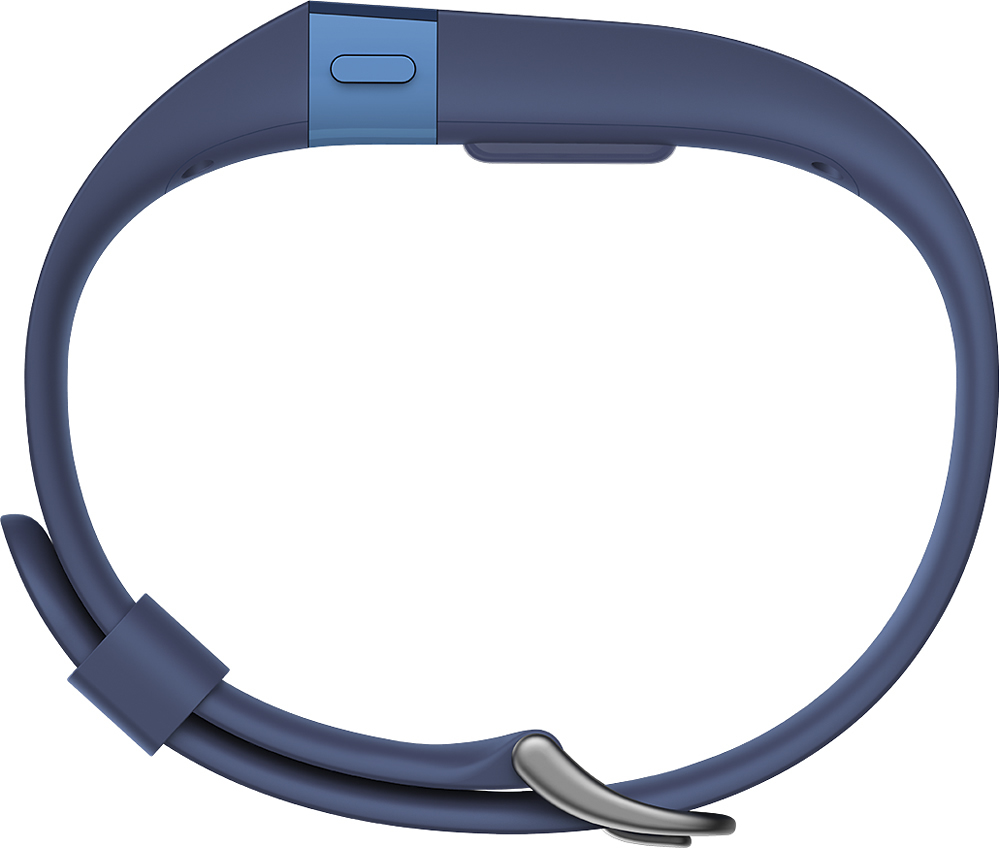
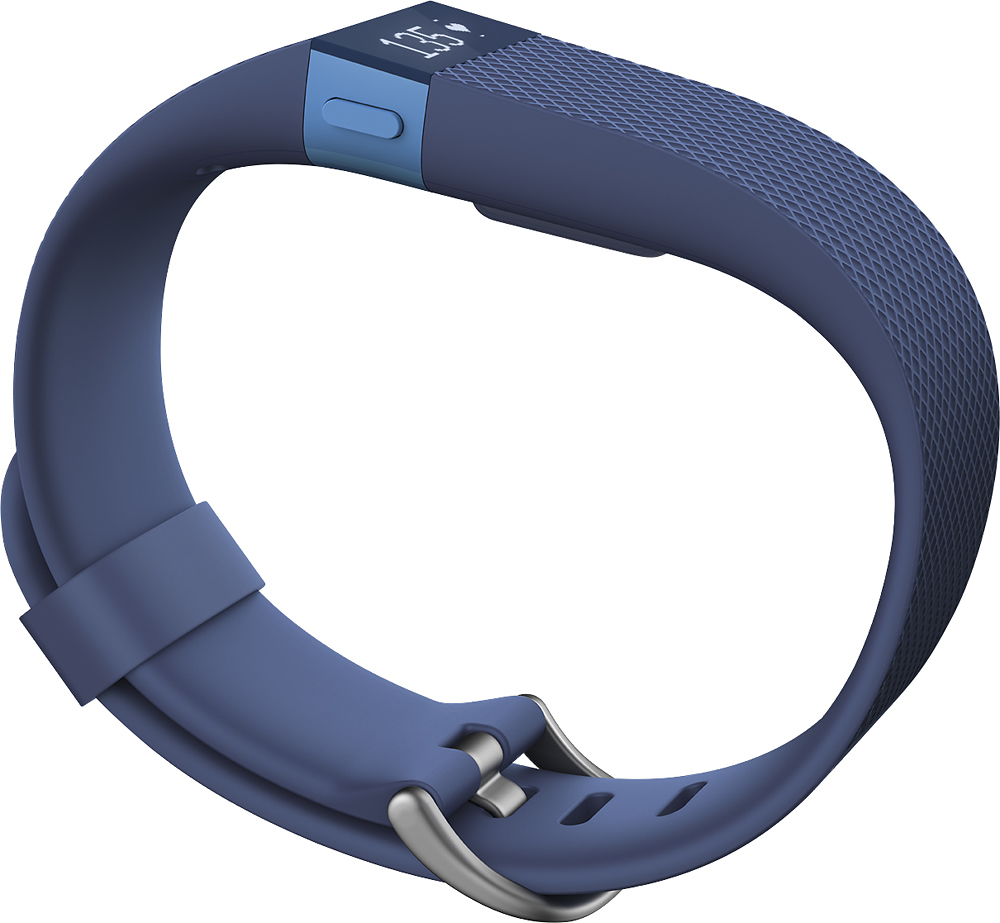
A:AnswerMy wrist is 6 1/2 inches. I have to hook the small on the second to last or third hook. there's no wiggle room so if your wrist is 7 inches or greater, I'd go with the large.
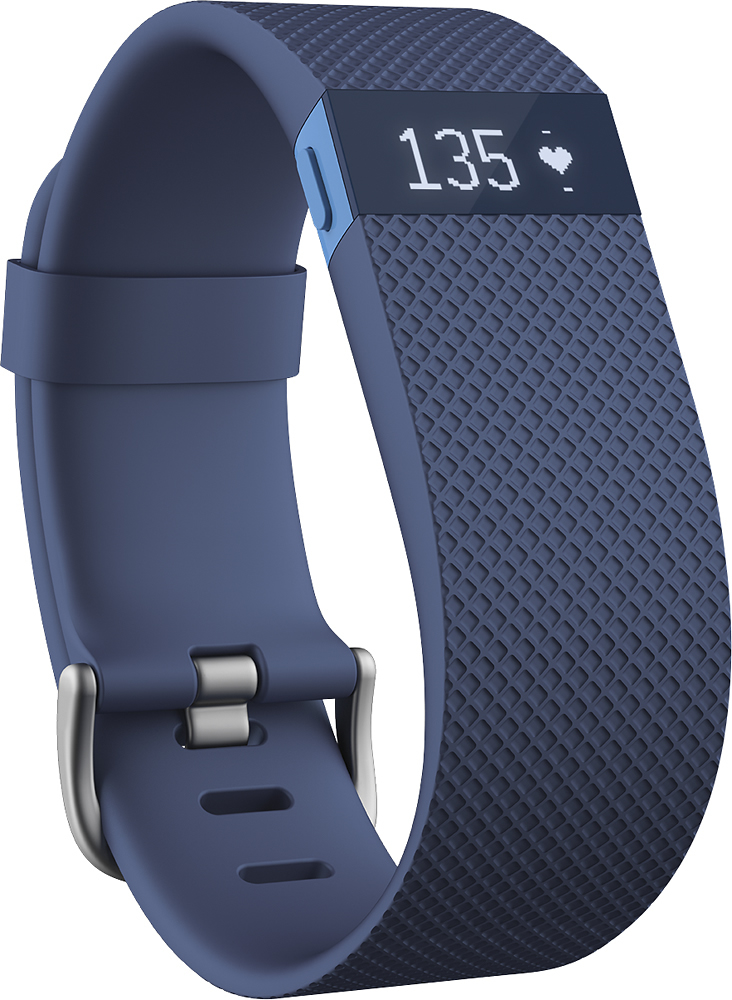
A:AnswerYes it does display the time, steps, distance, active minutes, stairs climbed, calories burned, pace, sleep timer, and stopwatch, and call notifications.
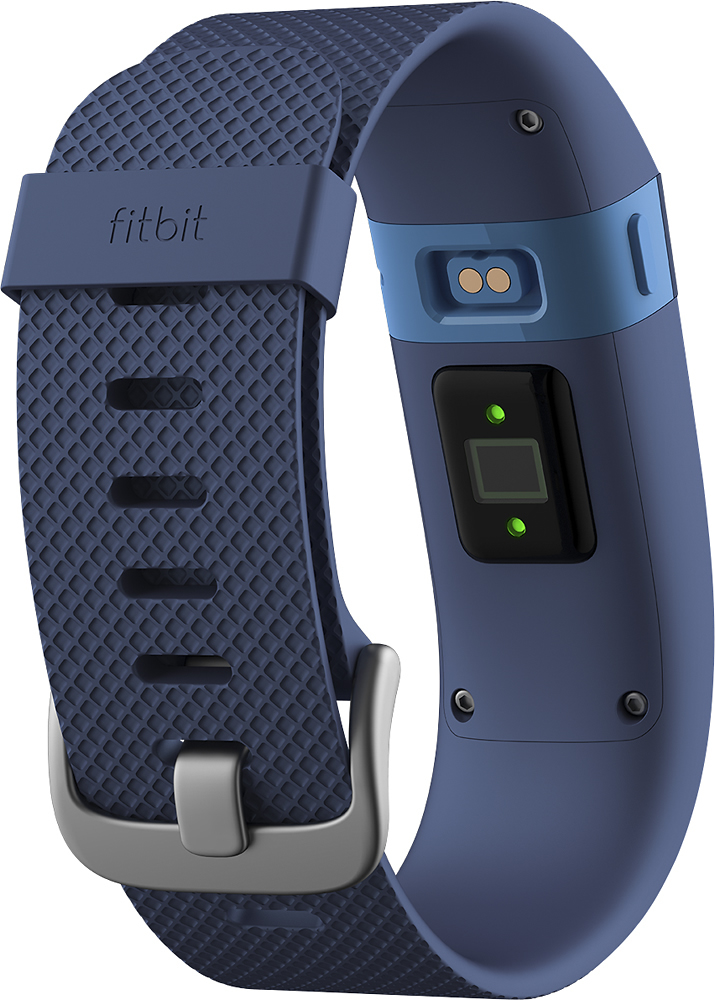
A:AnswerYou don't need your phone with you. You can sync afterward and download your heart rate. Your phone/computer will then show you a graph of your heart rate over time.
It is difficult to monitor your heart rate in real time as the display goes dark in 30 seconds or so. If you want to see your heart rate while you work out, get something with an LCD screen. If you only want to spot check and look at everything later, this works great.
A:AnswerSo here's the details Charlie, the Fitbit HR as well as the others can also be used on a computer. It works just like the app for smartphones, but you just have to wait till you get home if friends send you and challenge requests.
I find it convenient to be able to look at my fitness graphs at any time but if your aren't very tech savvy then a computer will get you started! The Fitbits come with a usb dongle (like a flash drive) that will allow it to find your computer.
The program is called the "Fitbit Dashboard" and can be downloaded from the Fitbit website.
Hope that helps!
A:AnswerYes, you will 'earn' calories through exercise during the day. You can link it to different food apps, like MyFitnessPal, and your fitbit will automatically add the calories earned via exercise into your food log. I will warn that the more intense your exercise is, the less accurate the HR seems to be.
A:AnswerWater resistant but not for swimming. One downside I've noticed so far.
I have heard people cover it and it is fine, but I have personally not tried that. I used to have the flex and used to swim with it but noticed that it deteriorated the fitbit much faster when i swam with it.
A:AnswerNot at all. All you do is plug in the cable it came with to a usb wall charger and then let it charge. There is a battery bar that comes up to let you see how far along the charge is. It doesn't take very long to charge either.
A:AnswerHi,
Fitbit takes care of the time by itself. Just ensure, you have the correct timezone mapped in your account.
To log the exercise, go to exercise and choose the + button. It will let you choose the activity.
Thanks.
A:AnswerSo here's the deal, the Charge HR will record your steps and Heart Rate. But it may not accurately represent cycling for your movement in representation of steps. But while your heart rate rises it will continue to record the calories burned if you are hitting your target HR zone. It also records the heightened heart rate as "Active Minutes" which is a representation of how long you exercised while keeping your heart rate higher.
There are trackers that don't have HR tracking that can more accurately evaluate your activity while biking, for example the Shine. But the HR recording is very important if you want to burn calories effectively.
The Garmin vivofit does cycling recording and HR with the HR monitor strapped around your chest but I'm sure you can see how it's more convenient to have that feature on a smaller scale, on your wrist. Along with the Fitbit recording it daily so you can get a more accurate burned calories counter over a span of time instead of just during work outs.
Hope this helps!
A:AnswerI've actually got a great experience to share that will put you to ease. After a week of owning my Charge HR I accidentally submerged my device underwater in a hot tub for 5-10 minutes. I thought for sure it was broken, but it still works and I purchased mine near the release date of the first Charge HR.
Now, that being said, it does say on the box that it is not waterproof. But we are talking about not submerging it, showering with it or anything that involves a lot of water exposure.
If we are talking about any rain or some hardcore sweating keep in mind Fitbit has designed this product for the active consumer keeping in mind it be worn for longer periods of time. So the design is made to withstand some moisture or body sweat. I've sweated plenty with mine and submerged it but it still ticks to this day!
If you want to put your mind at ease the Geek Squad accidental coverage on this will cover MOISTURE damage and normal wear and tear along with other things but keep in mind it does not cover damage from body fluids or full submersion.
But all that put aside and a long standing owner's opinion?
You should be just fine.
Just make sure you follow proper care instructions for your Fitbit provided in the packaging.
Oh and don't try submerging it. I might've just been lucky!
Hope this helps!
A:AnswerWhat do you mean by syncs?
If you are going to use the Fitbit, you can download the Fitbit app (which will be scaled from the iPhone Fitbit app version). Then after downloading the fitbit app, turn on bluetooth on iPad, and therefore the fitbit and iPad app will sync to each other.
Hope this answers your question.