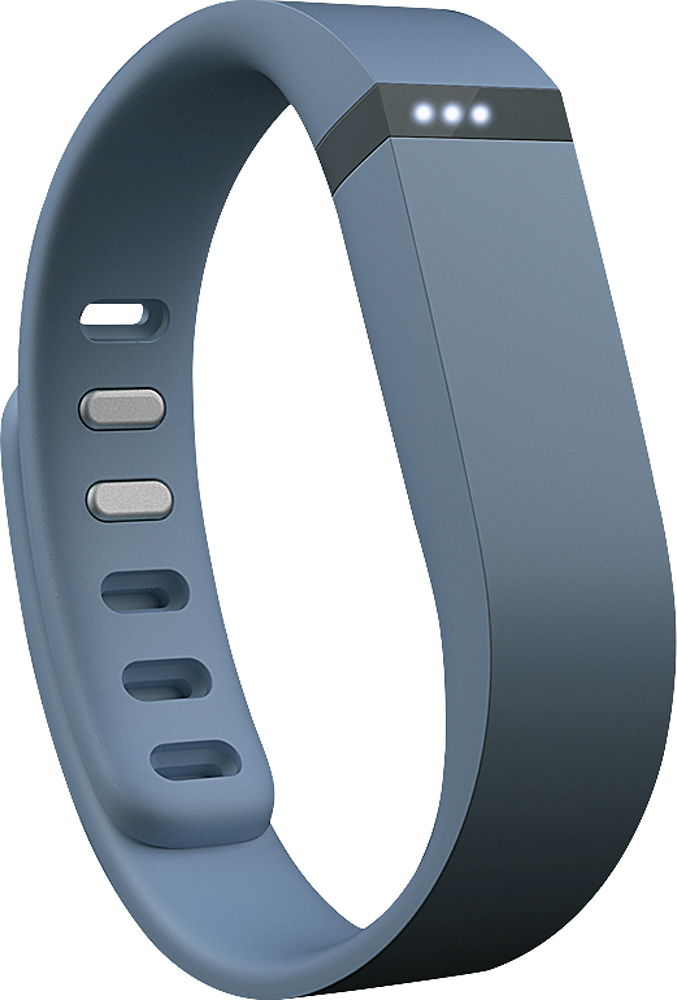
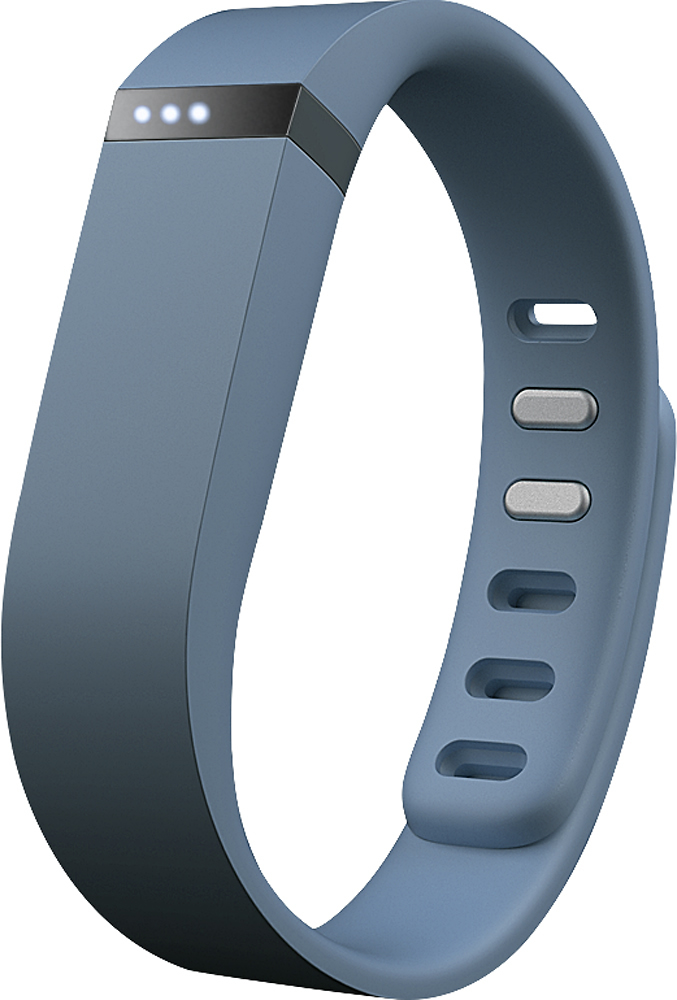
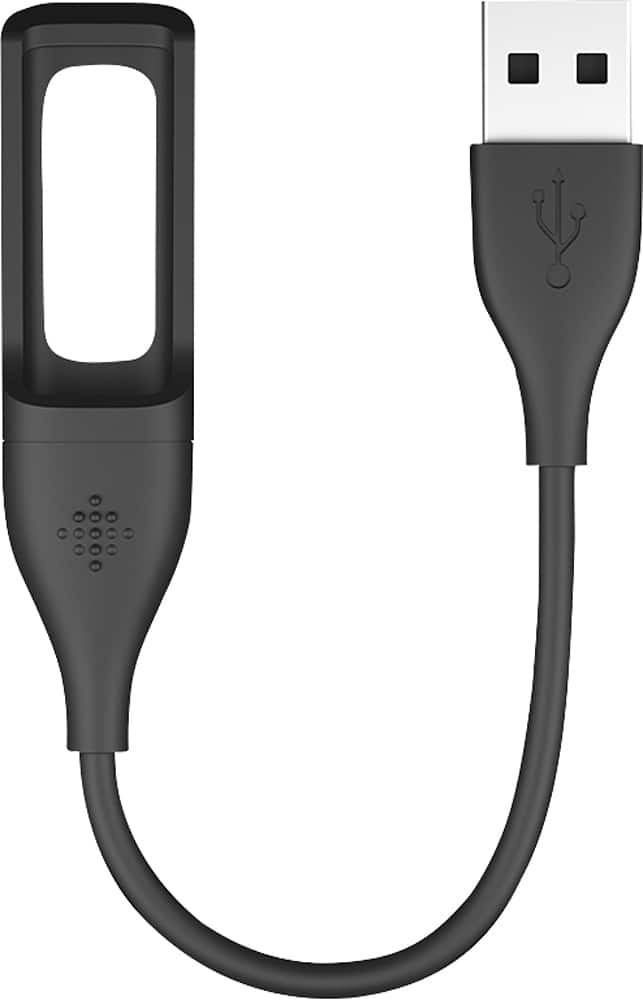
A:AnswerYou may have the battery in upside down. I've done that. When you put in the battery, just tap the Fit Bit to make sure you see lights, if not turn it around, if you still don't, it could be the battery. I did have to take one back because the battery didn't fit the band tight enough for it to be read. As far as seeing your report, you need to download the FitBit app on your phone. It will even let you know when your battery is low and needs recharging. If you're a visual person just look up Fit Bit on You Tube for videos to watch. It really is pretty simple to set up.
A:AnswerI have chronic obstructive sleep apnea, do not use a cpap machine and this helps me to know just how many times I am awake and restless and also shows me that when I am over tired I have more episodes of restlessness which is usually due to not breathing right. I love this product.
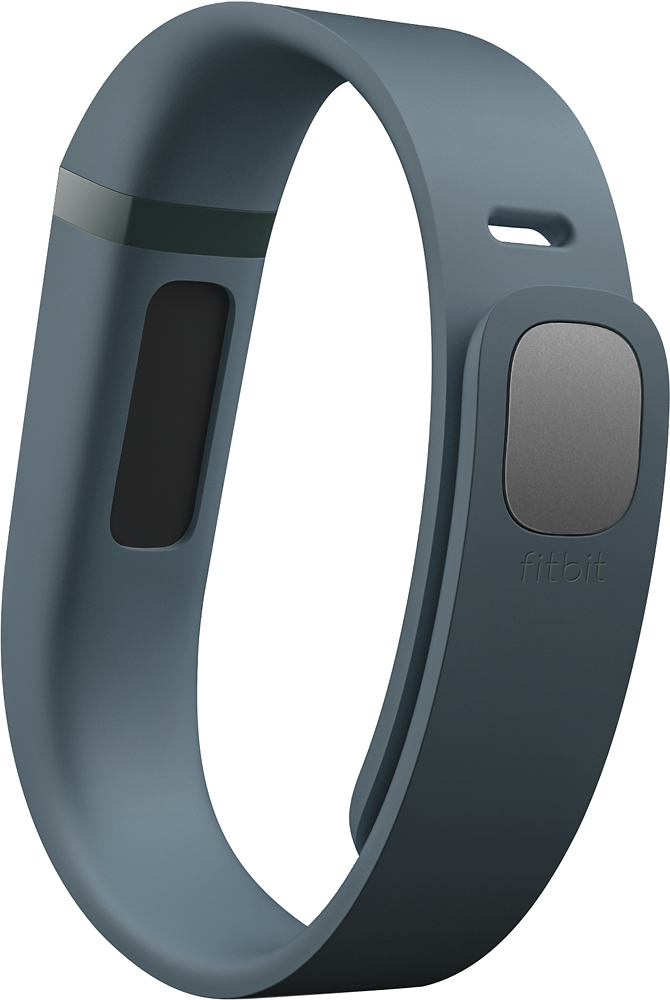
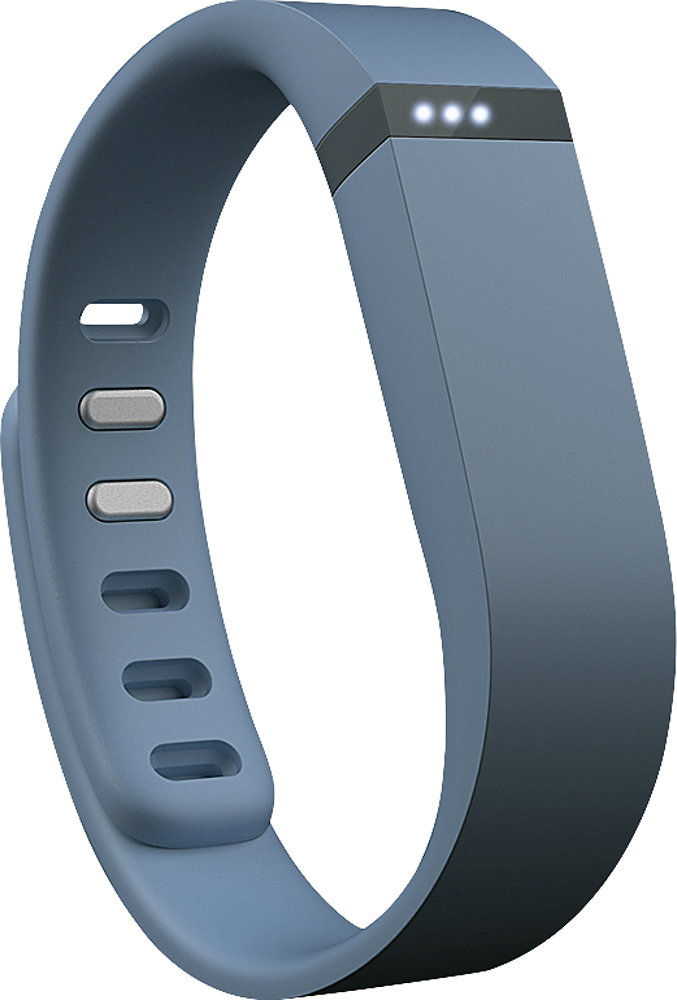
A:AnswerIt comes with a large band (the tracker comes in this band) and a small band. To switch to the small band, you pop the tracker out and insert it into the small band. You also pop out the metal locking pin from the large band and insert it into the small band. It was very easy.
A:AnswerThe fitbit will automatically track heavier activity as "active minutes." If you walk more briskly, run, climb stairs quickly, walk while carrying things it will count that time as active minutes