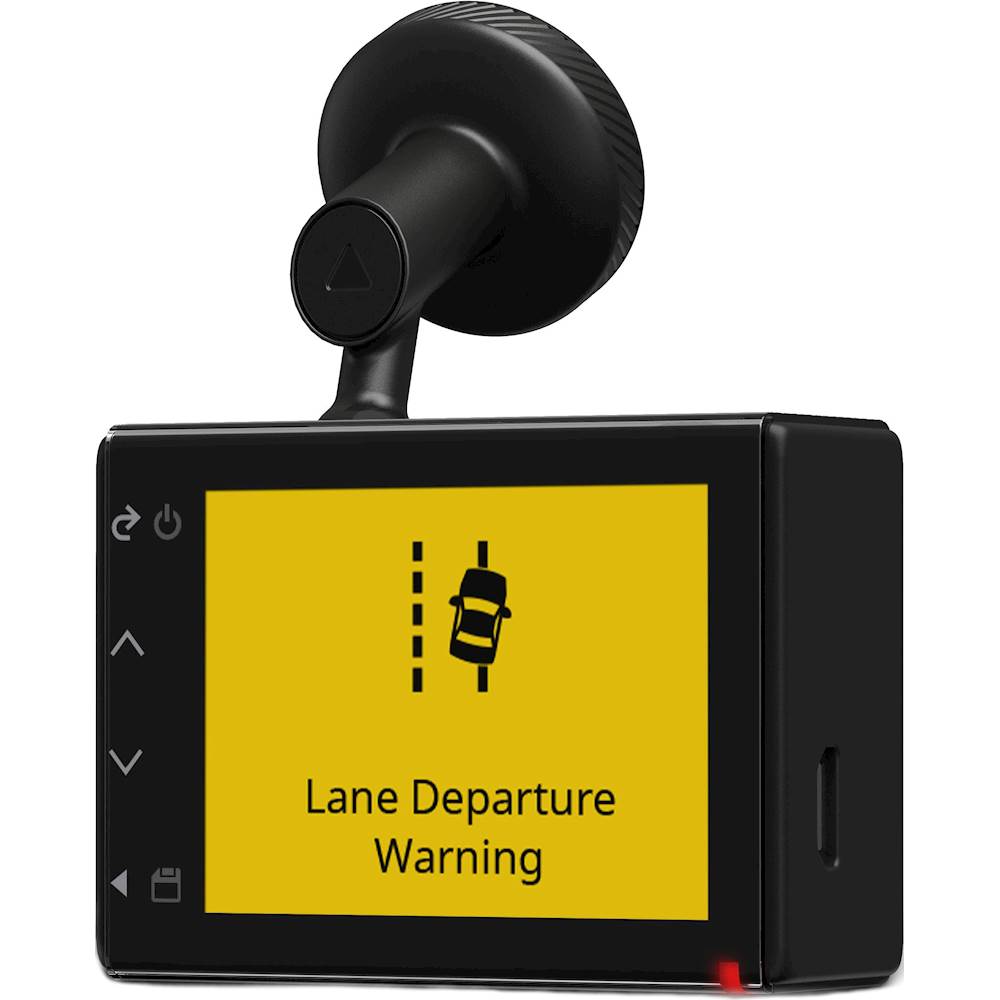
A:AnswerYes, by default, the device immediately starts recording video when it turns on. It continues recording, overwriting the oldest, non-saved video until it turns off. While recording, the LED is solid red.
A:AnswerThere's a setting in the camera which is turned on by default which puts the speed in the overlay of the video at the bottom, kind of a footer area for location information and speed. You can turn it off as well, which I promptly did, even though I don't normally go more than 5mph over, just doesn't seem worth having it on there. I figure it can only serve to cause you harm if there's ever an actual incident you need the video for.
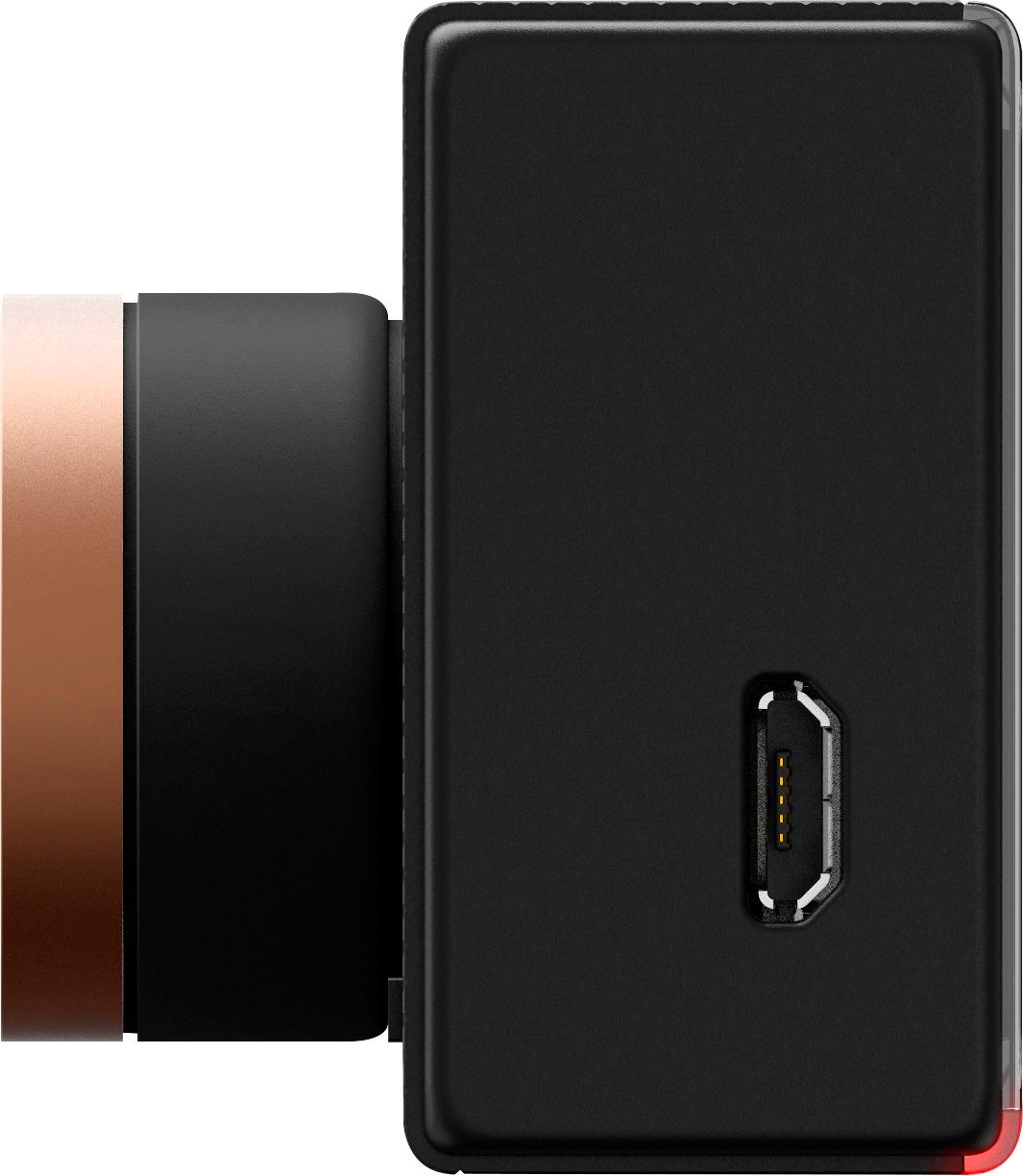
A:AnswerA class 10 card is required but also take this into consideration, all class 10 cards are not equal. Most cheap class 10 cards have a write speed of 80 MBS or slower. To get the best results for the Dash Cam 35 or Dash Cam 55 get card that has a write speed of at least 90 MBS.
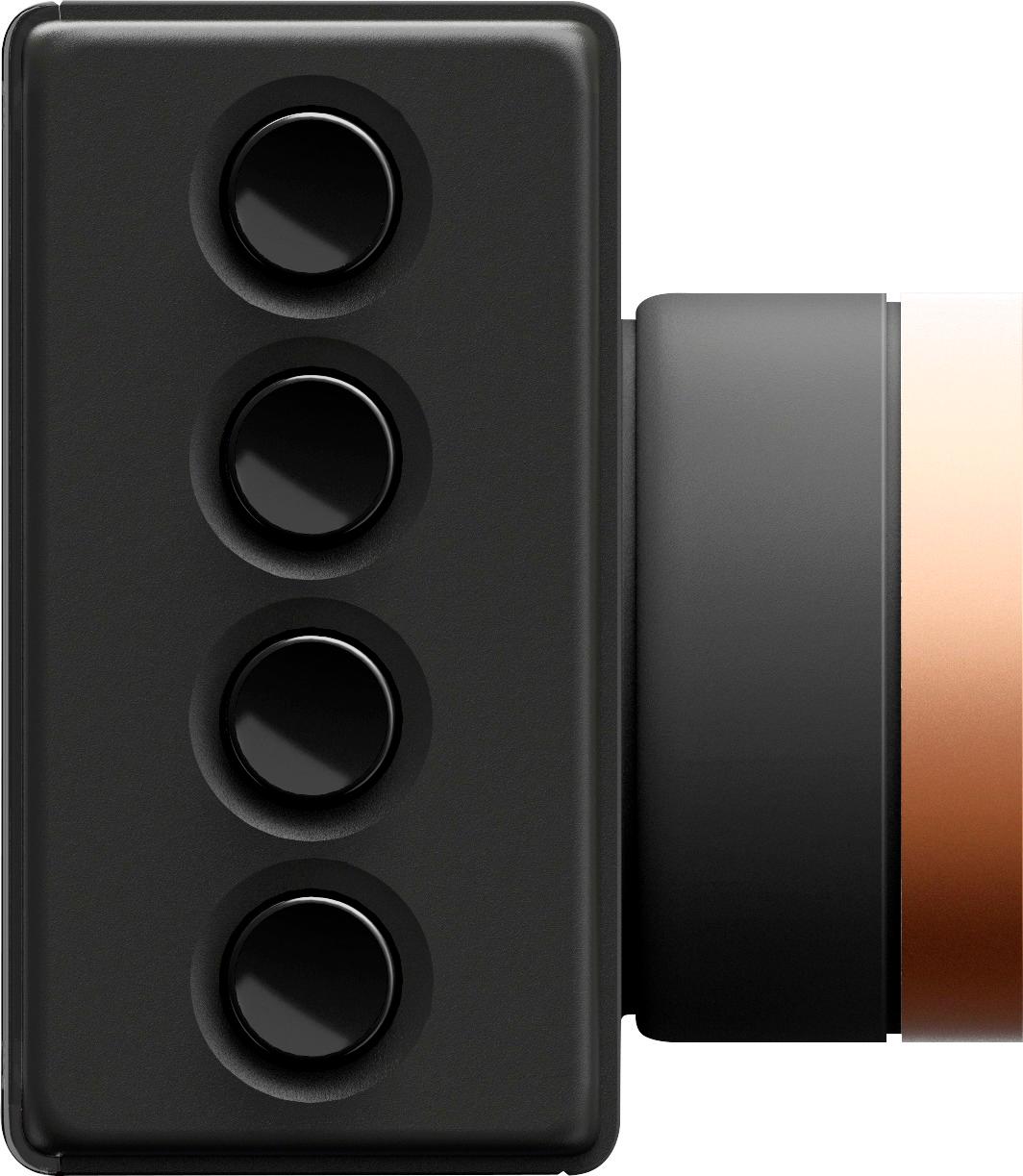
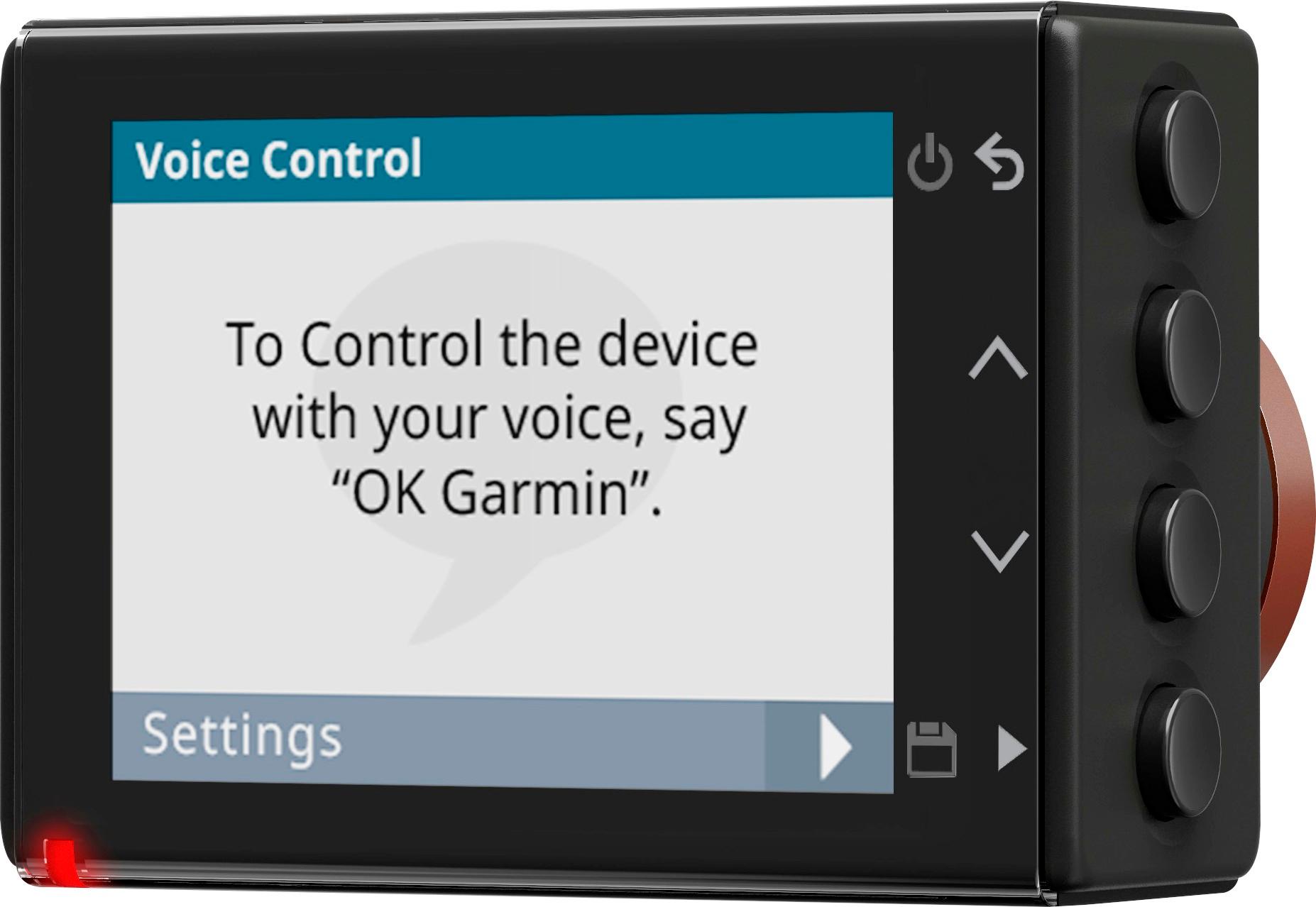
A:AnswerThe Dash Cam 55 has a microphone for recording audio, and a small speaker for playing back sound. It also has a voice control feature which allows you to speak select commands to the device, such as "save video" or "take a picture".
-MH
A:AnswerNo, the parked video recording feature is only accessible when the camera is connected to the Dash Cam parking mode cable accessory. Thanks, James
A:AnswerNo, the Dash Cam™ 55 does not include a suction cup mount; however installing the magnetic mount to the windshield is pretty easy. To learn more about mounting the Dash Cam check out this link: http://bit.ly/2p5xEci Thanks, James
A:AnswerIt’s very strong and I guarantee it won’t be coming off no matter where you go off-roading. The camera is super light as well so it’s not offering any resistance to the magnet.
A:AnswerIt turns on and off when power is applied and remove. There is a power off timer that you can set to turn off after power is removed. Hope this helps.
A:AnswerThis model does not include a rear facing camera. A second dash cam could be used as a rear facing camera, however the two dash cams can’t be linked together.
A:AnswerIt has a battery in it, but you're better off getting the wiring harness which was like $35, and having Best Buy install it ($55). That's what I did, and now I don't have to worry about batteries ever. Also they did a great job with hiding the wire.
A:AnswerIt’s just an extra adhesive sticker. Once you install and peal off. You will need to use the extra one cause the original will not stick again.
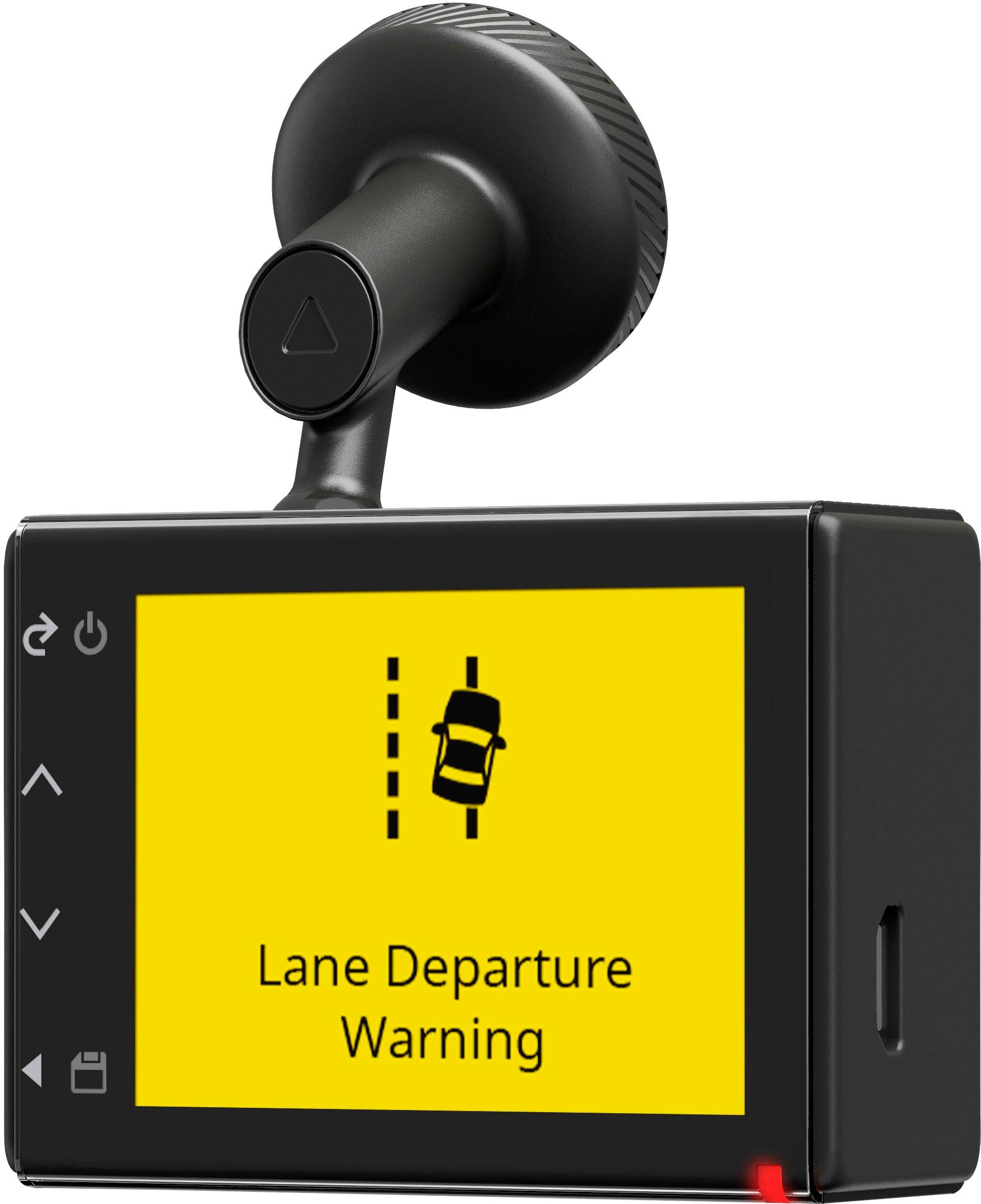
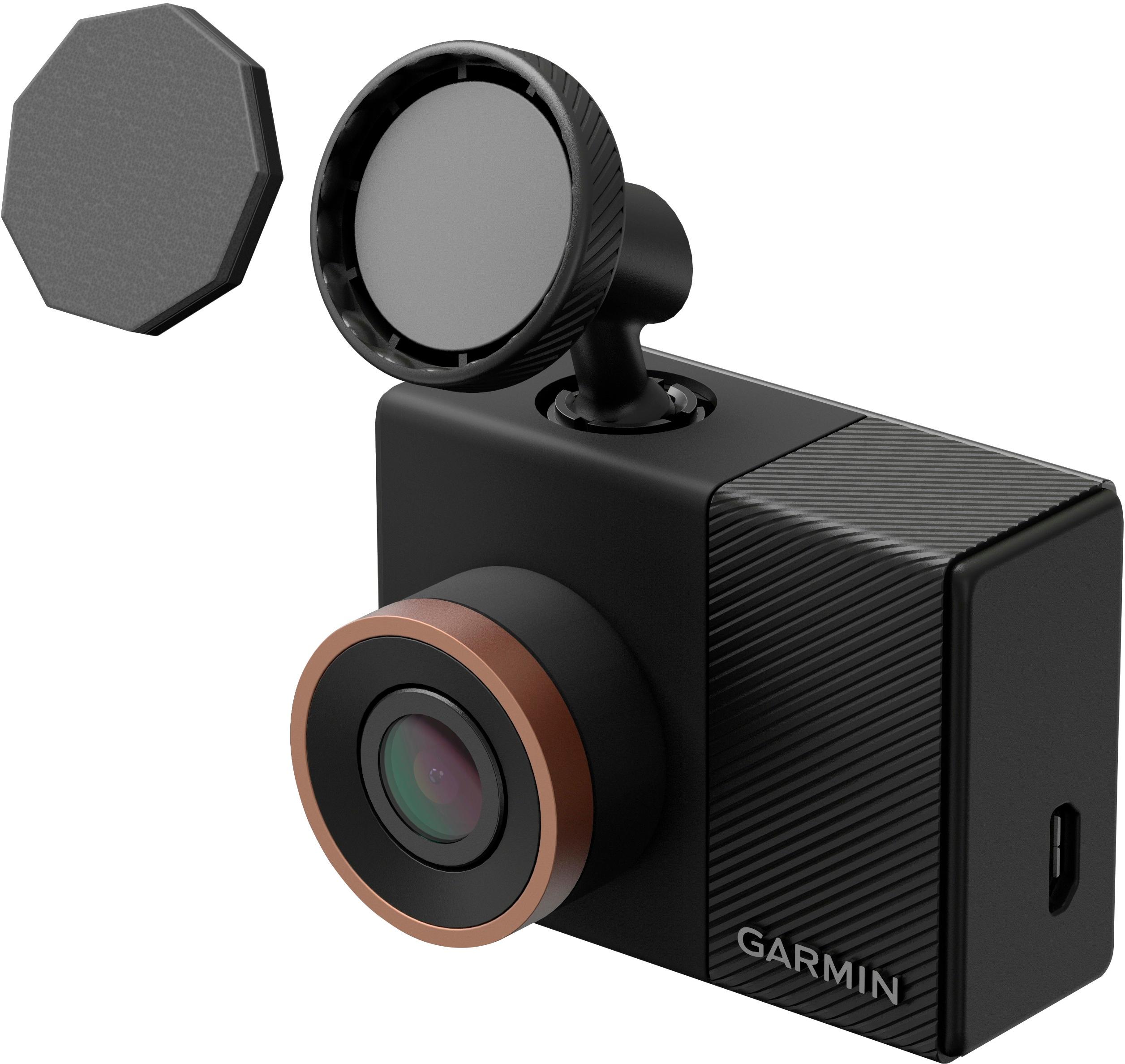
A:AnswerAbsolutely. The camera mounts to your windshield magnetically. There is a small magnetic disk about the size of a nickel which adheres and remains on the windshield. You just easily remove by pulling the camera with it’s mount from it.
A:AnswerGarmin recommends not leaving the device exposed to a heat source or in a high-temperature location, such as in the sun in an unattended vehicle. To prevent damage, remove the device from the vehicle or store it out of direct sunlight, such as in the glove box. When storing the device for an extended time, store within the following temperature range: from 32°F to 77°F (from 0°C to 25°C).