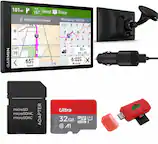
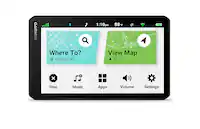
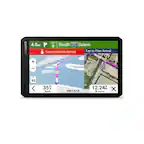
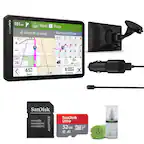
A:AnswerNo, this model is for automobiles and doesn’t include any truck specific routing. The Garmin dēzl™ series includes detailed maps for North America that also include truck-related restrictions – like bridge heights, sharp curves, weight limits and more – and related information for most major roads and highways.
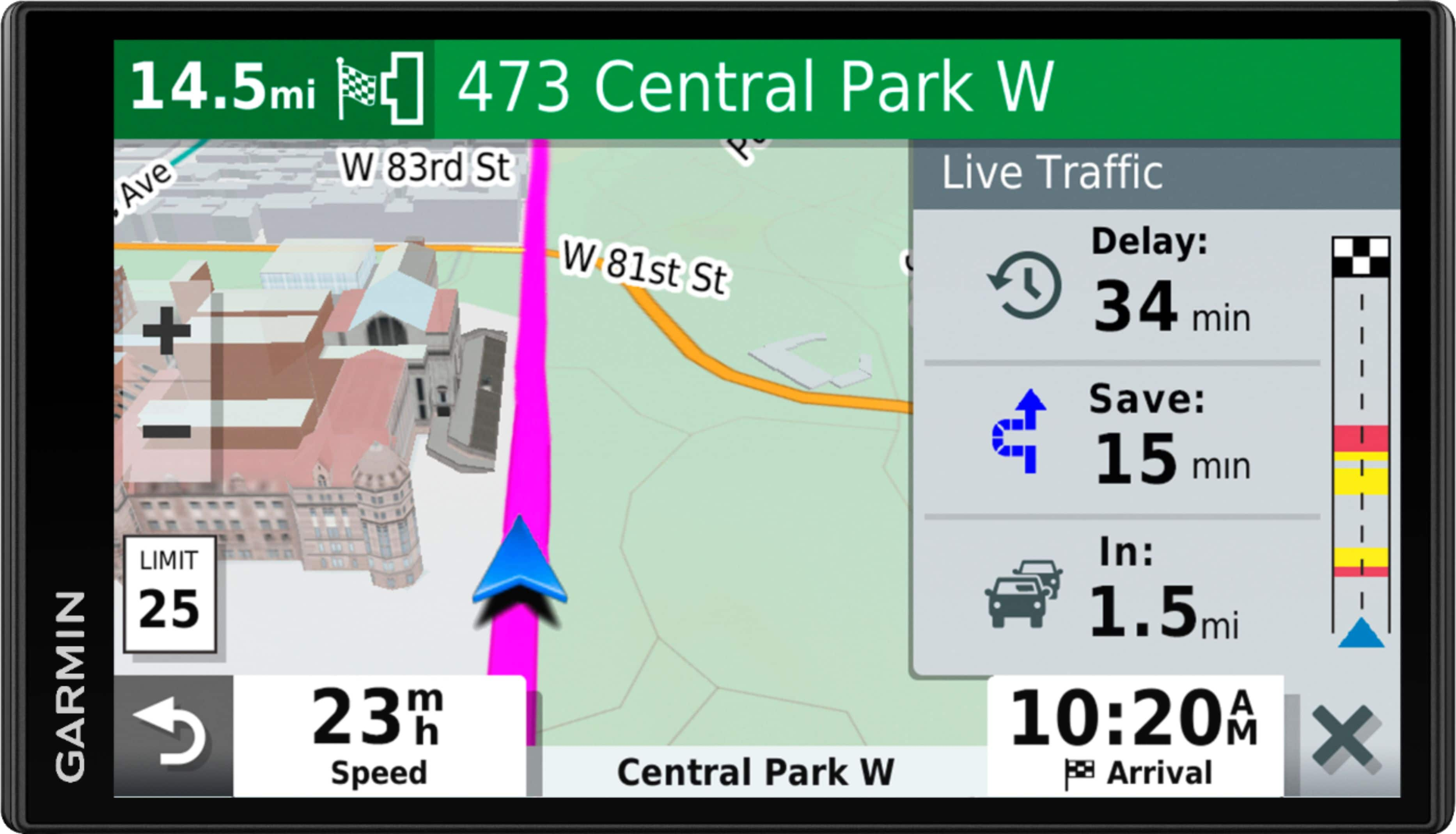
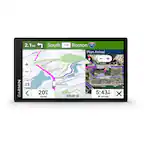
A:AnswerThis model does not include a built-in dash cam. It is compatible with a BC™ 30 or BC™ 40 backup camera. The device also has access to photoLive traffic cameras (where available) when connected to the Garmin Drive app.
A:AnswerI had same problem with an older Garmin Nuvi once. I had to press and hold the power button on it for a minute or so to force it to completely reset. Watch the screen - it should let you know by showing the initial Garmin name that it's resetting and you can release the button and let it finish powering up. Try doing that
A:AnswerYes, all of them can be transferred using the Garmin Express program. Garmin Express transfers Favorites, Saved Places, and Routes from one compatible device to another. This Garmin FAQ provides all the details: http://bit.ly/2kxlwz1
A:Answeryou need to use a newer one the geek squad at best buy auto install used the cord that plugs into the cig. lighter. then took the existing installed cord and put the cig. lighter adapter on it and then I was good to go. it only takes about 5 or 10 min. for them to make that change
A:AnswerNo, this model is for automobiles and doesn’t include any truck specific routing. The Garmin dēzl™ series includes detailed maps for North America that also include truck-related restrictions – like bridge heights, sharp curves, weight limits and more – and related information for most major roads and highways.
A:AnswerYes, the Russian language can be added to this model using the Garmin Express program. This Garmin article provides all the details for adding a Voice or Text Language to an Automotive Device: https://bit.ly/2SuKPzB