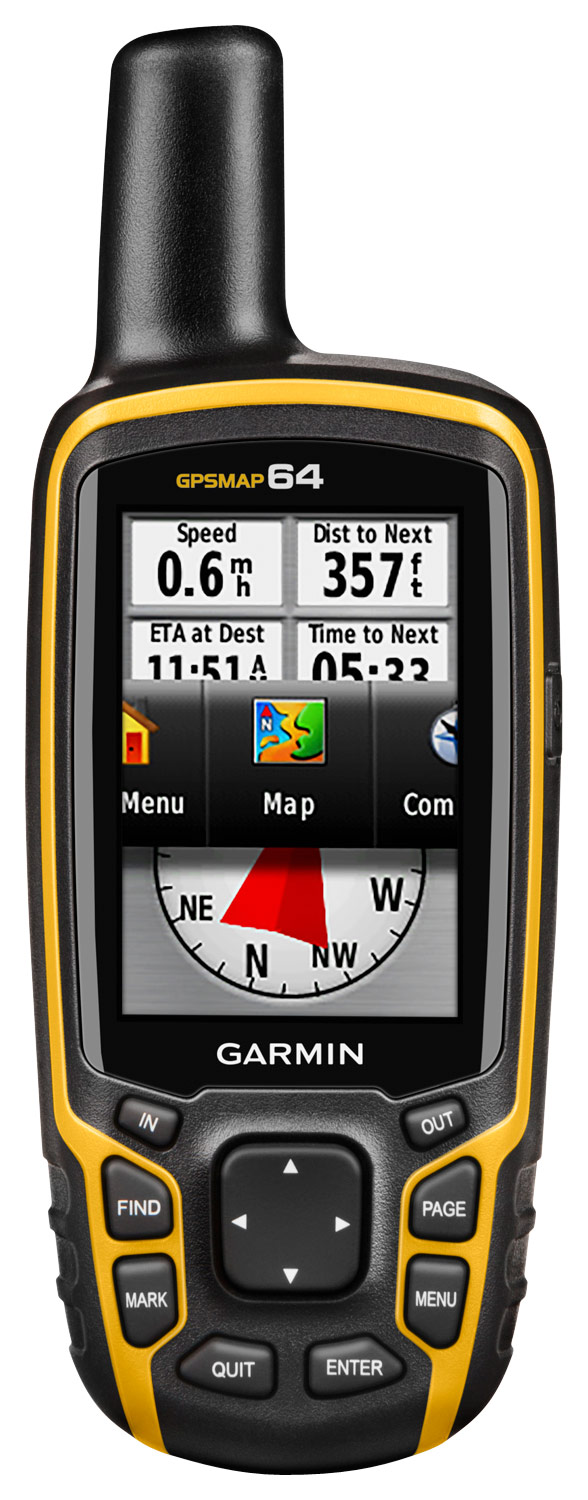
A:Answer On the GPSMAP 64 you can save a track on your device, or you can select a destination waypoint to see how far you need to go.
If you would like to save a track on your device, press Menu twice, select Track Manager, select Current track, select Save Track, enter a name and select Done.
<MC>