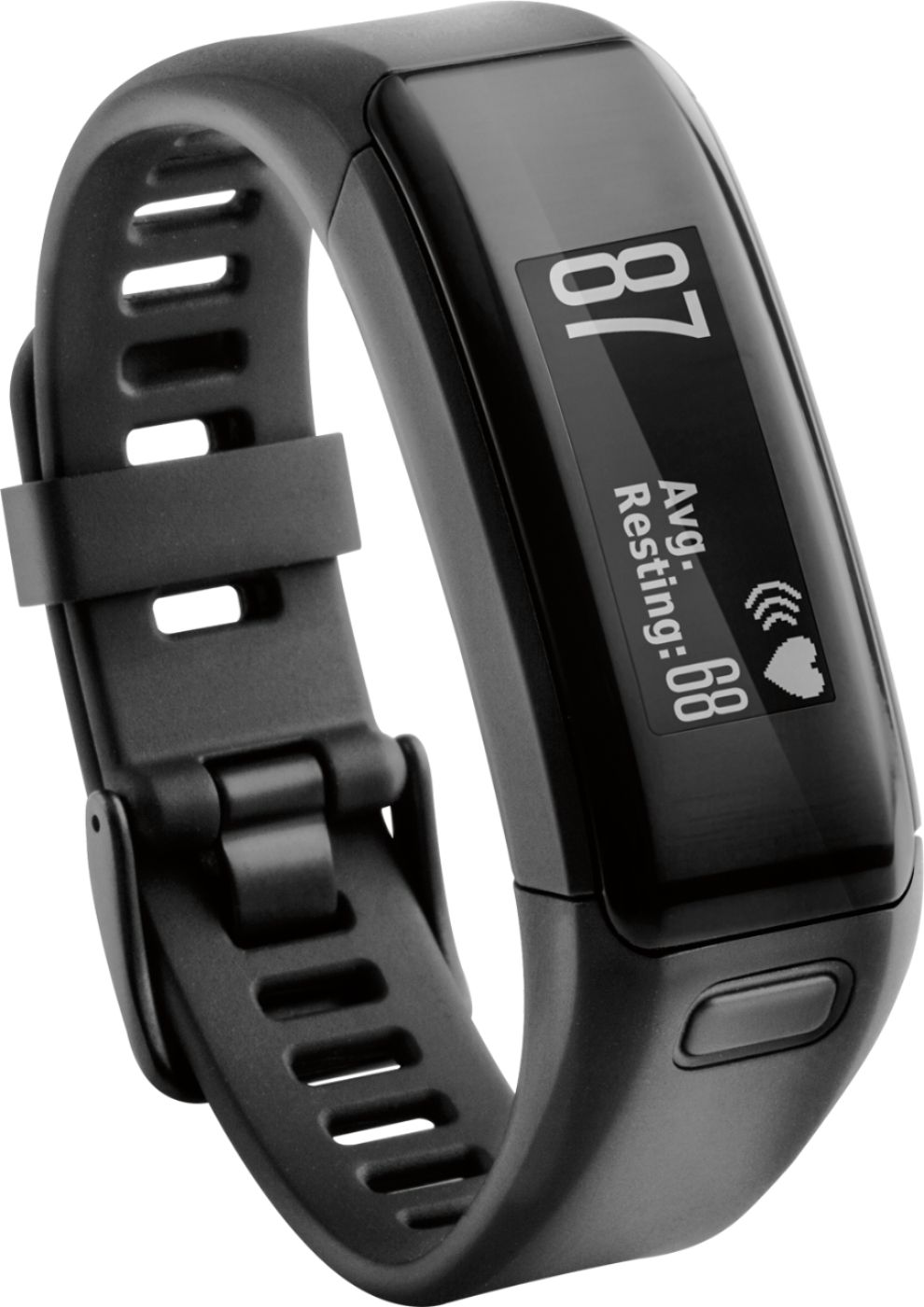
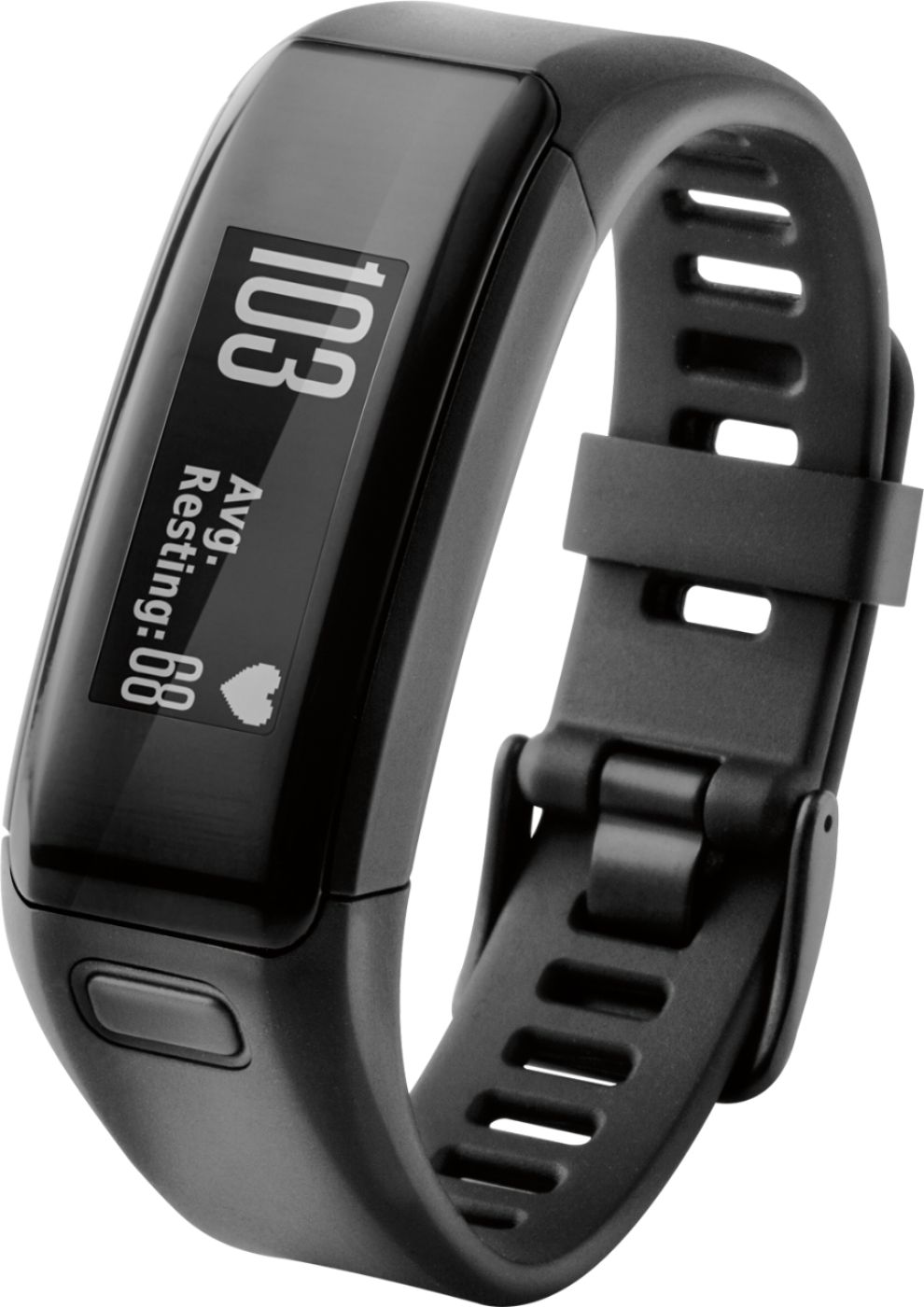
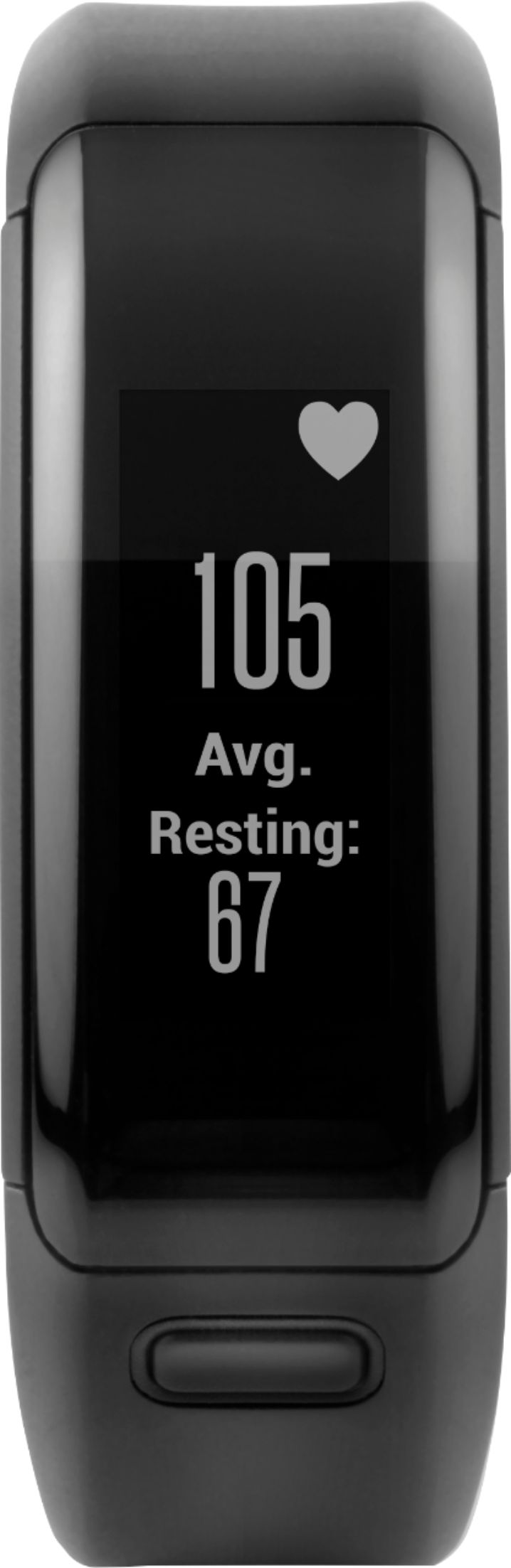
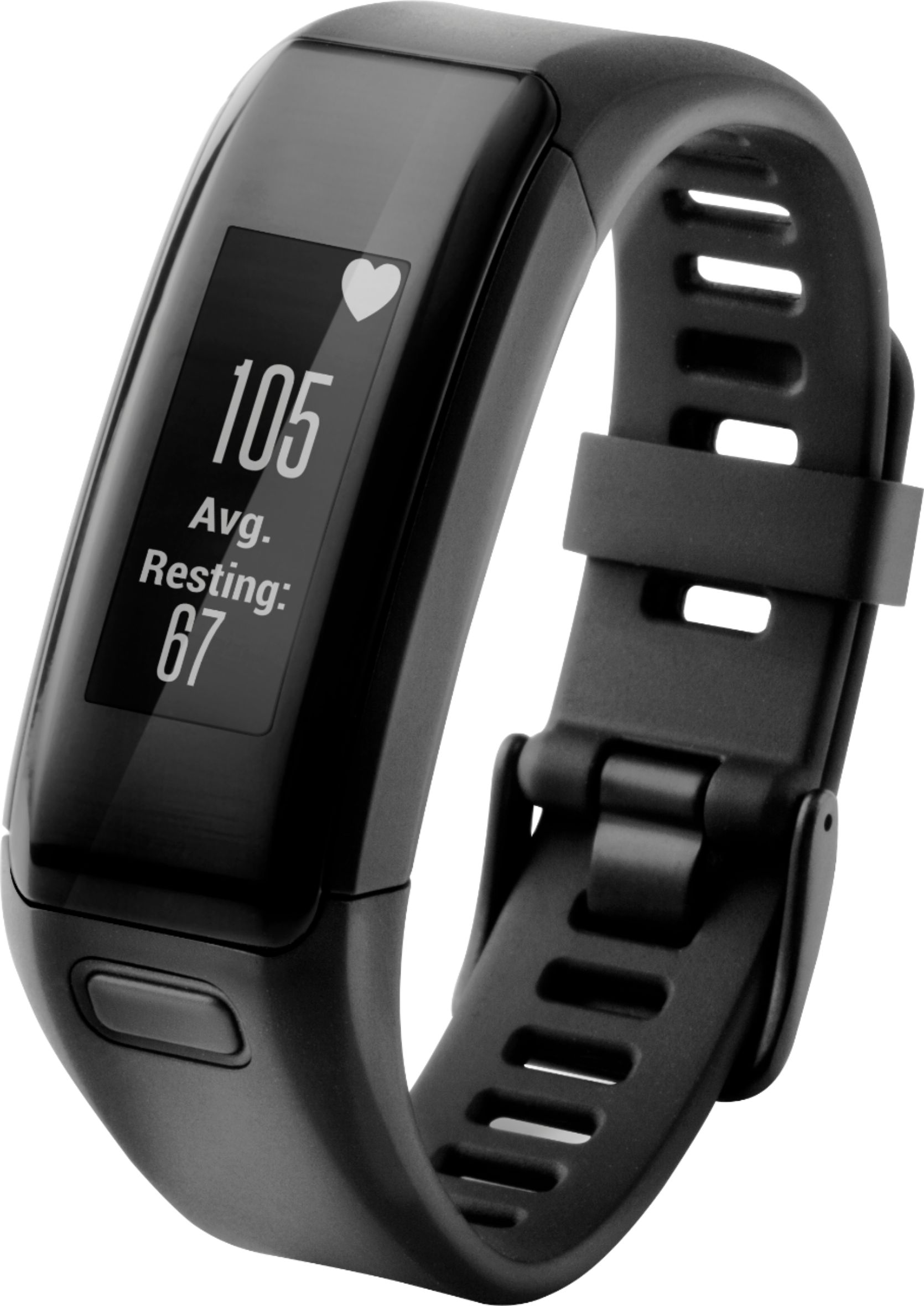
A:AnswerThe vivosmart HR does not support external sensors (such as heart rate straps or cadence sensors). If you're looking for a similar device that does support external sensors, I would recommend looking at the vivoactive HR - it will work with any ANT+ sensor, so you can verify whether your specific bike model has ANT+ support. -OA
A:AnswerYes it is measured by the wrist. I have noticed my battery and the wife's battery last about 6 or so days. The watch charges quickly. 30 to 45 minutes.
A:AnswerYou can do this, however since you can only be signed into one account at a time in the Garmin Connect Mobile app, you would need to sign in and out when switching between accounts. -OA
A:AnswerYes, there is no chest strap involved. It calculated your heart rate through sensors at the underside of the device that sits on your skin, through the blood vessels. Very convenient.
A:AnswerThe distance may vary based on the environment (walls, electronics being used, etc), but you should maintain Bluetooth connection for up to 10 meters (30 feet). (KS)
A:AnswerYes. Actually you will need to setup the Garmin Connect app on your phone. Then link the Garmin Connect to your MapMyRun (MapMyFitnees) account.
The Vivoactive Hr and the Vivosmart HR both sync to the Garmen Connect on your phone first. Once I sync an activity to my Garmin Connect but the time I log inmto my MapMyFitness account the results are there.
A:AnswerI am not exactly sure, but it could be the USB charging and data transfer cable. One end of the cable has a special clip that connects the Garmin - Vivosmart HR Activity Tracker + Heart Rate - Black to a computer.
A:AnswerThe display stays on all the time but the backlight can be turned off. Here is a review with more info https://www.youtube.com/watch?v=J1s29MJfQc0