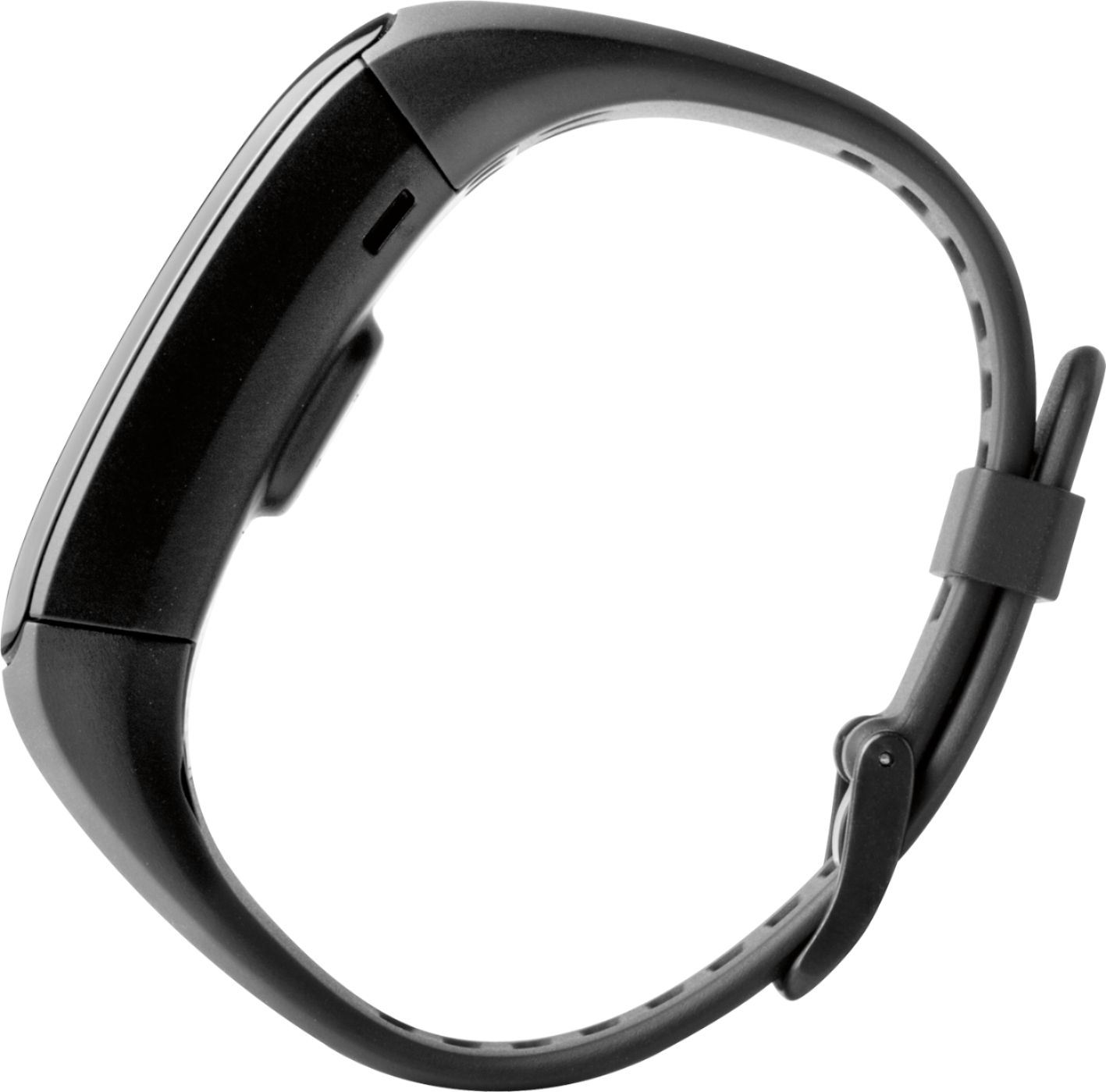
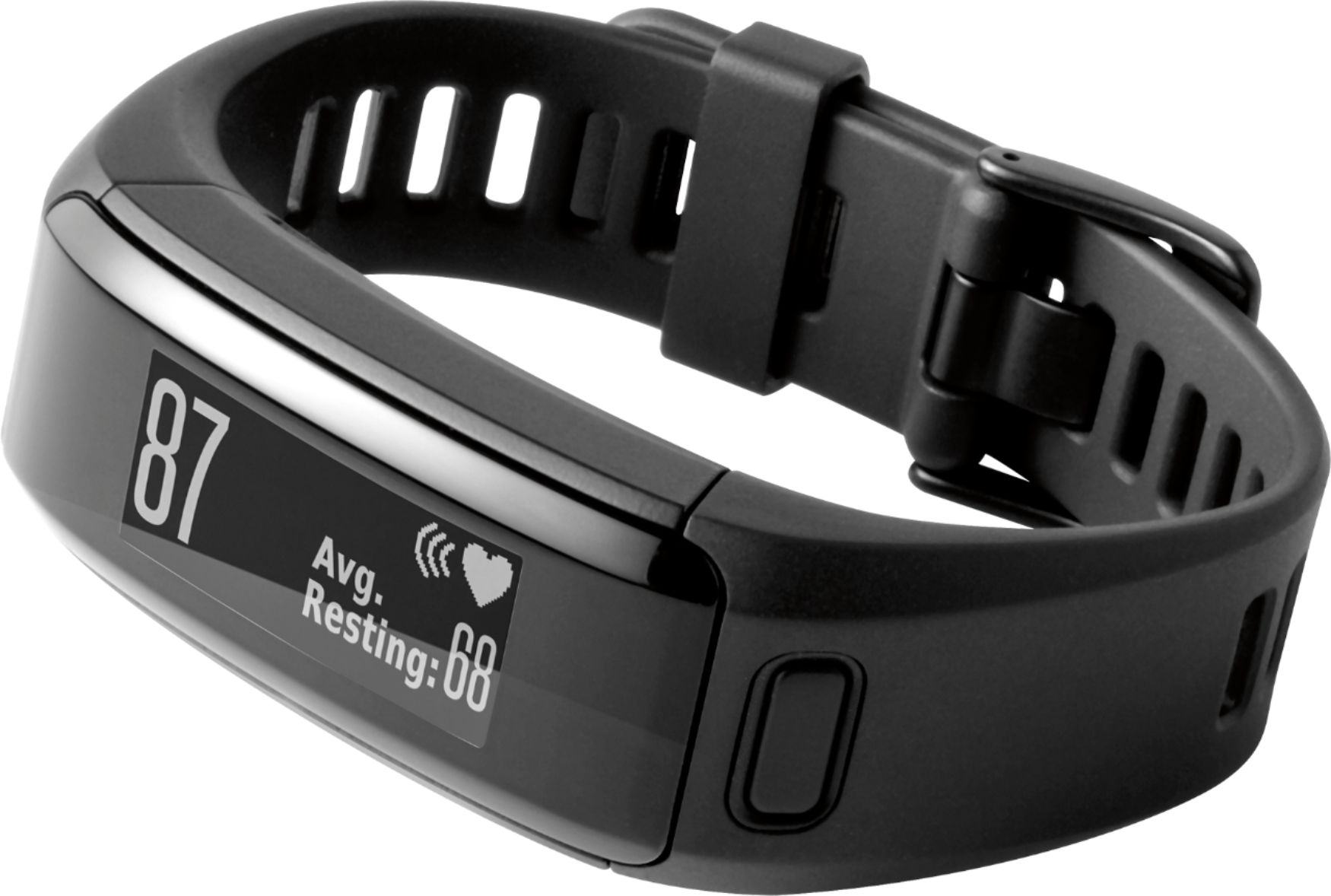
A:AnswerYES!! That was the determining factor in purchasing this device. Download the Garmin Connect app and it will show all of the devices that are compatible with Windows Phone, which is pretty much all Garmin devices.
A:AnswerOnce I set it up with my computer and paired it to my phone the date/time stays in sync with my phone. If you sync it periodically you shouldn't have a need to change it.
A:AnswerI'm sorry for the trouble, Mario. For this, I suggest reaching out to Garmin Customer Care so that we can troubleshoot with you. Our contact information and hours of operation can be found on our Support page (j.mp/GRMNSupport). Thank you so much! (KS)
A:AnswerWe are sorry to hear this is occurring. At the time of writing this response, we are aware of an issue with Garmin Connect naming some activities "Untitled" and are working on a resolution for it. For any other questions or concerns, contact Garmin support at http://www.garmin.com/support. {CW}
A:AnswerThe rowing machine yes but the bike no. With the heart rate strap on it will track your heart rate on both but steps it tracks with wrist movement.
A:AnswerThe vívosmart HR calculates your calories burned using an advanced algorithm which incorporates your inactive calories (BMR) and active calories (movement + Heart Rate) to determine your total each day. -LB
A:AnswerDepends on what average size is? This one does have an actual watch like band clasp that is adjustable, but the top/face is lager and a specific size. But I wear mine kinda loose and I have a smaller wrist, so you could probably tighten it up to fit good on a child.