A:AnswerHi Zizou,
You can rotate the monitor orientation via windows/software.
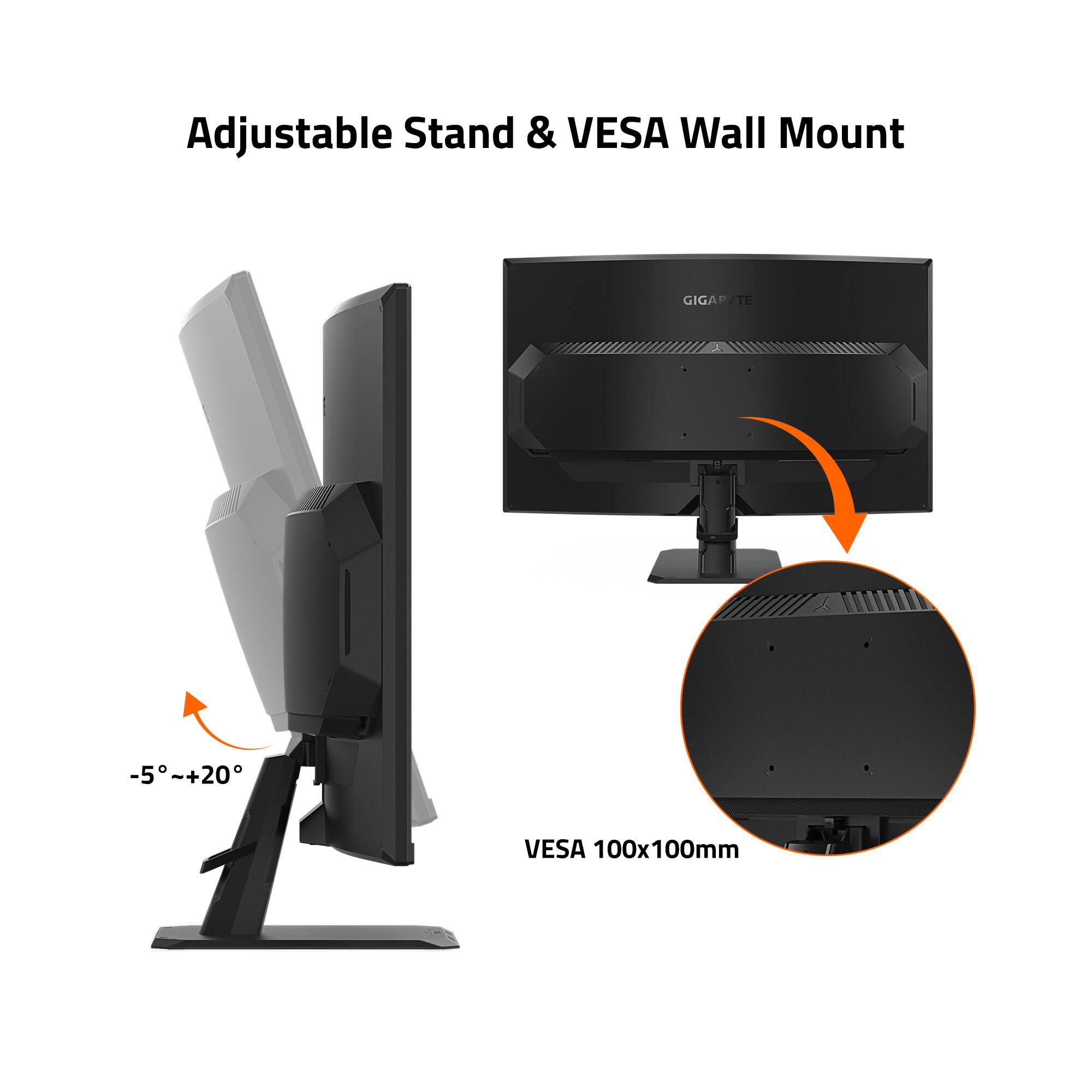
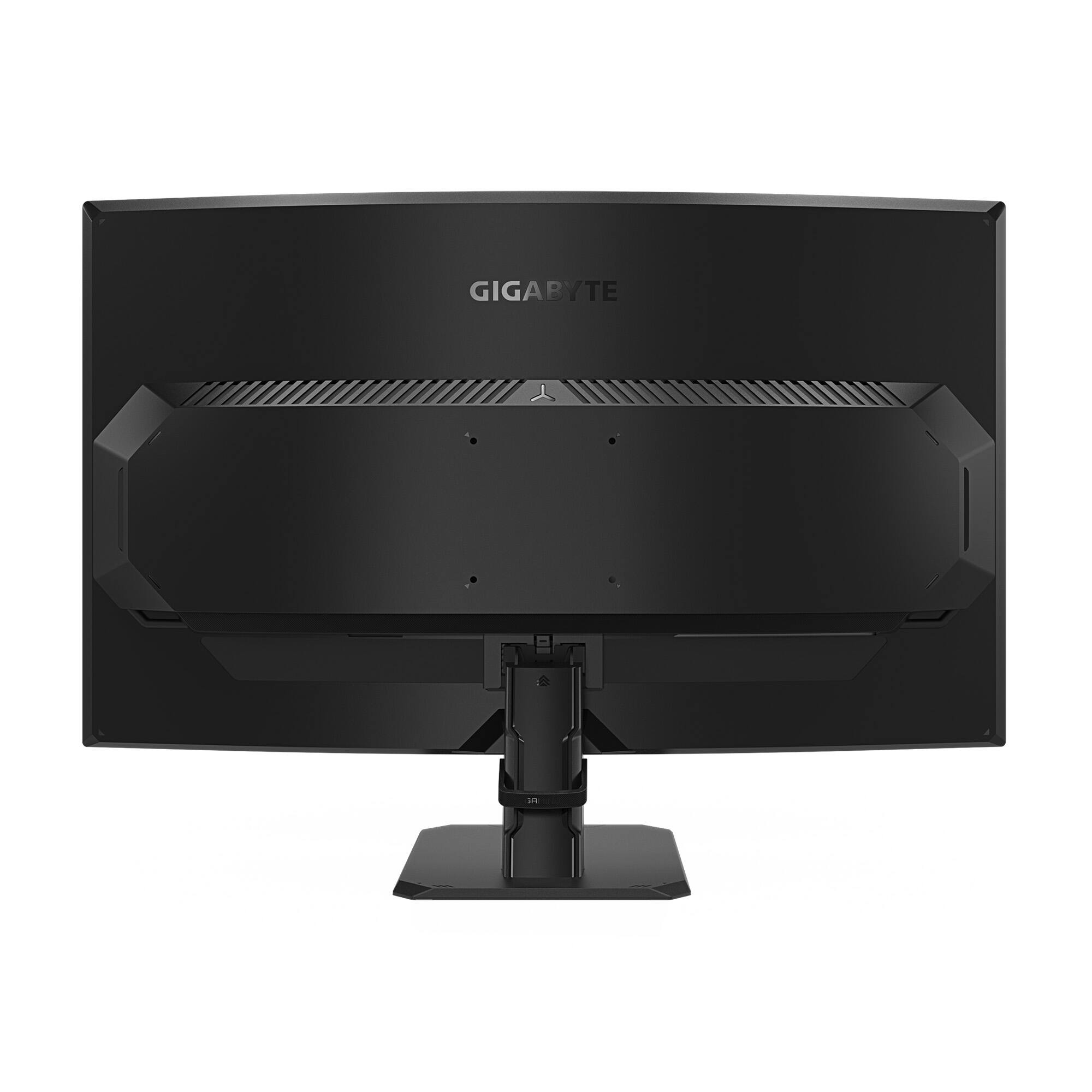
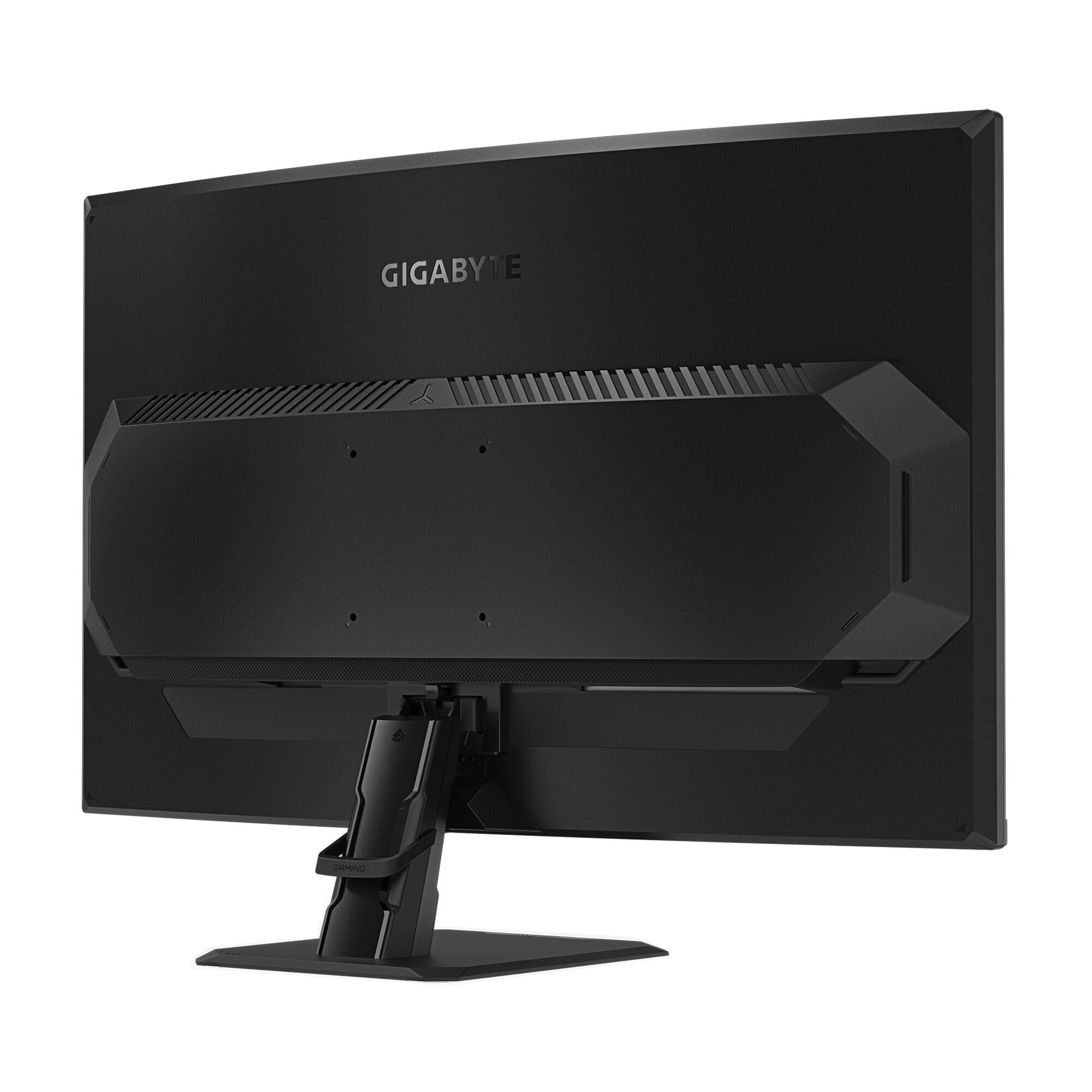
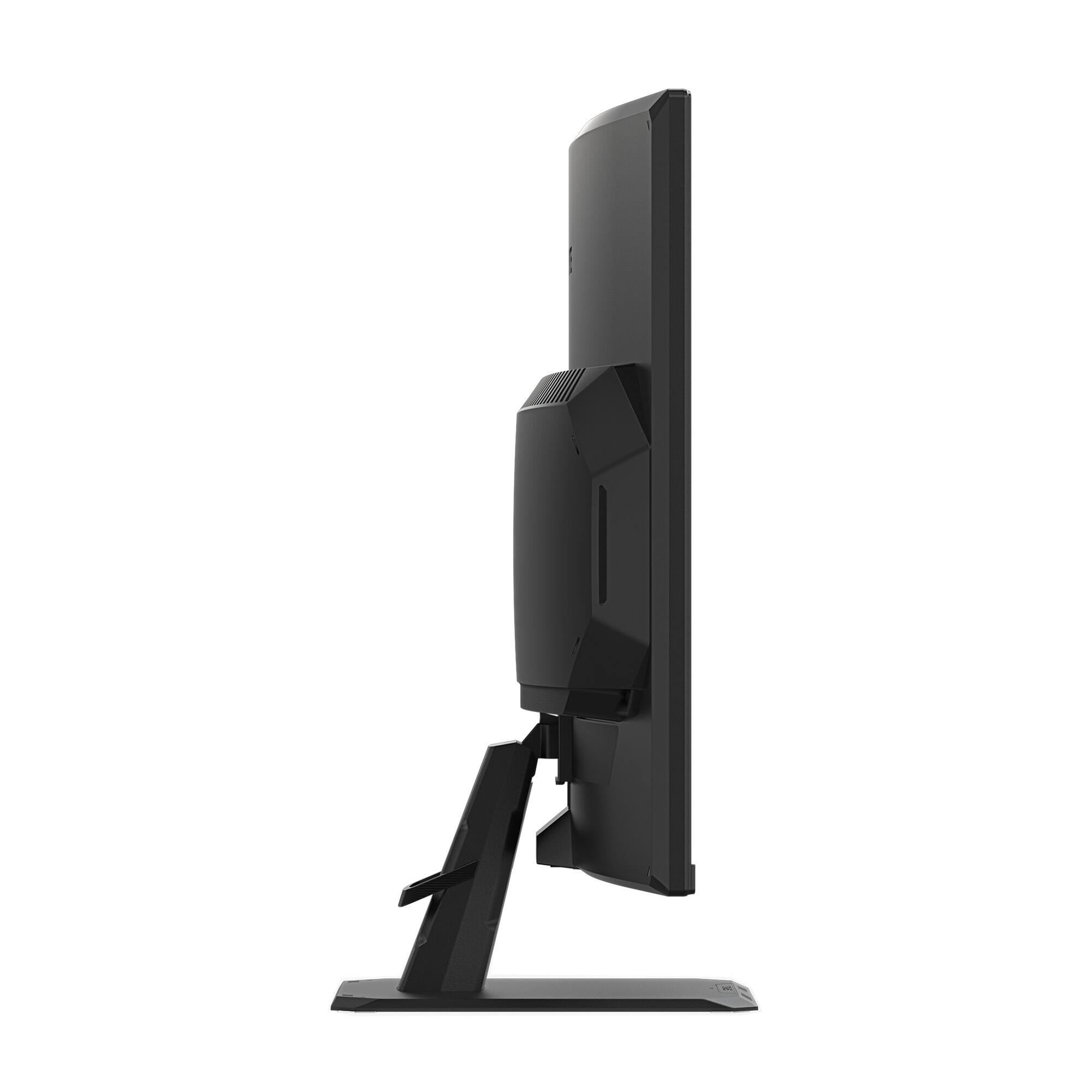
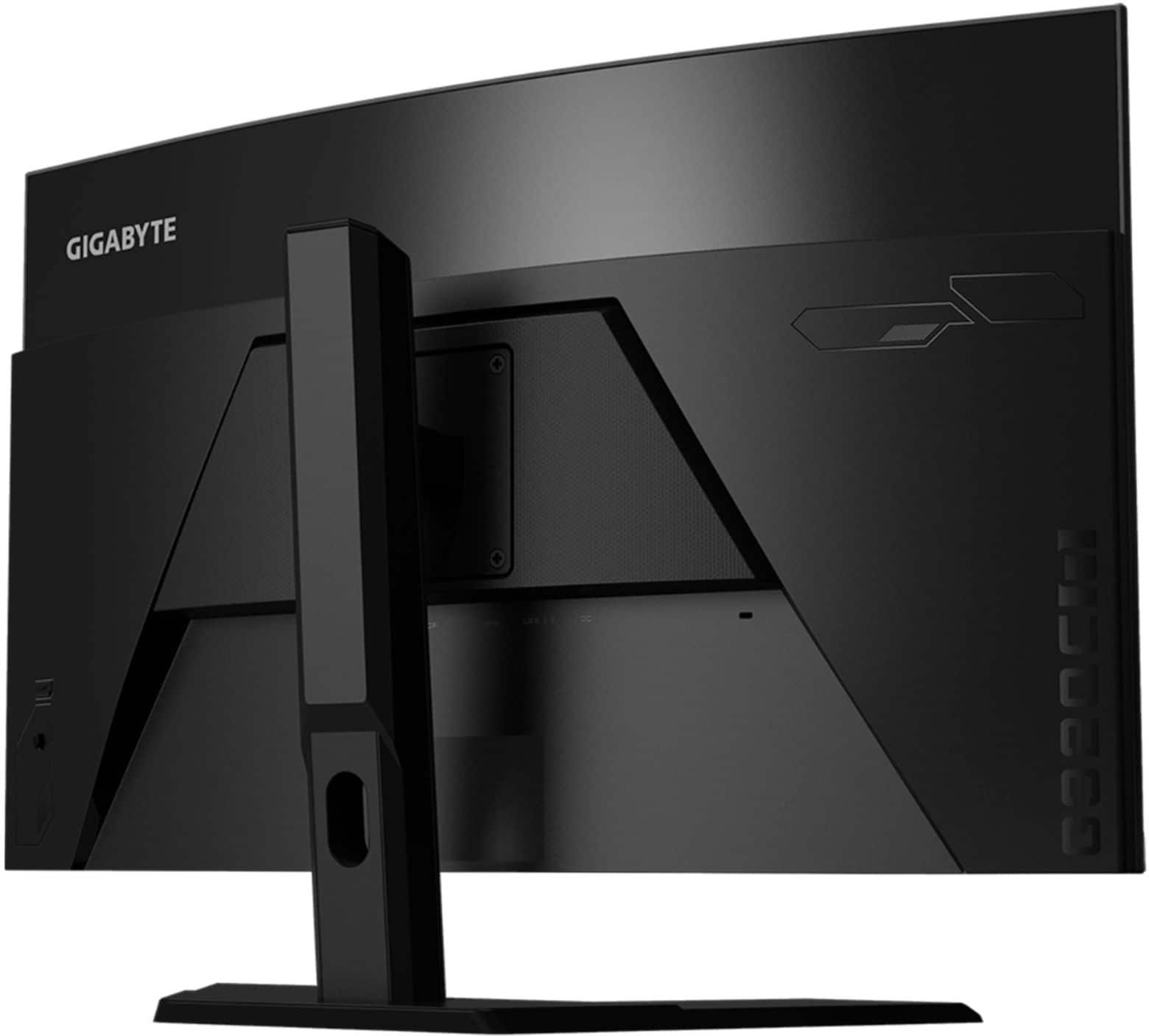
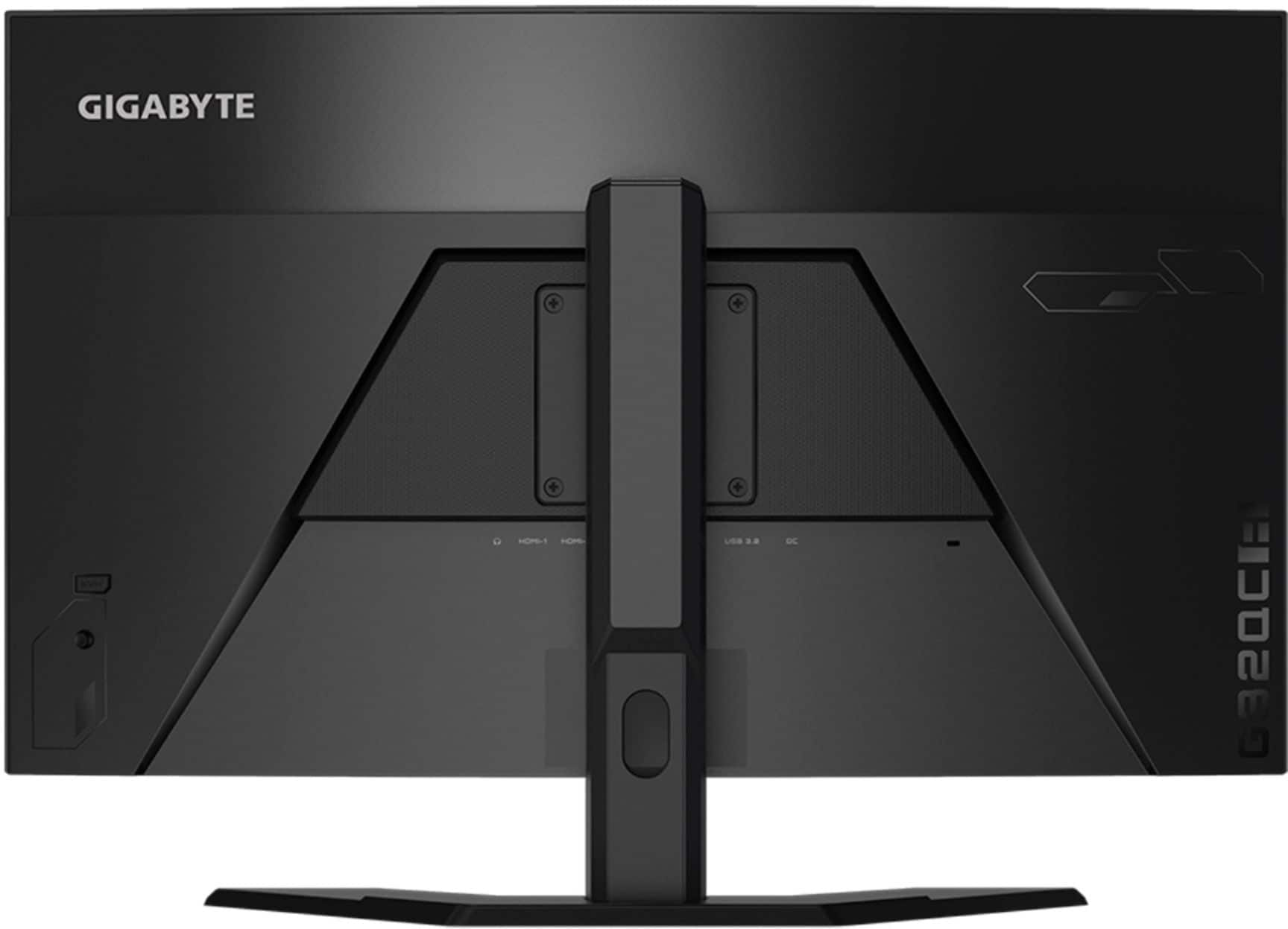
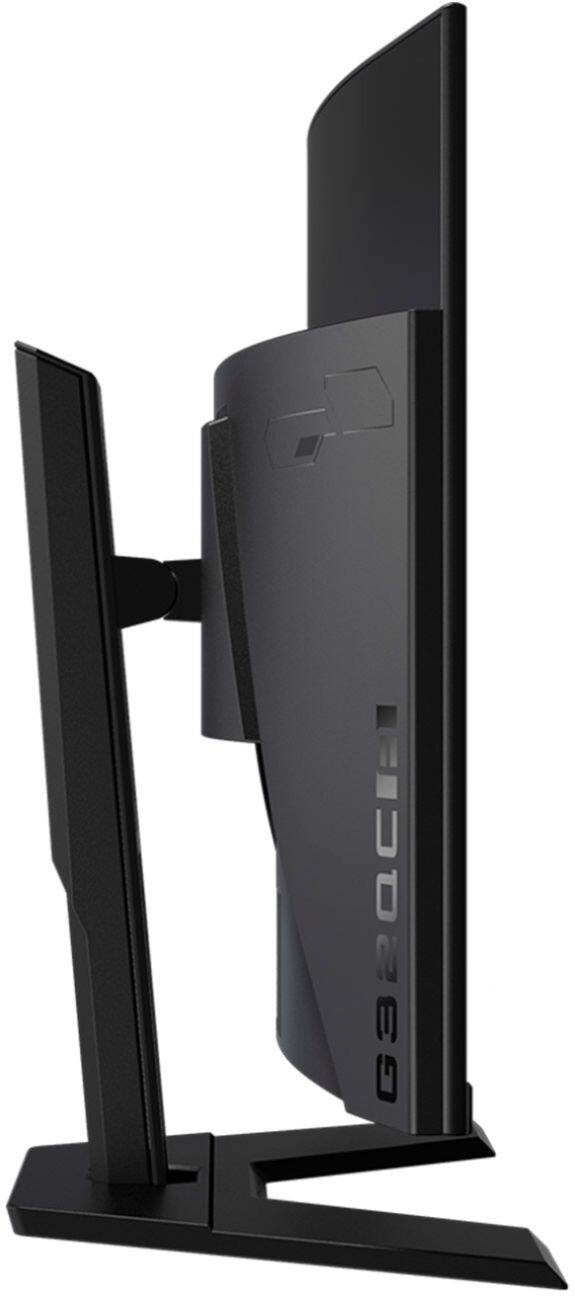
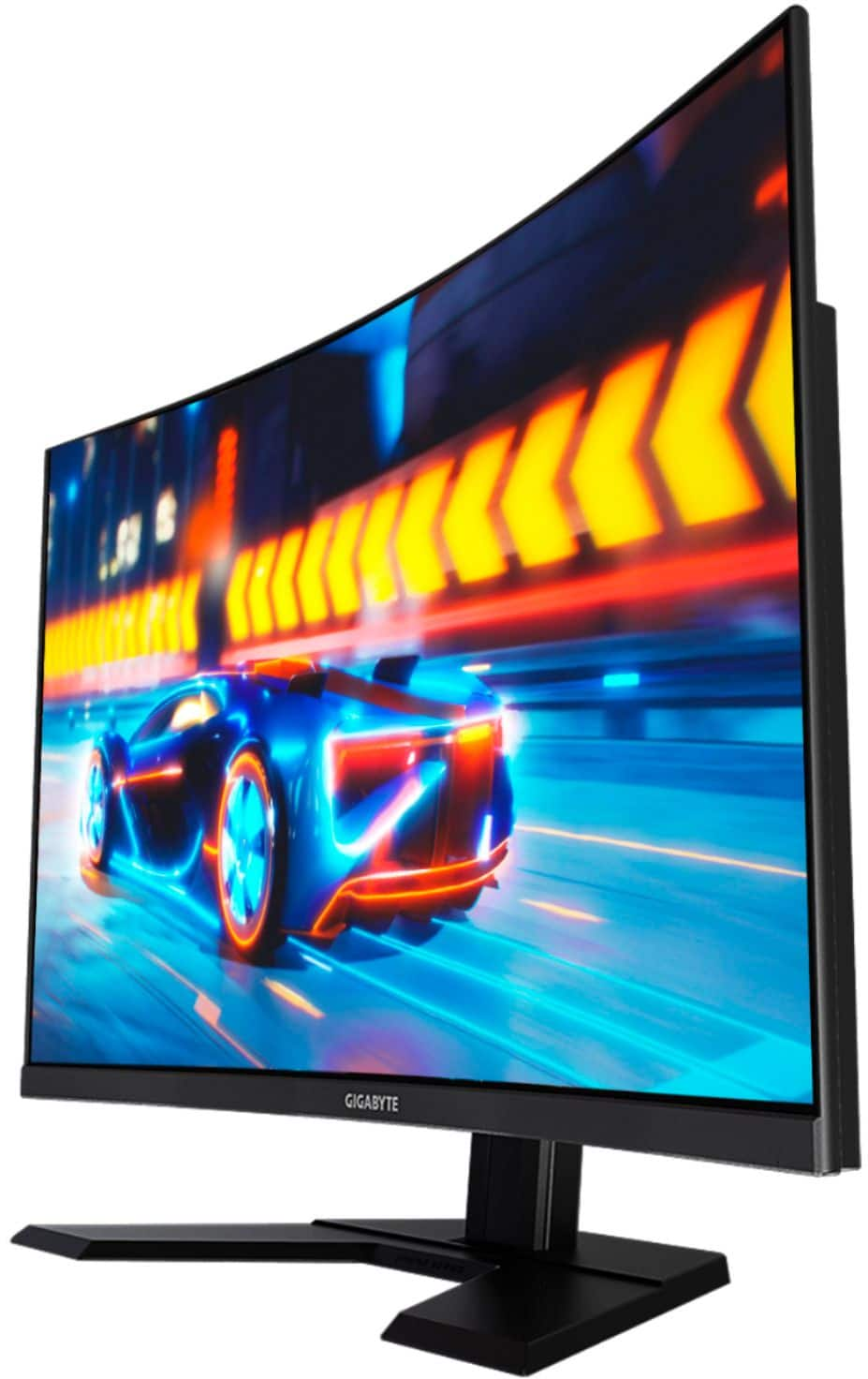
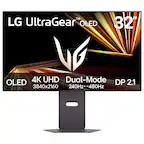
The monitor doesnt have a swivel stand and only supports tilt and height adjustment with the included stand. If you wish you can remove the stand and install a 3rd party stand via the VESA 100mmx100mm screws.
Hope this helps!
- John
A:AnswerHi User,
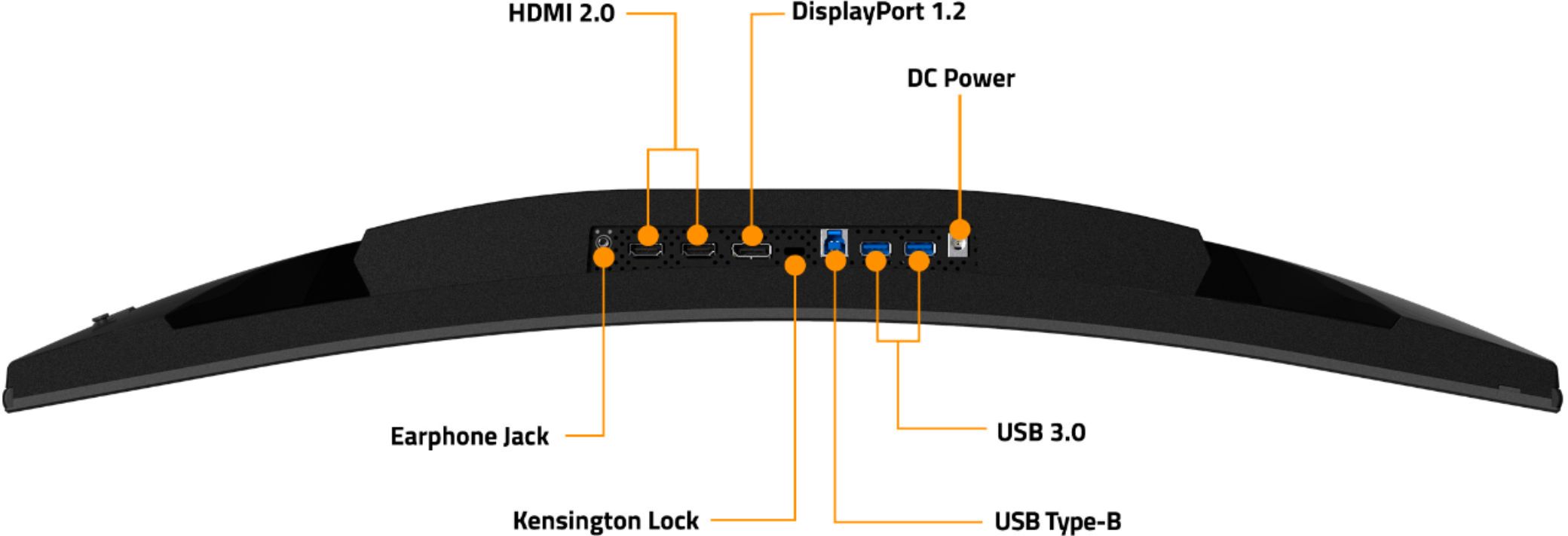
The monitor will require an external media device to be able to play music and doesnt support MP4 through the USB port without an external device.
Hope this helps answers your question!
- John (Gigabyte USA)
A:AnswerHi User,
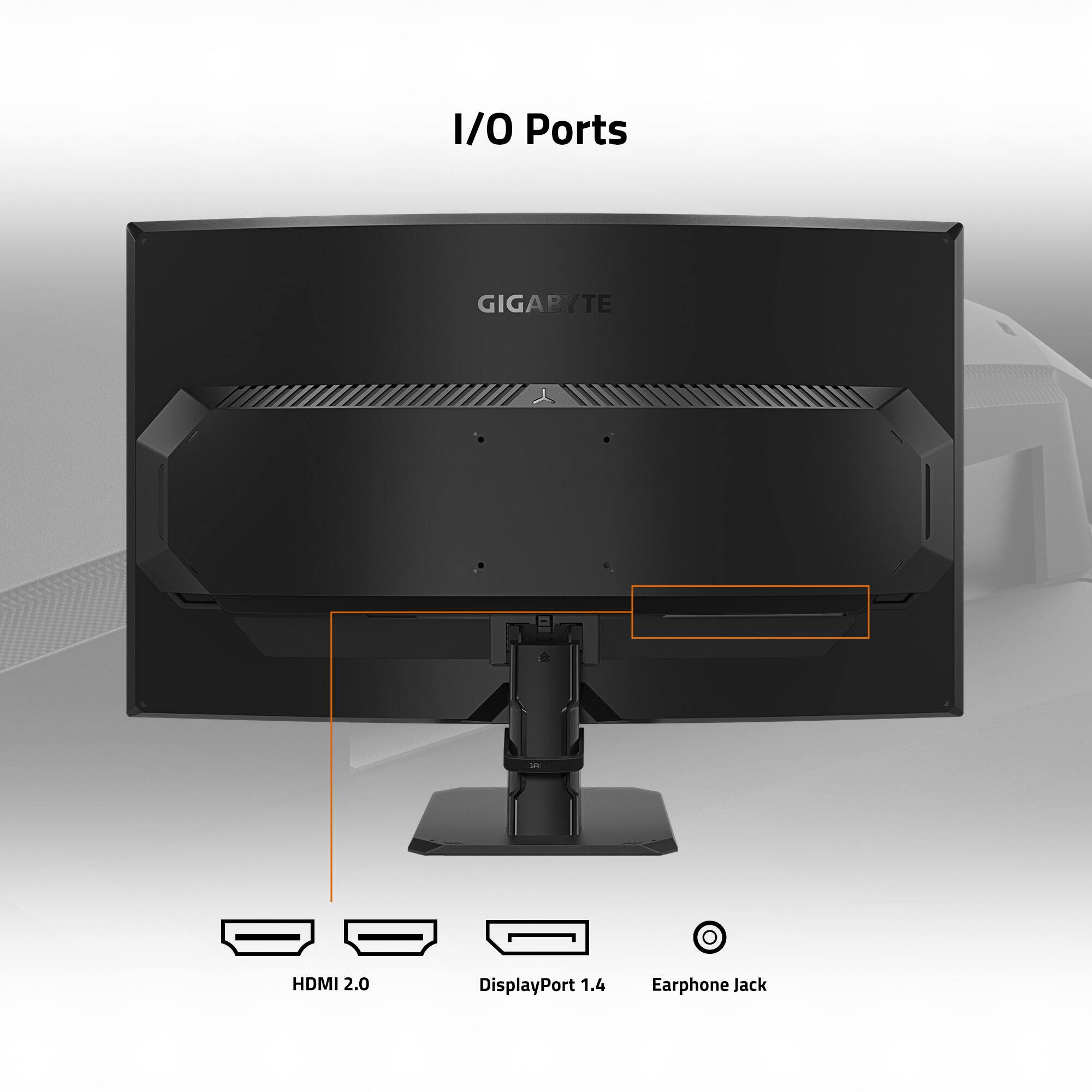
You can switch between the different inputs using the OSD. The joystick will be on the left side of the monitor where you can switch inputs easily between devices.
Hope this helps answer your question!
- John
A:AnswerHi Tyler,
Yes the monitor does support 120hz VRR with the PS5 at 1080p
There will be a future patch that enables 1440p use as well.
Hope this helps!
- John
A:AnswerHi Cam,
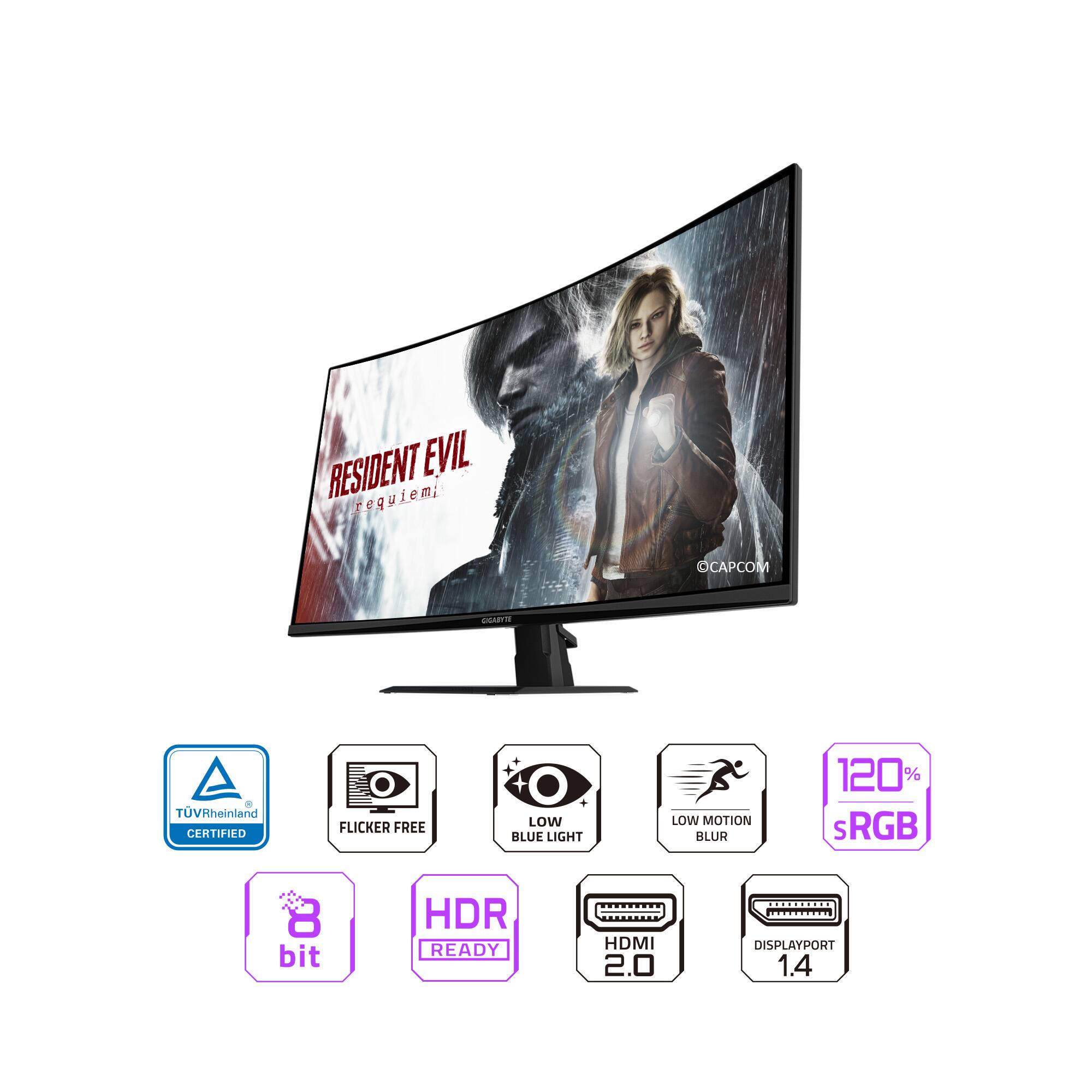
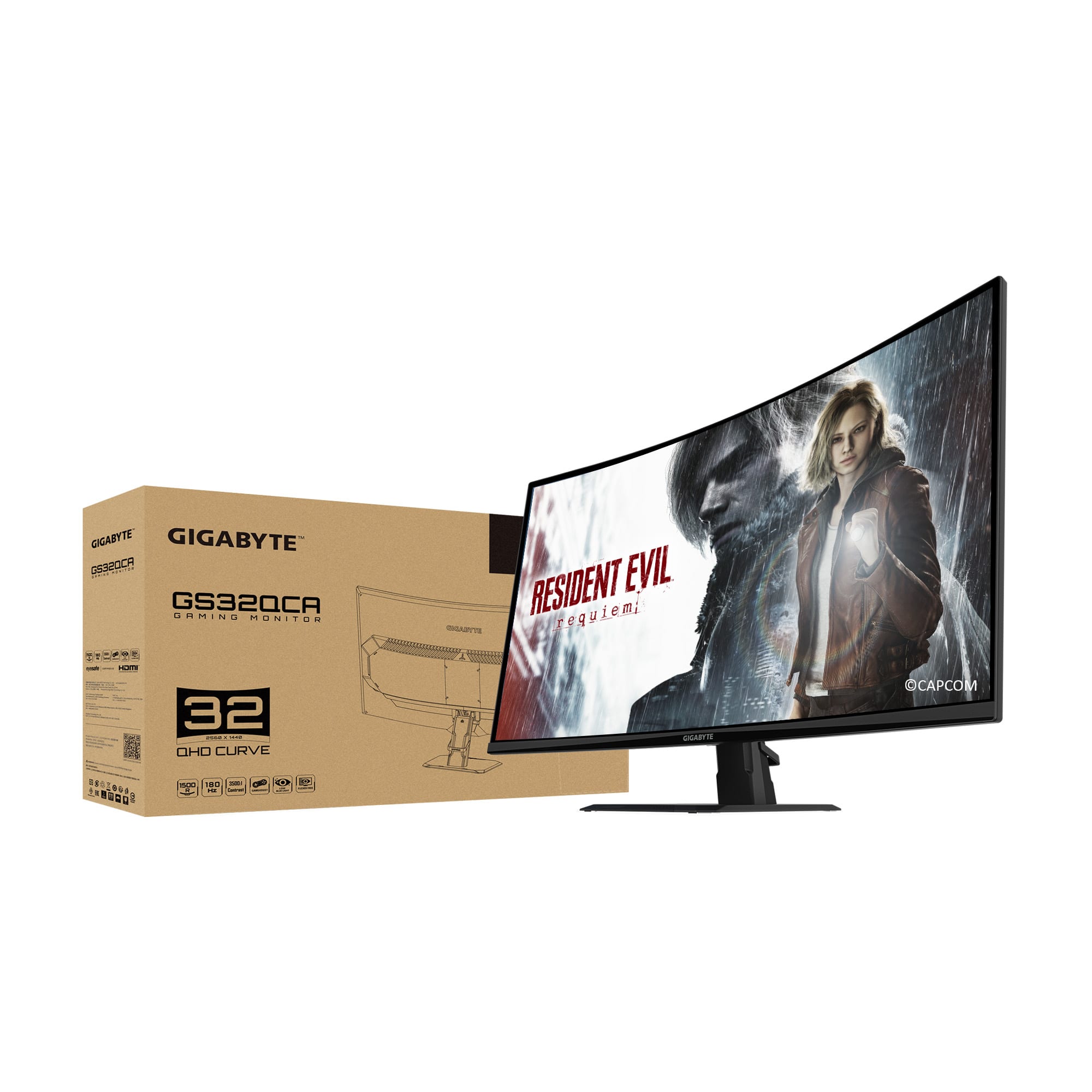
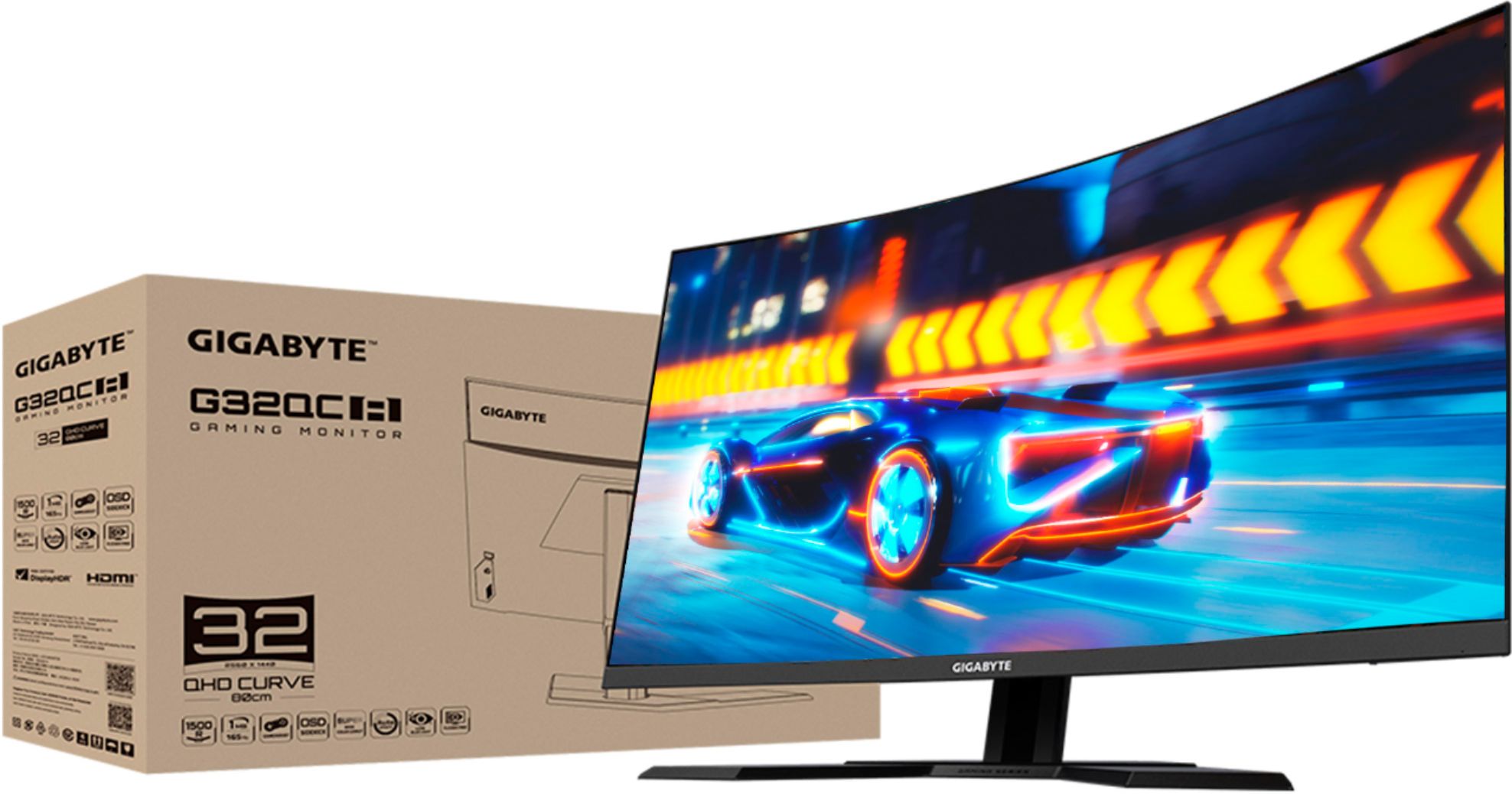
The G32QC A only supports resolutions up to QHD (2560x 1440p)
You can play 4K content on the monitor but it will only display the max amount of pixels available on the monitor. If you are looking for a 4K alternative to this monitor i would look into our M32U monitor.
Hope this helps!
- John
A:AnswerHi Shy,
Yes this monitor is fully compatible with the latest Gen Consoles.
You will be able to use 1080 120hz via HDMI.
Hope this helps!
- John