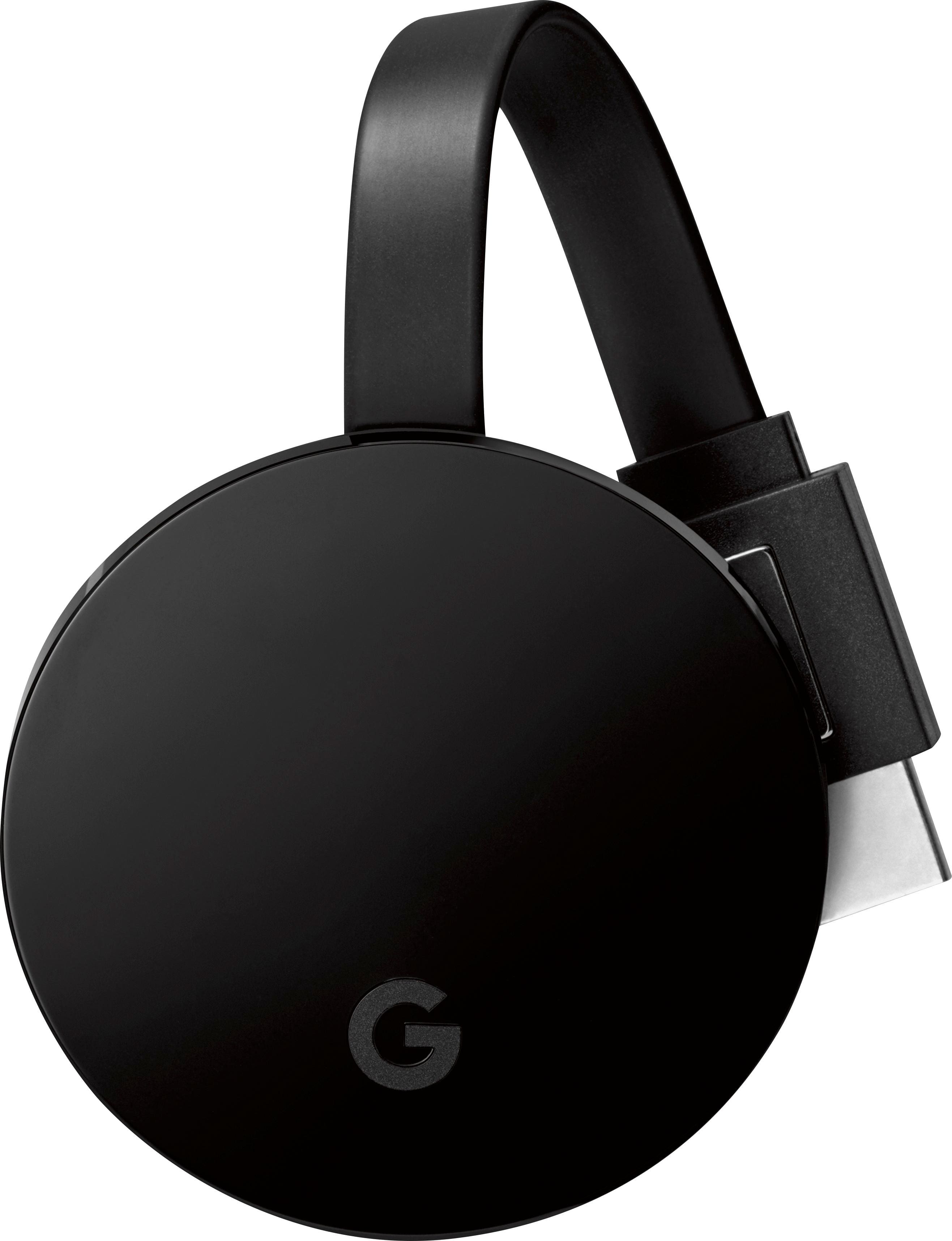
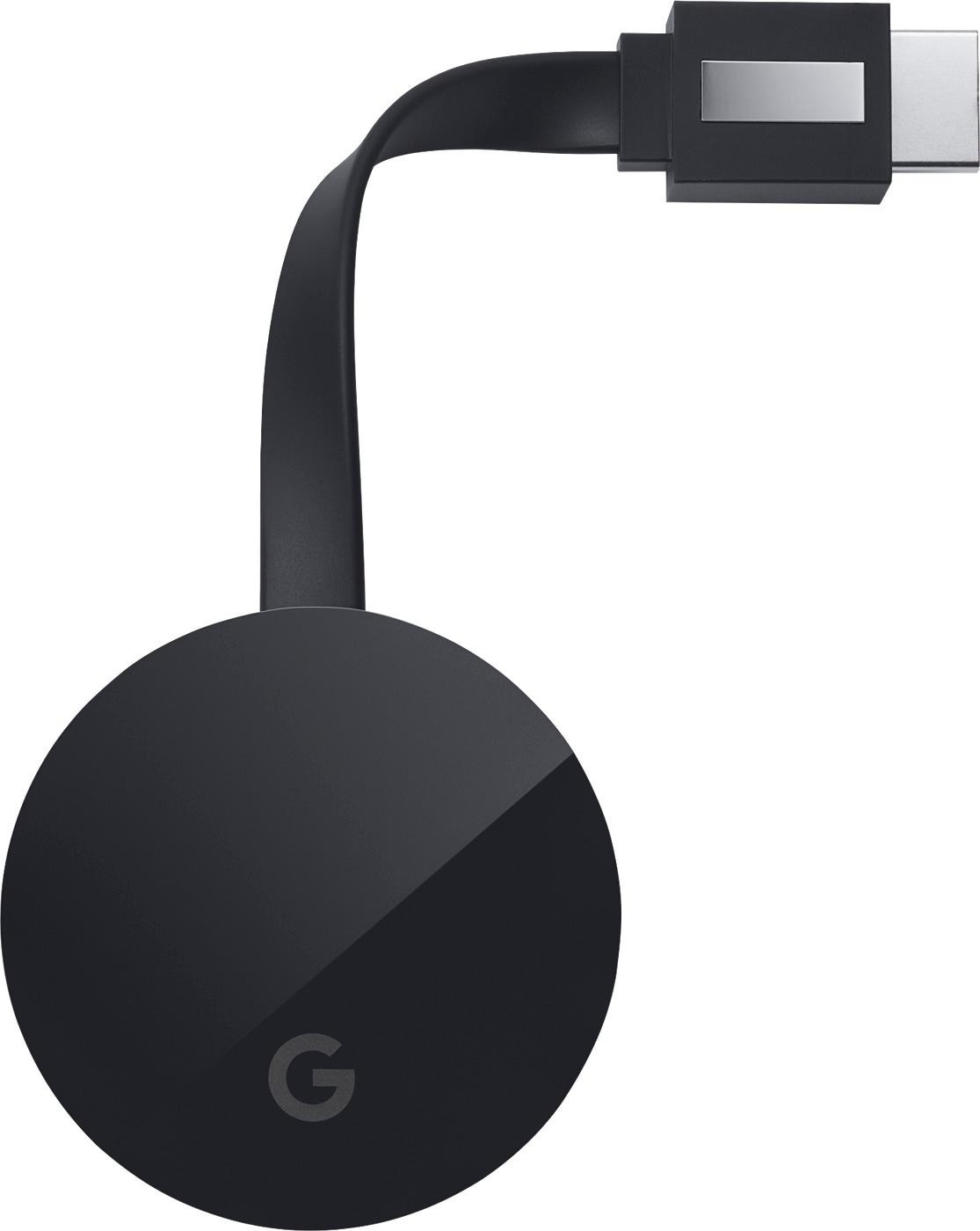
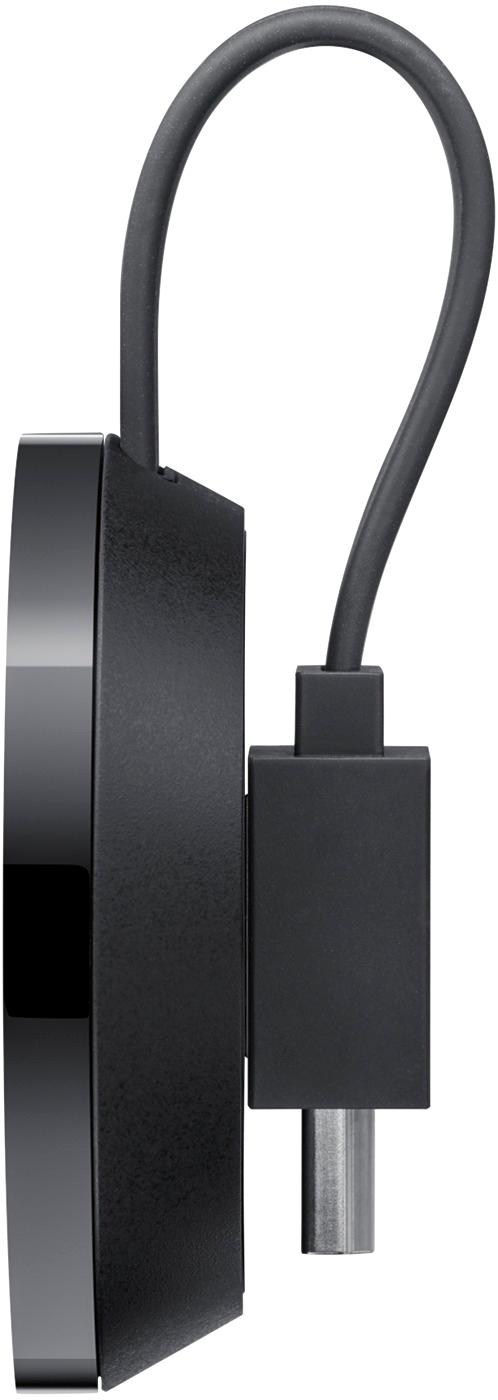
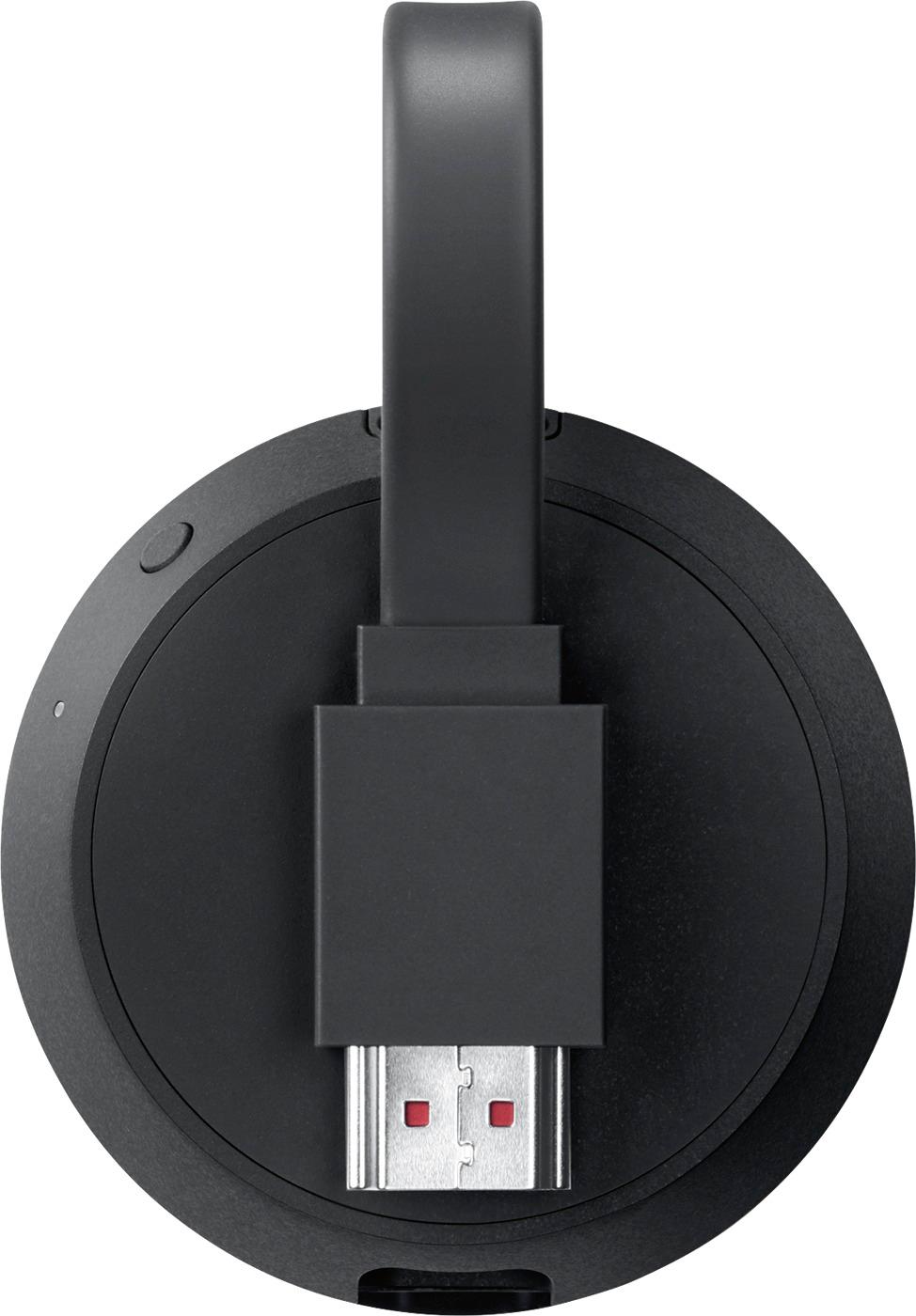
A:AnswerMost likely you need to beef up your broadband capacity.
Or if you are broadcasting from more than 20 odd feet or from a different room, this would be your root issue.
A:AnswerHello!
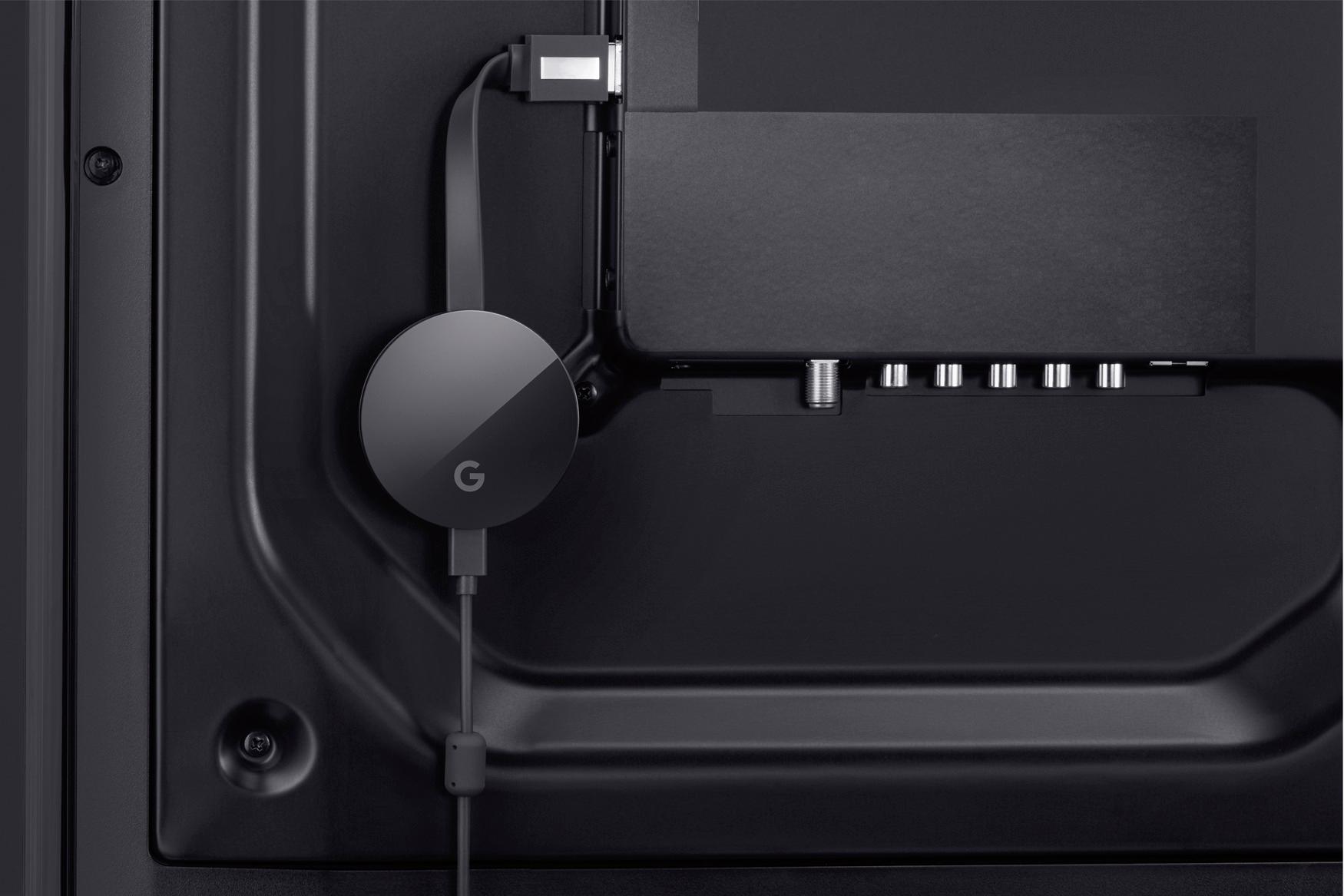
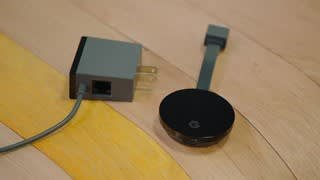
You need to remove the whole power adapter, is not removable USB technology, but you can connect a similar USB adapter, keep in mind the voltage (5V) I use my Iphone adapter with not problems at all.
A:AnswerI think you may to set up the chromecast as it requires activation. Once it's set up though I don't think so but you would be limited to casting only pics or downloaded content from a mobile device. Not 100% certain though as I haven't tested it out.
A:AnswerDepends on your meaning of this....
Usage of the Chrome Cast devices always INITIALLY requires a secondary device.
In short;
No the Chrome Cast devices do NOT have a SIM card slot...none of them do. (Thus a SIM card can NOT be placed inside a Chromecast or connected to the Chromecast physically)
Yes, the Chromecast devices can use the SIM cards Internet connection of néarly any device with a SIM card placed inside of it. (Over 99% of them at least support this, there are exemptions but those are highly unlikely)
To get a chromecast started or to use the chromecast you need a device to control it.
Nearly anything with a wireless connection will do to get it to work.
(((However app casting or Miracast/Device Mirroring support is required...without that a chromecast is wrather pointless, however néarly any (wireless capable) device supports the chromecast devices)))
A:AnswerNo, it's for casting. It will transmit from a computer, tablet, phone. Then receive and display the online content on a larger display (ie TV).
Hope that helps.
A:AnswerThe answer to this is....
The question that answers your question;
Does your TV support remote control trough HDMI?
If it does then yes whenever the chromecast is provided power it can wake-up a HDMI display or TV. (Keep in mind many TV's provide limited amount and more often no power of TV is in standby/off mode/state...thus whenever no power to chromecast thus unable to power on display/TV.
Turning it off is less likely to work, tho not in imaginable. (Model, Brand and firmware/software dependant...as well as what app-lication and device is used to control it)
(Also since devices capable of turning on often don't require the capability of remote over HDMI since it simply detects for a incoming signal...signal received and thus send from chromecast it turns on thus that works....same for turning off)
Thinking back and looking to my writing, it is likely it will do so due to receiving and loss of signals, thus remote control over HDMI seems optional...tho the advantage of remote over HDMI could be auto switching to correct channel as well as volume control of tv fróm chromecast)
My galaxy S4 for example has an Infa Red IR sensor, with the use of Google-Assistant* it could potentially also turn off the TV since Google's assistant could potentially utilize the IR sensors.
YES, HDMI is nearly capable of Full fledged control, however this is more ofthen available for remote control enabled devices like new gen/rev/age bleu-ray players and set-up boxes like roku for example.
Can it be done?
Yes there are scenario's where a chromecast Is able to power a TV and display on and off....
Will it do so?, that depends on several factors and mentioned above.
For obvious reasons only if a TV is in a state where it can be powered on/off with the remote that it can be done true HDMI.
A:AnswerNot all apps are able to cast to the chromecast, but most of the Media related ones are: Netflix, Hulu, Crunchyroll, Youtube, Pandora, etc.
For the 2nd question, the chromecast is not able to navigate the internet by itself, but you can cast (stream) what you do on the chrome browser from a laptop to a TV or monitor connected to the chromecast. This means that you could use the TV/Monitor as a 2nd screen for your computer but not as a browser itself. This can be achieved by installing google Chrome and going to settings (the 3 dots on the upper right corner) and clicking "cast".
Hope this helps.
A:AnswerNo. This is not a Media Player. It's misleading because most reviews compare it to the Apple TV, Shield TV, Roku, and Fire TV. It is not like any of those devices. It is literally just a device that will let you "cast" some of the content on your smartphone, tablet, or computer to your TV. Most Smart TV's have this capability, so unless your TV doesn't, I wouldn't waste my money on this.
A:AnswerI really don't see any reason why not. While I don't know how good Internet is in the Bahamas, as long as you have good internet connection and watching online content, Youtube for example, casting to Chromecast will just work.
I want to say this in general. I believe as long as you have good Internet connection, perhaps 25Mbps at the very least, any streaming device will just work. One thing to keep in mind though that whether or not you can access online content from your location.
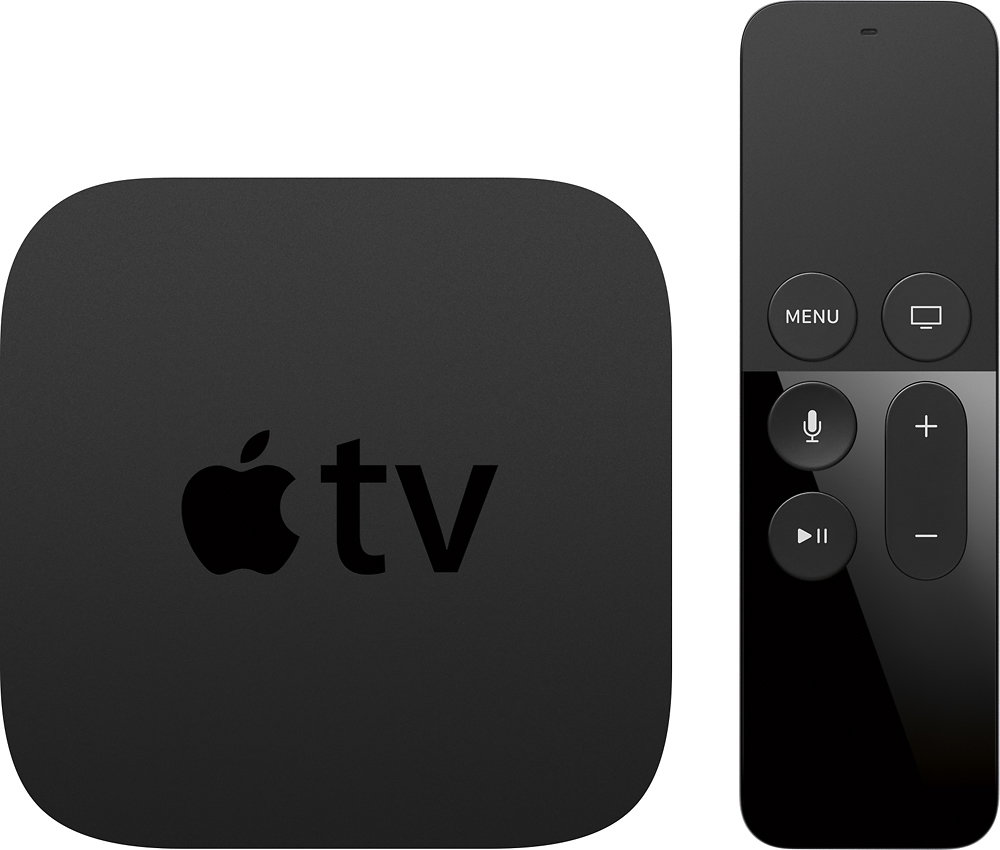
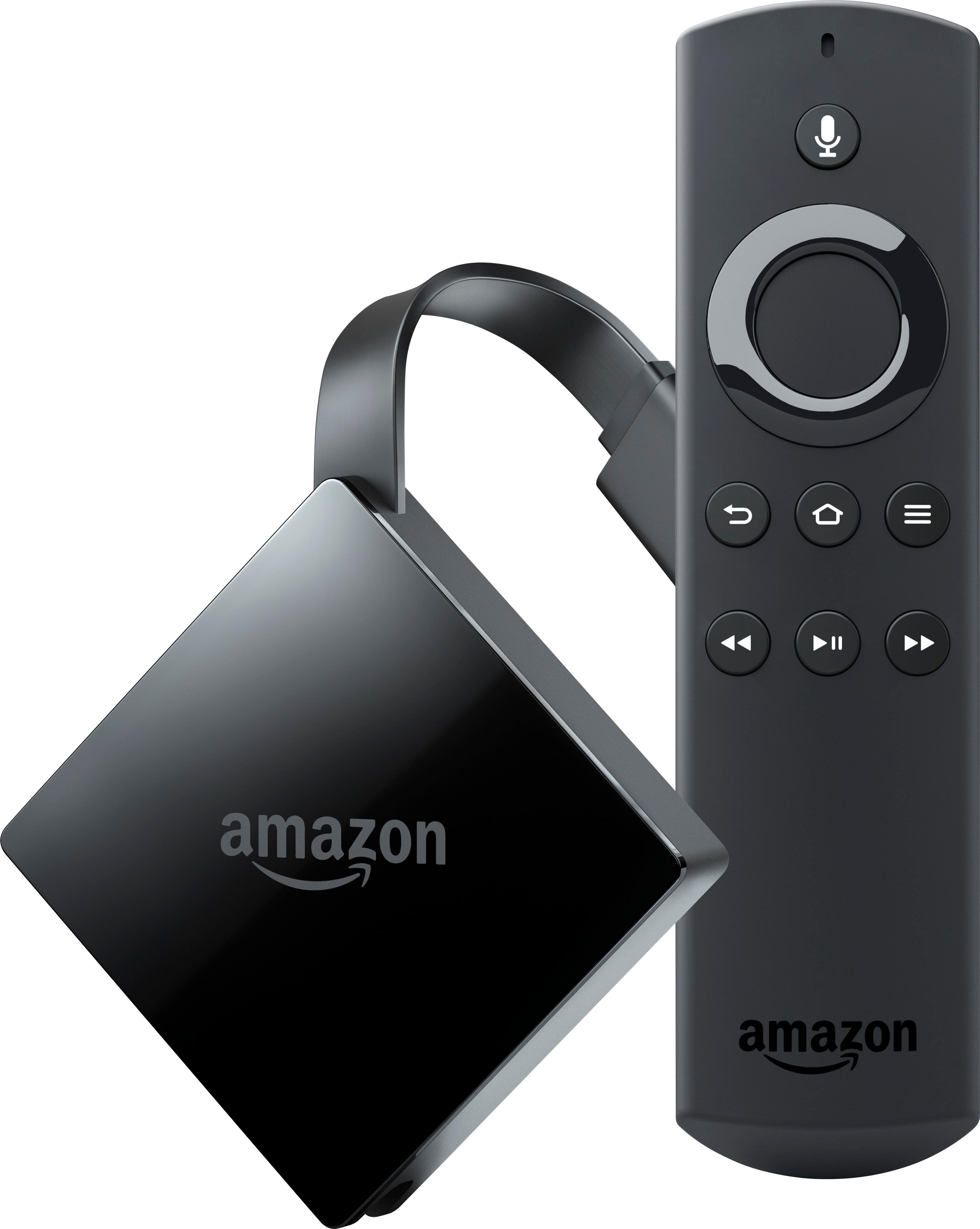
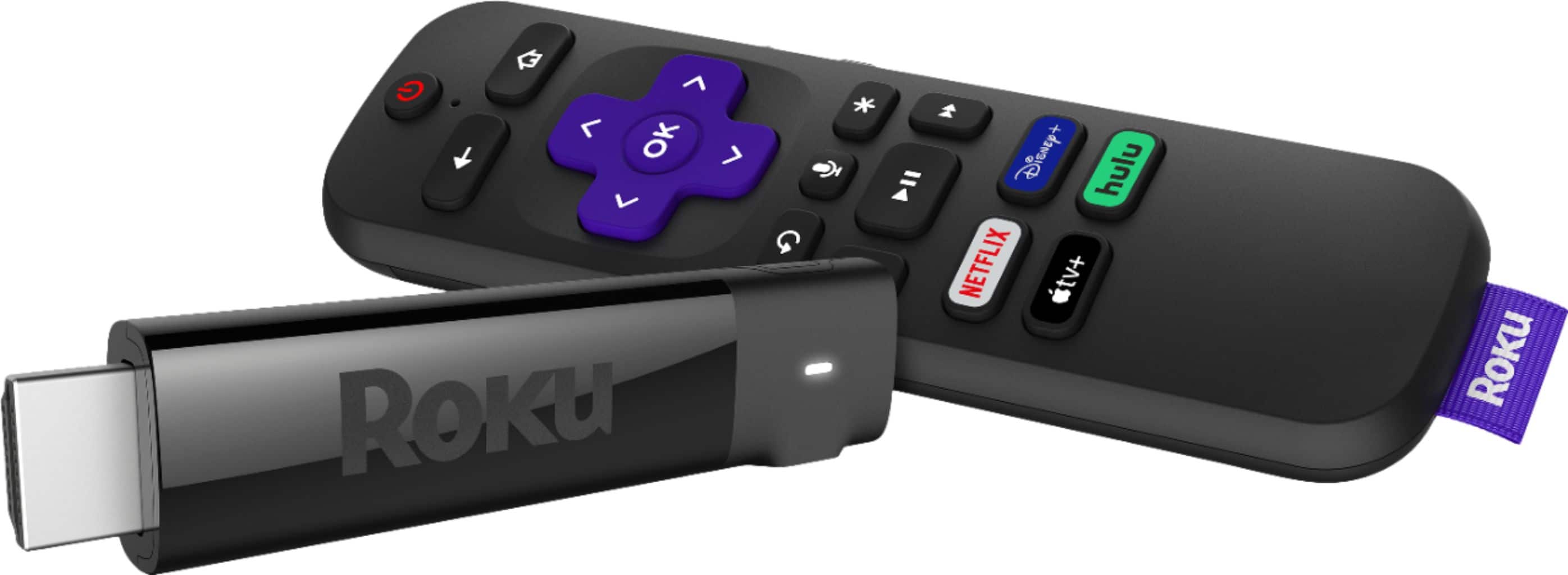
A:Answeras far as I know only chromecast compatible apps are supported. The DS video app is DNLA compatible but that leaves out Chromecast as it uses a Google protocol and is not UPNP. I would get a Roku or AppleTV or even a FireTV.