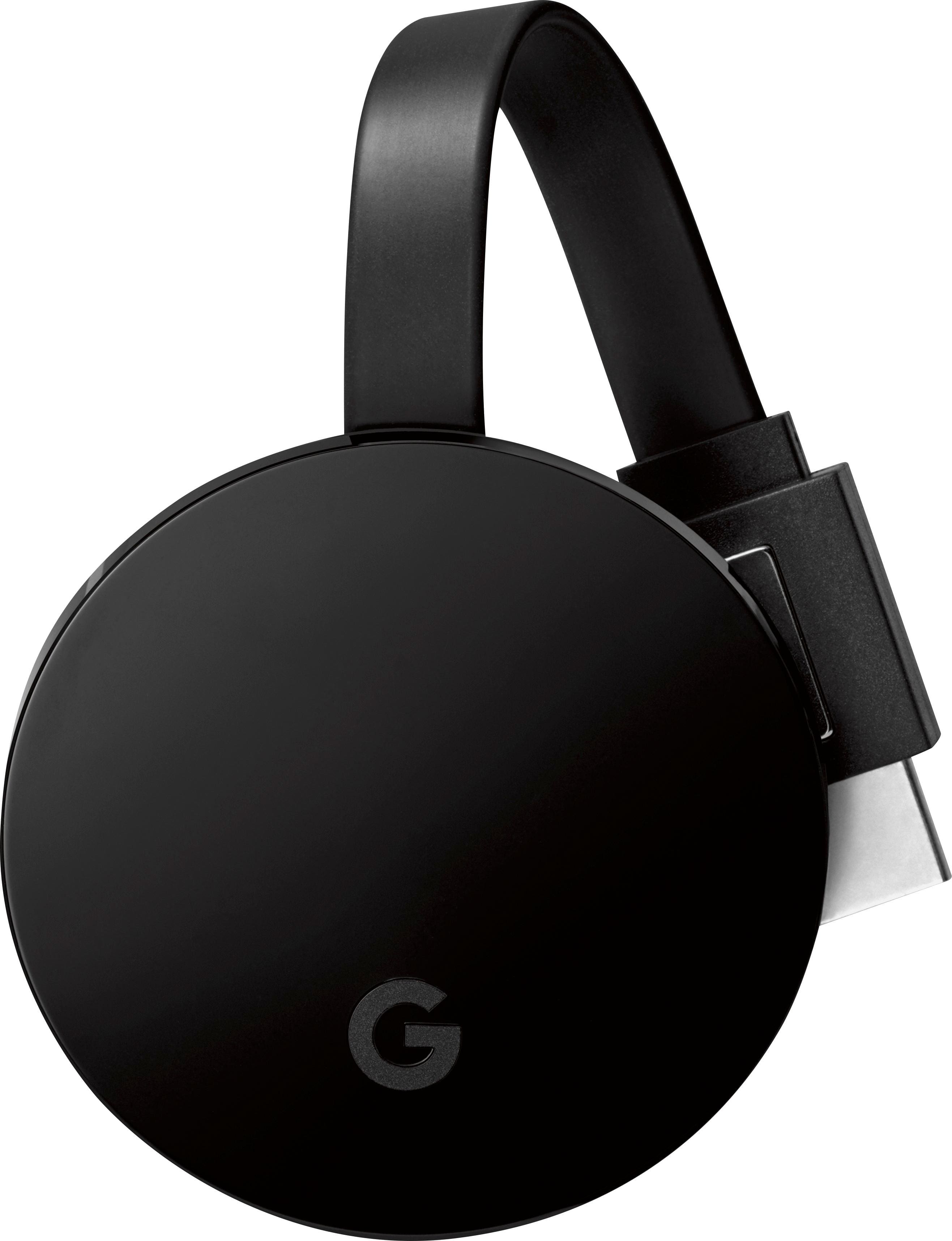
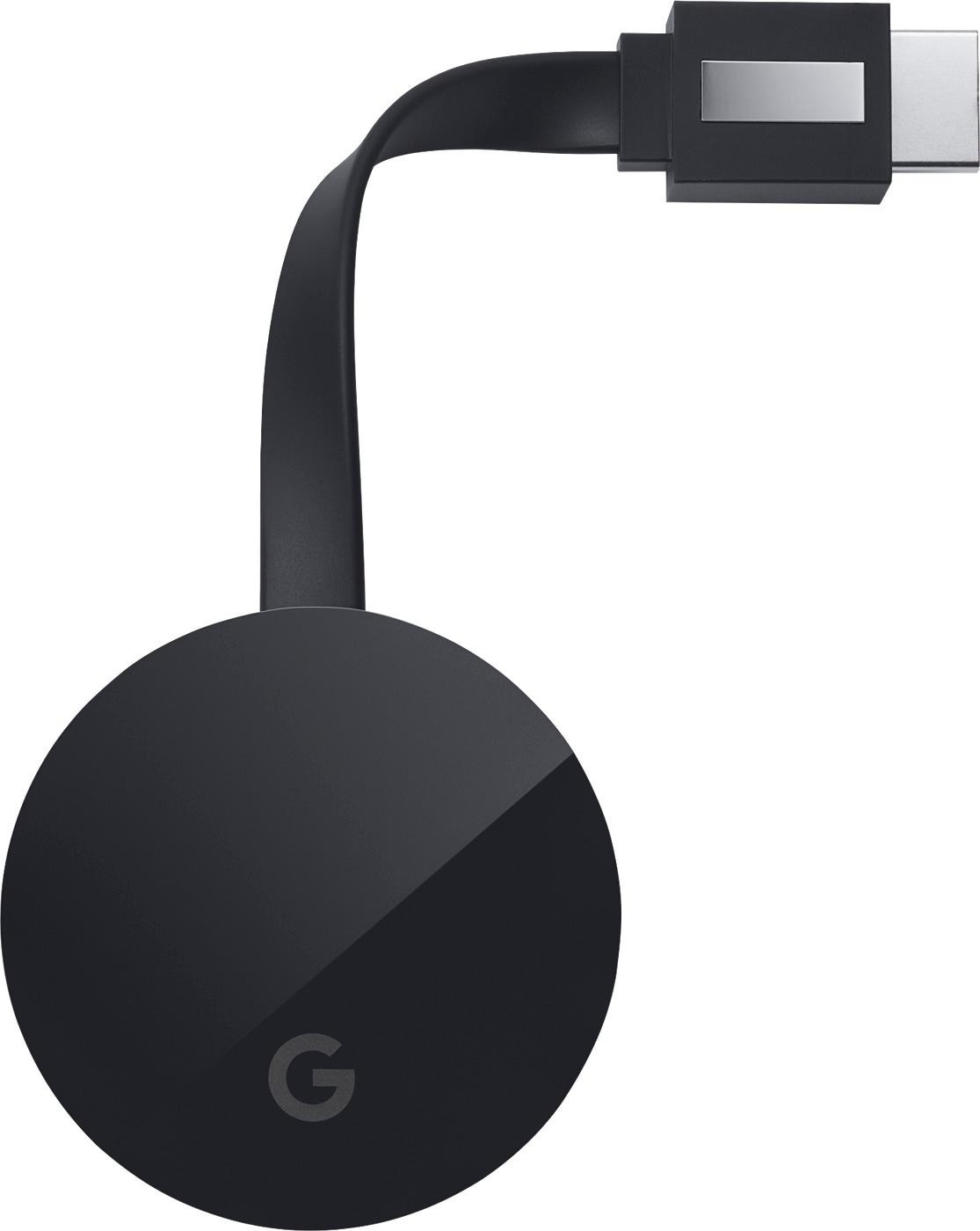
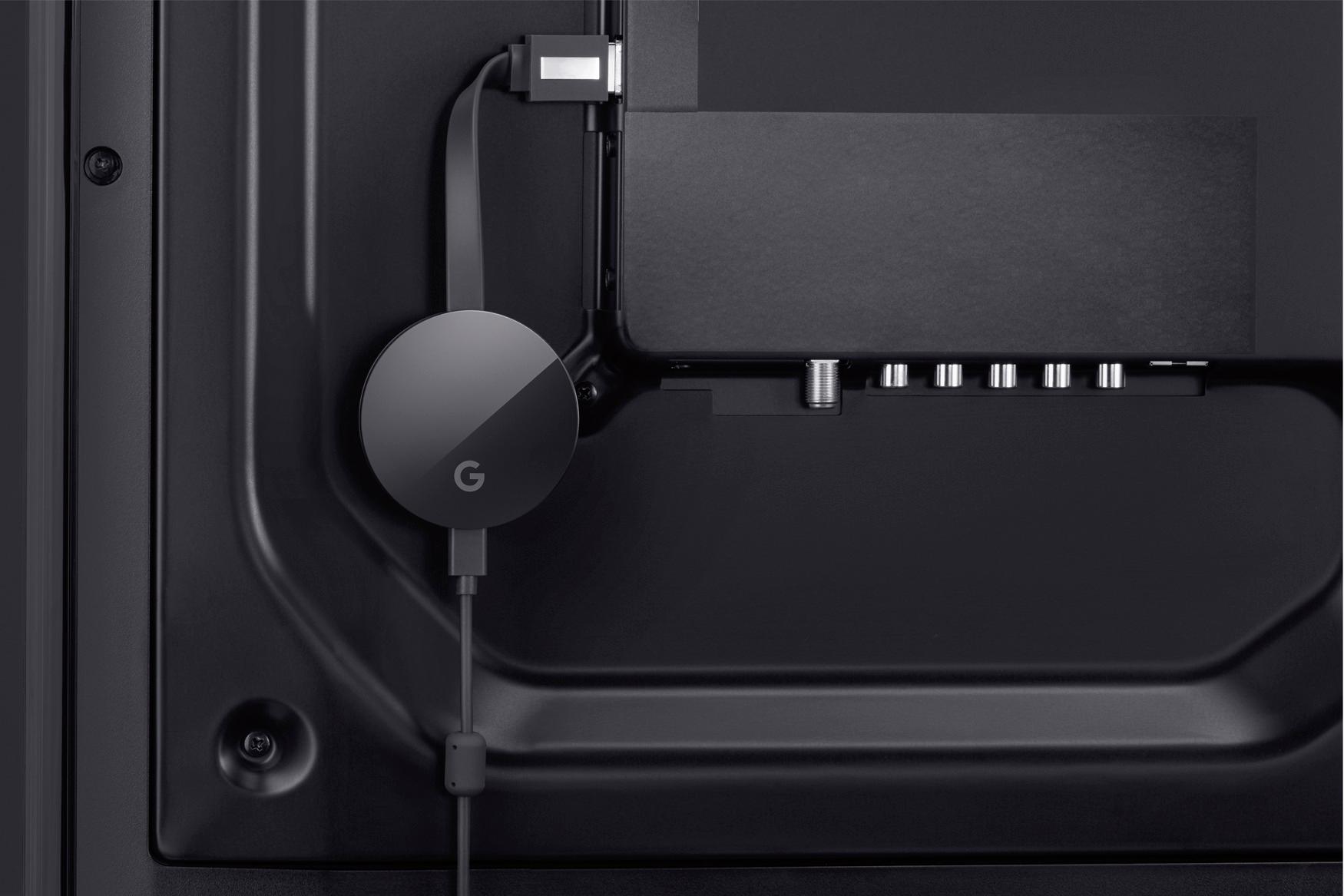
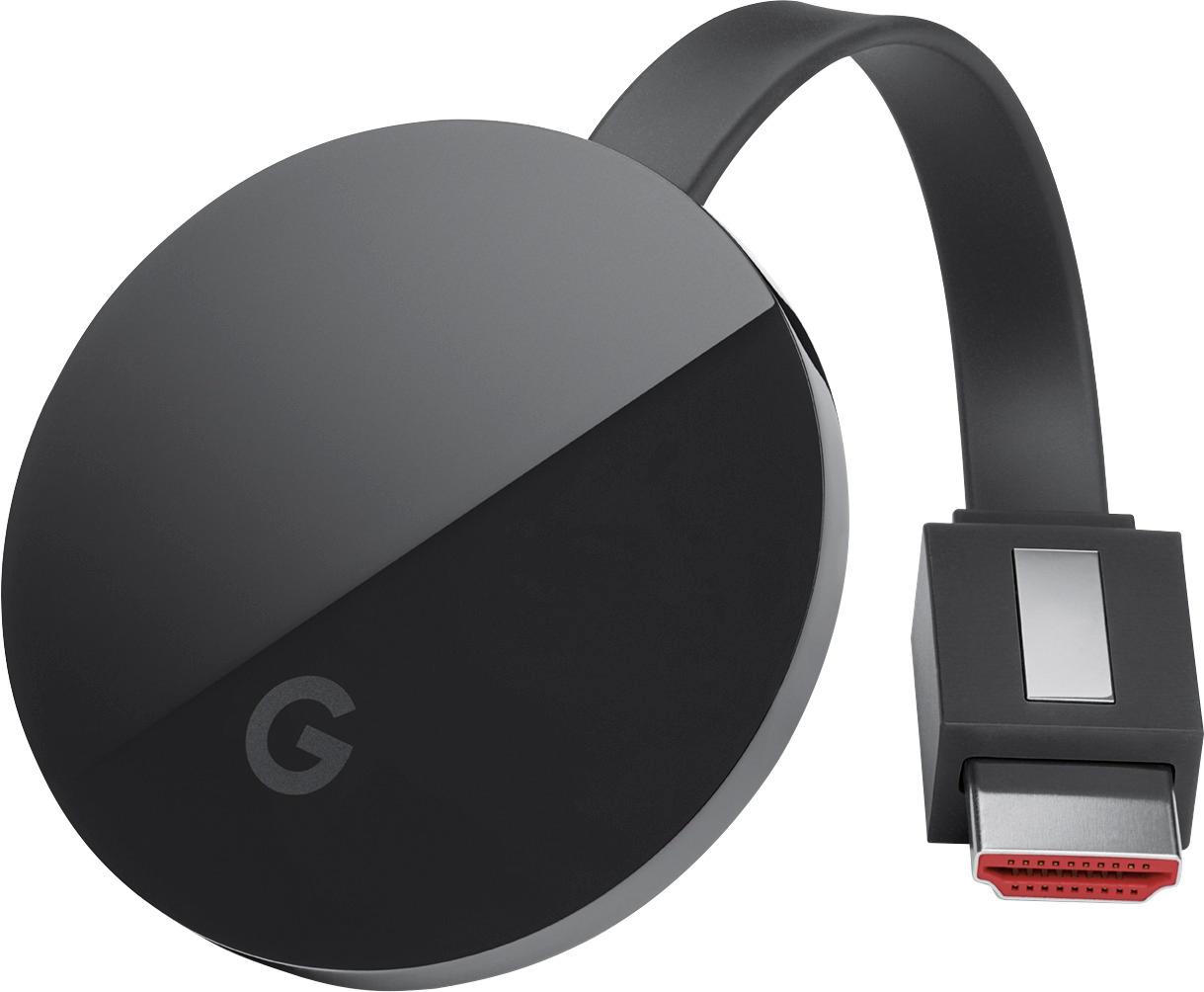
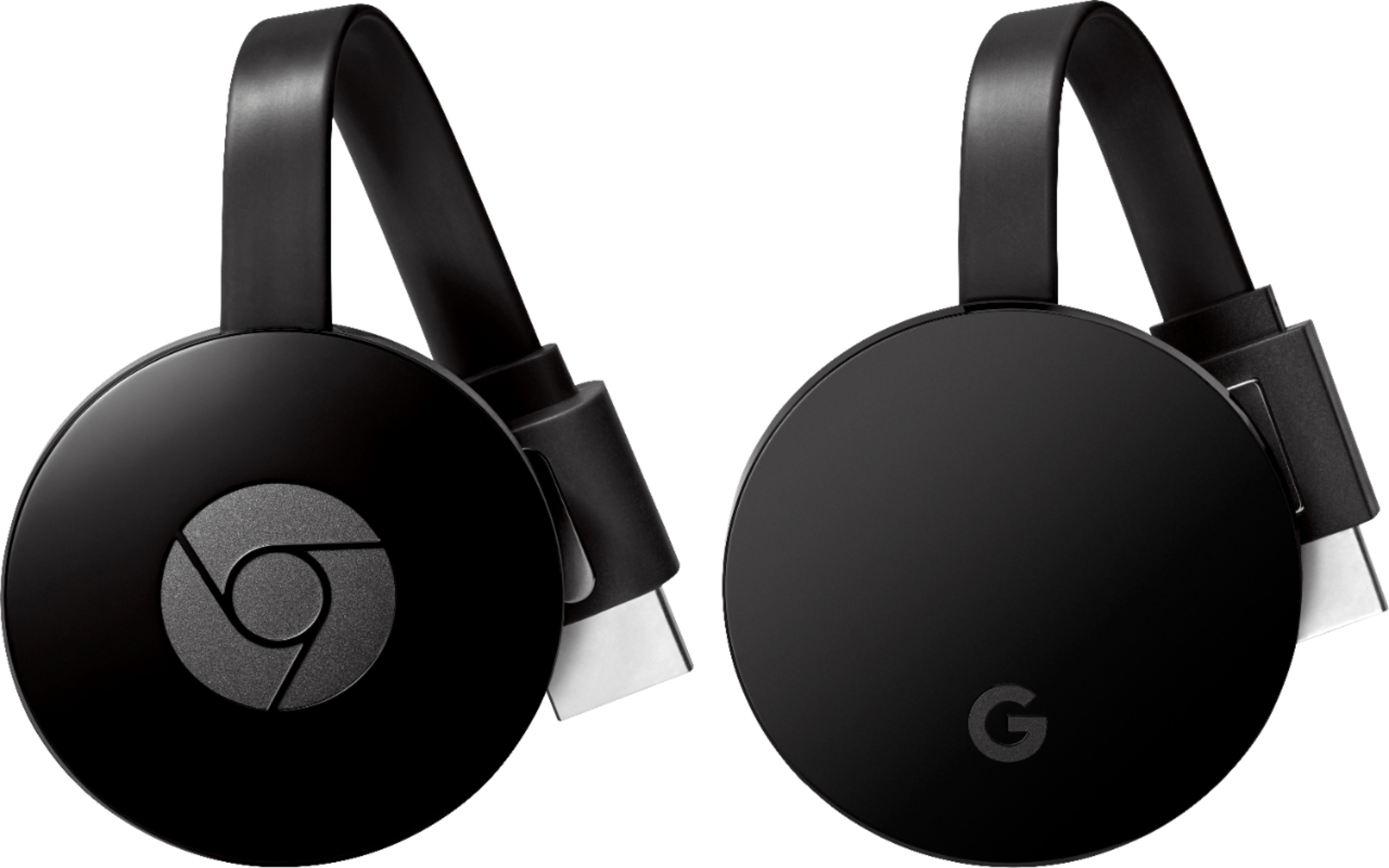
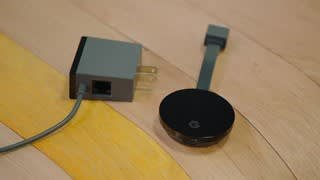
A:Answer If you have a Samsung phone (mine is S7) you can cast your phone's screen to the Chromecast and watch anything on your TV that you can see/hear on your phone, including sub-titles (if your app supports them). I've tried sub-titles with the VLC app on my phone and it works so you should be fine. If your SRT files are located in the same folder as the video it should work (if supported) just like the desktop version. You may have to load the SRT file.
If you're streaming straight from your Windows desktop/laptop I don't think VLC will work, because it currently doesn't support Chromecast streaming, although the VLC FAQ says they're working on it (no release timeline yet). I can't speak for other desktop apps.