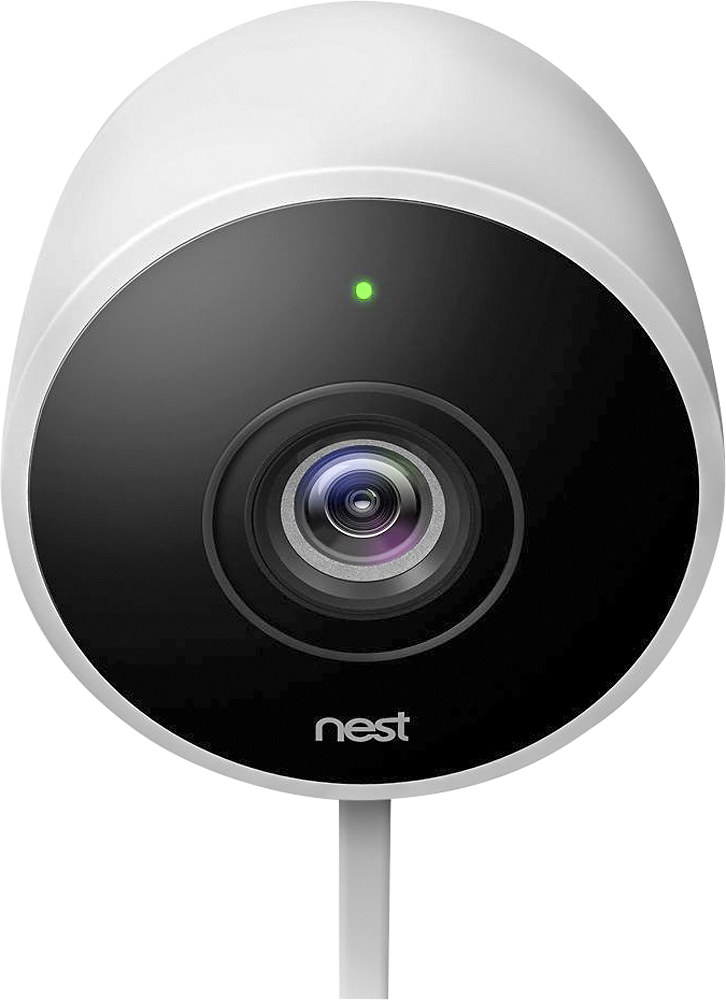
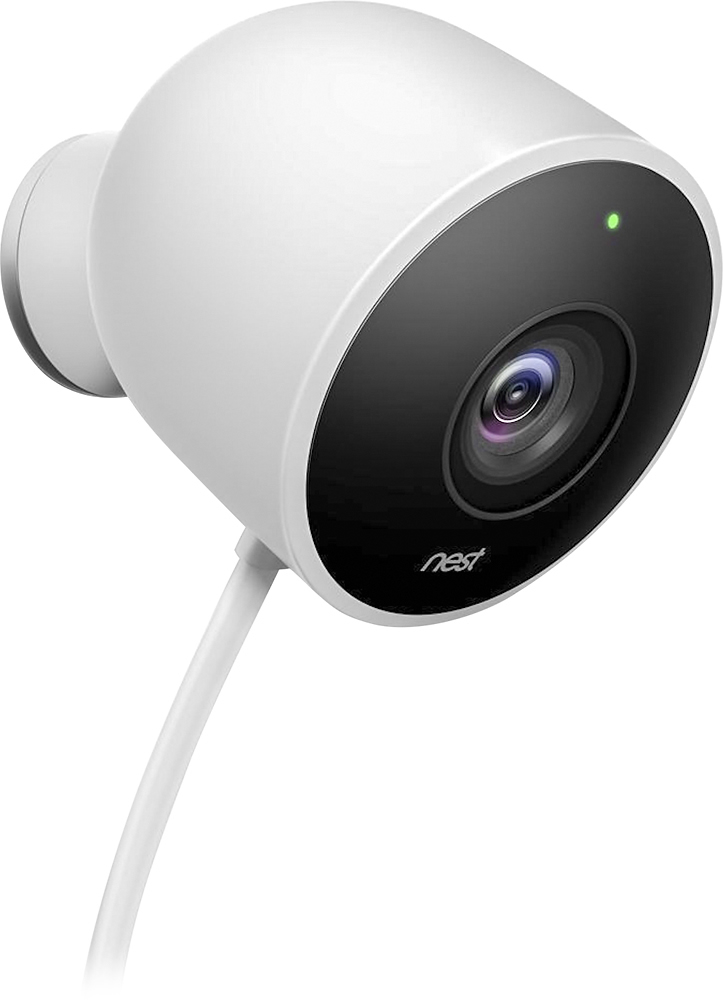
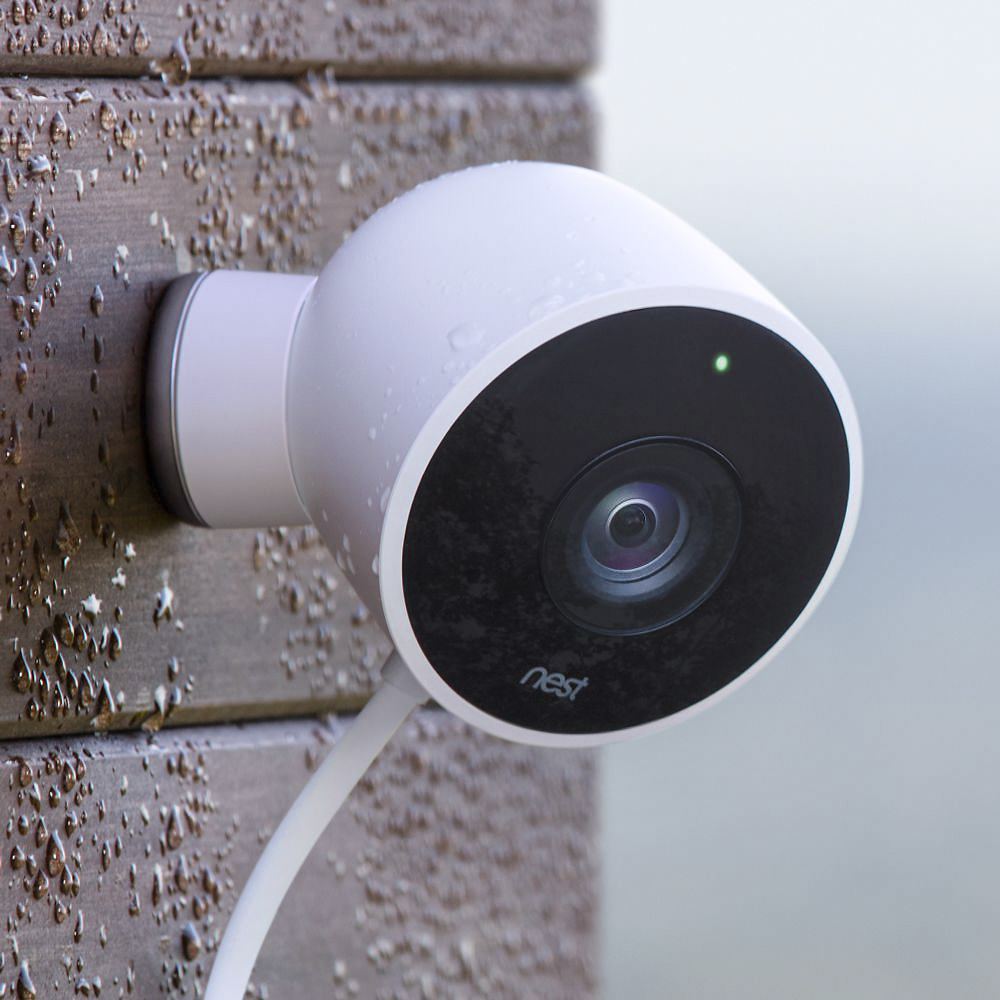
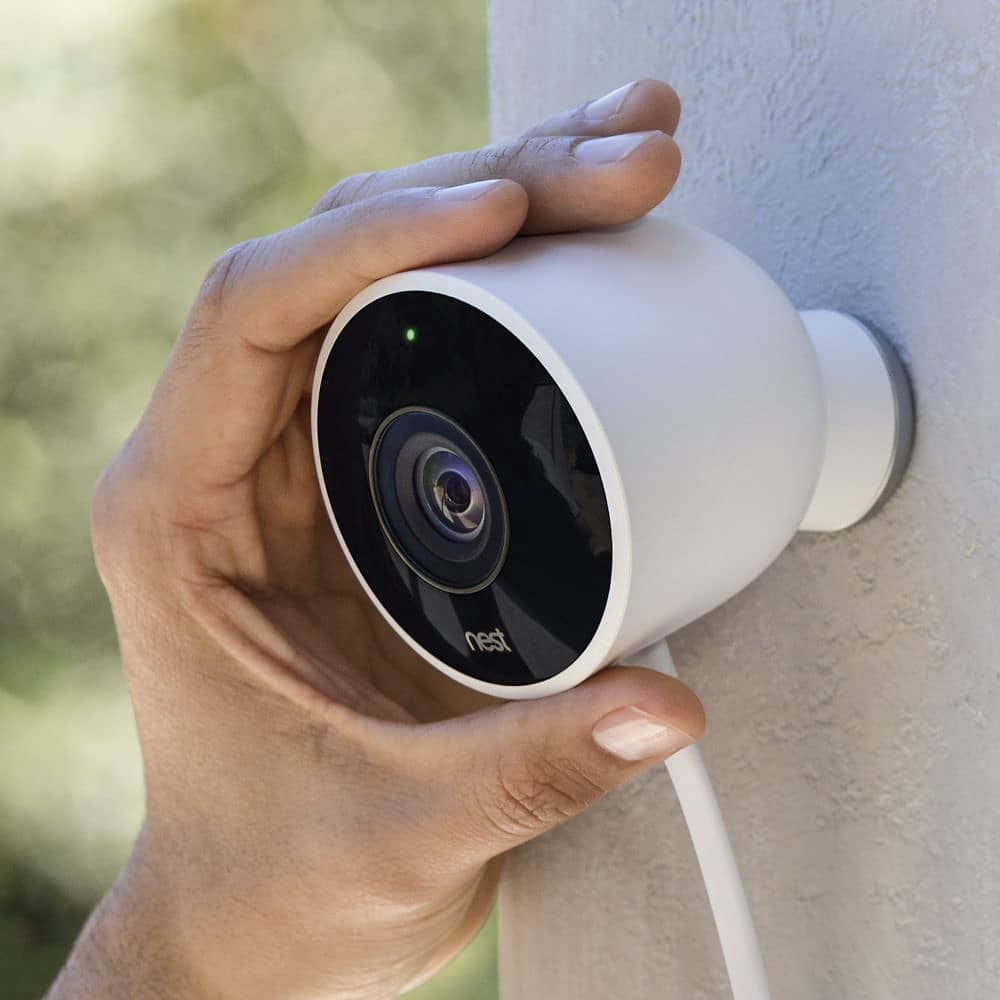
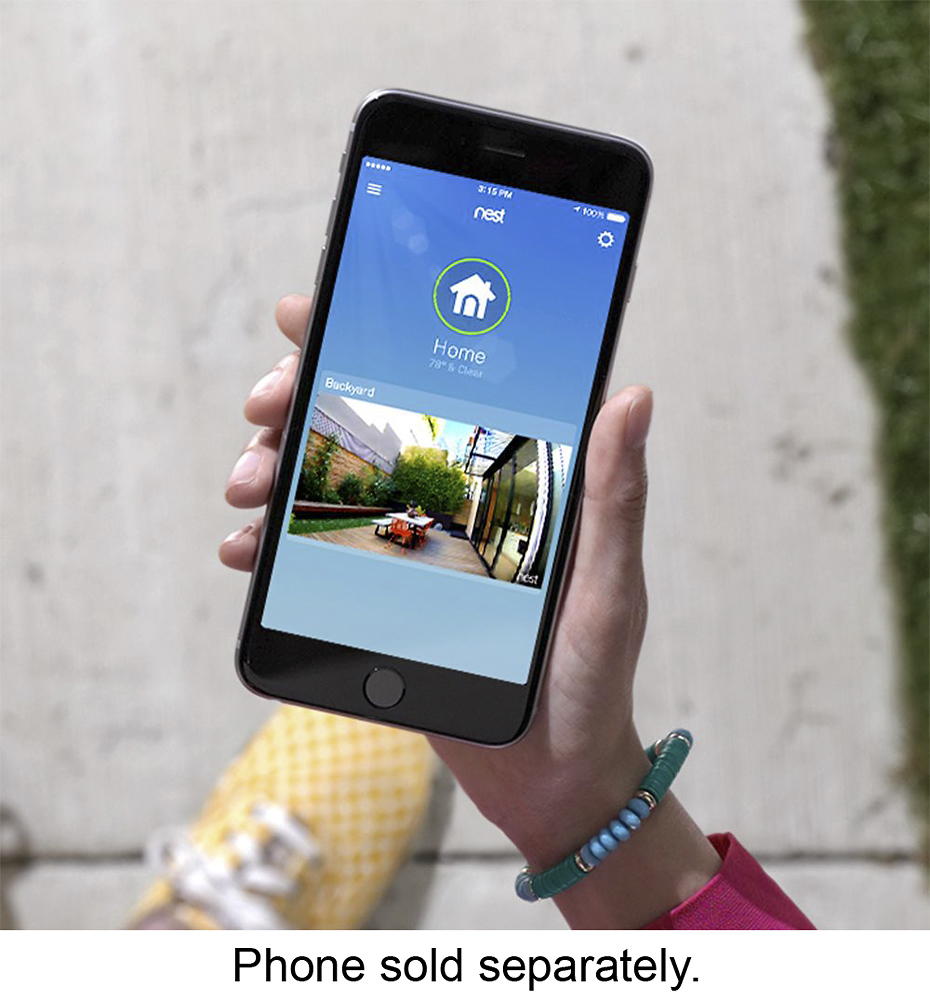
A:AnswerMine are on all the time and I have them set to send me alerts when motion is detected. I have 3 indoor ones and am picking up the outdoor one today. We have an indoor one in a window pointing out. The field of vision is amazing and I can zoom them using the ap. See photo. I got Lorex cameras for outside and really don't like them so will be returning and replacing with these. I have the recording subscription Nest Aware. They recently updated it. I have it set to email me when motion is detected. I got the 10 day plan and it's been plenty for us. They have a 30 day plan as well.
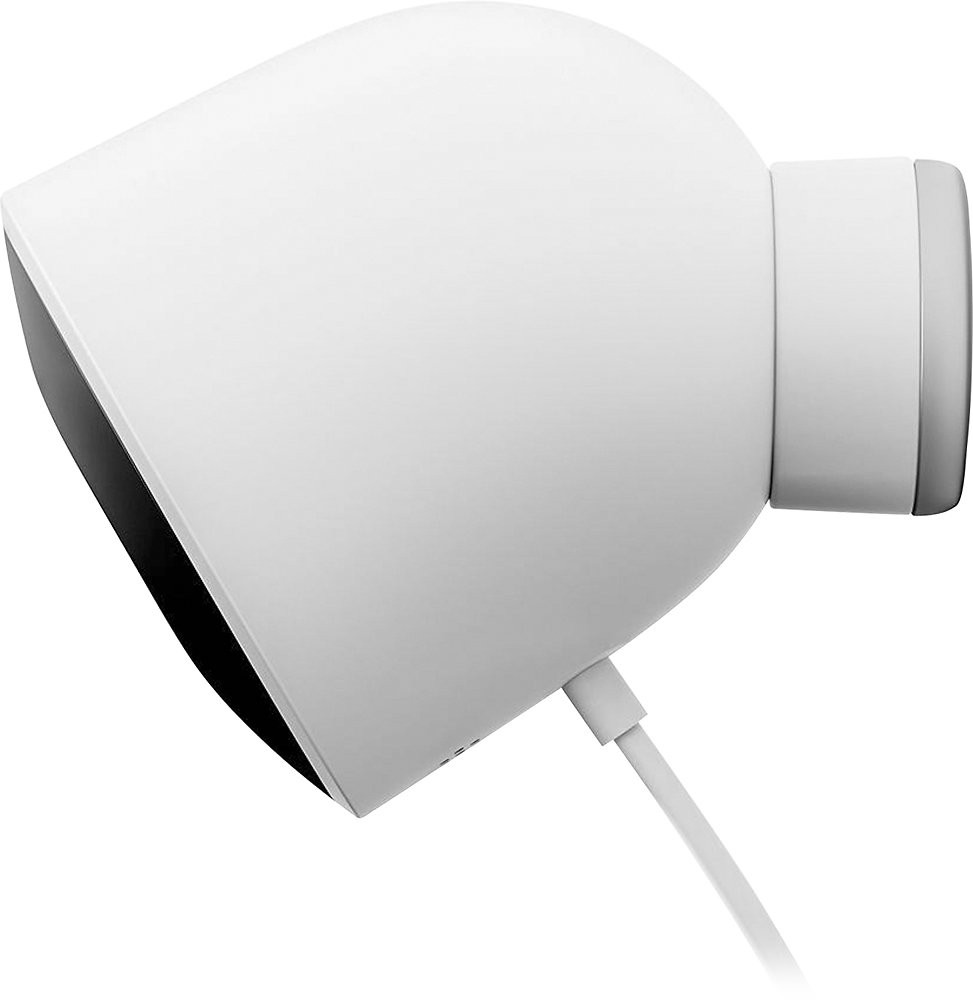
A:AnswerQ: Can the Nest Cam be mounted to the wall or does it have to use the magnetic plate? If its just on the magnetic plate, what would stop someone from just swatting the camera off the plate?
A:AnswerYou would most likely need to get a wireless router and place it between the Verizon box and your PC. By this I mean plug the cable from the Verizon modem into the router and then plug a cable from the router into your PC. Check with Verizon to see if that is even possible/allowed.
A:AnswerYes, it must connect to WiFi to work... but it's not truly wireless, because the camera needs to plugged into an electrical receptacle for power.
A:AnswerAs far as I know, there are no temperature limitations. However, I would check with Nest directly, their CS is excellent and they have lots of technical info they can share. Mine work find in 16f temps so far.
A:AnswerYou will need an Internet connection to use this camera. Comes with 25ft power cord. Zoom is manual as far as I know. All I know is that it has 130 degree wide angle and it's in 1080p with night vision. If you want video recording you will have to subscribe to Nest Aware which uses cloud servers and they are 10 or 30 days of video history. This is most of what you were asking but if you have more questions I would go to their website.
A:Answerwill it work? yes
Should you use it with DSL? No
Each nest cam do get full quality will need about 2Mbps of constant upload speed. most DSL providers will only give you 2Mbps upload yet you dont actually get that much unless you are located next to the central office of your ISP. Go to speedtest.net and check your upload speed. Each camera will use 2Mbps upload and what ever you have left over will be what you get to use for things like your computer etc...
A:AnswerYes it does for 30 days trial. After that you have to pay $100 per year for 10 days storage or $300 for 30 days. Video is recorded in the cloud.
A:AnswerIf it is installed properly as recommended (high enough, with cable hidden and mounted) it would be difficult to steal without a ladder and tools.
A:AnswerMost likely you'd be fine, but a vendor is never going to guarantee beyond their specs. Normally they'll provide a safety margin of some level to their selves. So in closing, it'd be you taking a chance, but most likely ok.