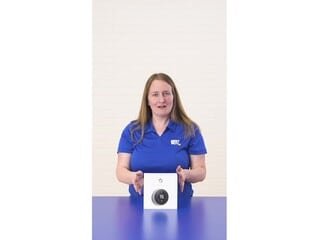
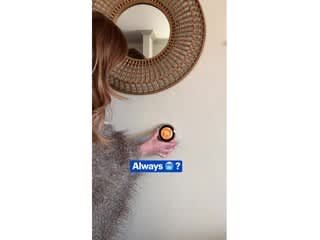
A:AnswerYou can purchase a separate temperature reader and place it in the room that will take priority and it will adjust the temperature accordingly. If you’re speaking of an apartment style building then I’m not too sure on that. I would contact the Nest support.
A:AnswerYes we have two A/C units and two furnaces. App shows each of our two Nest thermostats separately and can be controlled individually with the app. Bonus, we have been able to optimize energy savings in one zone we don't occupy much during the daytime
A:AnswerJerry - I also have a Verizon Actiontec router and also had all sorts of problems with Wifi signal in my home. After researching online and reading of similar problems people were having I was able to learn how to use an existing Netgear Router I had to basically extend the Actiontec Wifi signal into other Wifi "dark" areas in the home. Now most of my Wifi devices connect to the Netgear signal instead of the Actiontec. The Actiontec is still required to take the raw Verizon signal and convert to a usable signal to the house network but it's located in a remote corner of our basement where the Verizon service enters the house. The Netgear router than connects into that but you must go into the Actiontec settings and setup the Netgear Router to be used as an alternate Wifi hub. The Nest Thermostat connects seamlessly to the Netgear Router which is centrally located in the home. I haven't had any problems with this setup and so glad for the ingenuity of others who posted how to get around the "low performance" of the Actiontec Router that Verizon supplies with their FIOS service. I highly recommend purchasing another more "reputable" router to extend the signal of the Actiontec router. Strucen
A:AnswerGoogle for the best installation video. Then you can see it's about wire availability. Open your current thermostat panel and see the wires and which would Nest control, it's part of the video.
A:AnswerThere are "Nest Pro" people available to help, but I really don't think you need their help.
The nest website and instruction manual is very helpful and easy to follow.
First check whether nest will work with your setup - remove the cover from your existing thermostat and click boxes on the website. You can do that on your phone or iPad.
After that, all you need is a basic toolkit and maybe a power drill.
It took me 30 minutes taking my time and being meticulous to install.
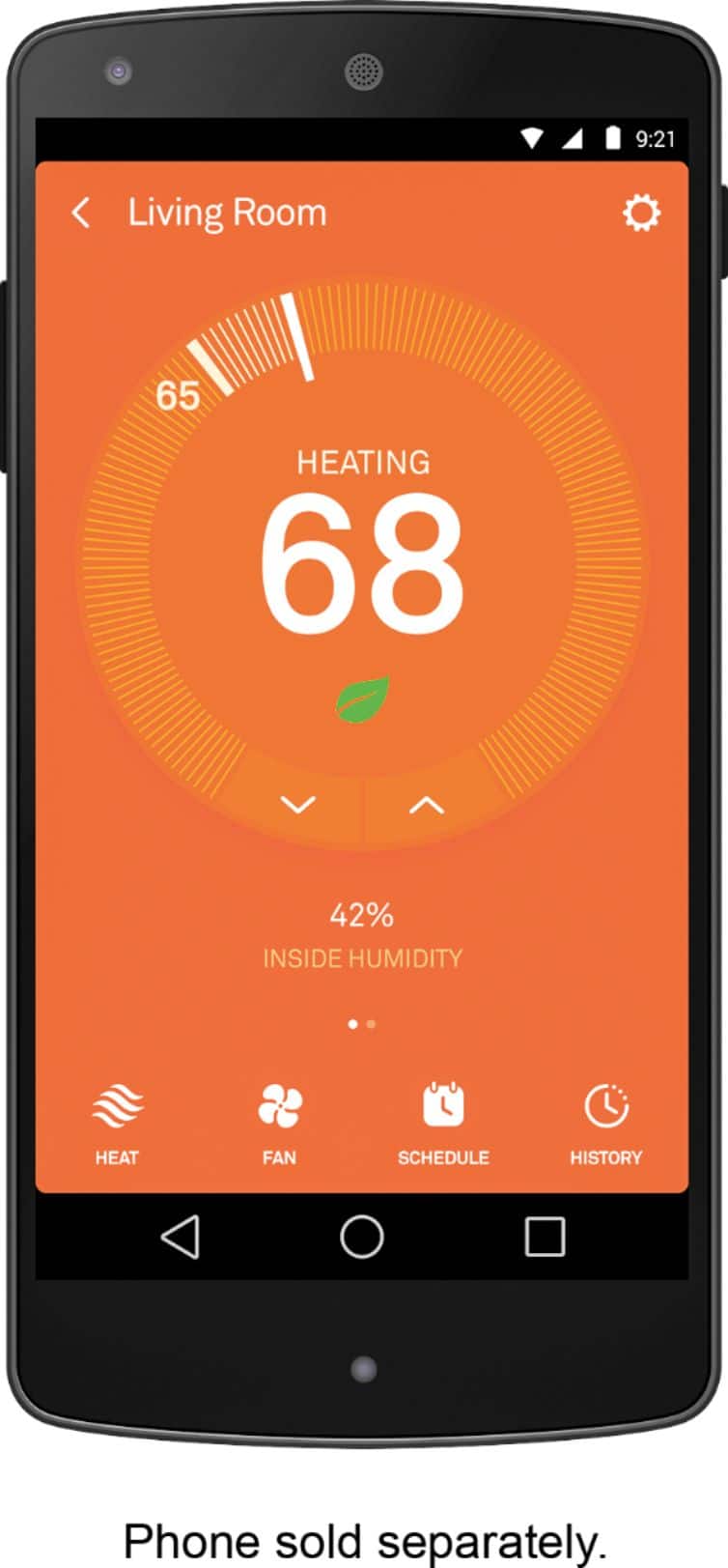
Once Nest is installed, download and setup the Nest app.
Then add your dance instructors to the nest, and the thermostat knows when the they're there and regulates temperature.
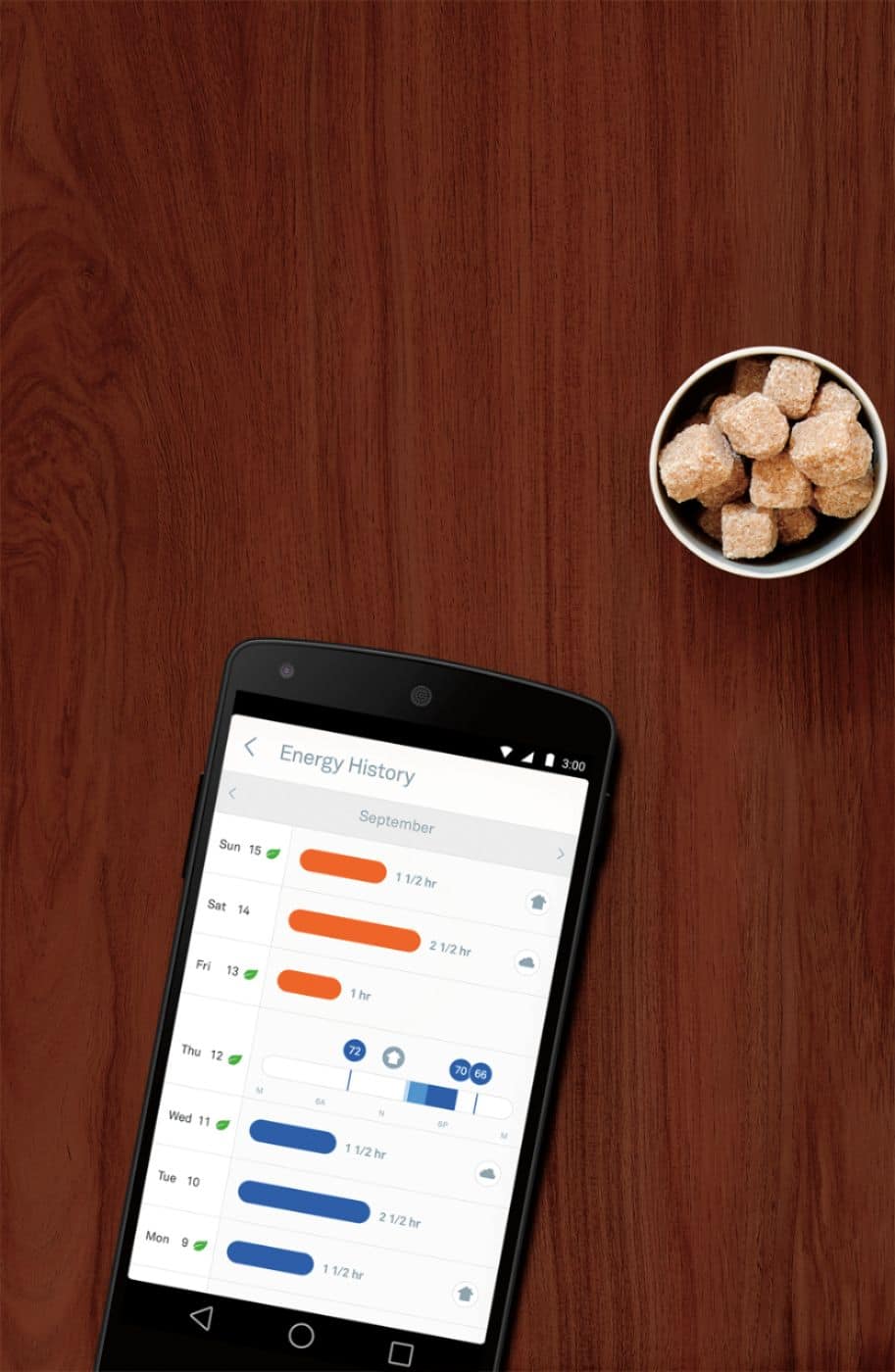
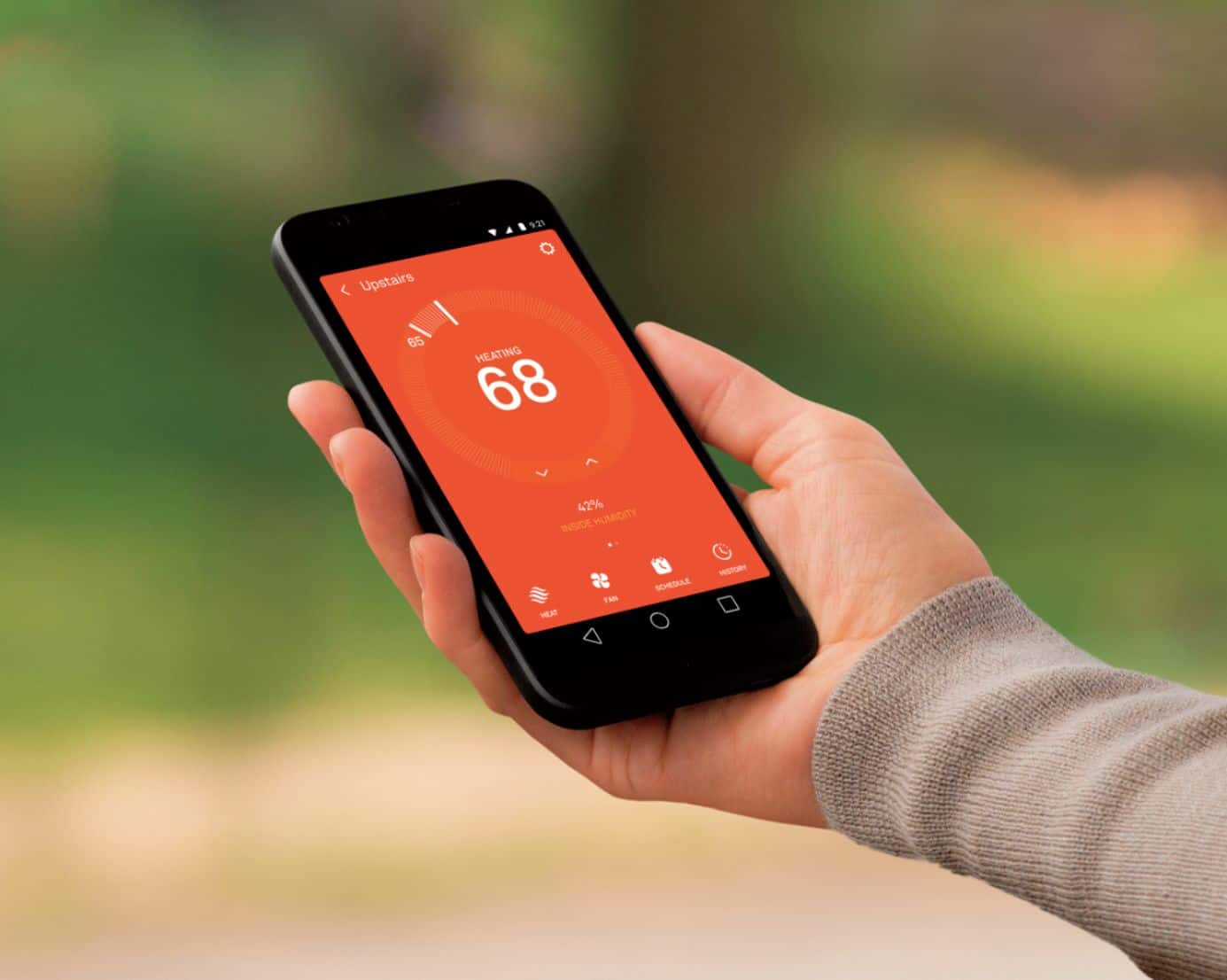
You can also schedule or manually adjust temperature from within the app. Independent of where you are. Really n at.
A:AnswerYes, bit do a compatibility test by opening the panel and checking that all wires are usable by Nest. Or call their phone and they will quickly help...
A:AnswerIt can be set to send you an alert if the temp goes below a safety temp. I don't think it will specifically will say "heater broken" but should be enough to let you know something is not right
A:AnswerApp is free to download and use. Data fees with your cellphone provider are of course your responsibility when connecting remotely using your cell data when not on WiFi.
A:AnswerYes, you need an Internet connection, so you can communicate with your Nest through the Internet on your phone, iPad, or computer from anywhere.
It is easy to install and program if you have all the necessary wires on your old system. However, some older systems may not have the number of required wires. The missing wire can be added, but will take an electrician to do it.
A:AnswerThere is a barcode on the box that allows you to see if the unit works with this hardware. I even received an email confirmation with a personal wiring guide.
A:AnswerIt does work with zoned systems, they do not say what the Max is, but an example shows 3 zones. Below is some info from the website that is helpful:
The Nest Learning Thermostat is compatible with zoned systems, including zoned systems with dampers. However, there are some zoned systems that require a common wire to work with the Nest Thermostat.
A:AnswerWe have the same issue. There is a vent blowing cool air in our room but not an intake. Because of that there is no air circulation that causes this. No thermostat will fix that issue. You have to keep your room door open otherwise consider buying a window or floor standing unit.
A:AnswerIt's very simple to replace just look at the letter and color of wire as you disconnect the old thermostat and put it in the same place on the new one