Cync - Smart Room Temperature Sensor, Pairs with the Smart Thermostat (sold separately) - White
About this product
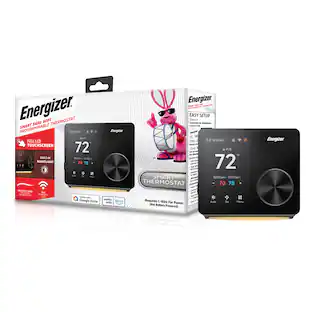
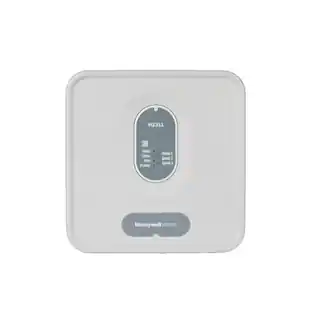
Create the ideal room temperature. The Smart Temperature and Humidity Room Sensor works only with the CYNC Smart Thermostat (sold separately) and measures temperature and humidity in real time. Set a schedule in the CYNC app and change your bedroom temperature from cool at bedtime to warm at sunrise. Add sensors to different rooms and create the preferred temperature in the rooms you are in during different times of day. Eliminate cold and hot spots in your home by making the temperature more consistent throughout the house.
Optimize Temperature with GE Cync Smart Thermostat (sold separately)
Add sensors to different rooms and create the ideal temperature in your desired room, reduce hot and cold spots, and improve temperature consistency throughout your house
Temperature and Humidity Sensor
Get an accurate, real-time reading of the temperature and humidity in your desired room using the Cync app; the sensor is 1.6 inches in diameter and easily mounts to walls with included screw or removable tape
Smart Programmable Thermostat
Whether at home or on the go, program the smart thermostat for home heat and ac with auto mode, set custom schedules, and turn up the heat or cool down your home with the Cync app; no bridge or hub required
Voice Control Anytime, Anywhere
Adjust settings via Alexa or Google Assistant with the sound of your voice with our WiFi thermostat; must have a 2.4GHz internet connection for smart control
Energy Efficient
The GE Cync thermostat is ENERGY STAR certified and you can track your heating and cooling history and utilize eco mode for energy conservation in the Cync app to help regulate or reduce energy use
- App CompatibleYesTouch ScreenYesENERGY STAR CertifiedNo
Reviews
Rating 4.5 out of 5 stars with 2 reviews
The vast majority of our reviews come from verified purchases. Reviews from customers may include My Best Buy members, employees, and Tech Insider Network members (as tagged). Select reviewers may receive discounted products, promotional considerations or entries into drawings for honest, helpful reviews.

Compare similar products
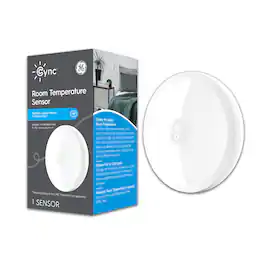
Create the ideal room temperature. The Smart Temperature and Humidity Room Sensor works only with the CYNC Smart Thermostat (sold separately) and measures temperature and humidity in real time. Set a schedule in the CYNC app and change your bedroom temperature from cool at bedtime to warm at sunrise. Add sensors to different rooms and create the preferred temperature in the rooms you are in during different times of day. Eliminate cold and hot spots in your home by making the temperature more consistent throughout the house.
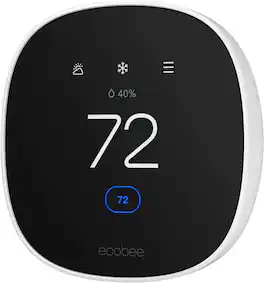
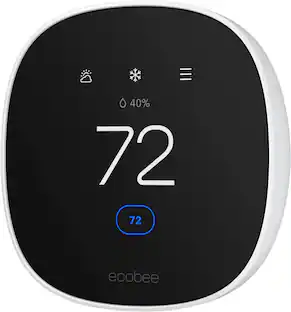
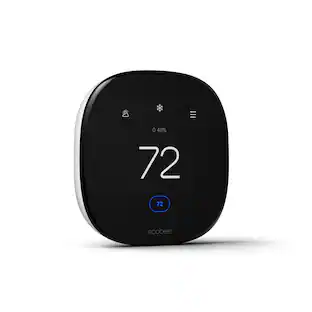
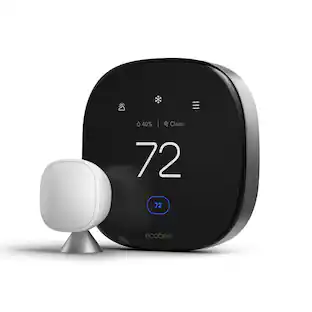
Join the millions who love and trust ecobee products with our most affordable thermostat yet: Smart Thermostat Essential. It saves you up to 23%* on your energy bills and is so efficient that it pays for itself in just six months. You'll love how easy it is to use and control, and with effortless installation, you can set it and forget it. *Compared to a hold of 72°F

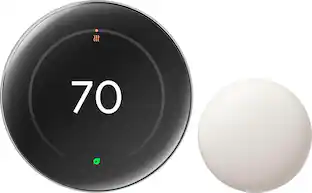
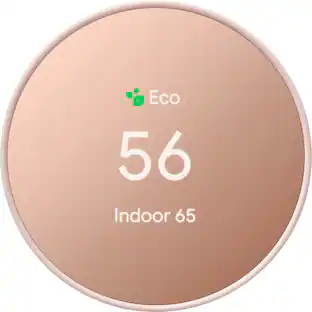
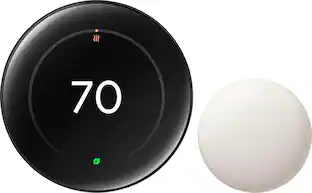
The Nest Learning Thermostat (4th gen) is Google’s smartest, most advanced thermostat yet. It’s a brilliant way to save energy and keep your home comfortable. It learns the temperatures you like, when you like them, even as your routine changes.¹ It gets to know how outdoor temps naturally heat and cool your home to save energy.¹ And it helps make sure your heating and cooling systems run smoothly.²
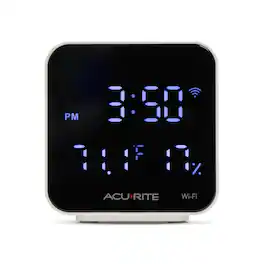
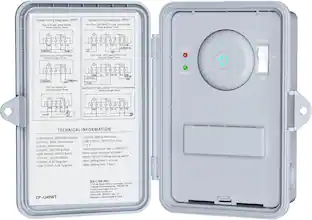
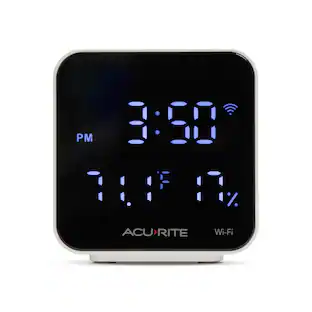
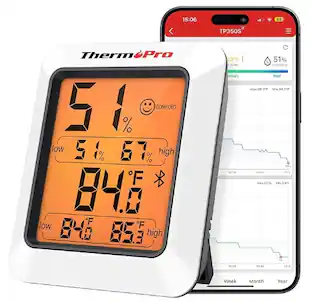
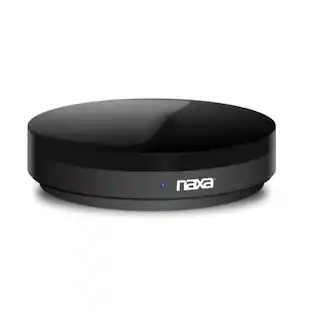
Step up your smart-home game! This SMART BOX features an integrated IR transmitter to turn non-smart devices in your home into connected, smart devices! In addition to this smart capability, this device also provides the indoor temperature and humidity readings. Stay on time with the digital clock face and enjoy nighttime viewability with an internal backlight. Using the AcuRite NOW app, this SMART BOX is programmable to control essentially any device within your home that has an IR remote control. Discover and add existing IR remote control devices within the AcuRite NOW app menu after this SMART BOX is connected to Wi-Fi. This SMART BOX is intended for indoor, dry use only. Please note that IR technology may be impeded by direct sunlight. The AcuRite SMART BOX can communicate to IR devices within a 35-foot direct range (does not work through walls). The SMART BOX requires a USB-A wall power adapter/charging block (not included and sold separately) for use.
| Pros for Cync - Smart Room Temperature Sensor, Pairs with the Smart Thermostat (sold separately) - White | |||
|---|---|---|---|
| There were no pros for this product— | Ease of Use, Overall Performance, Installation, Design, App Usability | Overall Performance, Ease of Use, Design, Installation, Temperature Control | There were no pros for this product— |
| Cons for Cync - Smart Room Temperature Sensor, Pairs with the Smart Thermostat (sold separately) - White | |||
| There were no cons for this product— | Screen Size | Connectivity, Compatibility, App Compatibility | There were no cons for this product— |
Specs
Customers often buy these together
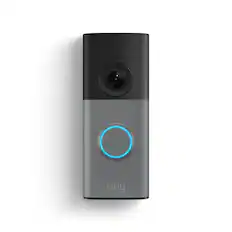
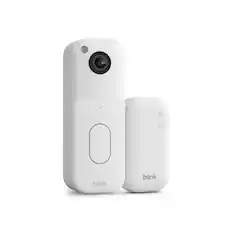
Smart Doorbell

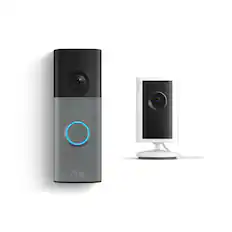





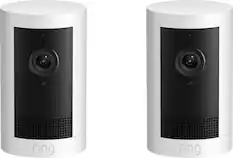
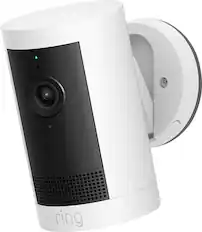
Security Camera




More recommended items
 Home Security System
 Sensors and Detectors
 Smart Speakers and Displays
More to consider
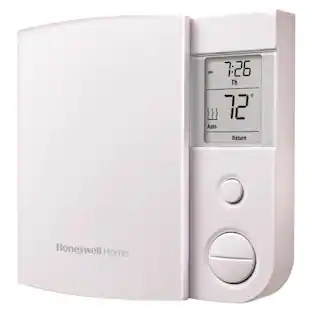 $74.21The price was $76.04


Control, Comfort, Convenience Sponsored
 $197.99The price was $239.99


Discover related products
 $59.99The price was $69.99


Keep exploring
- $74.21The price was $76.04