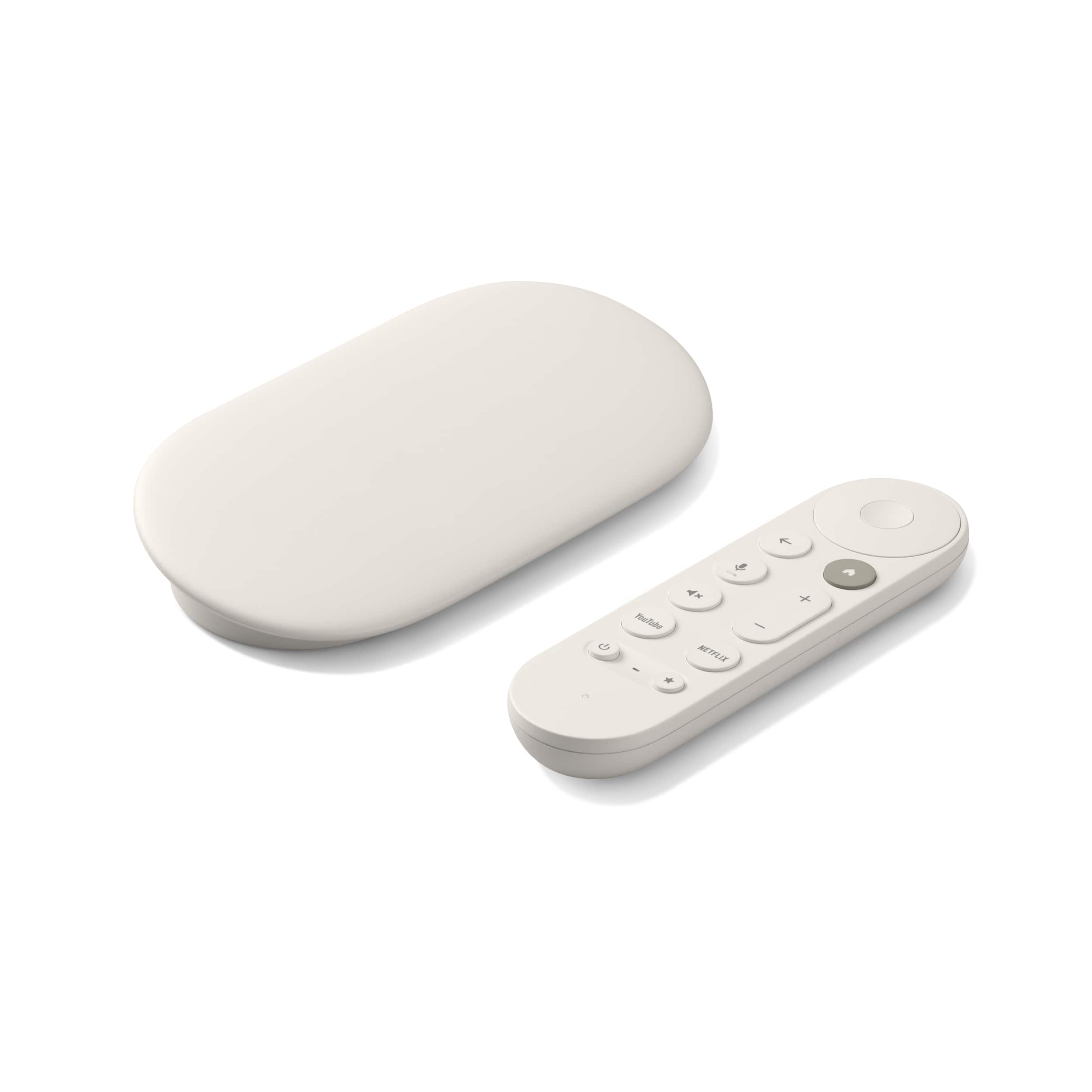


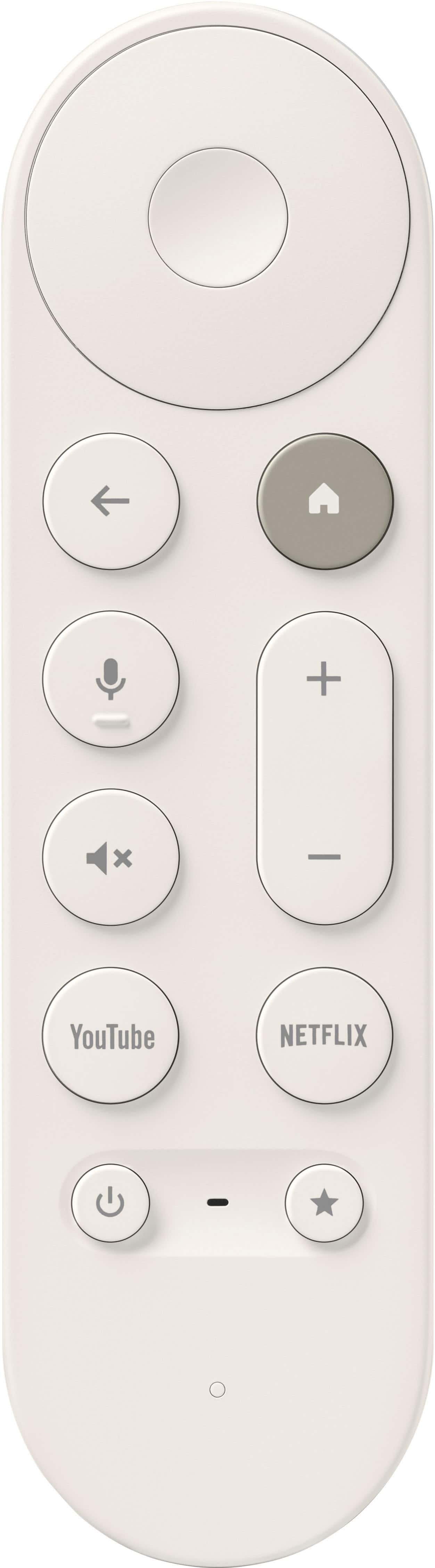
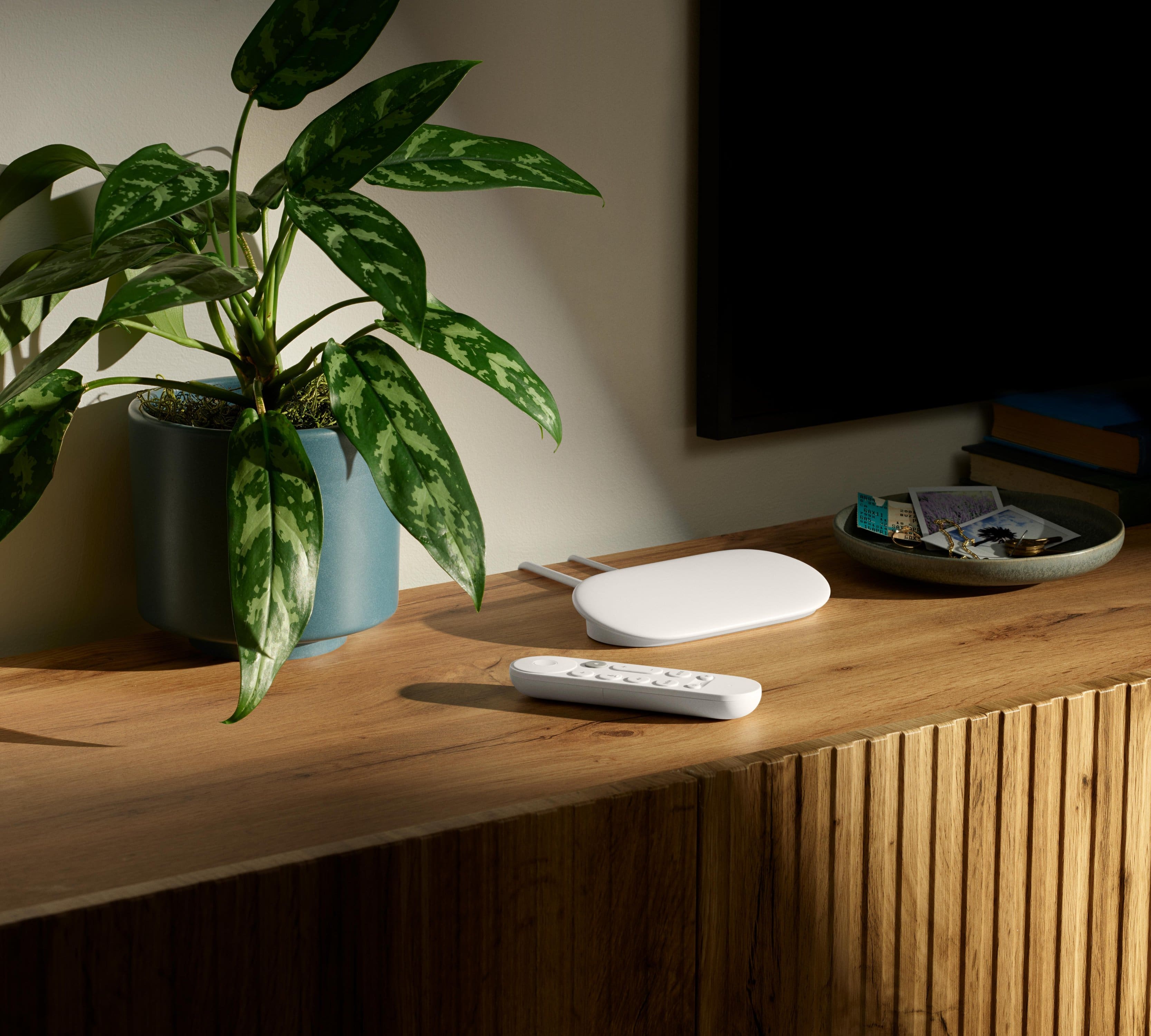

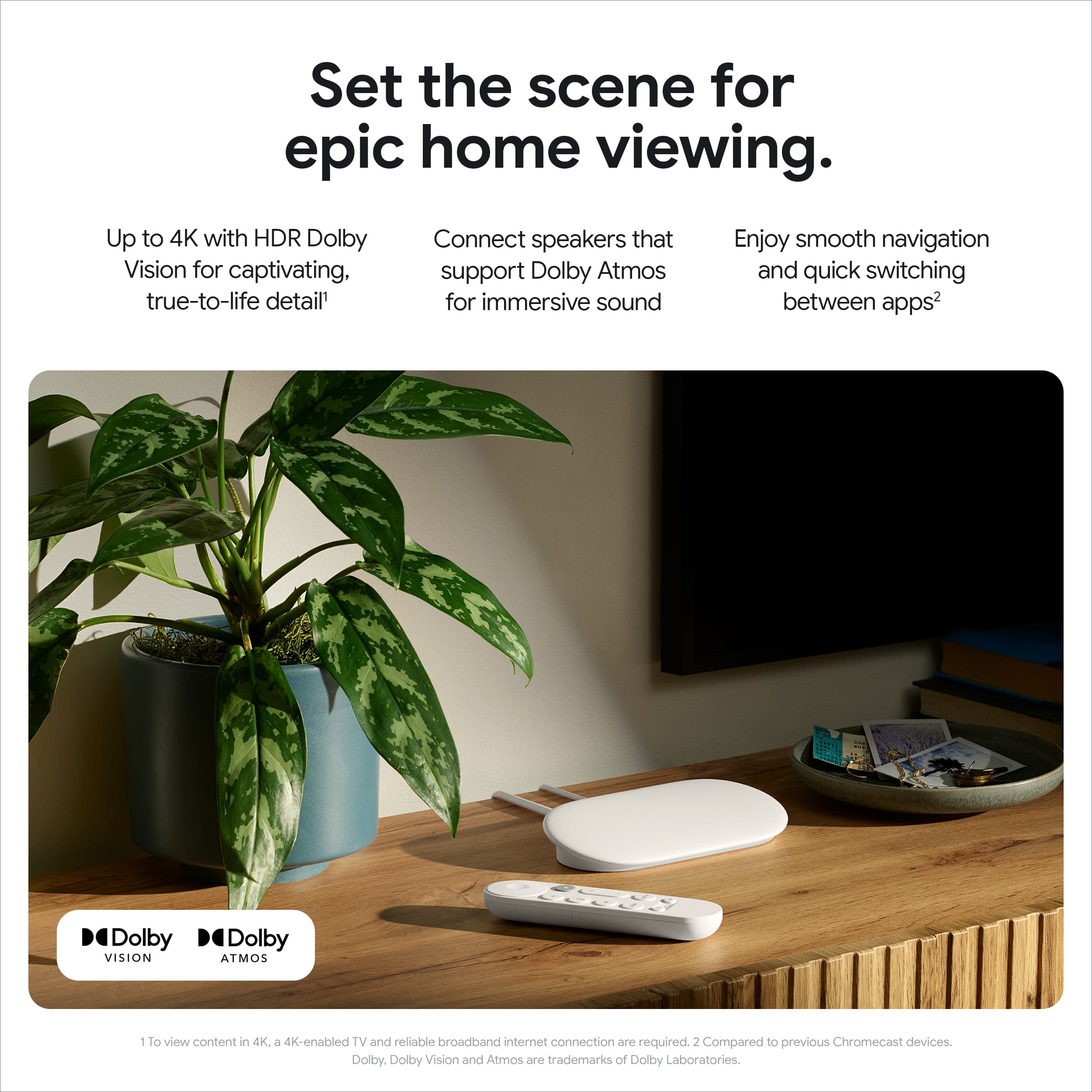
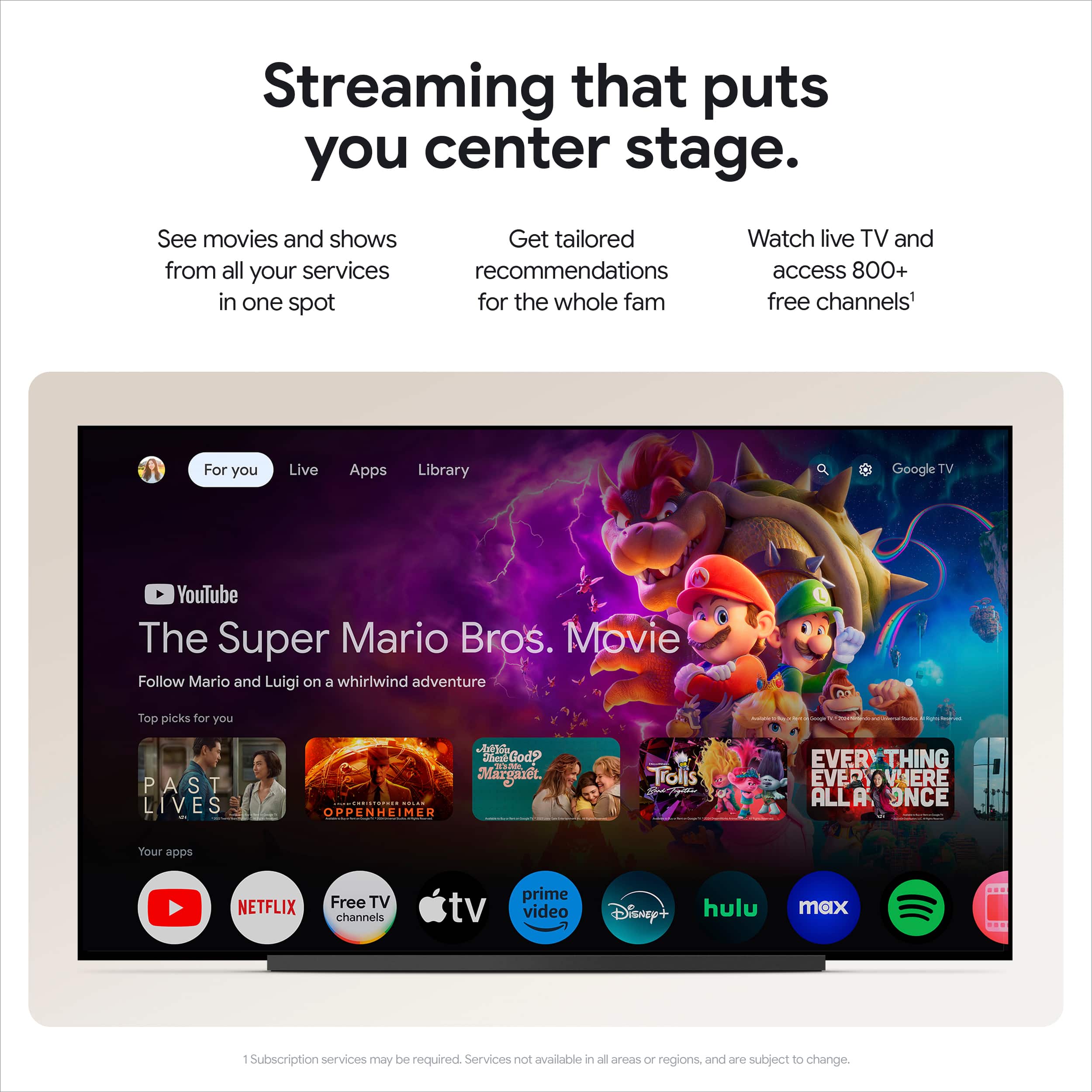
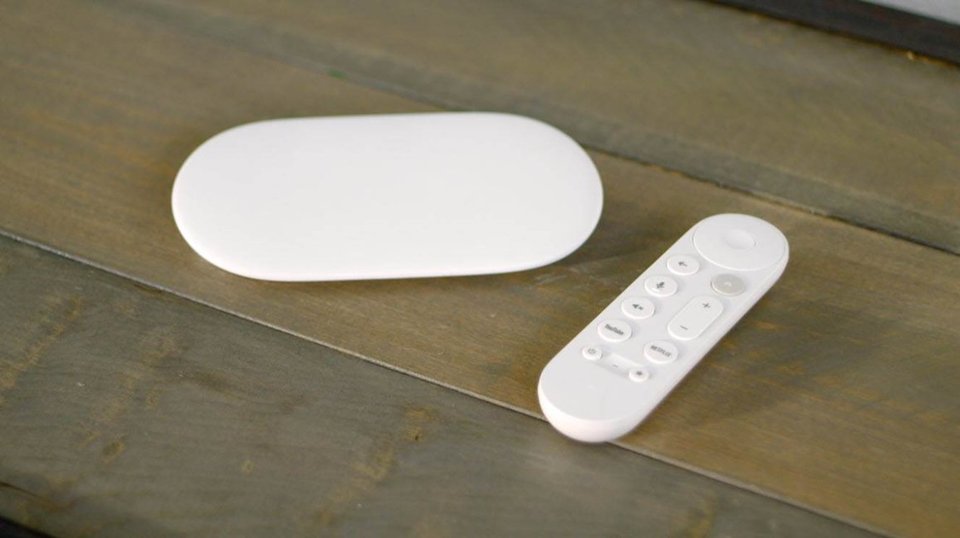
A:AnswerGood news, Charlie! The Google TV Streamer (4K) can turn your regular TV into a smart TV, allowing you to access various streaming services. A Google TV streamer works with most TVs that have an HDMI port.
However, there are a few things to consider:
> Internet Connection: You'll need a reliable internet connection to stream content.
> Cable TV Services: If you rely on specific cable TV channels that aren't available through streaming services, you might still need a cable box for those channels.
> Live TV Streaming Services: Some streaming services offer live TV channels, but your local channel availability may vary.
> Subscriptions: Each streaming service requires a subscription with its own cost.
If you have any other questions, please contact us at the following link: https://support.google.com/chromecast/googletvstreamer#topic=15435243
A:AnswerGreat question. Yes, you can cast directly from your browser to the Google TV Streamer (4K). Here’s a link with more details: https://support.google.com/chromecast/answer/3228332
A:AnswerThanks for the inquiry, LaoR. Yes, you’ll need to login into each individual streaming service as they are all independent apps on the Google TV Streamer (4K).
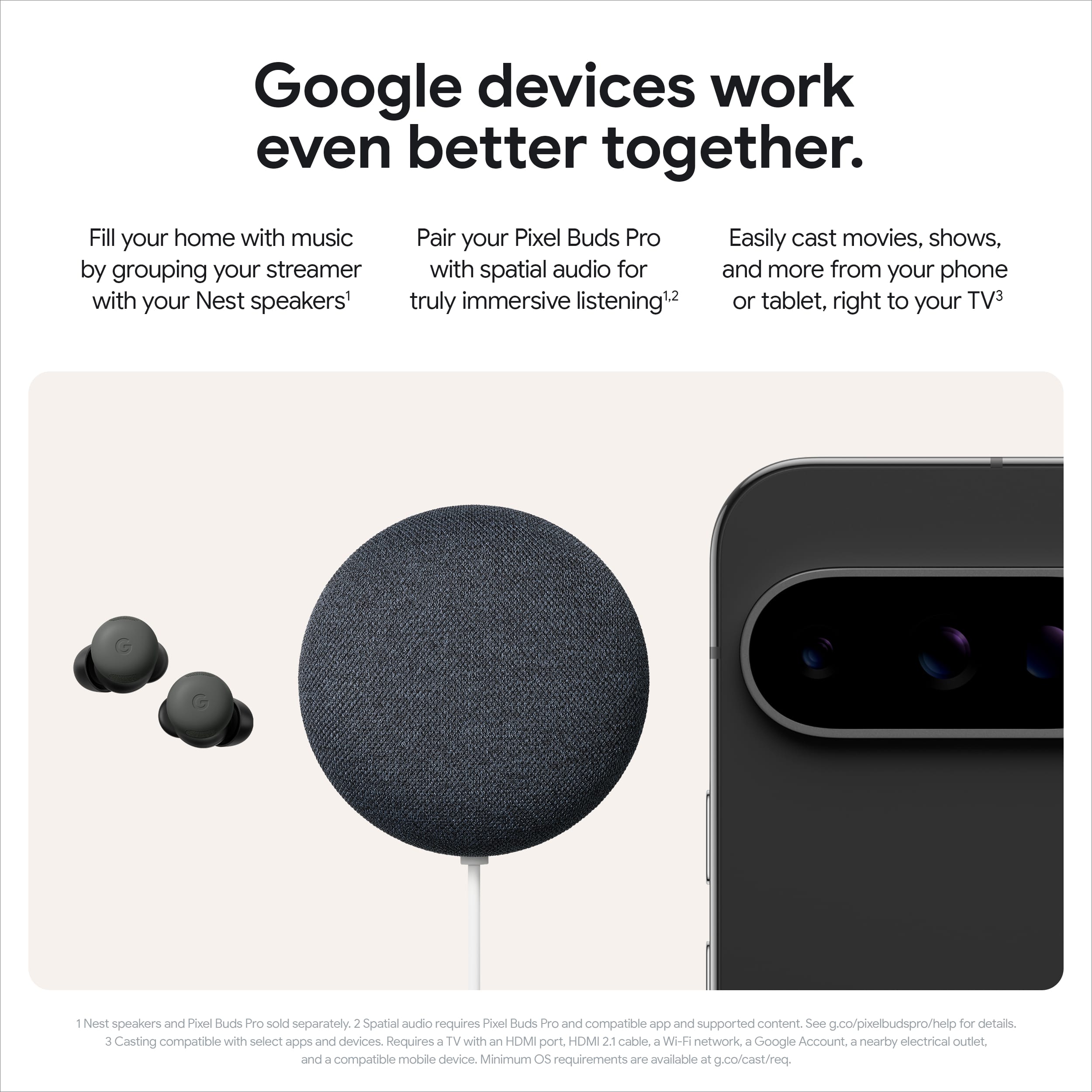
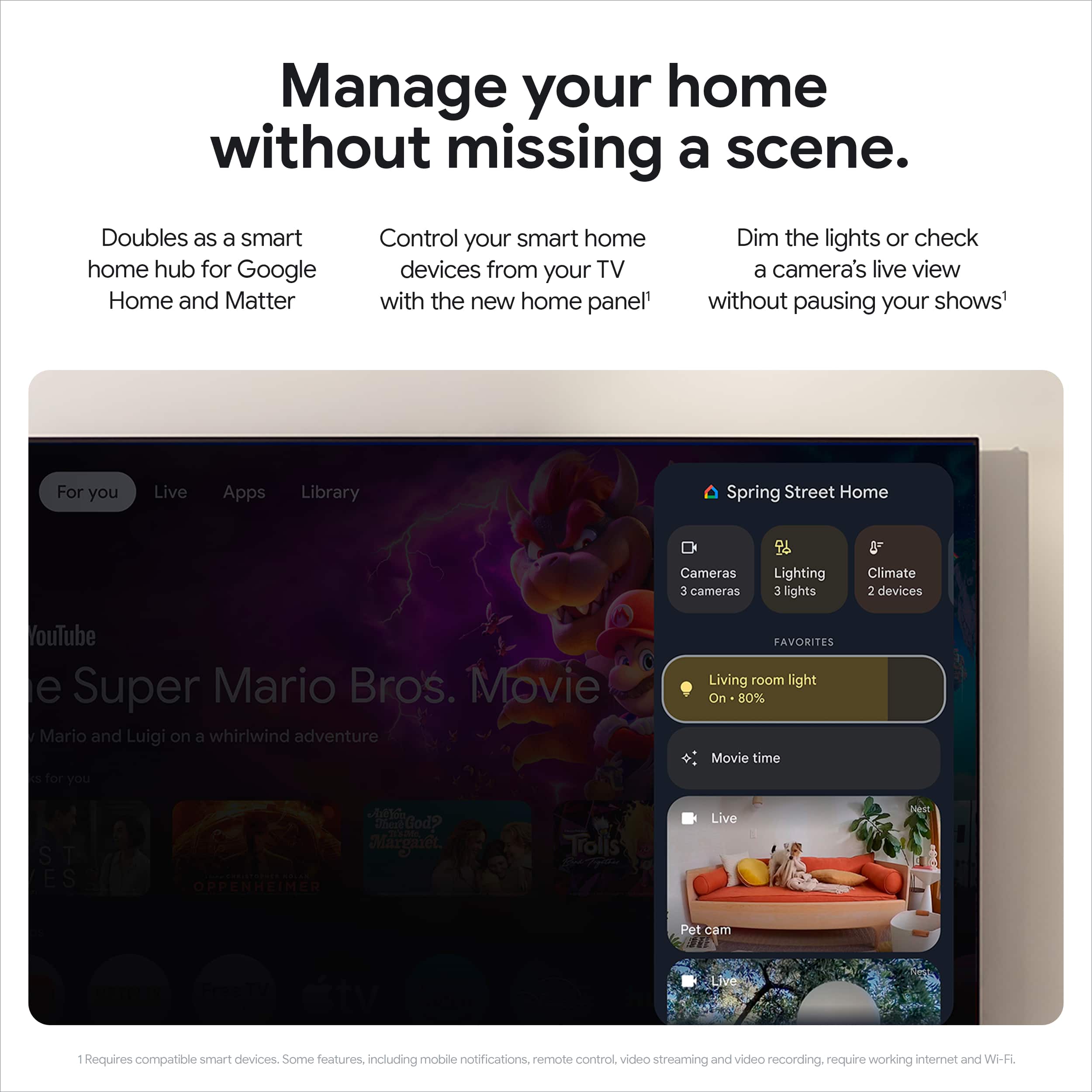
A:AnswerHi there! You can use a Google TV Streamer (4K) to view your Nest cameras on a compatible monitor. Ensure your monitor has an HDMI port, an HDMI 2.1 cable, and a Wi-Fi network connection. You will also need a Google Account. For more information on compatibility, please tap here: https://support.google.com/googlenest/answer/7529598?hl=en
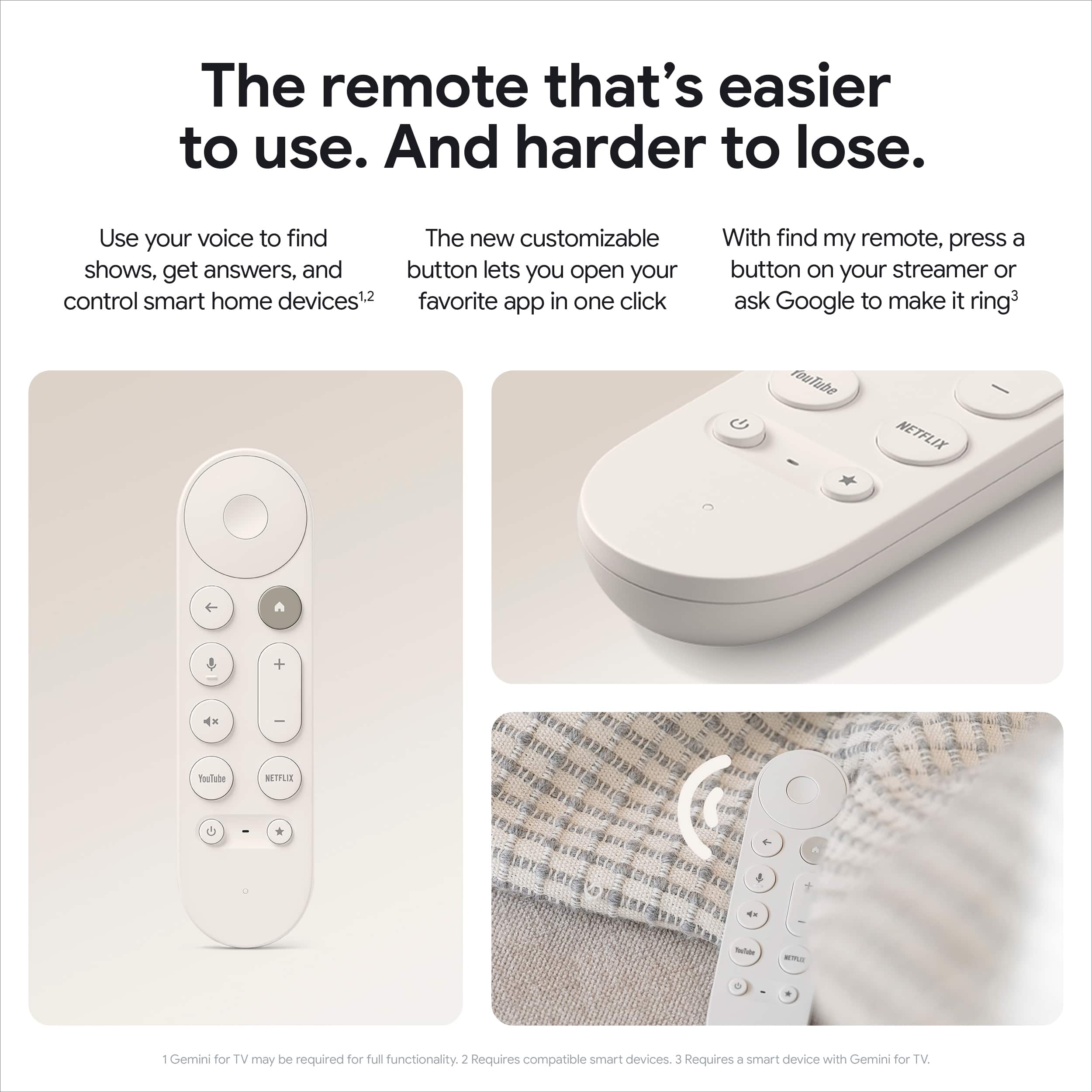
A:AnswerHey TheGreatPpme, the Google TV Streamer and Sony Bravia TV with Google Interface work seamlessly together, providing a unified and intuitive user experience. You can use the same remote control to navigate both your Google TV and Bravia TV, eliminating the need for multiple remotes, and With Google Assistant built-in, you can use your voice to control both devices and search for content hands-free.
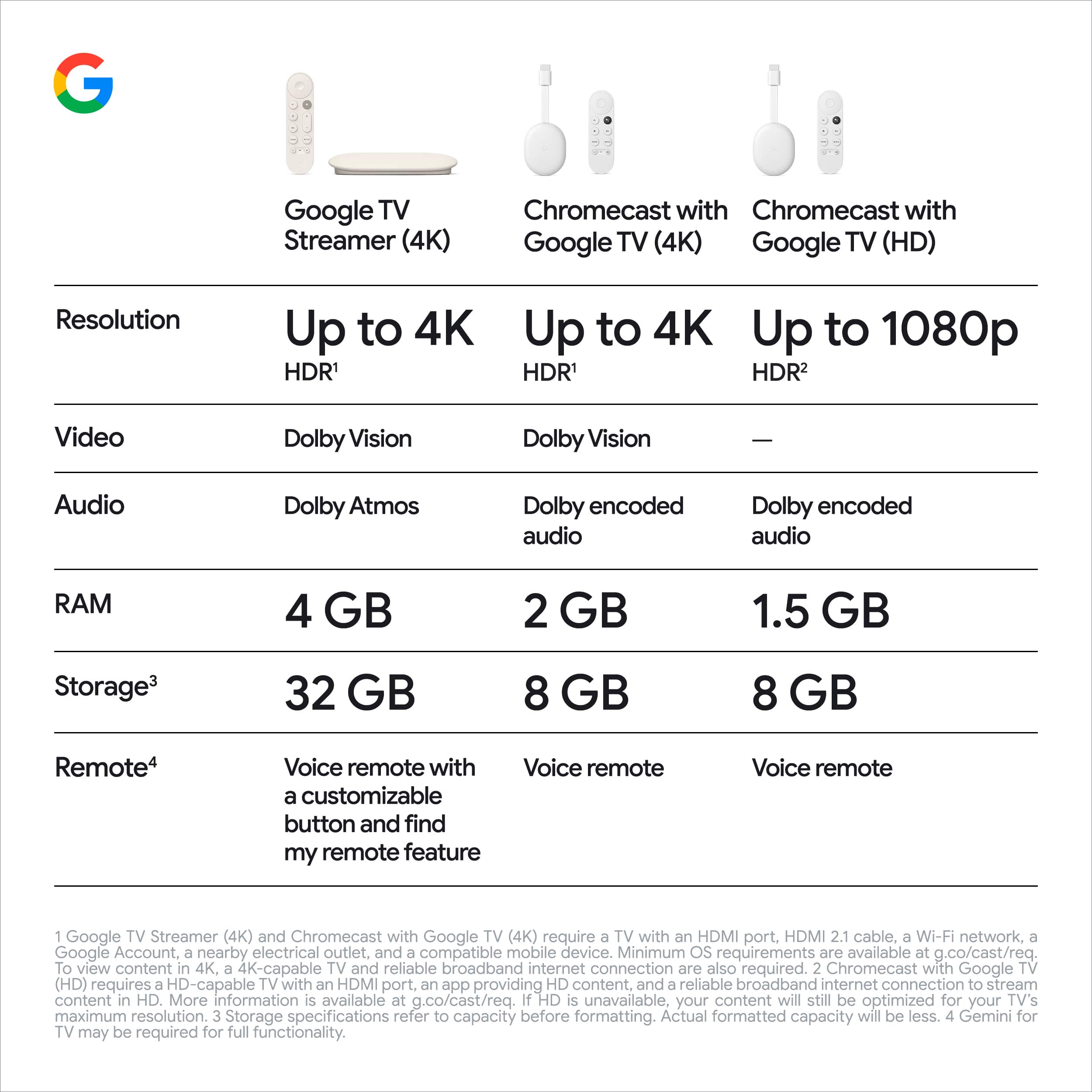
A:AnswerSince Google didn't give you an actual answer, yes, the Google TV Streamer does supports the AV1 video codec. The chipset inside of it, MT8696 from MediaTek, offers support for decoding Dolby Vision, HDR 10, HDR10+, HLG, H.265, H.264, VP9, and AV1 content.
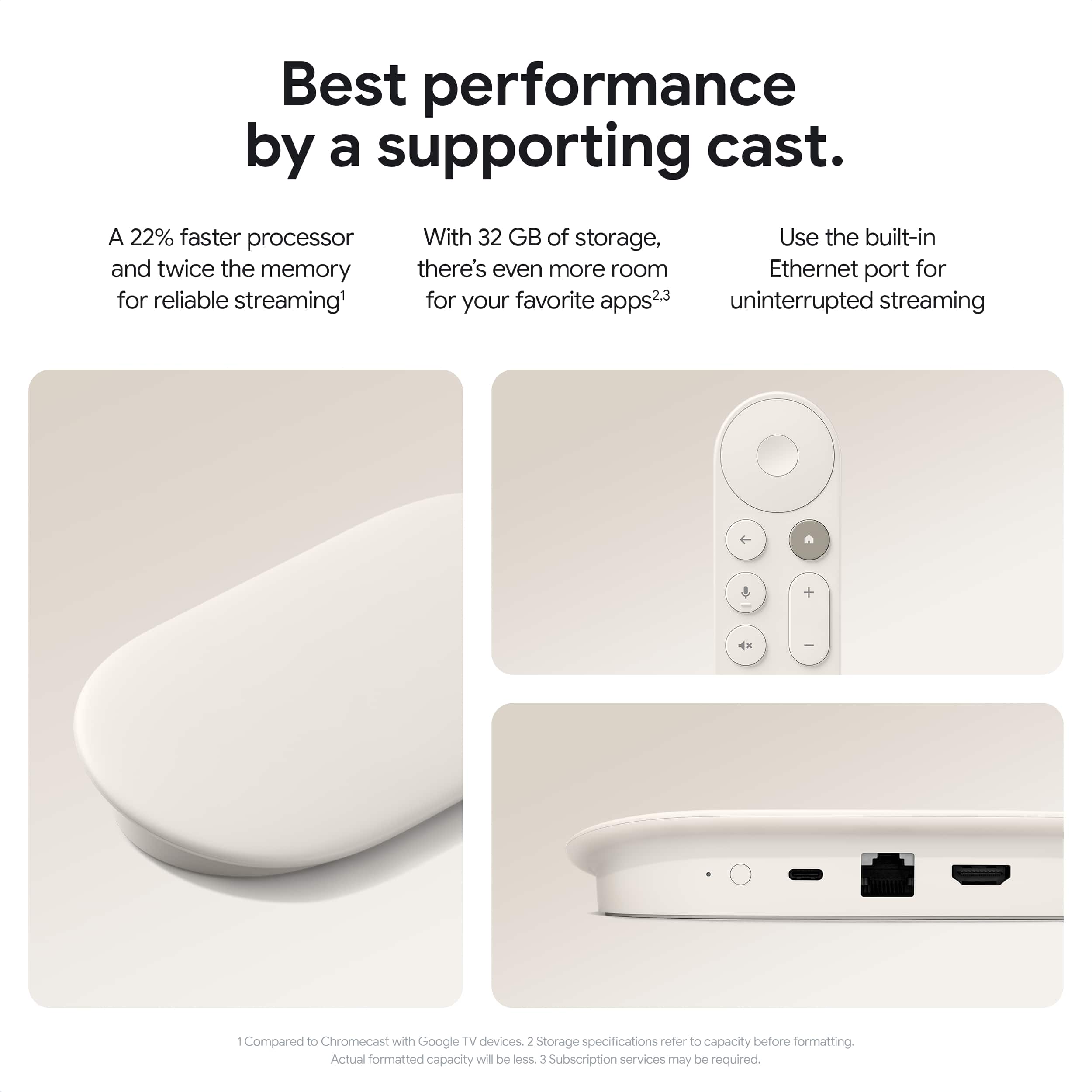
A:AnswerMT8696 from MediaTek. The core design is ARM’s Cortex-A55, and it’s said the GPU is Imagination Technologies’ PowerVR GE9215 with cores clocked at up to 850 MHz. It has 4 GB of RAM.
A:AnswerHey there, Johan. The Google TV Streamer allows you to download compatible apps from the Google Play Store. You can check the store directly on your device to see if that specific app is available for download.
A:AnswerHi there, Poncho. The Google TV Streamer (4K) has an Ethernet port that supports up to 1Gbps of data. Here's an article with more specifications: https://support.google.com/chromecast/answer/3046409
A:AnswerThanks for asking, BillyBeach117. No, the Google TV Streamer (4K) doesn’t require a subscription to use. You will however need to login and subscribe to the streaming services of your choosing.
A:AnswerThanks for asking, Hogfan25. Yes! You can disable any HDR formats you’d like, which includes, Dolby vision, HDR 10, HDR10+, and HLG — here’s how
1. Tap Settings and then Display & Sound and then Advanced display settings.
2. Tap Format selection and then Manual.
3. Turn off all available HDR format options.
Check out this link for more details: https://support.google.com/chromecast/answer/15713101
A:AnswerHey there, Ineedcash. Yes, you can cast what’s on your phone directly to the Google TV Streamer (4K). Here’s a link with more details: https://support.google.com/googletv/answer/11136134
A:AnswerHey there, Steve. The Google TV Streamer (4k) allows you to download compatible apps from the Google Play Store. You can check the store directly on your device to see if that specific app is available for download.
A:AnswerHey there, Mike. Yes, the Google TV Streamer (4K) supports SDR (Standard Dynamic Range) content. It will automatically adjust its output based on the content you’re watching and your TV's capabilities. Let us know if you have any other questions: https://support.google.com/googlenest/gethelp