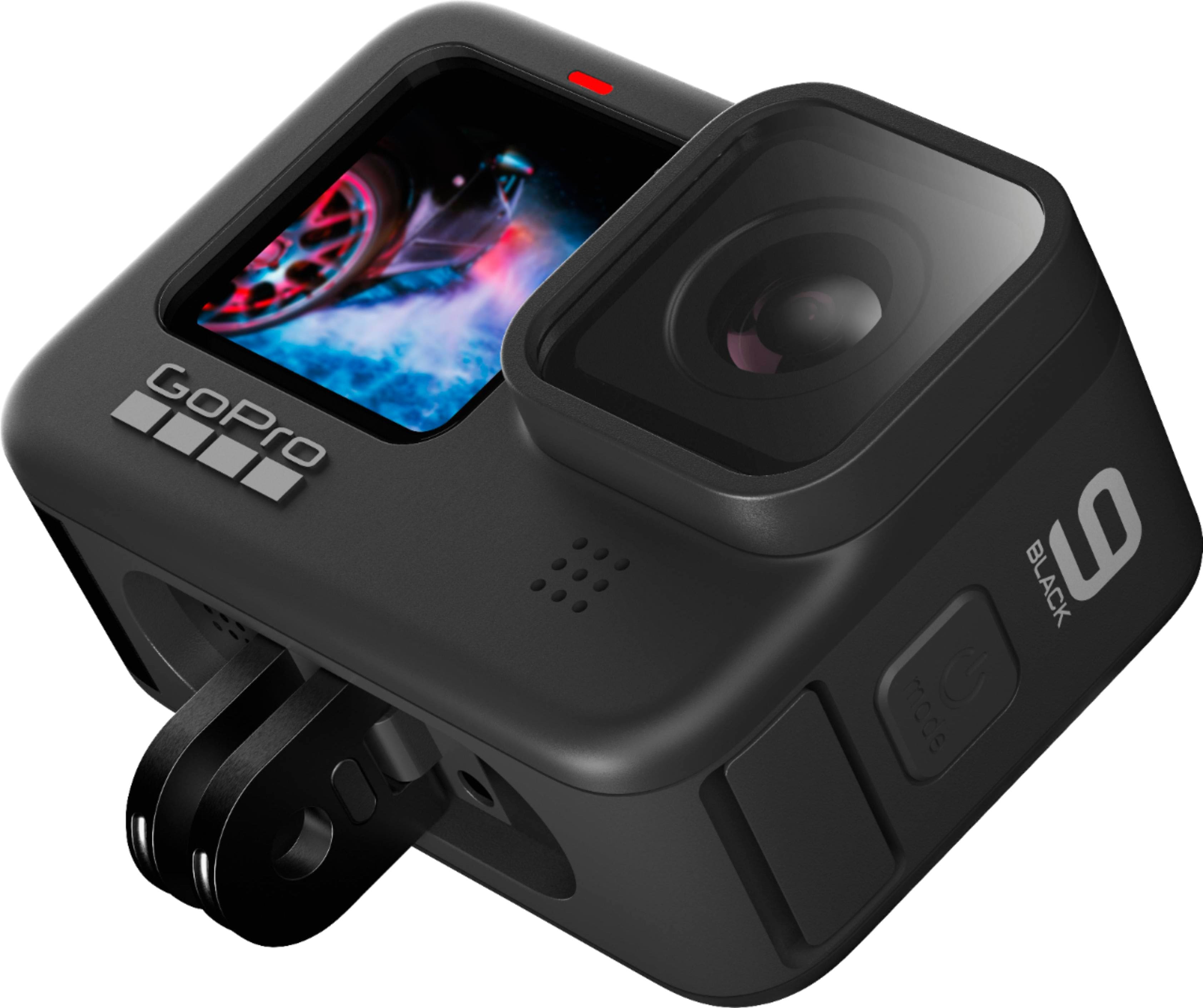
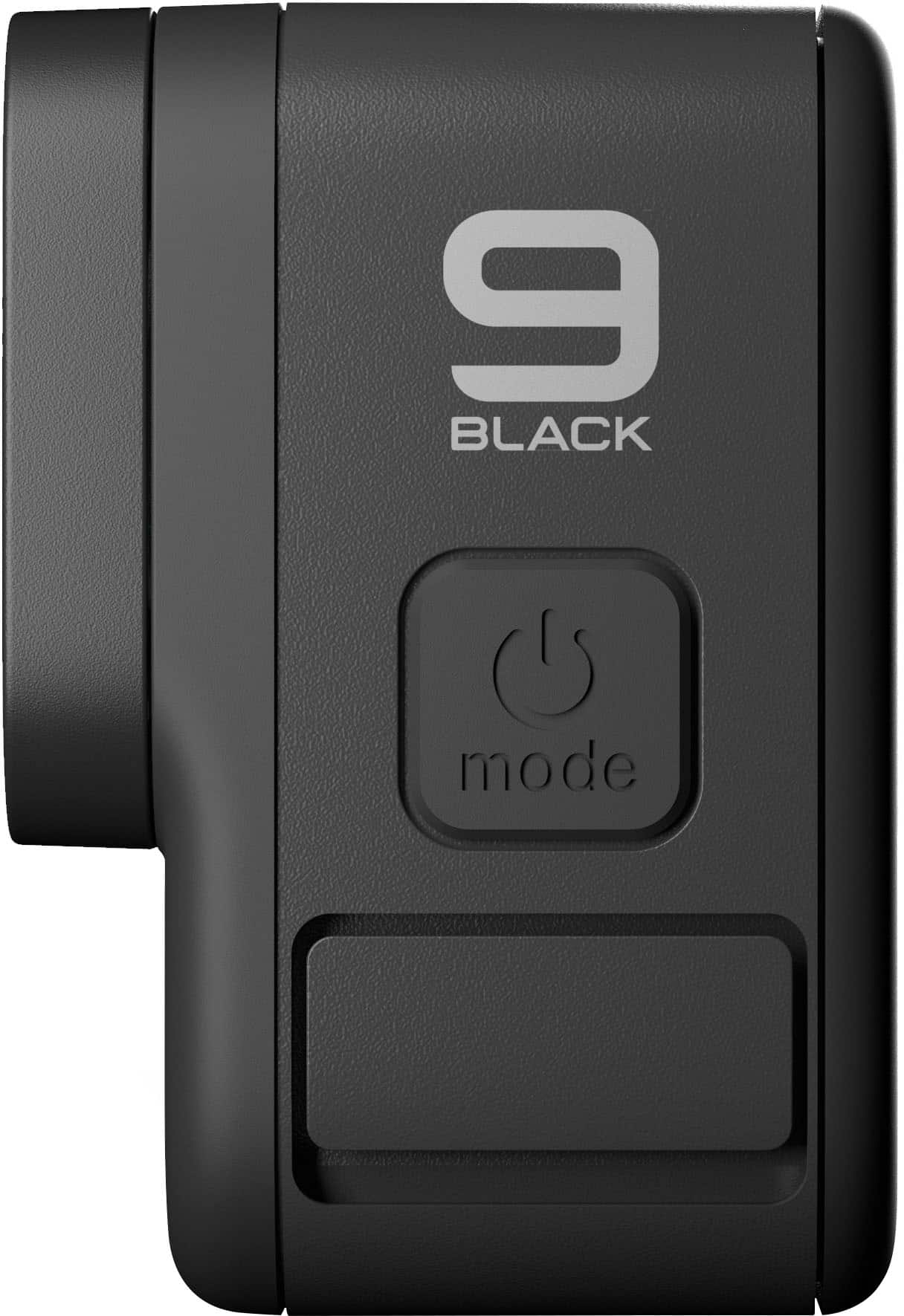
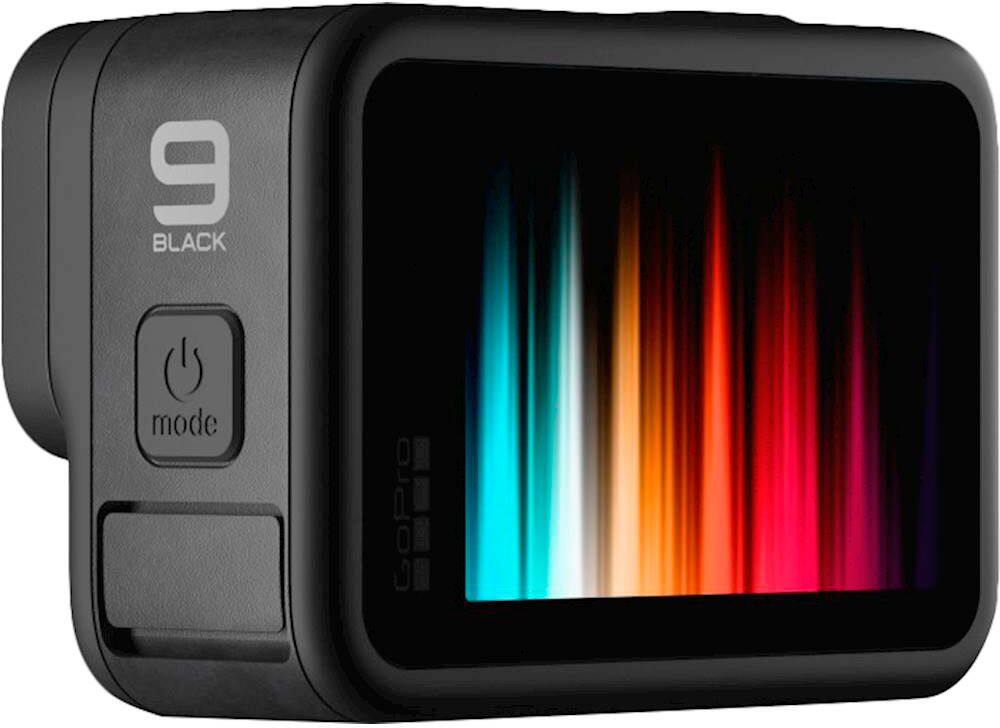
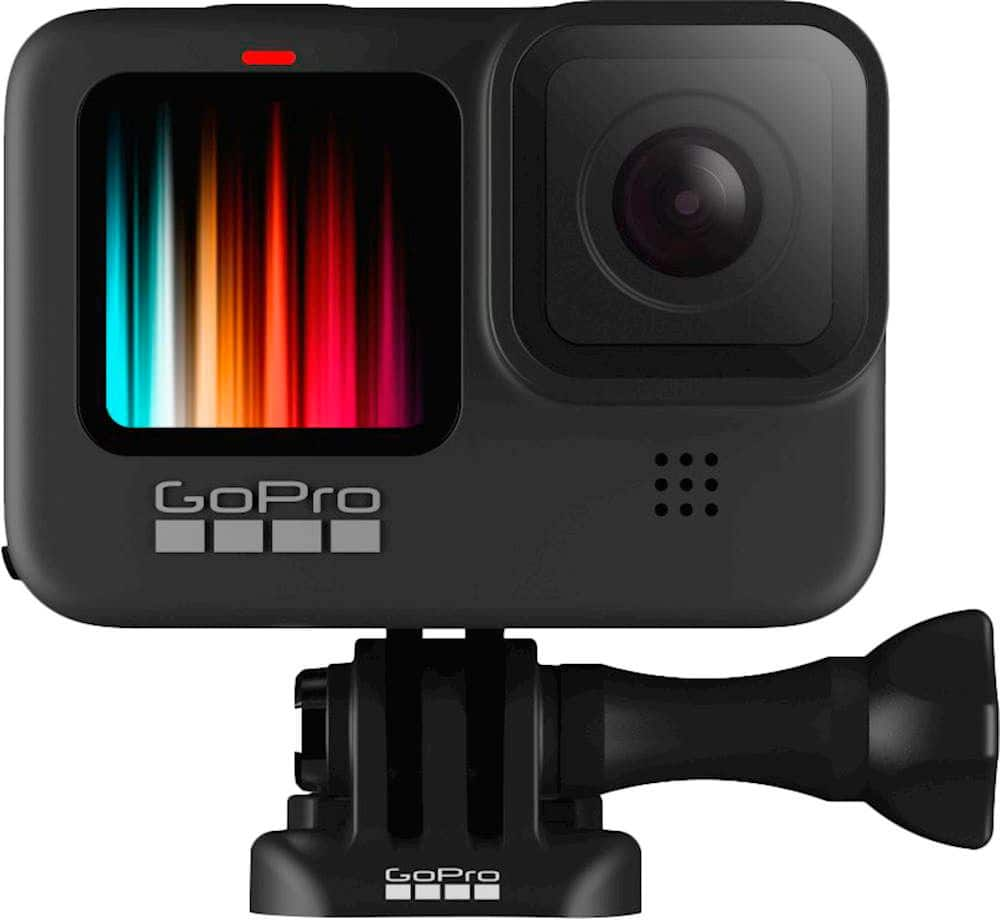
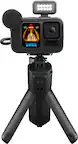
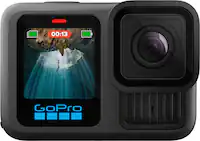
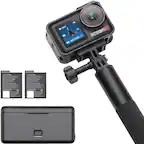
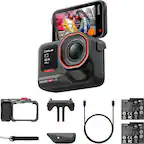
A:AnswerIf you're going to be away from a wifi network, you'll want to make sure your cellular plan for your smartphone gives you the ability to use your phone as a hotspot. If that's set up, you'll just need to pair the HERO9 Black to your phone using the GoPro Quik app and start streaming. The GoPro website has the info on how to stream to Facebook, through a GoPro Subscription, or other channels.
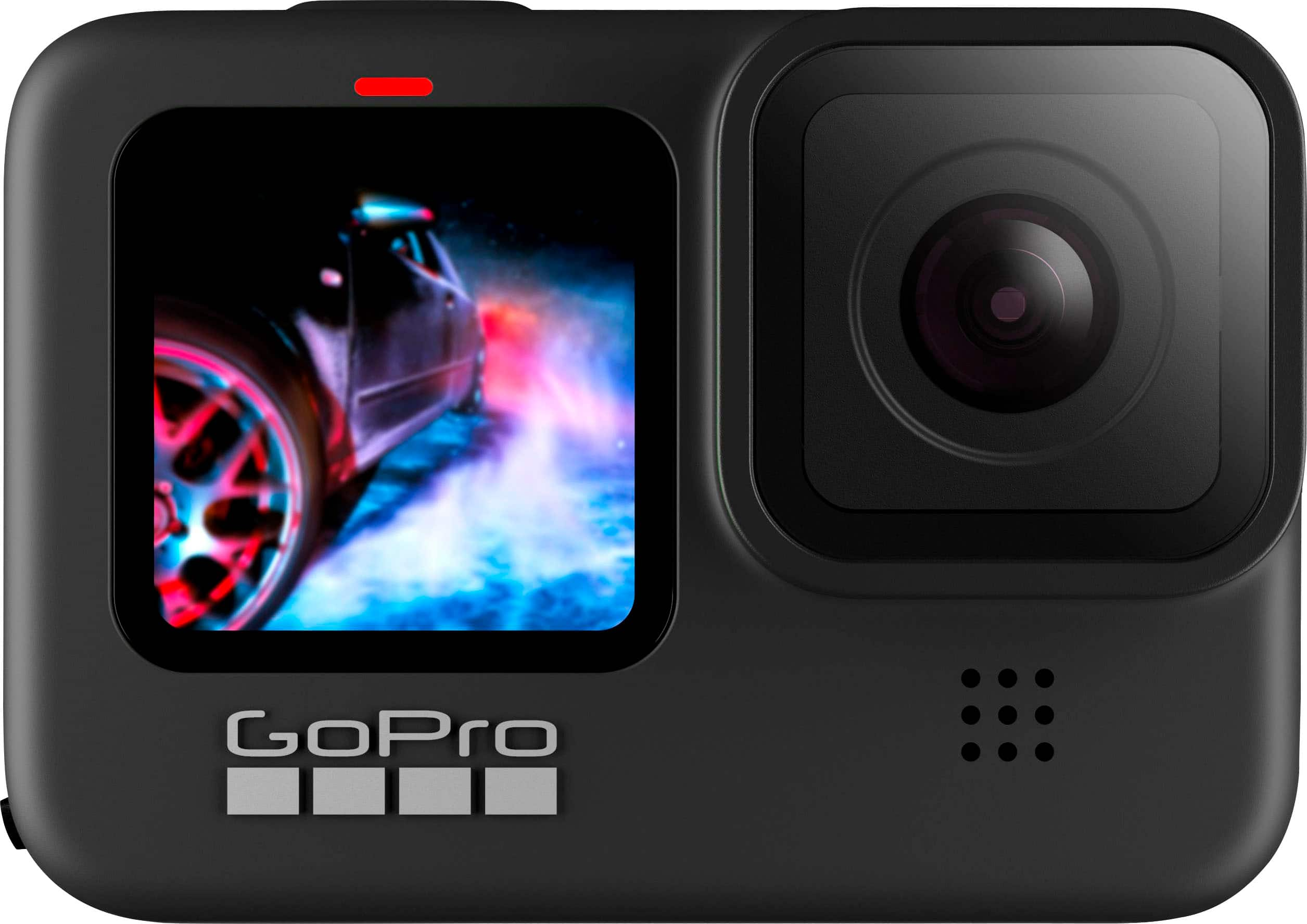
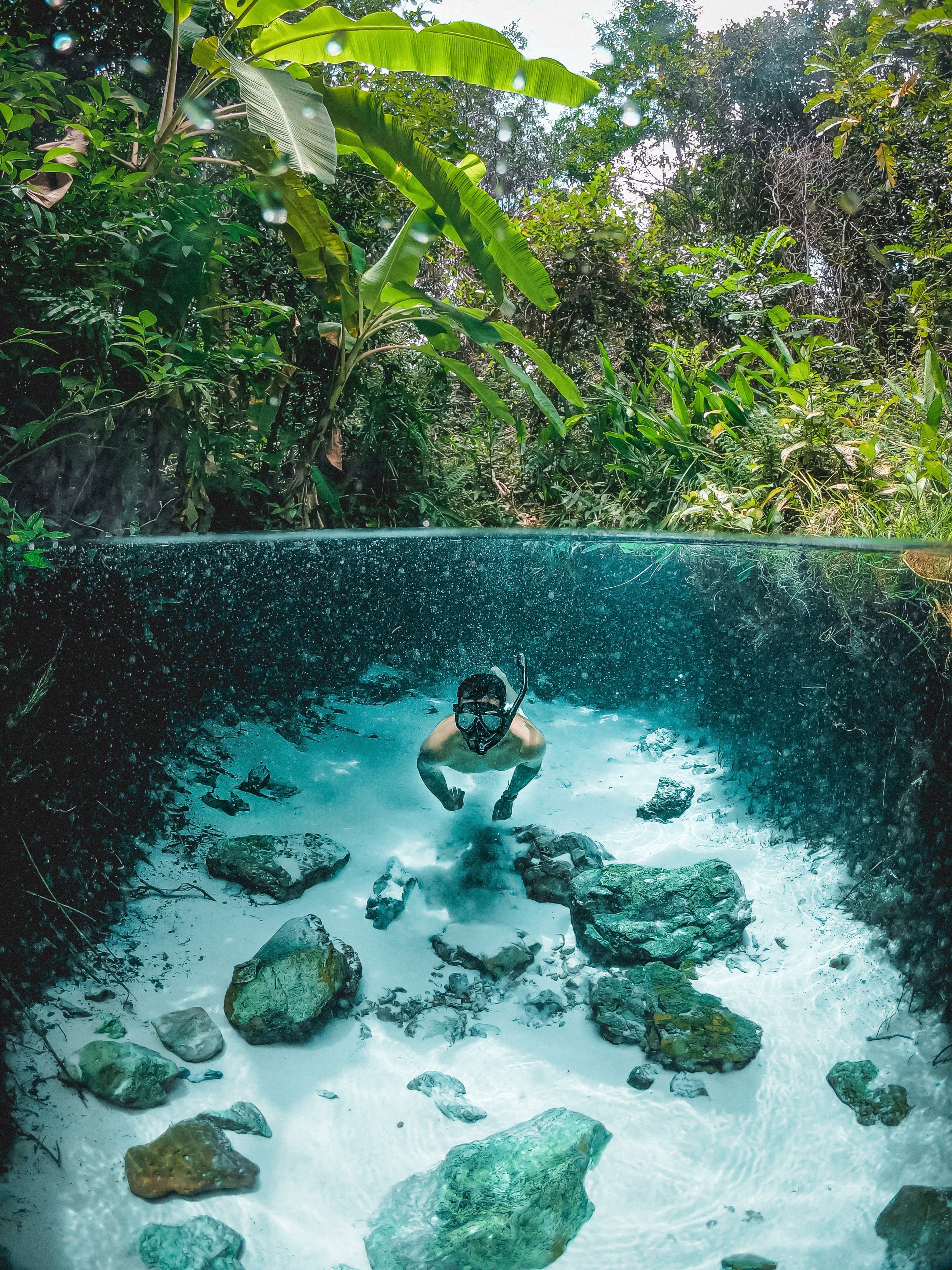
A:AnswerYes, the HER09 Black is waterproof down to 33 feet on its own. If you plan to go deeper than that, there's a protective housing available for those deeper dives.
A:AnswerIve used this camera continuously for hours recording. Had to change batteries, but only then did it stop. It does break down the video files about every 15 minutes depending on the quality you're recording in.
A:AnswerNo it does not. You can find many mounts on ebay. Or find the legit gopro mounts on bestbuy or other sites. If you're gonna mount a gopro that you just paid almost 500$ for id go with gopro mounts.
A:AnswerIt is windows compatible. Id rather use the Gopro editor myself, you get better editing tools. It comes with a power cord that plugs in unit amd chages from a USB.
A:AnswerThe HERO9 Black is waterproof on its own down to 33 feet. If you plan to go deeper than that, there is a Protective Housing sold separately that provides protection down to 196 feet.
A:AnswerMotion activation is not a standard feature with the HERO9 Black, but it is something that can be activated using our new GoPro Labs functions. These special features can be activated using a QR code. Check into GoPro Labs for more information.