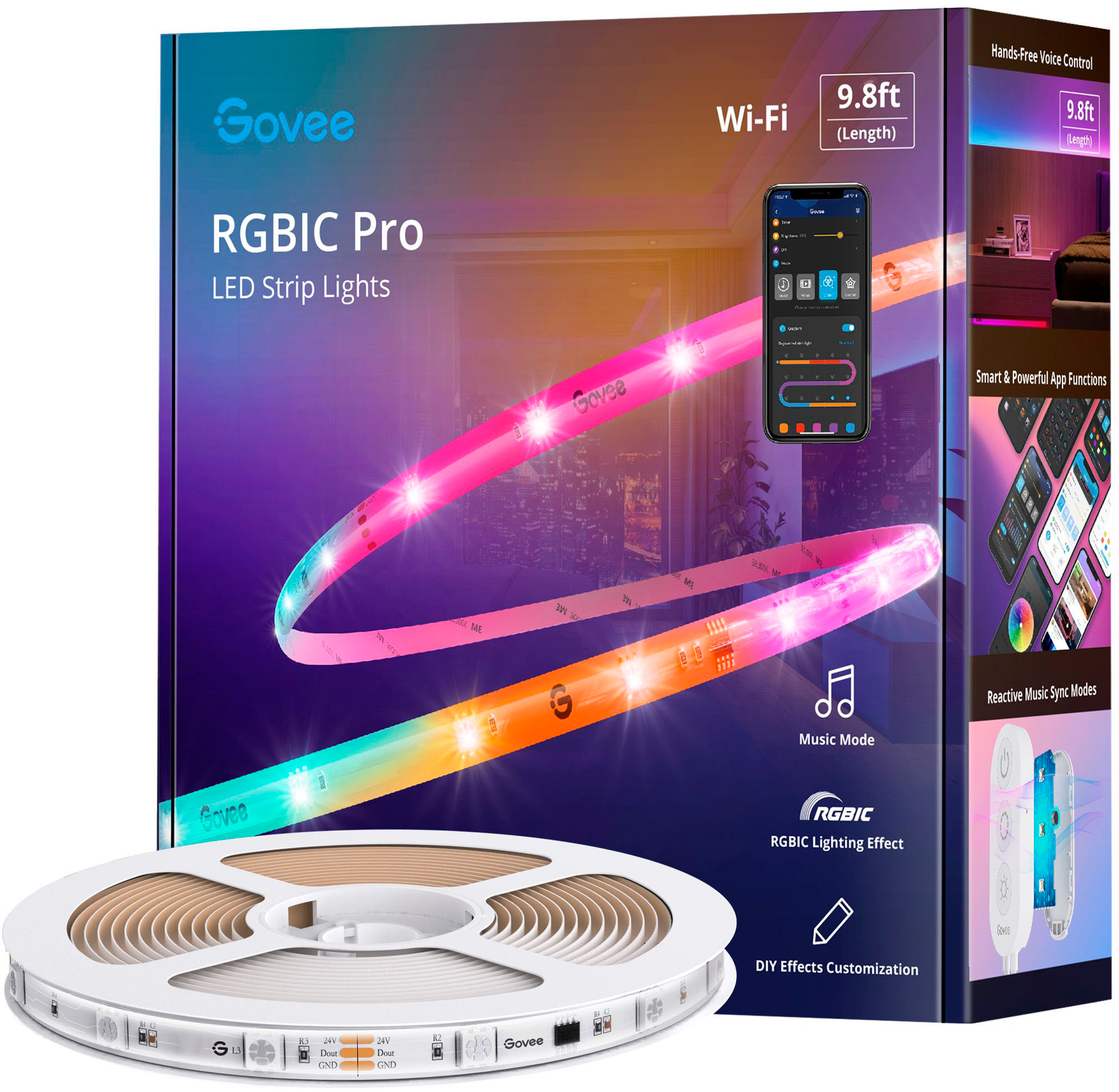
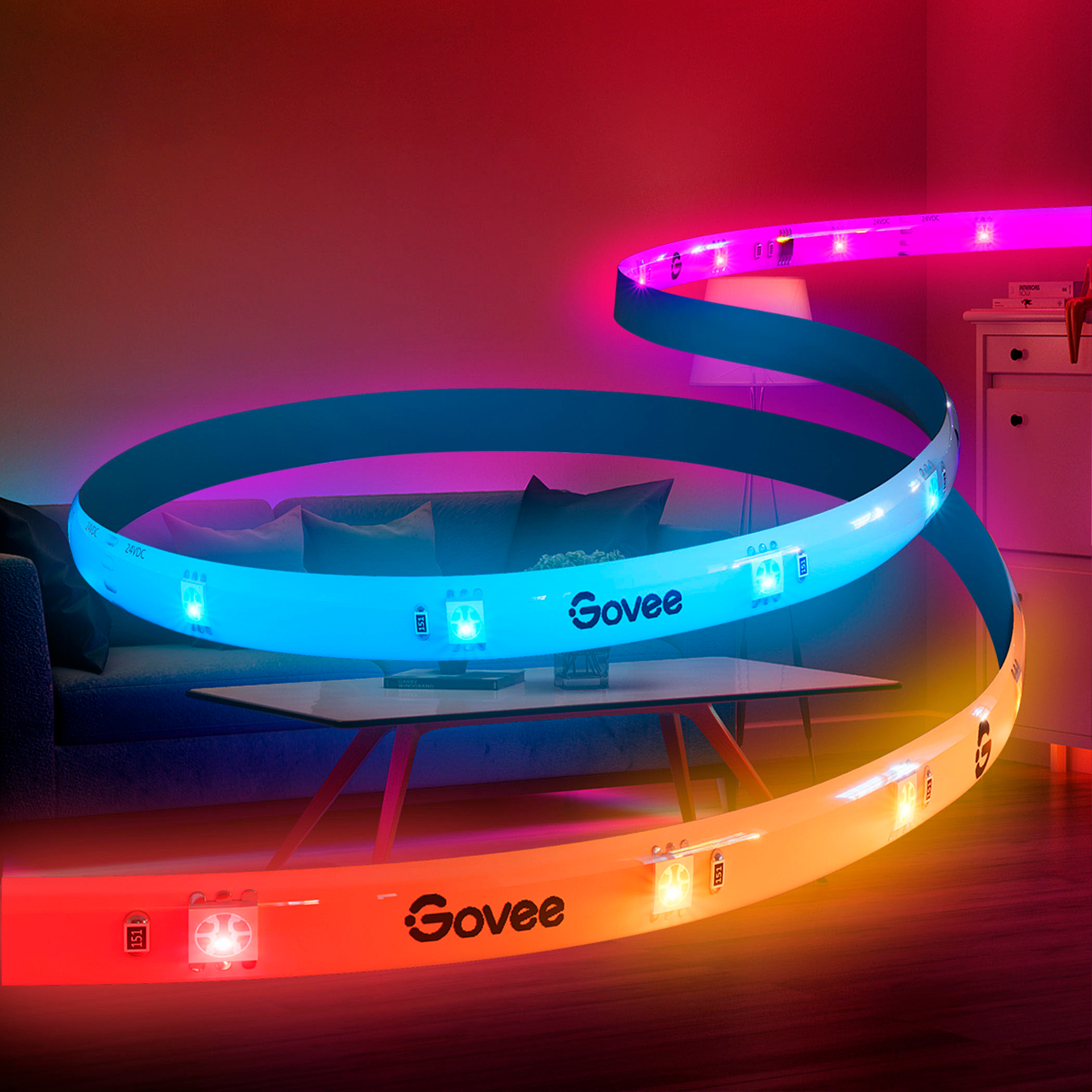
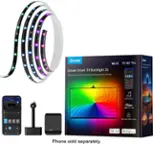
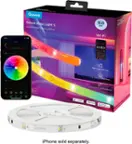
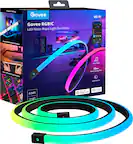
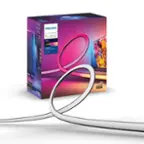
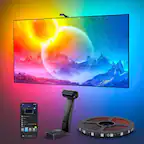
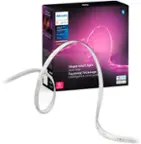
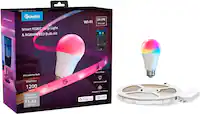
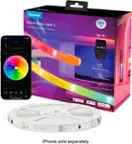
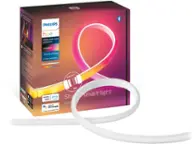
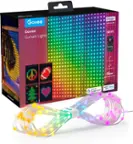
A:AnswerThis product should come with 2 led strips that plug into a receiver that takes up a singular standard wall plug. I hope this answers your question, your wording was confusing
A:Answerremove the back strip, and apply the sticky side to the desk. like most led strips. they also have mounts that you can stick to the surface, and screw in.
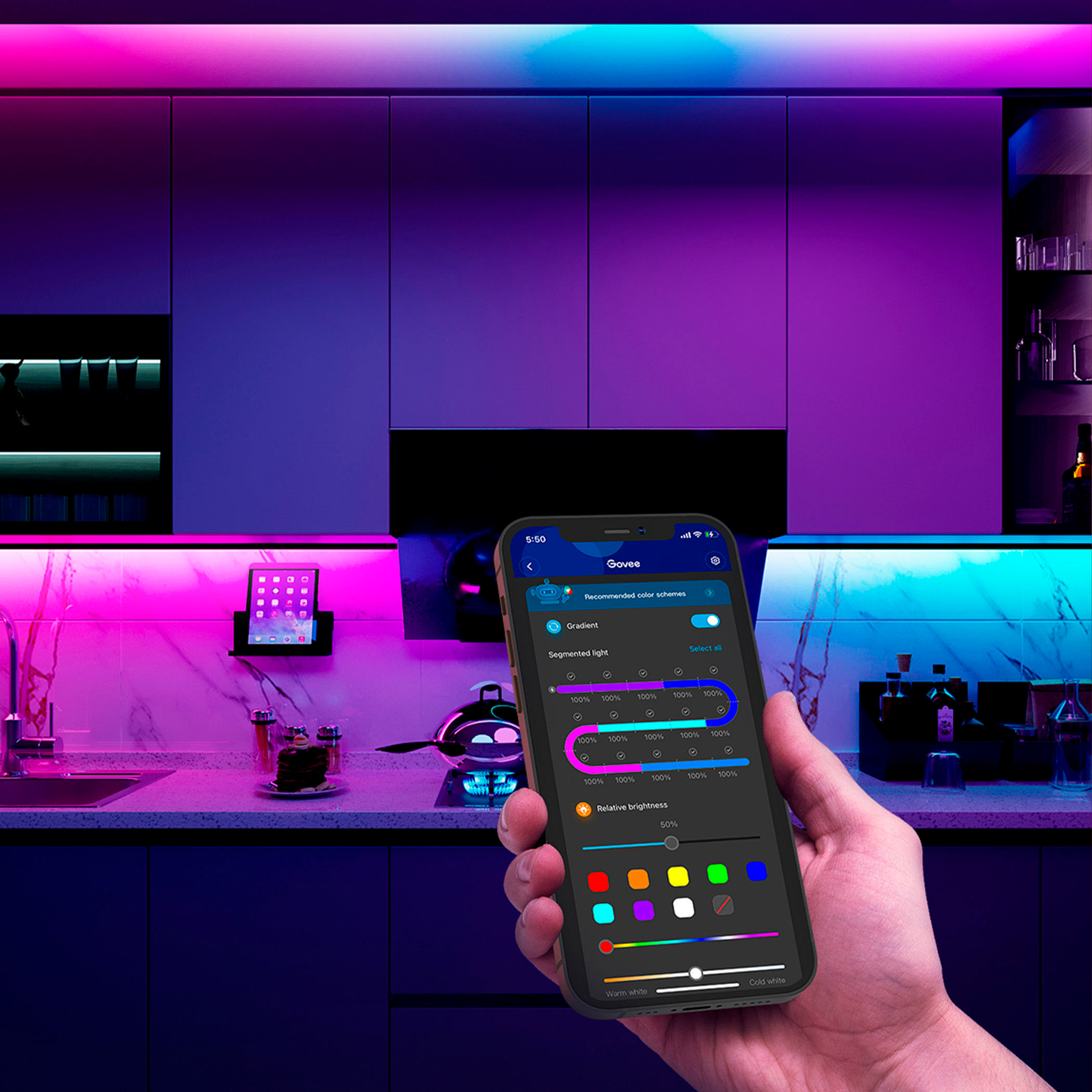
A:AnswerThere is no 'remote' like other LED strips. If you have a phone i would recommend using the Govee Home app because it opens up all the opportunities to customize your LEDs. My kids rooms lighting look different EVERY DAY cause they use the app and think it is fun. However, the wall button does turn them on and you can change modes/colors.....just not the full feature set like the app does.
A:AnswerIt does not need wifi to work. It has a hardware that has a power button to use. Wifi will allow you to integrate with your smart home like Alexa or Google home.