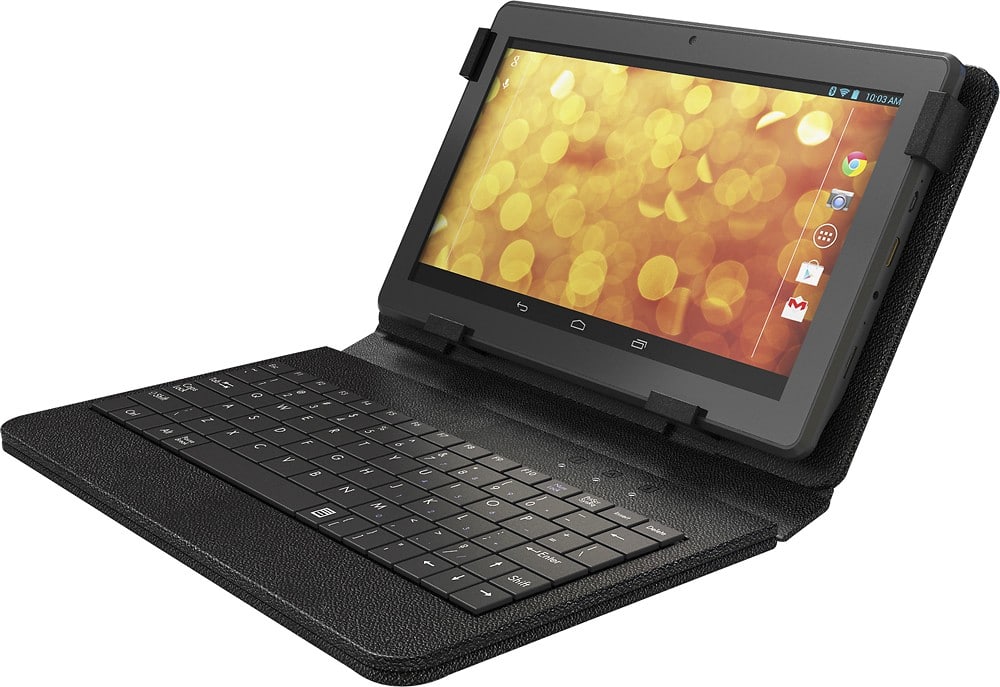
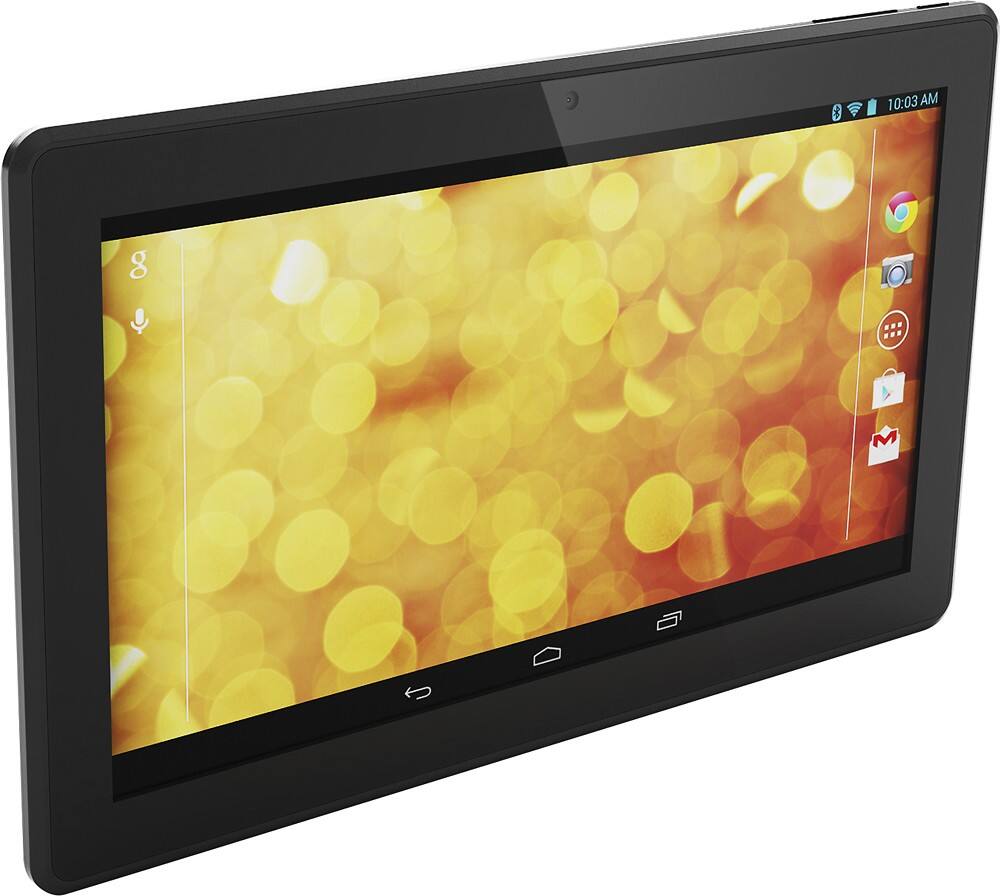
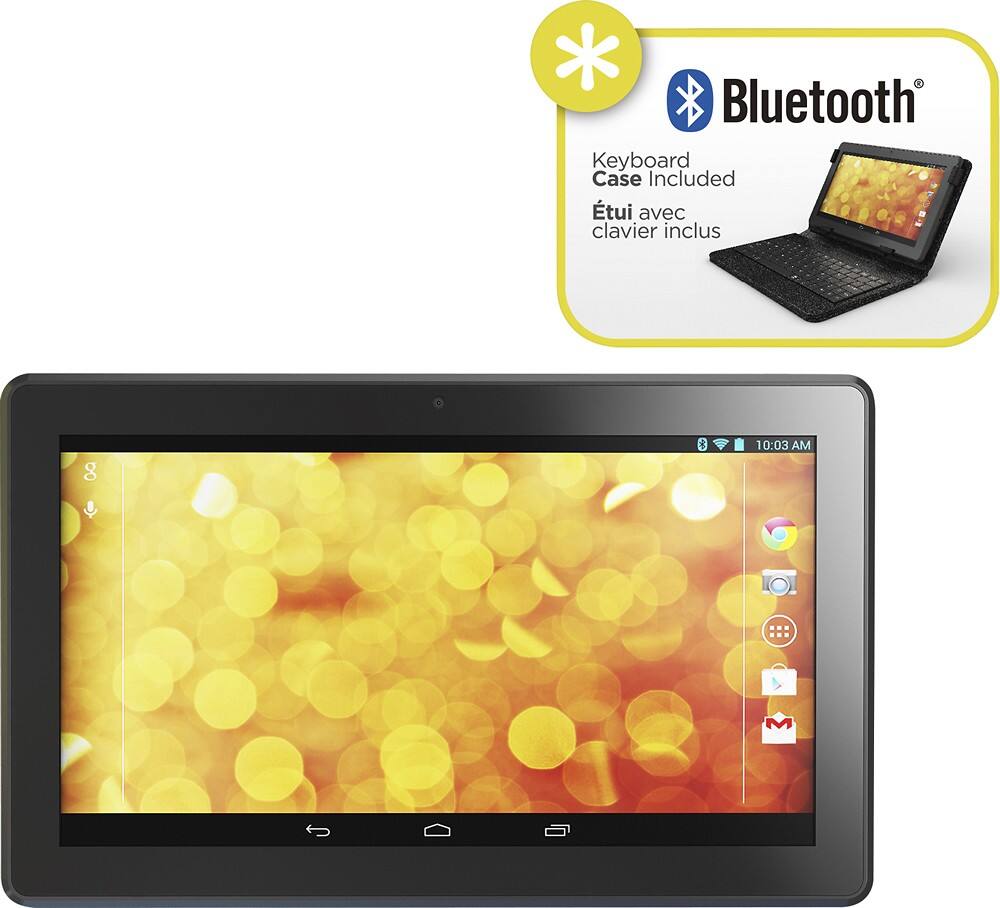
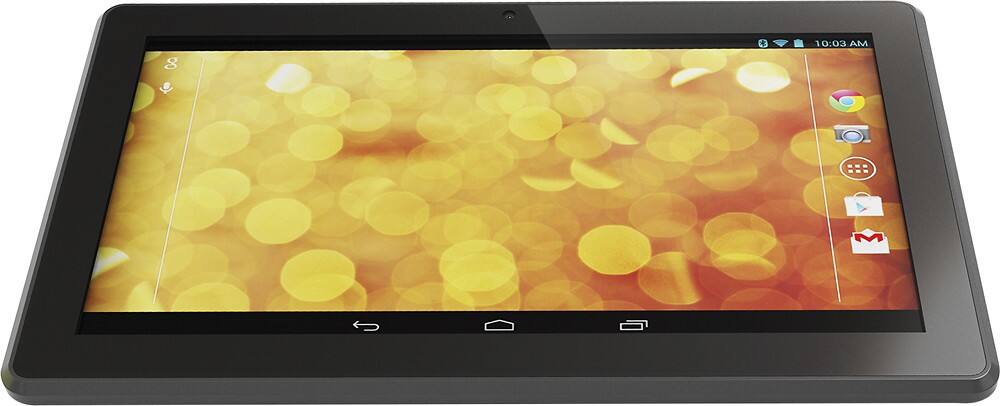
A:Answergo through the steps on contacting them as long as not dropped damage they will repair screen. mine went out at 3 months and sent to them and they replaced screen.
A:AnswerThe Hipstreet Phoenix 10" tablet can be connected to non Windows OS via USB, but will only been seen as an external storage drive and you will be able to transfer files, but they must be Android compatible to be used on the device or download an APP that will allow them to function.
A:AnswerThe Hipstreet Phoenix 10" tablet does not have a slot for SIM cards. You can use WIFI and any of the many available apps to make either audio and or video calls that are available in the Google Play Store.
A:AnswerThe Hipstreet Phoenix 10" tablet will work with most of the current wireless printers. To print to a printer, first you will need to choice a printer based on your needs and requirements and then download the compatible APP for that model from the Google Play store that will allow you to securely connect over your wireless network.
A:AnswerThe Hipstreet Phoenix is a Google certified tablet that will give you access to thousands of apps available on the Google Play store like Firefox and Thunderbird.
A:AnswerWe're sorry to hear about your experience with our product. Please get in touch with us by emailing us at support@hipstreet.com or by calling us at 1-888-456-2426 7am to 8pm EST. We'd like to help get your product working right for you.
A:AnswerNot sure if it will let me send a link but I google it and this is the steps listed:
First turn off your tablet. Press and hold the Power button until the tablet turns off.
Press and hold Volume Up + Power buttons at the same time for 5-8 seconds.
You will see a Recovery menu.Select wipe data/factory reset. (Volume buttons to go up or down, select with Power button)
Select Yes — delete all user data.
Finally, select Reboot system now.
A:AnswerThe Hipstreet Phoenix 10" tablet does not have a GPS chip set, but with wifi connection and an APP like Google Maps or any of the many map and location apps found in the Google App Store you are able to get your location.