A:AnswerHi Hisense Customer, Thank you for your interest in the Hisense 43A6G. The Hisense model 43A6G has the VA panel. If you have any further questions or concerns please give us a call at 1-888-935-8880 or email us at [email protected]. Thanks Again, Harley with the Hisense Support Team
A:AnswerHello Hisense Customer, Thank you for your interest in the Hisense 43A6G. This unit supports up 300 nits of brightness. If you have any further questions or concerns please give us a call at 1-888-935-8880 or email us at [email protected]. Thanks Again, Harley with the Hisense Support Team
A:AnswerHello Eddie, Thank you for your interest in the Hisense 43A6G. To connect a Bluetooth headset to this unit go to Menu > Settings > Remotes & Accessories > Select the desired device (make sure it is discoverable) and then follow the on-screen prompts to complete the pairing. If you have any further questions or concerns, please give us a call at 1-888-935-8880 or email us at [email protected]. Thanks again, Harley with the Hisense Support Team.
A:AnswerHello Rick, Thank you for your interest in the Hisense 43A6G. The Ram for this TV is 2G.If you have any further questions or concerns please give us a call at 1-888-935-8880 or email us at [email protected]. Thanks Again, Harley with the Hisense Support Team
A:AnswerHello Eric, Thank you for your interest in the Hisense 43A6G. This TV has vertical alignment panel. If you have any further questions or concerns please give us a call at 1-888-935-8880 or email us at [email protected]. Thanks Again, Harley with the Hisense Support Team
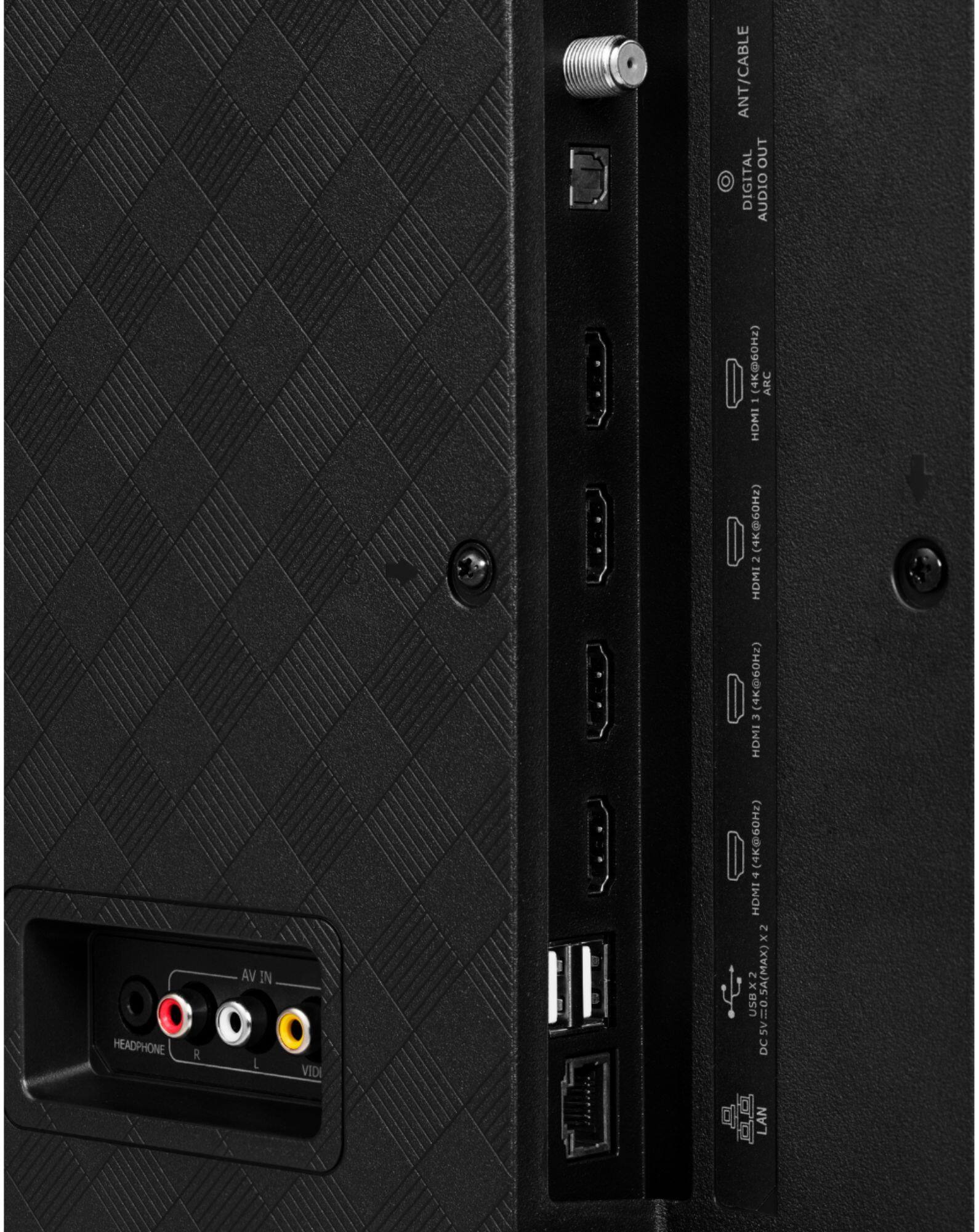
A:AnswerHello Mike, Thank you for your interest in the Hisense 43A6G. This TV supports up HDMI 2.0. If you have any further questions or concerns please give us a call at 1-888-935-8880 or email us at [email protected]. Thanks Again, Harley with the Hisense Support Team
A:AnswerHello Loni, Thank you for your interest in the Hisense 43A6G. You can watch movies from the USB thumb drive, listen through either the digital audio output or via Bluetooth. If you have any further questions or concerns please give us a call at 1-888-935-8880 or email us at [email protected]. Thanks Again, Harley with the Hisense Support Team
A:AnswerHello goku25jason, thank you for your interest in the Hisense 43A6G. To resolve this issue, please change the HDMI 2.0 format to enhanced. To do this, first select the input your device is connected to (HDMI 1, 2 or 3), then press the menu button (three horizontal lines) and select Picture > HDMI 2.0 Format > Enhanced. If you have any further questions or concerns please give us a call at 1-888-935-8880 or email us at [email protected]. Thanks again, Harley with the Hisense Support Team.
A:AnswerHello Aren, thank you for your interest in the Hisense 43A6G. Yes, this unit can display 4:4:4 chroma subsampling at 4K 60Hz. The subpixel layout is RGB. If you have any further questions or concerns, please give us a call at 1-888-935-8880 or email us at [email protected]. Thanks again, Harley with the Hisense Support Team.
A:AnswerHello Hisense Customer, Thank you for your interest in the Hisense 43A6G. Regrettably, this model does not have any Local Dimming, however has Motion Rate of 120. If you have any further questions or concerns please give us a call at 1-888-935-8880 or email us at [email protected]. Thanks Again, Harley with the Hisense Support Team
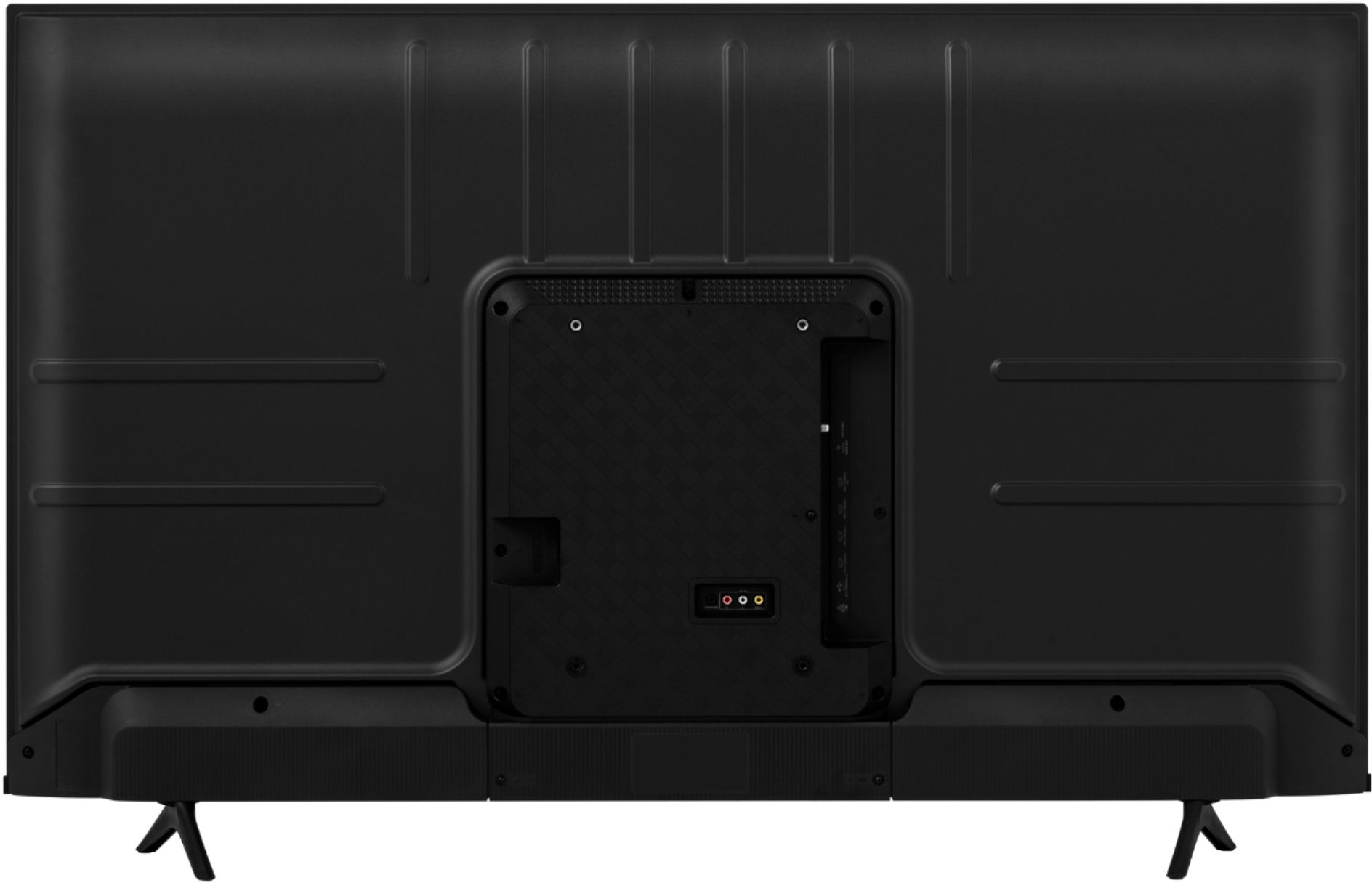
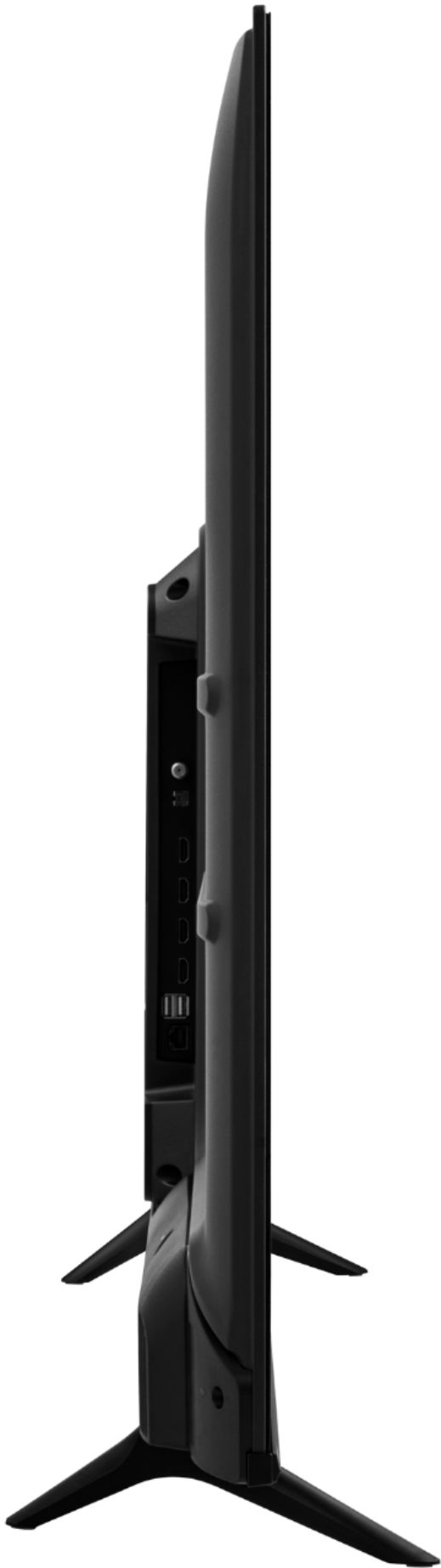
A:AnswerHello RiiddLE, thank you for your interest in the Hisense 43A6G. This unit has two USB 2.0 ports. If you have any further questions or concerns please give us a call at 1-888-935-8880 or email us at [email protected]. Thanks again, Harley with the Hisense Support Team.
A:AnswerHello Hisense Customer, Thank you for your interest in the Hisense 43A6G. We are sorry to hear that the unit is turning on by itself. Please try completing a power cycle by unplugging the unit from the power outlet, wait for 30 seconds and plug the unit back in. If this does not resolve the issue, please reach out directly to our support team at 1-888-935-8880 or email us at [email protected]. Thanks again, Harley with the Hisense Support Team.
A:AnswerHi Bryan, Thank you for your interest in the Hisense 43A6G. Yes you can use a Amazon Fire stick with this TV. If you have any further questions or concerns please give us a call at 1-888-935-8880 or email us at [email protected]. Thanks Again, Harley with the Hisense Support Team
A:AnswerHello Hisense Customer, Thank you for your interest in the Hisense 43A6G.Regrettably, Apple screen mirroring is not supported. However, you can screen mirror or Chromecast from a android device. If you have any further questions or concerns please give us a call at 1-888-935-8880 or email us at [email protected]. Thanks Again, Harley with the Hisense Support Team
A:AnswerHi MsLorider, thank you for your interest in the Hisense 43A6G. Yes, this model does have closed captioning and sleep timer available. If you have any further questions or concerns please give us a call at 1-888-935-8880 or email us at [email protected]. Thanks again, Harley with the Hisense Support Team.
A:AnswerHi Jessy! This 43A6G has 2Gb RAM and 8Gb ROM. If you have any further questions or concerns please give us a call at 1-888-935-8880 or email us at [email protected]. Thanks again, Harley with the Hisense Support Team.
A:AnswerHello Sidney, thank you for your interest in the Hisense 43A6G. This TV is very easy to set up. The only passwords you may be required to enter are for your WIFI and your Google account. If you have any further questions or concerns please give us a call at 1-888-935-8880 or email us at [email protected]. Thanks again, Harley with the Hisense Support Team.