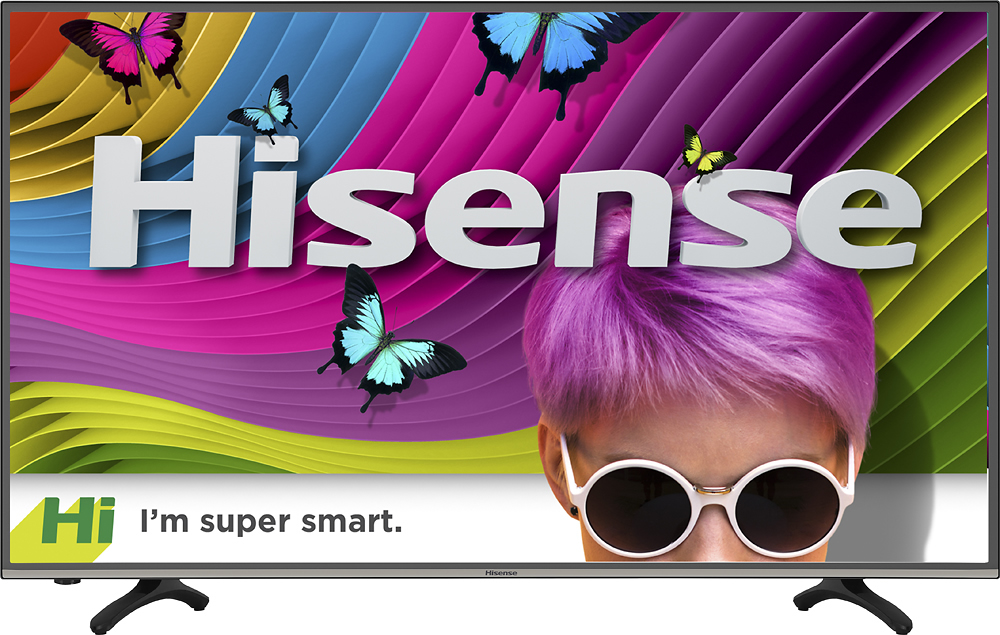
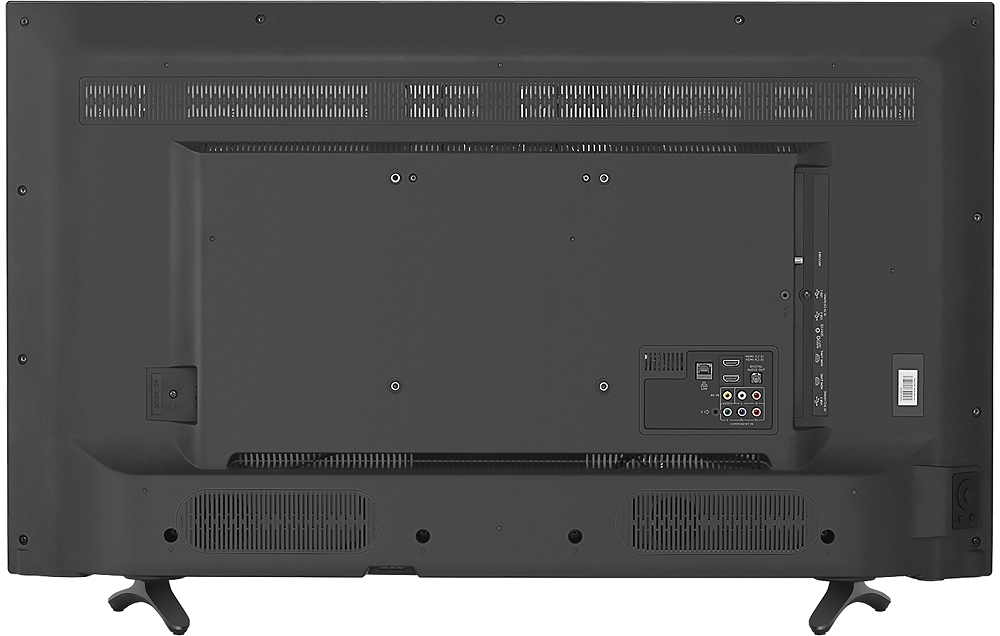
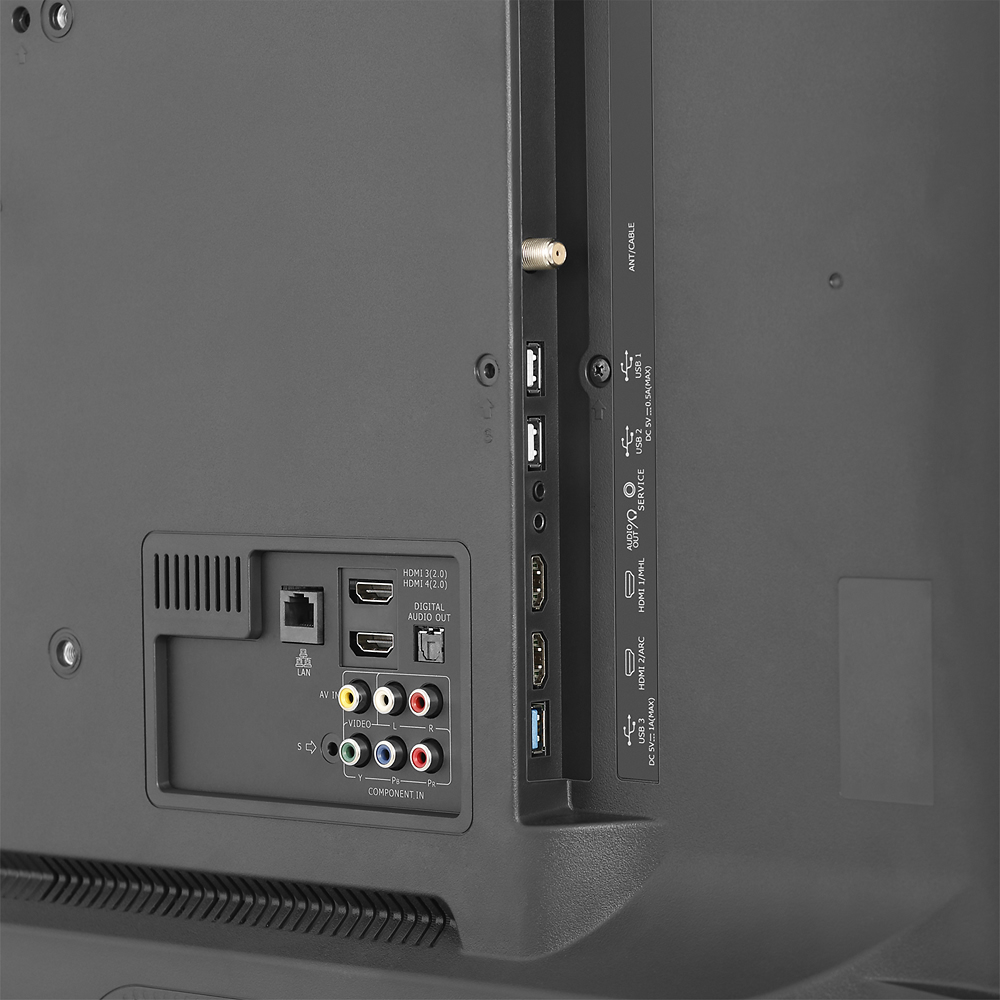
A:AnswerIt honestly depends on what you are trying to utilize when viewing the TV. Most digital signals unless paying for a higher definition is a standard 720p or 480p, however you must make sure your HDMI and Component cables are plugged into specific inputs. There are two to four 4K HDMI inputs that you must connect to specific devices in order for it to utilize the true 4K UHD service. Consoles such as PS4 and Xbox One will allow your TV to switch automatically to 4K display if plugged into the 4K 30fps or 4K 60fps ports correctly.
A:AnswerIt is very important to only install updates by selecting Check Firmware Upgrade in the Settings menu or via USB when provided by Hisense technical support. In most cases, firmware is designed specifically for one model television. If you have any additional questions, please call us at 1-888-935-8880.
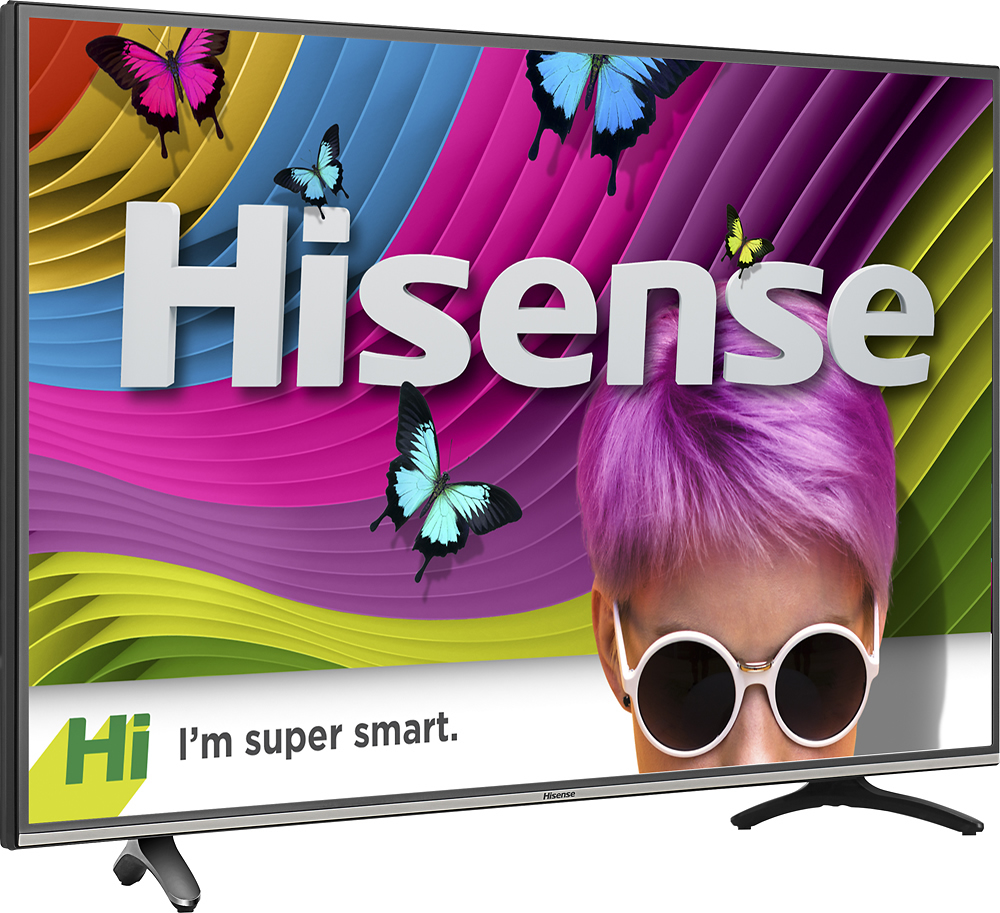
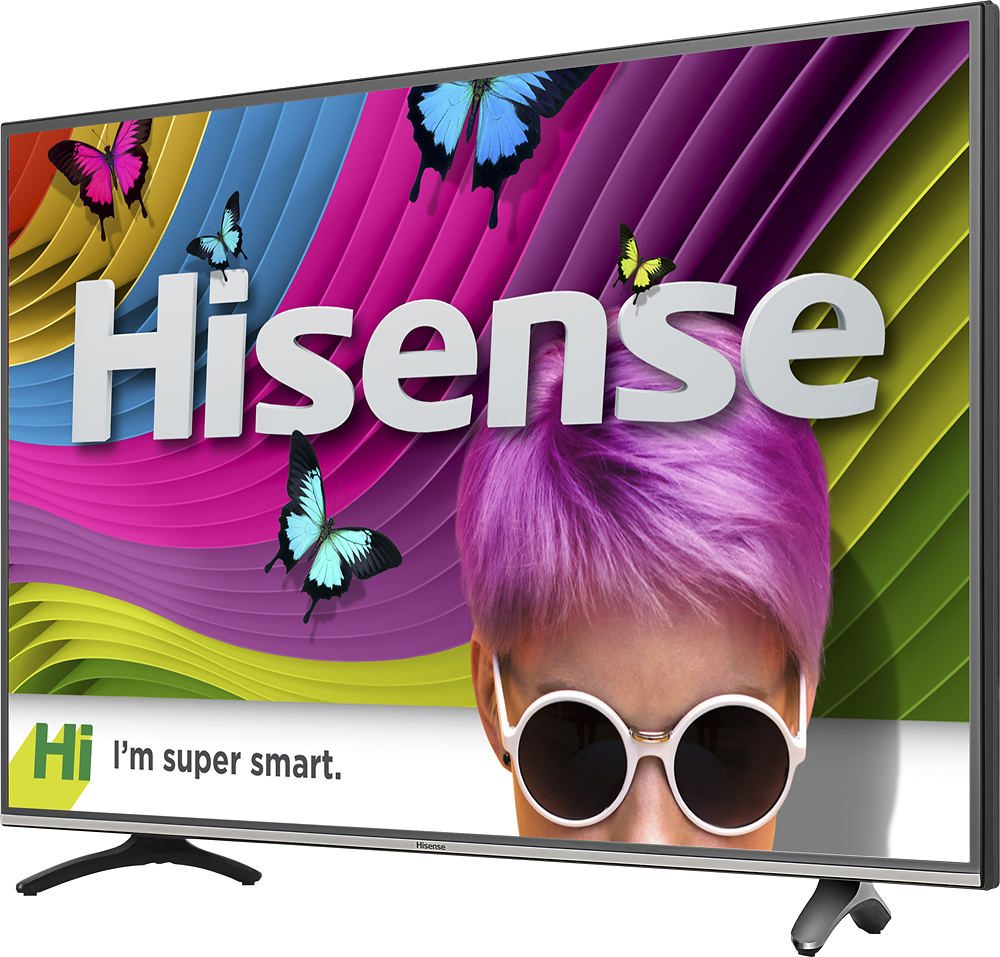
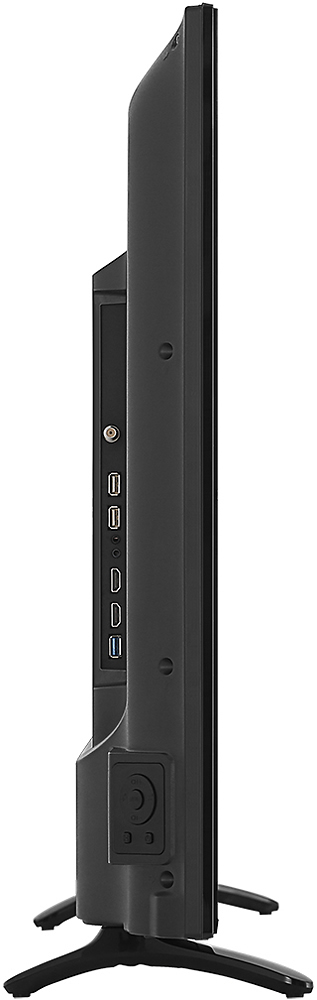
A:AnswerThe TV itself is 38 inches wide. There are two stands that are inserted into the bottom of the set. They support the set and appear at about 4 inches and 34 inches on the front side of the set. To the back side, they protrude out about 5 inches. They sit at an angle. Though they are plastic, the set feels firmly and adequately supported.
A:AnswerHi Mika, if your tablet is running on "raw" Android OS, then it should be able to mirror through the Anyview Cast app on the Hisense TV. If you have any further questions, please contact us at 1-888-935-8880.