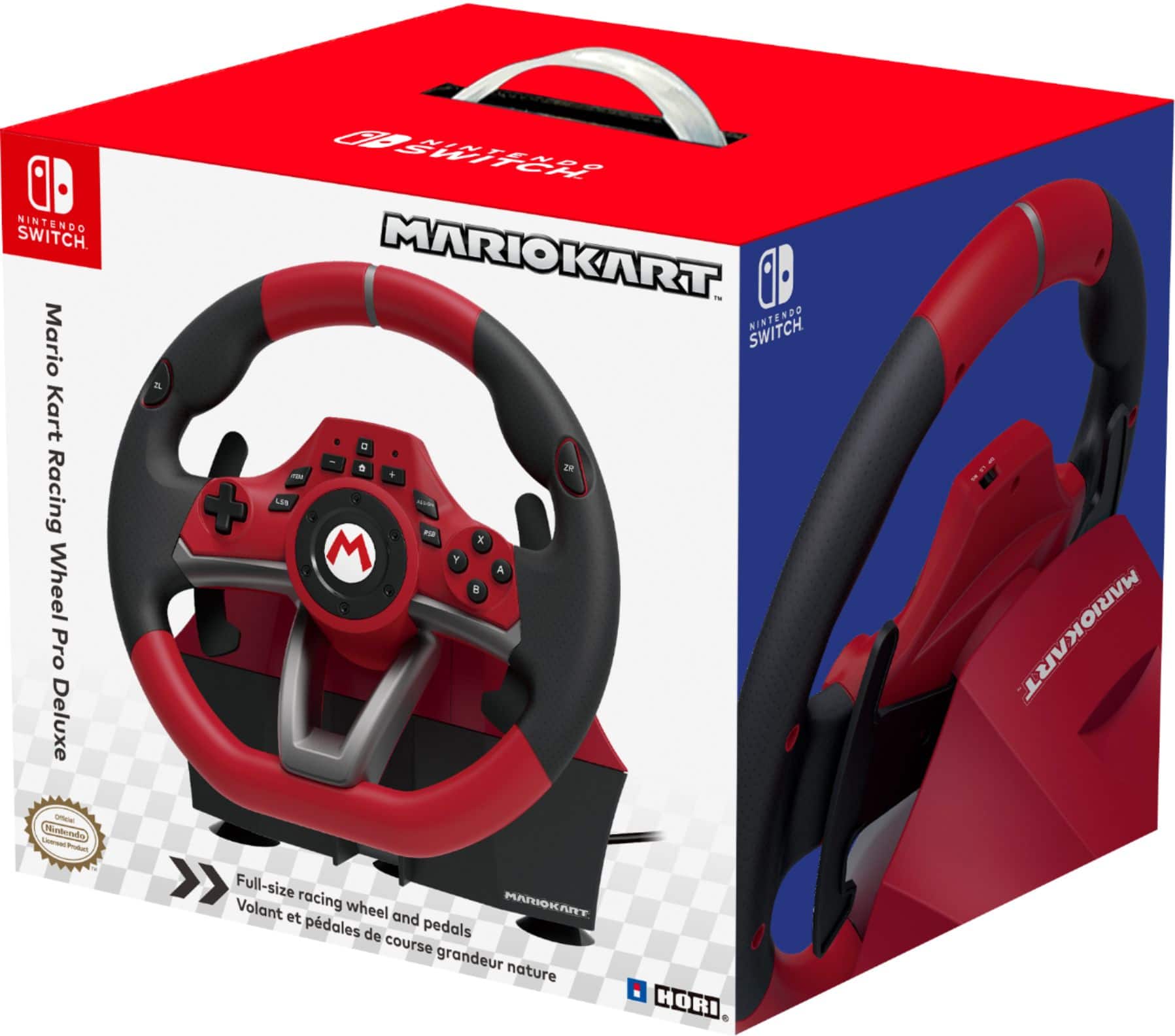
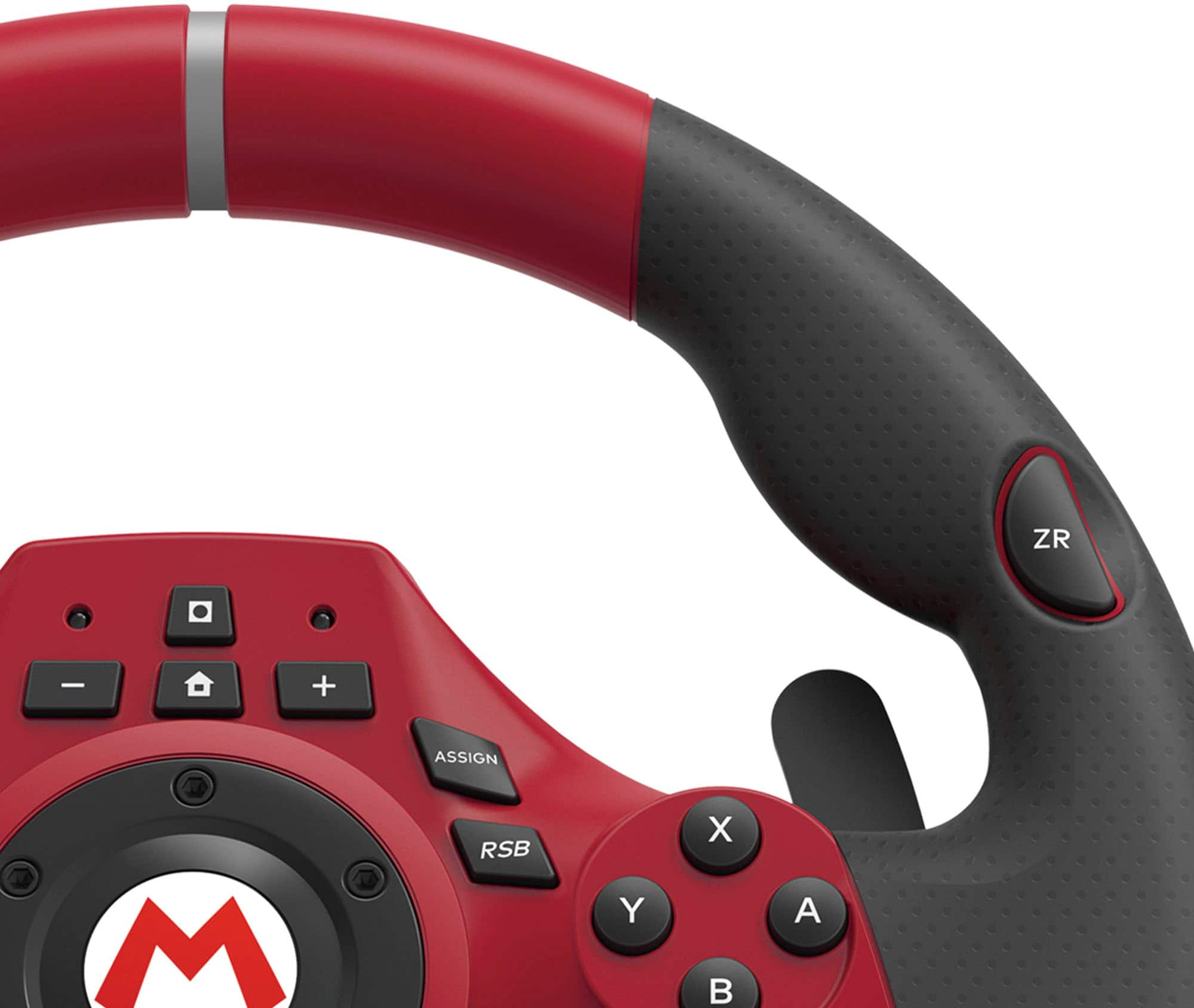
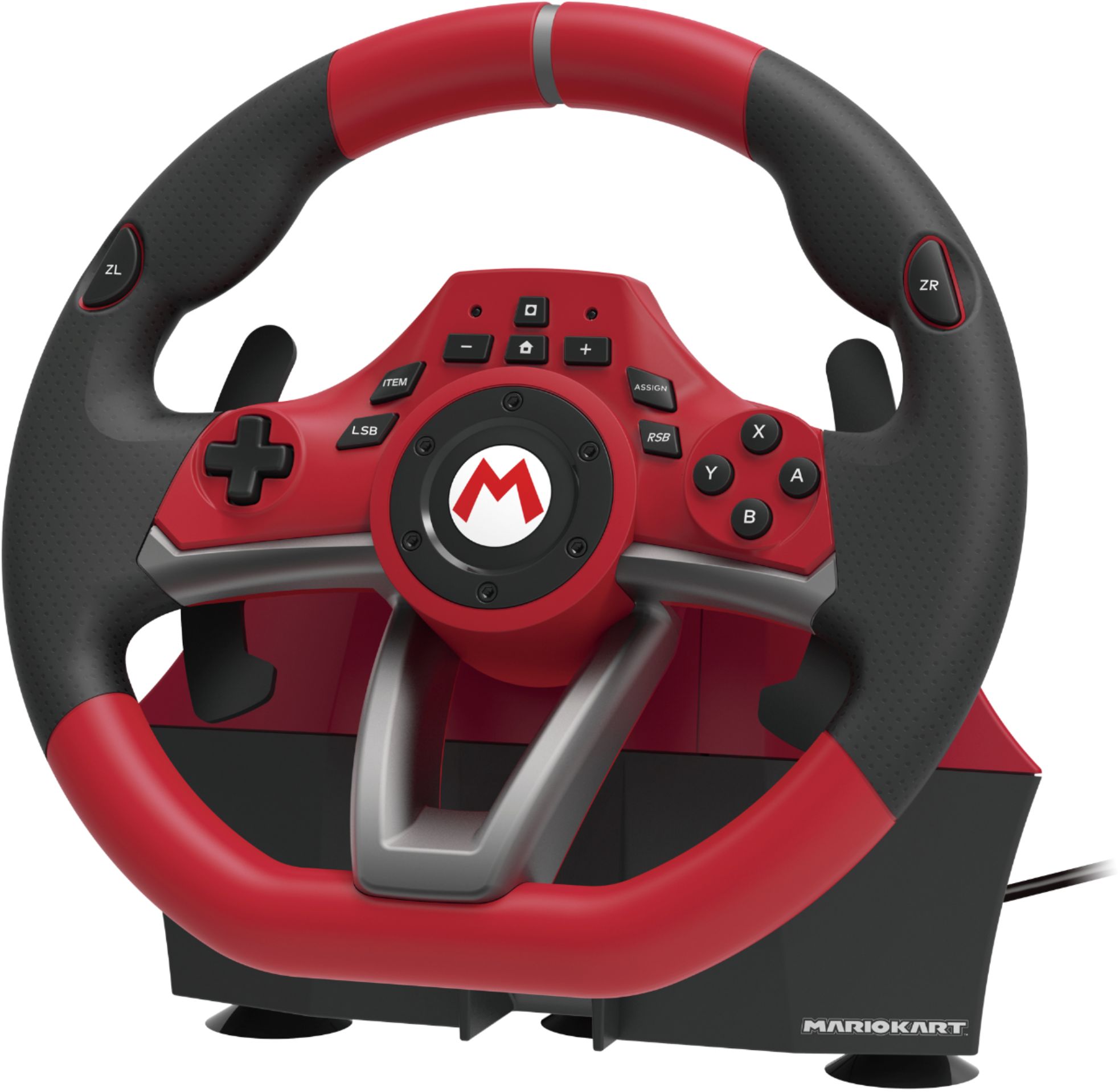
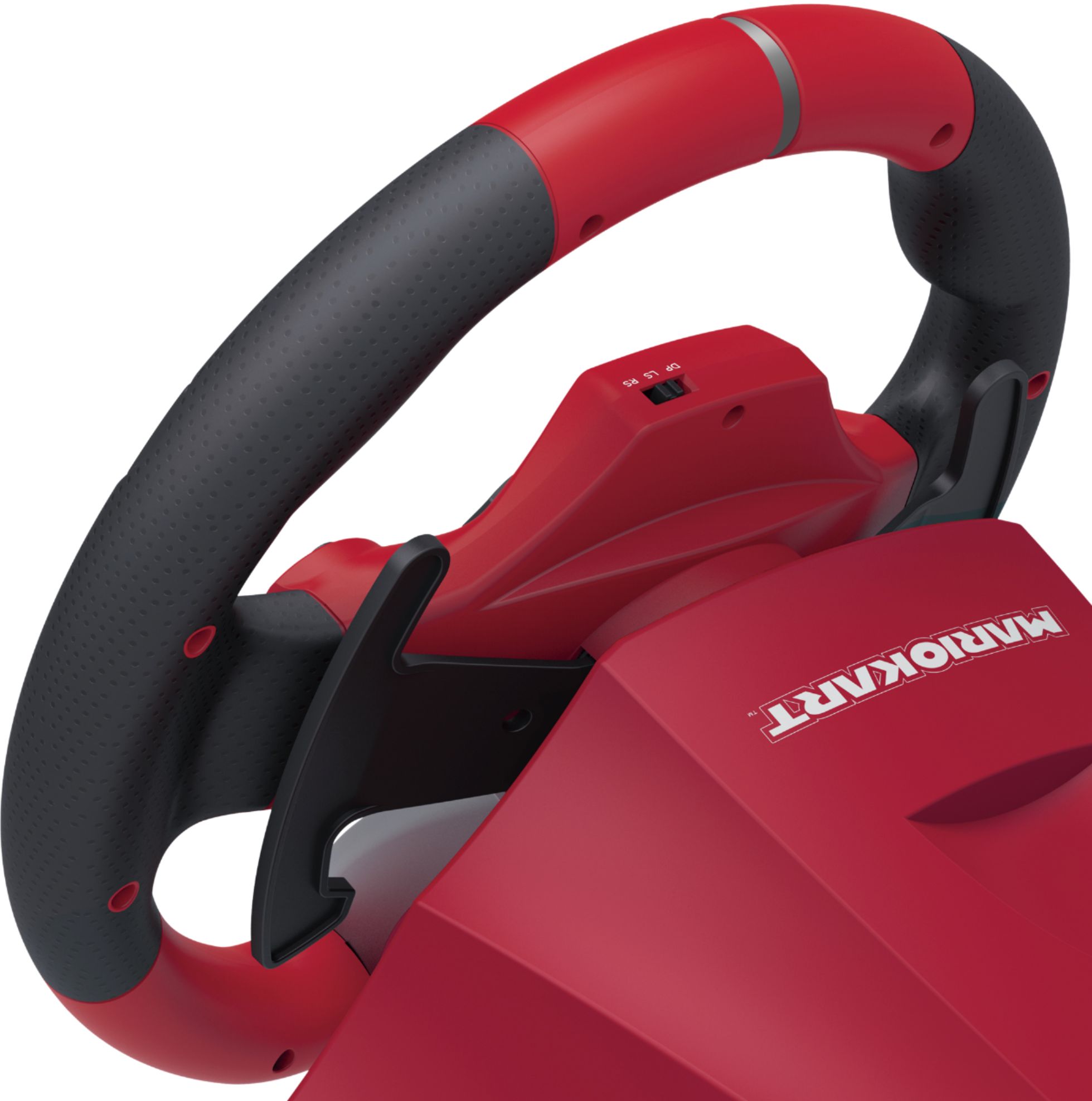
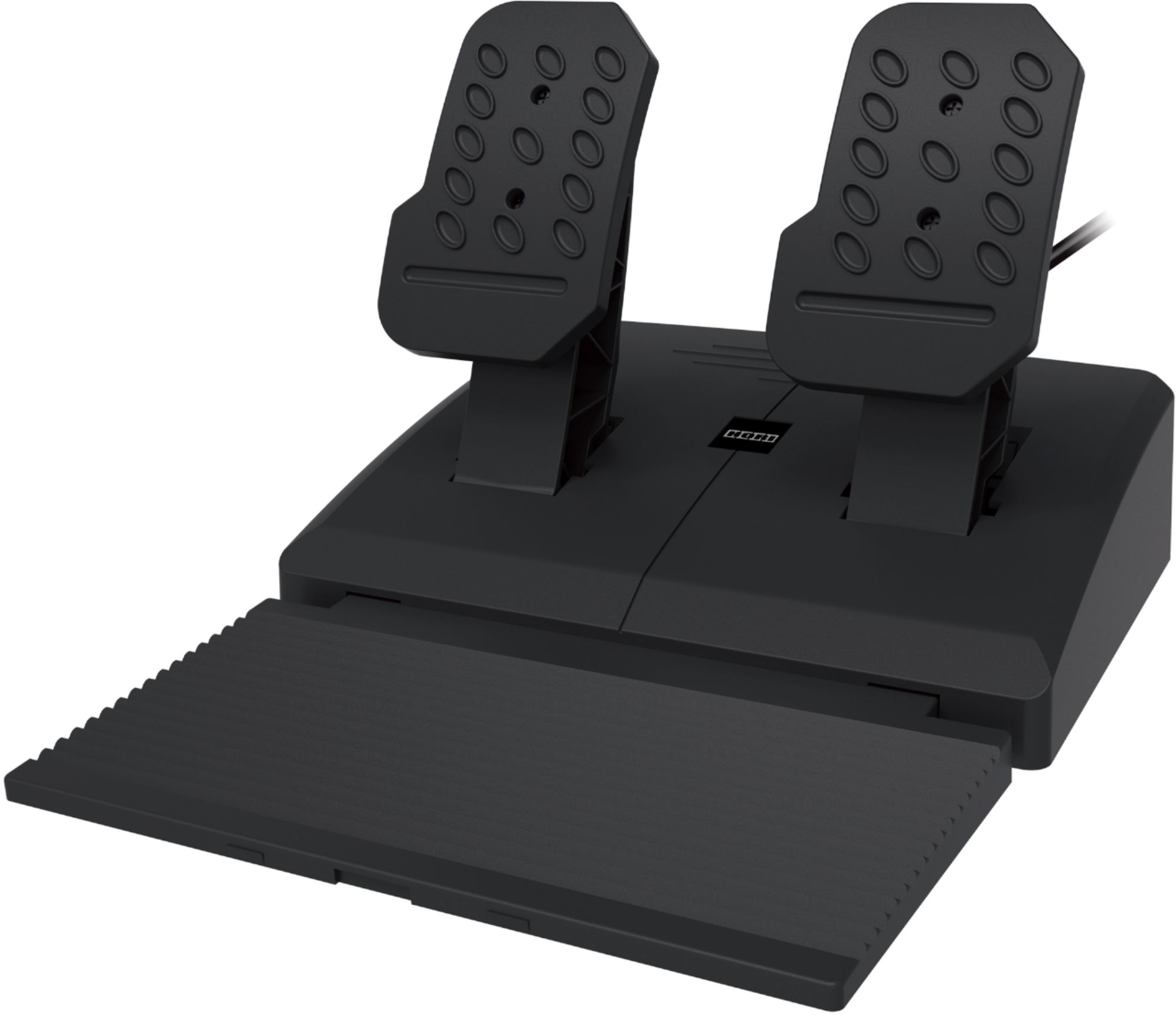
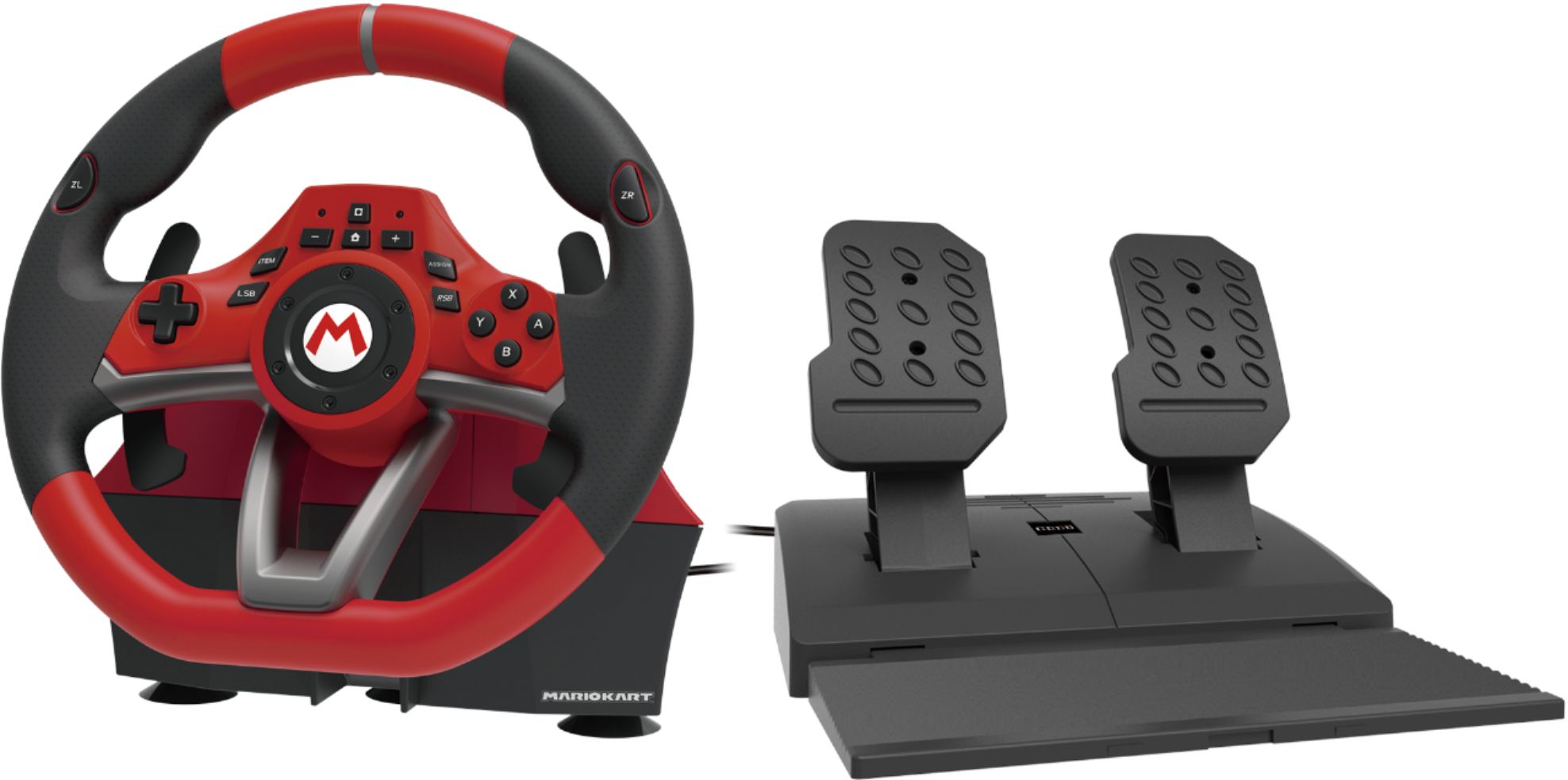
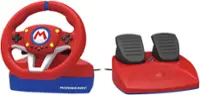
A:AnswerTechnically, all racing games are compatible as you can easily program the foot pedals to be any button on a standard controller. The default setting has the gas pedal set to the A button and the brake pedal to the B button. However, you can quickly change the pedals to be the ZL and ZR triggers if the racing game you are playing uses those for brake and gas. The included manual clearly tells you how to reprogram the buttons and it takes less than 10 seconds to do so. Below are the racing games that I own that I have personally used with the Hori racing wheel and my quick thoughts on how each performed.
Mario Kart 8 Deluxe - Controls great with the wheel after you set it to 180 degrees rotation (default setting is 270 degrees). Took a couple of races to adjust, but using the wheel is fun after this small learning period.
Rise: Race The Future - Works great with the wheel and has lots of options to tweak the car handling. Fun arcade racer.
Taxi Chaos - Controls decently with the wheel. Makes it feel more like SEGA's arcade classic, but it never controls perfectly. Average describes everything about this game.
Xenon Racer - Controls terribly. Tapping the brake seems to only randomly start a drift and it gets frustrating fast. Avoid this one as it's not near as fun as it looks.
Cruisin' Blast - Works perfectly with the wheel and feels just like you are playing the arcade game. One of my favorites and highly recommended for arcade fans.
Team Sonic Racing - High learning curve to control this one well using the wheel. If you're playing competitively online, you'll likely want to stick to using the Pro Controller. Takes a lot of patience to find the sweet spot using the wheel.
Horizon Chase Turbo - Fantastic arcade racer that controls flawlessly with the wheel. Definitely one to own if you purchase the Hori wheel.
OutRun - SEGA classic that feels just like the arcade game when using the Hori wheel. A must own.
Virtua Racing - Sadly, this game is unplayable with the wheel. The turning is digital, so if you move the steering wheel even a single inch to the left, it's registered as 100% to the left. Basically, it's impossible to steer your car and it feels nothing like the arcade version. Very disappointing.
HotShot Racing - Works perfectly with the wheel and the drifting feels fantastic. Great arcade style racing.
Asphalt 9 - Just like Virtua Racing, the steering is digital only. So you ping pong off every single wall and it's impossible to steer. Unplayable using the wheel.
80's Overdrive - Works great with the wheel and the Time Attack mode has that classic OutRun feel. One to try after you've beaten Horizon Chase Turbo and OutRun.
Hot Wheels Unleashed - This one has a learning curve before you can control it as well as you can using a standard controller. Even though I can get better lap times using a Pro Controller, I still have fun using the wheel during the single player campaign.
Super Street Racer - Simple arcade style racer that controls wonderfully using the Hori wheel. Not worth the original $40 price, but now that it's below $20, it's worth a look if you need something to play using the wheel. Looks like a cell phone game, but still fun in short bursts.
GRID Autosport - One of the best racing games on Switch and it was made for the wheel. Lots of options and it feels fantastic. Highly recommended.
Gear.Club Unlimited 2 - The game itself is not nearly as good as GRID, but it does control great using the wheel and can be decent fun if you find it on sale for a cheap price.
Fast RMX - As the name implies, this game is just too fast for me to control it using the wheel. Everything functions as expected when using the wheel, so there's nothing preventing you from trying it. But I'm just not good enough and usually hit every single wall when I try using the Hori wheel. Only Jedi Masters need apply here.
A:AnswerYes, you can go to the Options menu in Hot Wheels and assign the gas and brake buttons to the foot pedals and assign nitro to any button you want on the wheel. There's definitely a learning curve when using the steering wheel and it will take practice before you can achieve the same lap times you get when using a standard controller. If you're playing competitively online and consider it a failure if you don't come in first place, then you'll want to stick to using the Pro Controller. The steering wheel is more fun in a causal environment while playing through the single player campaign.
A:AnswerPress the ASSIGN button and ZR button at the same time, the left LED light should be blue for 3 seconds to show it worked.
To go back to 270, press ASSIGN and ZL at the same time.
A:AnswerIt is usb so it may
I have a g29 wheel
And some racing games
Work , some have issues
On steam .
The Hori wheel works with every single
Racing game on switch
To a certain extent