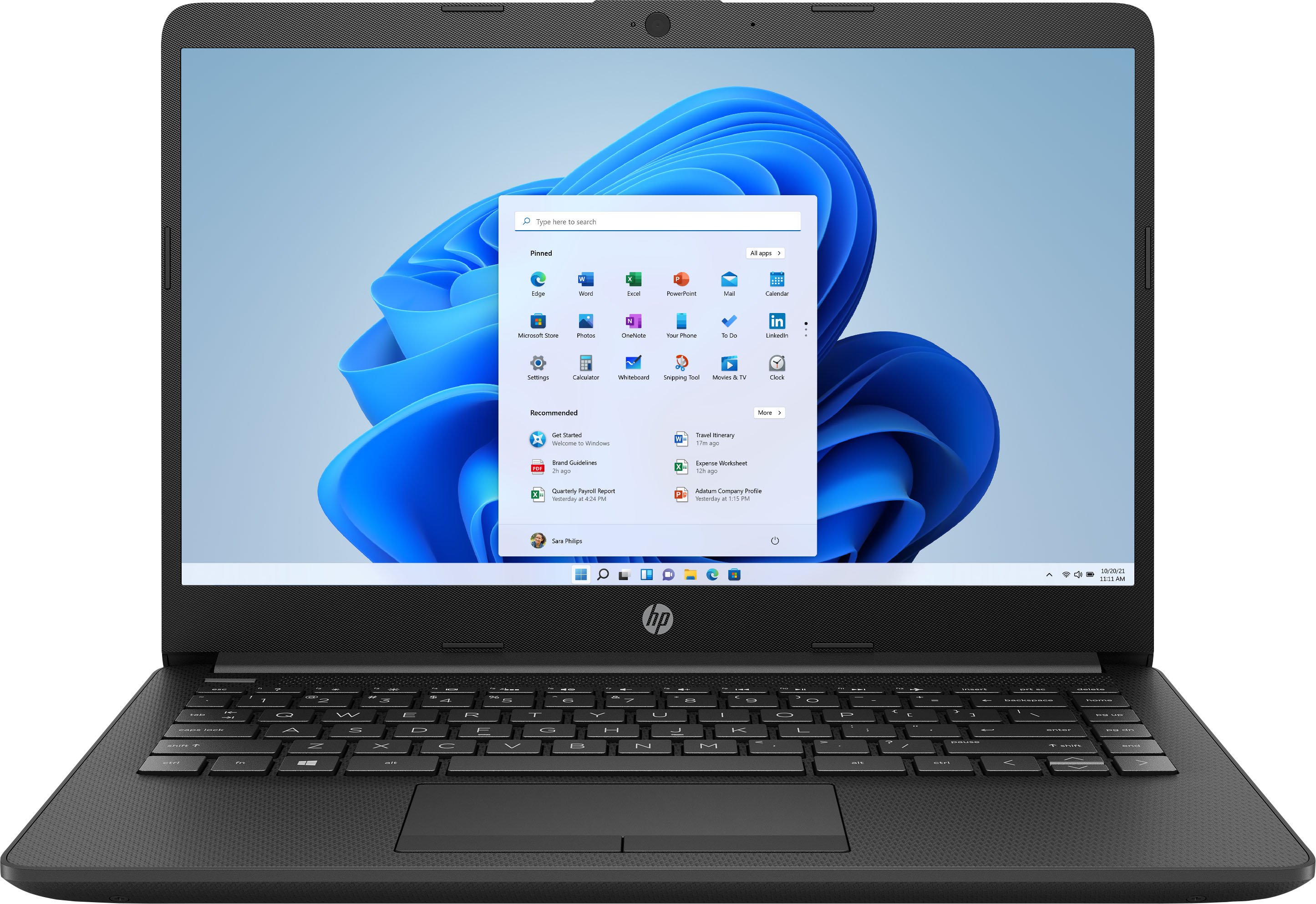
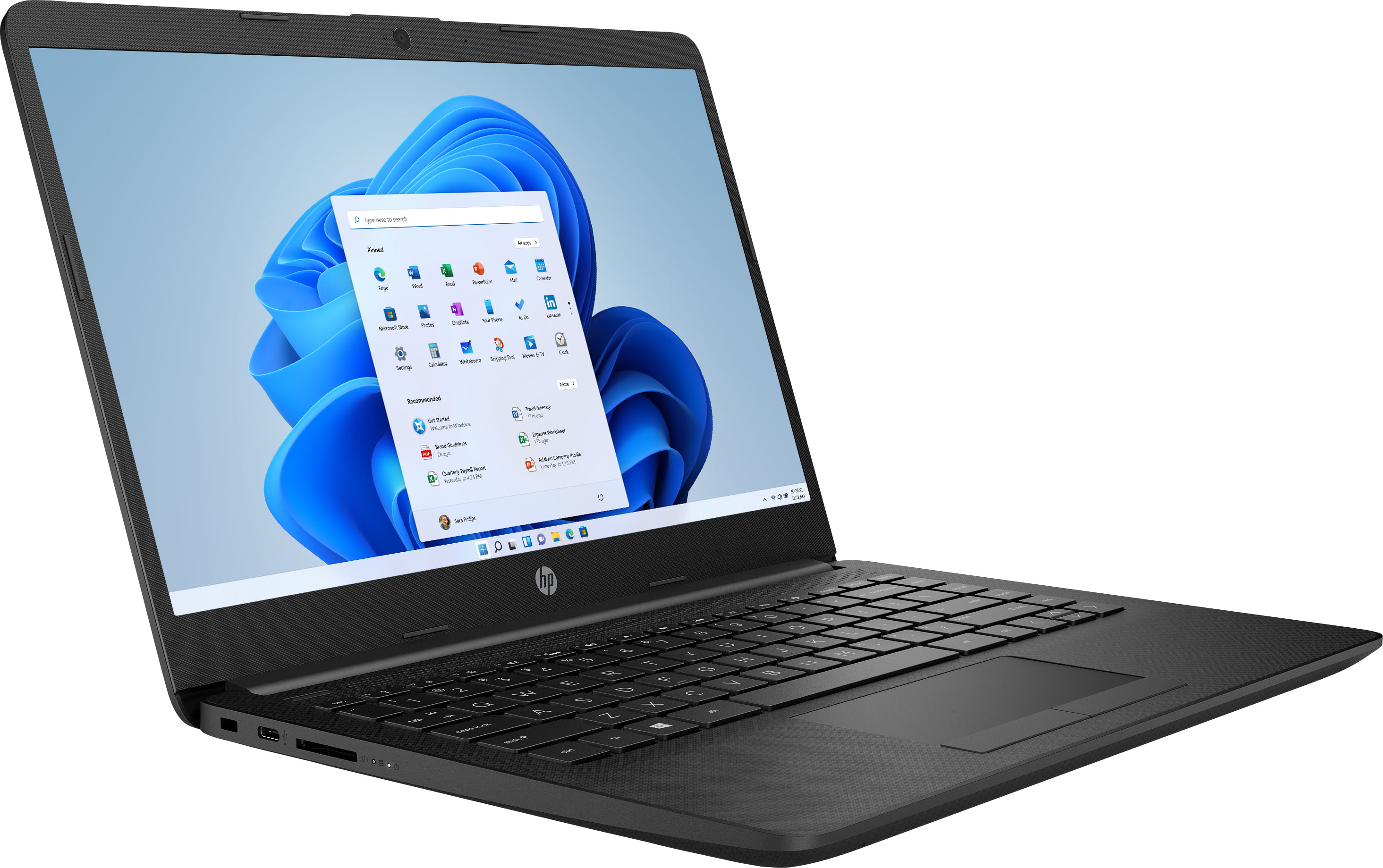
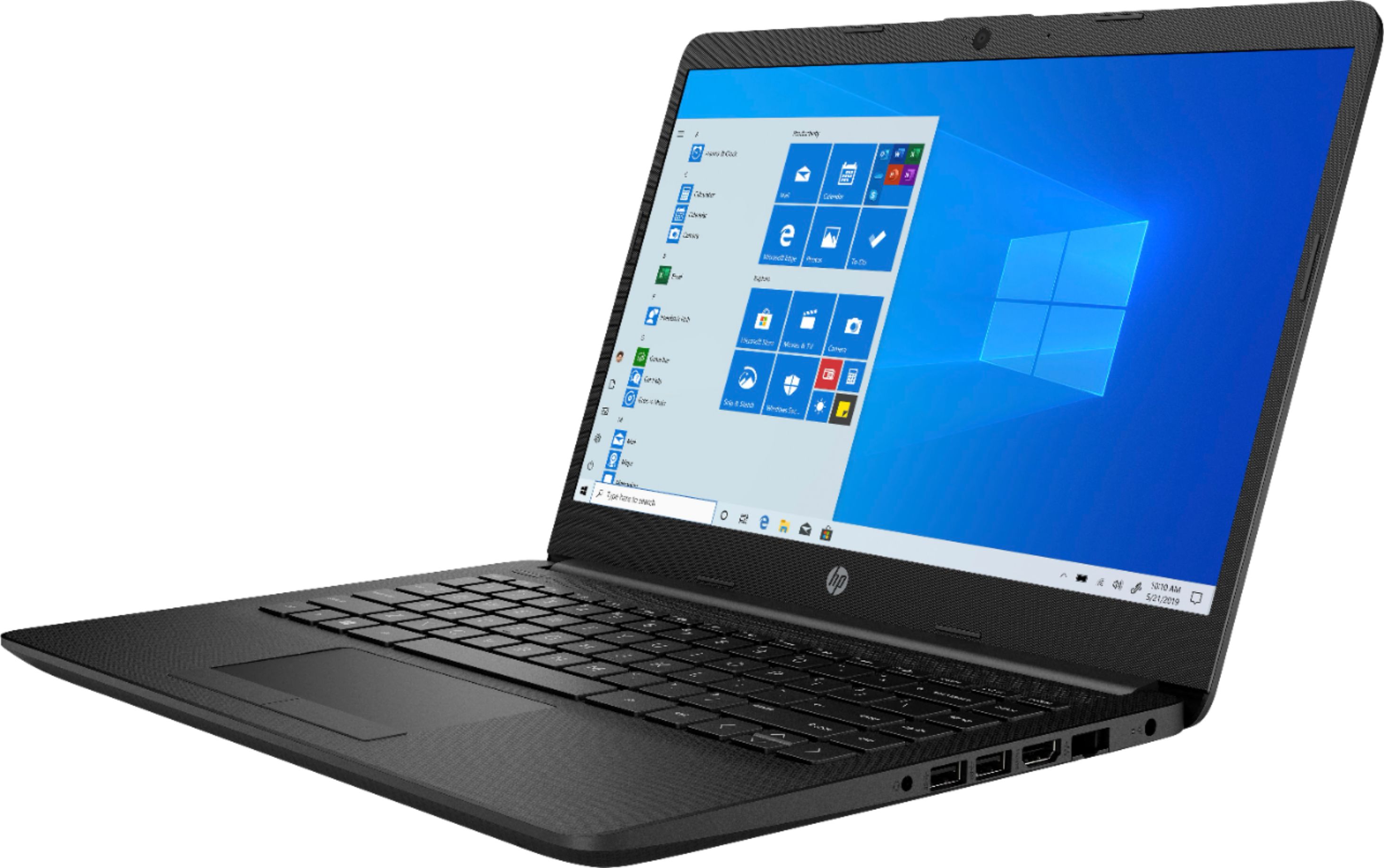
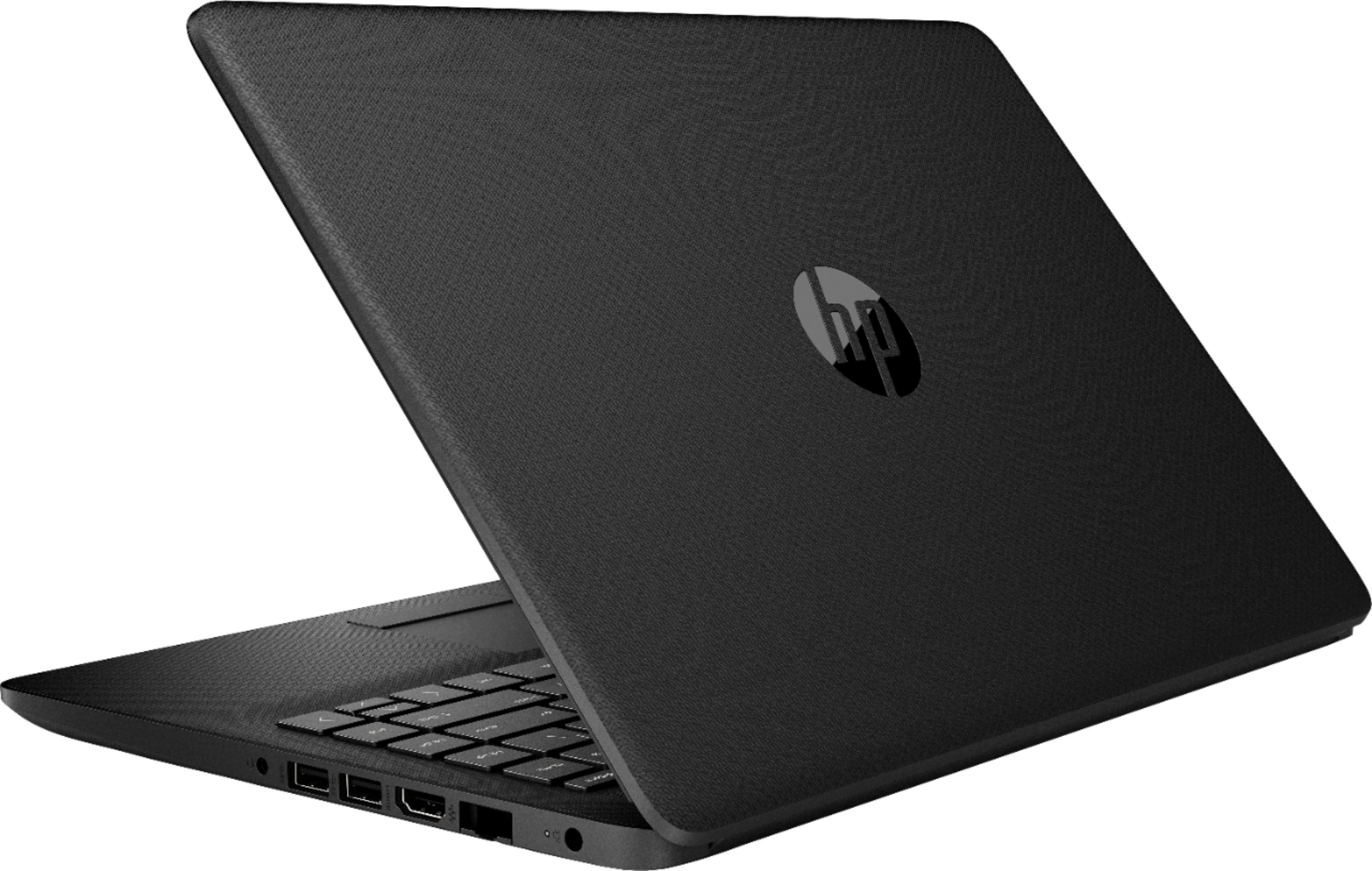
A:AnswerHello. Thanks for your question. No, the Google Play Store is not available on this HP laptop. If you need to be able to use Android apps, we recommend looking at the HP Chromebooks.
A:AnswerHello! Thank you for your question, Shea! That is correct. You will need to purchase Microsoft Office separately or already own a license to transfer.
A:AnswerYou can sign into your computer but the only primary fuctions you’ll have with your Laptop are your files anything Internet related you will not be able to have like for instance if you have a movie downloaded on your laptop you can watch it. Hope that solves your issue
A:AnswerAlso NEVER leave it plugged in & not use it cuz it will burn out your battery quickly & you'll find you'll need to charge it more often. I use it till it let's me know it's low then i plug it up while I'm on it. Once I'm don't i unplug & have it @ 100% & it's ready for next time.
A:AnswerHello, Dani. We are sorry to hear about the issues you are experiencing. We recommend reaching out to HP Support by visiting https://support.hp.com or by calling 1-800-474-6836. Or you can reach out to the Geek Squad at Best Buy for further assistance.
A:AnswerIt did not come with Windows II installed . It was advertised as Windows 11 S operating system, but it has windows 10S operating system and is "ready" for Windows 11 S when it becomes available for this model.
A:AnswerHello, yes, this device has the ability to have Cricut Design Space installed and function well. If you'd like to learn more you can go to Cricut's website and read their software requirements. Thank you for being an HP customer!