A:AnswerThank you for your question. I would not consider this model to be a gaming computer. If you plan on playing any of the latest games you will need at absolute minium an AMD Ryzen 3 or Intel Core i3 and 8gb of ram.
A:AnswerYes, this model would work great for using it primarily for productivity and web browsing. If they would want to do more intensive tasks like photo or video editing and perhaps gaming this model would not be able to handle it.
A:AnswerYes, this is a new laptop. It is at this price point because its specifications are on the lower end. It is a good computer for mainly web browsing.
A:AnswerThank you for your question, you could certainly play games on this from steam but you will want to make sure this system meets the requirements to run the ones you are particularly looking to run. The specs for this computer are not enough to run most of the modern top games.
A:AnswerIt does not have a SSD slot even though it states "SSD" on the motherboard however, after speaking with many hp customer service and technical support, they have concluded that the max you can push is 256GB of SSD. (This is all from my experience).
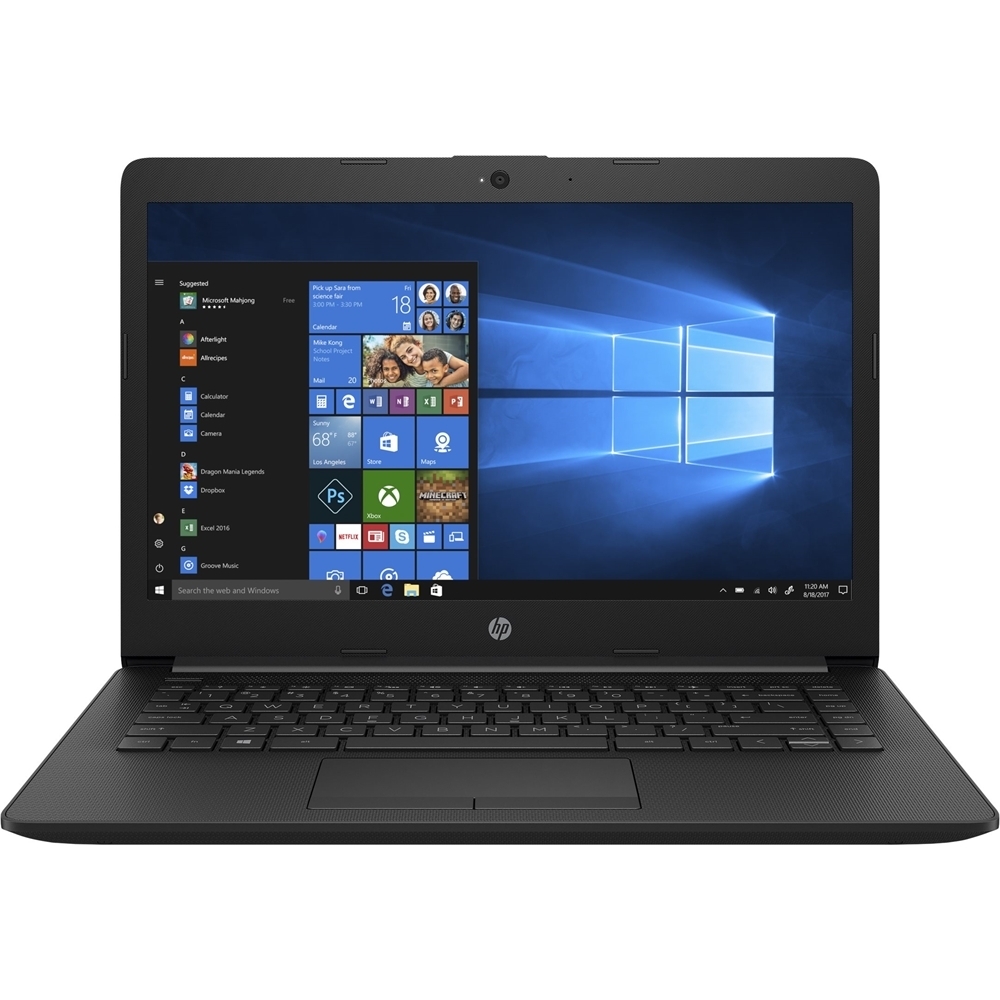
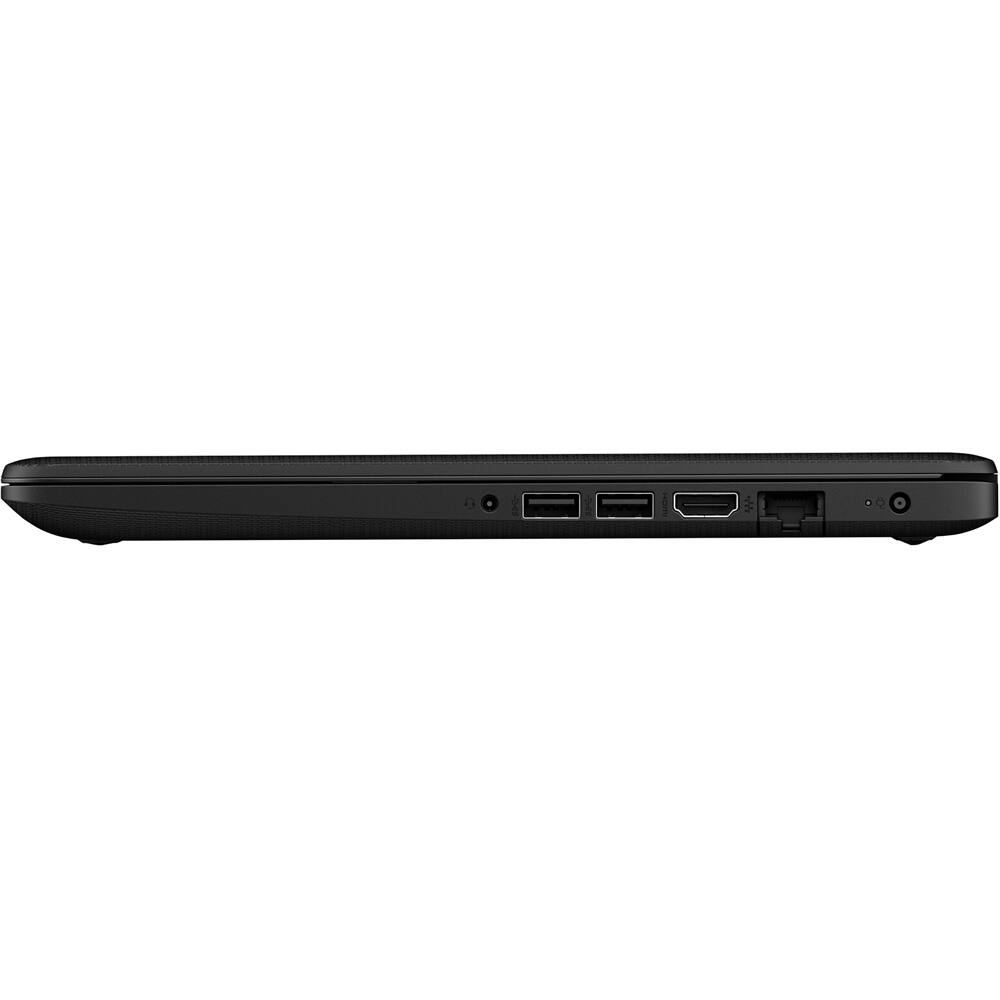
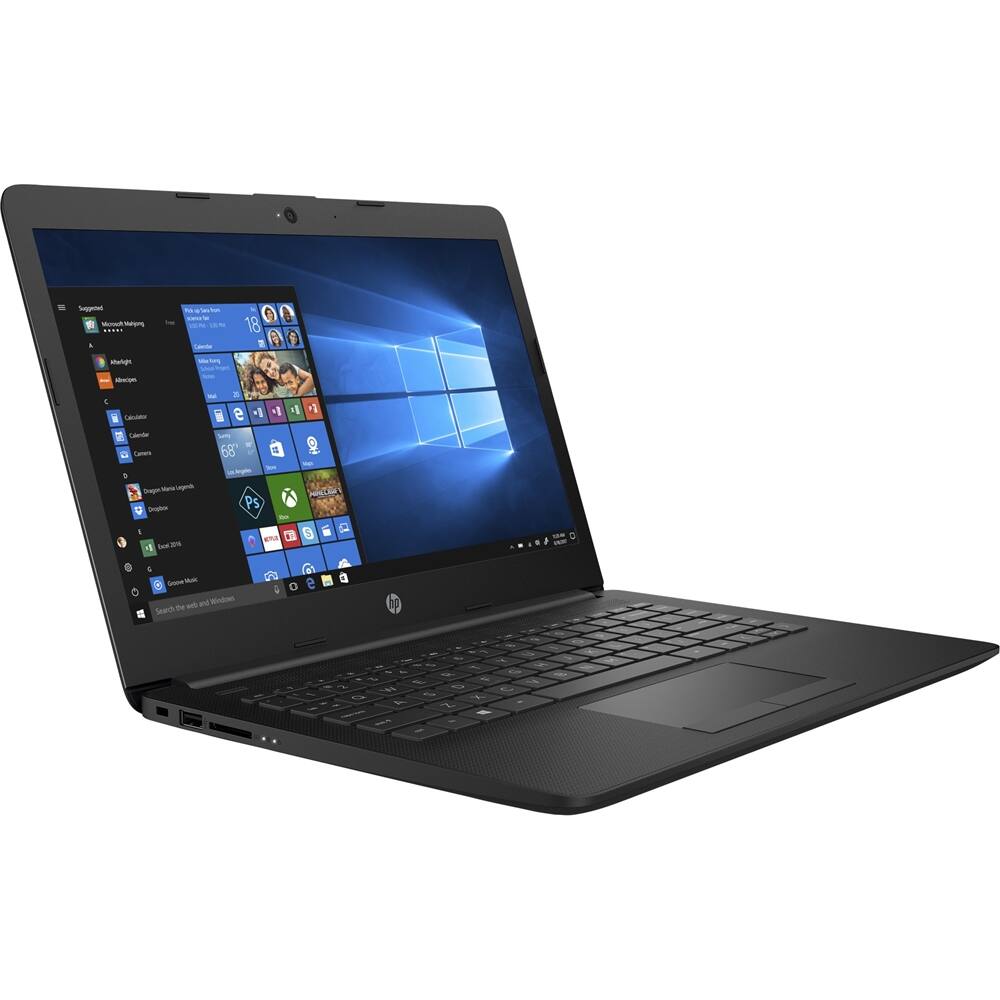
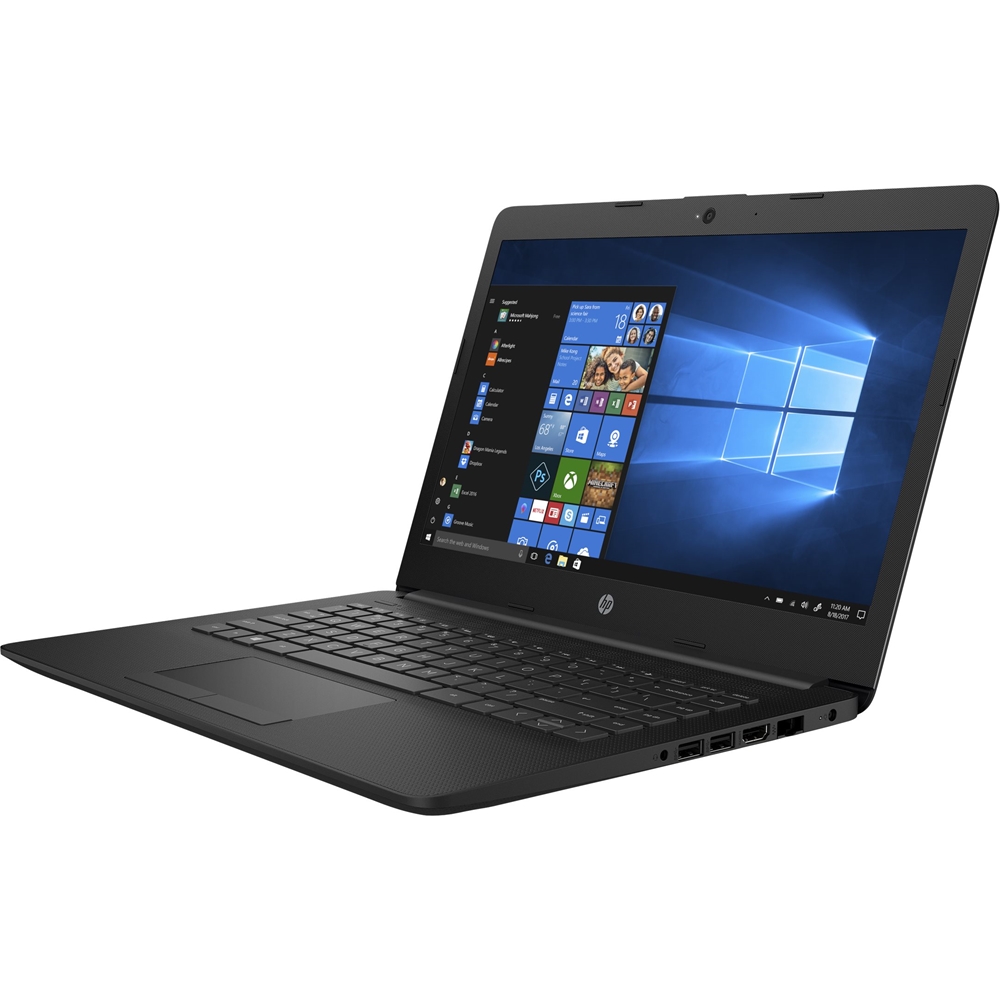
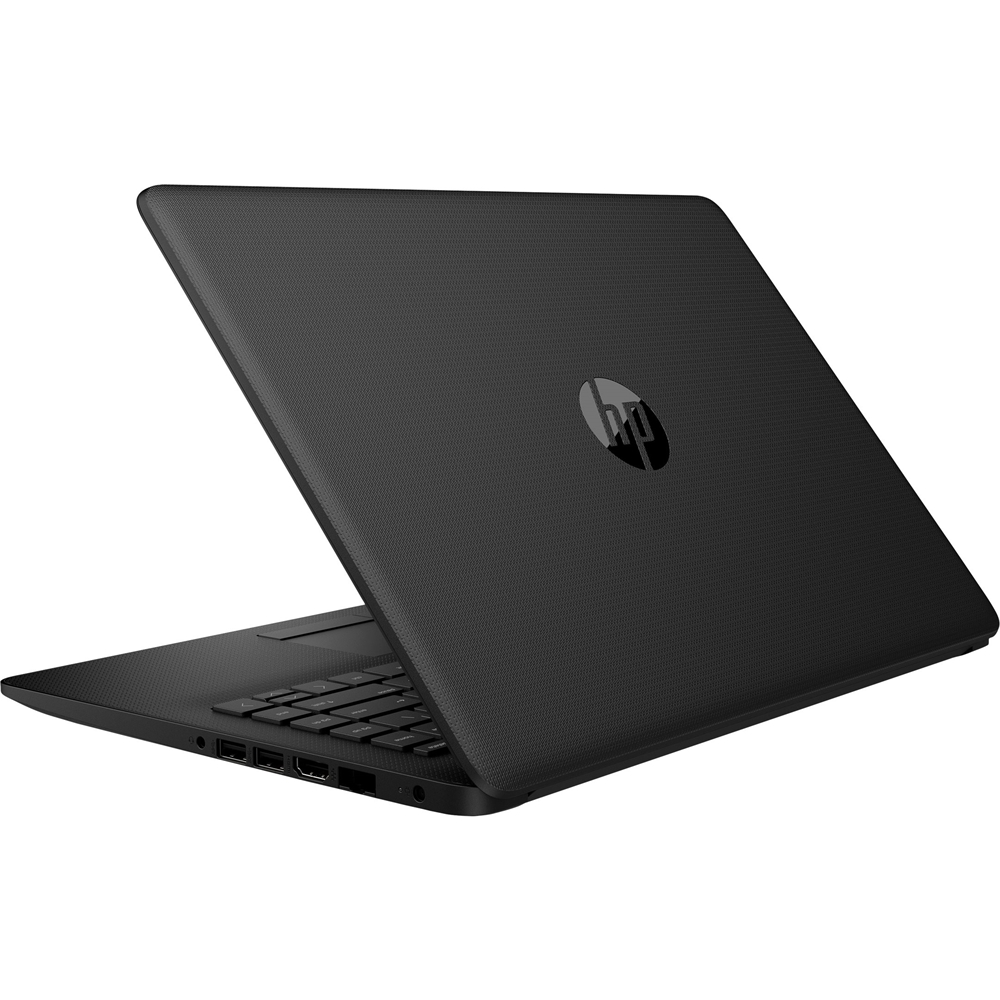
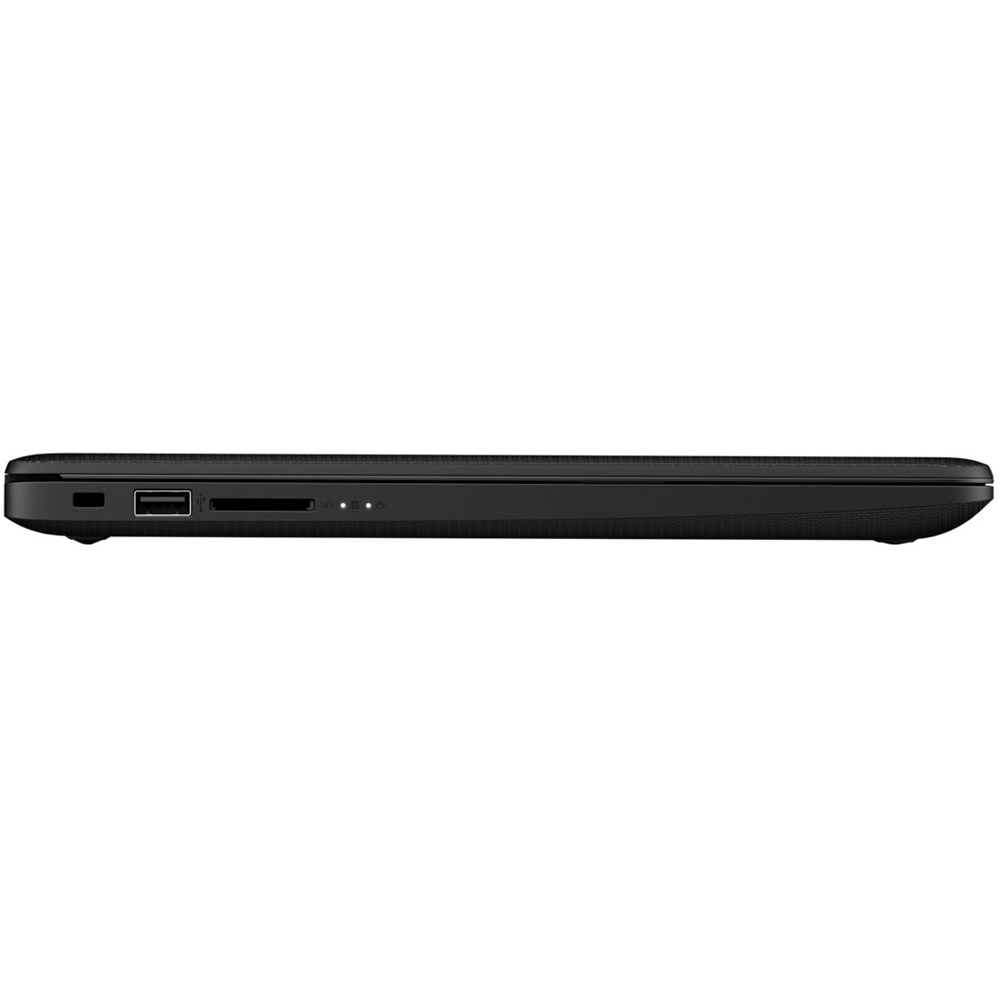
A:AnswerThis computer does not have a DVD or CD player built in. However, you can certainly use an external DVD drive, which will connect to any available USB port.
A:AnswerYou would really need a computer with graphics capability that is up to the task. A desktop would be preferable to keep the budget lower, plus the ability to expand and add to it. A laptop with a GPU would be closer to $700 or more.
A:AnswerYou can hook up many types of HP laser printers to this laptop, and there is no DVD/CD optical drive in order to save space and weight in this laptop.