A:AnswerS mode is a secure version of Windows that limits you to installing apps from the Microsoft App Store and using the Microsoft Edge web browser. You can switch out of S mode for free in the Windows account settings of your computer. Once you switch out of S mode, you can not switch back. Your laptop will upgrade to Windows 11 Home once you switch out of S mode.
A:AnswerThank you for the question. If your computing tasks require an internet connection (streaming, email, shopping, banking, downloading updates, etc.), then yes, you'll need an internet provider.
A:AnswerHello and thank you for asking. I am unable to assist you with this. Please contact Best Buy's Geek Squad. They can help you with your question.
A:AnswerYes, the mouse is in front of the built-in keyboard, and is very responsive. I prefer the built-in mouse, it makes the computer easier to transport and use.
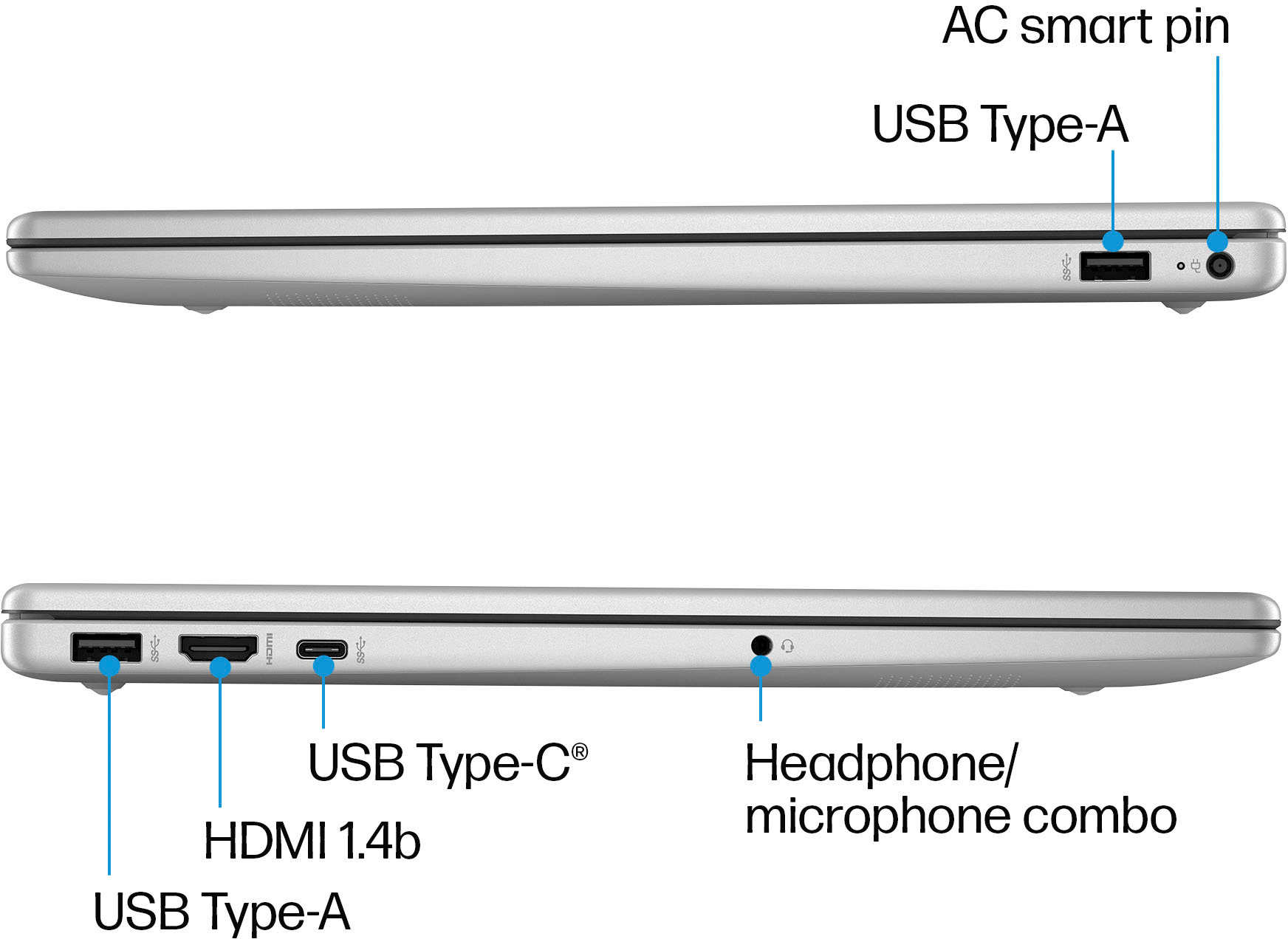
A:AnswerThank you for the question. Any wireless mouse will work and should work after the receiver is connected to the USB port. Please reach out to HP Support for assistance.
A:AnswerThis computer has the hardware and the software for dictation. The feature is built into Windows, but has hardware requirements and this computer meets those requirements.
A:AnswerThe batter in this laptop is replaceable by the user. HP has the service guide for this model and series on its support site available for free.
A:AnswerThank you for your interest in HP Laptops. The closest comparable unit to this one with a touchscreen would be the 15-fc0093dx available at Best Buy.