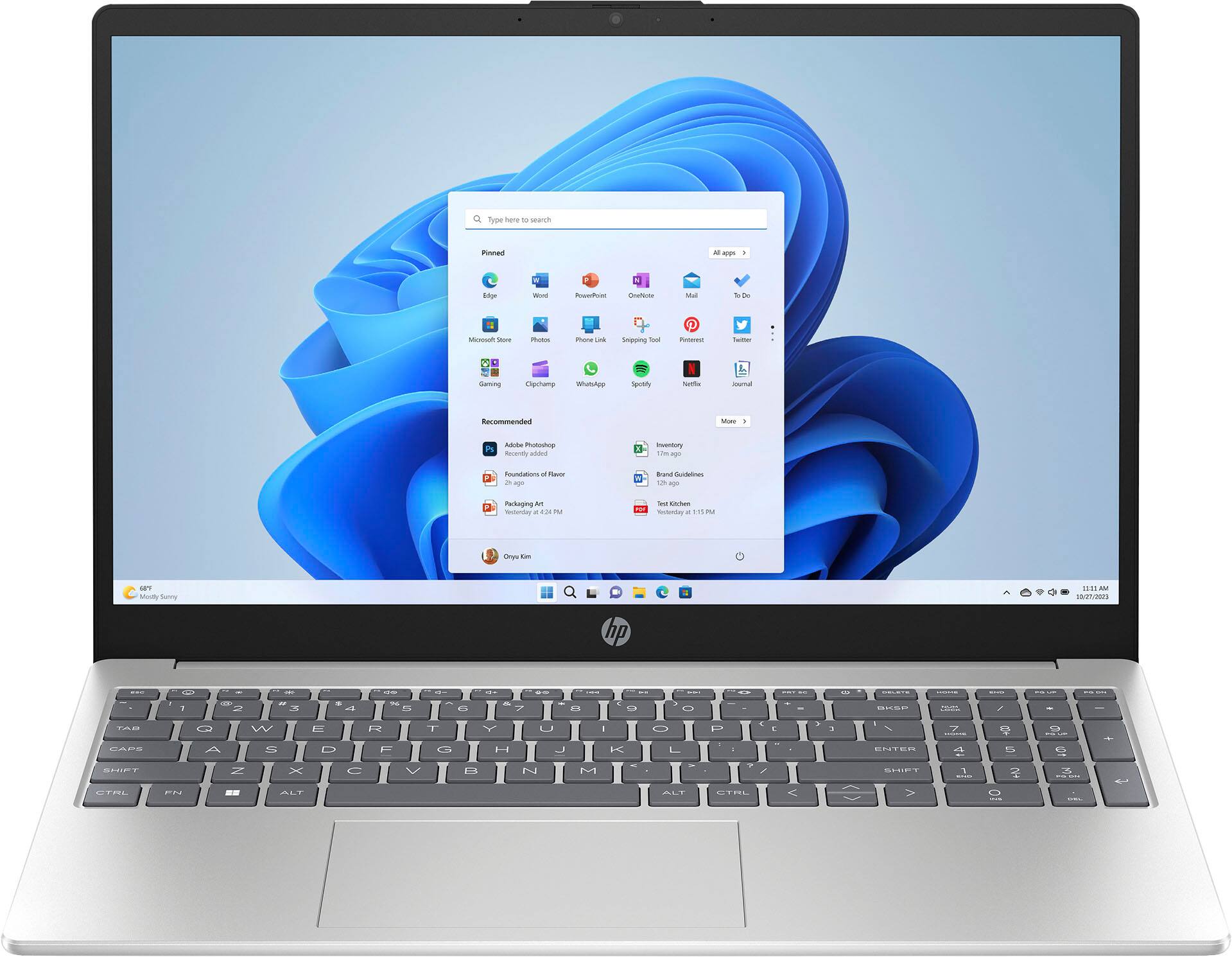
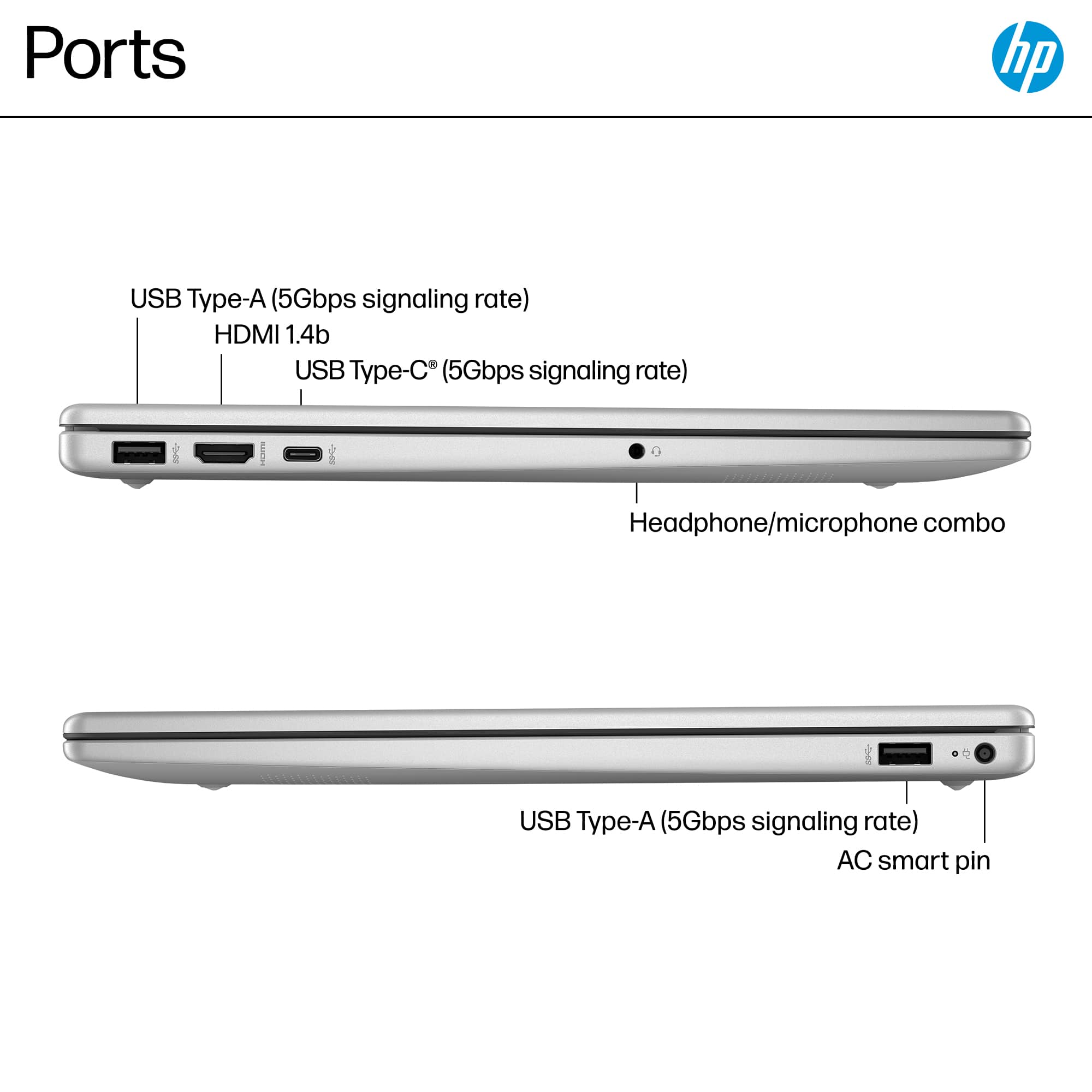
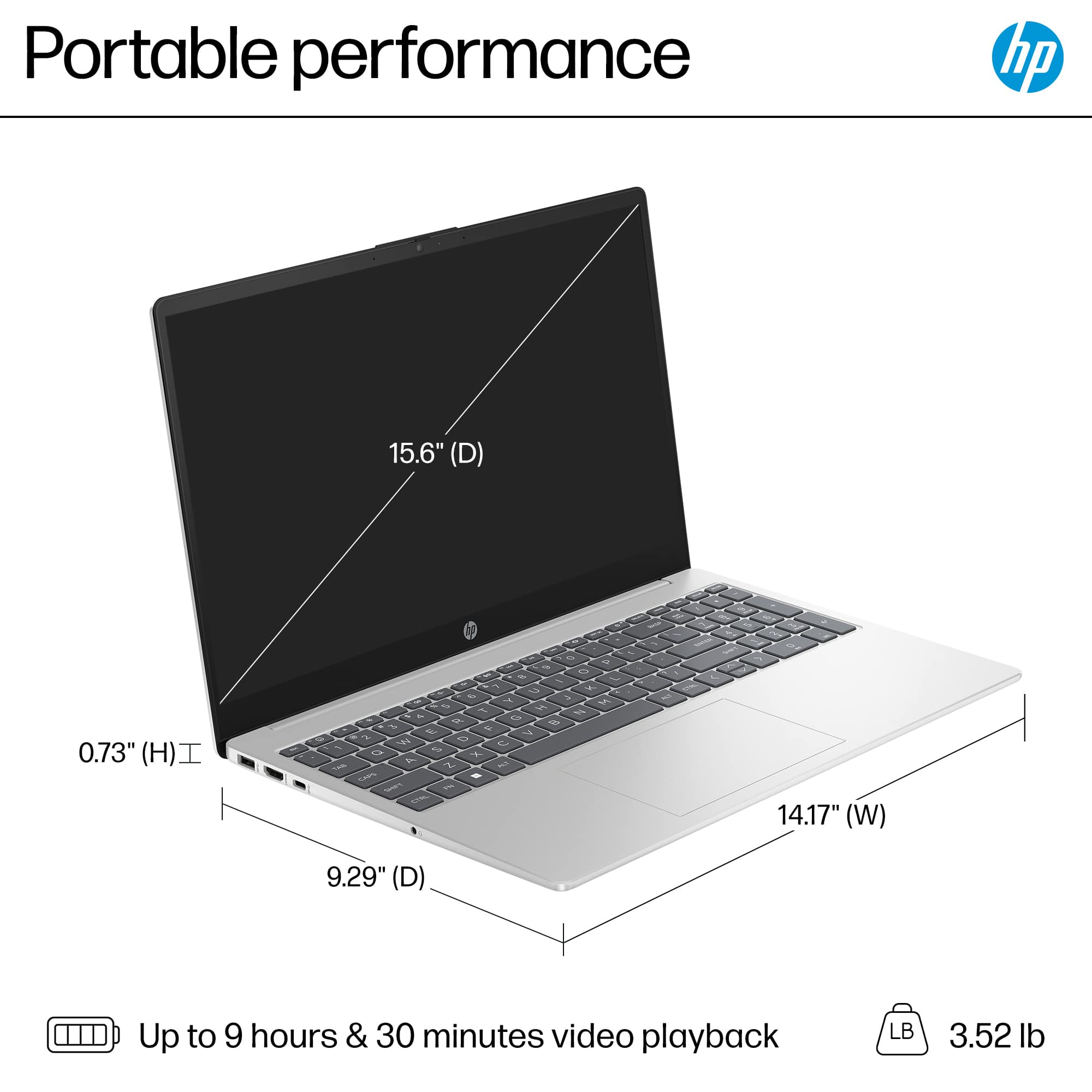
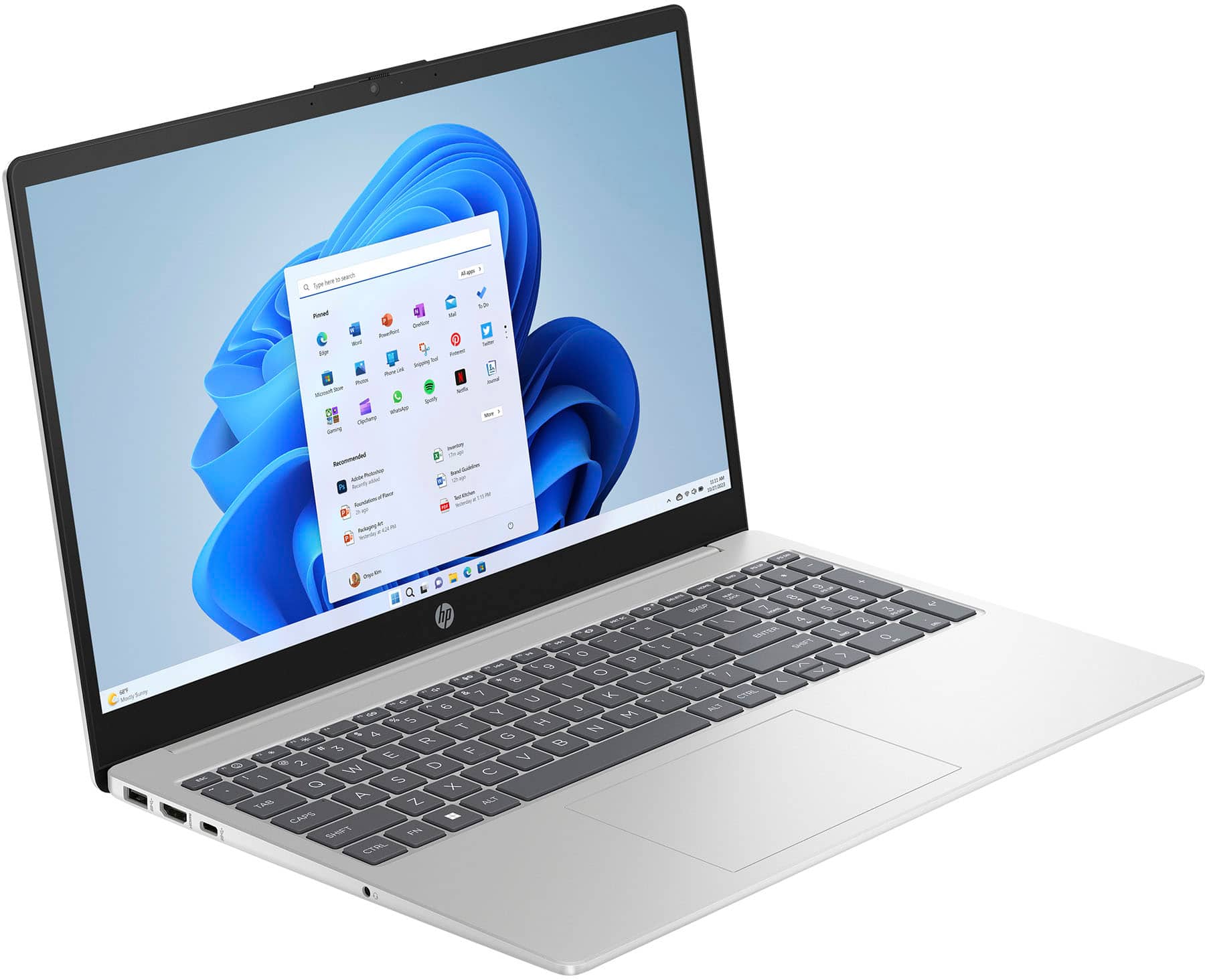
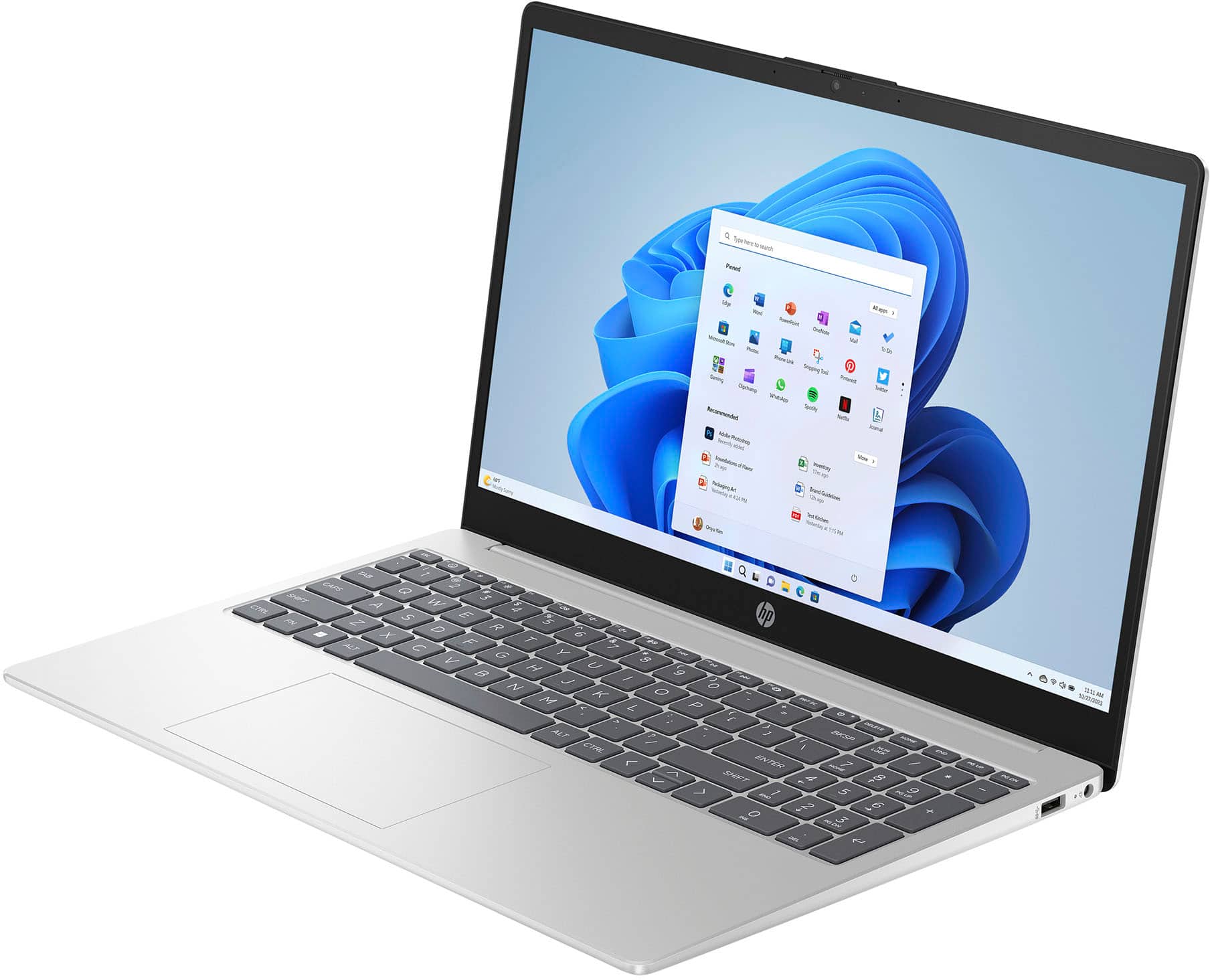
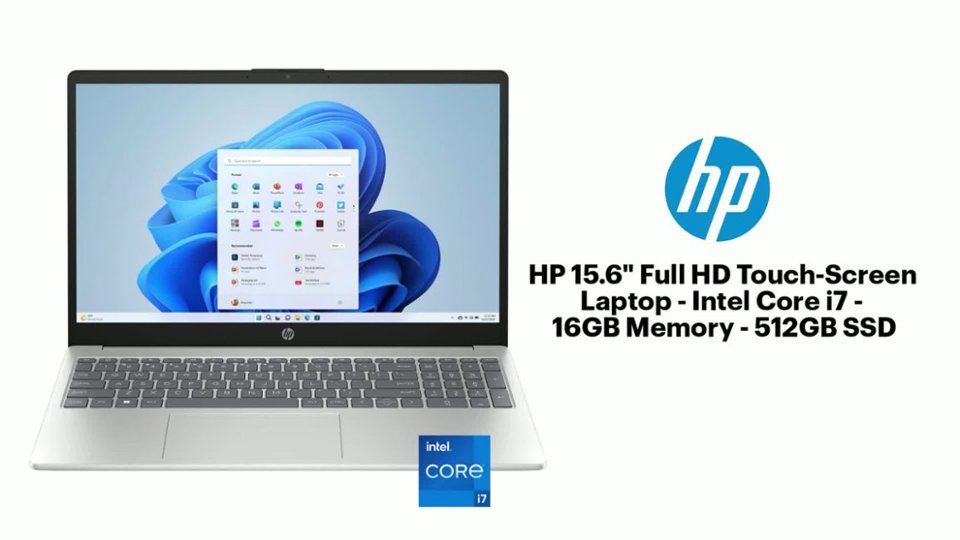
A:AnswerHi Tom, thank you for the questions about the HP A9PE7UA laptop. Neither the USB Type-A or USB Type-C ports support external monitors, however, you can get a high-quality adapter/hub that will. Some of the better adapters/hubs will also have an RJ-45 (Ethernet) port.
A:AnswerHP's answer is the official, HP-tested number. More experimental users sometimes push past this limit, as you can see if you check websites that sell storage and RAM, or bulletin boards.
A:AnswerOperating an external monitor, either with or instead of the built-in, does little to add heat to the computer, so overheating is hardly an issue in this case, unless other factors are already adding to the issue, like room temperature, or possibly blocked vents. Follow HP's instructions for procedure and you will generally be fine.
A:AnswerNo. There are a number of reasons why internal optical drives are largely unavailable, though they can still be found, mostly (but not exclusively) in "hardened" laptops that look (and weigh) like bricks and are used in construction, emergency situations, and the military. Or through the refurbished/used/ secondhand market. There are a number of reasons for this:
1. Modern laptops (and desktops) are pushing to be smaller and weigh less, with many companies advertising their computers as “ultra thin” or “easily portable.” Optical drives significantly add weight (about half a pound) and bulk (12 cm. diameter).
2. Even Blu-ray discs top out at 128 GB, far below HDDs, SSDs, or pen/flash drives on a per-centimeter basis.
3. With the advent of fast network connectivity, cloud storage, software distributed via the Internet, and growing use of USB 3 and even USB 4 (with raw link speed of up to 80 Gbps), integrated optical drives have largely become obsolete.
As elsewhere, should you need an optical drive, they are still available, at a modest cost, as external, portable units. If you need a laptop with an integrated optical drive, look elsewhere, as noted.
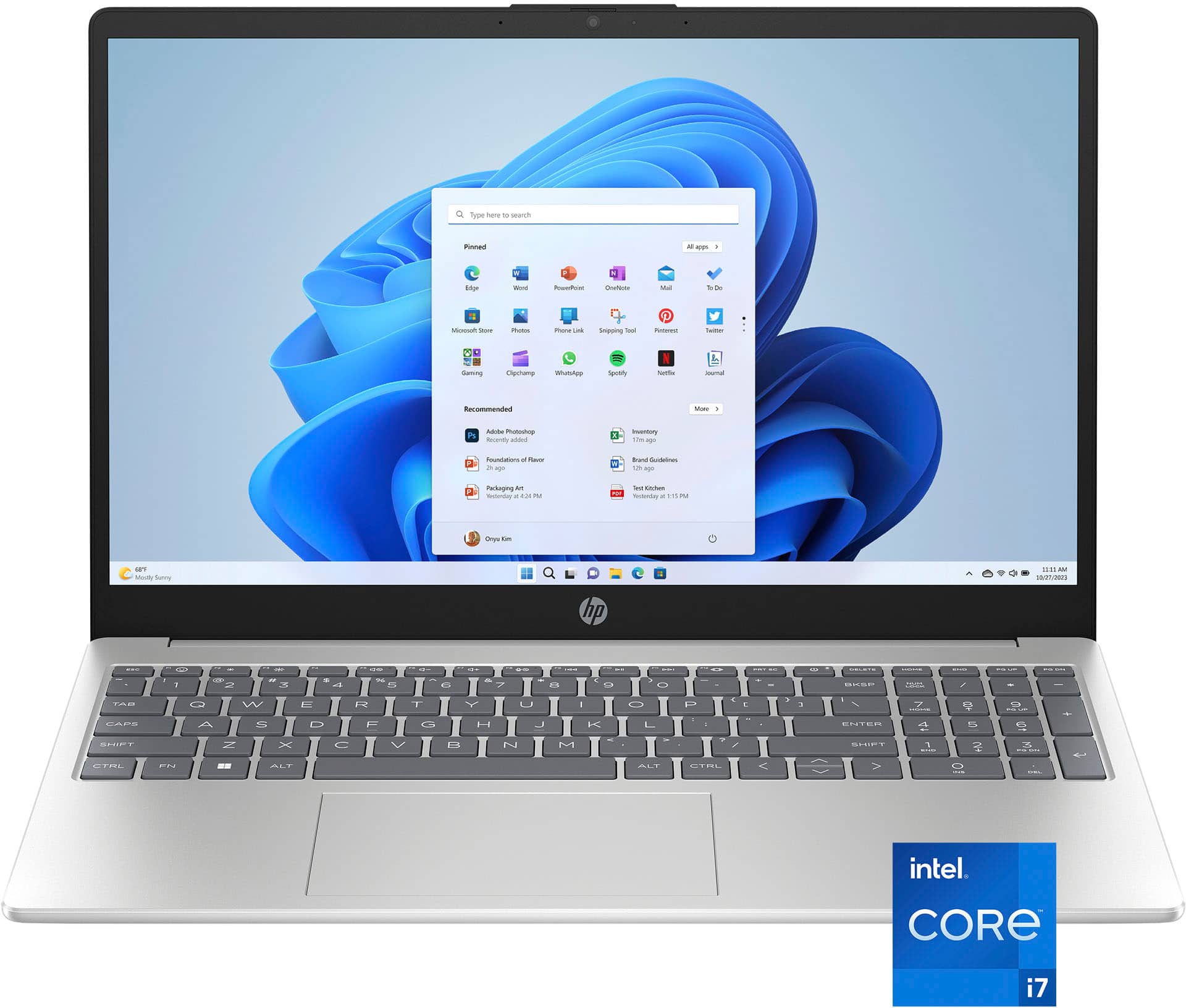
A:AnswerHello and thank you for your question. This HP 15-fd0107dx laptop includes a 1 month trial for new Microsoft 365 customers. This includes Microsoft Office Word.
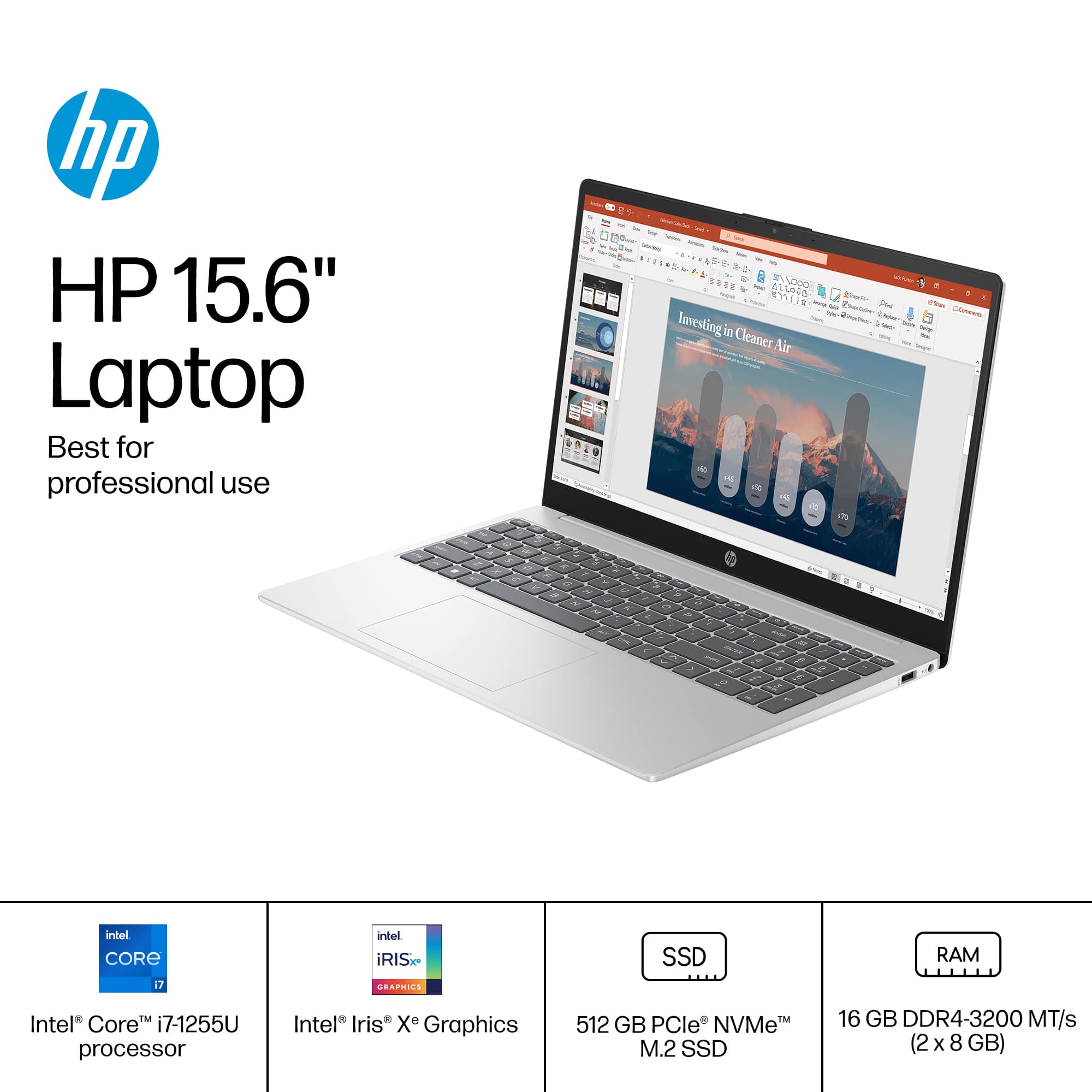
A:AnswerThank you for the question. If you maintain your library on the SSD, you might want more capacity. The easiest way to increase storage is to connect an external drive. If you use cloud services, 512GB should be okay, and the RAM at 16GB should work well.
A:AnswerThank you for your question about this HP laptop! One of the major differences is the USB-C ports all have signaling rates of 5Gbps and only handle date: No power delivery or DisplayPort. The Pavilion laptops have USB-C ports that have a 10Gbps signaling rate with power delivery and DisplayPort and you can hook up a monitor to it via a USB-C dock.
A:AnswerProgramming: Check with your programming instructor and/or the syllabus for recommended specs on any computer you will use. Office: should be fine, as long as you don't have a ridiculous number of other operations going on simultaneously (e.g., 100 browser tabs).
A:AnswerHi Michael! You can download your files onto a flash drive, and install them on the new PC. Or, you can upload the files to the cloud and download them to the new PC. There are also transfer cables that you can purchase, and connect the two PCs. Please reach out to Geek Squad to find the option that will suit you best.
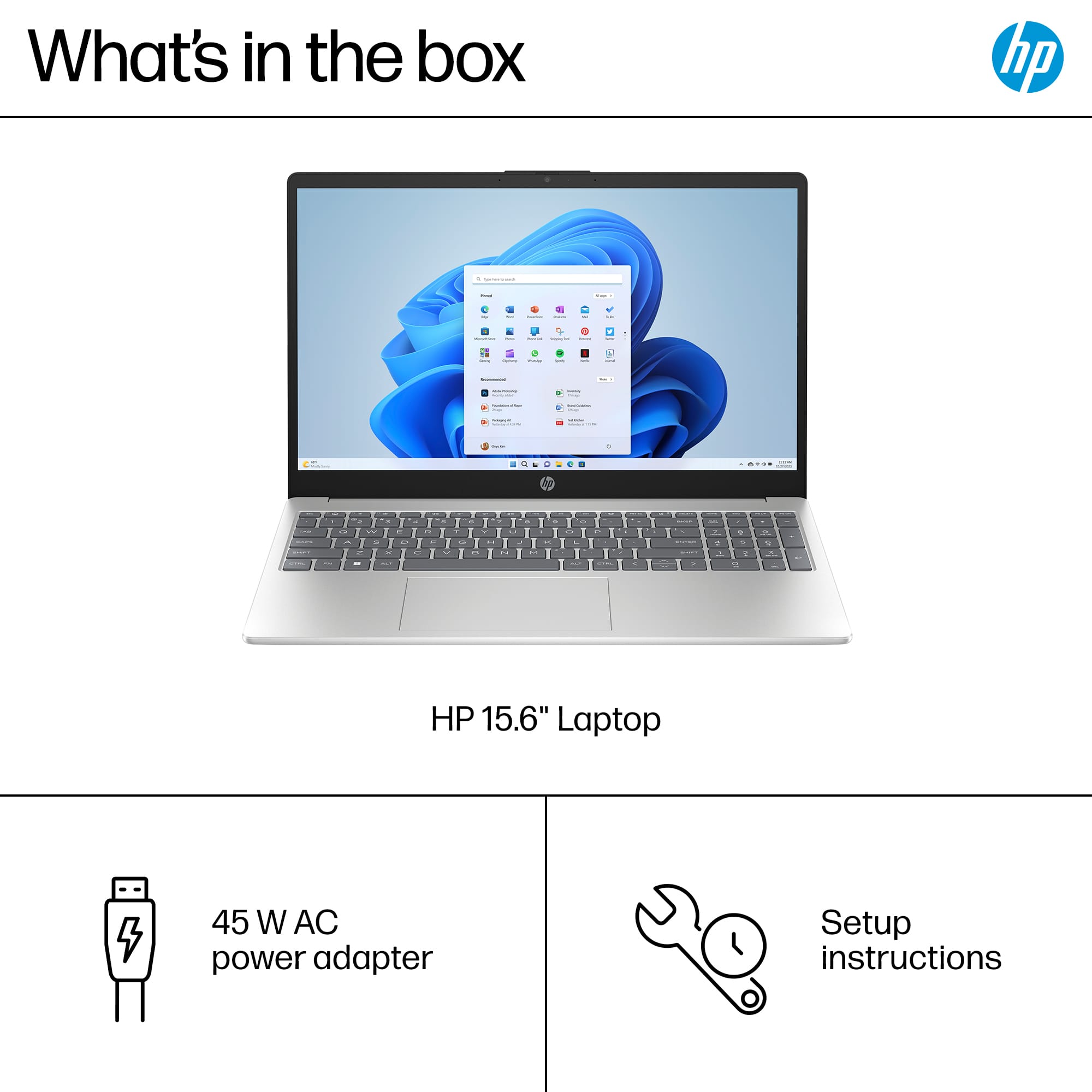
A:AnswerHi JC, thank you for the question. Backup disks are not included. Windows has built-in recovery options that allow you to reinstall the operating system.
A:AnswerSo far i can play certain games at low settings, such as PUBG and Dark and Darker. I think it runs around 30-40 fps for them, which is funny because the benchmark stated I would not be able to run them at all. Something to note too, it that initially only 1 core was in use for some reason, which can be changed through system configuration in the boot settings advanced options. You should see an area in the top left that says number of processors, and if it is lower than 12 click the checkmark box, put in 12, and restart the PC. After i did that my laptop stopped running so hot in games, and the fan is quiet now. Also set your power settings to performance on battery, and go to control panel, system, system properties, advanced, then click properties under performance and set everything in that window to best performance under visual effects and advanced. One last thing is to control panel, system and security, power options, edit plan settings, and click change advance power settings. Go to the + sign with processor power settings and set the minimum to 0% and max to 100%. This helped me boost overall performance and also keeps my fan quiet. Hope this helps, if not, reply!