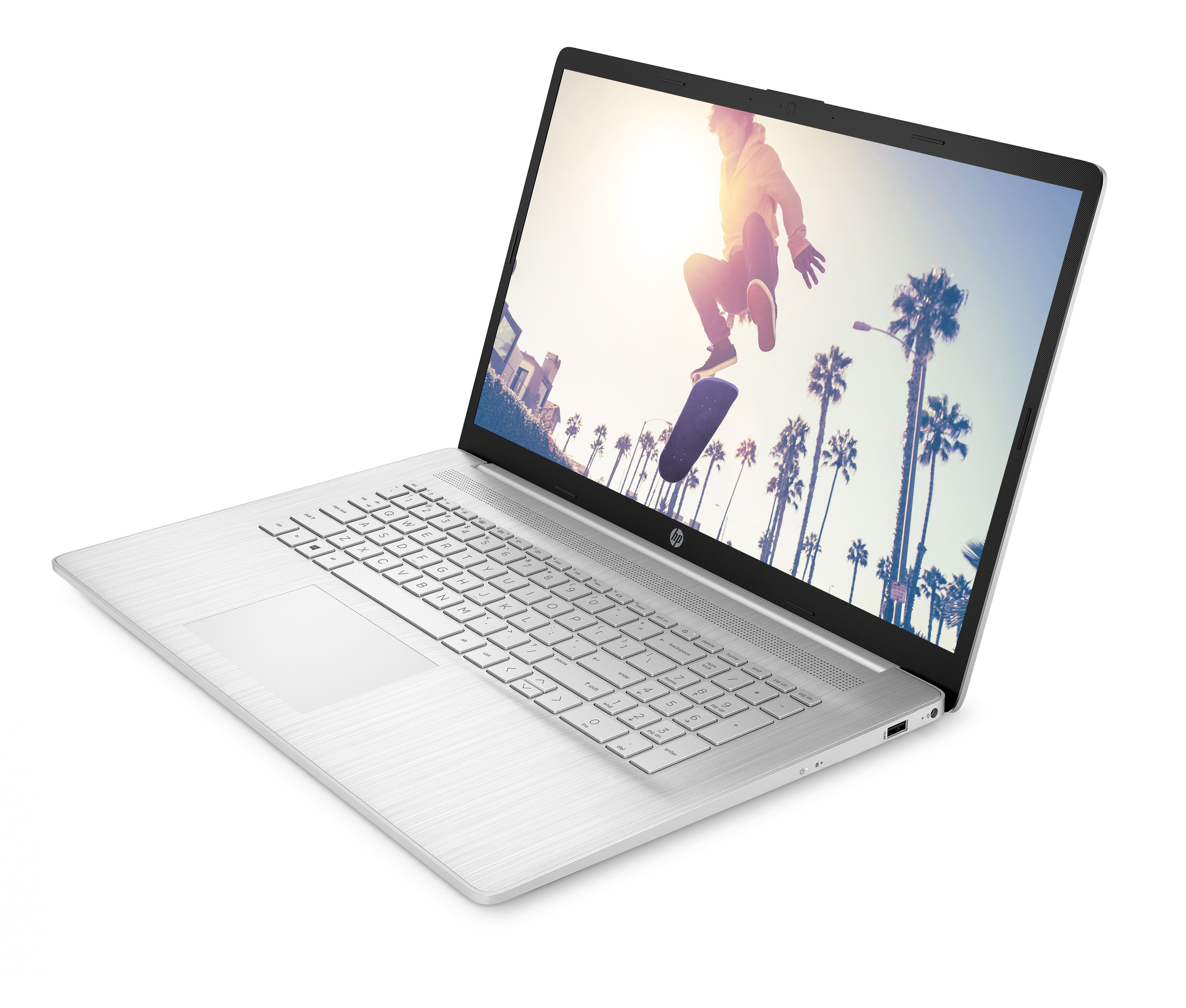
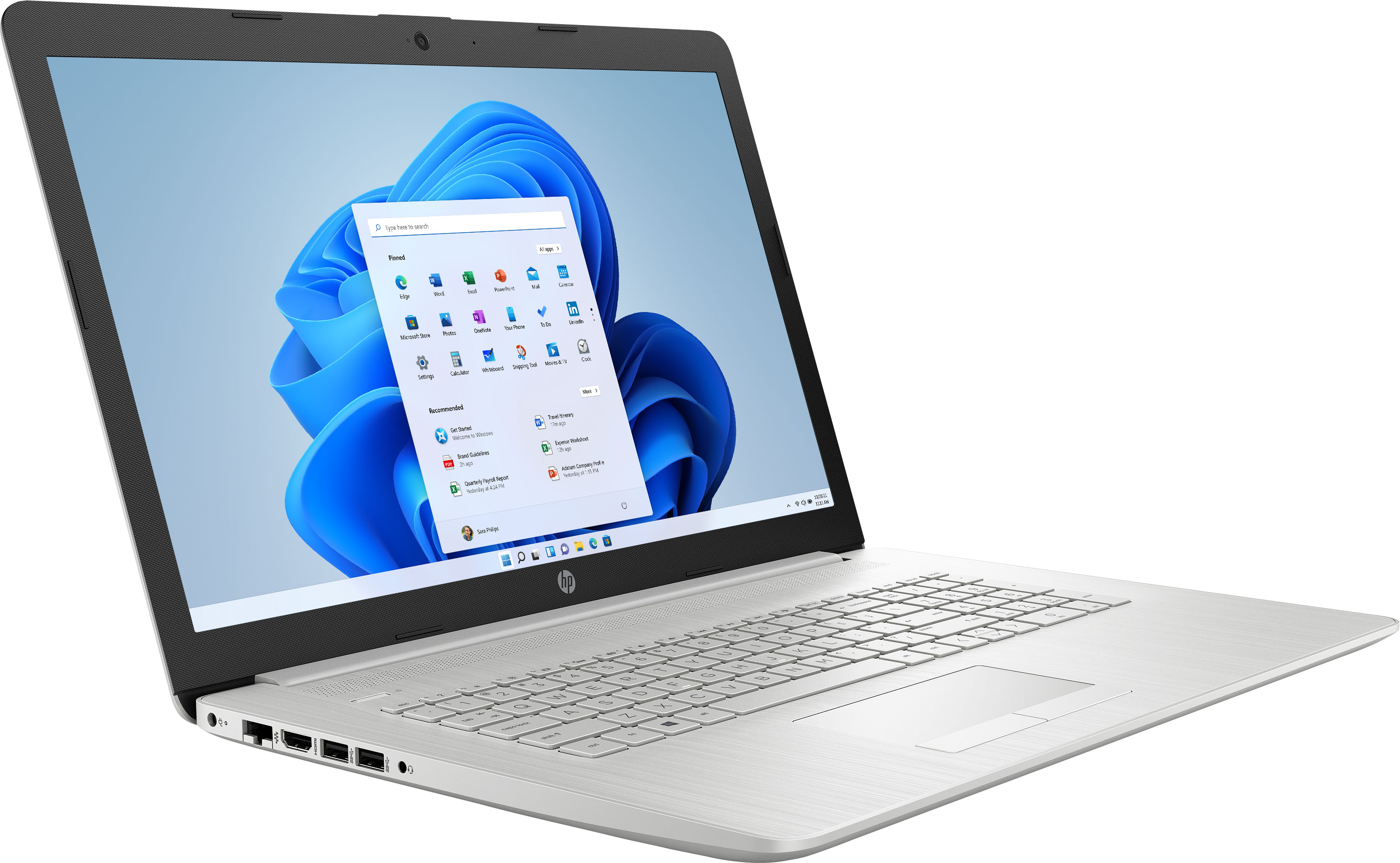
A:AnswerWhile processor speed is only one of the things that go into how fast a computer is, the process has two speeds listed: A "base frequency" (that's like the idle speed of a car engine) of 1.7 GHz. As the workload increases, the processor can speed itself up to a maximum of 4.1 GHz.
A:AnswerLook at task manager and see what is running and how much ram is being used. I like to run the free version of ccleaner (not a misspelling). There is a function of ccleaner called start up that allows you to turn off start up programs.
A:AnswerModels like this one are considered non-upgradeable. If you are interested in any upgrades, you can contact HP Support or Geek Squad for information and all upgrades should be done by a certified technician. If Geek Squad does the upgrade, it will not void the warranty, but HP will not cover the new parts. Since most of the newer laptops use lithium-ion batteries, it is recommended to be extra cautious when changing parts.
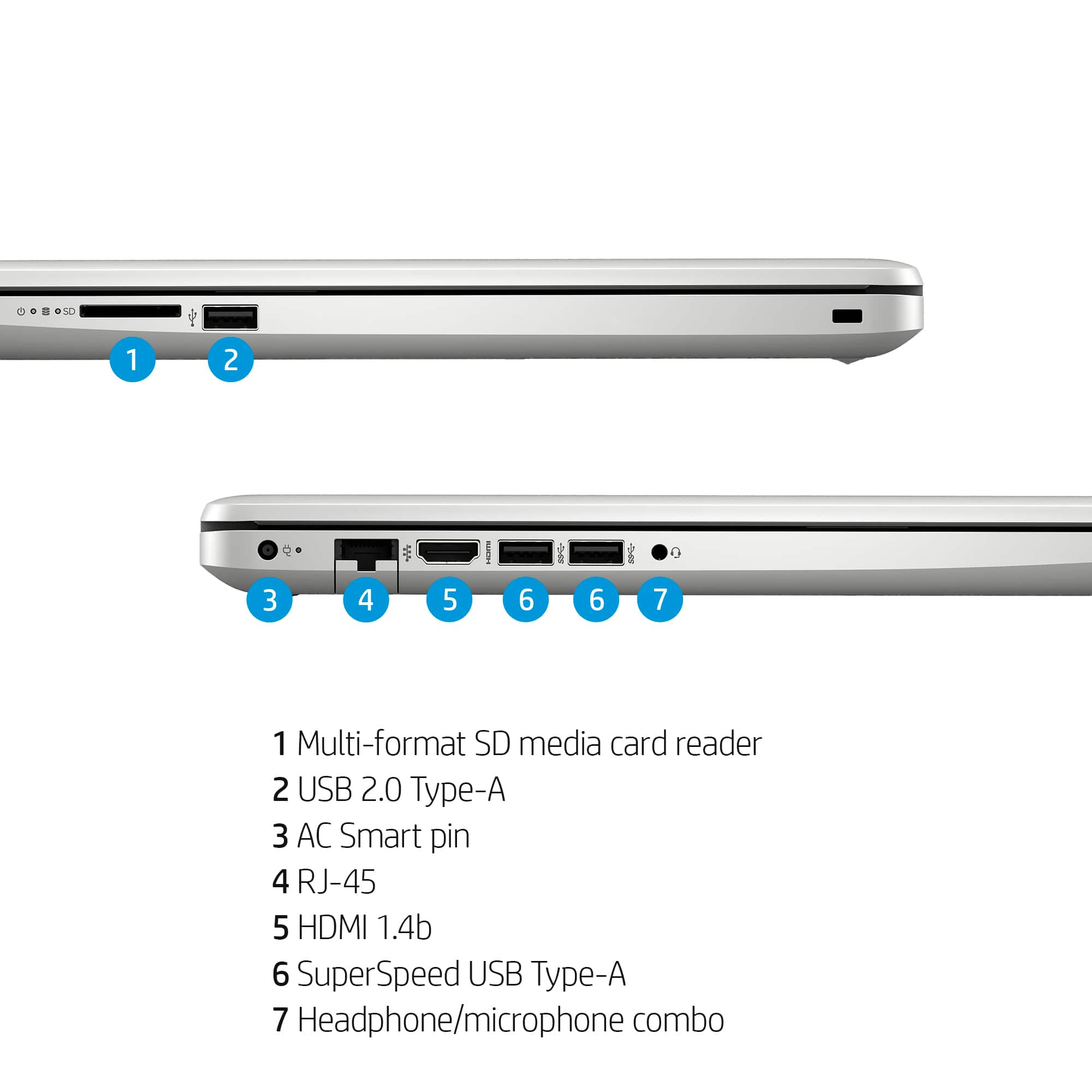
A:AnswerYou could use a universal docking station. Just check what the requirements are from the manufacturer. Something like a dual HDMI splitter or USB video adapter is not designed to adjust the configurations of the machine like a docking station does.