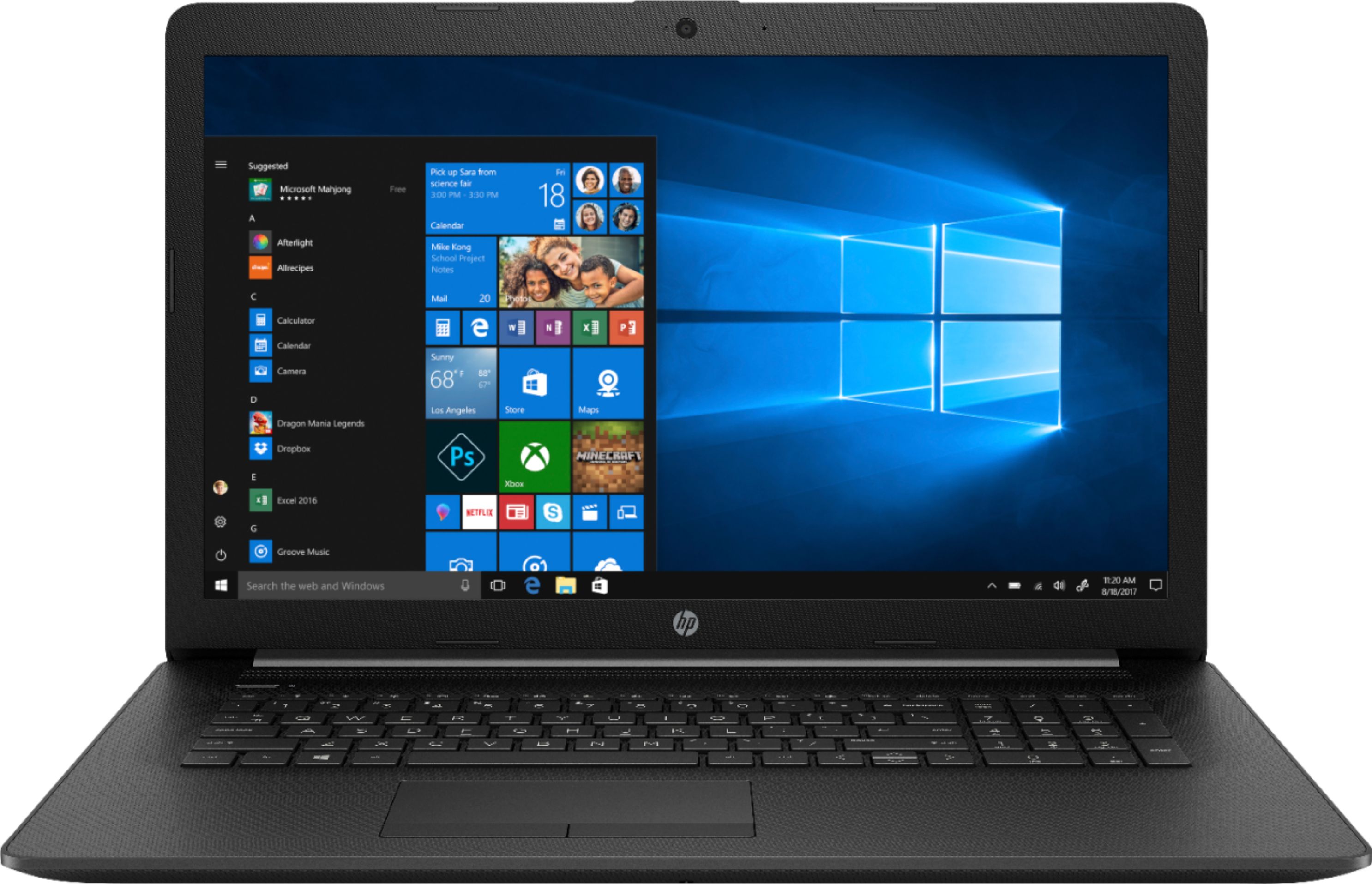
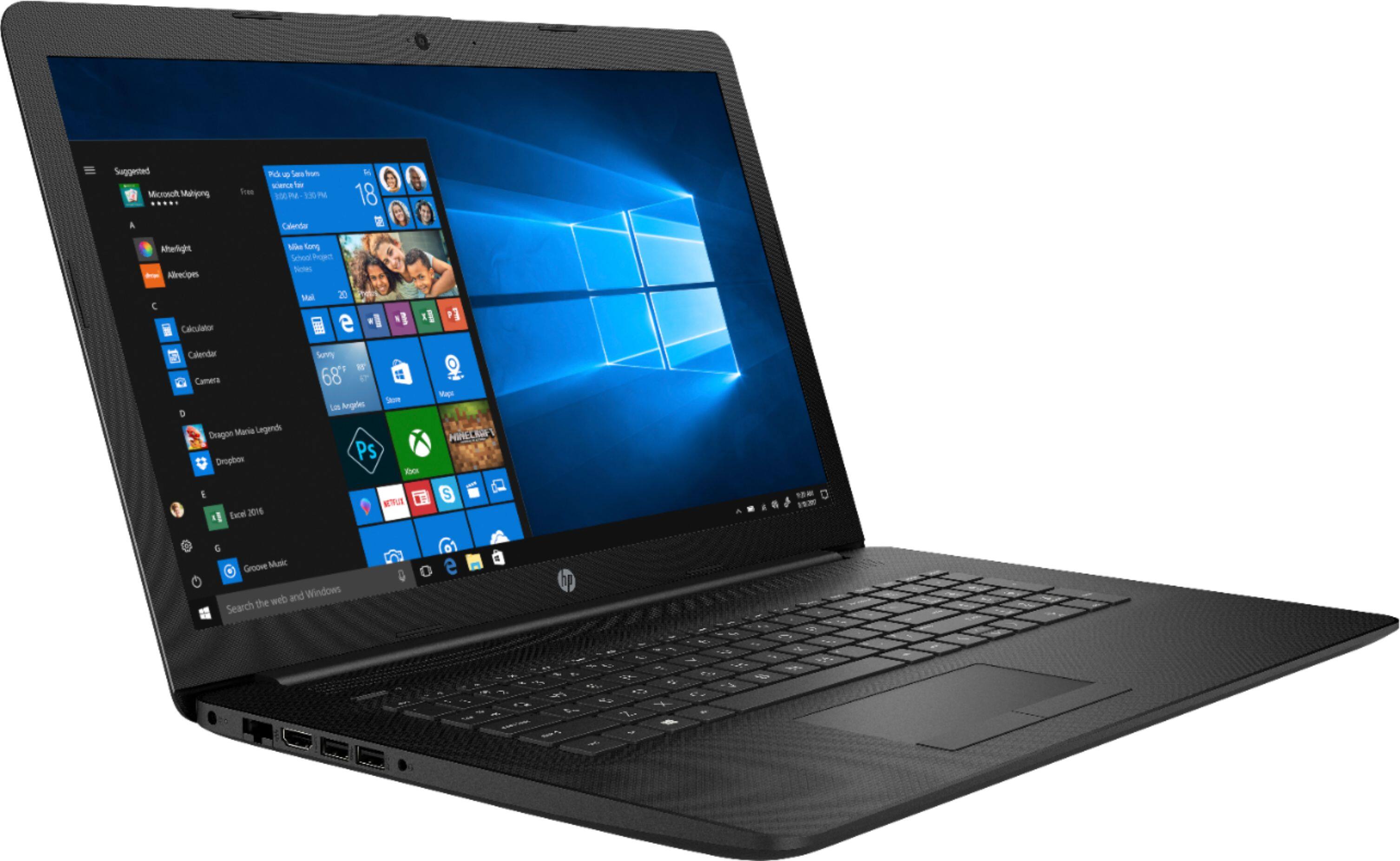
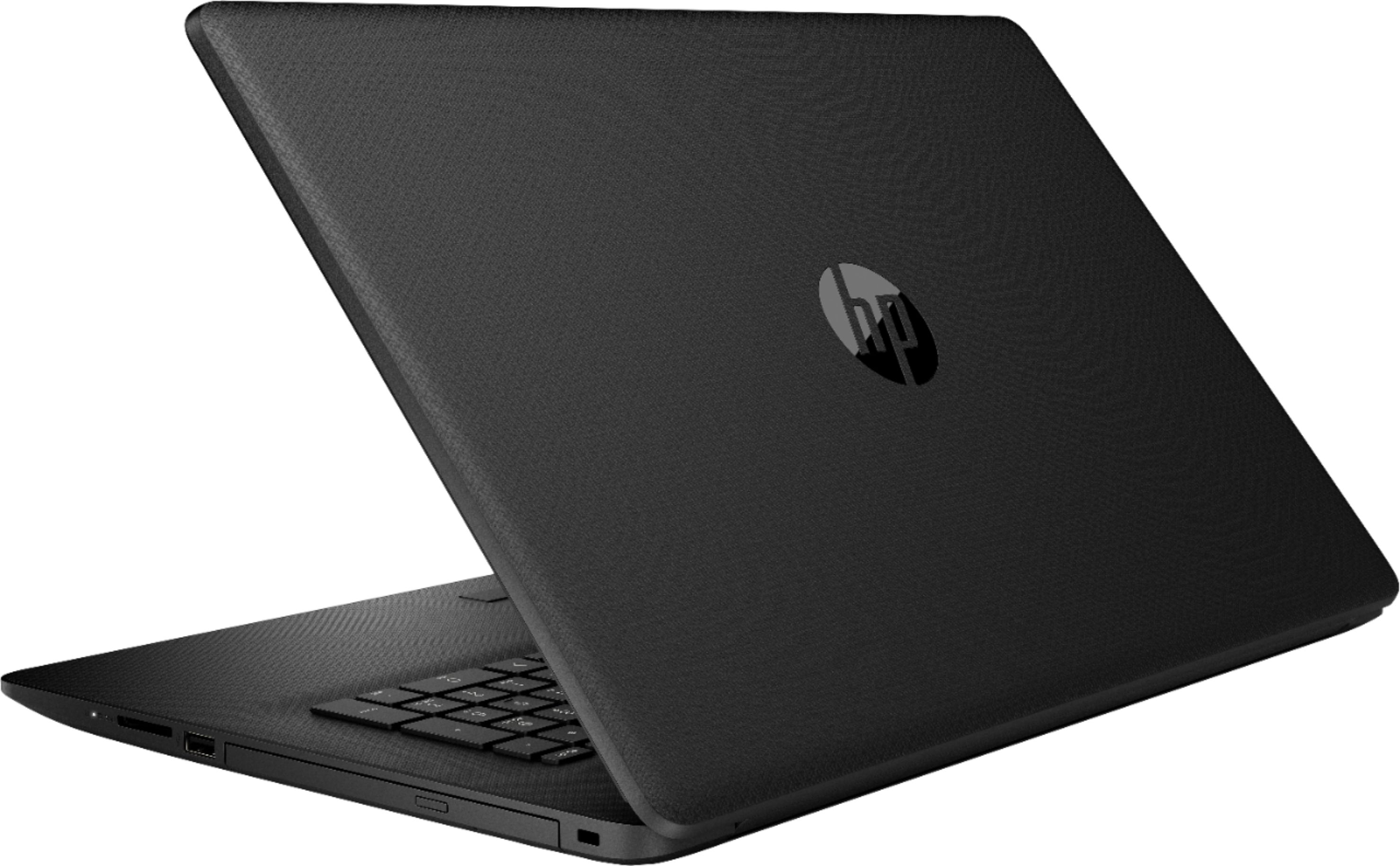
A:AnswerThis is part of our "budget" laptop line, which typically uses b/g/n WiFi. This high-speed wireless LAN connects to your network or hotspots on the most common Wi-Fi standards. Our higher-end lines (such as Pavilion, Envy and Spectre) have AC wireless.
A:AnswerWhitelisting certain components is a long standing practice of HP. It's why I would never buy an HP system, be it Laptop or Desktop. Too many good, and more flexible systems out there.
A:AnswerDepending on what connection types the monitor has, you may need a different adapter. The laptop's display expansion does not run through the USB, but through the HDMI. Do not try to plug an external monitor into the laptop through the USB port, it will not register. You need to use the HDMI port on the laptop.