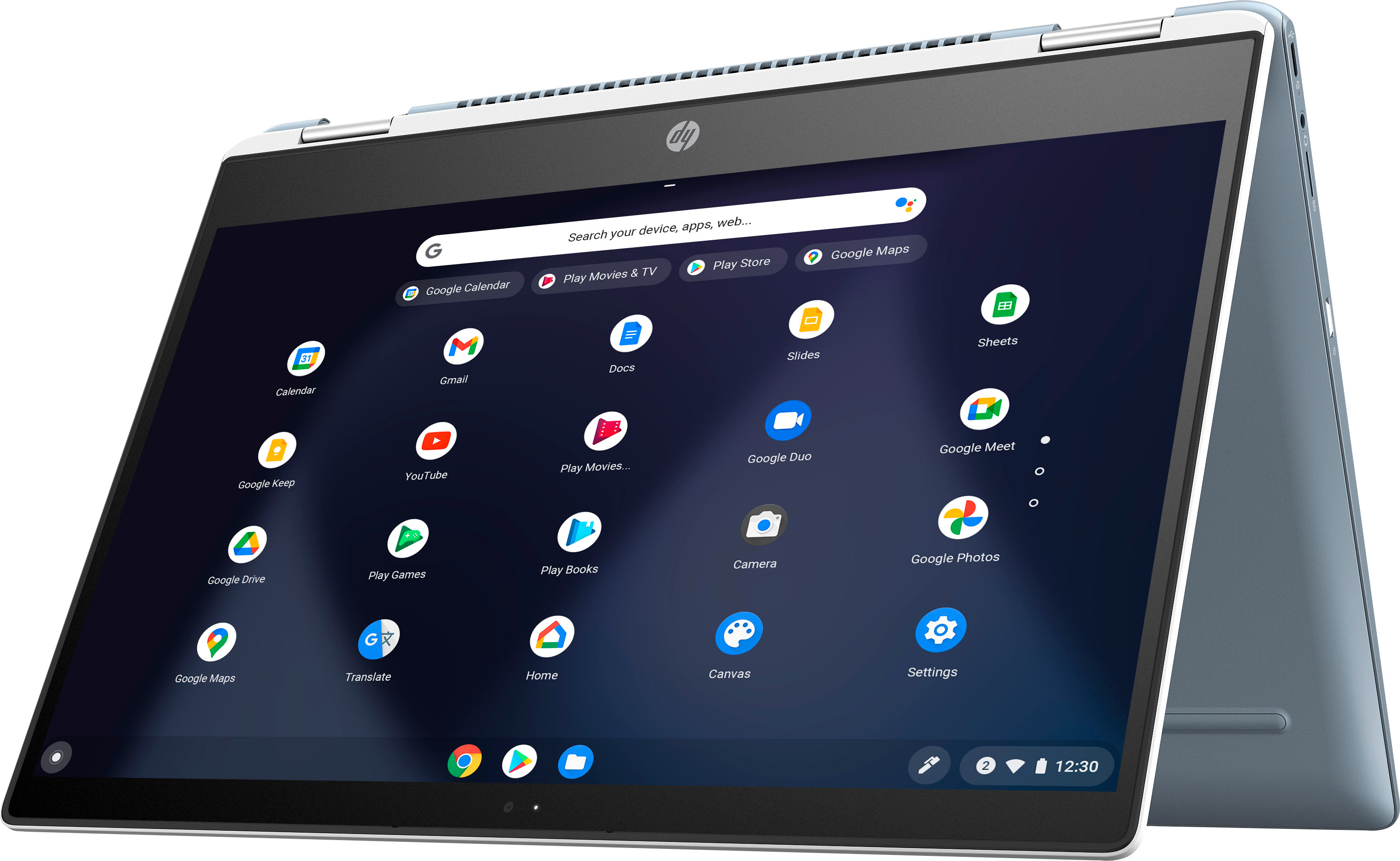
A:AnswerThank you for the question. You can download the Google Suite - Google Docs (like Word), Google Sheets (like Excel), Google Slides (like PowerPoint). You can also download Microsoft 365 to use with your new or existing Microsoft account.
A:AnswerThank you for the question. This Chromebook 14b-cb0033dx comes with a power cable/charger. A pen is not included, but you can purchase an affordable passive stylus/pen for use with this model.
A:AnswerHello. Thanks for your question. Yes, you can set up the HP Officejet Pro 8020 printer on this HP Chromebook. We recommend using the HP Smart app to set up the printer. Here is more information on the HP Smart app: https://support.hp.com/us-en/document/c03561640
A:AnswerBecause this is a Chromebook, it can only download and run apps that are in the Google Play Store.
The good news is that Roblox is available in the store
A:AnswerThank you for the question. It would be tricky, but you can use a Chromebook as a remote desktop for a Windows PC that is connected elsewhere. Very high-end Chromebooks (called Enterprise models) can run an app called "Parallels" software that allows high-powered Chromebooks to run Windows as a regular Windows laptop.
A:AnswerThank you for the question. What you are referring to is "palm rejection". Use the Stylus Tools (settings>stylus) to set up the stylus to use with your app. Some users have indicated that the experience is different depending on the app being used, and others state that putting the nib on the screen before your hand resolves the issue.
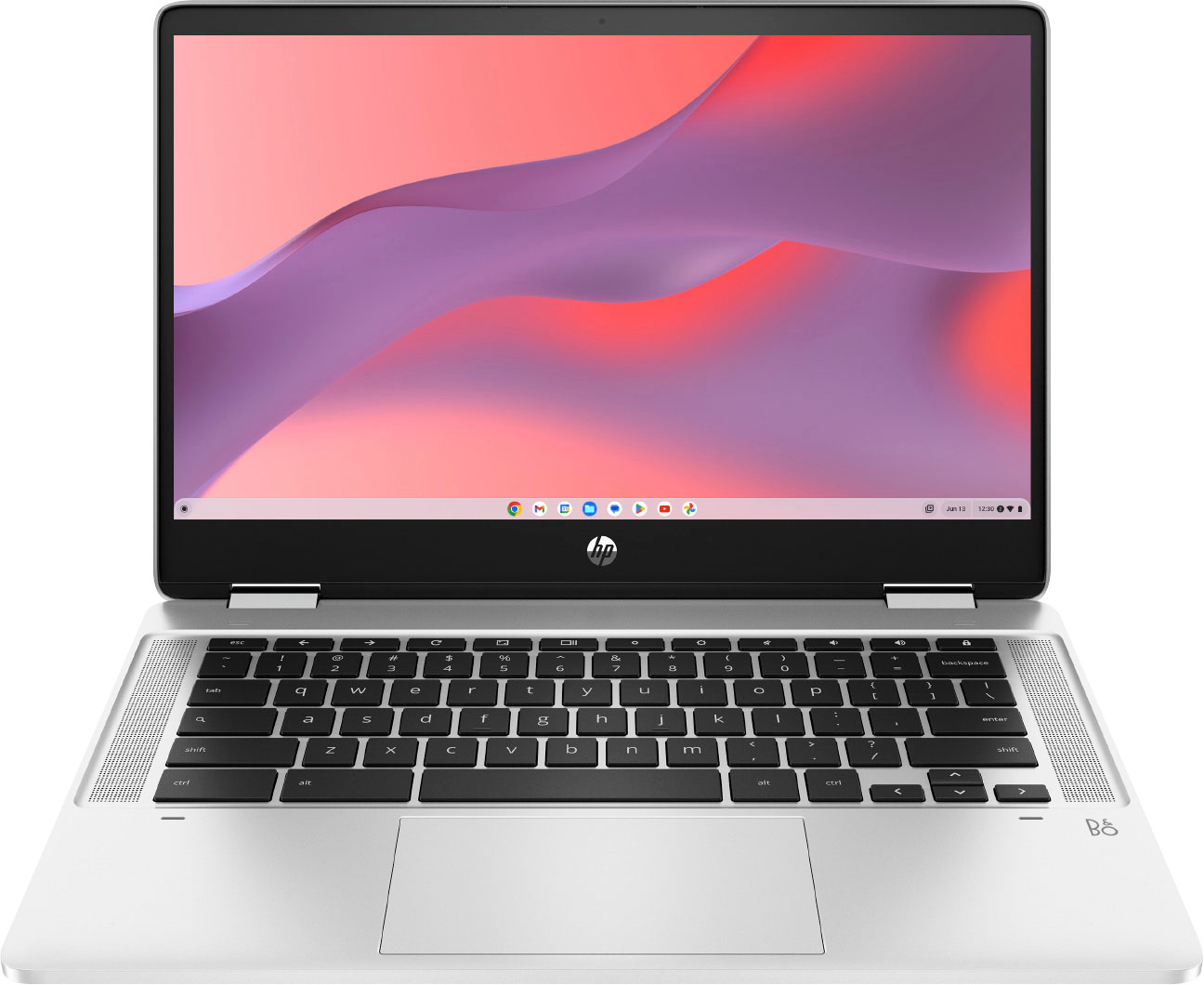
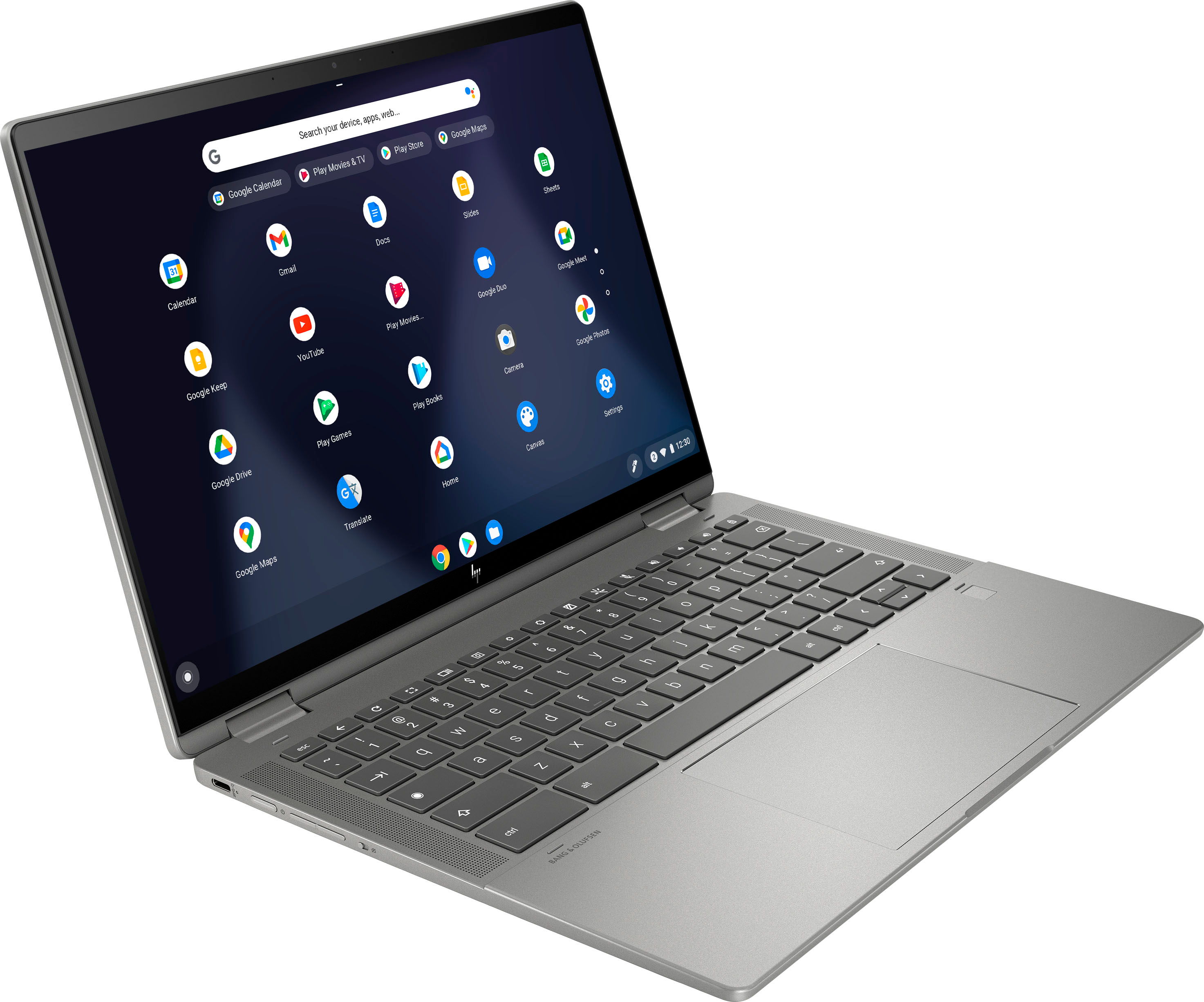
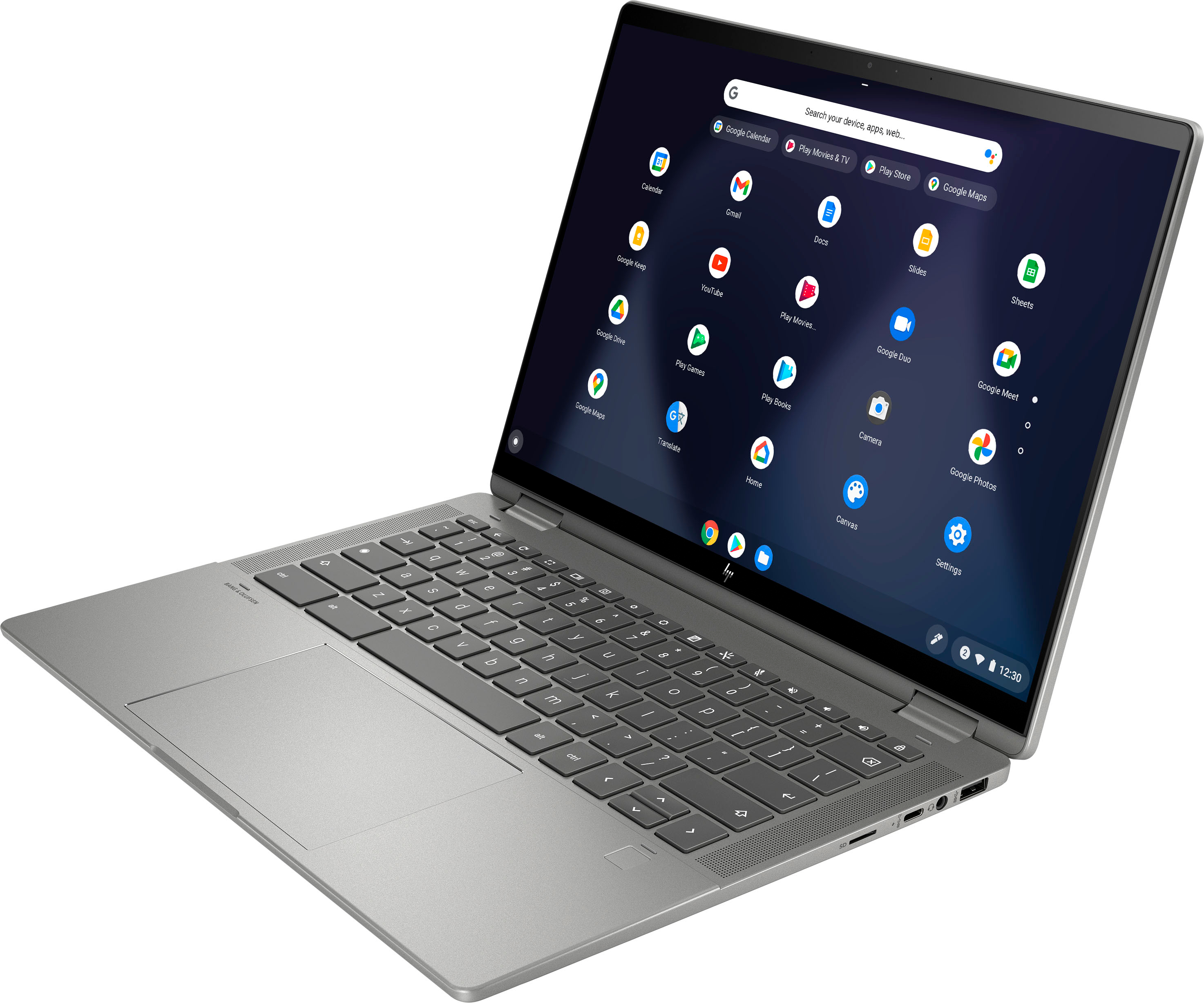
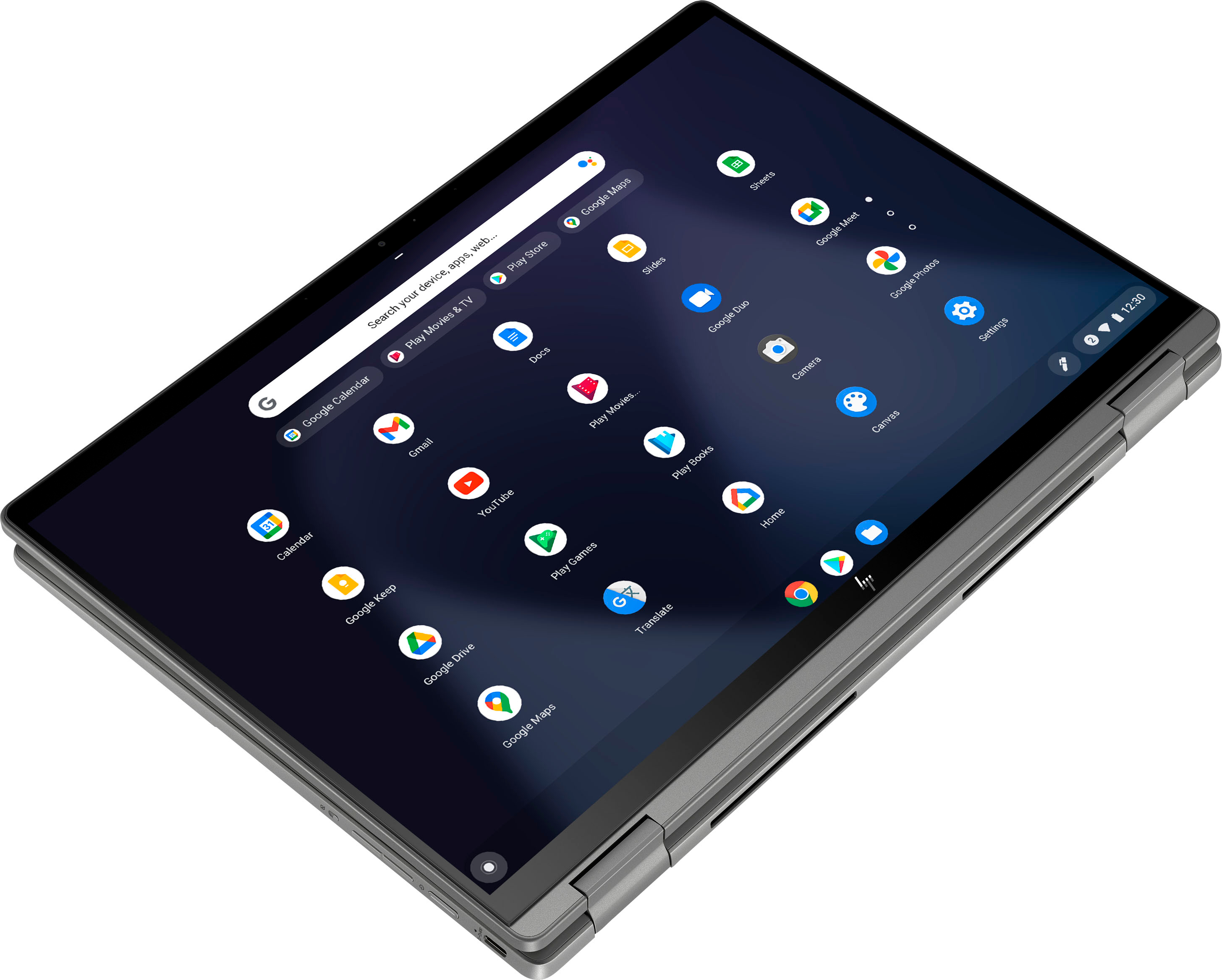
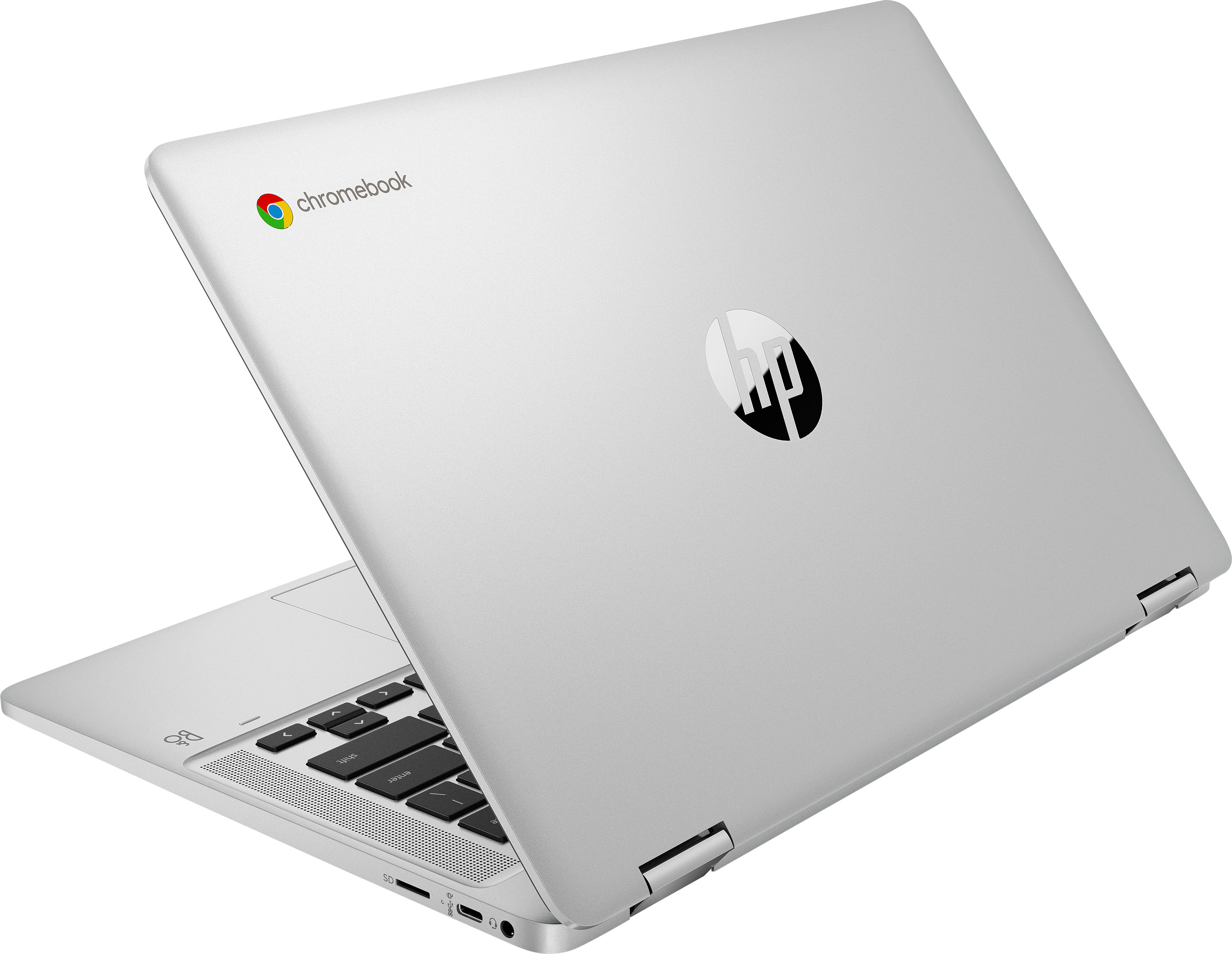
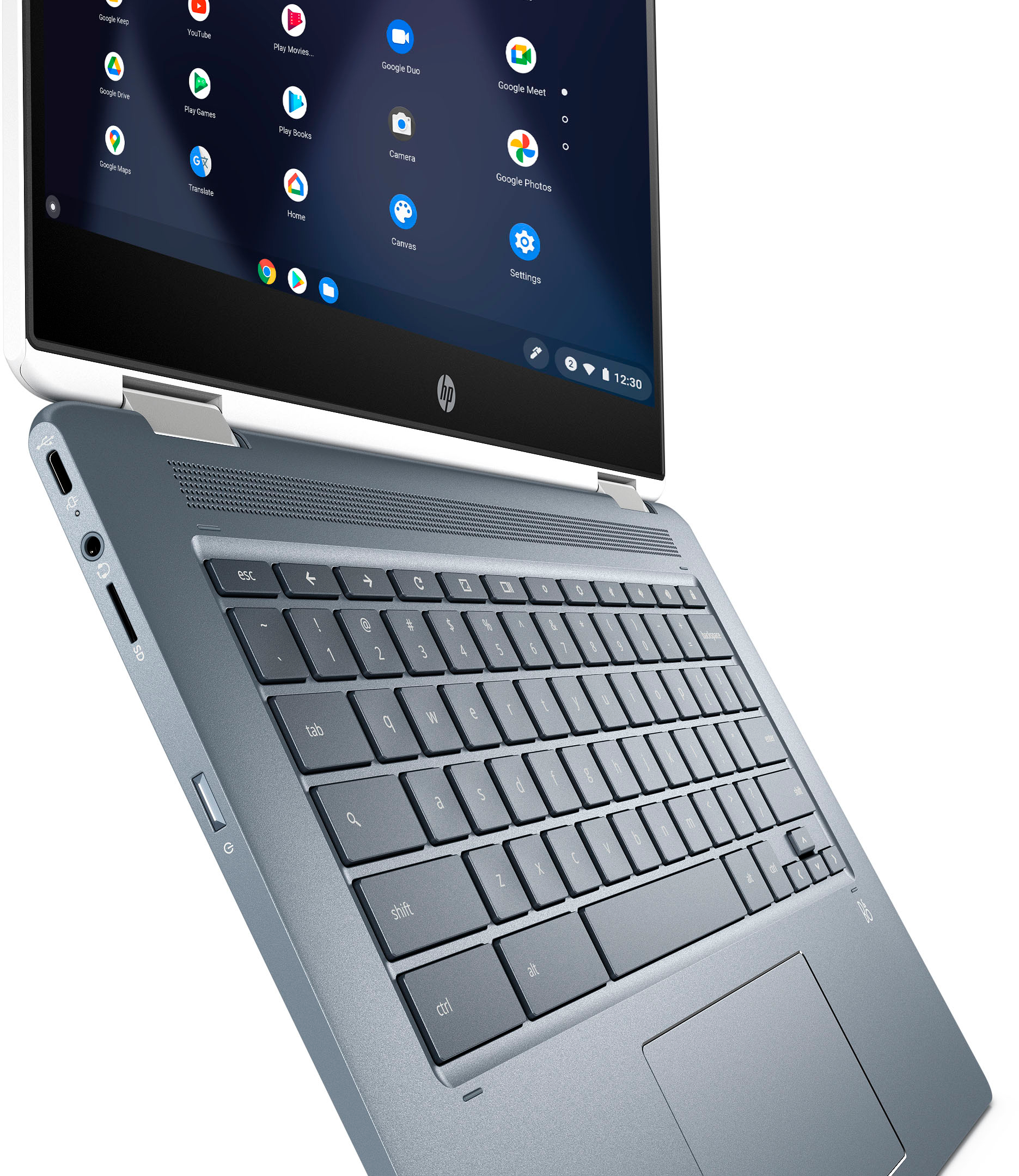
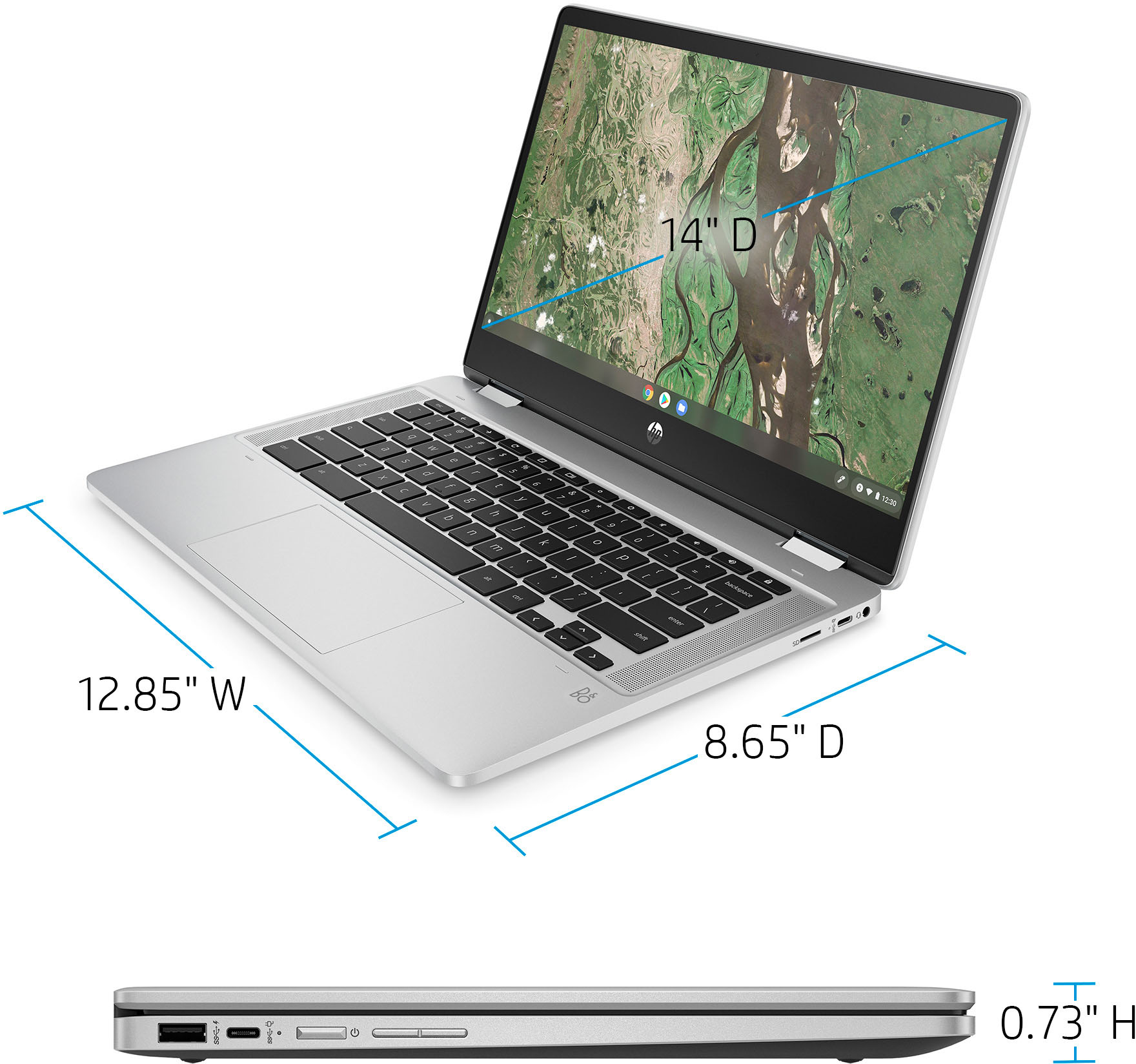
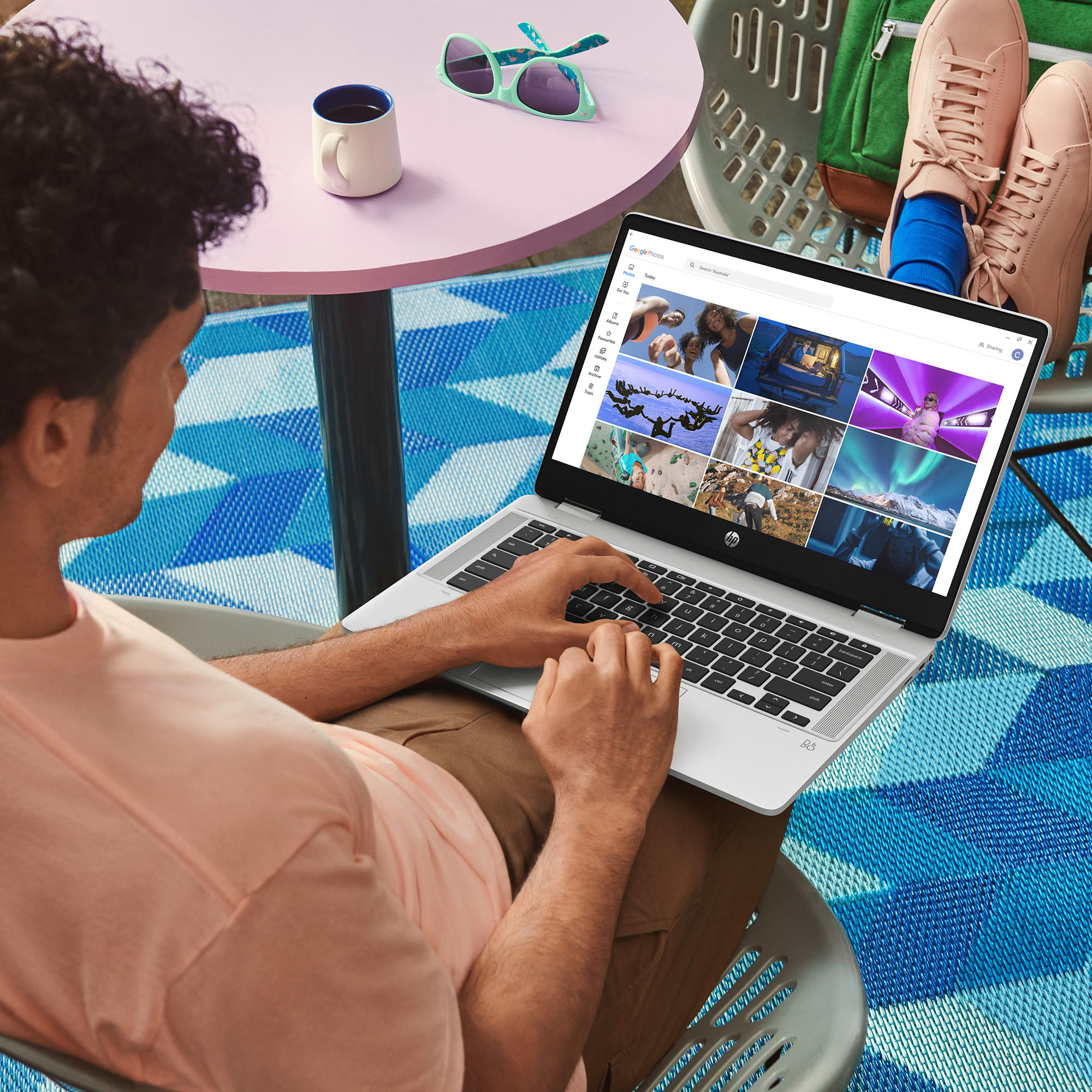
A:AnswerThank you for the question. Yes, the keyboard is integrated into the design. You can see it in the pictures, just beneath the display/screen. When rotated to tablet mode, a virtual keyboard will appear on the screen.
A:AnswerThank you for the question. The battery life with power saving settings on is indicated as 13 hours and 30 minutes. The Chromebook 14b-cb0033dx supports battery fast charge: approximately 50% in 45 minutes.
A:AnswerThank you for the question. The HP 14b-cb0033dx Chromebook is compatible with USI pens. We recommend the HP Rechargeable USI Pen (product #8NN78AA).
A:AnswerHi, thanks for your question about this HP 2-in-1 14" Chromebook (model 677H1UA)! As system requirements for software like Photoshop constantly change, we're unable to answer questions about software compatibility or performance. What's compatible today may not be in the future. Please check the software manufacturer's website for the most up-to-date minimum and recommended requirements.
A:AnswerKathy, thank you for your purchase of this HP Chromebook! You would need to check with the entry in the Play Store or contact Xfinity Support and they can look into why.
A:AnswerThank you for your question on this Chromebook! Google has a full guide on how to set parental controls on any ChromeOS device, including this one! You would need to add your child's Google account to yours to do parental controls, then you can set the limits.