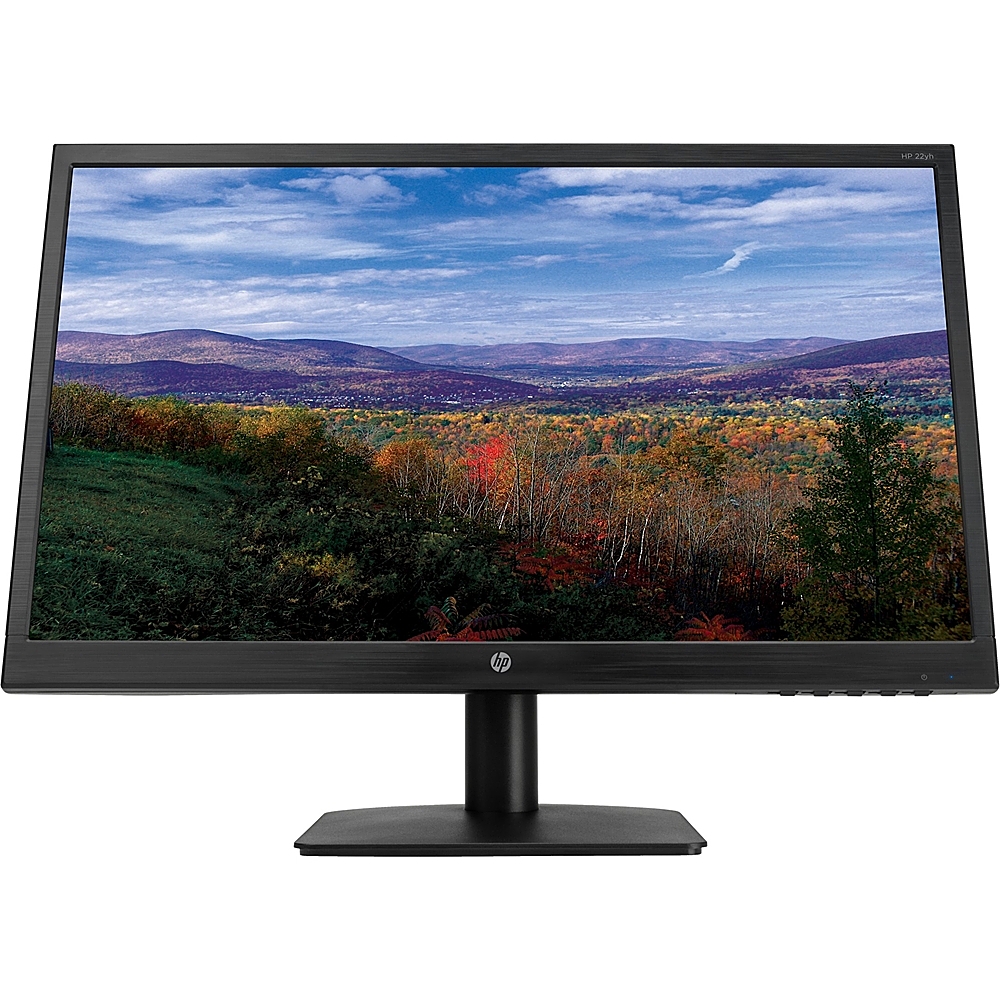
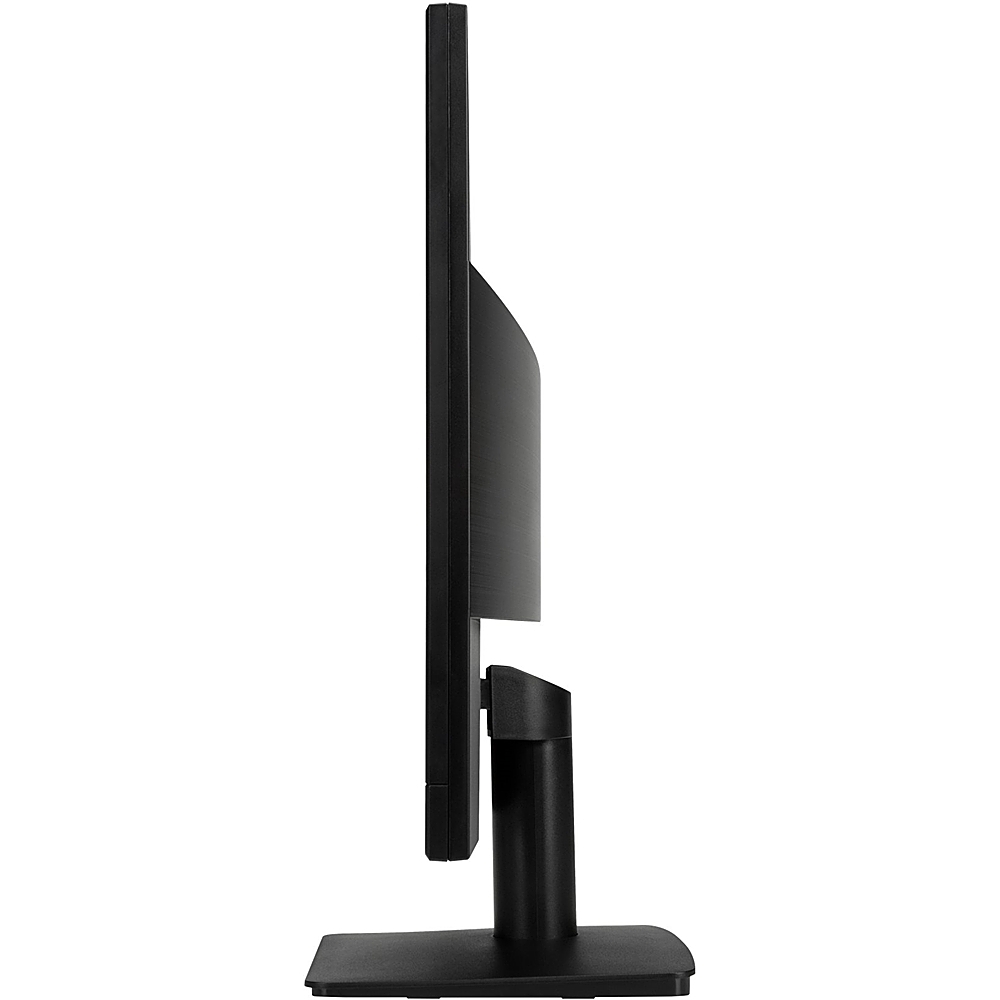
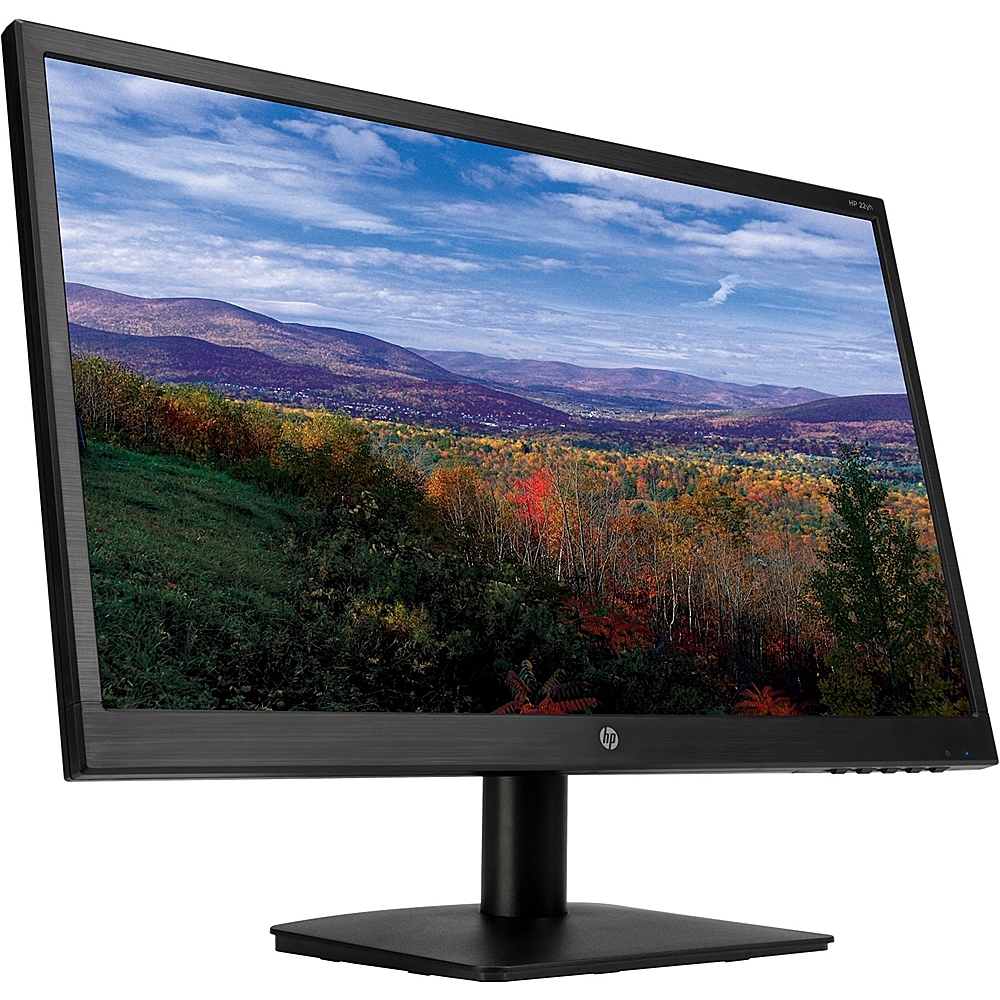
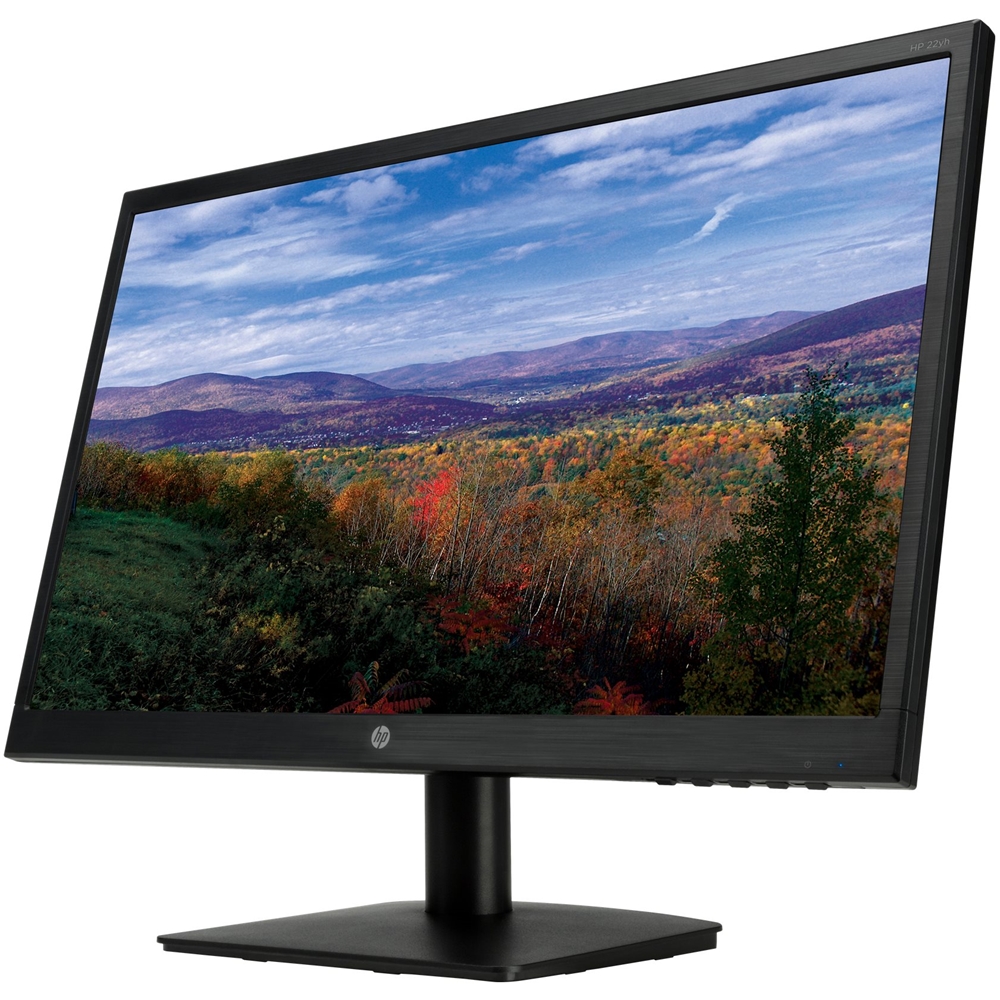
A:AnswerThe stand part that tilts is so tight you can't tilt it without breaking the back of the monitor...you have to remove it from the monitor then take the metal fork looking thing that slides into the monitor in your hand and tilt it back then put it back on...monitor is now tilted! the link the other person answered with the manual only shows a picture of the monitor tilting back and forth.
A:AnswerThis monitor does not have speakers for sound. You may want to use a Bluetooth speaker or headphones with the iPad to get sound when connected to the iPad.
A:AnswerYes, you should have no problem using this as an external monitor. And you're correct-you probably will need an adapter to connect to either the HDMI or VGA port on the monitor.
A:AnswerIf your iMac has either a VGA or HDMI video output, you can directly connect the computer to the monitor and it will work just fine. If you have another type of video out, you'll need an adapter to make it work
A:AnswerThe speakers would need to plugged into the computer since that is where the sound is coming from. I would recommend getting some computer speakers since they would be better than you might find that attach to a monitor.